
Block-Accurate 3D Item Model – Transforms Flat Sprites Into 3D Models
 65
 0


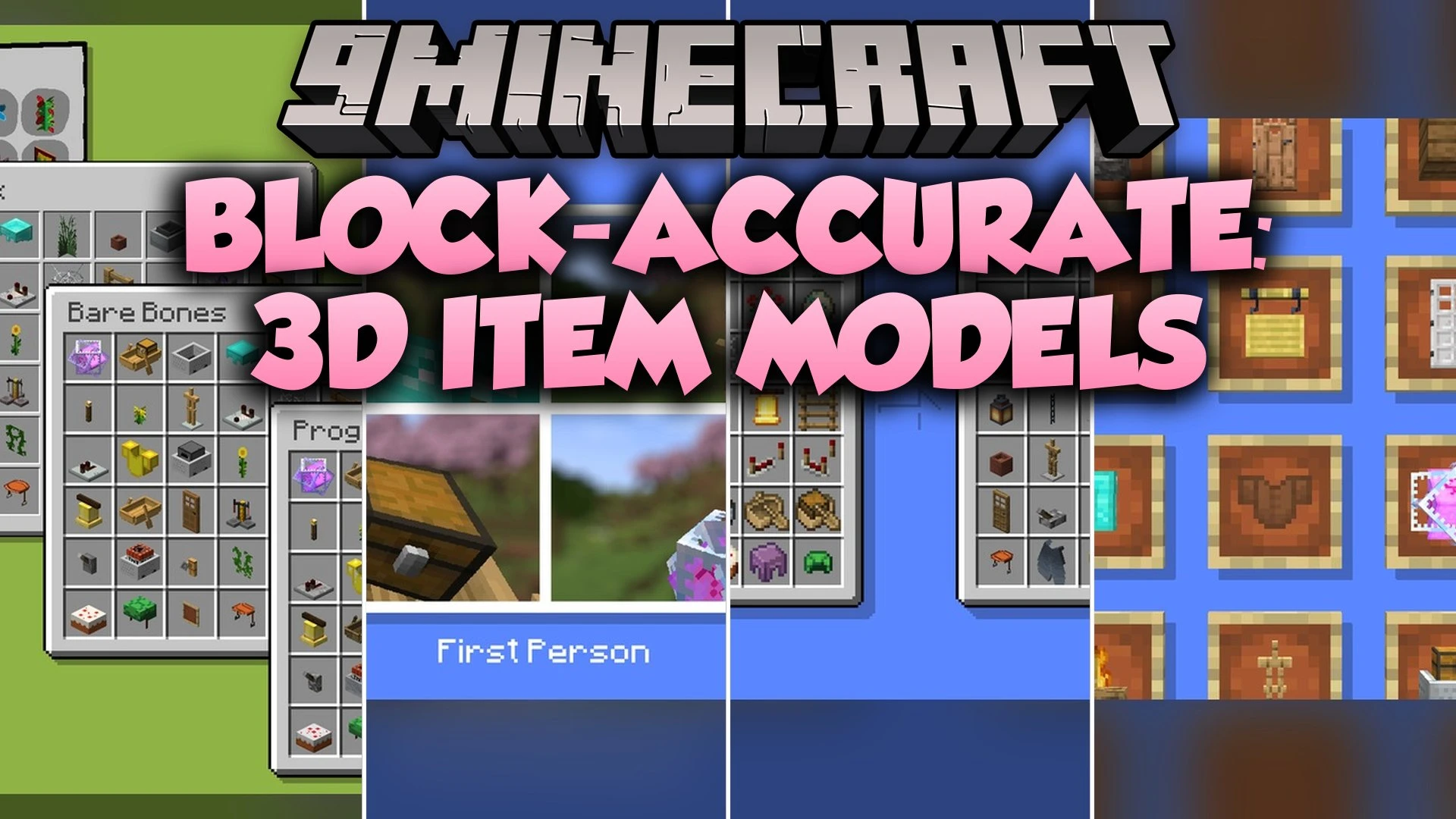
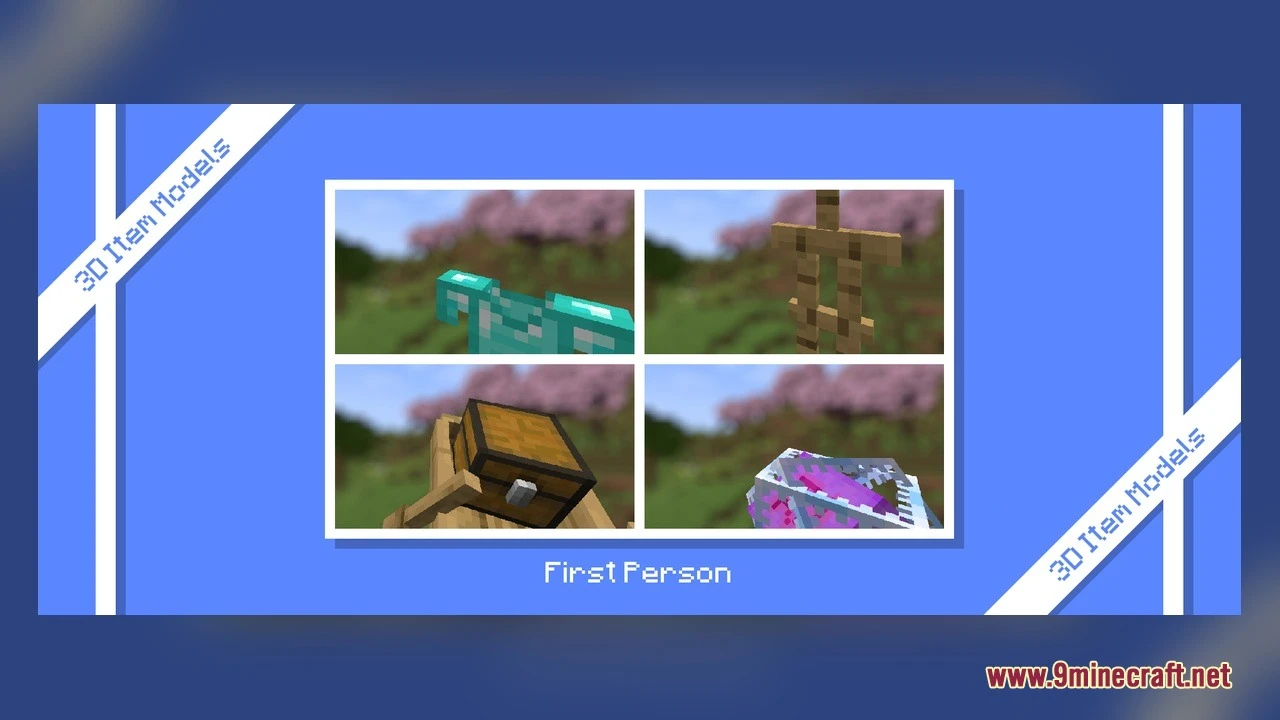
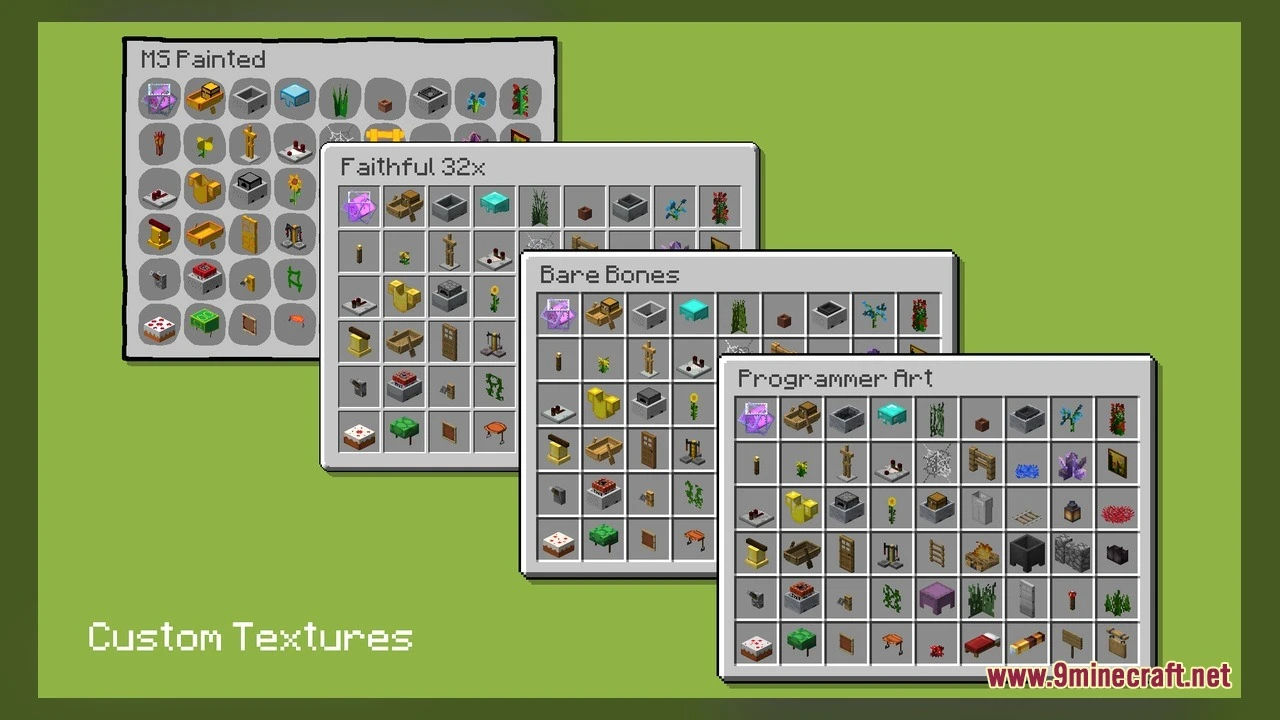
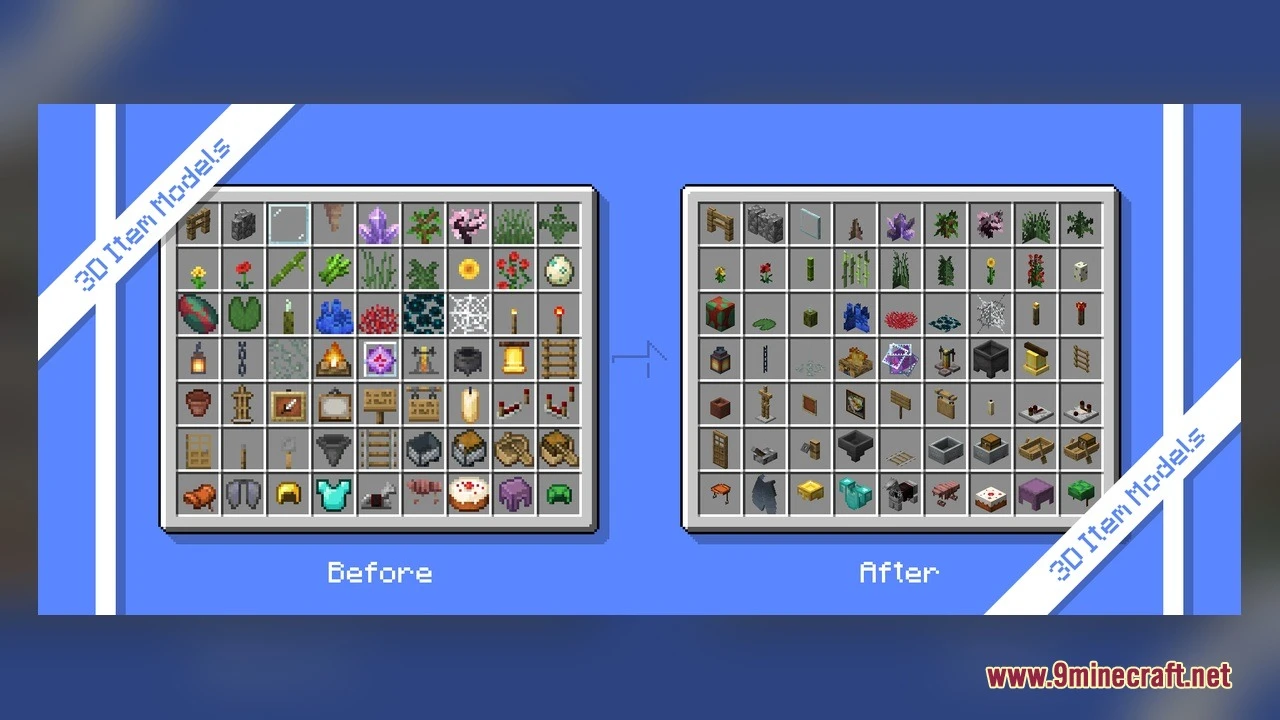
Block-Accurate 3D Item Model replaces flat item sprites in Minecraft with three-dimensional representations. It turns flat icons in your inventory and hand into blocky shapes that match their placed or worn forms. The pack includes over one hundred custom models for armor, vehicles, and utility items.
Features:
- Replaces 2D inventory sprites with detailed 3D models.
- Includes 177 custom 3D models matching vanilla blocks and gear.
- Updates vehicle items like minecarts, chest minecarts, hopper minecarts, furnace minecarts, and TNT minecarts to look like actual carts.
- Turns pet gear like wolf armor, dyed wolf armor, leather horse armor, and saddles into full 3D items.
- Converts functional blocks such as enchanting tables, armor stands, and bells into miniature 3D inventory items.
- Works alongside modded setups.
How to Use:
- Select the pack in your Resource Packs menu and move it to the active list on the right side.
- Craft or grab a minecart variant, such as a chest minecart or hopper minecart, to see a miniature 3D cart in your hotbar instead of a flat sprite.
- Obtain wolf armor from armadillo scutes or leather horse armor from leather crafting, then dye the items to view the custom colored 3D models in your inventory.
- Find or craft an elytra in the End dimension to see the folded 3D wing shape directly in your hand.
- Place down or hold functional blocks like an enchanting table, bell, or armor stand to inspect how their inventory models match their placed world appearances.
Screenshots:
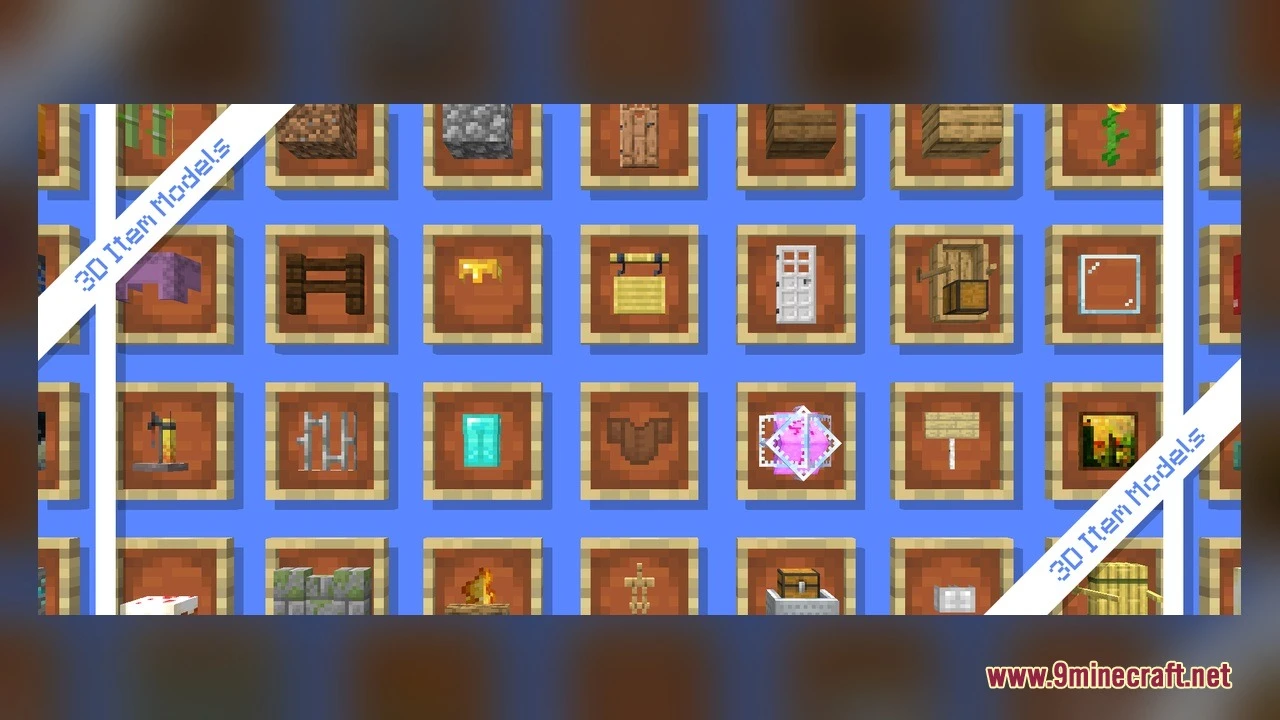
Block-Accurate 3D Item Model Download Links
Click to rate this post!
[Total: 0 Average: 0]
You May Also Like
Picked for this page
 Arty Reindeer Jenny Mod Model
 Accurate Jenny Mod Model
 Pink Dress Lucoa For Ellie Jenny Mod Model
 Wooden Pack Om 1 Model
 Windows Decoration Volume 1 Model
 Restaurant Decoration Pack Volume 1 Model
 Airport Furniture Pack Volume 1 Model
 Old Horse Model – Restores Classic Retro Horse Models and Animations
 Vervada’s Enhanced Plants Model – Adds Volumetric 3D Vanilla Plants
 Create Energistics Model – Transforms Digital Storage Into Clockwork Machinery
 Simplistic 3D Doors Model – Adds Clean Depth to Vanilla Entryways
 Vanilla PVP Essentials Model – Brings Clean 3D Overlays for Combat
Most viewed in Models over the last 7 days
 Jenny Mod Skin Pack Mega Collection – 310+ Characters
 The Most Complete Collection of Jenny Mod Resources – Models, Animations, Structures,…
 Albedo Rework Jenny Mod Model
 Power Model – Custom Girl for PleasureCraft Mod
 Ram Model – Custom Girl for PleasureCraft Mod
 100+ Custom Animations For Jenny Mod
 Galath Rework Model – Custom Girl for PleasureCraft Mod
 Steve (Jenny & Zoey) Pack Jenny Mod Model
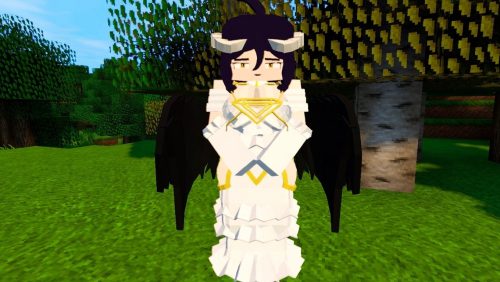 Albedo Jenny Mod Model
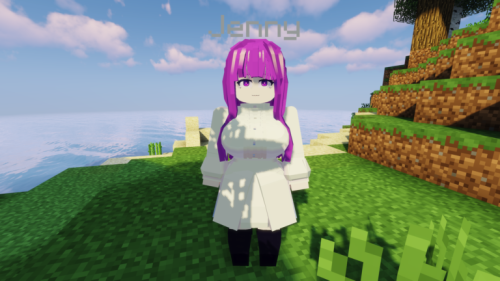 Fern Jenny Mod Model
 750 Models Addon for Yes Steve Model Mod
 Alex Model – Custom Girl for PleasureCraft Mod
More from Models
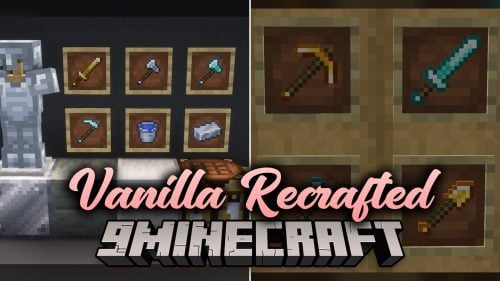 Vanilla Recrafted Model – Brings Crisp 3D Shapes and Smooth Animations
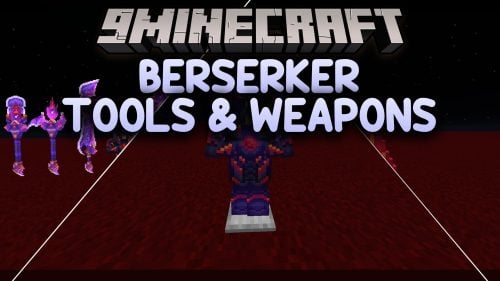 Berserker Tools & Weapons Model – Unleashes Fierce Animated Battle Gear
 Nogs Budgies Model – Adds Adorable Budgie Mobs
 Wearable Villager Hats Model – Transforms Carved Pumpkins Into Village Hats
 Kia Granbird Model – Brings Highway Coach Buses to City Streets
 My Totem Doll Model – Transforms Totems Into Custom Mini Player Dolls
 F1 2025 Boat 16x Model – Transforms Vanilla Boats Into Formula Racing Cars
 F1 2026 Boat 16x Model – Transforms Vanilla Boats Into Sleek Race Cars
 Beta Accuracy Model – Brings Classic Beta Visuals to Modern Blocks
 Bare Bones X Naturalist Model – Transforms Wild Animals Into Cartoon Models
 Fuspace’s Model – Brings Animated 3D Depth to Classic Vanilla Blocks
 Visual Redstone Vanilla Plus Model – Adds Clear Circuit Power Indicators

This post has no comments yet. Be the first — your comment will appear here.