
Boze Standard Client Mod (26.2) – Dominate Crystal PvP on Anarchy Servers
 151
 1

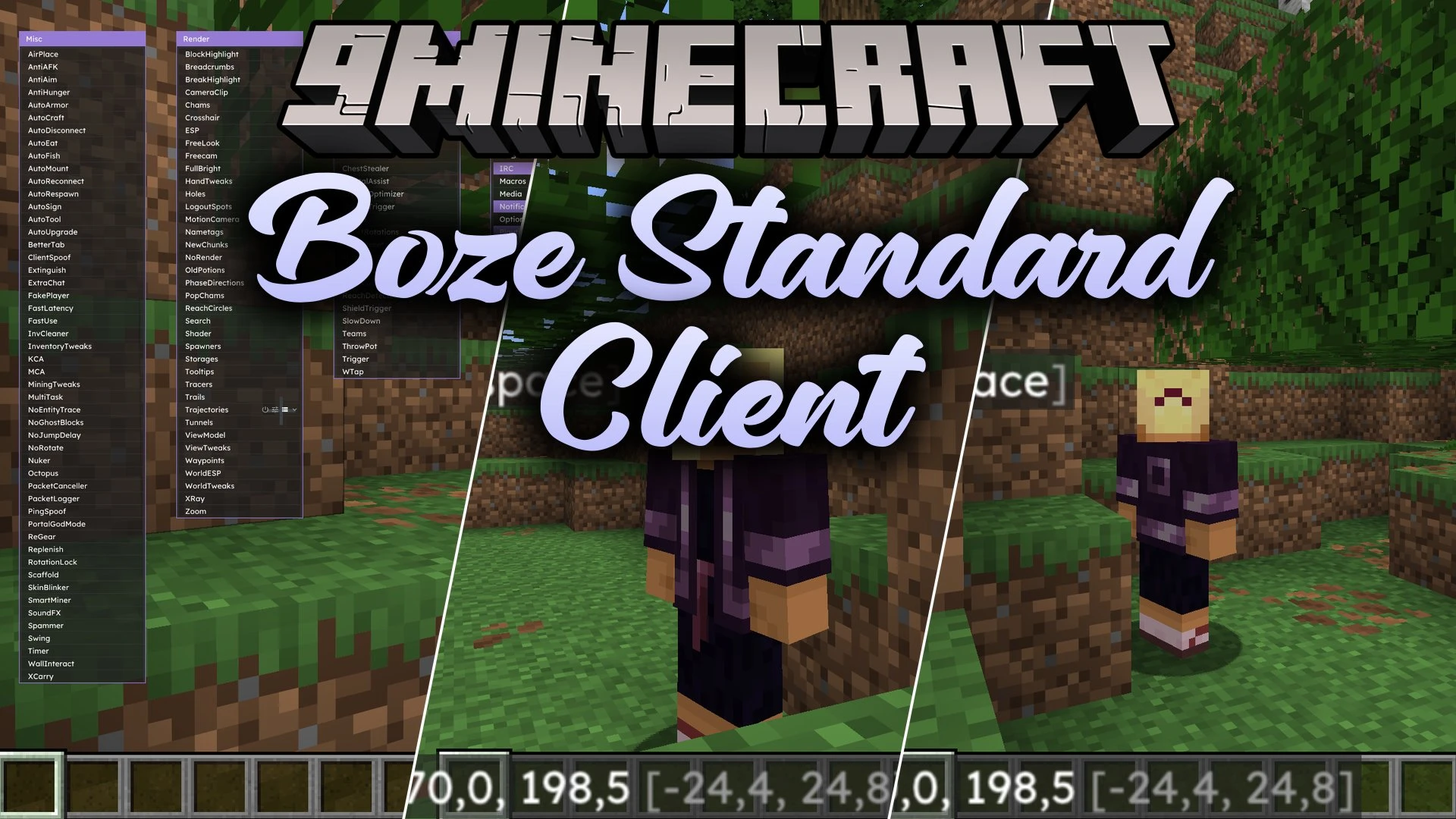
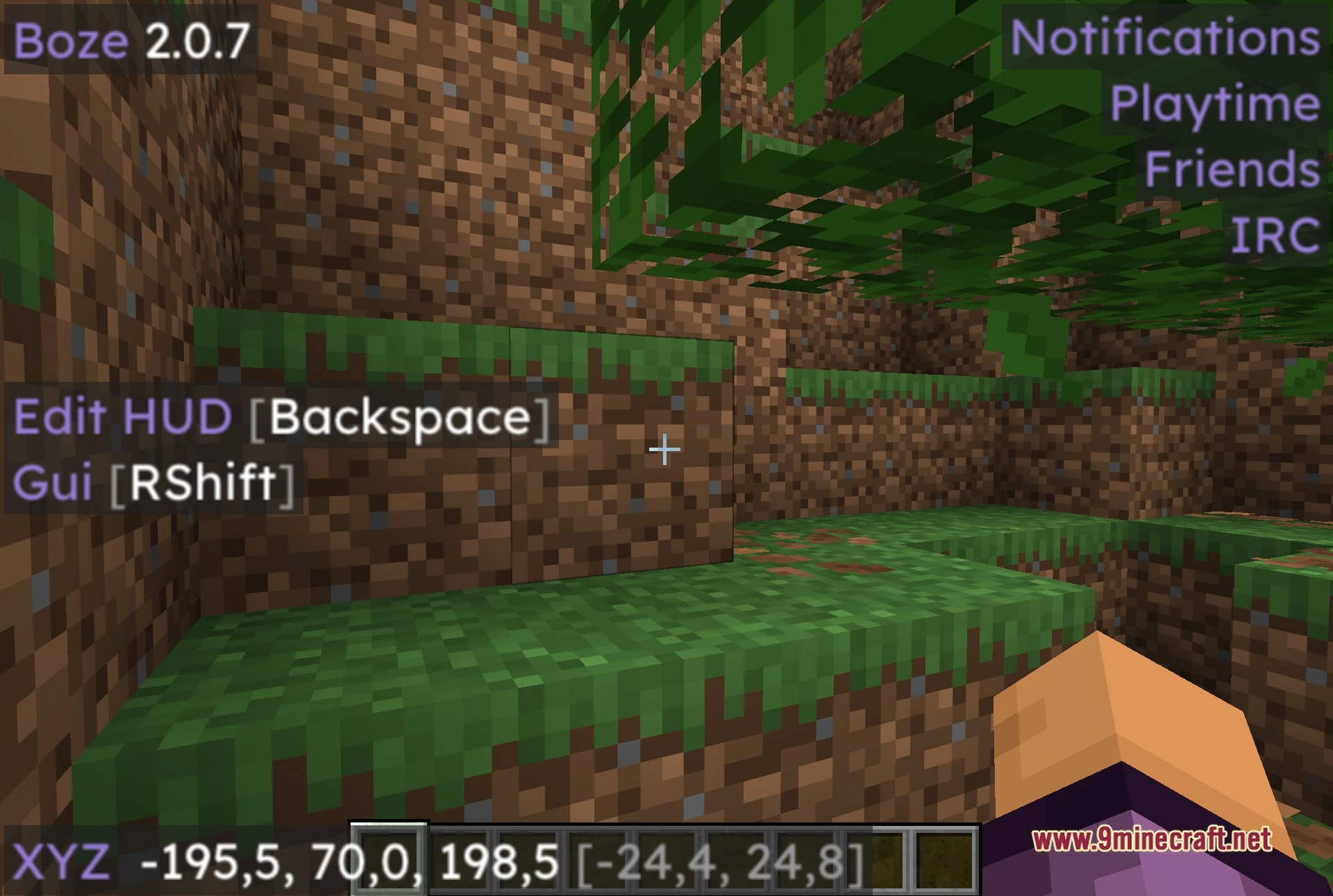
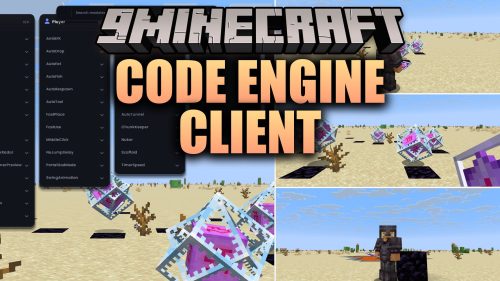
Boze Standard Client Mod equips you with a huge array of tools and visual options for multiplayer gameplay. It divides its tools into clear columns so you can find what you need quickly. You can adjust combat helpers, travel abilities, block scanners, and screen overlays to match your playstyle. Everything runs right from an on-screen menu with custom keybinds for every module.
Features:
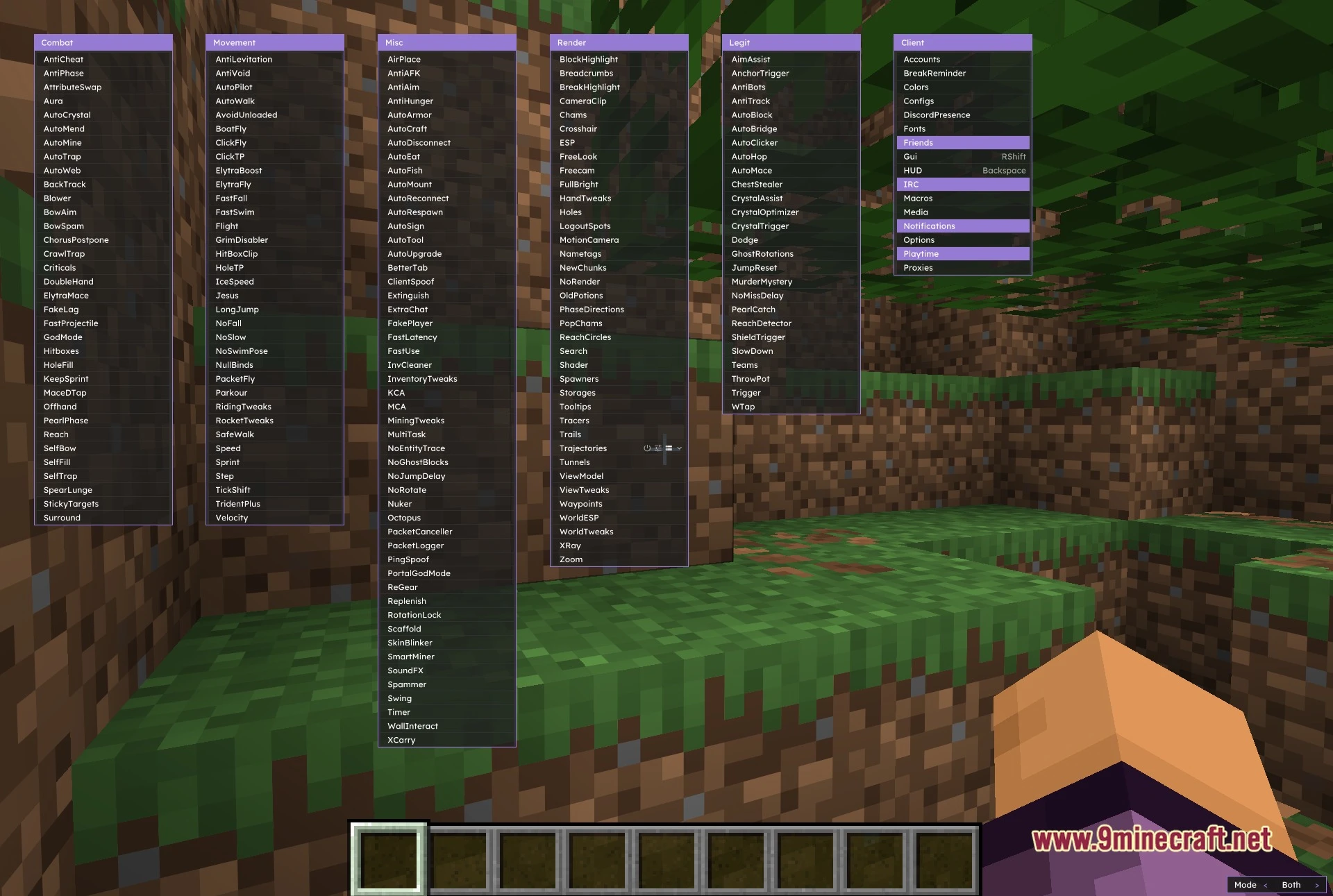
- Six Column Menu: Organizes all tools neatly into Combat, Movement, Misc, Render, Legit, and Client categories.
- Combat Toolkit: Supplies tools like Aura, AutoCrystal, Surround, AutoTrap, and Criticals for fast-paced fights.
- Render Suite: Highlights chests, players, spawners, and search targets across the terrain with custom outlines and tracers.
- Grants travel options like Flight, ElytraFly, LongJump, Speed, and SafeWalk to help you cross large landscapes.
- Provides a separate Legit category with AimAssist, AutoClicker, and JumpReset for smoother, low-profile gameplay.
- Helps you manage multiple alt accounts and proxy settings directly inside the game interface.
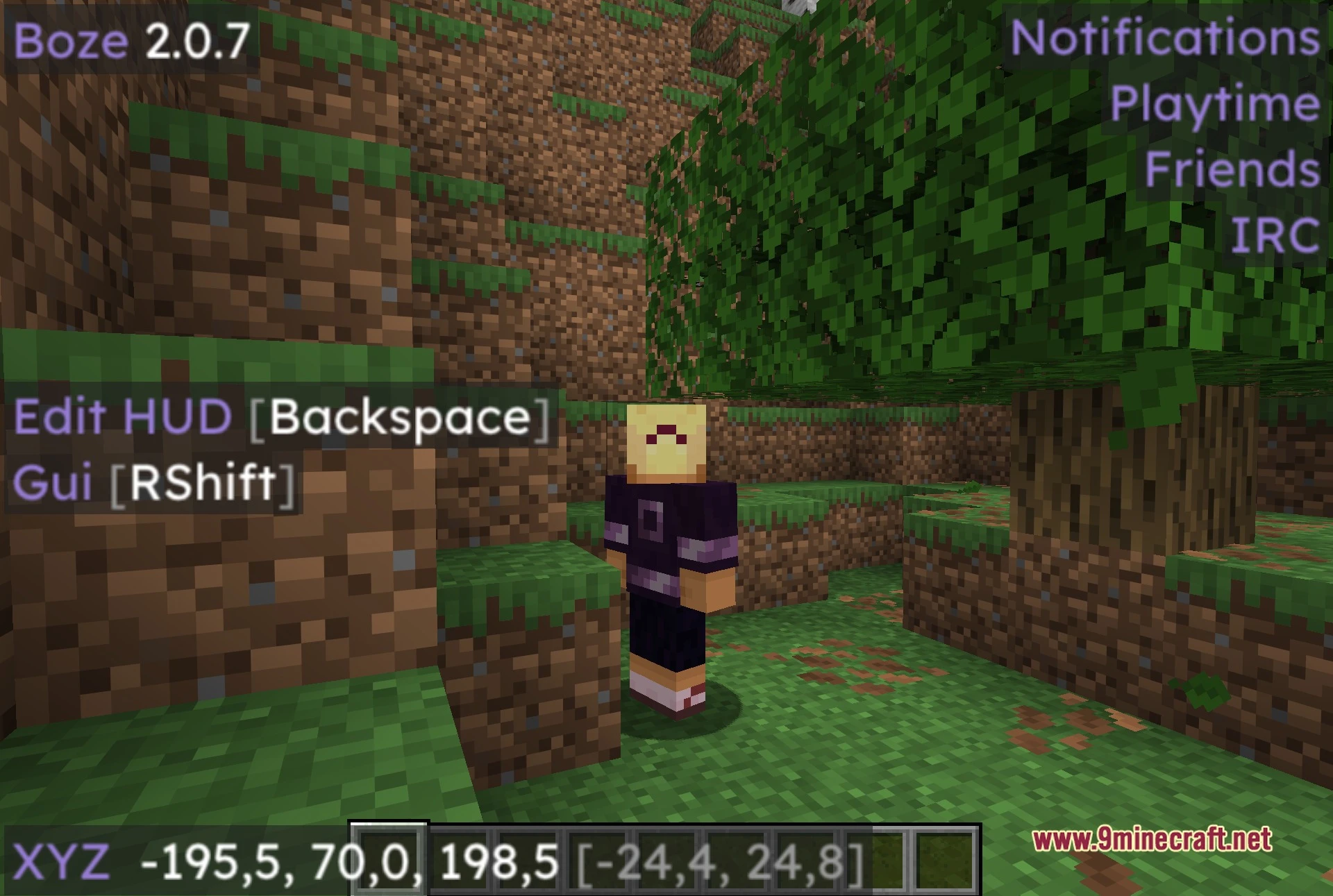
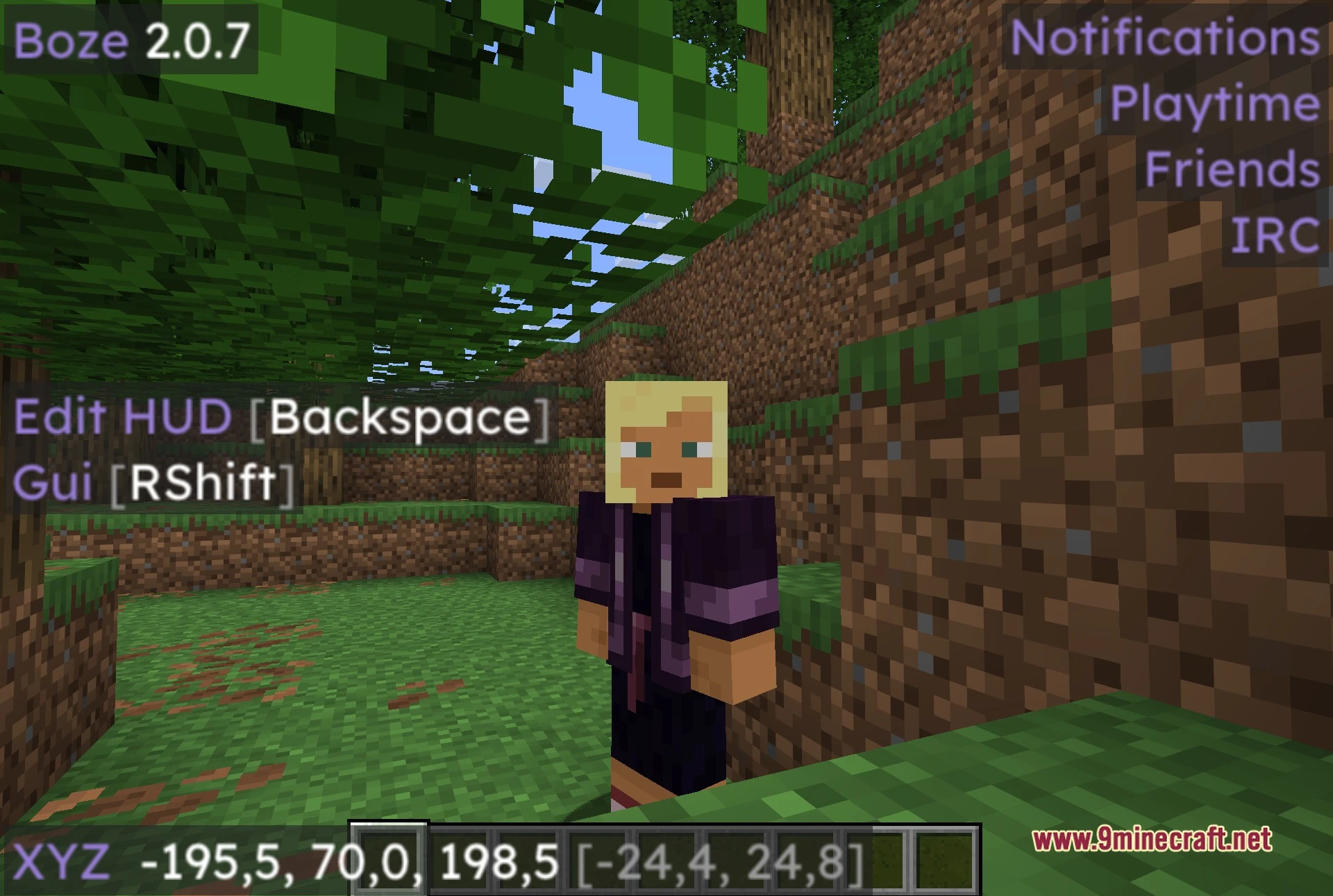
- Lets you build a custom HUD overlay with draggable elements to monitor ping, armor, and active modules.
- Lets you save and load distinct profile configs for different servers.
- Allows you to bind custom keyboard shortcuts to any individual module for instant access.
Best Used For:
- Surviving and fighting on anarchy servers.
- Practicing and mastering fast crystal PvP.
- Locating underground bases, stashes, and storage rooms.
- Managing multiple accounts and saved setting profiles.
- Keeping a clean and informative on-screen HUD.
Screenshots:
How to Install:
New to Minecraft? Follow our step-by-step guide to install Mods on your PC.View Guide
Requirements:


Boze Standard Client Mod Download Links
For Minecraft 26.2
Click to rate this post!
[Total: 2 Average: 4.5]

1 Comment
What do you think?
Your opinion means a lot - we'd love to hear from you.
You May Also Like
Picked for this page
 Meteor Client Mod (26.3, 1.20.1) – Xray, HUD, Fly
 Wurst Client Mod (26.3, 1.20.1) – The Best Bypass for Minecraft
 TofuCraft Reloaded Mod (26.3, 1.20.1) – All About Tofu
 Client Crafting Mod (26.3, 1.20.1) – Instant Crafting
 Cartcore Client Mod (1.21.11, 1.21.1) – Faster Cart Tech Execution
 Critter Armory Mod (26.3, 1.20.1) – Armor Up Your Animals
 Blossom Homes Mod (26.3, 1.20.1) – Easy Home Teleports
 UI-Utils Remake Mod (26.2, 26.1.2) – Multiplayer Any Item Dupe Glitch
 Vexon Client Mod (1.21.11) – Automate Crystal PvP on Anarchy Servers
 Goobaa Client Mod (1.21.11) – Dominate Crystal PvP on Anarchy Servers
 Wild Battle API Mod (1.21.1) – Adds Smart Wild Pokemon Battles
 Explorer’s Compass Addon Mod (1.20.1) – Finds Next Closest Struct
Most viewed in Clients over the last 7 days
- Meteor Client Mod (26.3, 1.20.1) – Xray, HUD, Fly
 Lunar Patcher (v10) – Using Lunar Client for Free
 Aristois Client Mod (1.21.4, 1.20.1) – World Class Minecraft Utility
 Prestige Client Mod (1.21.11, 1.21.4) – Powerful Ghost Features for Crystal & Sword PvP
 Baritone 9minecraft Client Mod (26.3, 26.1.2) – Mine and Build Bases Hands-Free
 CatLean Client Mod (26.2, 1.21.11) – ThunderHack Recode Alternatives
 OptiFine HD 9minecraft (26.3) – Run Smooth Shaders Without the Lag
- Baritone Client Mod (26.3, 1.20.1) – Autominer, Build with AI, Xray
 9minecraft Xray Client (26.3, 1.20.1) – The #1 Ore Finder of 2026
 LiquidBounce Client Mod (26.3, 1.20.1) – LiquidLauncher, A Free Client
 DoomsDay Client (26.1.2, 1.20.1) – Best Free Injectable Client
 EaglerForge Old Mods (1.8.8) – Using for Eaglercraft
More from Clients
 Selene Client Mod (1.21.11) – Spot Hidden Targets and Win PvP Battles
 Zerio Client Mod (1.21.11) – Win Intense Multiplayer Crystal PvP Fights
 Feather Remake Client Mod (26.3, 1.21.1) – Customizable HUD Elements
 Celeste Client Mod (1.21.11) – Dominate Fast PvP and Crystal Fights
 Base Debug Client Mod (1.21.11) – Track Hidden Bases and Stashes
 Soar 9minecraft Client Mod (26.3) – Win Fights and Look Good Doing It
 Item Dupe 9minecraft Mod (26.3, 26.1.2) – Clone Any Item Without Grinding
 Bagel Client Mod (1.21.11) – Spot Hidden Stashes on Anarchy Servers
 Nox Client Mod (1.21.11) – Dominate Anarchy Servers and Crystal PvP
 Clutch Client Mod (1.21.11) – Hunt Bases and Dominate Anarchy Servers
 Code Engine Client Mod (1.21.11) – Hunt Enemy Bases on Anarchy Servers

…….