


Nox Client Mod (1.21.11) – Dominate Anarchy Servers and Crystal PvP
 4
4
 0
0

🌐 Read this article in your language! Choose your preferred language below.
Or pick the one you like:
Nox Client Mod gives anarchy and Crystal PvP players specialized tools for fast combat and server survival. This mod brings an on-screen menu with modules built for intense multiplayer fights, base hunting, and custom server mechanics like DonutSMP. You can quickly switch gear, track hidden blocks, and automate inventory actions during tough battles. It helps you stay competitive in high-stakes PvP encounters.
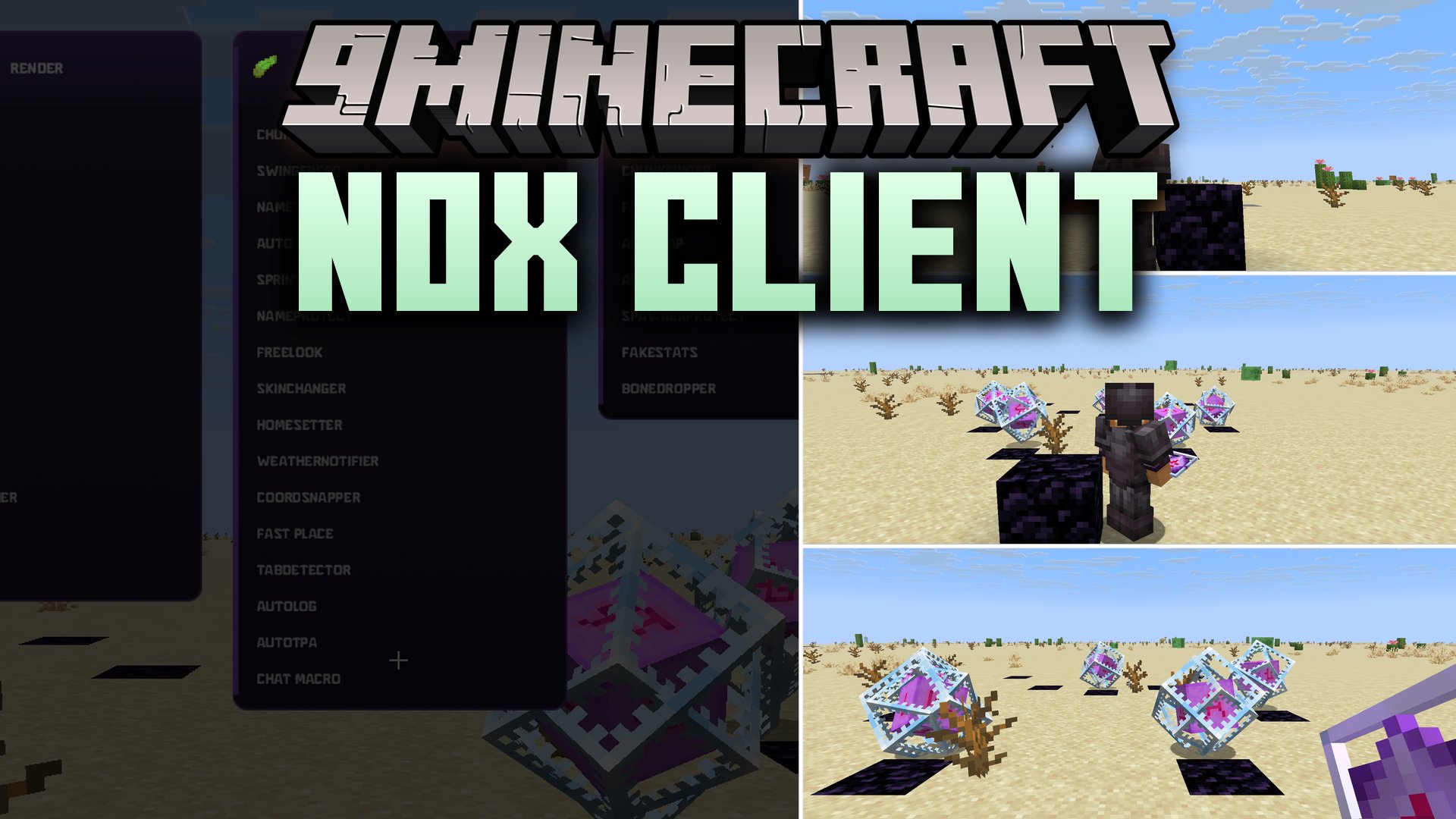
Features:
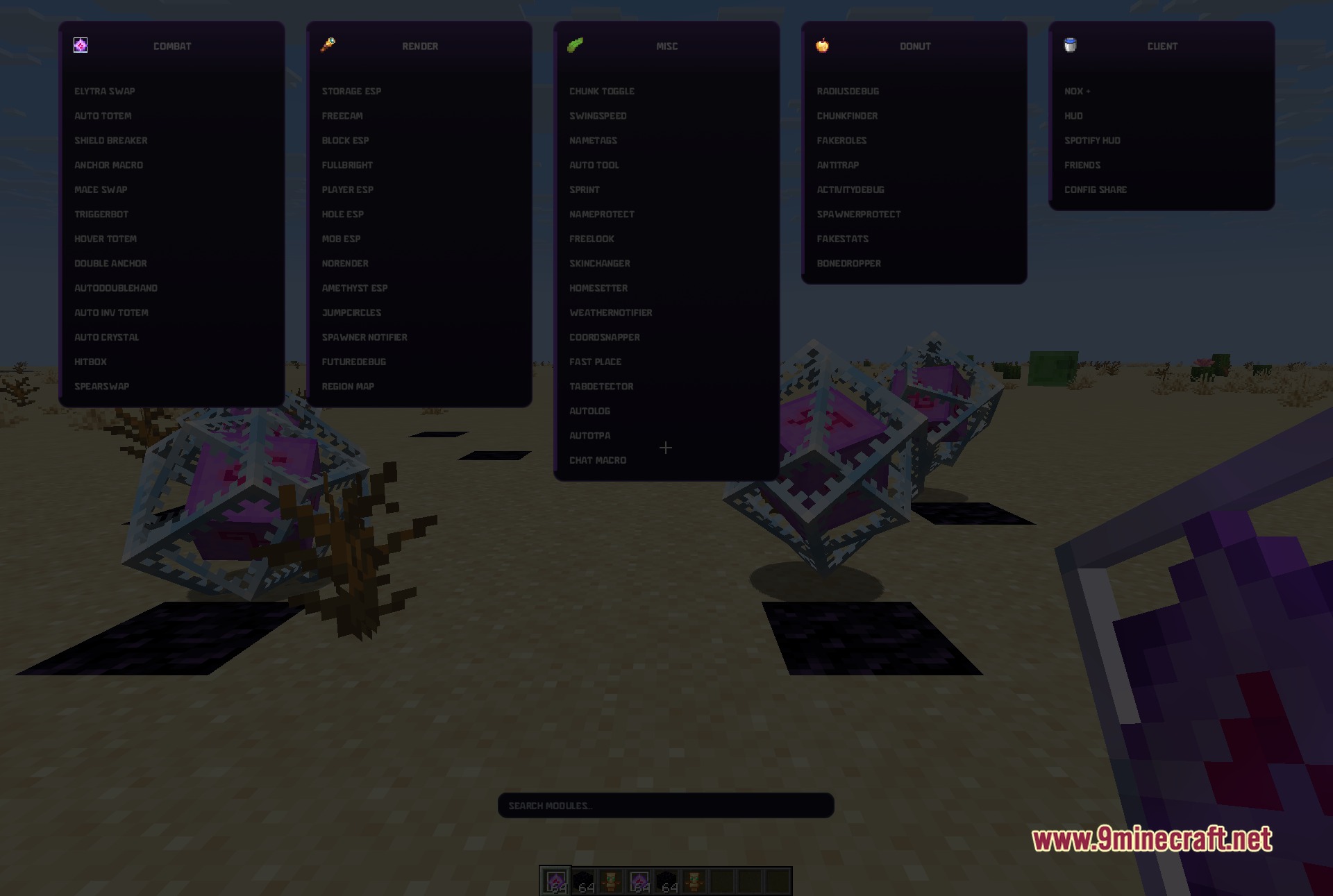
- ClickGUI Menu: Opens five organized columns and a search bar when you press Right Shift.
- Spotify HUD: Reads what is playing on your desktop and shows the track information directly on your screen.
- CoordSnapper: Sends your exact location coordinates to a Discord webhook that you set up yourself.
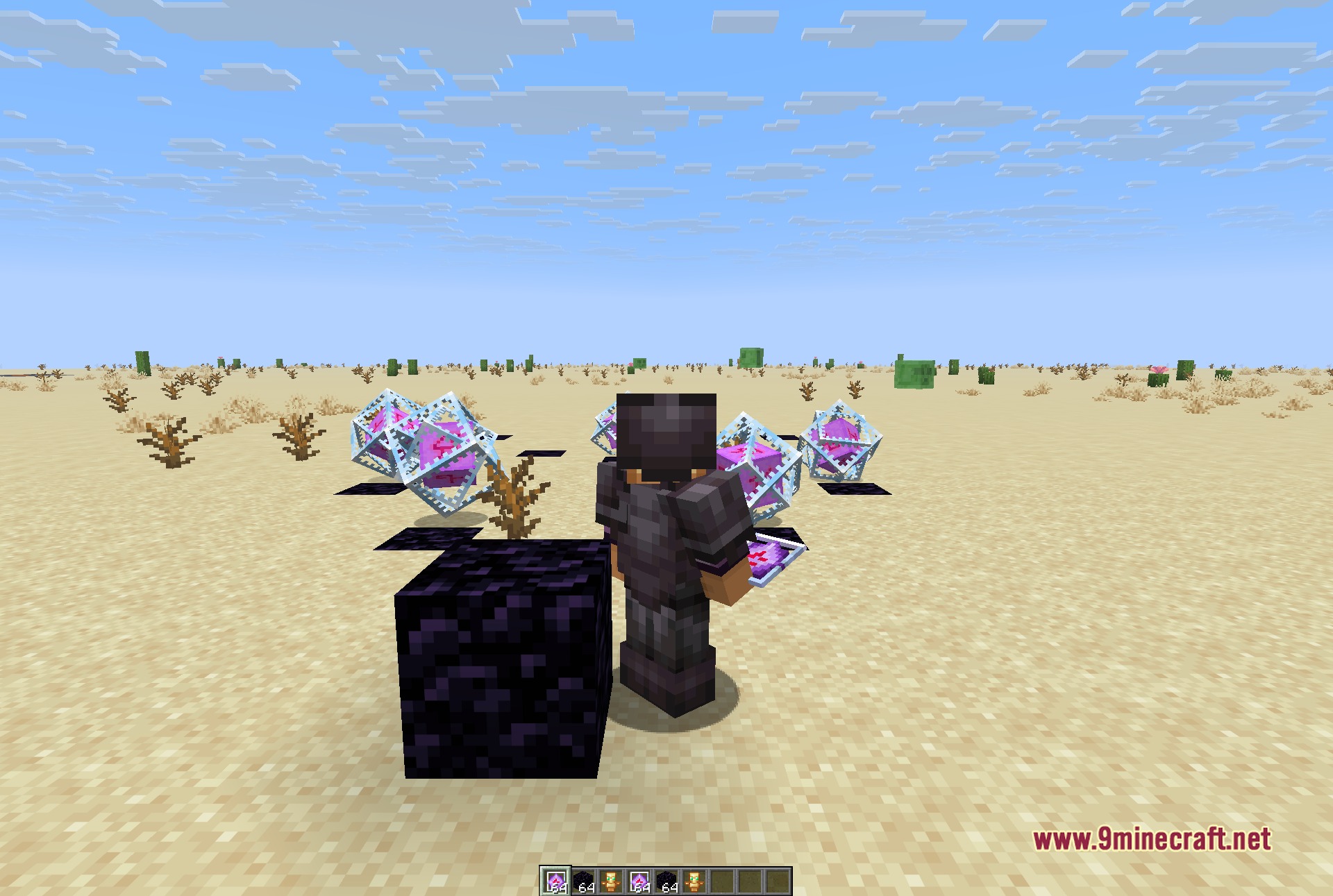
- Automates key totem and armor swaps so you stay alive during fast Crystal PvP encounters.
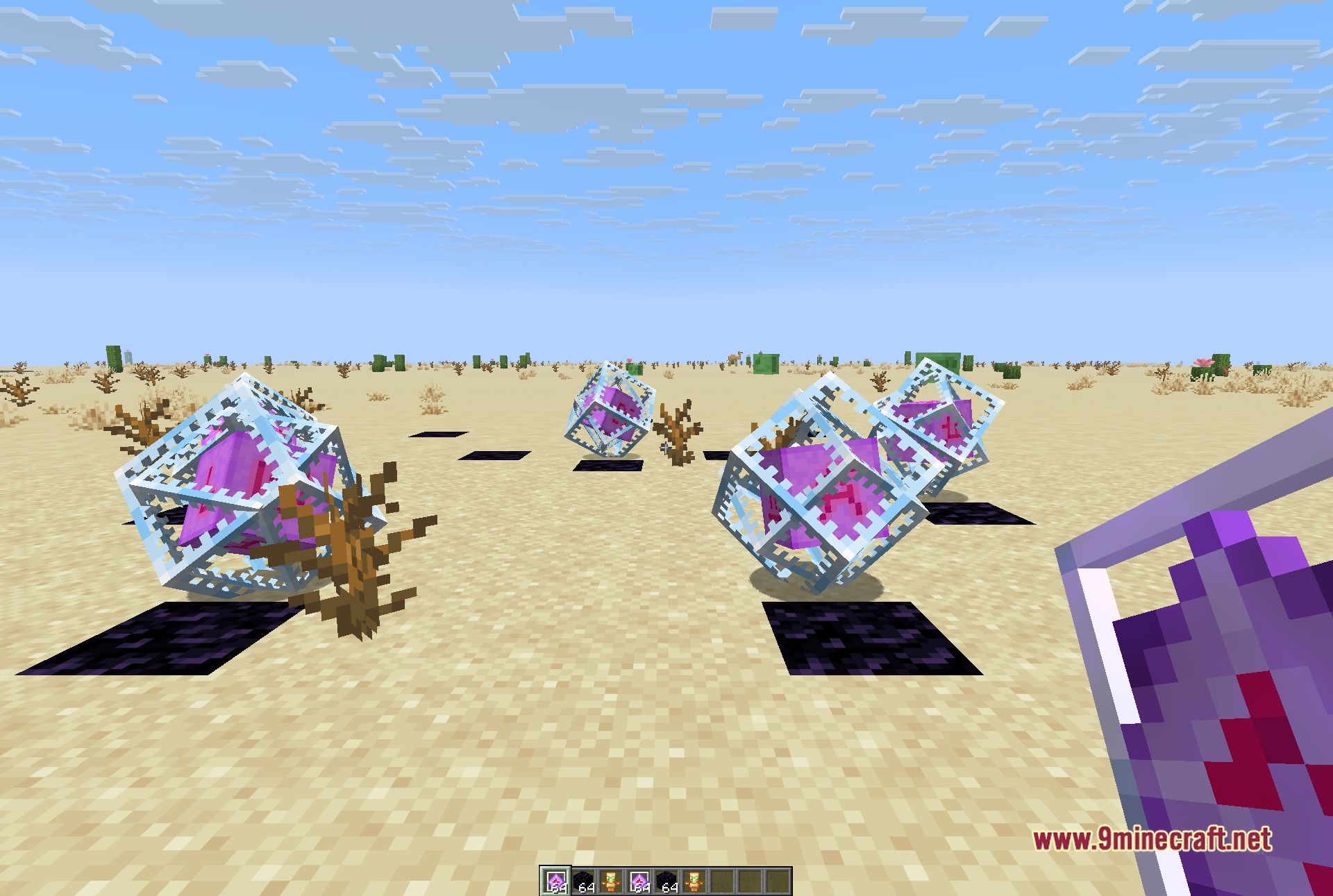
- Highlights chests, spawners, player hitboxes, and valuable ores across loaded chunks.
- Includes custom tools made for anarchy survival and DonutSMP server playstyles.
Combat Modules:
- Includes Elytra Swap, Auto Totem, Shield Breaker, Anchor Macro, Mace Swap, Triggerbot, Hover Totem, Double Anchor, AutoDoubleHand, Auto Inv Totem, Auto Crystal, Hitbox, and SpearSwap.
Render Modules:
- Includes Storage ESP, Freecam, Block ESP, Fullbright, Player ESP, Hole ESP, Mob ESP, NoRender, Amethyst ESP, JumpCircles, Spawner Notifier, FutureDebug, and Region Map.
Miscellaneous Modules:
- Includes Chunk Toggle, SwingSpeed, Nametags, Auto Tool, Sprint, NameProtect, FreeLook, SkinChanger, HomeSetter, WeatherNotifier, CoordSnapper, Fast Place, TabDetector, AutoLog, AutoTPA, and Chat Macro.
Donut Modules:
- Includes RadiusDebug, ChunkFinder, FakeRoles, AntiTrap, ActivityDebug, SpawnerProtect, FakeStats, and BoneDropper.
Client Modules:
- Includes Nox+, HUD, Spotify HUD, Friends, and Config Share.
How to Use:
- Press Right Shift to open the ClickGUI menu on your screen.
- Use the search bar at the top or browse the five module columns to find what you want.
- Click any module button to turn it on or off during gameplay.
- Right-click specific modules to adjust their individual settings and sliders.
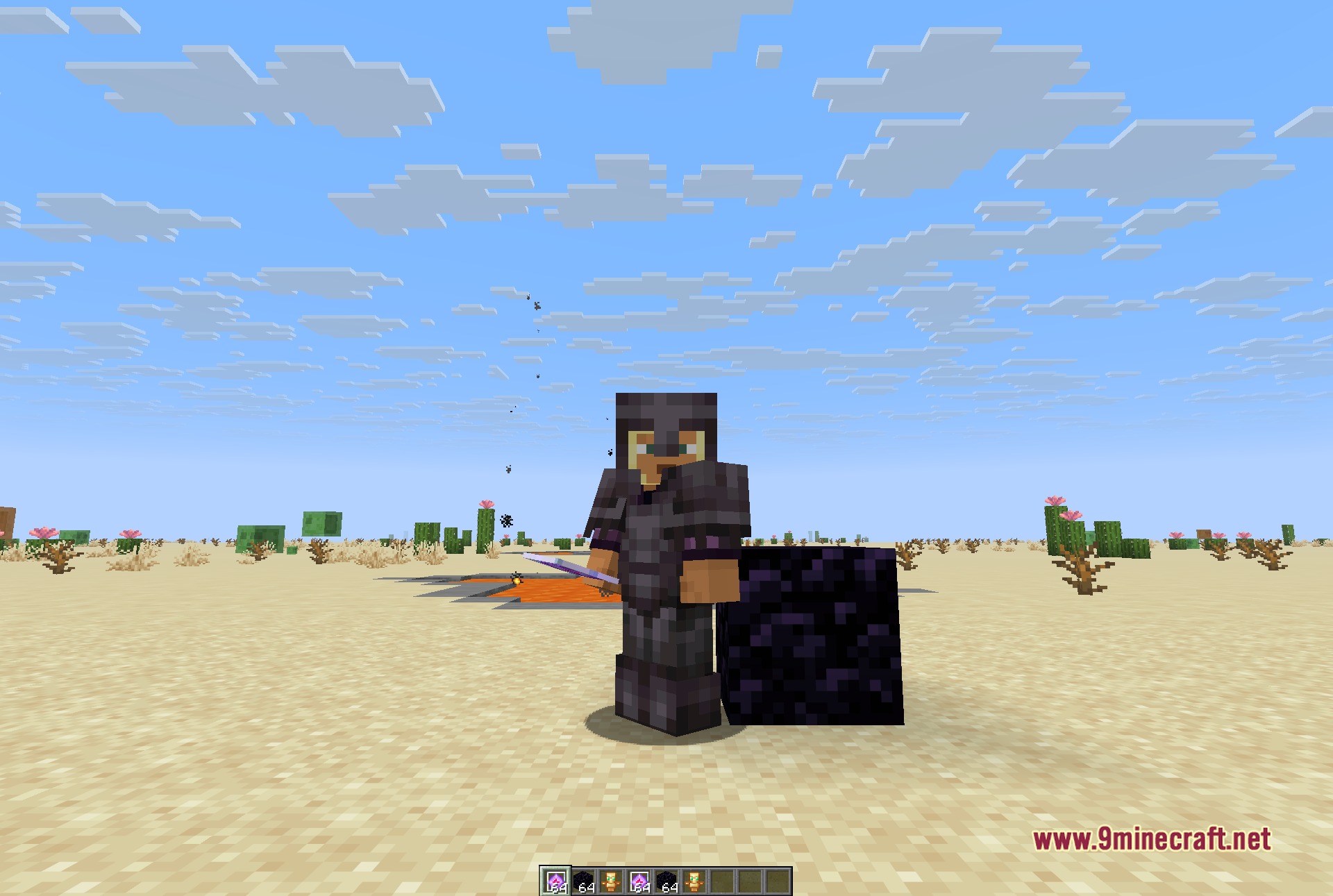
Screenshots:
How to Install:
New to Minecraft? Follow our step-by-step guide to install Mods on your PC.View Guide
Requirements:


Nox Client Mod Download Links
For Minecraft 1.21.11
Click to rate this post!
[Total: 0 Average: 0]
You May Also Like

This post has no comments yet. Be the first — your comment will appear here.