
BubbleVehicles Data Pack (1.20.6, 1.20.1) – Drive Cars and Fly Helicopters
 22,126
 0


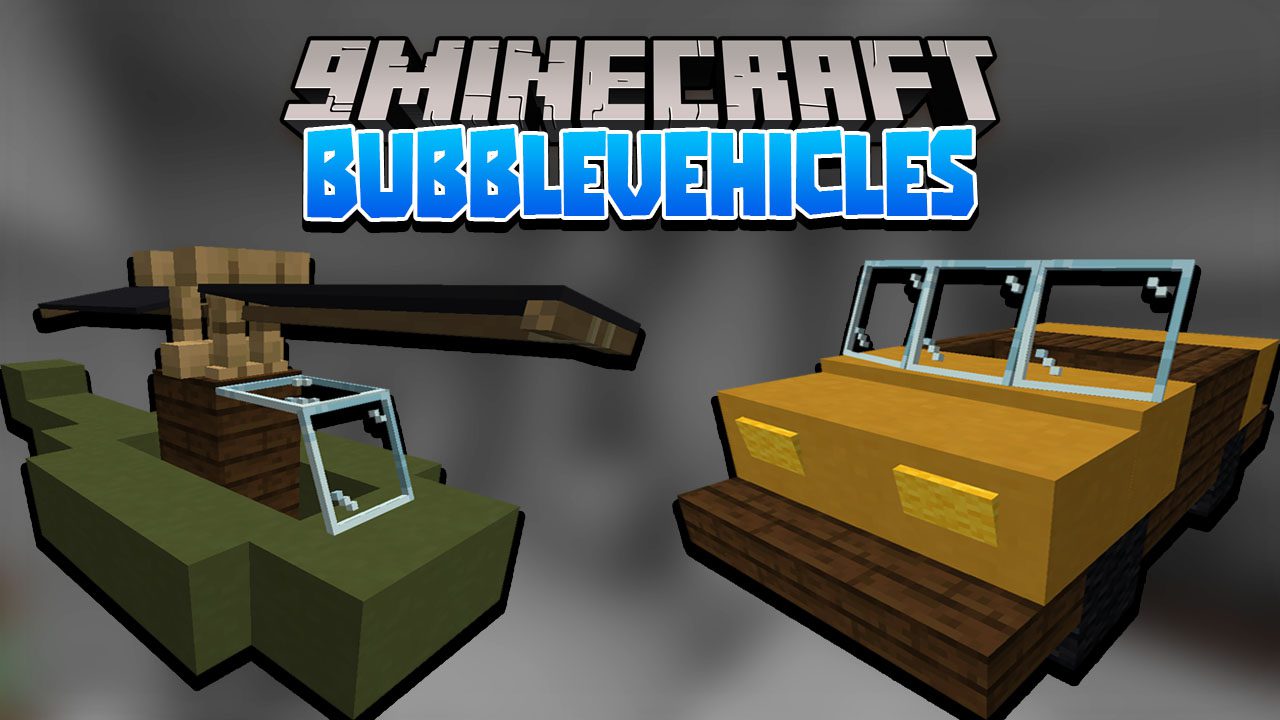
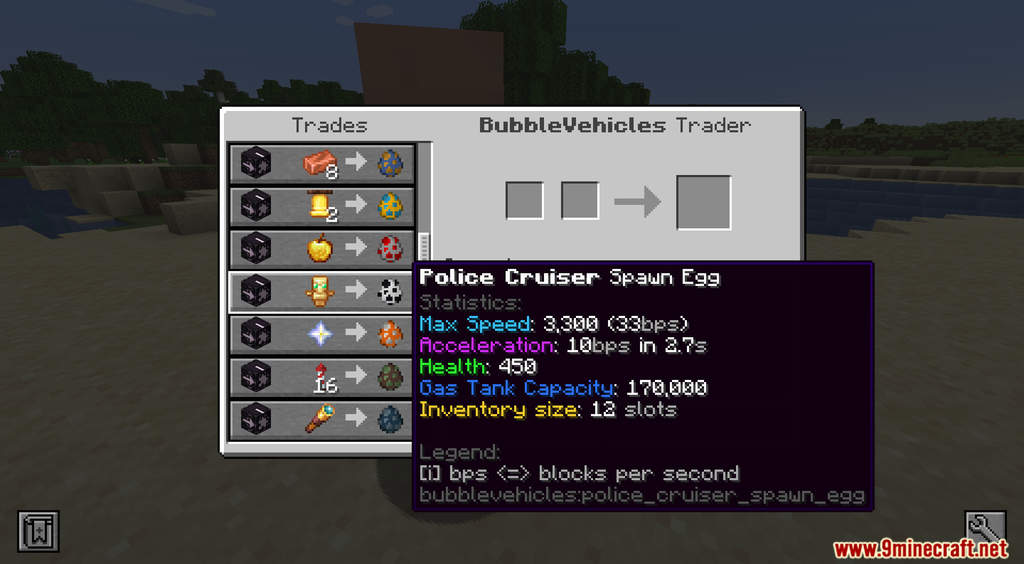
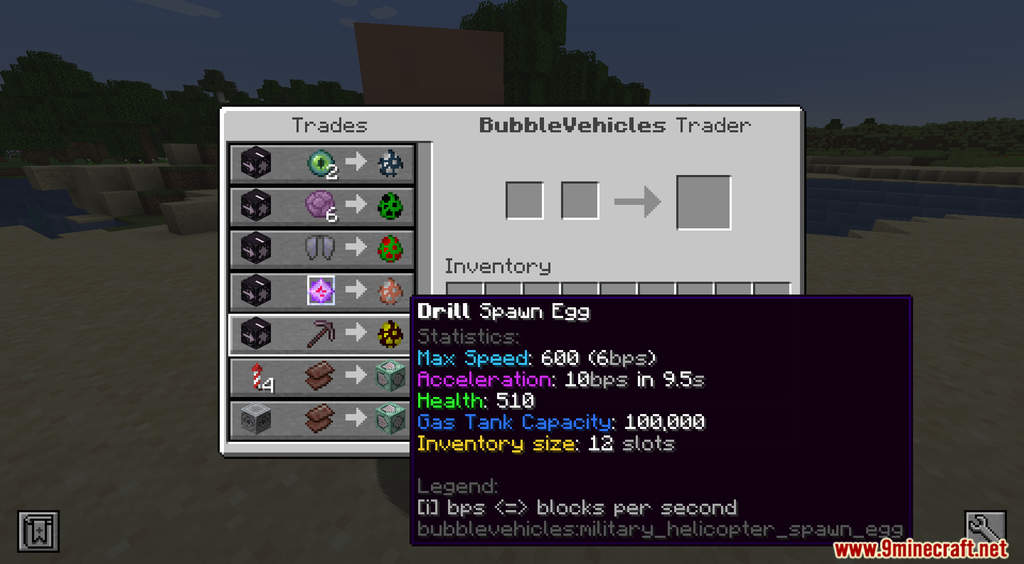
BubbleVehicles Data Pack brings server-side transport options to the game by adding cars, helicopters, and bikes. It introduces multiple vehicles and items without requiring any extra mods, plugins, or resource packs. You can find traders in villages or use a name tag to turn any villager into a vehicle merchant.
Features:
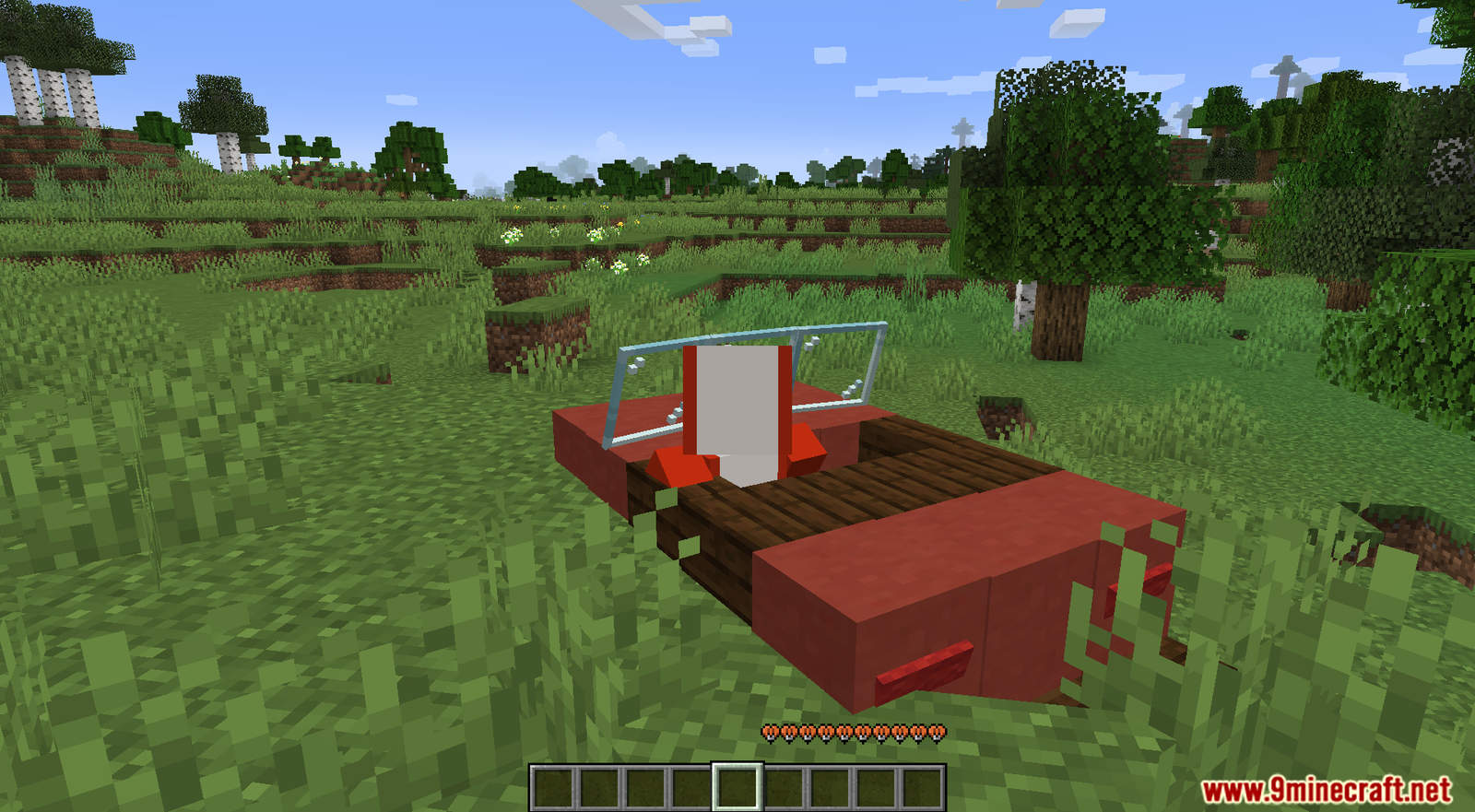
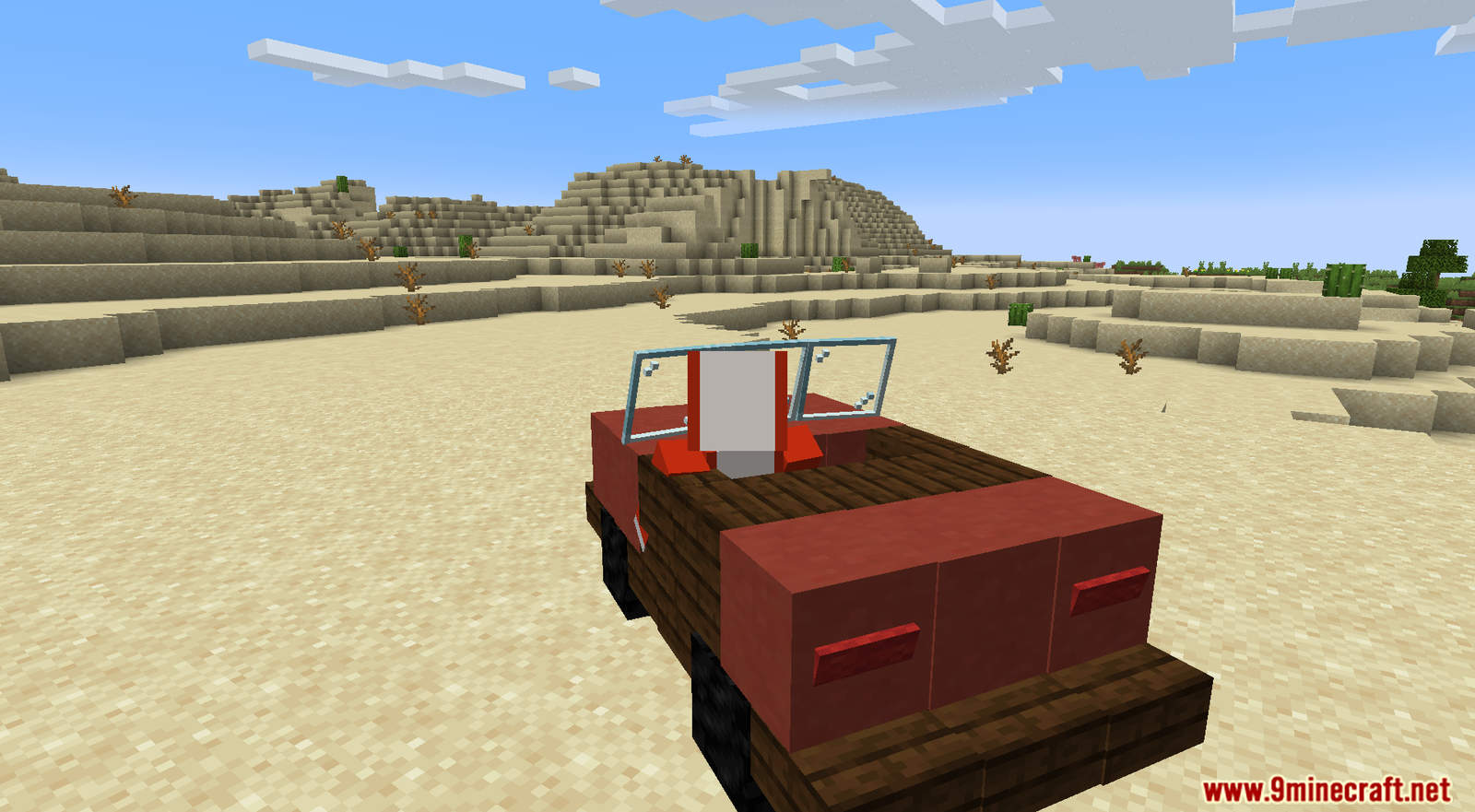
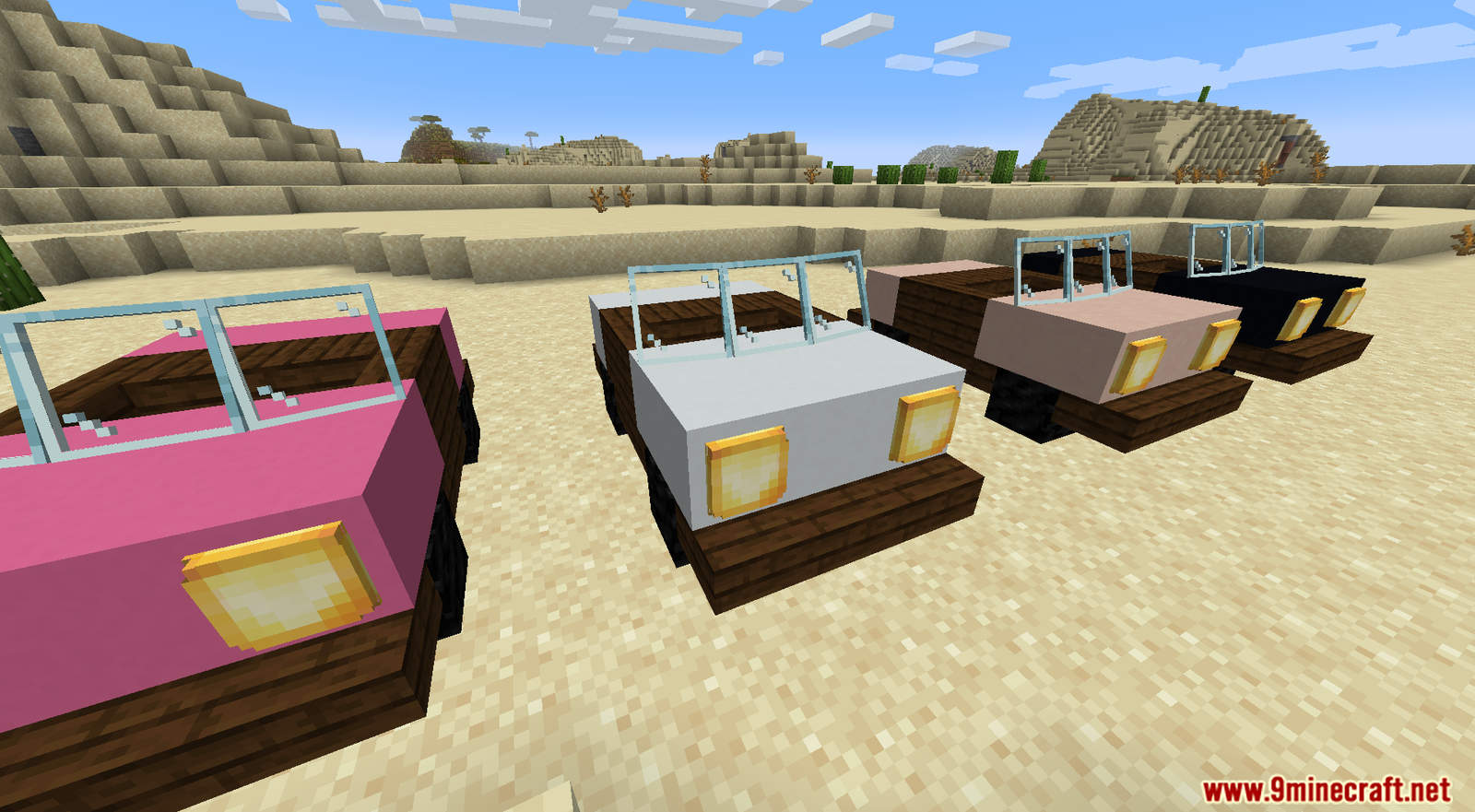
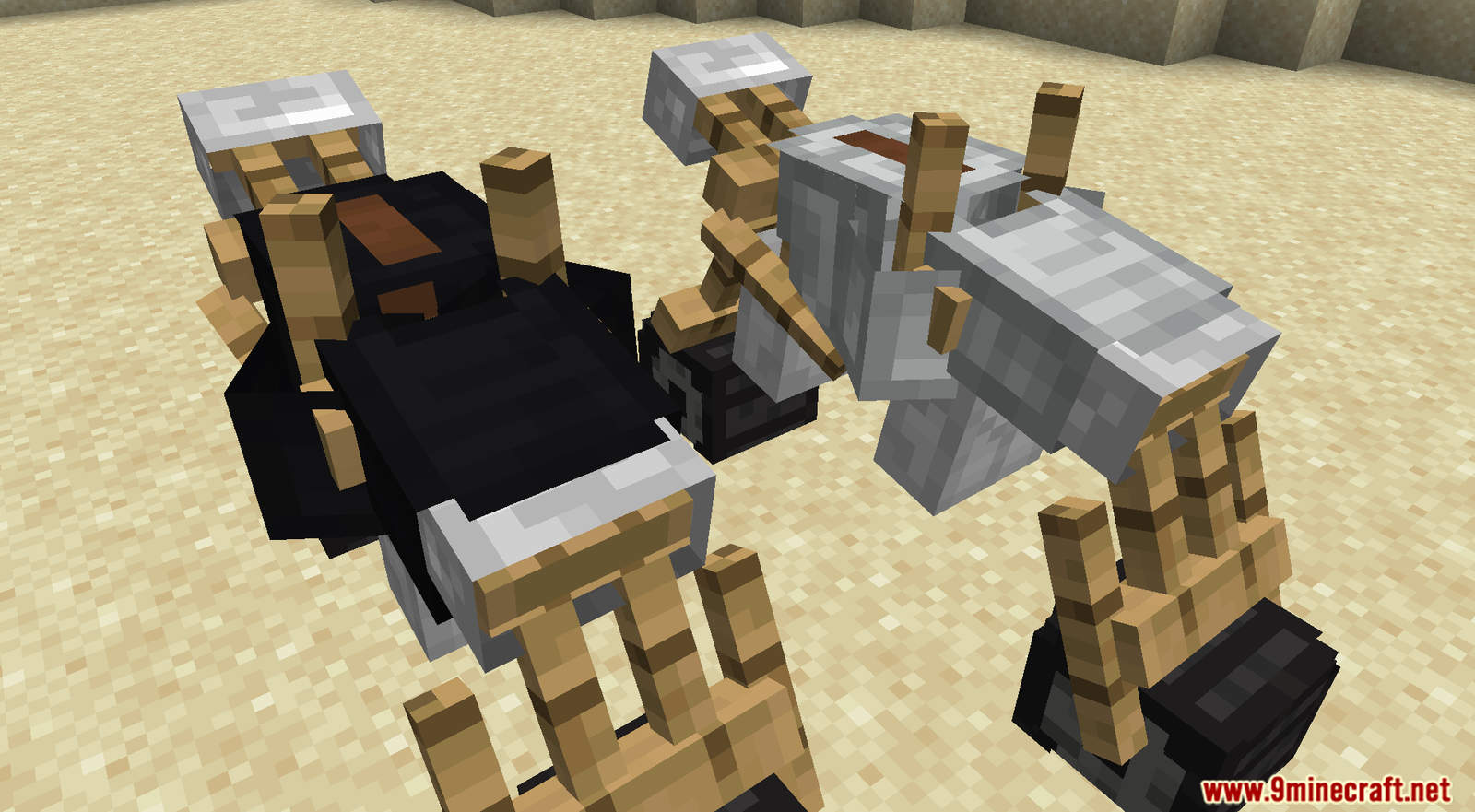
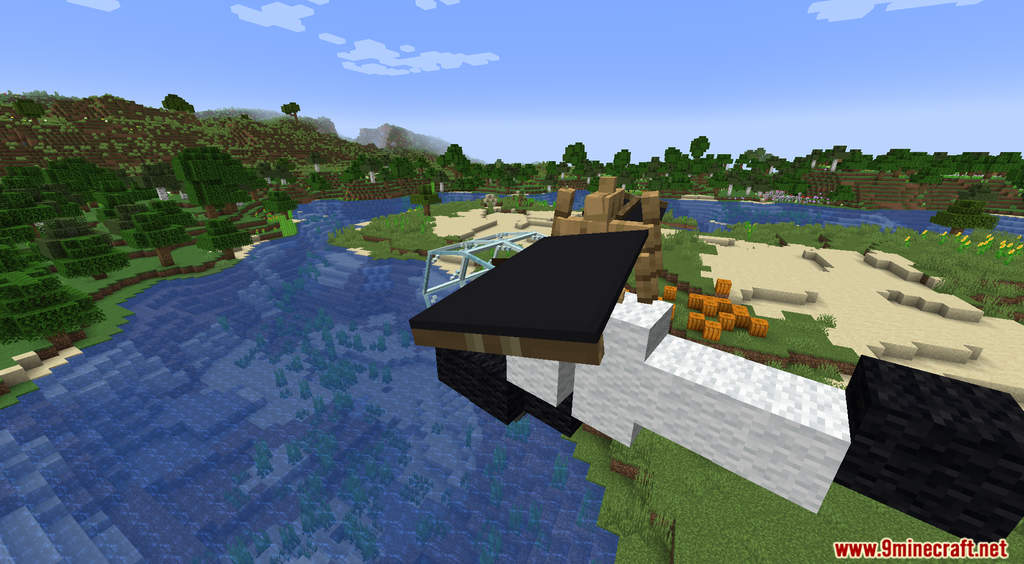
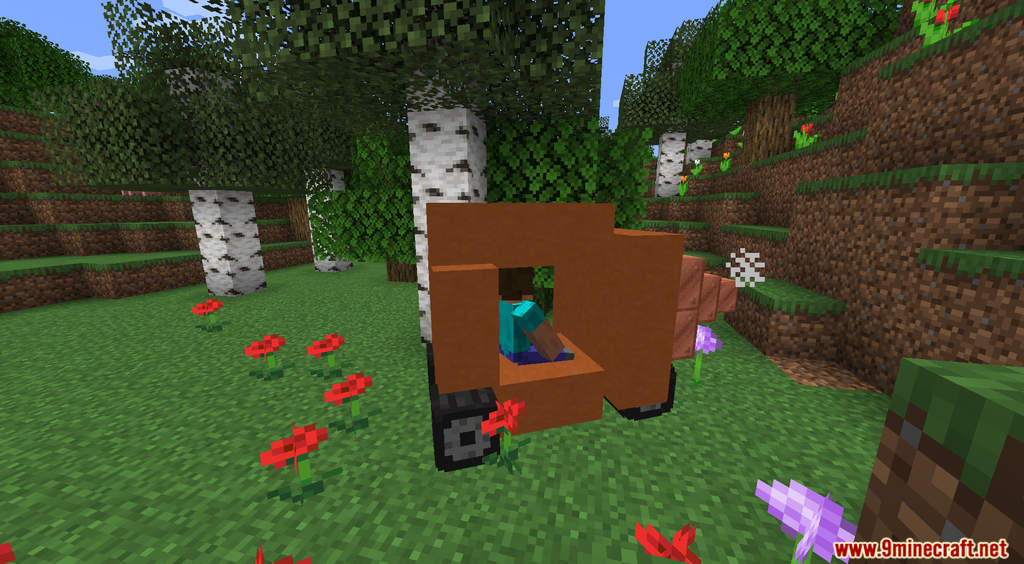
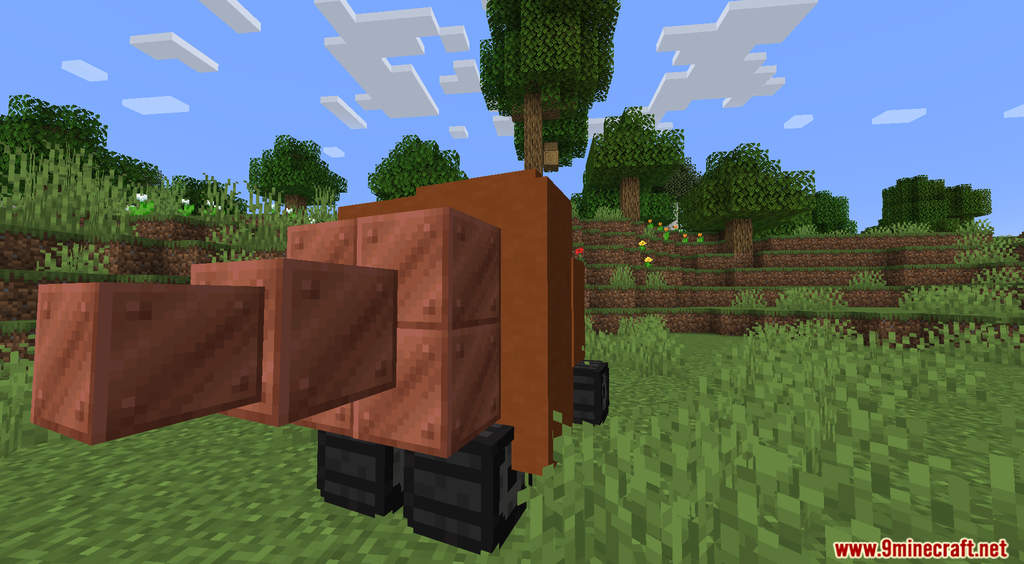
- Adds server-side vehicles like cars, police cruisers, military helicopters, tanks, and tractors.
- Includes engine tiers, upgrade items, spawn eggs, and a trading system.
- Features an automatic debug system to detect and solve issues.
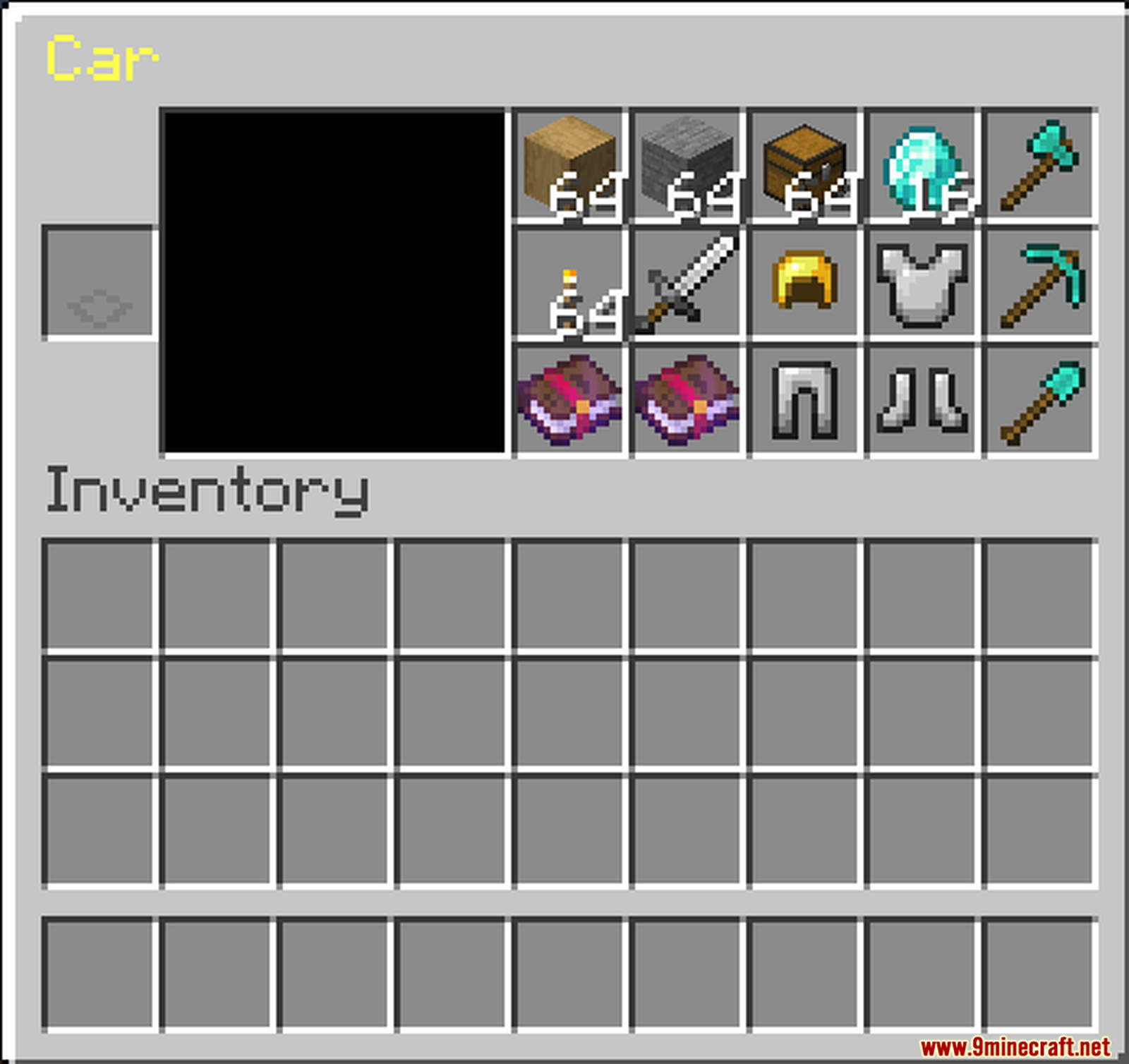
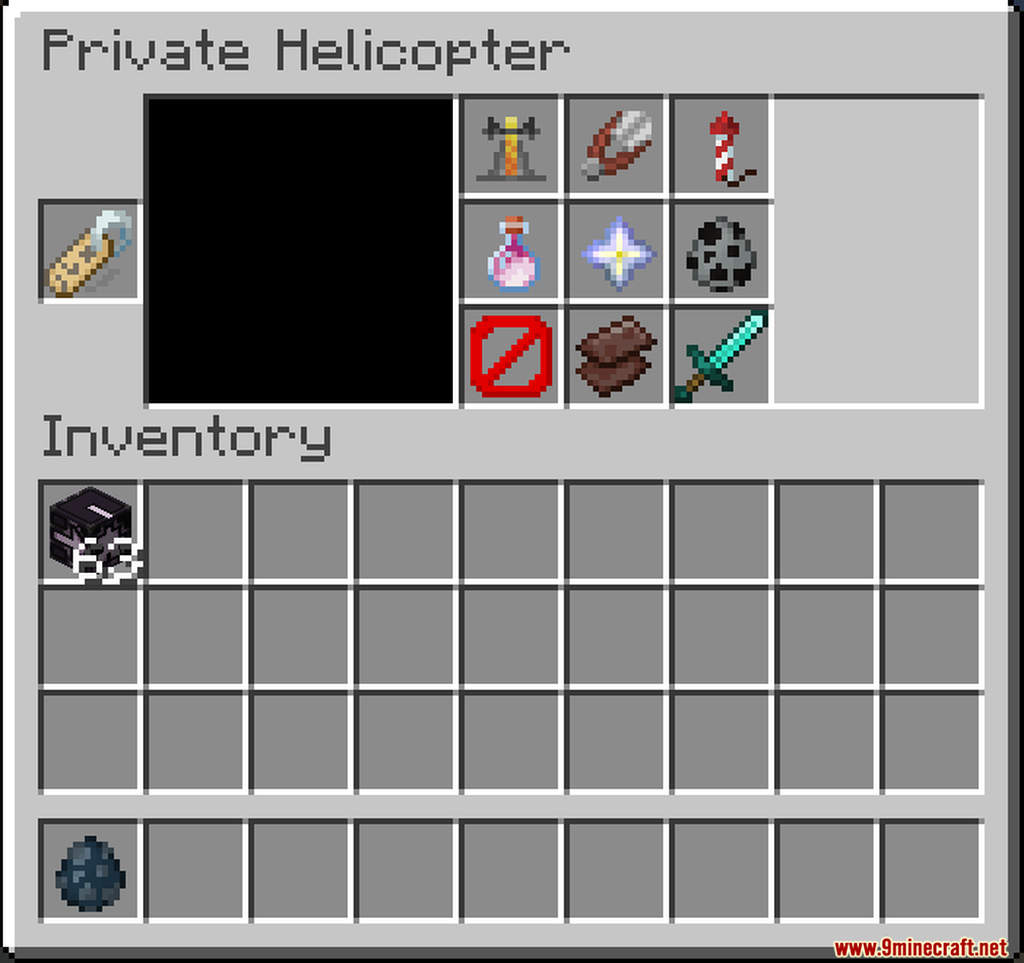
- Gives every vehicle a functional trunk and customization options.
- Provides an interaction menu to refuel, lock, repair, paint, upgrade, or pick up vehicles.
Commands:
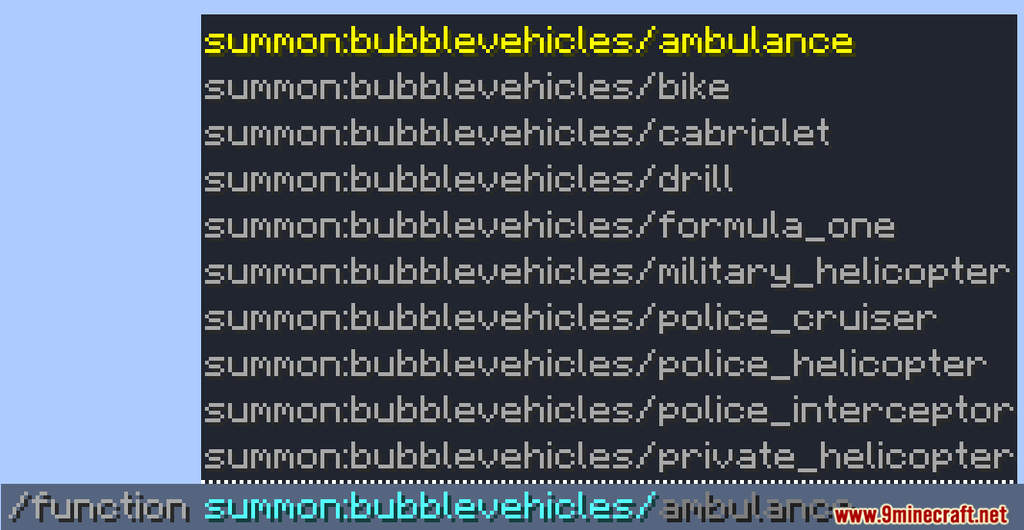
/function uninstall:bubblevehicles: Uninstalls the data pack, removes all data, and deletes all vehicles and tags./function about:bubblevehicles: Shows information and statistics about the data pack./function settings:bubblevehicles: Changes world-wide settings like render distance, projectile types, load messages, and fuel usage./function summon:bubblevehicles/<NAME>: Summons a specific vehicle or trader./function give:bubblevehicles/<NAME>: Gives you a specific data pack item.
How to Use:
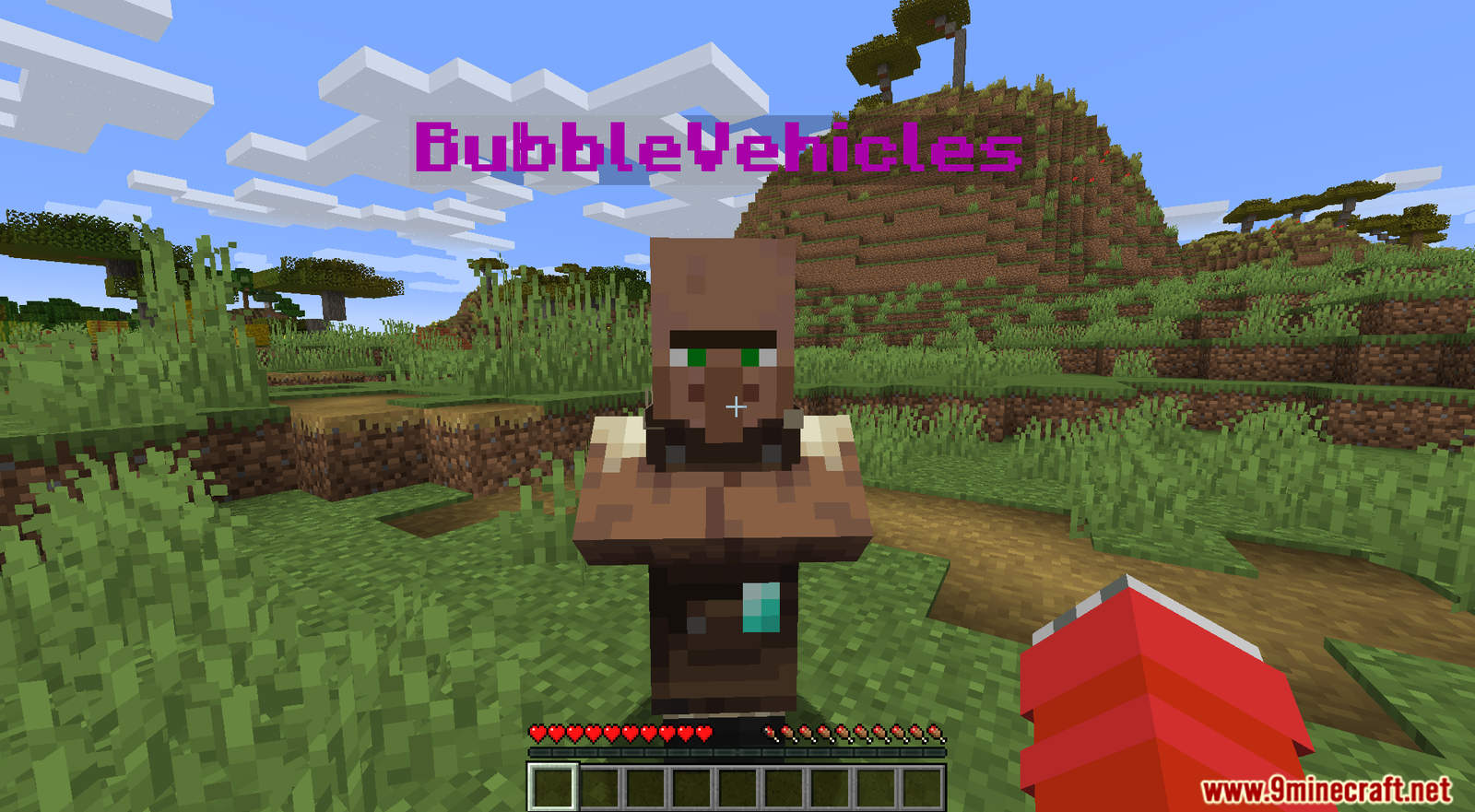
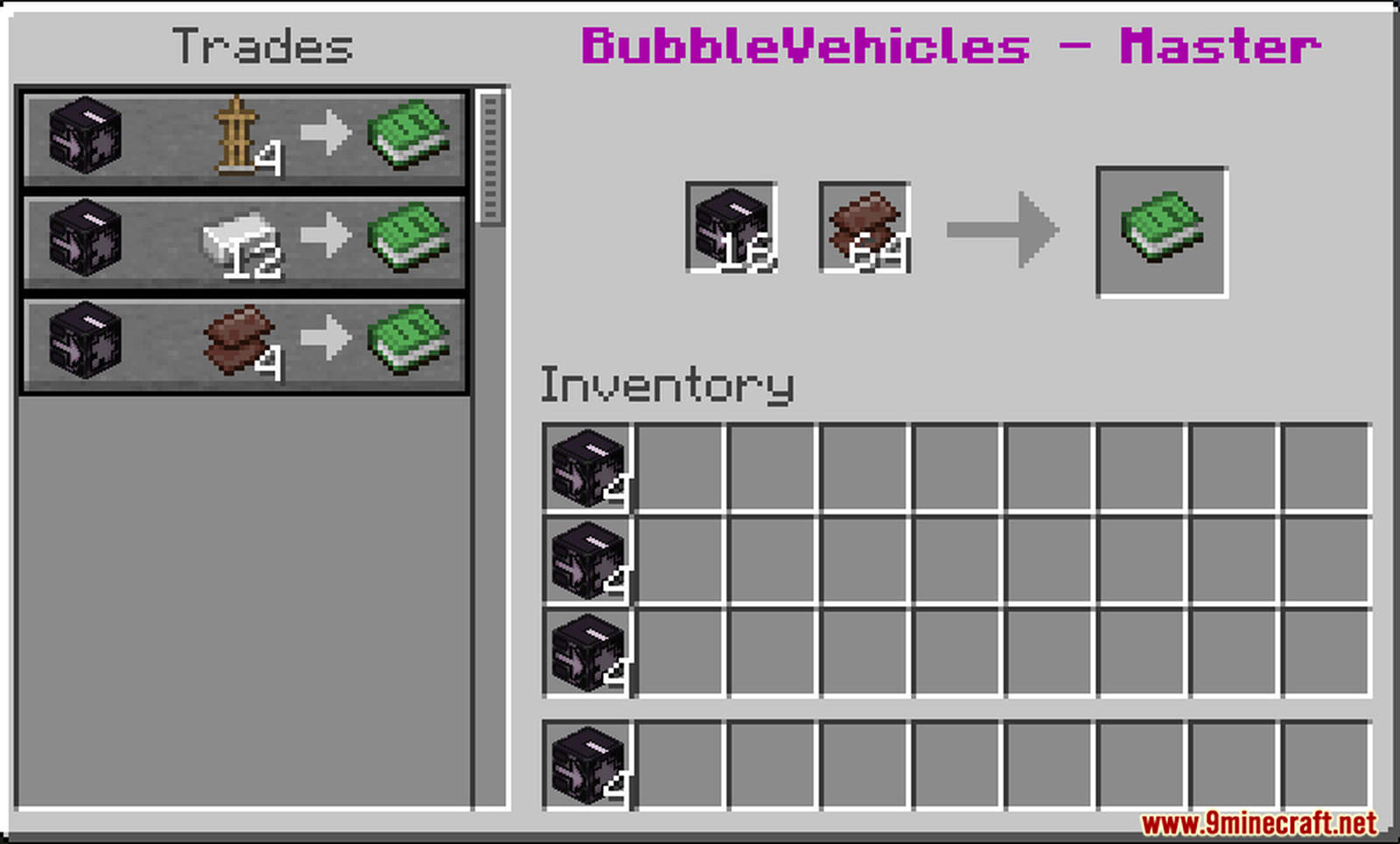
- Find a trader in a village or rename any villager to “BubbleVehicles” using a name tag to get vehicle items and spawn eggs.
- Sneak and right-click the driver seat of any vehicle to open its interaction menu.
- Refuel the vehicle with Blaze Powder or use a dispenser.
- Repair the vehicle using copper ingots or blocks.
- Lock or unlock the vehicle so other players cannot access it.
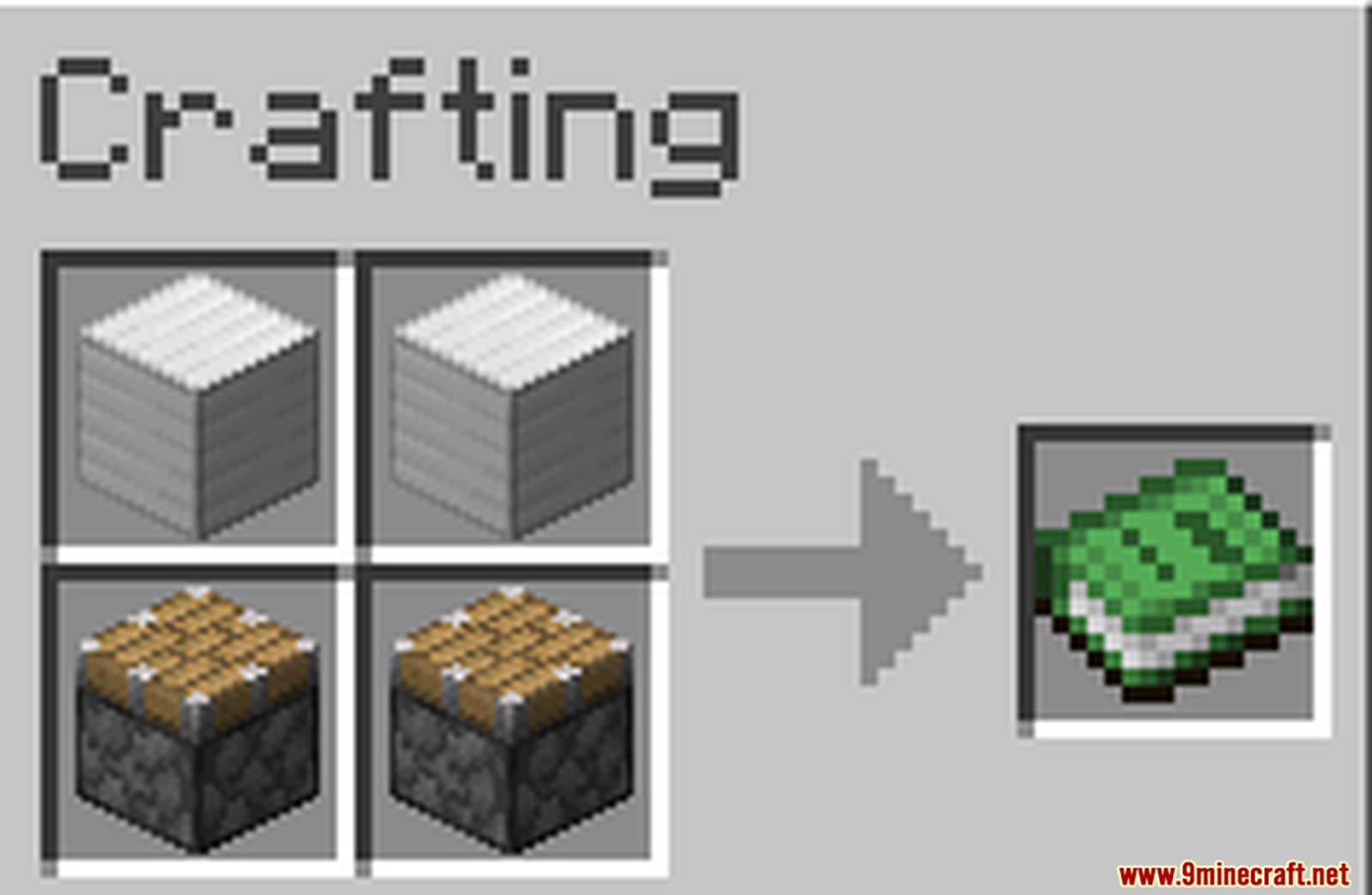
Crafting Recipes:
- Renaming a name tag to “BubbleVehicles” and use it on a Villager to turn it into a trading shop that you can buy vehicle from.
- You can also summon them using commands.
Screenshots:
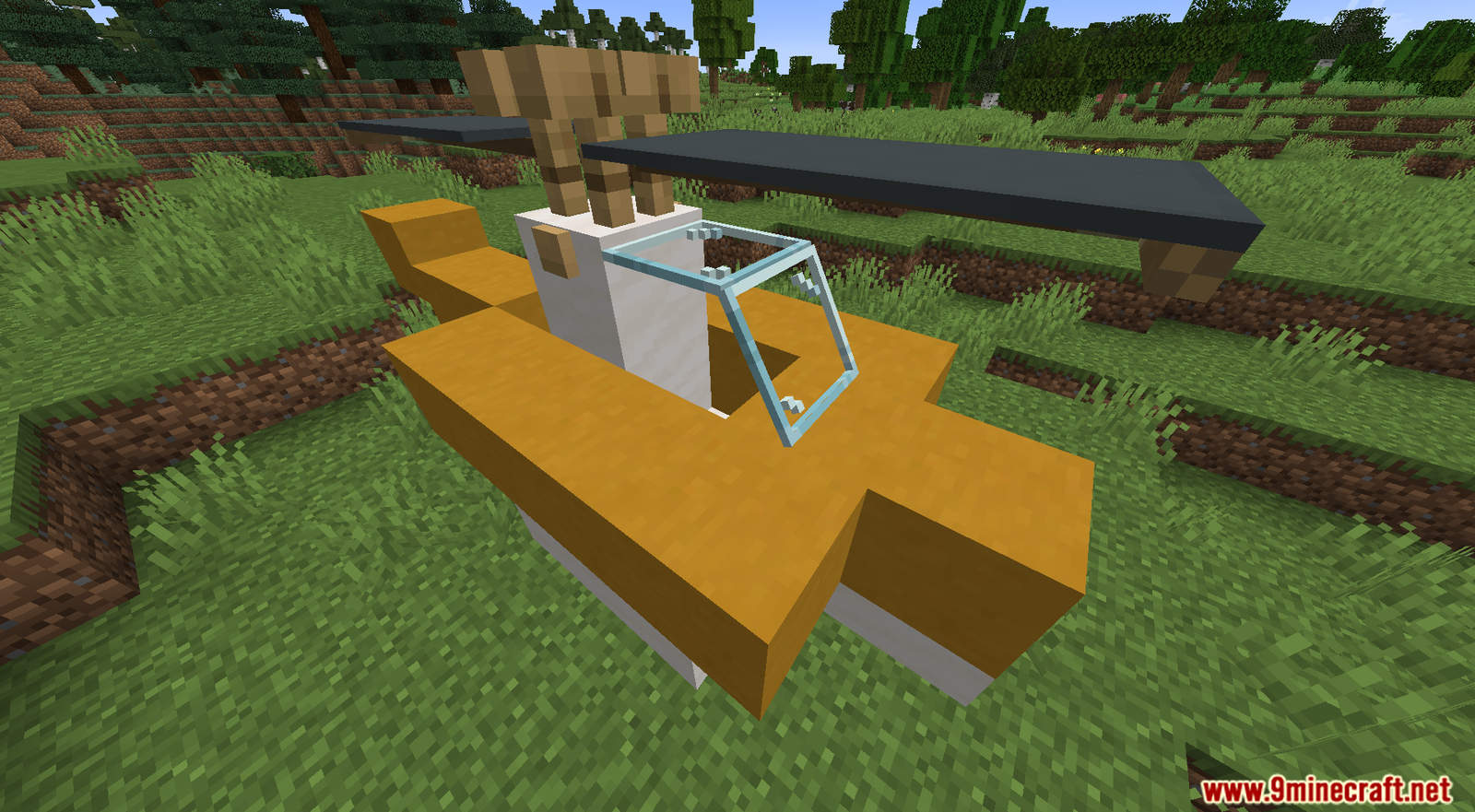
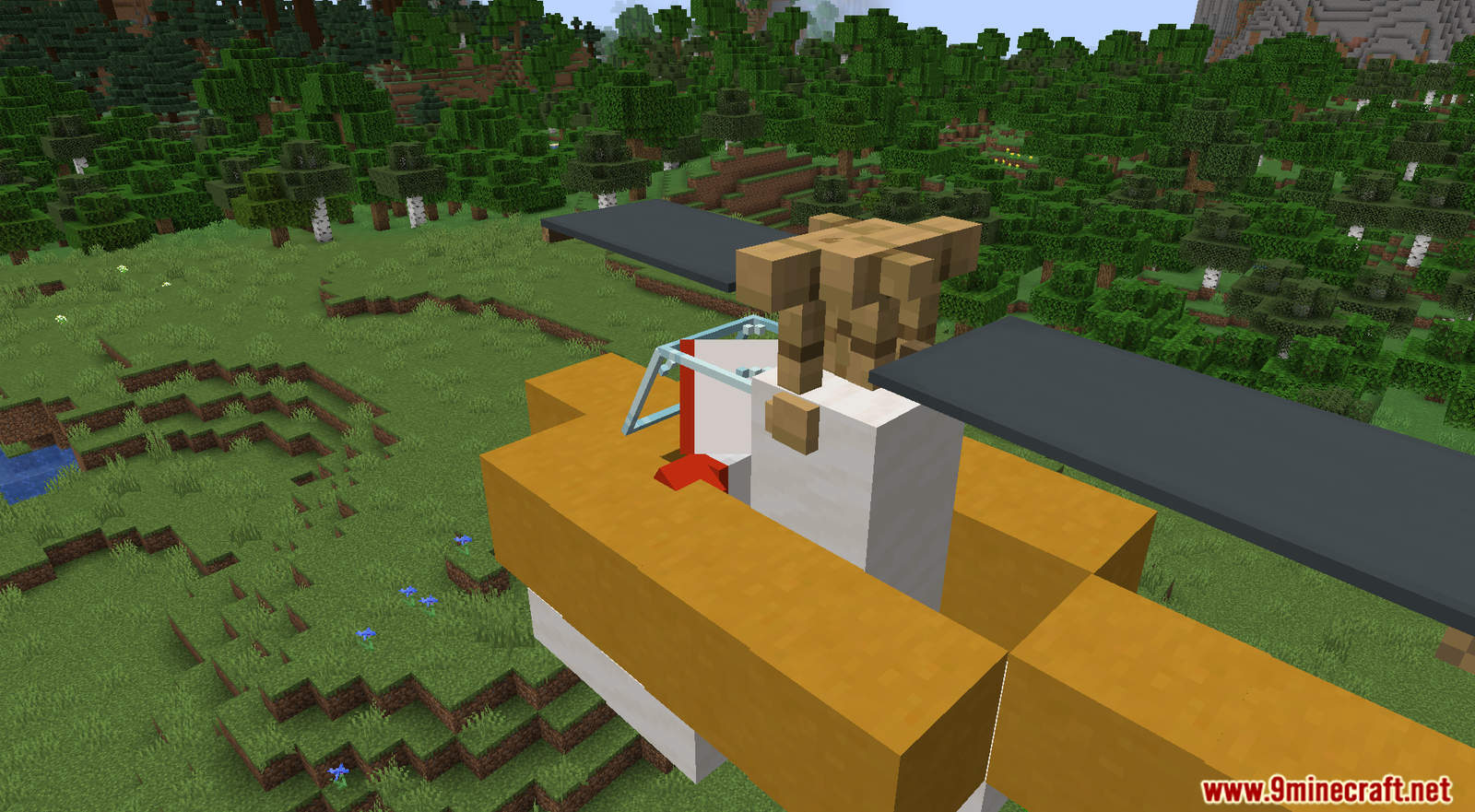
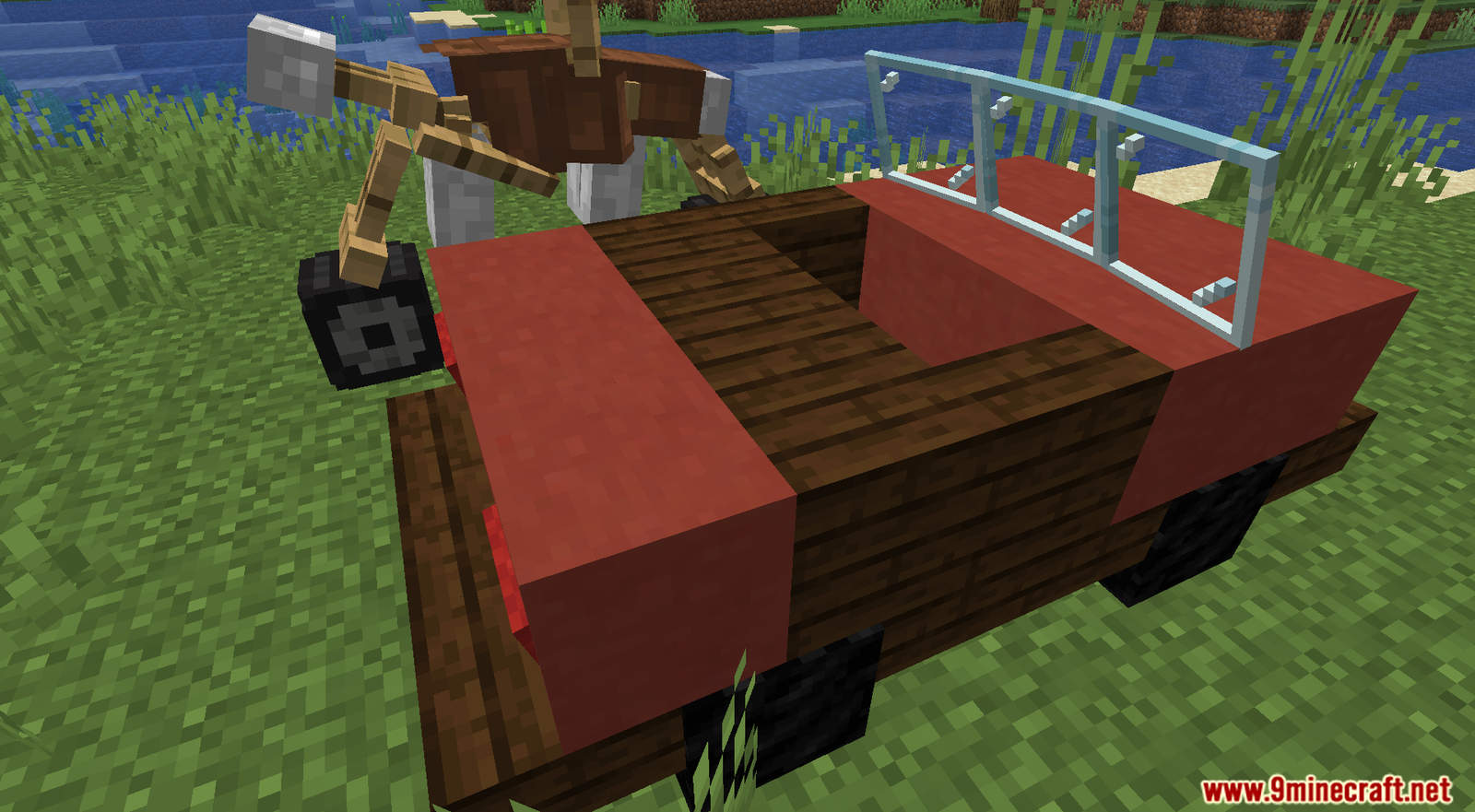
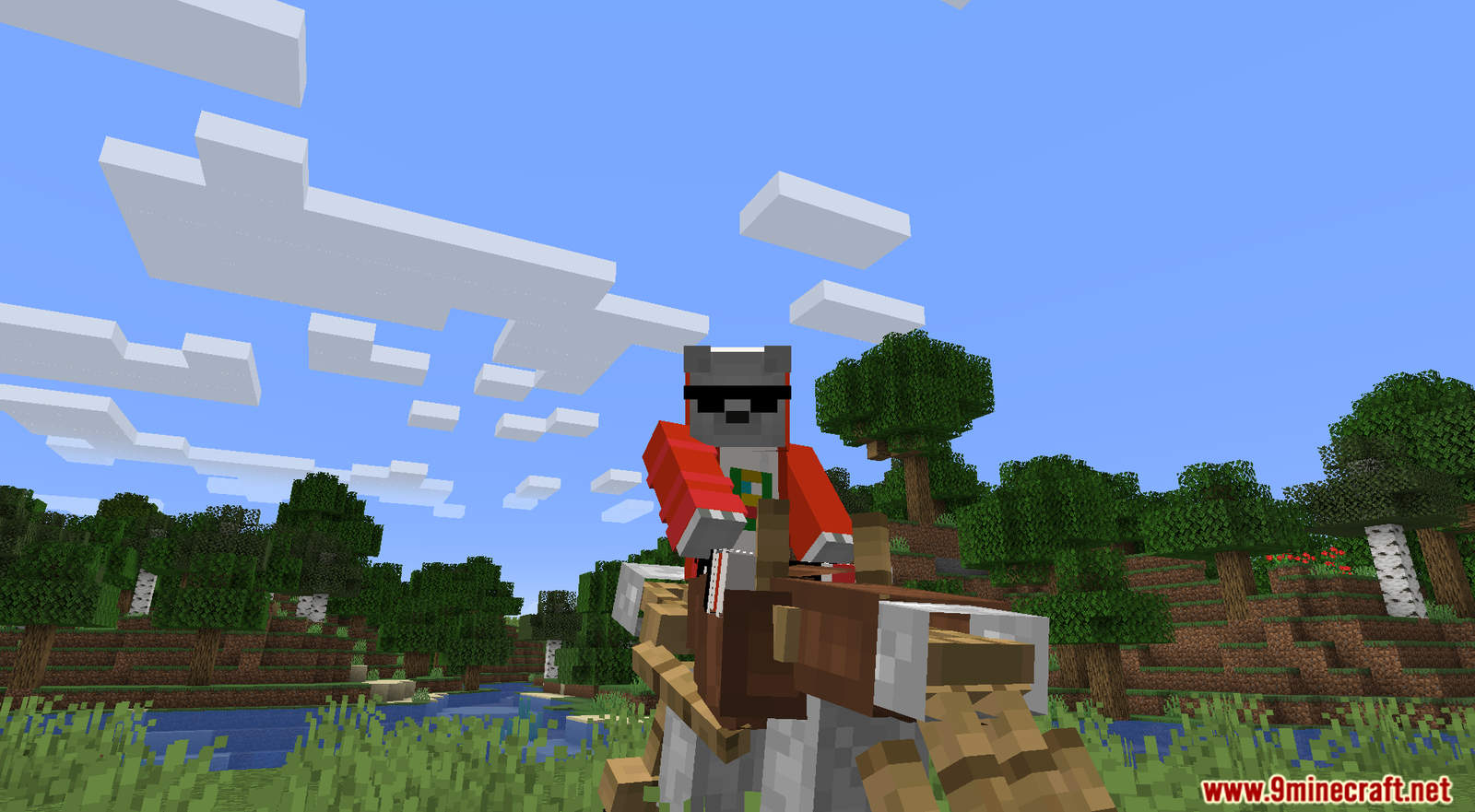
How to Install:
New to Minecraft? Follow our step-by-step guide to install Data Packs on your PC.View Guide
BubbleVehicles Data Pack Download Links
For Minecraft 1.20.6, 1.20.4, 1.20.2
For All Versions from Minecraft 1.19 to Minecraft 1.20.1
For All Versions from Minecraft 1.17.1 to Minecraft 1.18.2
Click to rate this post!
[Total: 1 Average: 5]
You May Also Like
Picked for this page
 Simple Night Vision Data Pack (26.3, 1.20.1) – Alternative to Fullbright Texture Packs
 BlazeandCave’s Advancements Pack Data Pack (26.1.2, 1.20.1) – Over 1000 New Achievements
 Glowing Players Data Pack (1.21.11, 1.20.1) – Always Visible in the Dark
 Level Up Data Pack (1.21.10, 1.20.1) – RPG-like Elements
 Climbable Chains Data Pack (1.21.10, 1.20.1) – Climb Up Chains
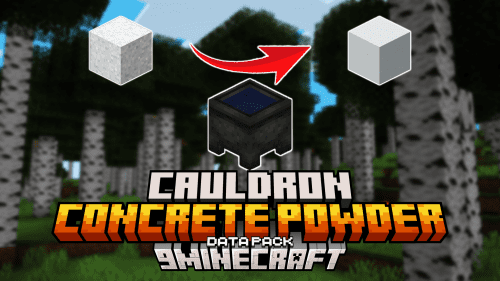 Cauldron Concrete Powder Data Pack (26.3, 1.20.1) – Simplify Your Concrete Crafting
 CoffeeG’s Double Jump Data Pack (1.21.11, 1.20.1) – Wall Jump, Leap Mechanic
 Dungeons and Taverns Pillager Outpost Overhaul Data Pack (26.3, 1.20.1)
 Drop Head Data Pack (26.2, 1.20.1) – Drop Player Head
 Ore Vein Miner Data Pack (26.3, 1.20.1) – Fast Automatic Vein Mining
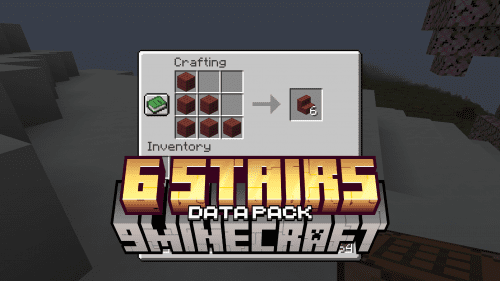 6 Stairs Data Pack (26.3, 1.20.1) – Craft More Stairs Efficiently
 Skippy Pearls Data Pack (26.3, 1.20.1) – Bounce Your Way Across Water
Most viewed in Data Packs over the last 7 days
 True Ending 9minecraft Data Pack (26.3) – Fight a Multi-Phase Ender Dragon
 Unlimited Enchantments Data Pack (26.3, 1.21.1) – Break the Level Cap
 Simply One Block Data Pack (26.3, 1.21.11) – Mine One Infinite Block
 TreeCapitator Data Pack (26.1.2, 1.20.1) – An Easy Way To Clear A Forest
 RPG Enchantments Data Pack (26.3, 1.21.11) – Trade Raw Power for Specialized
 Hearths 9minecraft Data Pack (26.3) – Raid Giant Spires for Nether Loot
 Weird and Powerful Weapons Data Pack (26.3, 1.21.11) – Wield Bizarre Gear
 Display Hearts DH Data Pack (1.21.11, 1.21.1) – Track Teammate Health
 Armor Upgrades Data Pack (26.3, 1.21.11) – New Paths To Power Beyond Netherite
 Orbital Strike Cannon Data Pack (26.3, 1.21.11) – Call Down Massive Explosions
 Enchant Everything Data Pack (26.3, 1.20.1) – Forge Overpowered Gear
 Skinful Hide Your Armor Data Pack (26.3, 1.21.11) – Show Off Your Skin
More from Data Packs
 Dimension Tracker Afk Display Data Pack (26.3, 1.21.11)
 Error Mons Data Pack (1.21.1, 1.20.1) – Catch Glitch Creatures
 Heavy Core Recipe Data Pack (26.3, 1.21.1) – Arm Your Entire Team
 Sunnier Skies for Archon Data Pack (1.20.1) – Clear Skies with Rarer
 Bastion Remnant Renovation Project Data Pack (1.21.11, 1.20.1)
 Overdose Data Pack – Fell Giant Trees in One Swing and Hide Your Armor
 Craftable Rooted Dirt Data Pack (26.3, 1.21.11) – Make Garden Paths
 Silver Shield Data Pack (1.20.1) – Turn Spare Silver Ingots Into Sturdy Shields
 Ame’s Stuff Data Pack (1.21.11, 1.21.1) – Craft Handy Pocket Watches
 Cobbled Stops Data Pack (1.21.11, 1.21.1) – Spin PokéStops to Collect Valuable
 Energy Flashlight Data Pack (26.3, 1.21.11) – Illuminate Pitch Black Caves
 Thirty Fangs’s Kingdom Data Pack (26.3, 1.21.11) – Raid Mighty Castles

This post has no comments yet. Be the first — your comment will appear here.