
Calm Mornings Mod (1.21.1, 1.20.1) – Never Face Creepers at Sunrise

 0


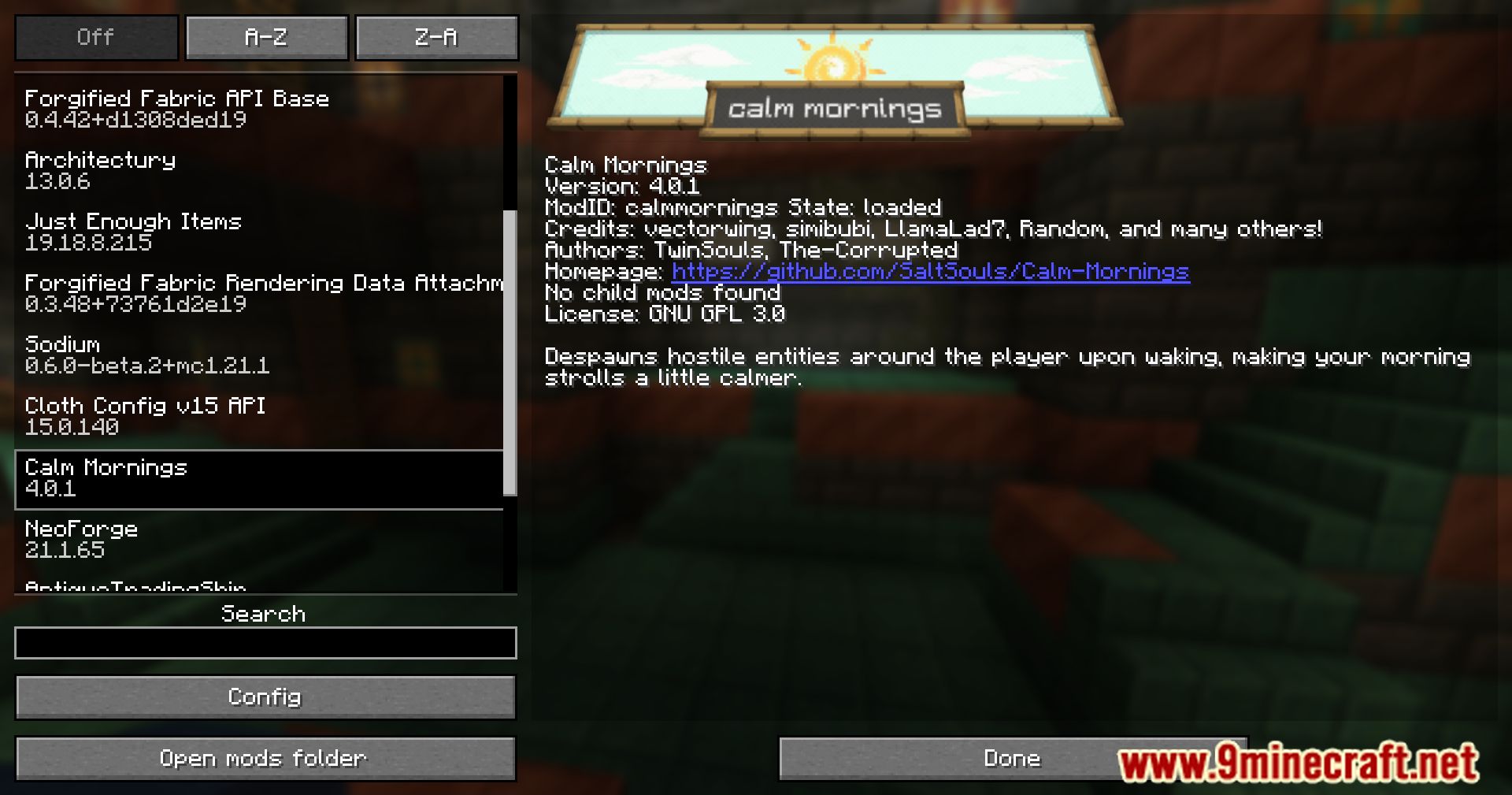
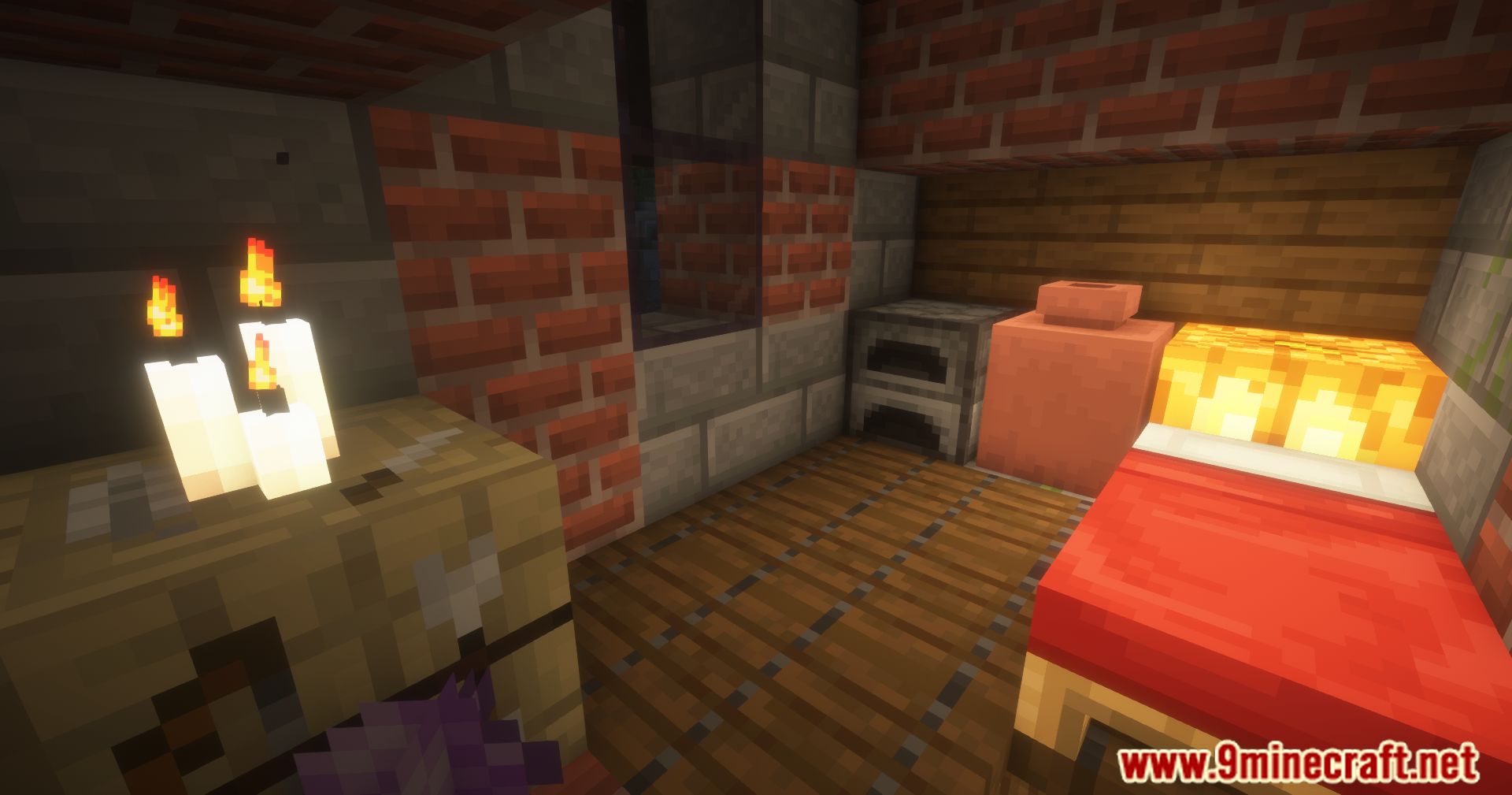
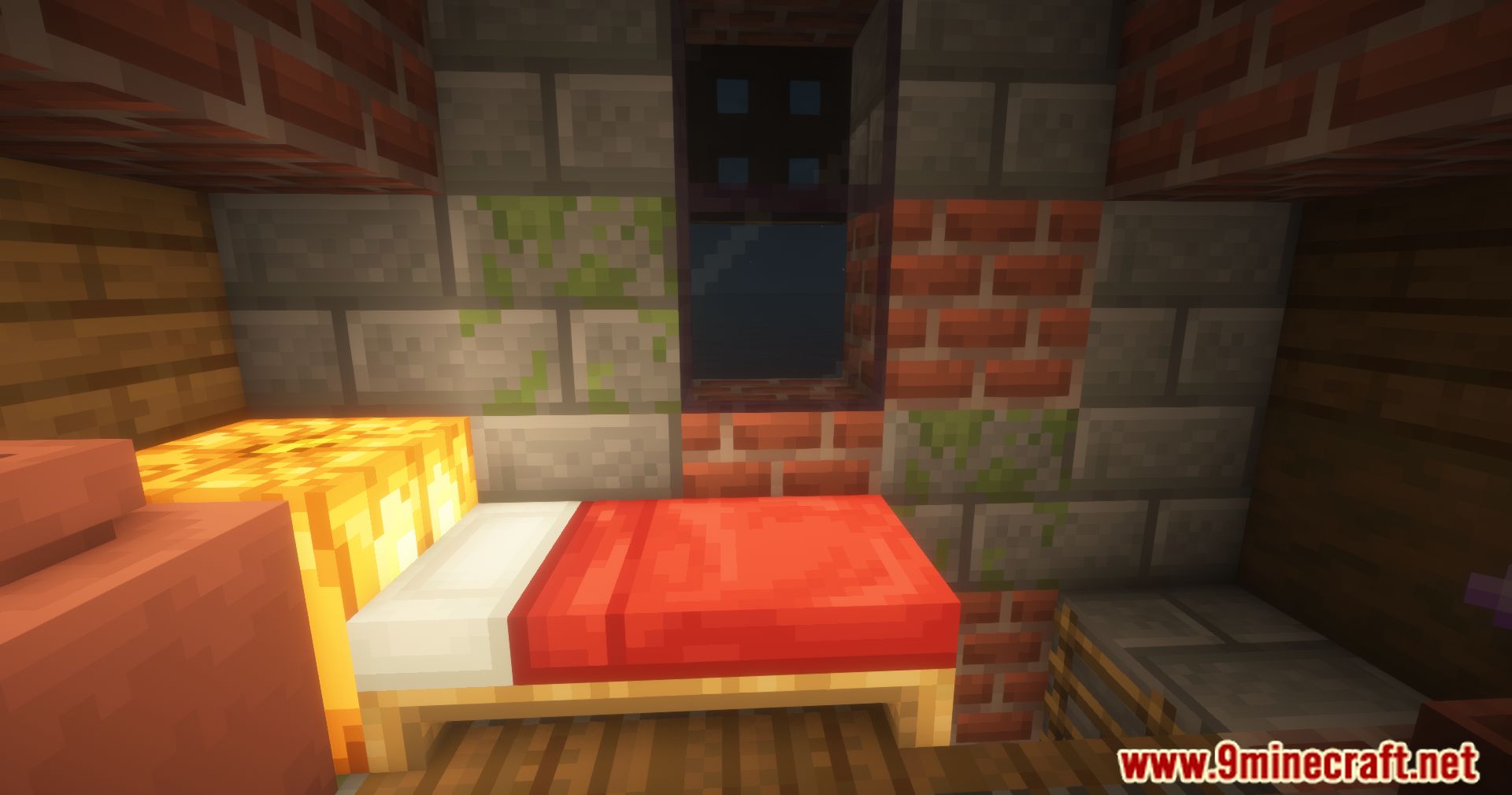
Calm Mornings Mod removes hostile mobs around you when you wake up from sleep. It simulates how monsters move around during the night, so creepers do not wait right outside your door at dawn. Named persistent mobs stay safe and never vanish, while unnamed persistent mobs drop their gear before they disappear. You can also adjust the despawn range, difficulty scaling, sleep times, and mob groups in the config file for a safer start to every day.

Requires:
Features:
- Removes hostile mobs around you as soon as you wake up, simulating nighttime monster movement so creepers do not wait outside your door.
- Checks a default area of 64 blocks horizontally (adjustable from 0 to 256) and 16 blocks vertically (adjustable from 0 to 64) around your waking spot.
- Scales the despawn radius by world difficulty: Easy uses the full base range, Normal uses half the range, and Hard uses a quarter of the range.
- Ignores named persistent mobs so they stay safe, while unnamed persistent mobs drop their equipment on the ground when despawned.
- Stops mobs from despawning around other players who stay awake during the night.
- Sorts mobs into eight groups (
boss,monster,villager,creature,ambient,construct,misc, andblacklisted), clearing only themonstergroup by default while keeping bosses like the Ender Dragon, Wither, and Warden, plus villagers and golems, untouched. - Lets you switch from built-in group rules to a custom mob list (set to zombies, skeletons, spiders, and creepers by default) with support for wildcards like
minecraft:*and modded mobs using<modId>:<entityId>. - Checks both when you go to sleep and when you wake up against configurable time windows before clearing nearby mobs.
Configuration:
You can adjust how Calm Mornings Mod works in its config file using these settings:
enableList: Defaultfalse. Uses your custom mob list instead of the built-in group rules when set totrue.mobs: Default["minecraft:zombie", "minecraft:skeleton", "minecraft:spider", "minecraft:creeper"]. Sets the specific mobs to despawn whenenableListis enabled. Supports formats likeminecraft:zombie,minecraft:*, and<modId>:<entityId>.groups: Assigns mobs to despawn groups (boss,monster,villager,creature,ambient,construct,misc, orblacklistedto stop a mob from despawning). Uses formats likeminecraft:villager:villager,minecraft:*:creature, or<modId>:<entityId>:<group>. Default entries place the Ender Dragon, Wither, and Warden inboss, Villagers and Wandering Traders invillager, and Iron Golems and Snow Golems inconstruct.enableScaling: Defaulttrue. Turns difficulty-based range scaling on or off (Easy uses the full base range, Normal divides it by 2, and Hard divides it by 4).horizontalRange: Default64(range0to256). Sets the horizontal block radius to search for mobs around you.verticalRange: Default16(range0to64). Sets the vertical block radius to search for mobs around you.lateCheck: Default"NIGHT_L". Sets the latest time you can go to sleep and still allow despawning. Allowed values:MORNING_E,MORNING,MORNING_L,NOON_E,NOON,NOON_L,EVENING_E,EVENING,EVENING_L,NIGHT_E,NIGHT,NIGHT_L, orDISABLED.morningCheck: Default"MORNING_E". Sets the latest time you can wake up and still allow despawning, using the same allowed time values aslateCheck.playerCheck: Defaulttrue. Prevents mobs from despawning around other players who are not sleeping.monsterCheck: Defaulttrue. Checks themonstergroup for despawning whenenableListisfalse.bossCheck: Defaultfalse. Checks thebossgroup when set totrue.villagerCheck: Defaultfalse. Checks thevillagergroup when set totrue.creatureCheck: Defaultfalse. Checks thecreaturegroup when set totrue.ambientCheck: Defaultfalse. Checks theambientgroup when set totrue.constructCheck: Defaultfalse. Checks theconstructgroup when set totrue.miscCheck: Defaultfalse. Checks themiscgroup when set totrue.
How to Use:
- Sleep in a bed before the
lateCheckcutoff (set toNIGHT_Lby default) so the mod can run when morning comes. - Wake up before the
morningCheckcutoff (set toMORNING_Eby default), and the mod automatically clears nearby hostile mobs inside your despawn range. - Name any persistent mob you want to protect so the mod ignores it at dawn; unnamed persistent mobs drop their gear on the ground if they despawn.
- Open the mod’s config file whenever you want to change the search radius, turn off difficulty scaling, edit sleep times, or use
enableListandgroupsto choose which mobs despawn or stay blacklisted.
Screenshots:

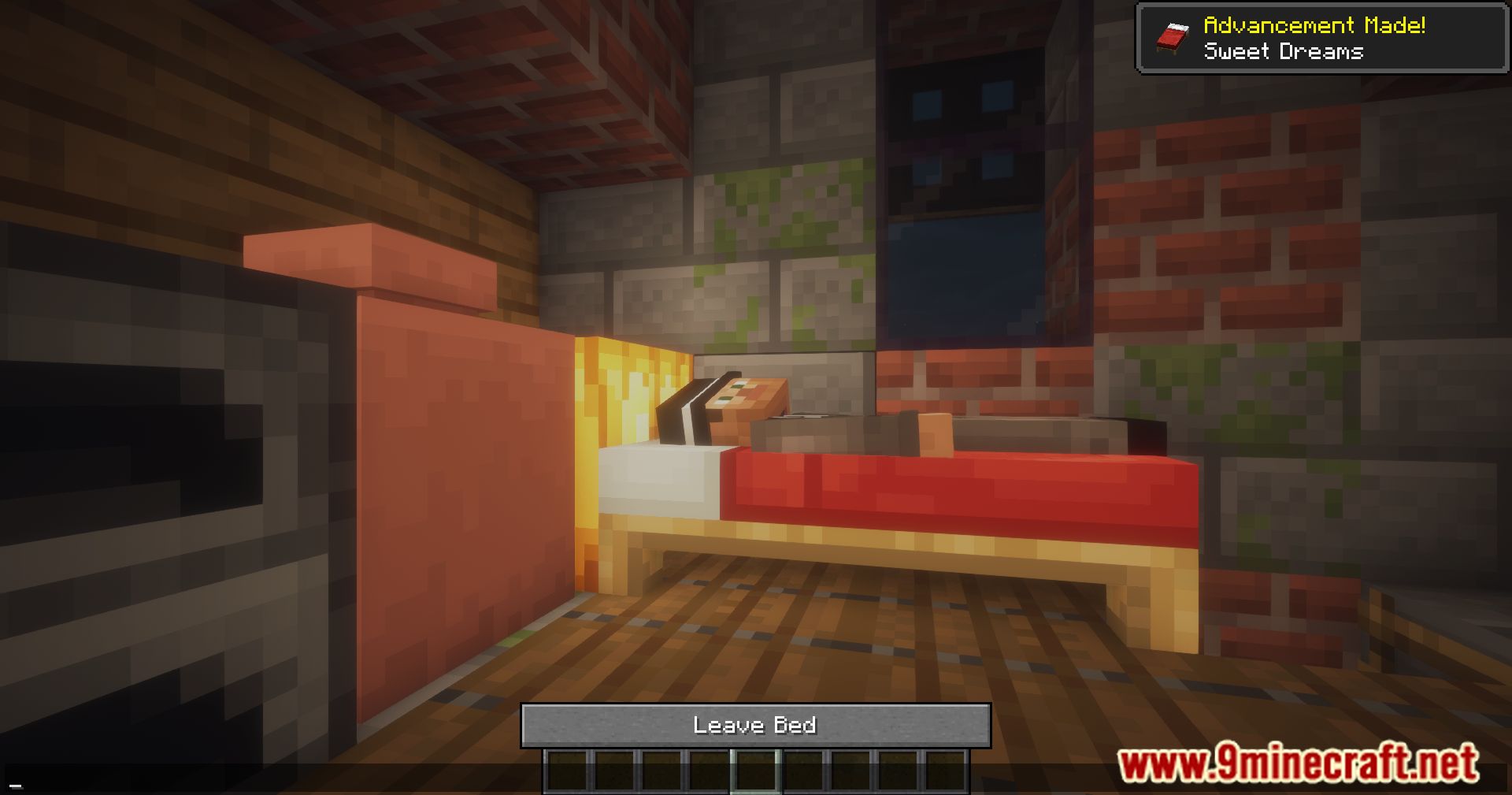
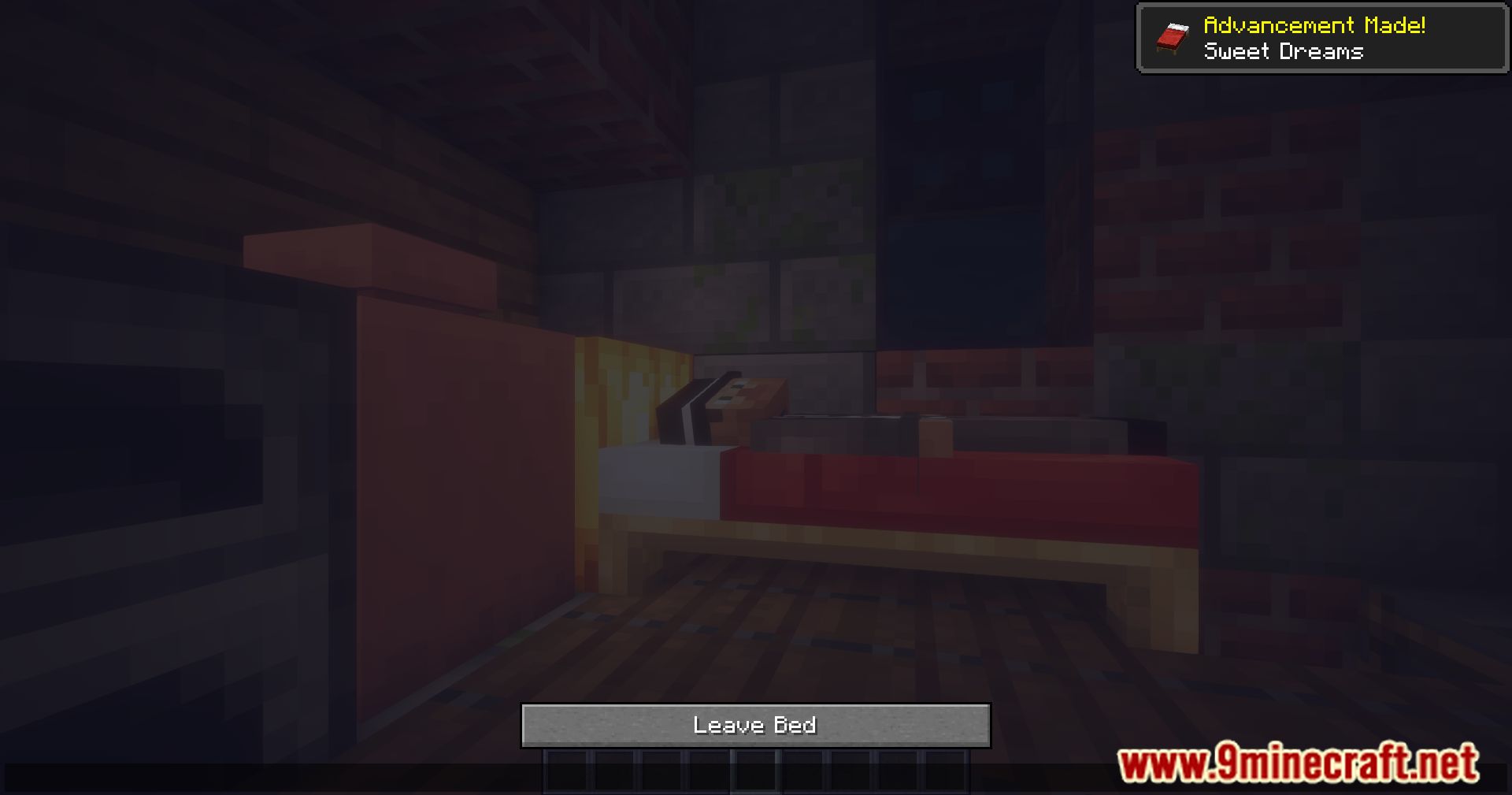



How to Install:
New to Minecraft? Follow our step-by-step guide to install Mods on your PC.View Guide
Calm Mornings Mod Download Links
For Minecraft 1.21.1, 1.21
NeoForge Version: Download from Server 1 – Download from Server 2
For Minecraft 1.20.1, 1.20
Forge Version: Download from Server 1 – Download from Server 2
For Minecraft 1.19.4, 1.19.3, 1.19.2, 1.19.1, 1.19
Forge Version: Download from Server 1 – Download from Server 2
For Minecraft 1.18.2, 1.18.1
Forge Version: Download from Server 1 – Download from Server 2
How many mods do you usually have active at the same time?
74 responses · See the full results →
You May Also Like
Picked for this page
 Moving Elevators Mod (26.3, 1.20.1) – Fully Functional Elevators
 Replay Mod (26.3, 1.20.1) – Record, Relive, Share Your Experience
 The Magic Mirror Mod (26.3, 1.20.1) – A Mirror that is Magic
 Just Enough Professions Mod (26.3, 1.20.1) – Workstation Details
 Particle Core Mod (26.3, 1.20.1) – Optimizing Particles Effects
 Chat Patches Mod (26.3, 1.20.1) – Experience Enhanced Chatting
 Eroding Stone Entities Mod (26.3, 1.20.1) – Stone Erosion Mechanic
 Calc Mod (26.2, 1.20.1) – A Calculator in Your Minecraft Chat
 RideHud Mod (26.3, 1.20.1) – Horse Stats HUD
 Paper Books Mod (26.3, 1.20.1) – Simplified Book Recipe
 GrowableOres Extension Mod (26.3, 1.20.1) – Cane Converter Block
 Search on Mcmod Mod (26.3, 1.20.1) – Never Guess What an Item Does Again
Most viewed in Mods over the last 7 days
 Ala Industrial Mod (26.3) – Run Electric Power Grids and Automated Factories
 PleasureCraft Mod (26.3, 1.21.1) – Jenny Mod Remake for Fabric
 Jennycraft Mod (26.3, 1.20.1) – Virtual Girlfriend in Minecraft
 Fapcraft Mod (26.3, 1.12.2) – Comprehensive and Detailed Content
 Jenny Mod (Fapcraft) Official Complete Guide – How to use, Tutorial
 BangCraft Mod (1.20.1) – Jenny, Ellie and Elliot
 Fabric Loader (26.3, 1.20.1) – Fabric Installer for All Minecraft Versions
 Meteor Client Mod (26.3, 1.20.1) – Xray, HUD, Fly
 The Shooting Star Demo Mod (26.3, 1.20.1) – Vaporize Terrain From Orbit
 OptiFine HD (26.3, 1.20.1) – Run Faster, FPS Boost, Shaders Support
 Aristois Client Mod (1.21.4, 1.20.1) – World Class Minecraft Utility
 SchnurriTV Mod (1.12.2) – Characters and Features
More from Mods
 MesdagPortLib Mod (1.20.1) – Run Modern Minecraft Mechanics on Older Versions
 Hellion’s API Mod (1.21.11, 1.21.1) – Play Hellion Series Addons Without Crashes
 Terrestria Mod (26.3, 1.20.1) – Highly Detailed Biomes
 Tre’s Tack Library Mod (1.20.1) – Outfit Your Horses with Fully Detailed Tack
 YDM’s coreX Library Mod (1.20.1) – Loot RPG Gear with Random Names
 Gunpowder Recipe Mod (26.3, 1.20.1) – Gunpowder is Craftable
 Villager Timetable Mod (26.3, 1.20.1) – Master Villager Schedules
 Giacomo’s Fishing Net Mod (1.20.1) – Catch Fish and Treasure While Away
 Ender Portal Stone Mod (1.22) – Fast Travel to Distant Biomes and Dungeons
 Chat Spellcheck Mod (26.2) – Never Send Embarrassing Typos to Friends Again
 NovaUtils Mod (26.1.2) – Locate Buried Ores and Inspect Chests Through Walls
 In-Game Account Switcher with Cookies Mod (1.21.11) – Swap Your Alts Without Relaunching

This post has no comments yet. Be the first — your comment will appear here.