
Castle Blocks Mod (1.21.1, 1.20.1) – Build Raid-Proof Forts on PvP Servers

 0


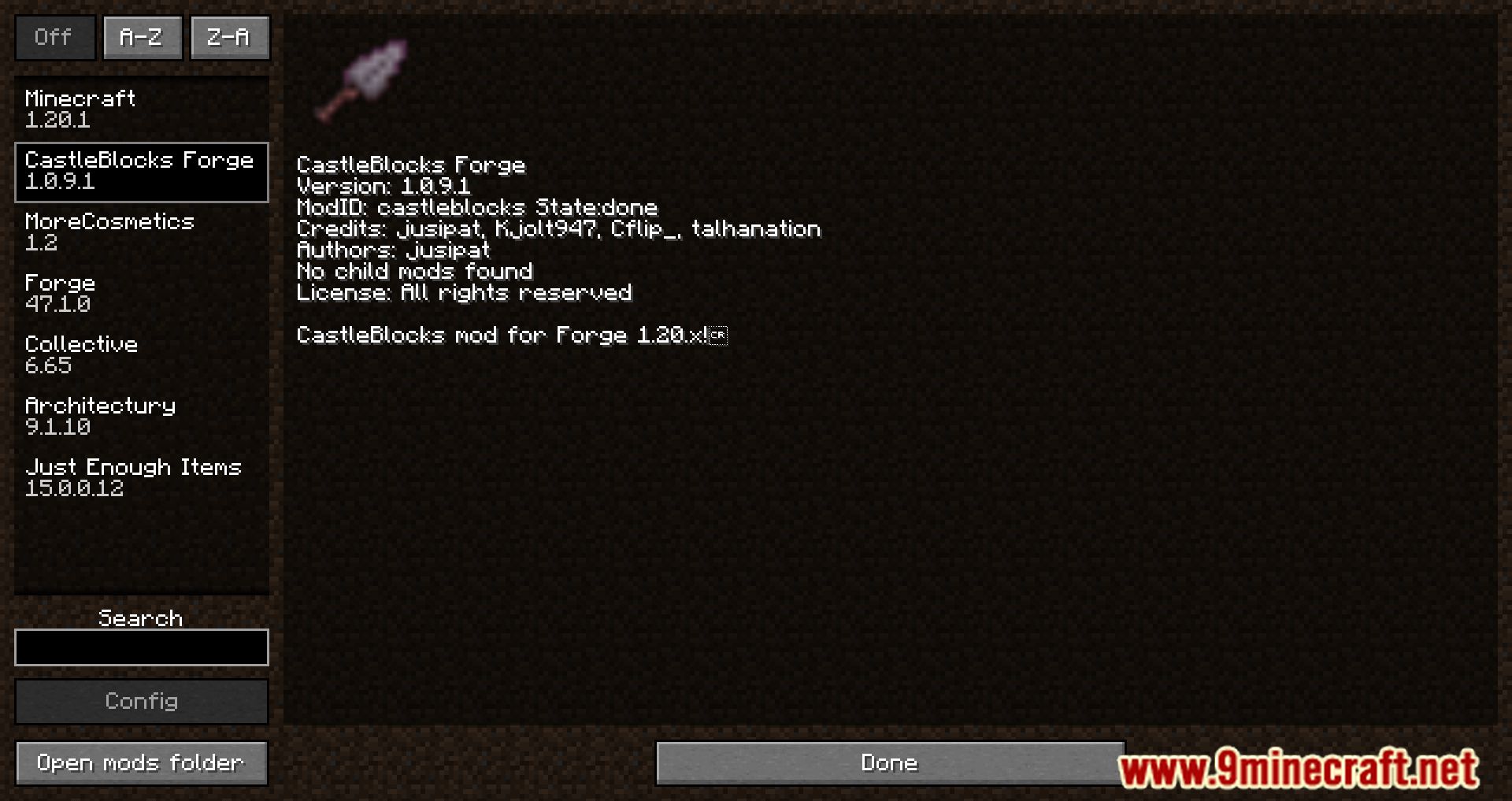
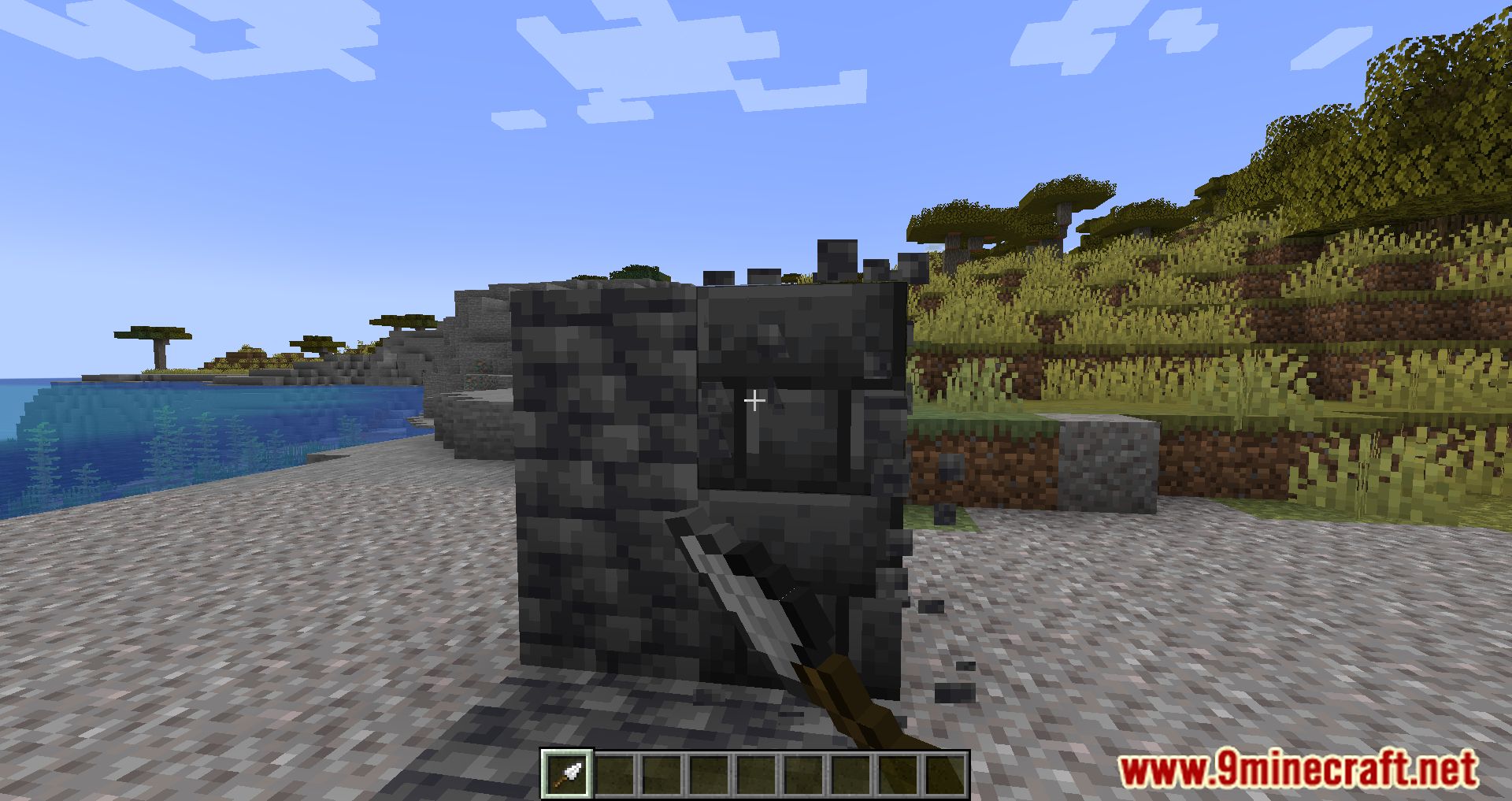
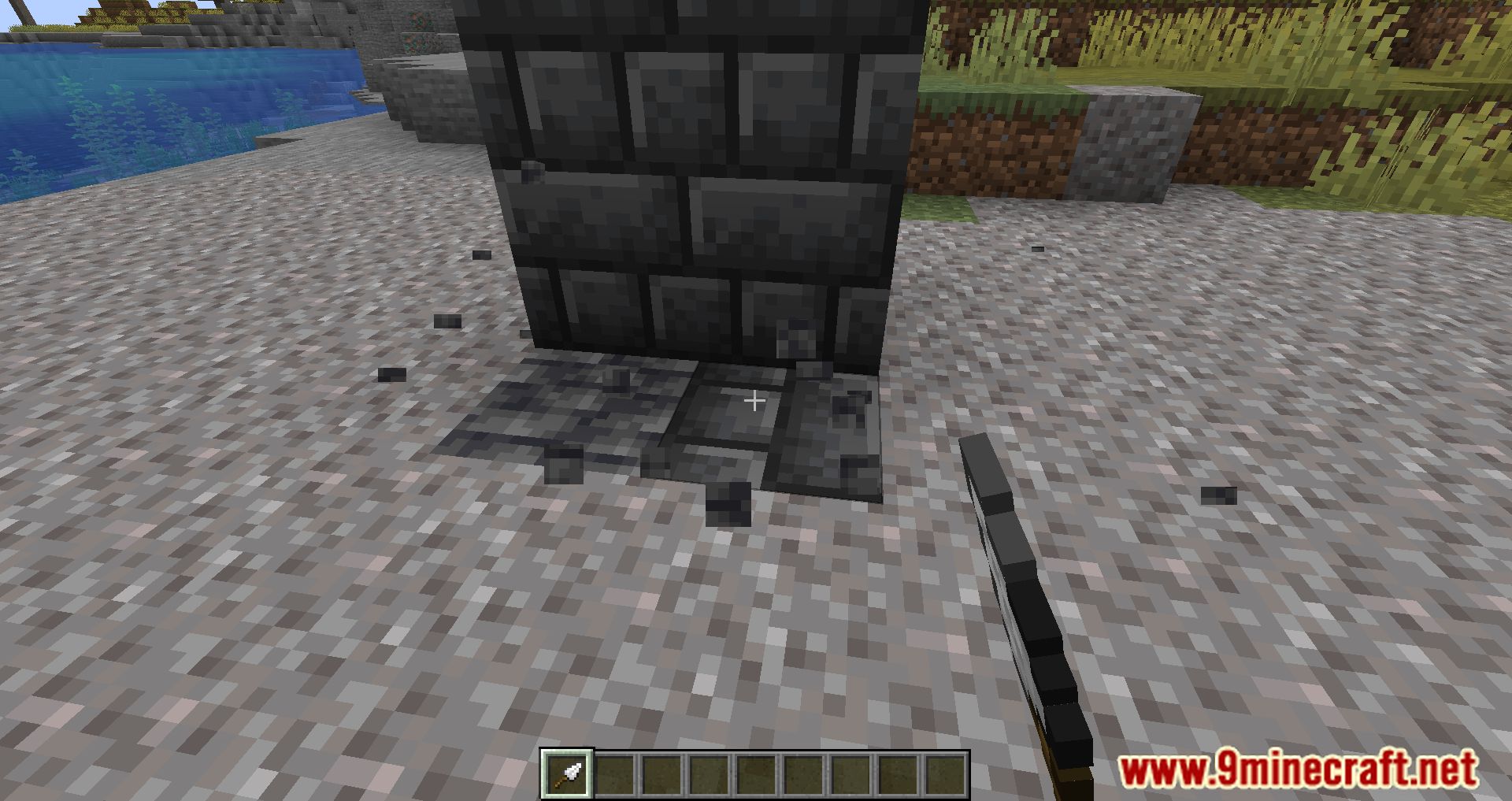
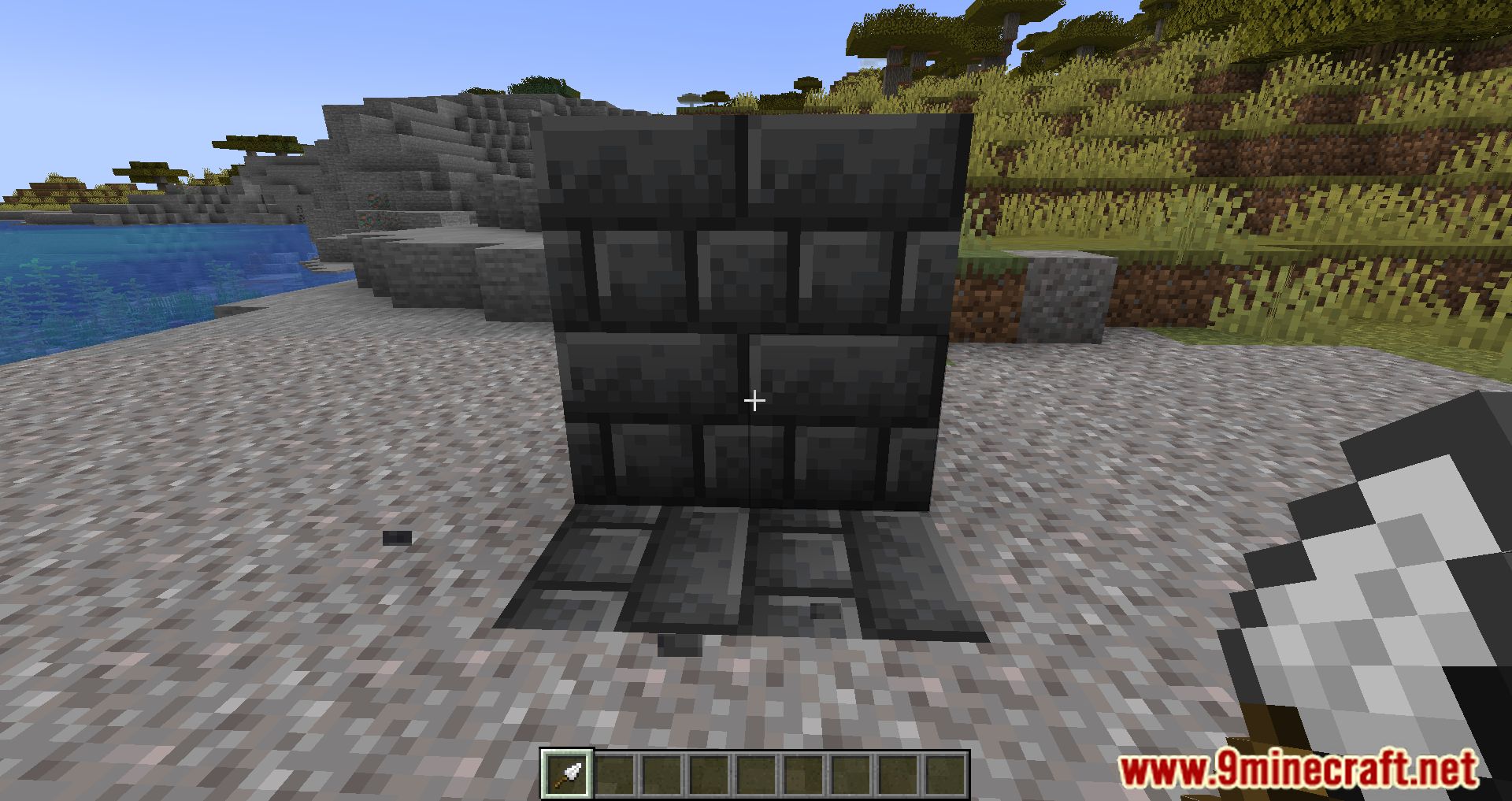
Castle Blocks Mod gives you a simple alternative to chunk claiming so you can build strong castles to protect your base. This mod adds owner-protected bricks, lockable doors, a Trowel tool, defense items like boulders and burning pitch buckets, and small decorative blocks. Only the original builder can break these bricks easily, while intruders need a diamond pickaxe and a long time to mine through them. It works well on multiplayer survival servers with PvP enabled, so you can raise sturdy forts that keep out invaders and griefers.
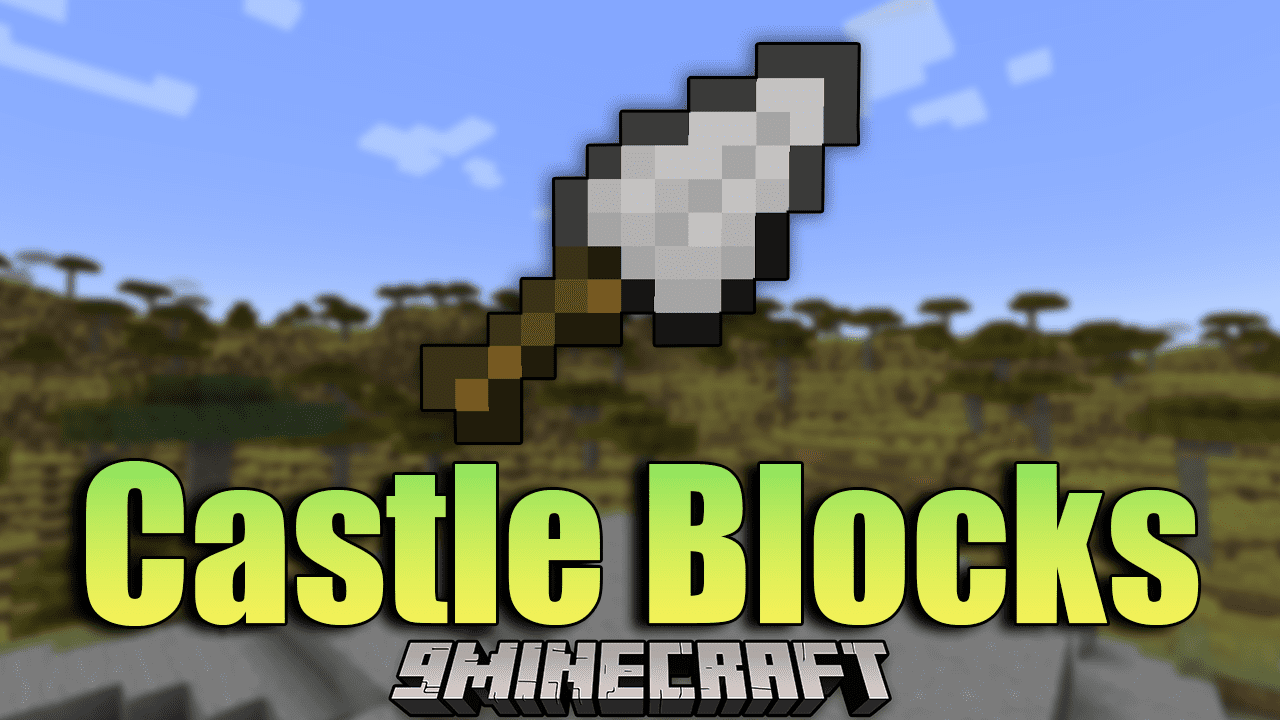
Features:
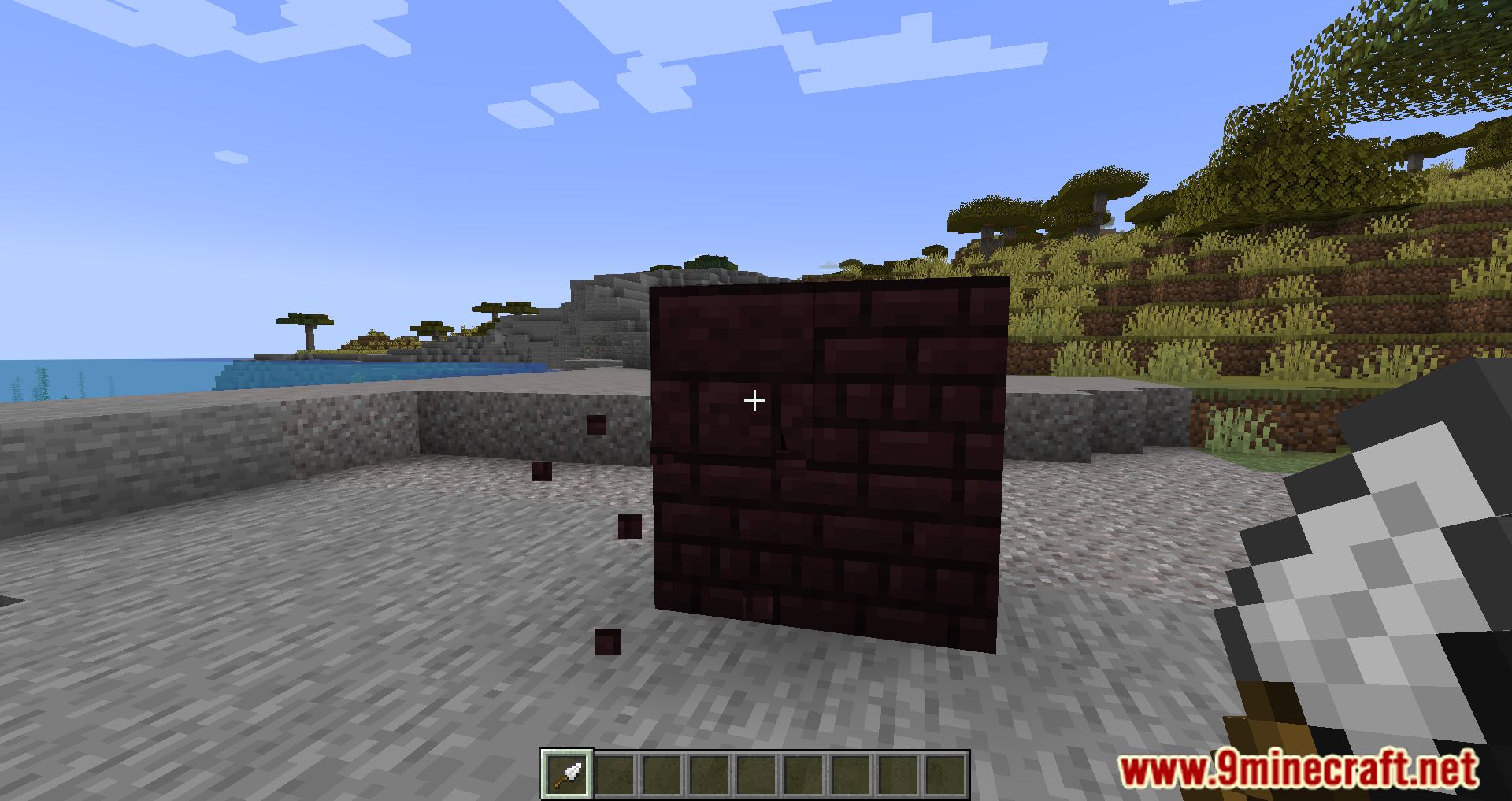
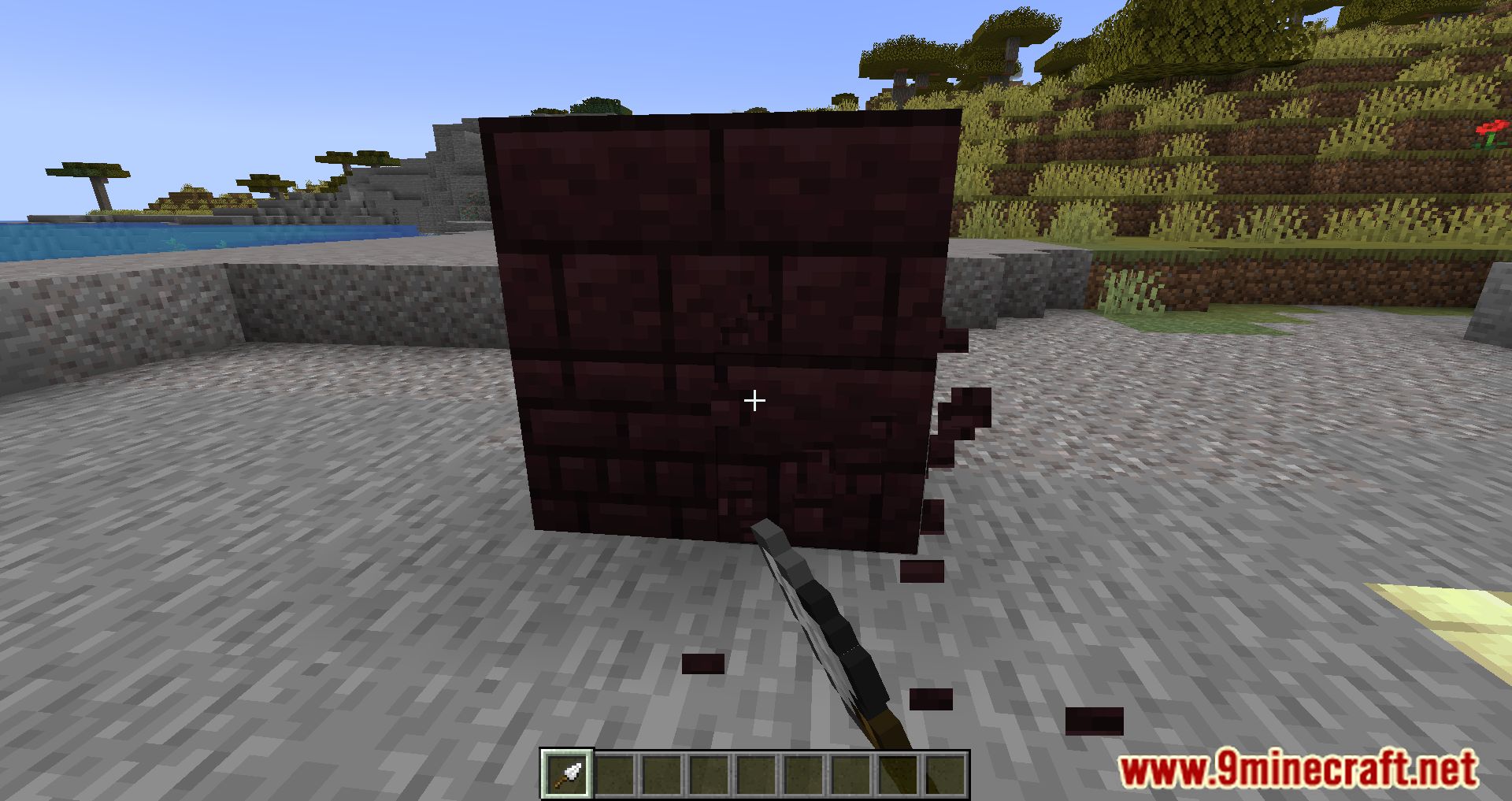
- Owner-Protected Castle Bricks: Adds special bricks that the original builder can break easily, while intruders need a diamond pickaxe and a long time to mine through them.
- Lockable Door System: Adds doors on Fabric that only open for players with the matching keys and stay tough for anyone except the original builder to break.
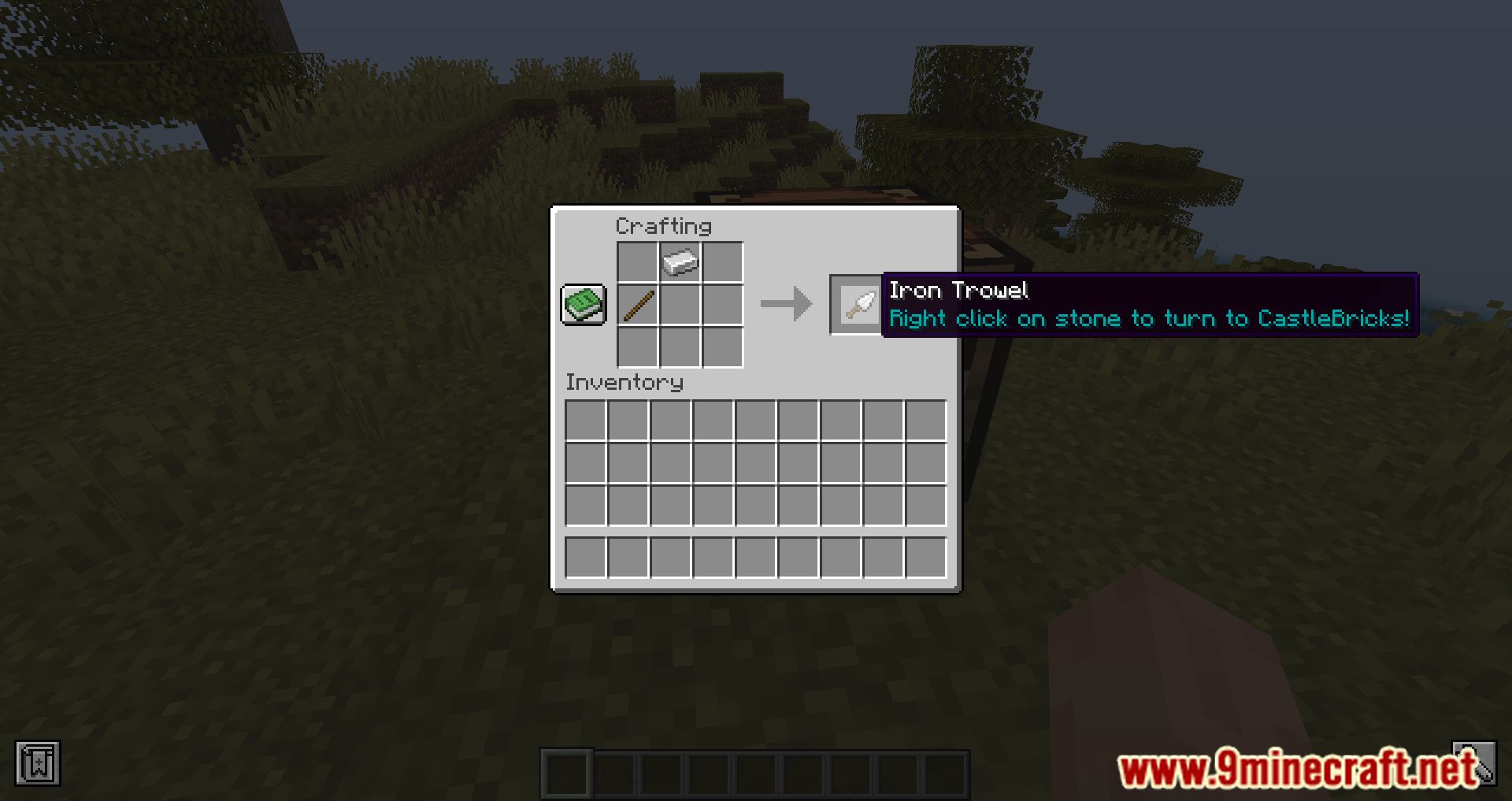
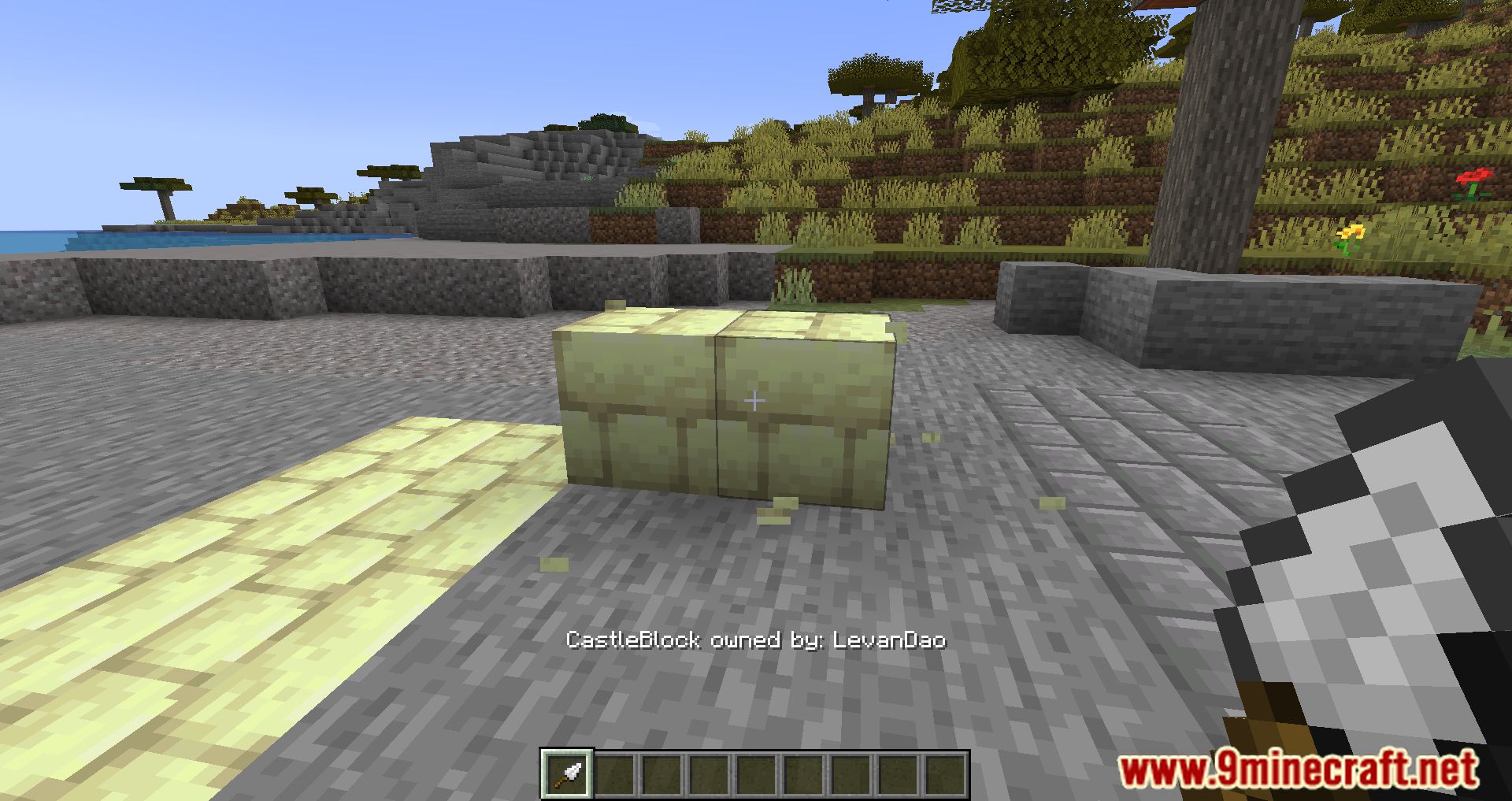
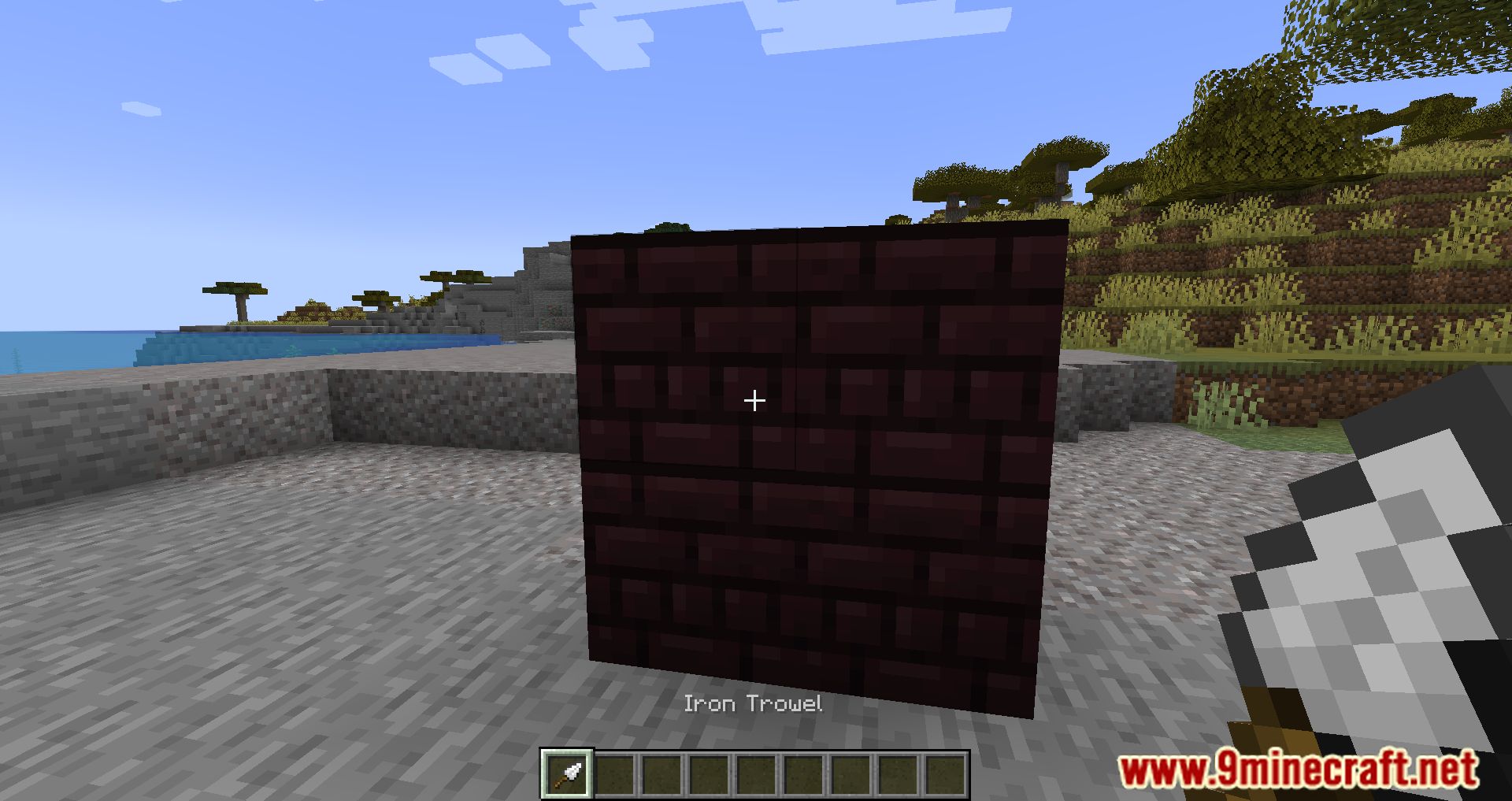
- Trowel Tool: Lets you chisel smelted stone, deepslate, and polished stone blocks like andesite, blackstone, granite, and diorite into protected Castle Bricks, as well as check who owns any placed brick.
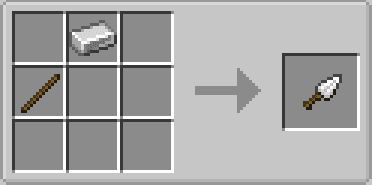
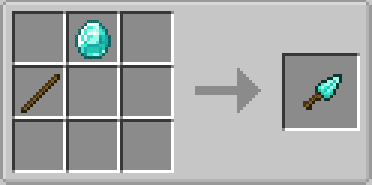
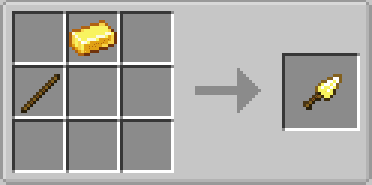
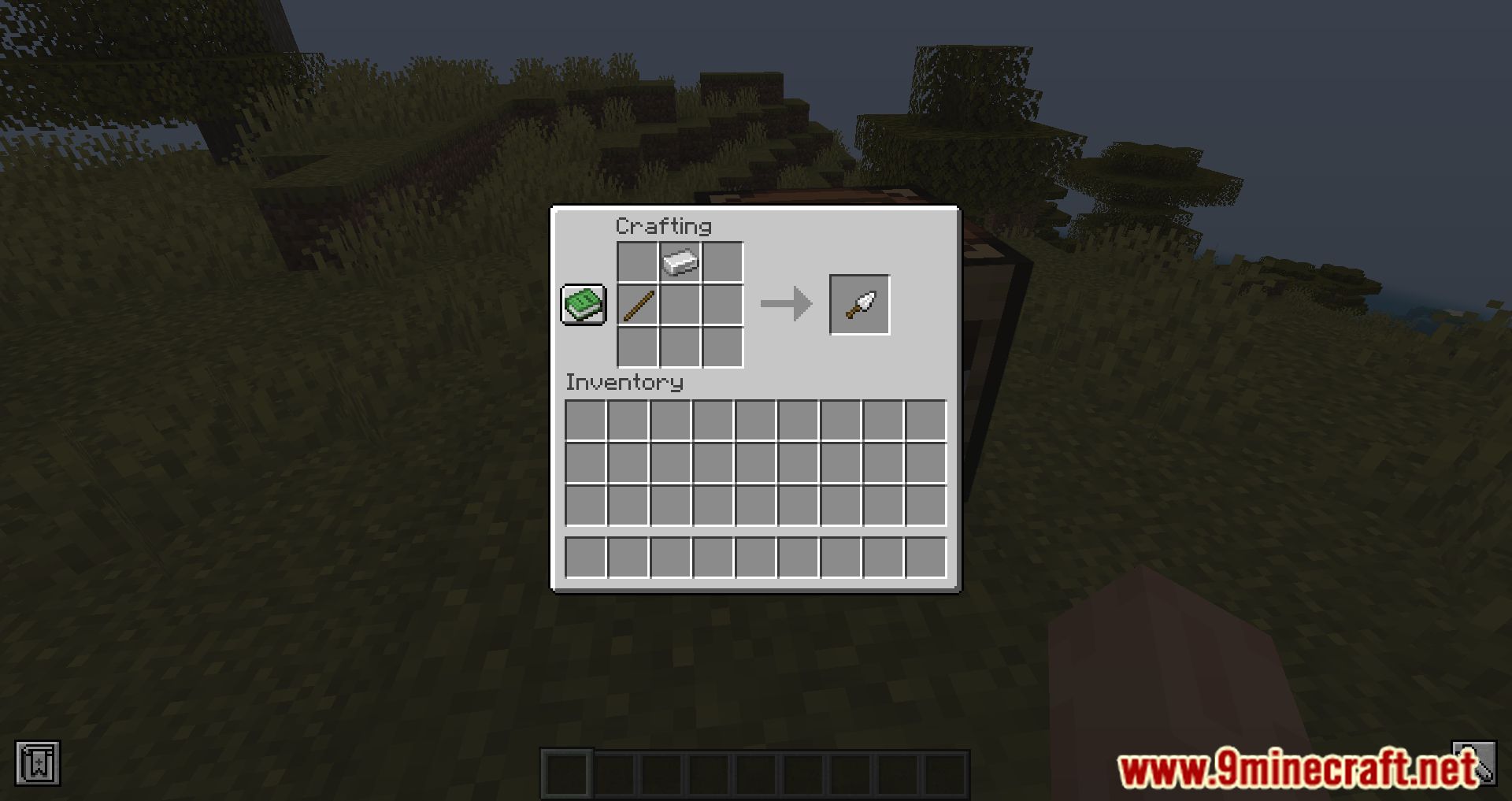
- Includes Iron, Golden, and Diamond Trowel variants crafted with a wooden stick and the matching ingot or diamond.
- Adds boulders that you can use to defend your castle in both PvP and PvE fights.
- Introduces burning pitch buckets on Fabric for extra defense during PvP and PvE battles.
- Brings small decorative items and blocks on Fabric, including a new candle variant, to improve the look of your fort.
How to Use:
- Craft an Iron, Golden, or Diamond Trowel using a wooden stick and an iron ingot, gold ingot, or diamond, or look up all recipes in-game with REI, NEI, or JEI.
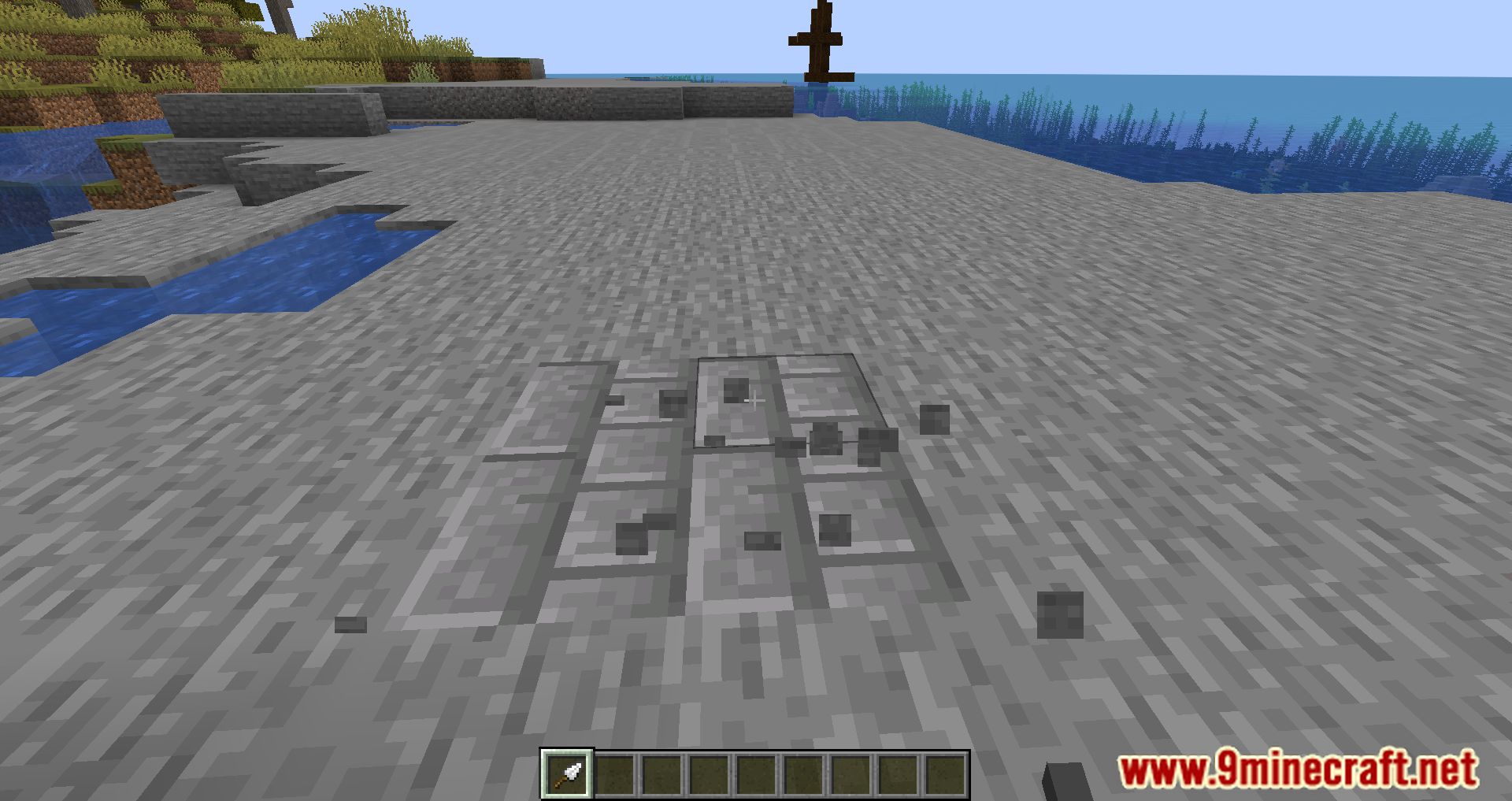
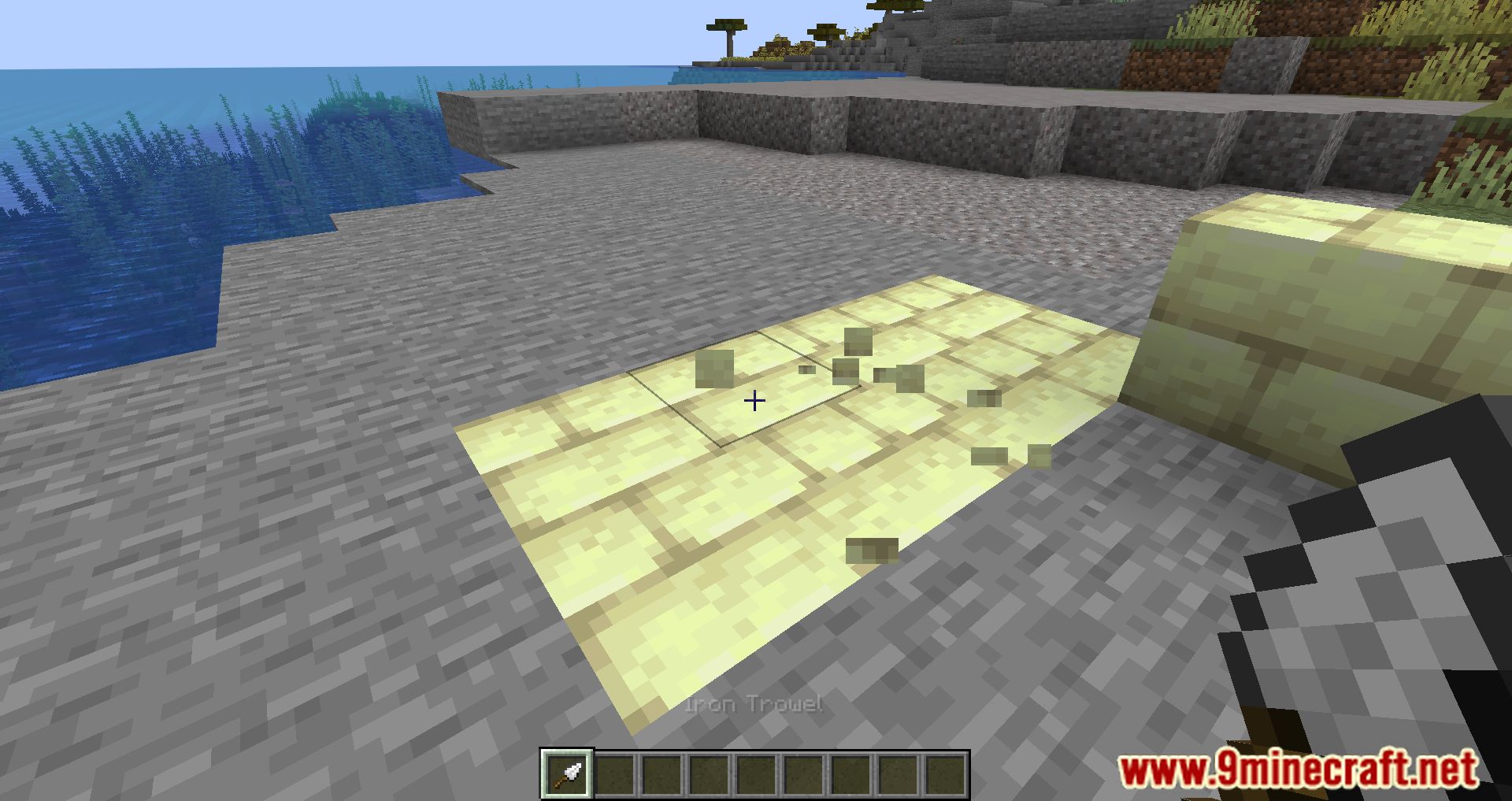
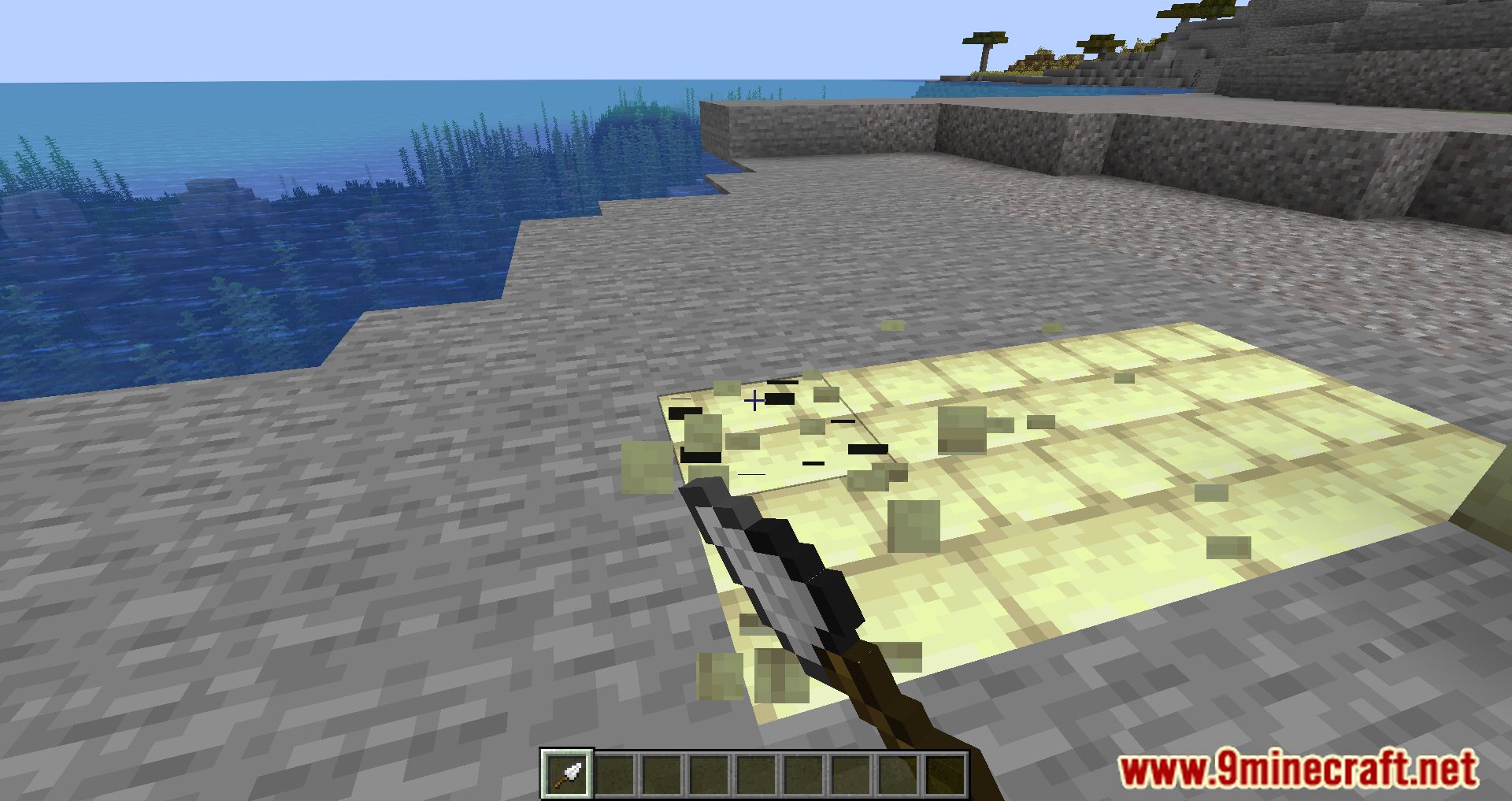
- Right-click with the Trowel on smelted stone, deepslate, or polished variants like andesite, blackstone, granite, and diorite to chisel them into protected Castle Bricks that belong to you.
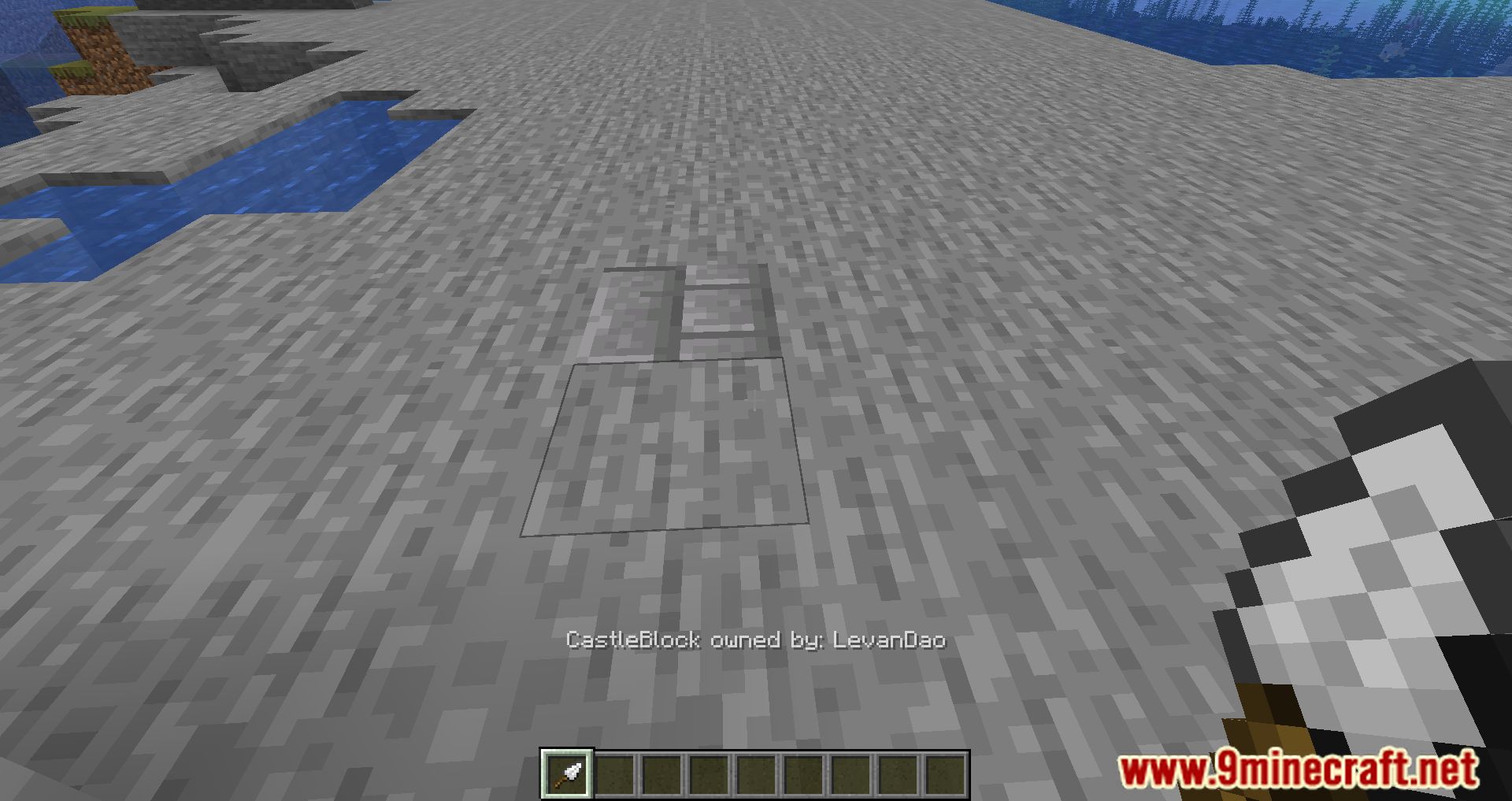
- Right-click on any placed Castle Brick with a Trowel to see which player owns it.
Crafting Recipes:
Screenshots:
How to Install:
New to Minecraft? Follow our step-by-step guide to install Mods on your PC.View Guide
Castle Blocks Mod Download Links
For Minecraft 1.16.5
Fabric version: Download from Server 1 – Download from Server 2
For Minecraft 1.18.2
Forge version: Download from Server 1 – Download from Server 2
Fabric version: Download from Server 1 – Download from Server 2
For Minecraft 1.19.1, 1.19
Fabric version: Download from Server 1 – Download from Server 2
For Minecraft 1.19.2
Forge version: Download from Server 1 – Download from Server 2
Fabric version: Download from Server 1 – Download from Server 2
For Minecraft 1.19.3
Fabric version: Download from Server 1 – Download from Server 2
For Minecraft 1.19.4
Forge version: Download from Server 1 – Download from Server 2
Fabric version: Download from Server 1 – Download from Server 2
For Minecraft 1.20.1, 1.20
Forge version: Download from Server 1 – Download from Server 2
Fabric version: Download from Server 1 – Download from Server 2
For Minecraft 1.20.2
Forge version: Download from Server 1 – Download from Server 2
For Minecraft 1.20.4
Fabric version: Download from Server 1 – Download from Server 2
For Minecraft 1.21.1, 1.21
NeoForge version: Download from Server 1 – Download from Server 2
Fabric version: Download from Server 1 – Download from Server 2
Have you ever created your own Minecraft mod or modpack, even a simple one?
41 responses · See the full results →
You May Also Like
Picked for this page
 Simple Planes Mod (1.21.1, 1.20.1) – New Vehicles, Flying
 Hunter’s Return Mod (26.3, 1.20.1) – Meet the Boomerang Illager
 Horse Statistics Mod (26.3, 1.20.1) – Attribute Display, Taming Assistance
 Towers of the Wild Modded Mod (26.2, 1.20.1) – Multiple Dimensions & Planets
 Auto Tools Mod (26.3, 1.20.1) – Smart Mining & Combat Helper
 Wireless Chargers Mod (26.3, 1.20.1) – Charging Nearby Electricities
 BedrockIfy Mod (26.2, 1.20.1) – The Game-Changer Every Minecraft Player Needs
 Fast IP Ping Mod (26.3, 1.20.1) – Fix Slow Server Ping Times
 No Telemetry Mod (26.3, 1.20.1) – Disable the Usage Data Collection
 BlossomLib Mod (26.3, 1.20.1) – Library for Blossom-Series Mods
 SmitherZ Mod (1.21.1, 1.20.1) – Custom Gem Enhancements
 Classic Minecraft Icon Mod (26.3, 1.20.1) – Bring Back The Classic Crafting Table Icon
Most viewed in Mods over the last 7 days
 Ala Industrial Mod (26.3) – Run Electric Power Grids and Automated Factories
 PleasureCraft Mod (26.3, 1.21.1) – Jenny Mod Remake for Fabric
 Jennycraft Mod (26.3, 1.20.1) – Virtual Girlfriend in Minecraft
 Fapcraft Mod (26.3, 1.12.2) – Comprehensive and Detailed Content
 Jenny Mod (Fapcraft) Official Complete Guide – How to use, Tutorial
 BangCraft Mod (1.20.1) – Jenny, Ellie and Elliot
 Fabric Loader (26.3, 1.20.1) – Fabric Installer for All Minecraft Versions
 Meteor Client Mod (26.3, 1.20.1) – Xray, HUD, Fly
 The Shooting Star Demo Mod (26.3, 1.20.1) – Vaporize Terrain From Orbit
 OptiFine HD (26.3, 1.20.1) – Run Faster, FPS Boost, Shaders Support
 Aristois Client Mod (1.21.4, 1.20.1) – World Class Minecraft Utility
 Prestige Client Mod (1.21.11, 1.21.4) – Powerful Ghost Features for Crystal & Sword PvP
More from Mods
 Seed Map for Xaero Mod (26.1) – See Rare Biomes and Dungeons Before You Travel
 MCPersist Mod (26.3) – Keep Your World Online for Friends Even After Logging Off
 Minecraft Java MCP Server Mod (1.21.11) – Command Your World Through External AI Tools
 Arcanism Mod (26.2) – Build Magic Factories and Program Custom Spells
 Archangel Client Mod (1.21.11) – Master Every PvP Duel with Clean Screen Stats
 Block Front Survival Patch Mod (1.21.1) – Wage Tactical Warfare in Survival
 Better Enchantment Bookshelf Placement Mod (26.2, 1.20.1)
 SimpleRPGCore Mod (1.21.4, 1.21.1) – Fight with Classic RPG Stats
 Bard RPG Series Plus by Fichte Mod (1.21.1, 1.20.1) – Buff Allies in Combat
 Fabric Gui ImGui Mod (26.3, 1.21.11) – Clean Custom Menus and In-Game Control
 Multi Item Lib Mod (1.20.1) – Wield Custom Gear with Flawless Hand Animations
 Universe3090 Mod (1.20.1) – Survive Corrupted Dimensions Filled

This post has no comments yet. Be the first — your comment will appear here.