Home » MCPE/Bedrock » MCPE Shaders
A Minecraft PE shader is a modification that enhances the game’s graphics, making it look more realistic and visually appealing. Shaders can improve various aspects of the game, such as lighting, shadows, water effects, and overall color vibrancy. By applying these shaders, players can transform their Minecraft world into a more immersive and beautiful experience. Are you looking to install a shader pack for your Minecraft PE? Then this is a list of all the best shaders for MCPE.
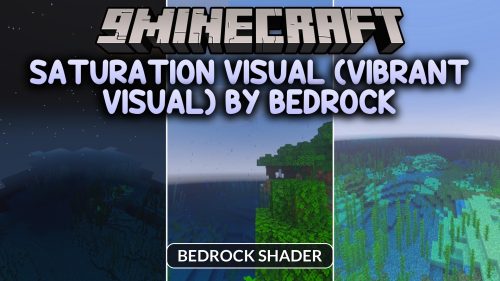
SATURATION VISUAL (VIBRANT VISUAL) by bedrock enhances your world by boosting color saturation and brightness.…
1
August 24, 2026
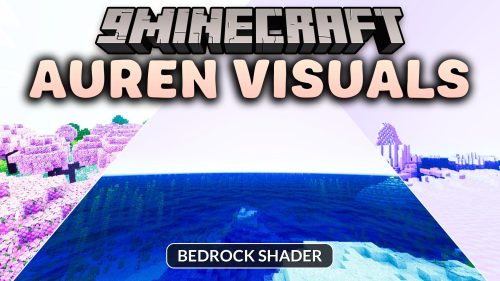
Auren Visuals brings a warm and saturated look to your Minecraft Bedrock world. It enhances…
3
August 24, 2026
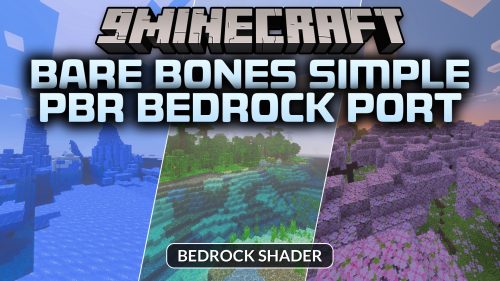
Bare Bones Simple PBR Bedrock Port brings clean trailer-style visuals and PBR materials to your…
2
August 24, 2026
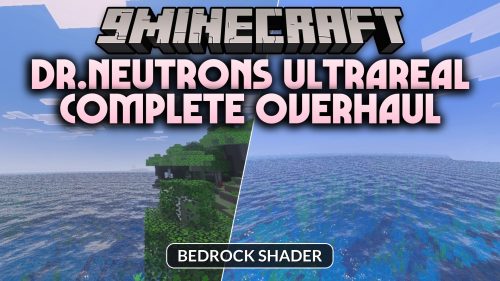
Dr.Neutrons UltraReal Complete Overhaul revamps your world with realistic survival workstations, dynamic liquid effects, and…
2
August 24, 2026
Glowing Ores Plus adds bright glowing effects to all ore blocks to help you see…
4
August 24, 2026
PandaMine's Enhanced Grass brings popular visual grass variations to your Bedrock world. It lets you…
0
August 24, 2026
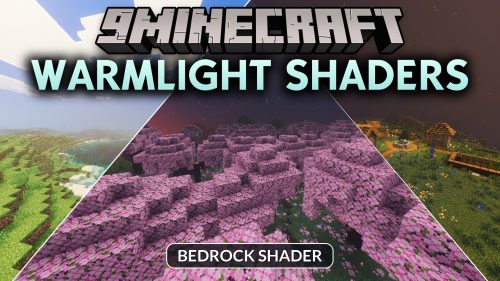
WarmLight transforms your Bedrock world with sun-drenched lighting, dynamic skies, and soft volumetric sunbeams. It…
2
August 24, 2026
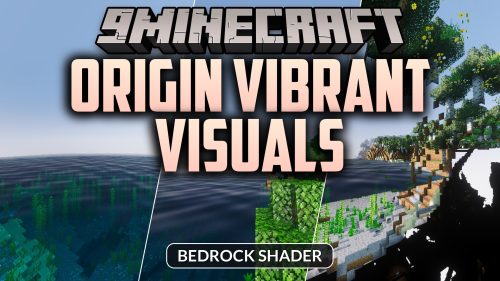
Origin Vibrant Visuals enhances your Bedrock world with radiant lighting, soft fog, and detailed greenery.…
1
August 24, 2026
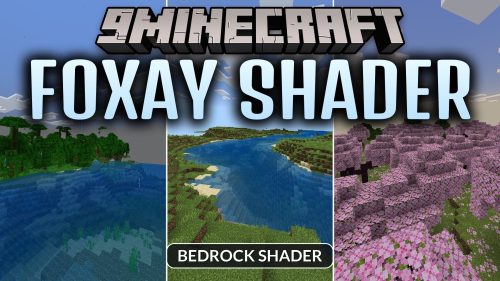
Foxay brings a fresh visual upgrade to your Minecraft Bedrock worlds with improved lighting effects.…
10
August 23, 2026
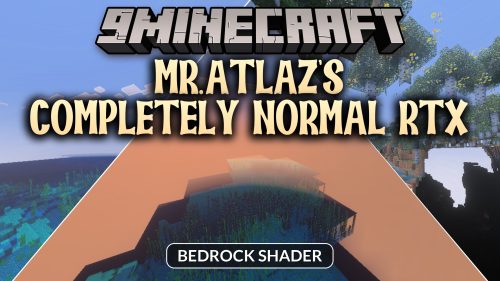
Mr.Atlaz's COMPLETELY NORMAL RTX brings detailed 32x normal maps to classic 16x textures in Minecraft…
8
August 23, 2026
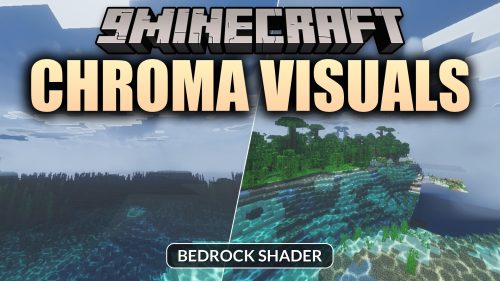
Chroma visuals brings vibrant colors and realistic lighting to your Minecraft Bedrock worlds. It enhances…
27
August 23, 2026
Better Waving Leaves brings smooth wind animations to foliage and plants across your Minecraft world.…
7
August 23, 2026
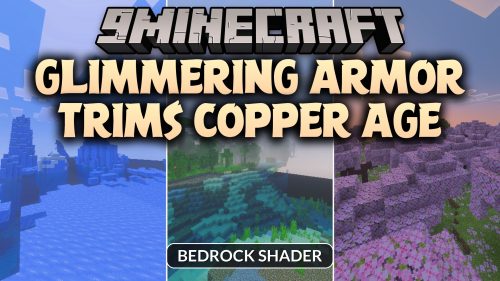
Glimmering Armor Trims Copper Age makes your trimmed armor pieces glow brightly in dark areas…
8
August 23, 2026
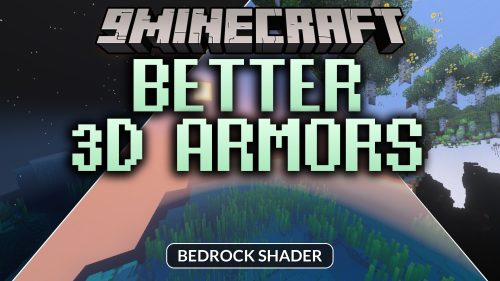
Better 3D Armors replaces flat armor visuals with fully modeled 3D gear for every tier…
8
August 23, 2026
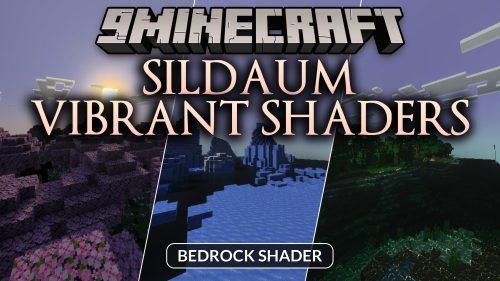
Sildaum Vibrant enhances your world with majestic sunrise and sunset visuals. It brings warm color…
16
August 23, 2026



 1
1
 0
0