
Compass Coords Mod (1.20.1, 1.19.2) – Track Coordinates in Hand
 3,907
 0


Compass Coords Mod lets you see your coordinates and facing direction right on your screen when you hold a compass. It works when the compass sits in your main hand or your off-hand, and the info appears in the bottom left corner. This mod gives you a fair way to check your location when you play with reduced debug info turned on. It runs on the client side only and does not go on the server.
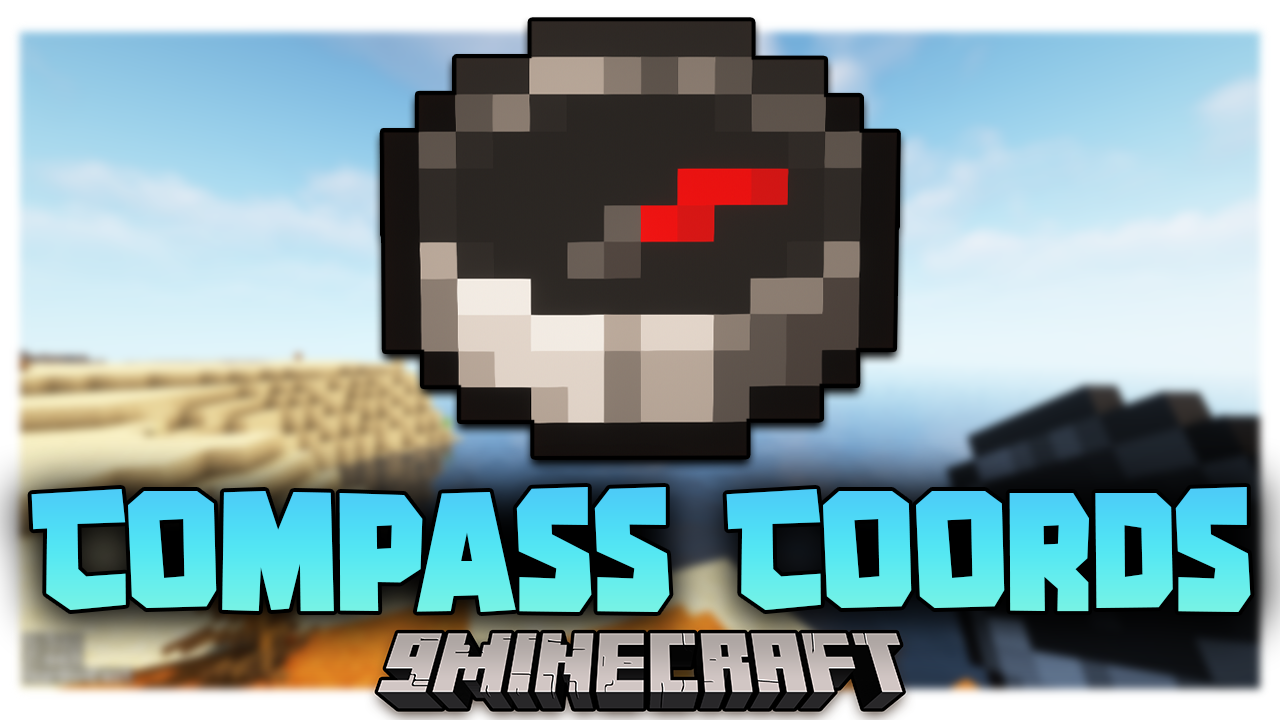
Features:
- Shows your coordinates and the direction you face in the bottom left corner of your screen.
- Works right away when you hold a compass in your main hand or your off-hand.
- Hides your height (Y coordinate) by default.
- Gives you a fair way to find your location when you play with reduced debug info turned on.
- Runs on the client side only and cannot be installed on a server, so you only need it on your own game.
How to Use:
- Hold a compass in your main hand or put it in your off-hand slot to turn on the display.
- Look at the bottom left corner of your screen to see your coordinates and the direction you face.
Screenshots:
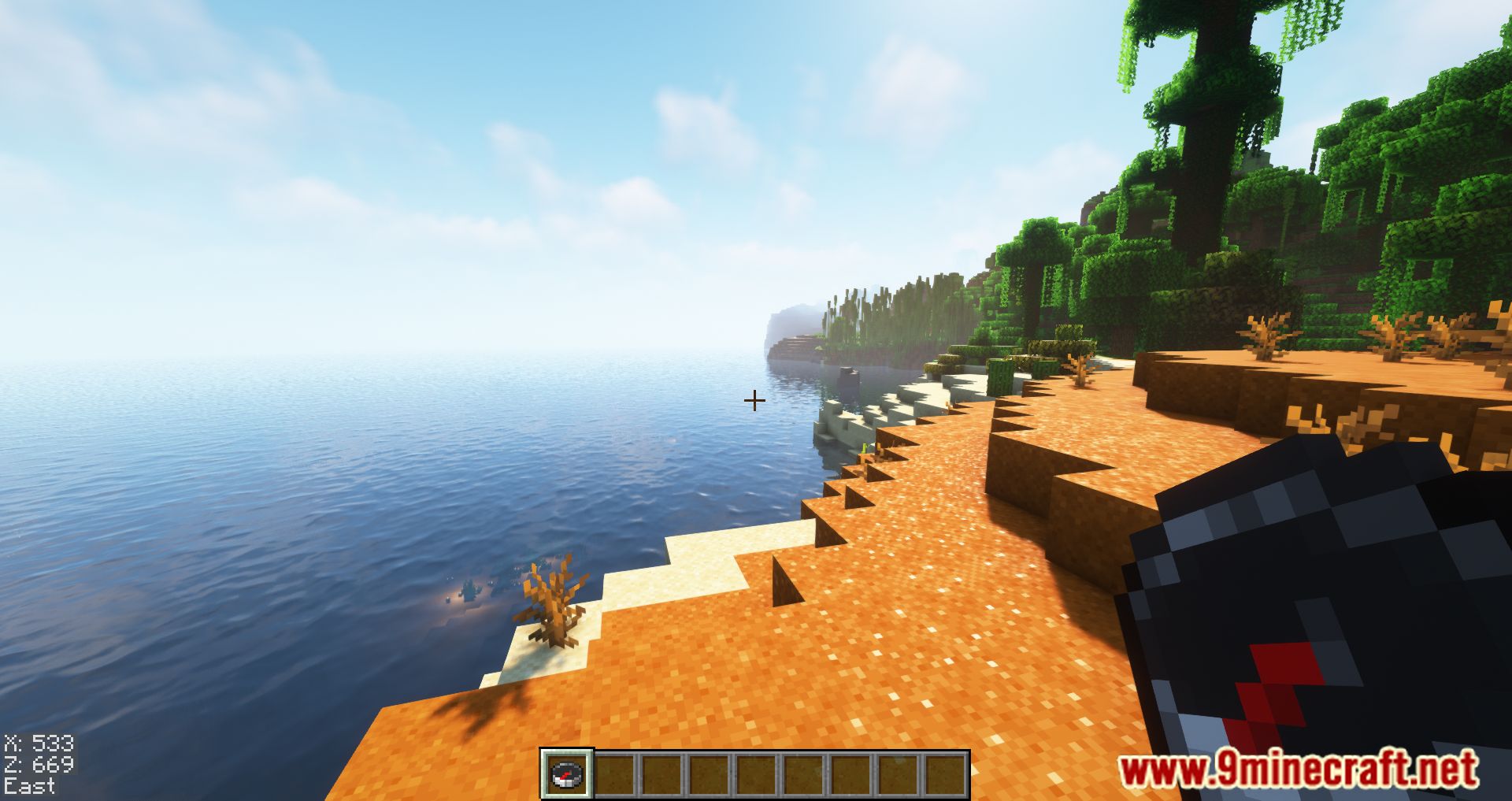
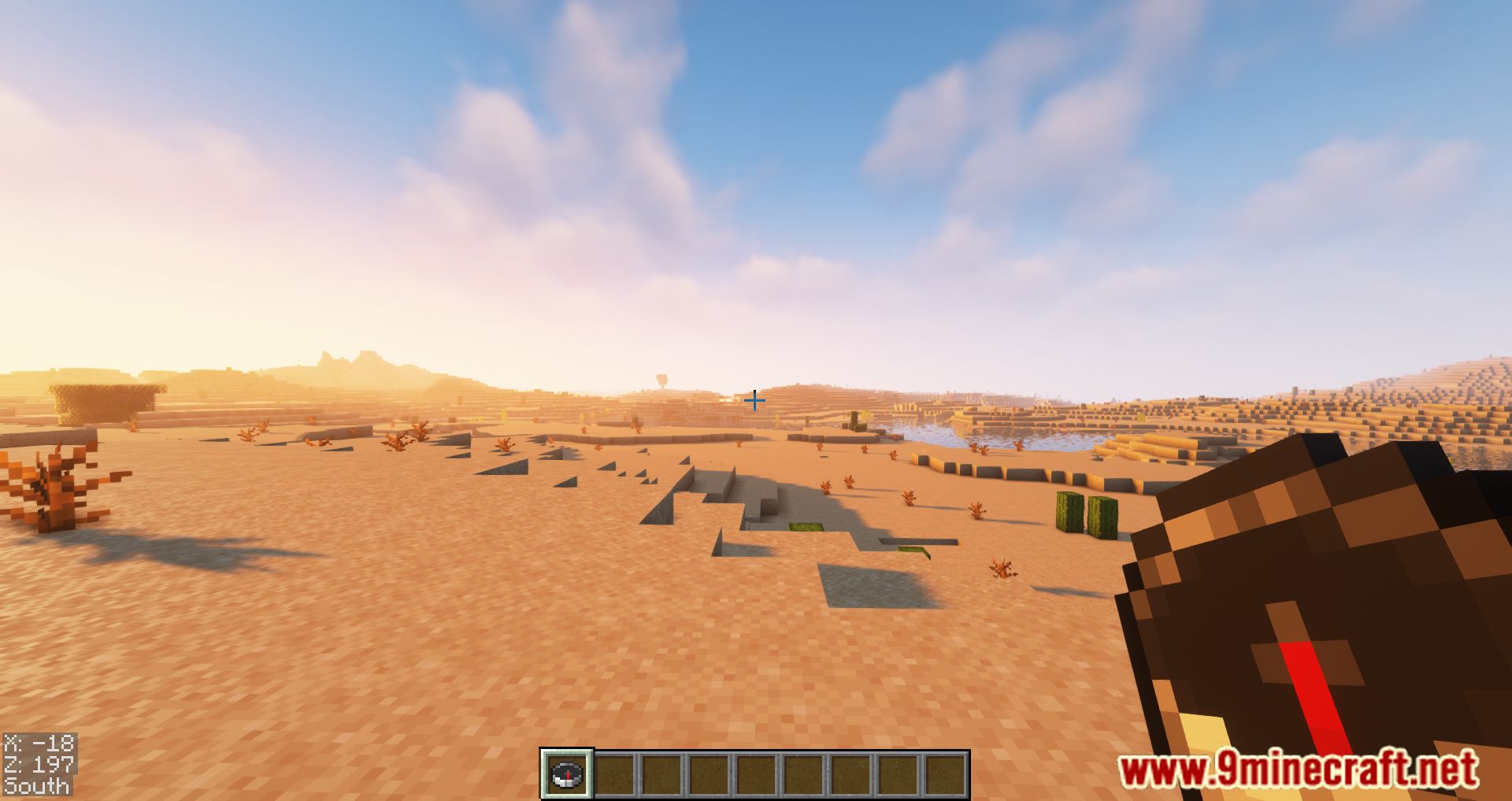
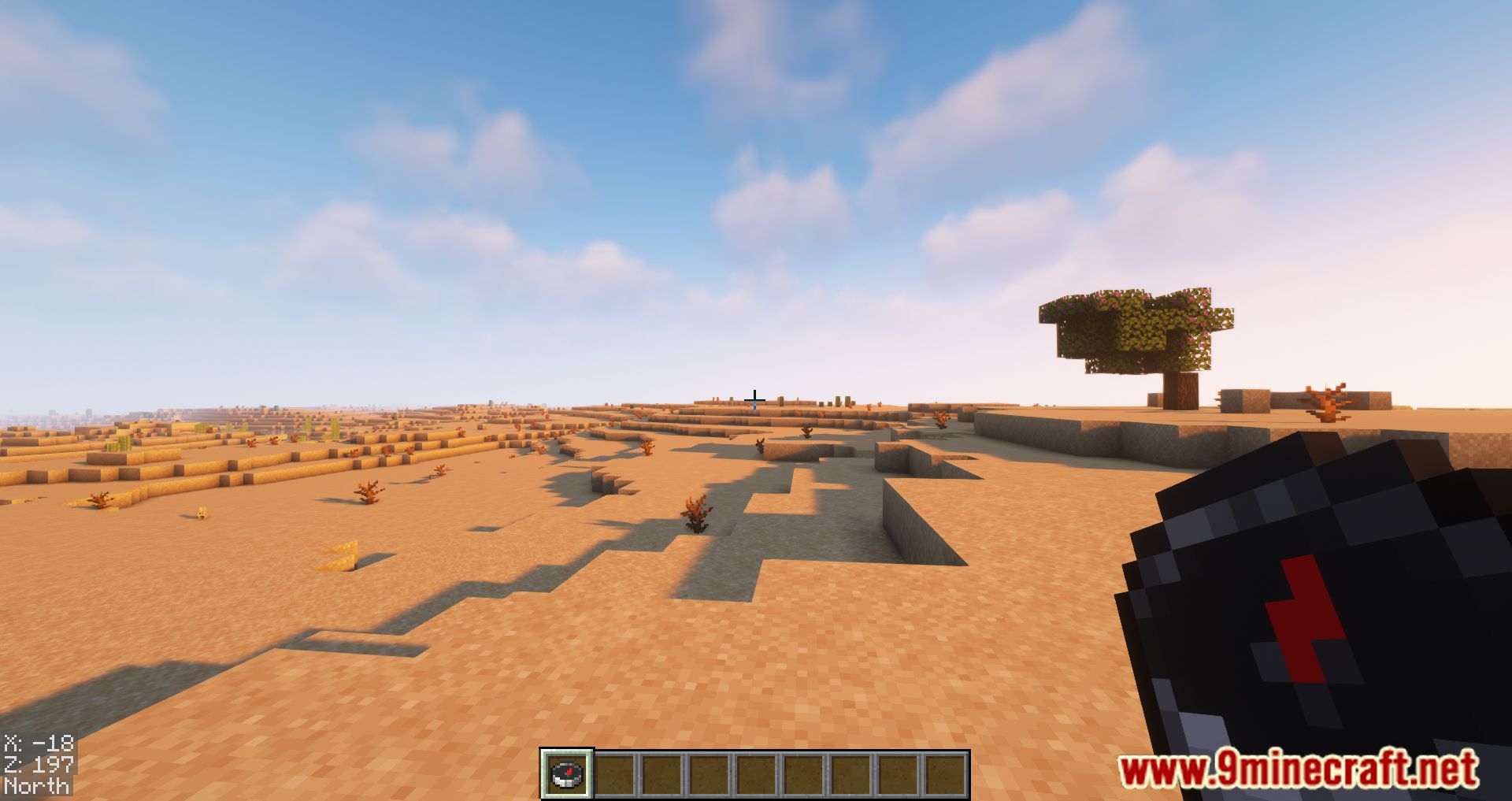
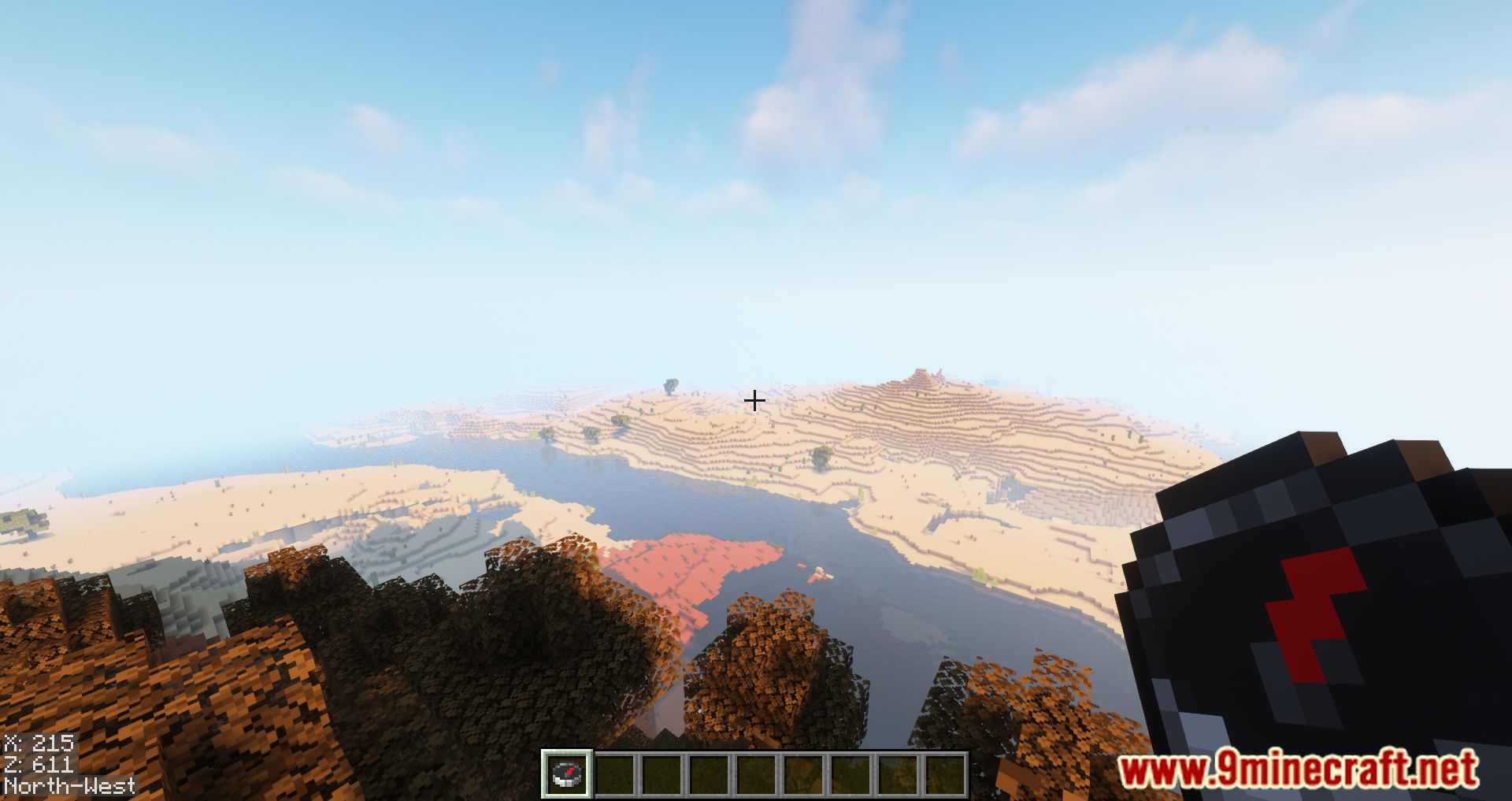
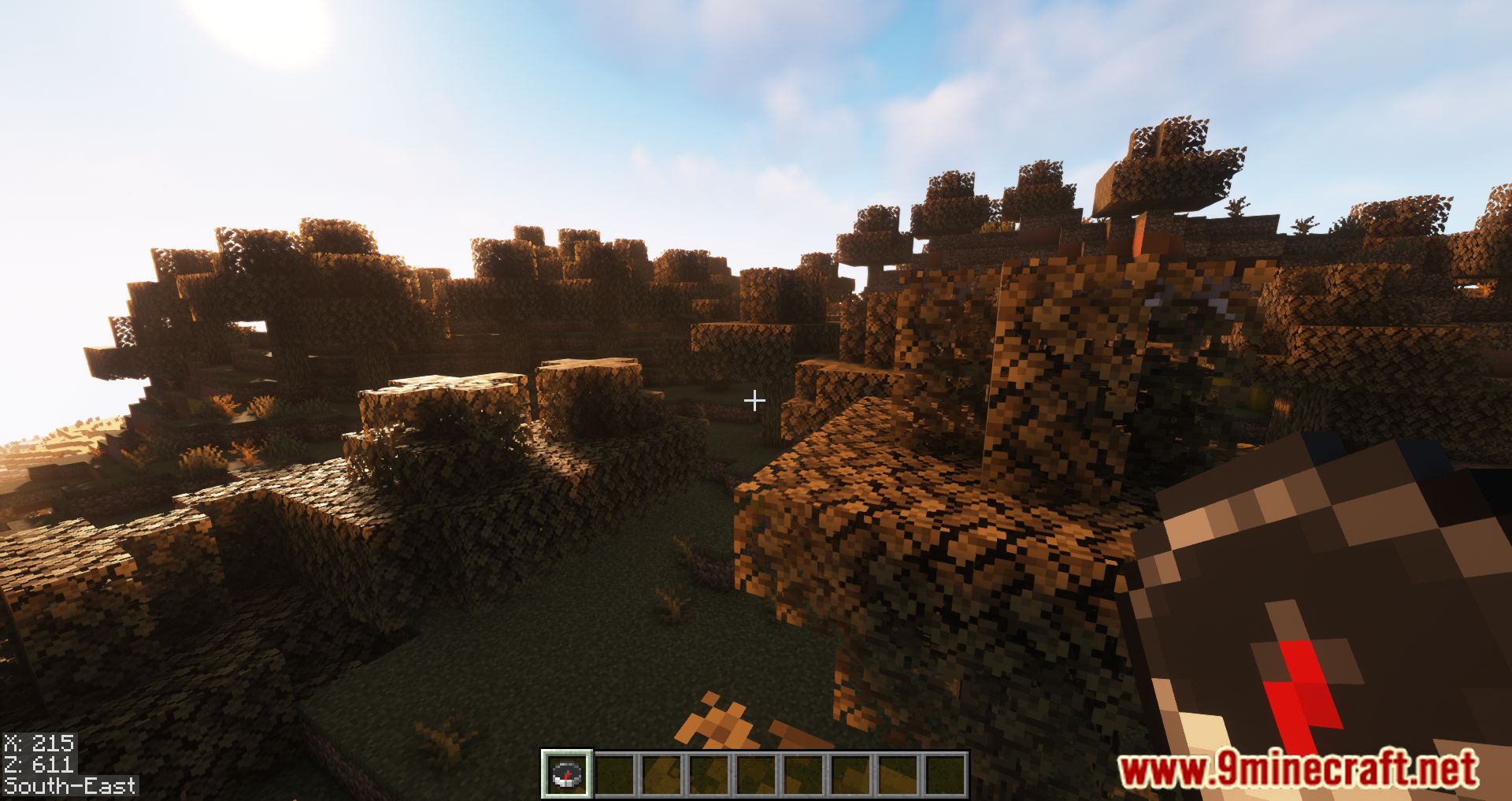
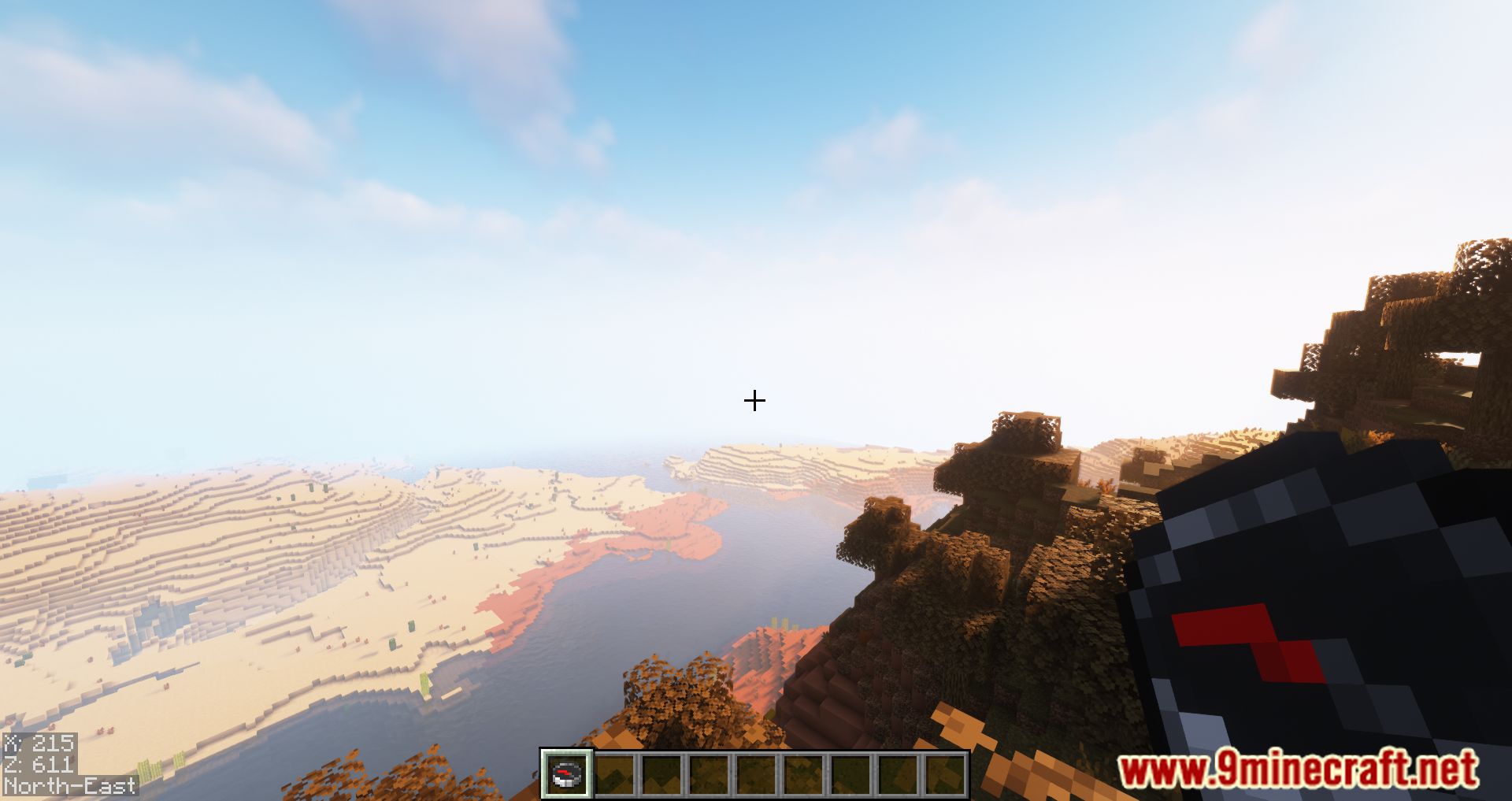
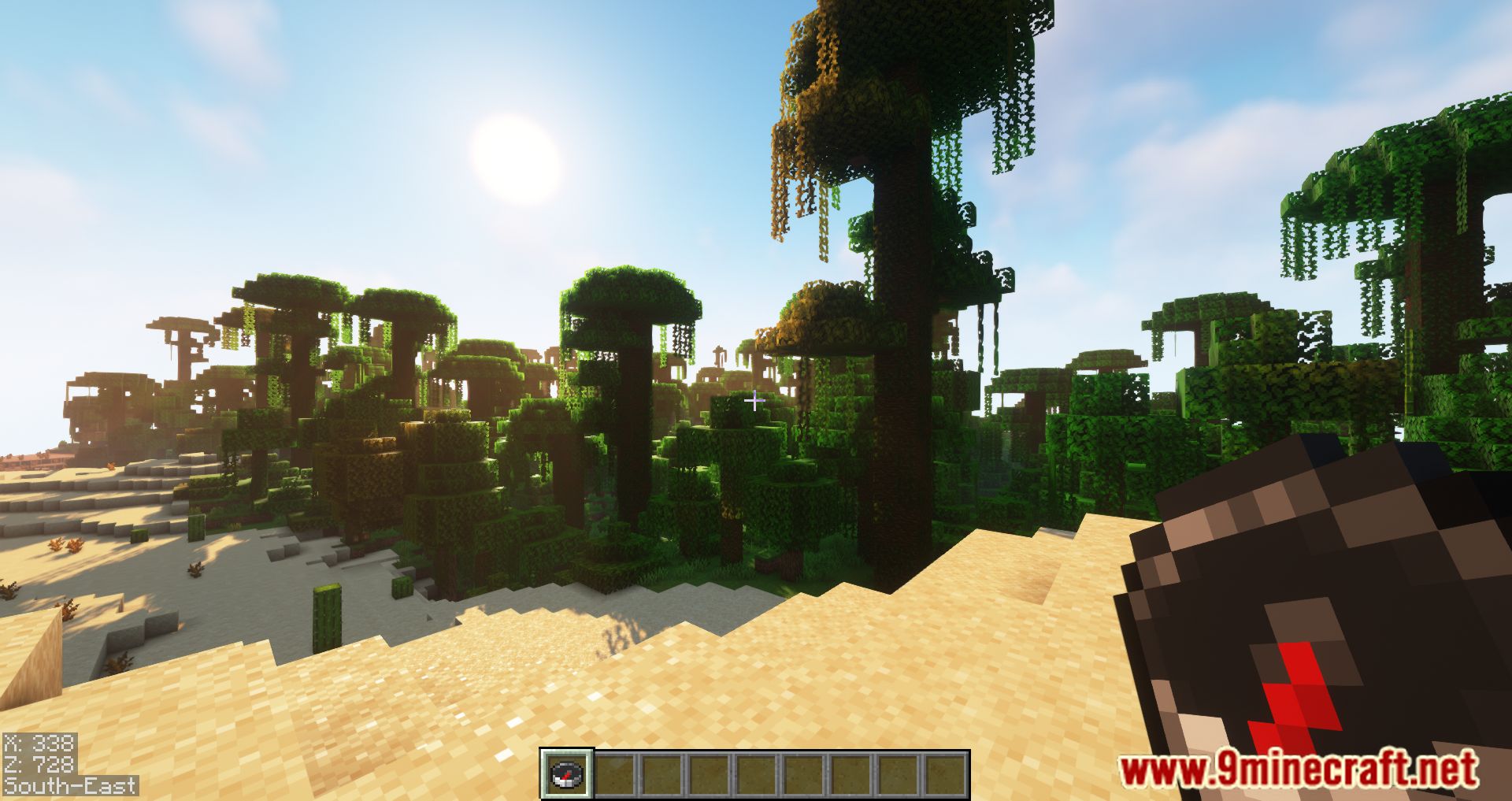
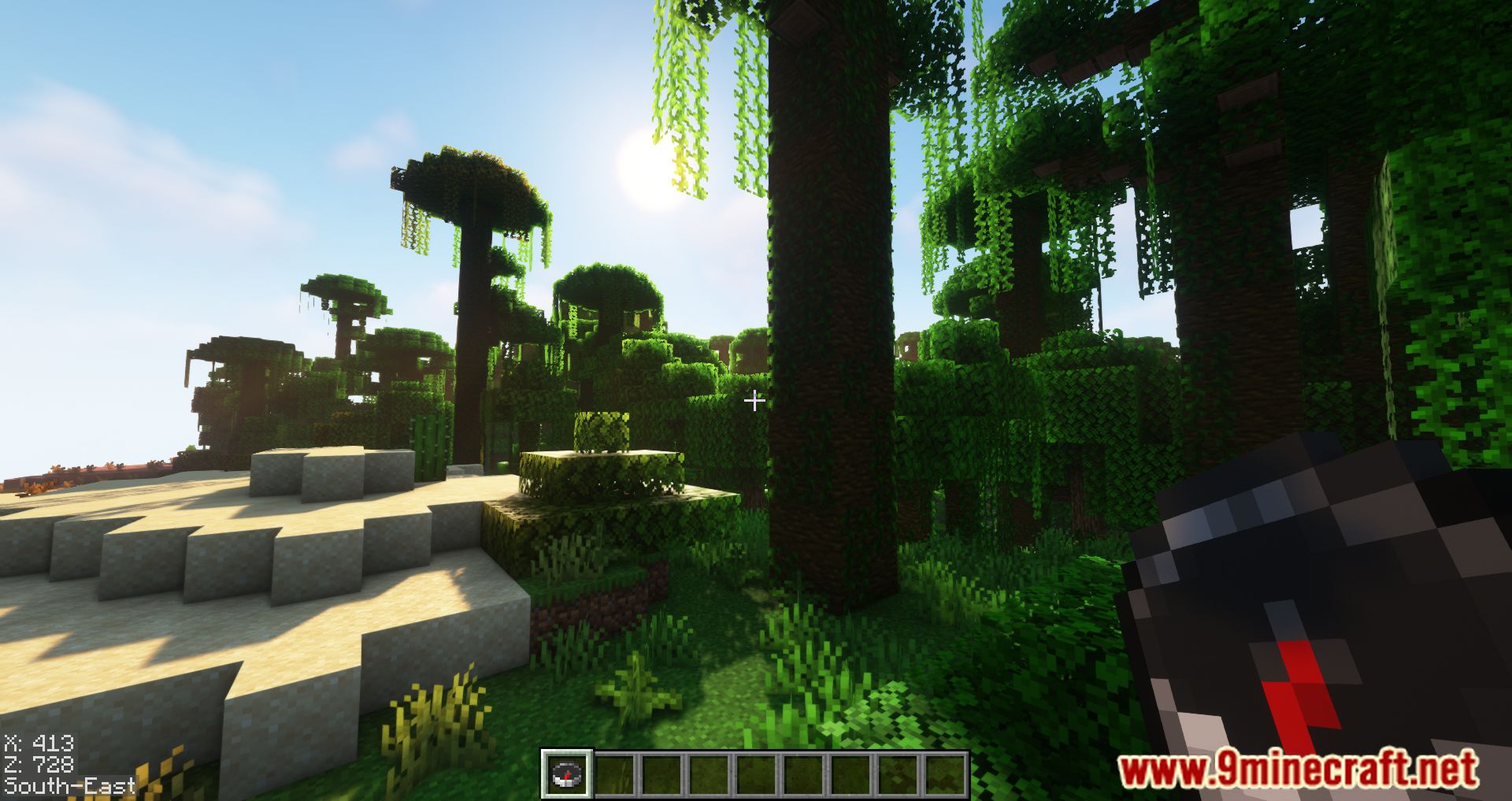
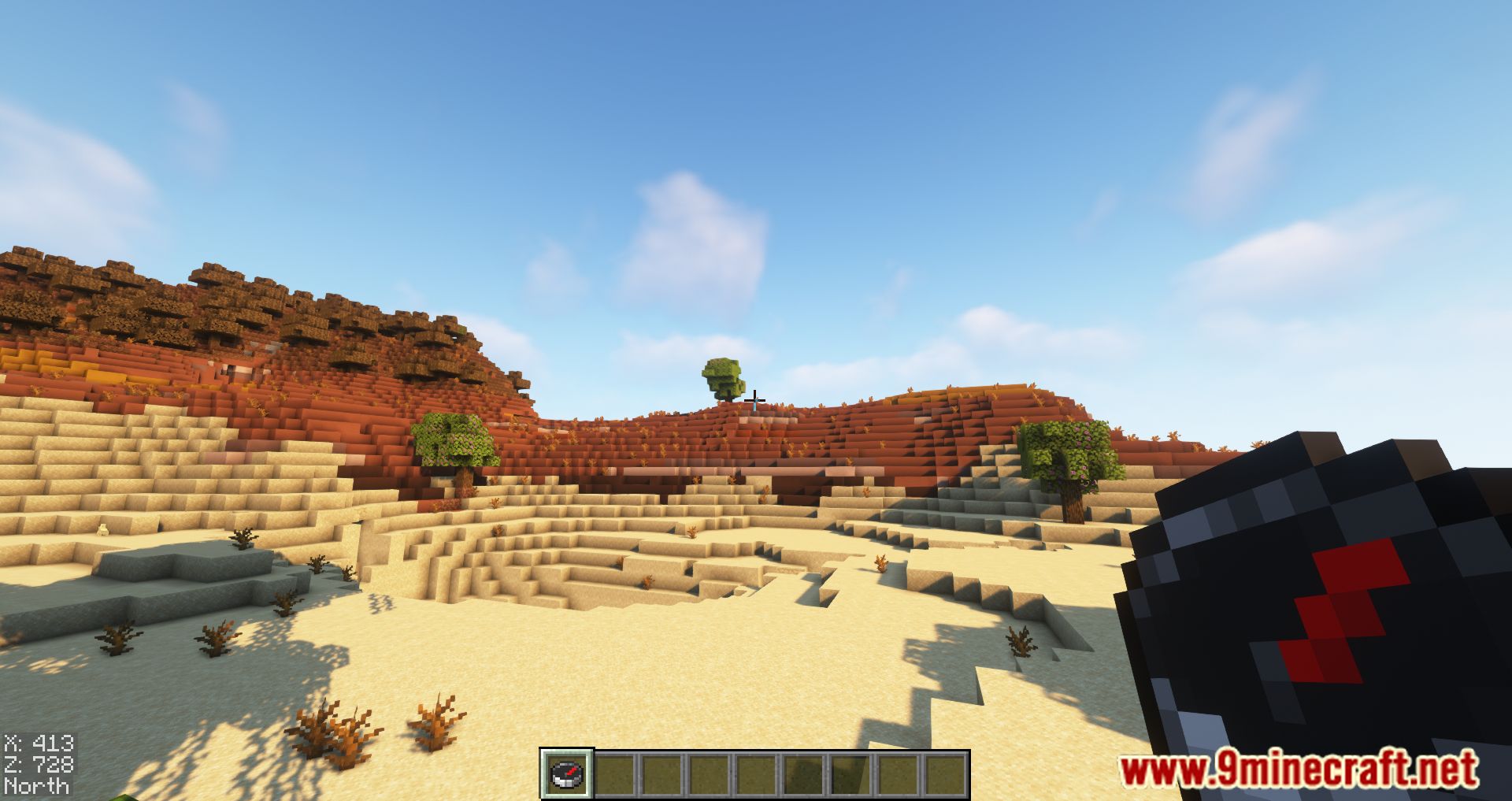
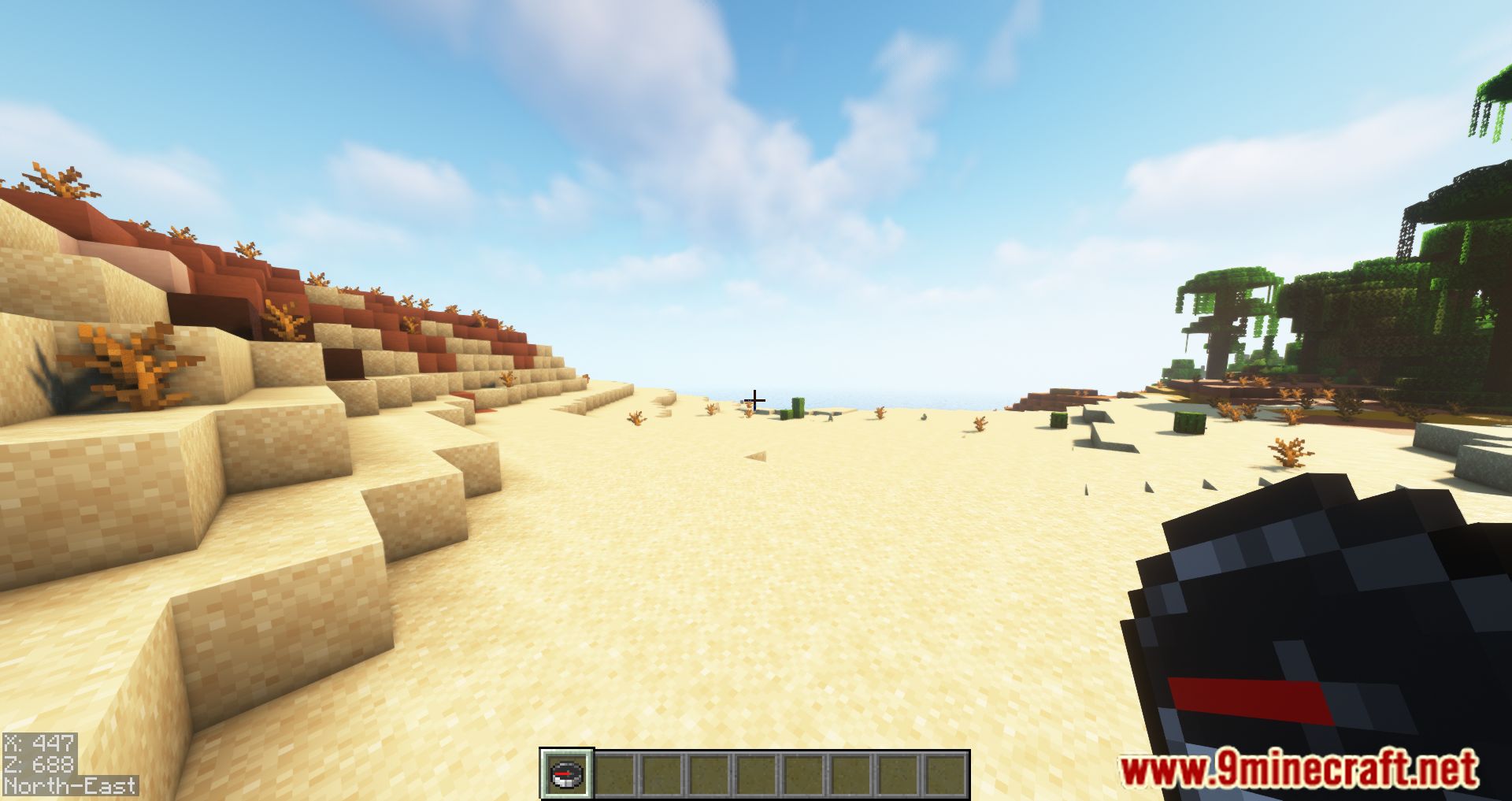
How to Install:
New to Minecraft? Follow our step-by-step guide to install Mods on your PC.View Guide
Compass Coords Mod Download Links
For Minecraft 1.20.1, 1.20
Forge Version: Download from Server 1 – Download from Server 2
For Minecraft 1.19.3, 1.19.2, 1.19.1
Forge Version: Download from Server 1 – Download from Server 2
For Minecraft 1.18.2, 1.18.1
Forge Version: Download from Server 1 – Download from Server 2
For Minecraft 1.16.5
Forge Version: Download from Server 1 – Download from Server 2
For Minecraft 1.15.2
Forge Version: Download from Server 1 – Download from Server 2
For Minecraft 1.14.4
Forge Version: Download from Server 1 – Download from Server 2
Have you ever created your own Minecraft mod or modpack, even a simple one?
41 responses · See the full results →
You May Also Like
Picked for this page
 Chisels & Bits Mod (26.1.2, 1.20.1) – The Ultimate of Building Tool
 World Handler – Command GUI Mod (1.21.11, 1.20.1)
 Bottle Your Xp Mod (26.3, 1.20.1) – Store Your Experience in Glass Bottles
 Crafting Tweaks Mod (26.3, 1.20.1) – Extra Functions of Crafting Tables
 Fire Spread Tweaks Mod (26.3, 1.20.1) – Disables Default Fire Spread
 Simply No Shading Mod (26.2, 1.20.1) – Uniform Brightness Across All Blocks
 Coords Mod (26.3, 1.20.1) – Shows Player Coordinates In Overlay
 Distracting Trims Mod (26.3, 1.20.1) – No More Piglin Attacks!
 Pepsi’s Super Hopper Mod (26.2, 1.21.11) – 8x Faster Than A Hopper
 Dye All The Things Mod (26.3, 1.20.1) – Ultimate Armor Dyeing Mod
 Ceramics Mod (1.20.1) – Clay Becomes Your First Gear
 Choose Dimension Mod (26.2, 1.21.11) – Select Your Starting Dimension
Most viewed in Mods over the last 7 days
 Ala Industrial Mod (26.3) – Run Electric Power Grids and Automated Factories
 PleasureCraft Mod (26.3, 1.21.1) – Jenny Mod Remake for Fabric
 Jennycraft Mod (26.3, 1.20.1) – Virtual Girlfriend in Minecraft
 Fapcraft Mod (26.3, 1.12.2) – Comprehensive and Detailed Content
 Jenny Mod (Fapcraft) Official Complete Guide – How to use, Tutorial
 BangCraft Mod (1.20.1) – Jenny, Ellie and Elliot
 Fabric Loader (26.3, 1.20.1) – Fabric Installer for All Minecraft Versions
 The Shooting Star Demo Mod (26.3, 1.20.1) – Vaporize Terrain From Orbit
 Meteor Client Mod (26.3, 1.20.1) – Xray, HUD, Fly
 OptiFine HD (26.3, 1.20.1) – Run Faster, FPS Boost, Shaders Support
 Aristois Client Mod (1.21.4, 1.20.1) – World Class Minecraft Utility
 Prestige Client Mod (1.21.11, 1.21.4) – Powerful Ghost Features for Crystal & Sword PvP
More from Mods
 BCLib 9minecraft Mod (26.3, 26.2) – Power Custom Nether and End Overhauls
 ForgedLoaderAPI Mod (1.19.2, 1.18.2) – Bring Ported Fabric Creations
 Shield System Mod (1.21.1) – Tank Heavy Monster Hits Without Losing Hearts
 Shin’s Tensura Race Models Mod (1.19.2) – Play As Unique 3D Anime Race
 Offgrid Mod (26.3, 1.20.1) – Furnish Compact Interiors Without Strict Grid
 Tempest Almanac Iron’s Spells ‘n Spellbooks Mod (1.21.1, 1.20.1)
 Chat Guides Mod (26.3, 1.21.11) – Never Memorize Complex Server Commands Again
 TRMT Reimagined the Roads More Travelled Mod (26.3, 1.20.1)
 Morrowless Mod (1.21.1) – Defend Your Shelter From Nightmare Creatures
 THE SLOPSTROSITY Mod (1.21.1) – Battle a Ridiculous Slime Boss
 Decoween Mod (1.21.1, 1.20.1) – Transform Ordinary Survival Bases
 Simply Light 9minecraft Mod (26.3) – Decorate Builds Without Torches

This post has no comments yet. Be the first — your comment will appear here.