


Cosmetica Mod (26.1.2, 1.20.1) – Free Custom Capes and Cosmetics
 24,572
 0
0
 April 15, 2026
 eyezah, valoeghese
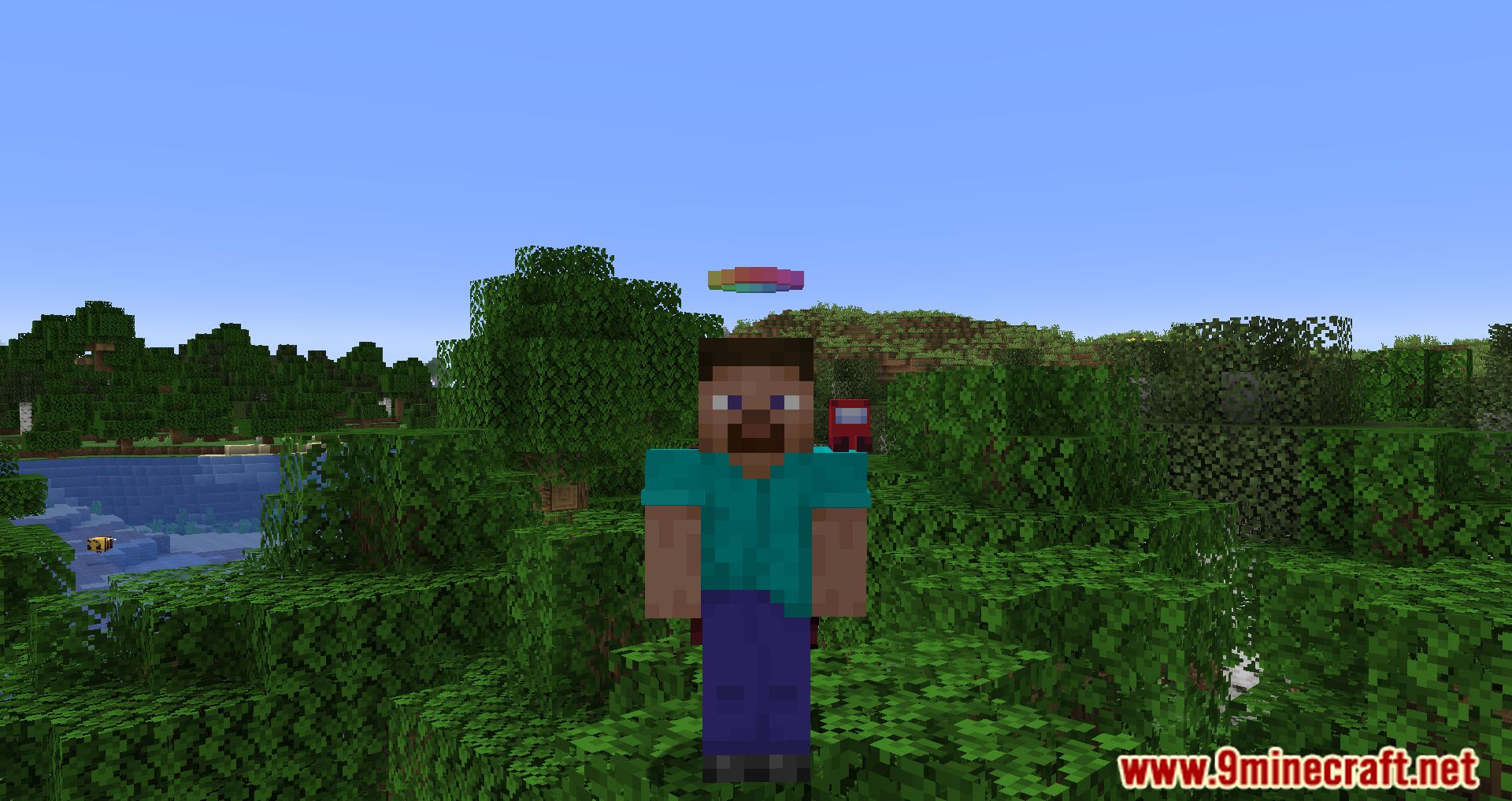
Cosmetica Mod allows players to customize their skins on a whole new level using capes, hats, shoulder accessories, and much more! You can browse, download, and apply cosmetics and sets directly in the game, with extensive options for flexible customization.
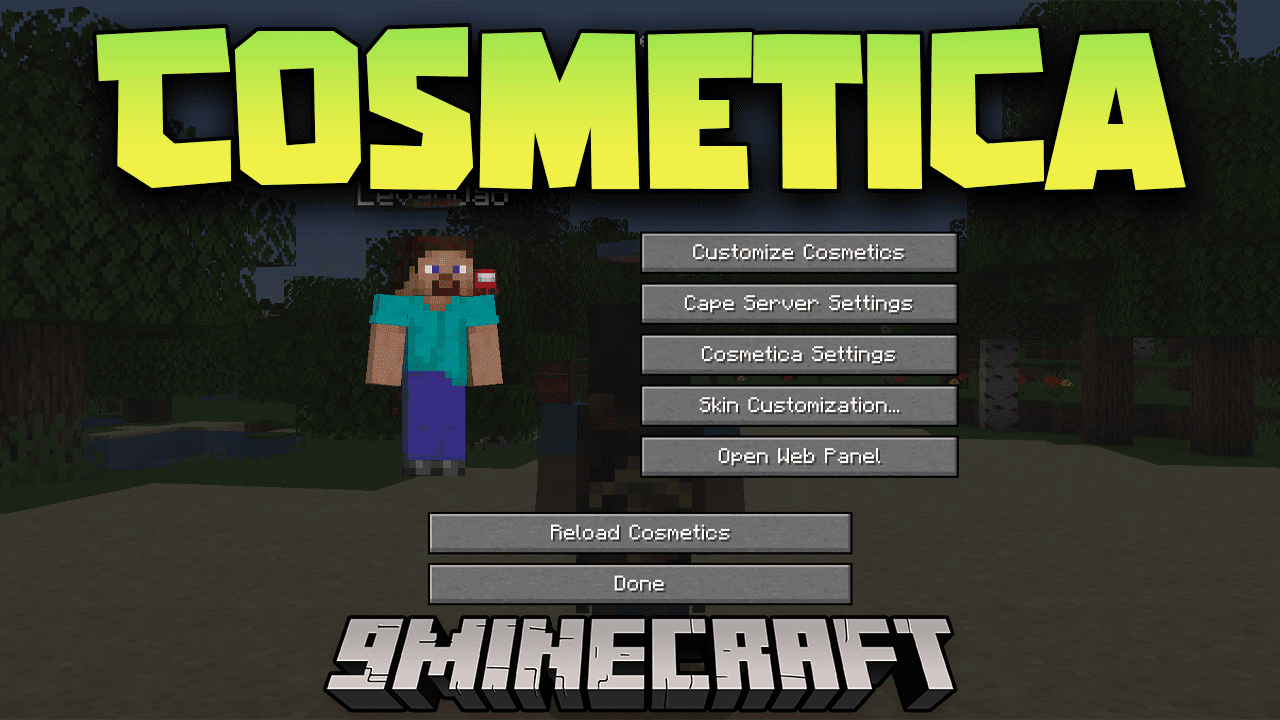
Features:
- Custom legal capes and elytras up to 2048×1024 resolution.
- Custom animated capes up to 1024×512 resolution.
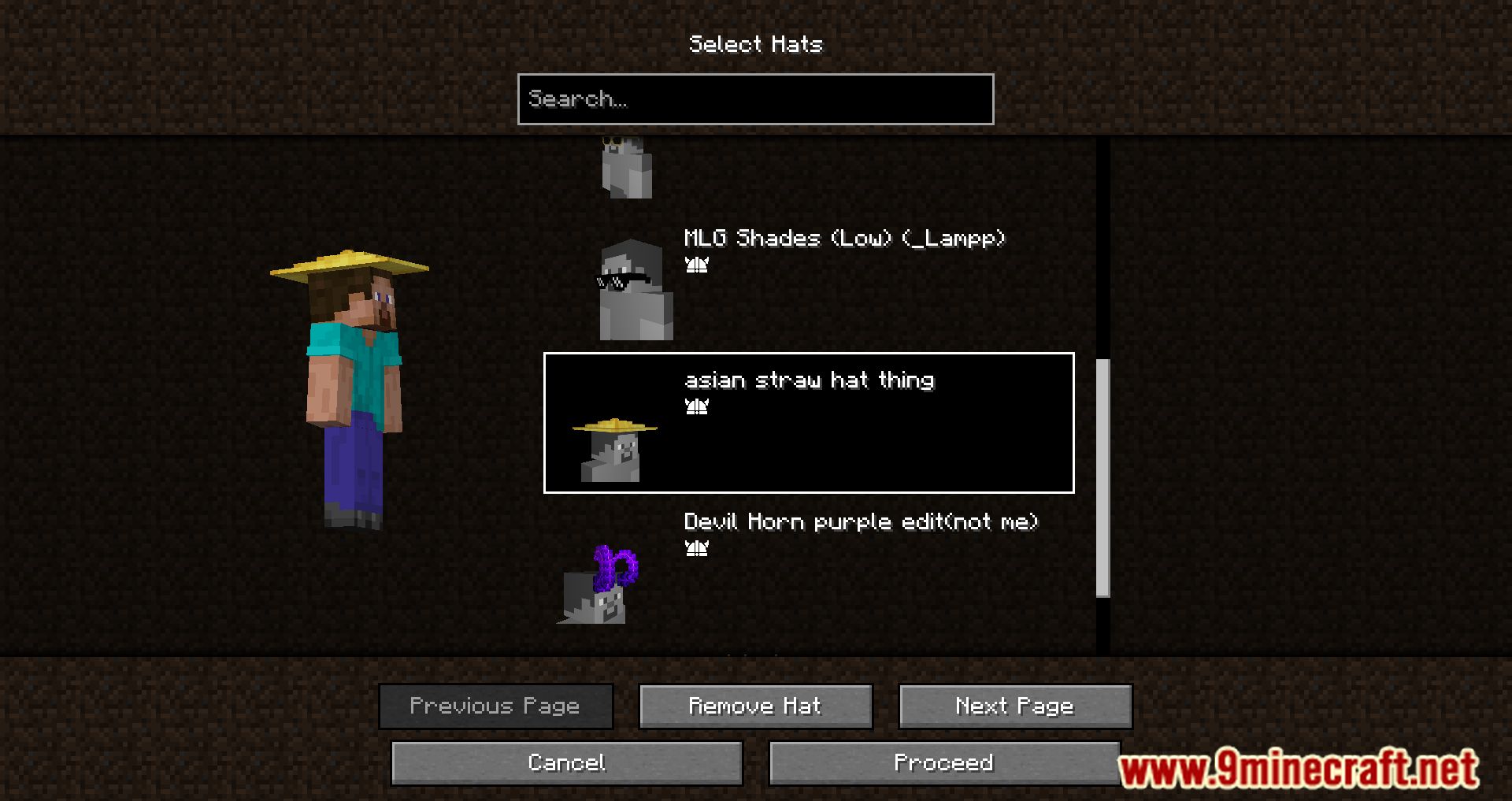
- Custom hats.
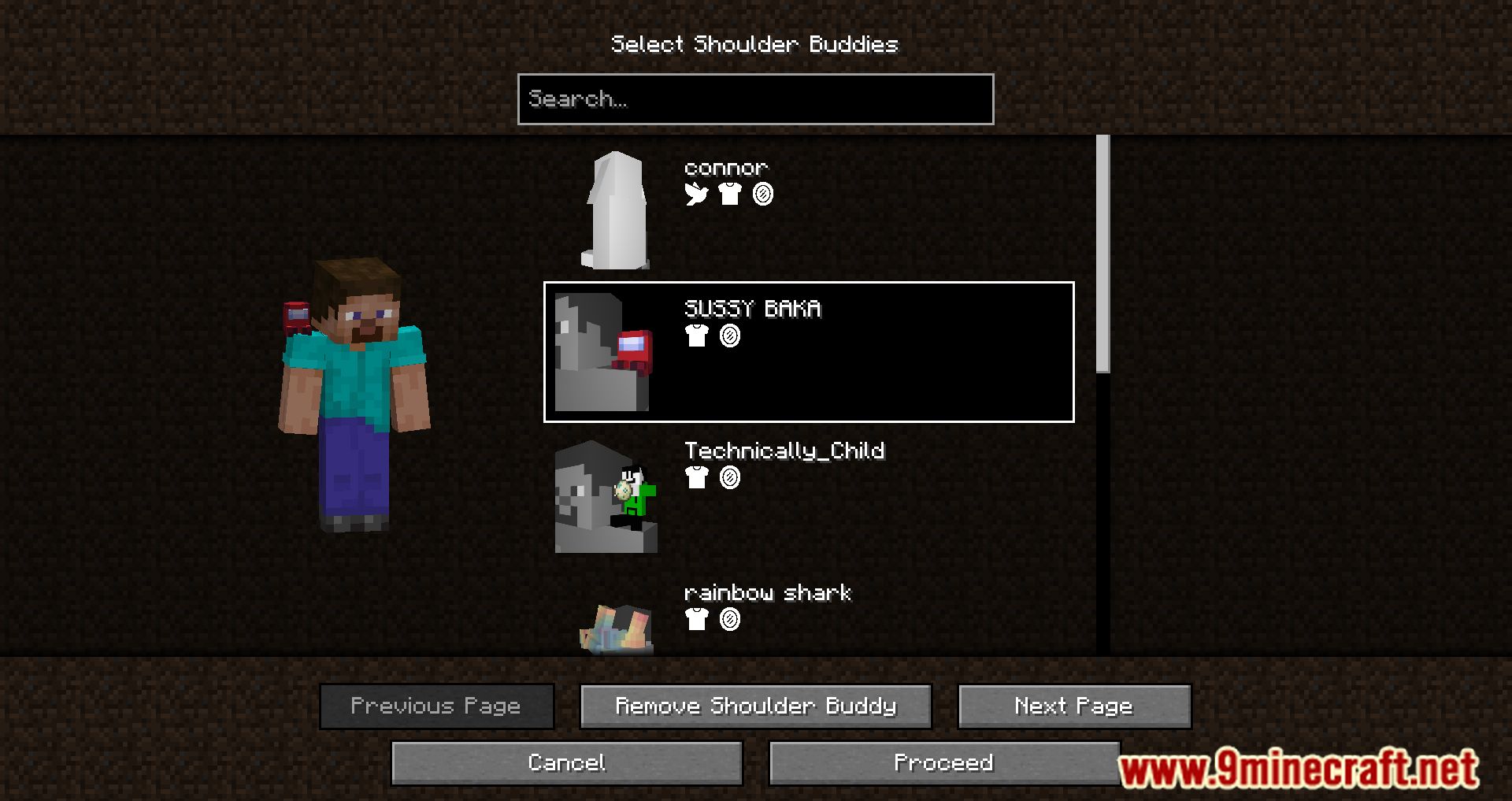
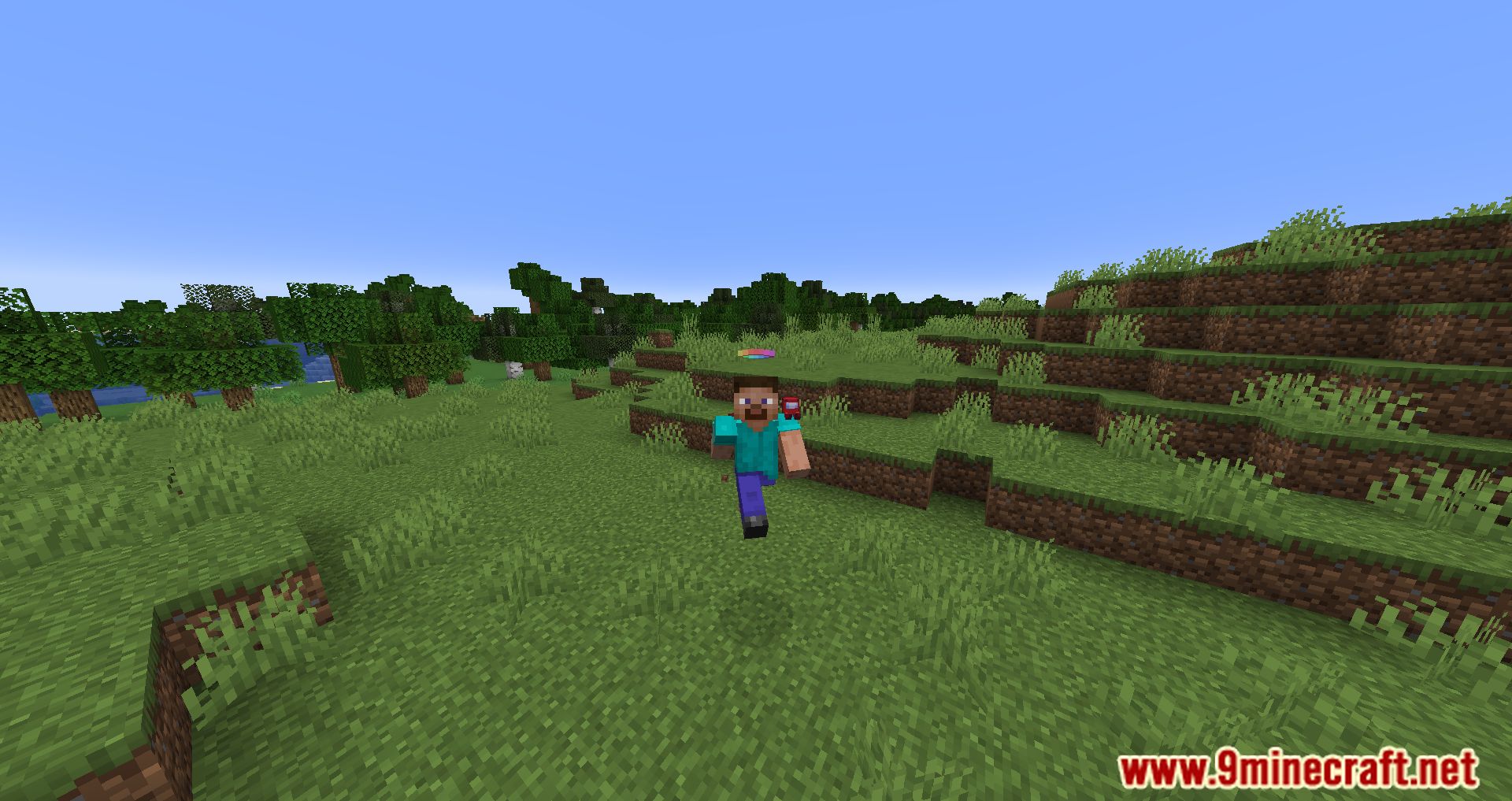
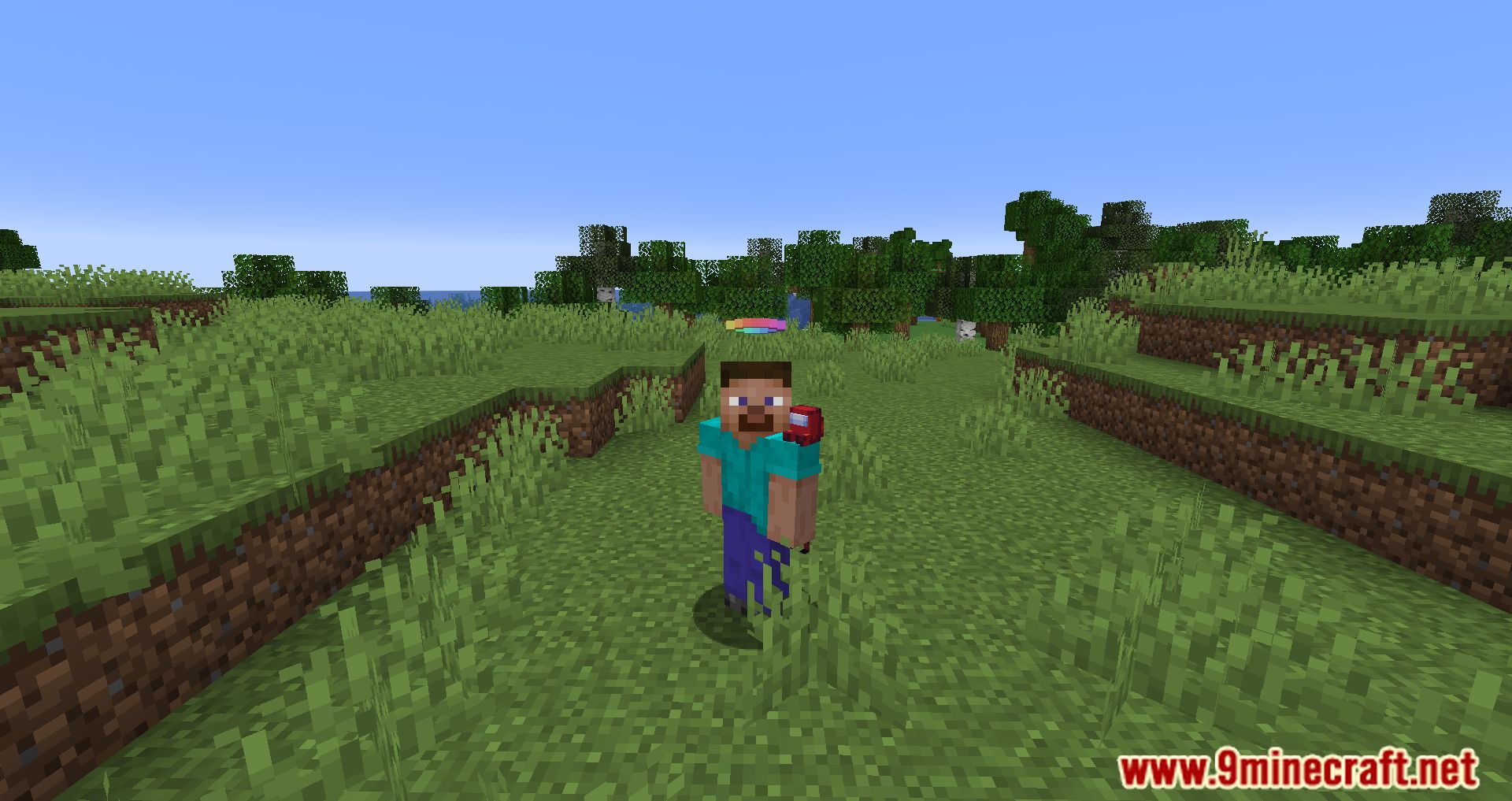
- Custom shoulder buddies.
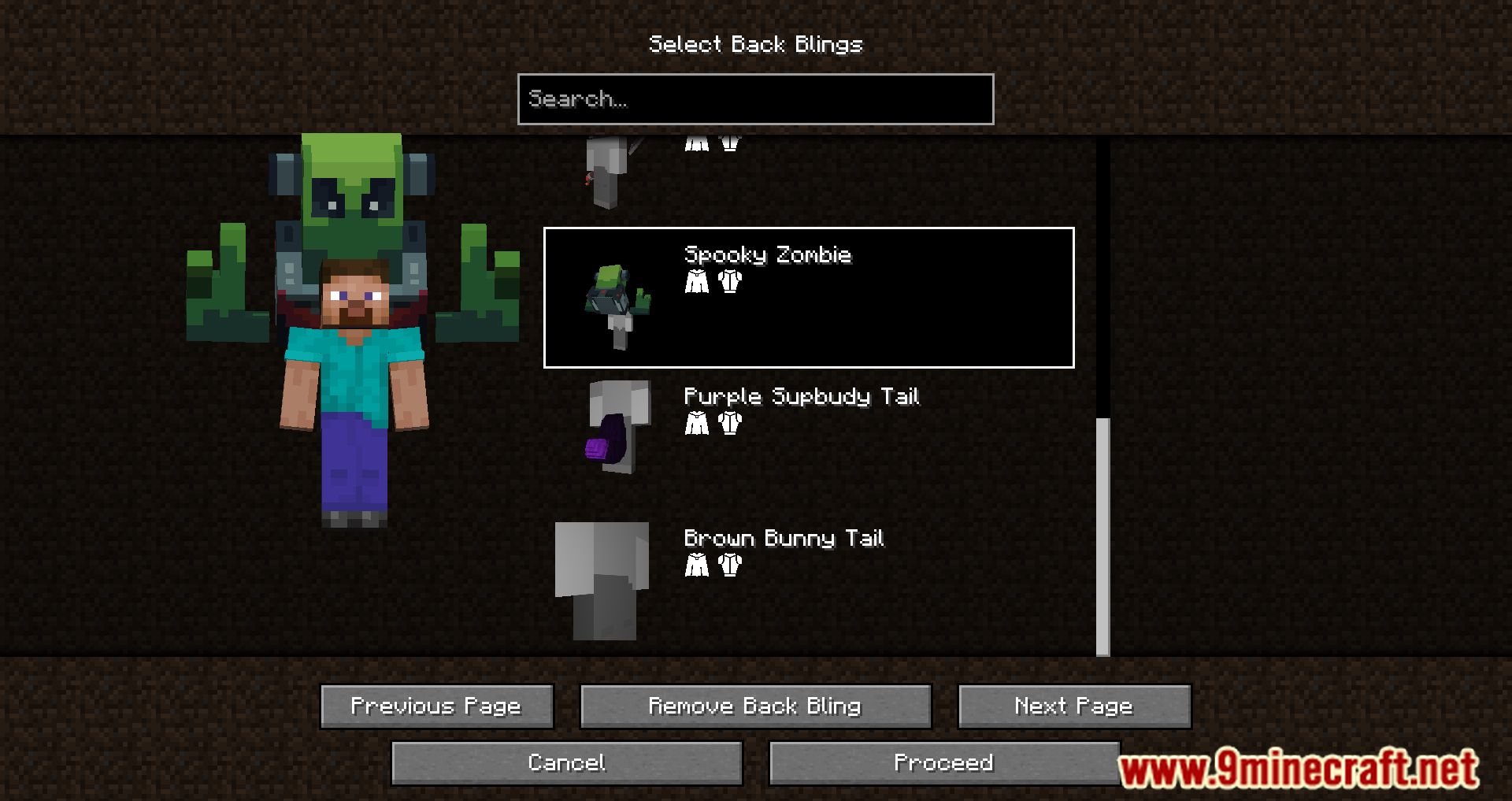
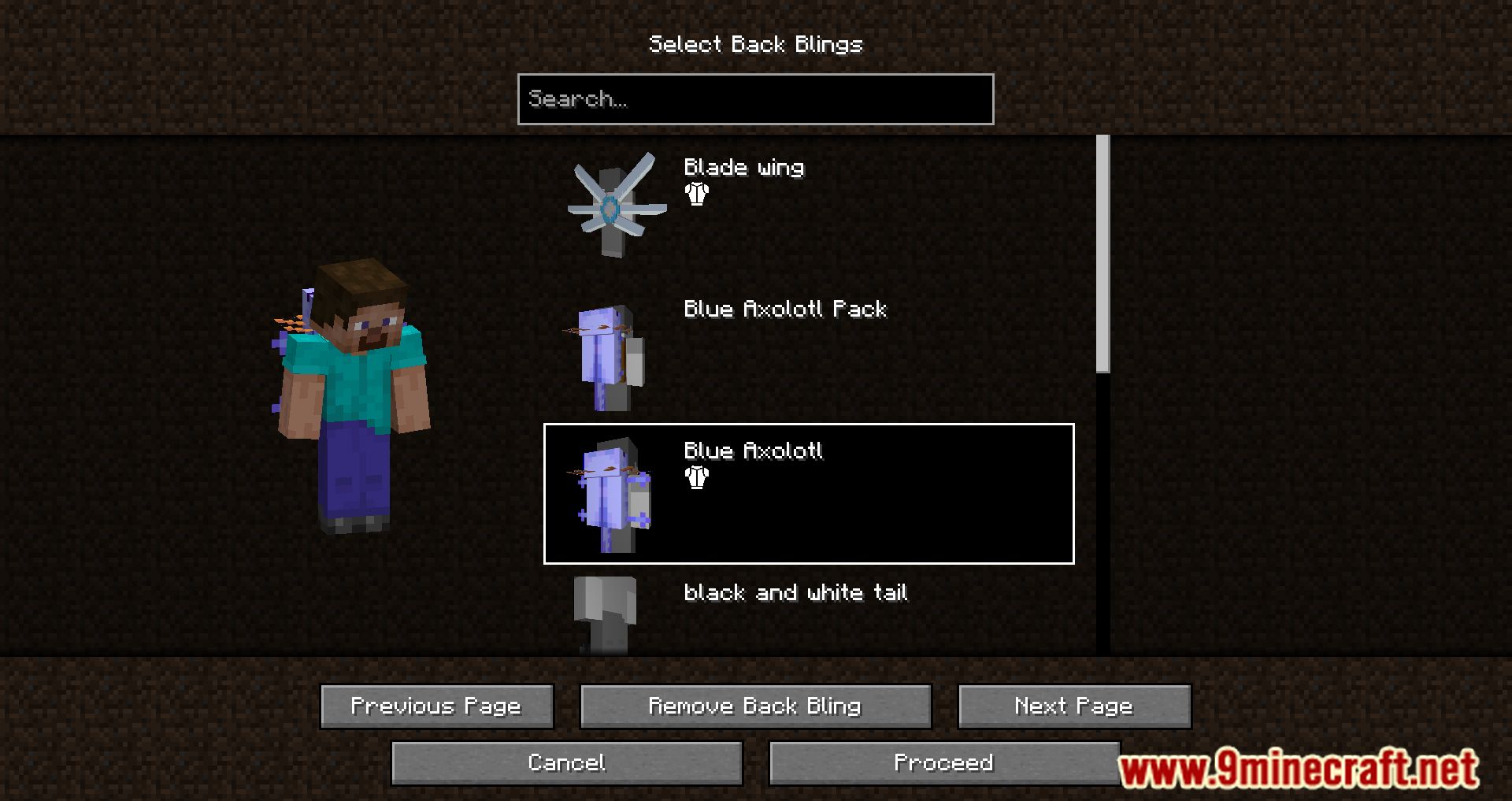
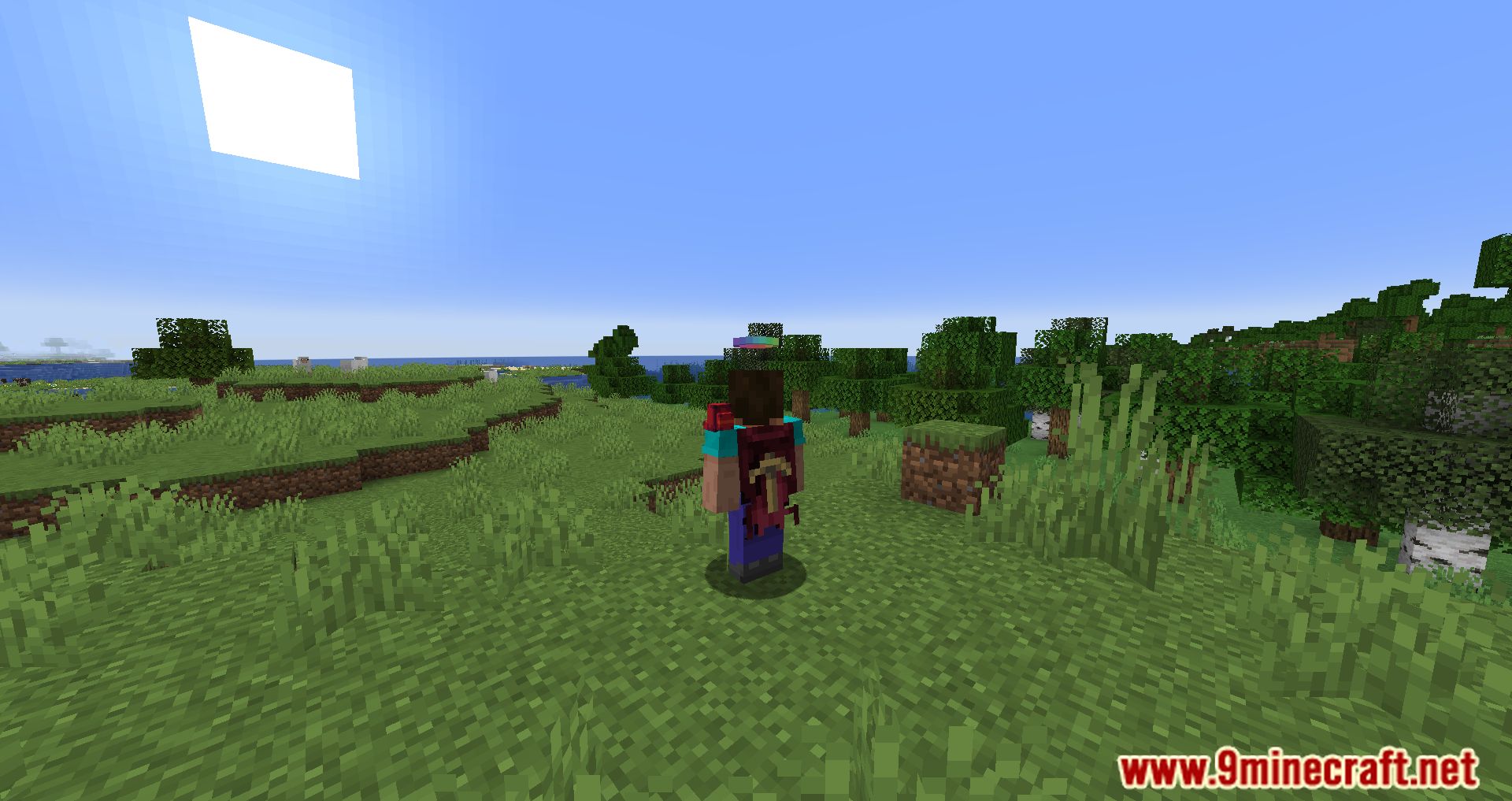
- Custom back blings.
- Custom lore (a second nametag above your head) to show your Discord tag, Twitch URL, pronouns, or title.
- Interactive online catalogue of all our cosmetics to easily browse and preview cosmetics on your skin before equipping.
- Interactive in-game catalogue of all our cosmetics to easily browse and preview cosmetics on your skin before equipping.
- Support for third party capes from Cloaks+, OptiFine, LabyMod, Mantle, MinecraftCapes.net, Arc Capes, Wyntills, Lunar Client, and 5zig (all individually configurable).
- Advanced, secure and easy to use login system that doesn’t even require you to enter a password.
- Region specific effects (optional) that apply cosmetic effects to players based on their country of origin.
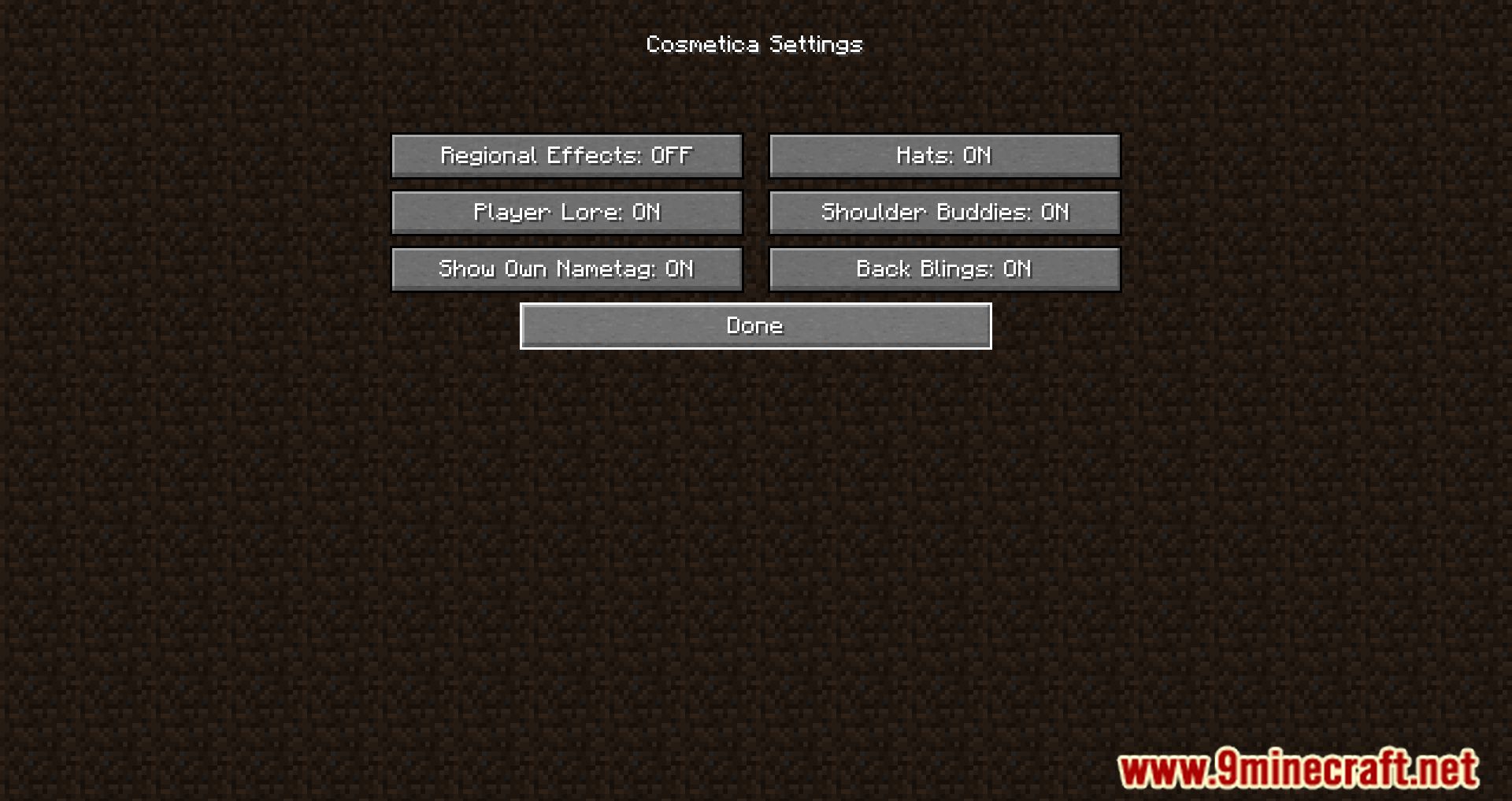
- Nearly all features are disableable.
- All cosmetics are free.
- Users can design and upload their own cosmetics.
Customizing Cosmetics:
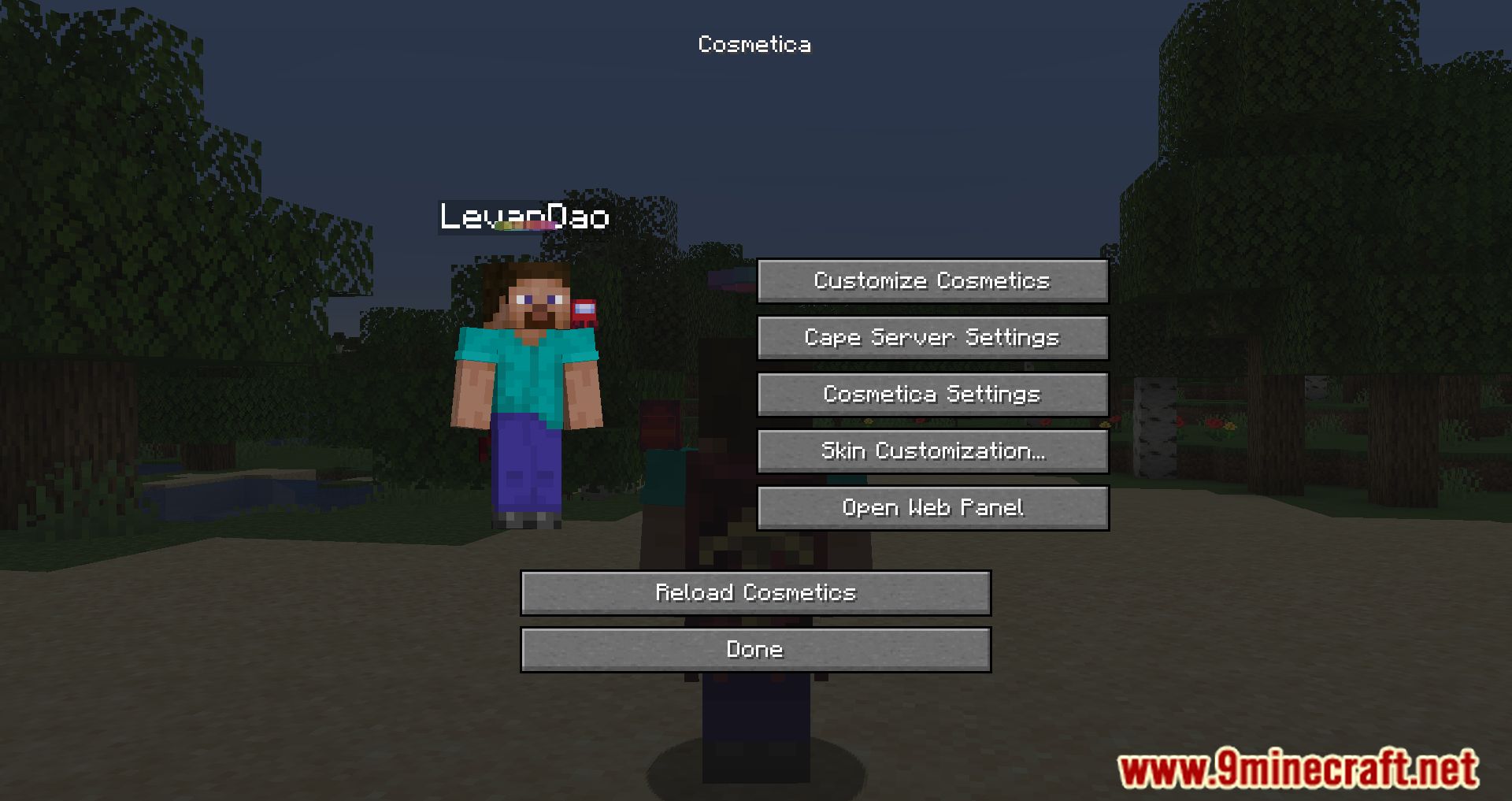
- Cosmetica replaces the Skin Customization screen with all new Cosmetica settings.
- From there, click Customize Cosmetics to open the Cosmetica catalog where you can modify your cosmetics.
- You can also press Right Shift to quickly open the customization menu when in-game.
Configs:
Mod Configs
- Extra settings for the Cosmetica mod that modpack creators or advanced users can use.
Configuration files are located in:
.minecraft/config/cosmetica
cosmetica.properties
- show-welcome-message
- Controls the tutorial shown when customizing cosmetics for the first time.
true / on / full– Default: Enables both the tutorial and chat message.chat-only– Only the chat message will be enabled.false / off– Disables all tutorial messages.
- honestly-believe-me-i-know-what-the-heck-i-am-doing-trust-me-bro-ask-joe-if-you-dont-believe-me
- Controls update notifications from the Cosmetica API.
false– Default: All update notifications are shown.true– Only vital security updates are shown.
- show-nametag-in-third-person
- Controls whether your own nametag is visible in third-person view.
true– Default: Nametag visible.false– Nametag hidden.
- paranoid-https
- Forces all API requests to use HTTPS instead of HTTP.
false– Default: Some requests use HTTP.true– All requests use HTTPS.
- add-cosmetica-splash-message
- Controls whether a random funny message appears on the title screen.
true– Default: Message printed to console and sometimes shown on screen.false– Message printed to console only.
- regional-effects-prompt
- Controls whether the “Region-Specific Effects” prompt is shown to new users.
true– Default: Prompt shown.false– Prompt disabled.
default-settings.properties
- Defines default behavior for new users. Used mainly by modpack creators.
- enable-back-blings
true– Default: Enabled.false– Disabled.
- enable-lore
true– Default: Enabled.false– Disabled.
- enable-special-icons
true– Default: Special icons shown.false– Classic icon only.
- starter-cape-id
[Blank]– Default: Random official starter cape.none– No starter cape.[Cape ID]– Custom official starter cape.
- enable-icons
true– Default: Icons visible.false– Disabled.
- enable-offline-icons
true– Default: Offline icons visible.false– Hidden.
- enable-shoulder-buddies
true– Default: Enabled.false– Disabled.
- online-activity
true– Default: Shows online status.false– Always appears online.
- enable-hats
true– Default: Enabled.false– Disabled.
Extra Cape Settings
- Allows enabling, hiding, or replacing capes from other services for new users.
show– Capes visible.hide– Capes hidden.replace– Replaced by Cosmetica’s own cape.
- Supported cape services (default):
cape-setting-arc = show– Arc Capescape-setting-cloaksplus = show– Cloaks+cape-setting-wynntils = replace– Wynntilscape-setting-5zig = replace– 5zig Reborncape-setting-mantle = replace– Mantlecape-setting-labymod = replace– Labymodcape-setting-minecraftcapes = replace– Minecraft Capescape-setting-optifine = replace– OptiFinecape-setting-lunar = replace– Lunar Clientcape-setting-migrator = show– Migrator Capecape-setting-vanilla = show– Vanilla Cape
Screenshots:
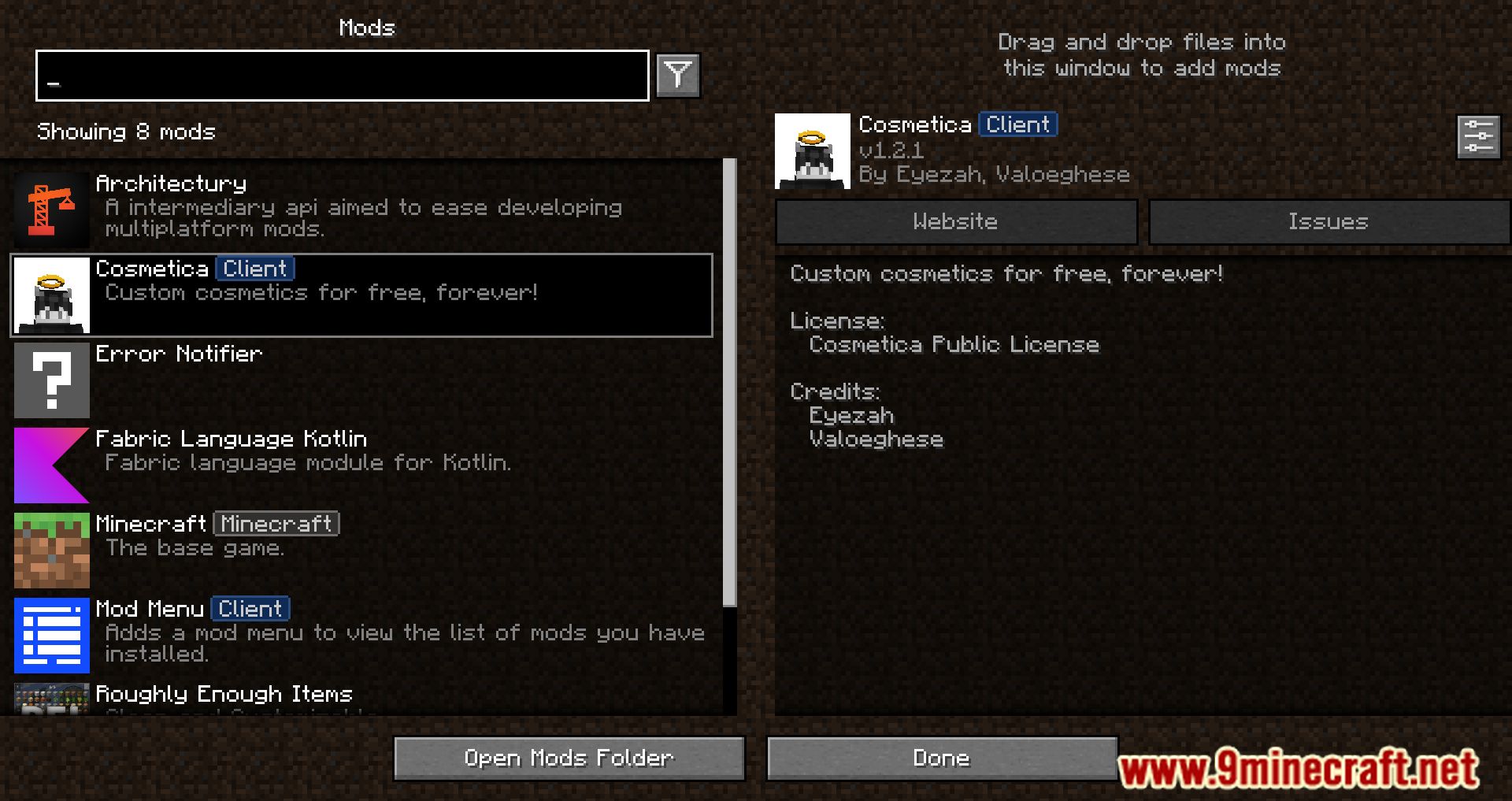
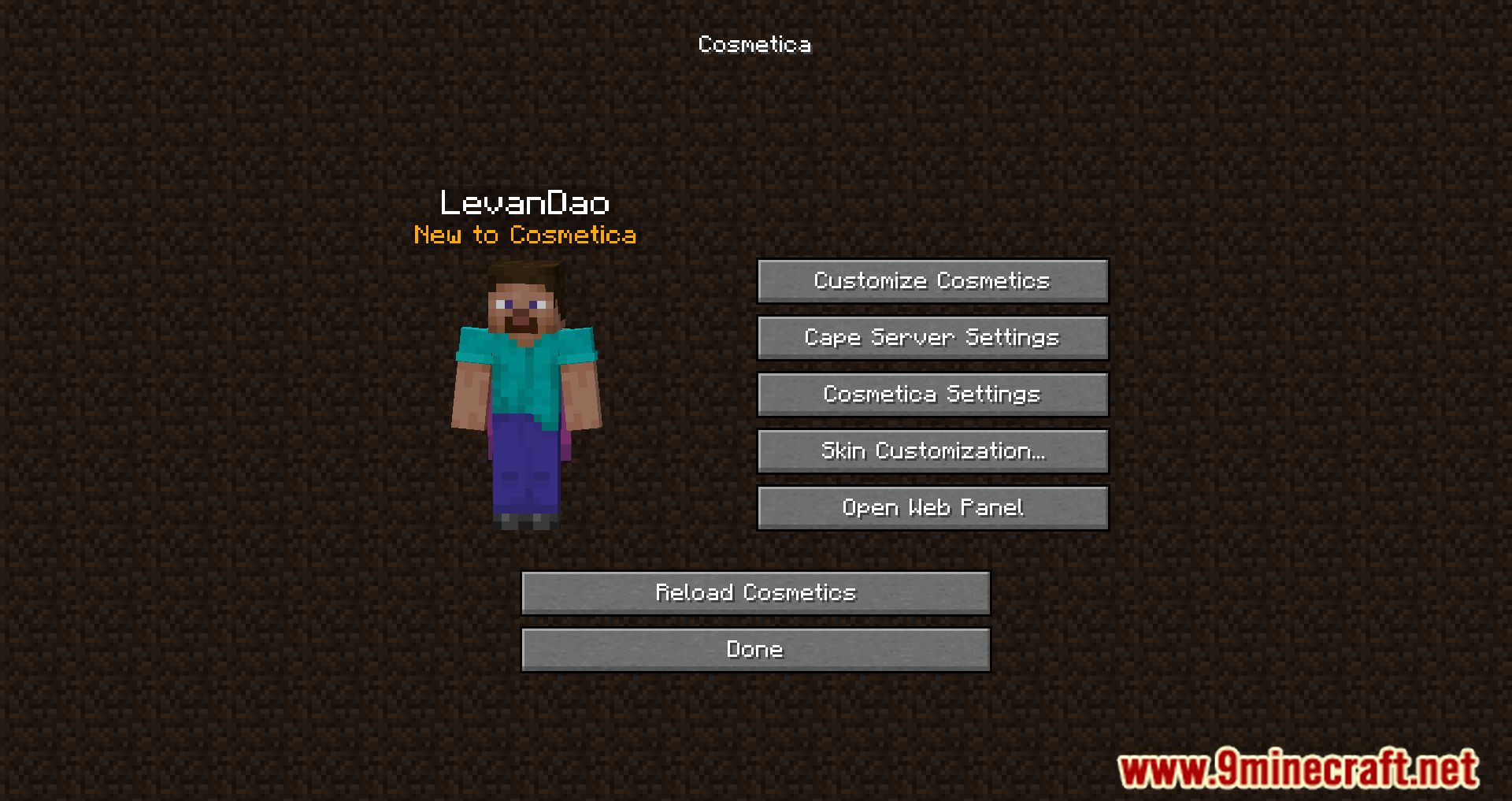
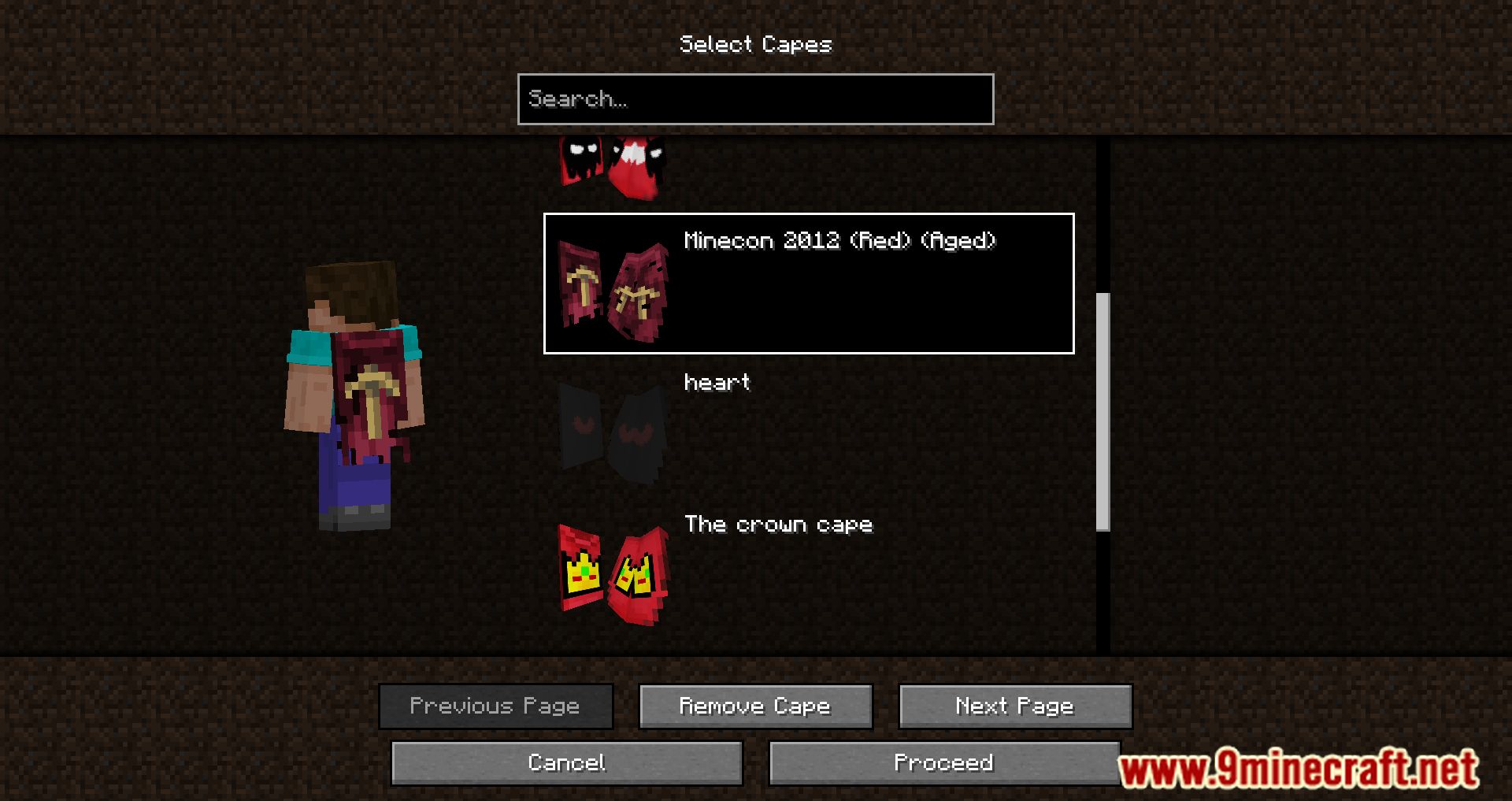
How to Install:
New to Minecraft? Follow our step-by-step guide to install Mods on your PC.View Guide
Requirements:




Cosmetica Mod Download Links
For Minecraft 26.1.2, 26.1.1, 26.1
For Minecraft 1.21.11
For Minecraft 1.21.8
For Minecraft 1.21.4
For Minecraft 1.21.1, 1.21
For Minecraft 1.20.6
For Minecraft 1.20.4
For Minecraft 1.20.2
For Minecraft 1.20.1, 1.20
For Minecraft 1.19.4
For Minecraft 1.19.3
For Minecraft 1.19.2, 1.19.1, 1.19
For Minecraft 1.19
For Minecraft 1.18.2, 1.18.1
For Minecraft 1.18.1
For Minecraft 1.17.1
For Minecraft 1.16.5
Click to rate this post!
[Total: 3 Average: 1.7]
You May Also Like








This post has no comments yet. Be the first — your comment will appear here.