


Create Diagram Mod (1.21.1) – Plan Your Next Big Factory with In-Game Flowcharts

 0
0 

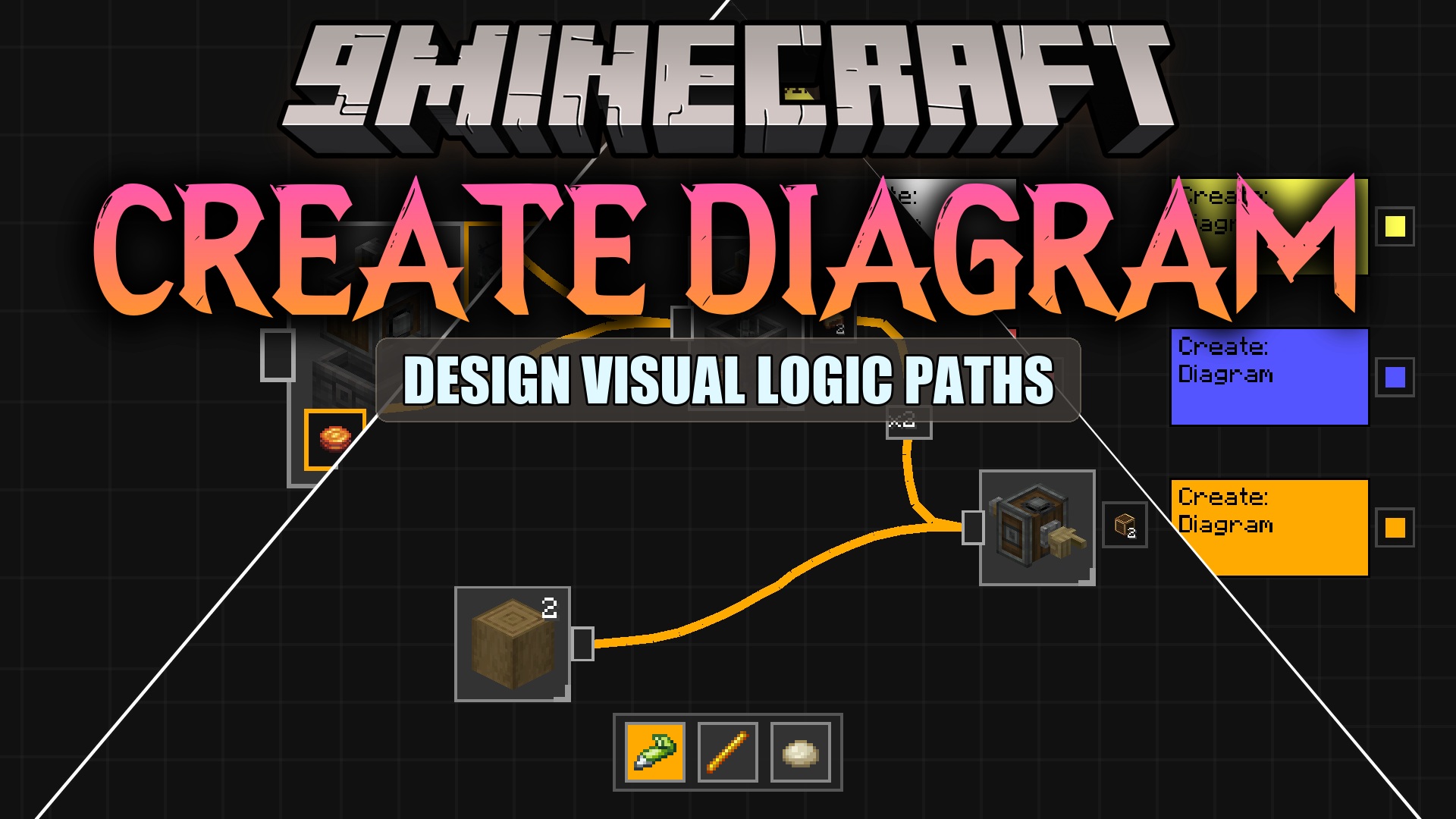
Create Diagram Mod adds a full in-game flowchart editor for the Create mod. It lets you plan out your complex machinery and recipes without ever leaving your world. You get a special tool to draw schematics, connect items, and write notes so you always know how to build your next big factory.
Features:
- Flowchart Editor: Gives you a complete drawing board right inside your game to plan your builds.
- Works with all items, blocks, and recipes from the main factory mod and its other addons.
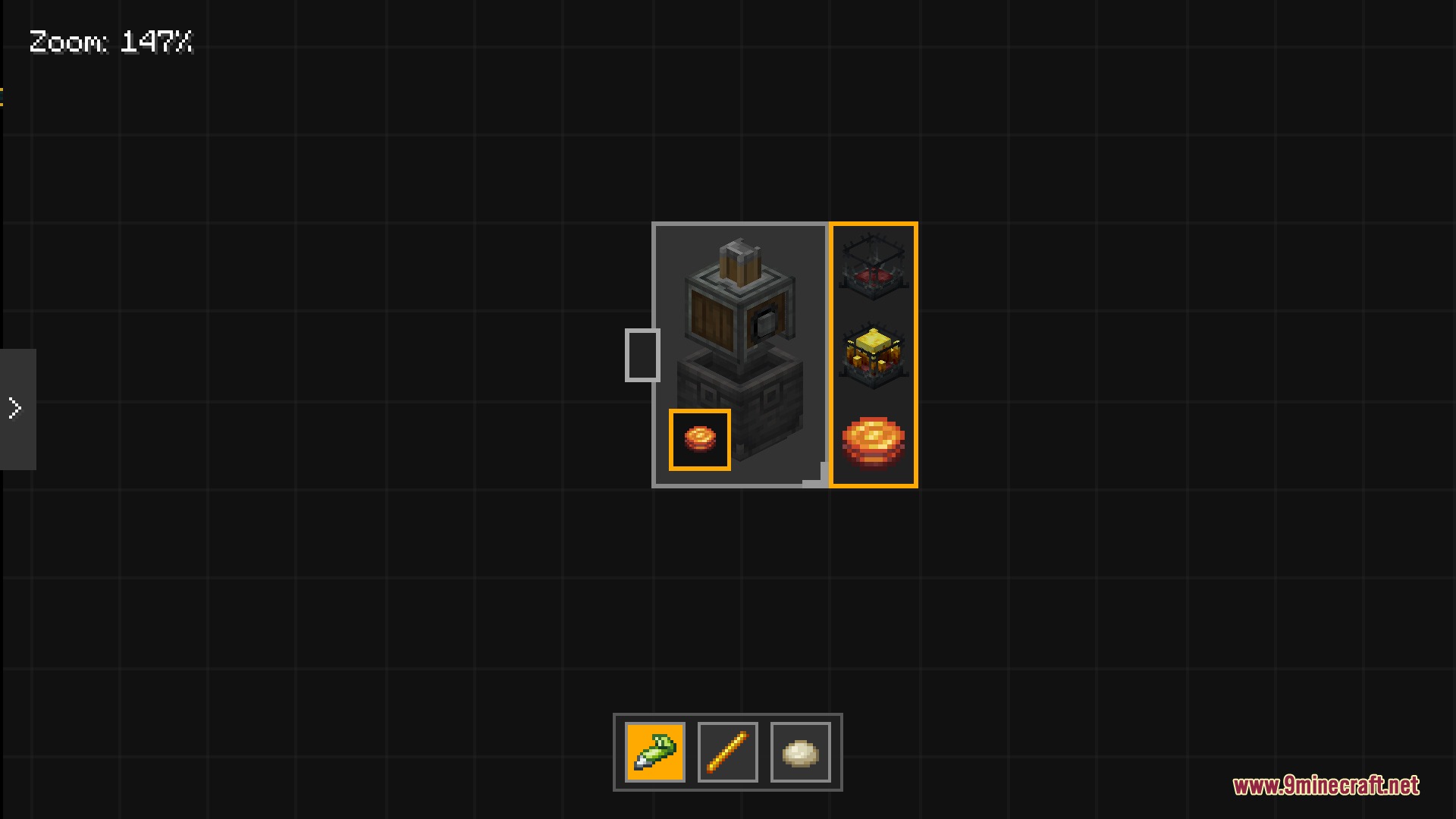
- Lets you drop items from a side menu directly onto your blank diagram.
- You can draw straight lines or freehand shapes using the built-in pen tool.
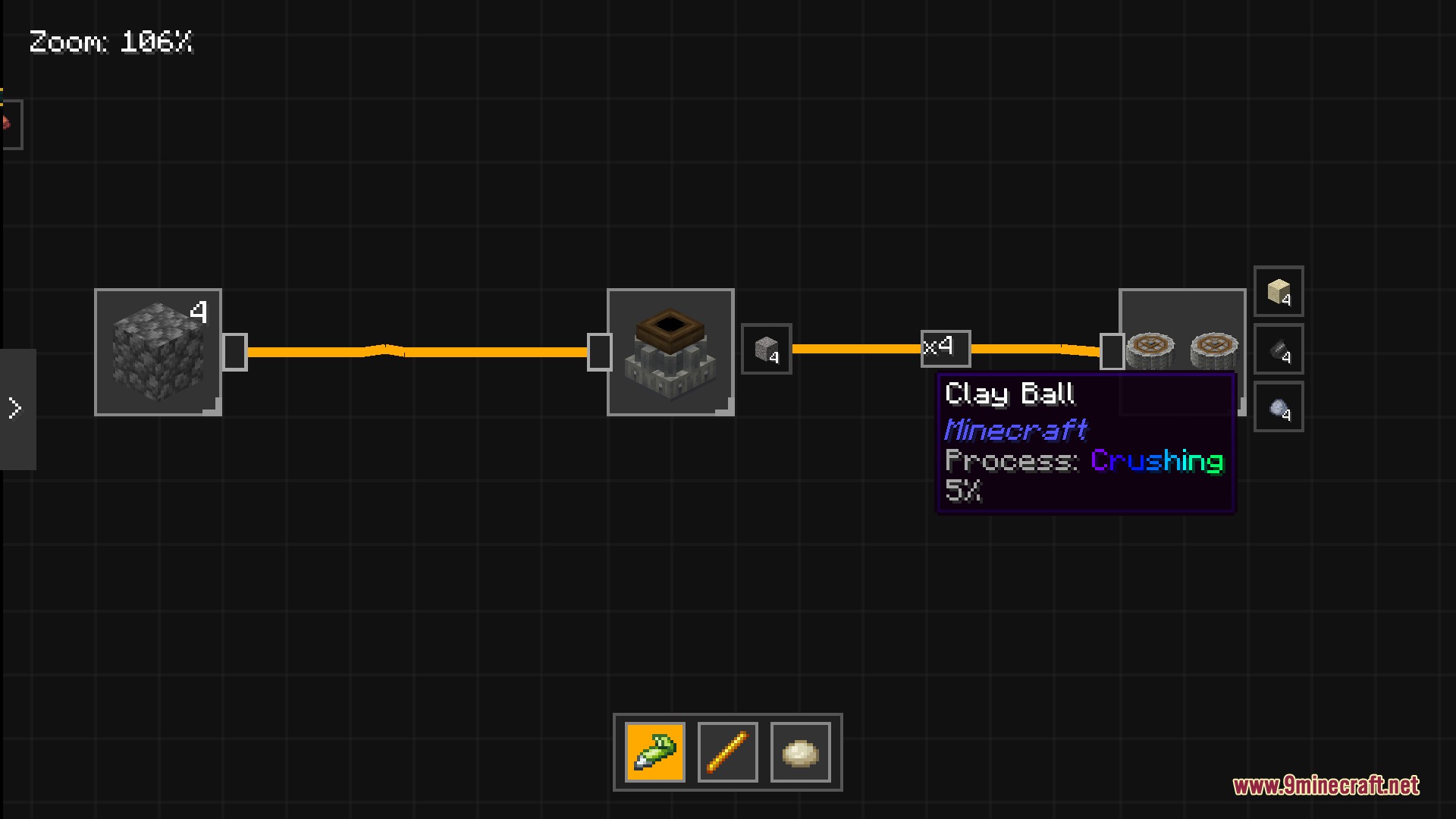
- Connect different items together with lines to show how materials move through your machines.
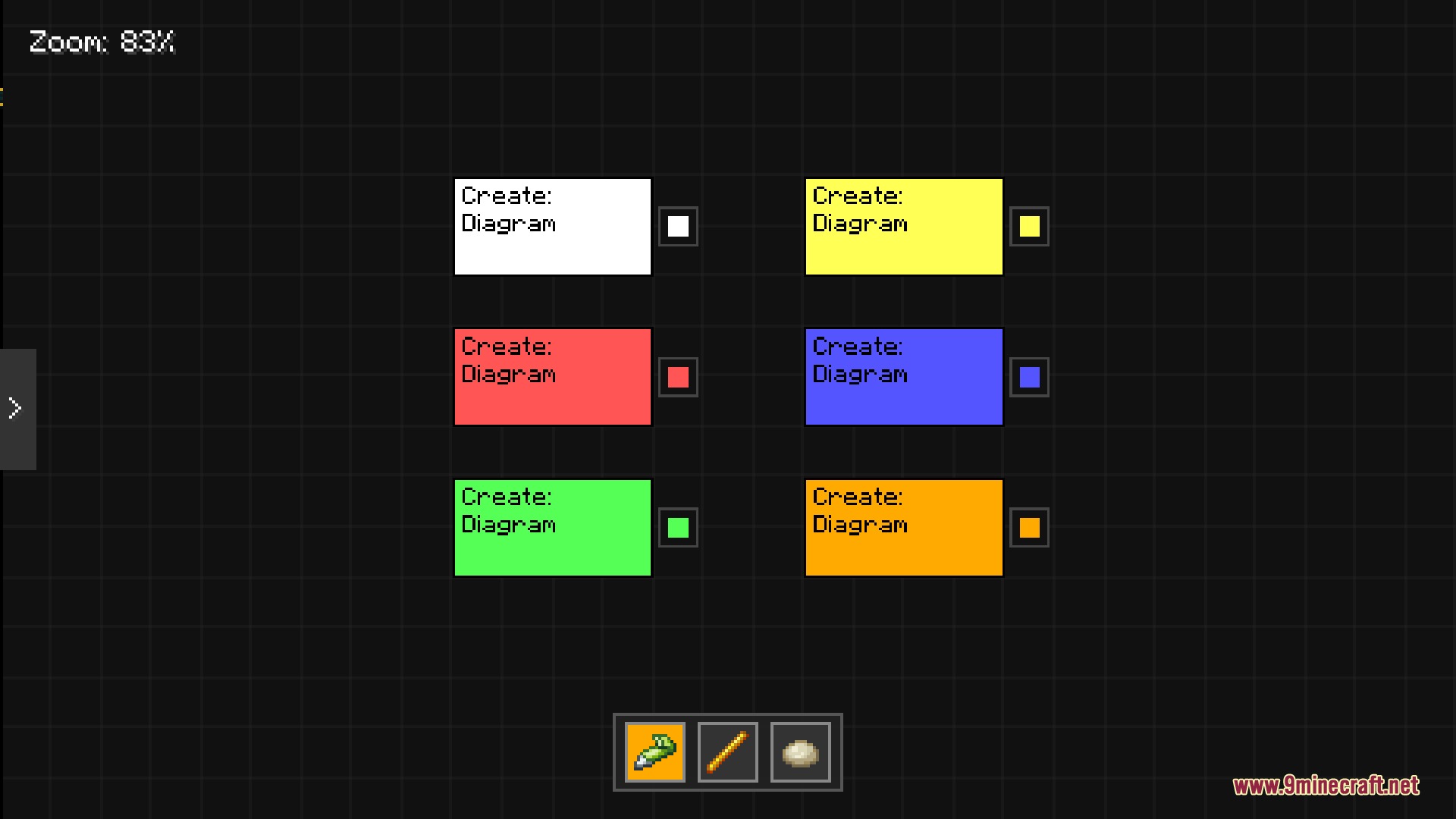
- Players can add sticky notes to write down specific instructions or reminders for their designs.
How to Use:
- Craft the Diagram item at a crafting table.
- Hold the item in your hand and right-click to open the drawing screen.
- Pick items from the side menu and place them on your board.
- Use the pen or line tools to draw connections between your items.
- Hold Shift and right-click to place a sticky note for custom text.
Screenshots:
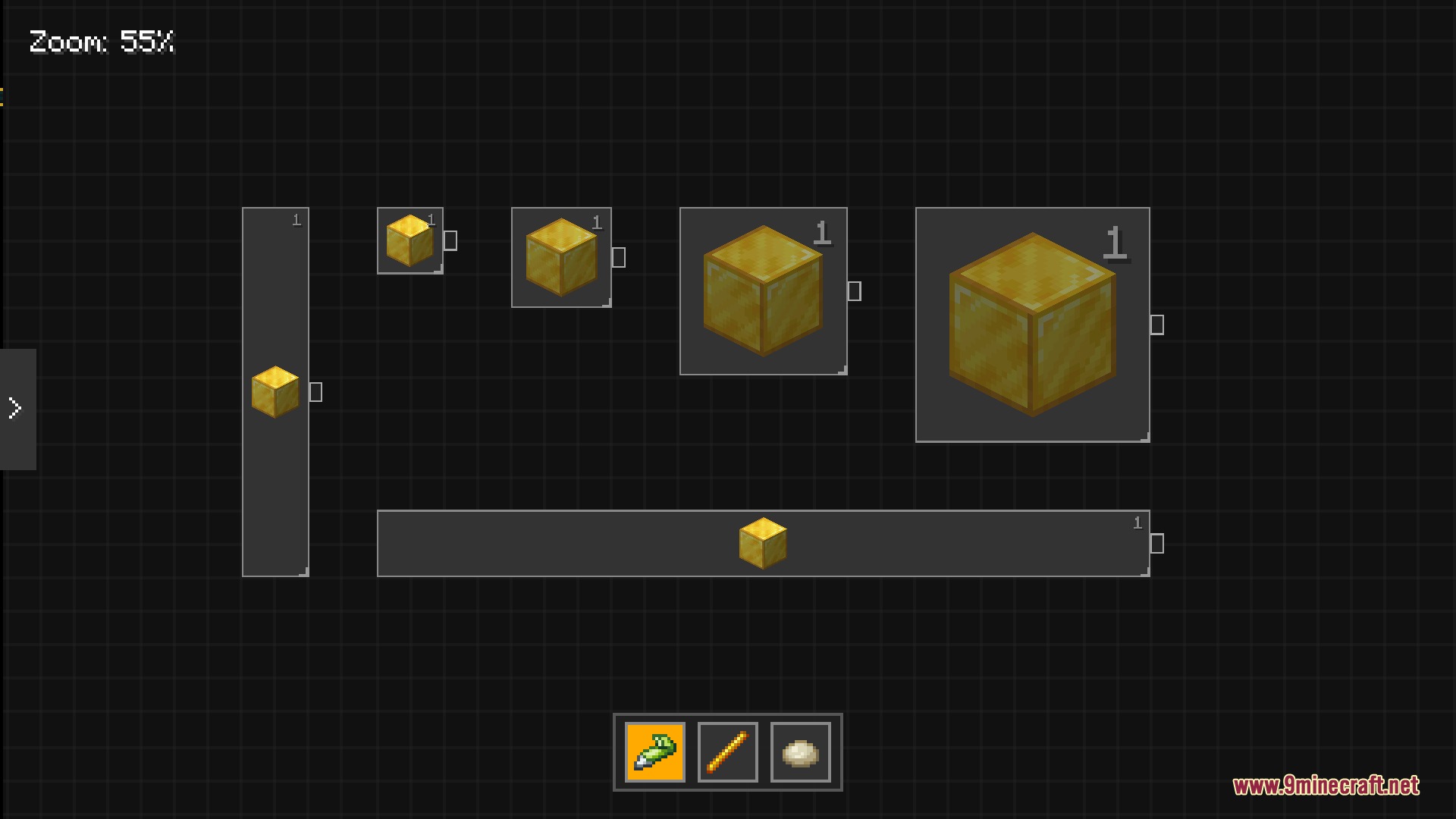
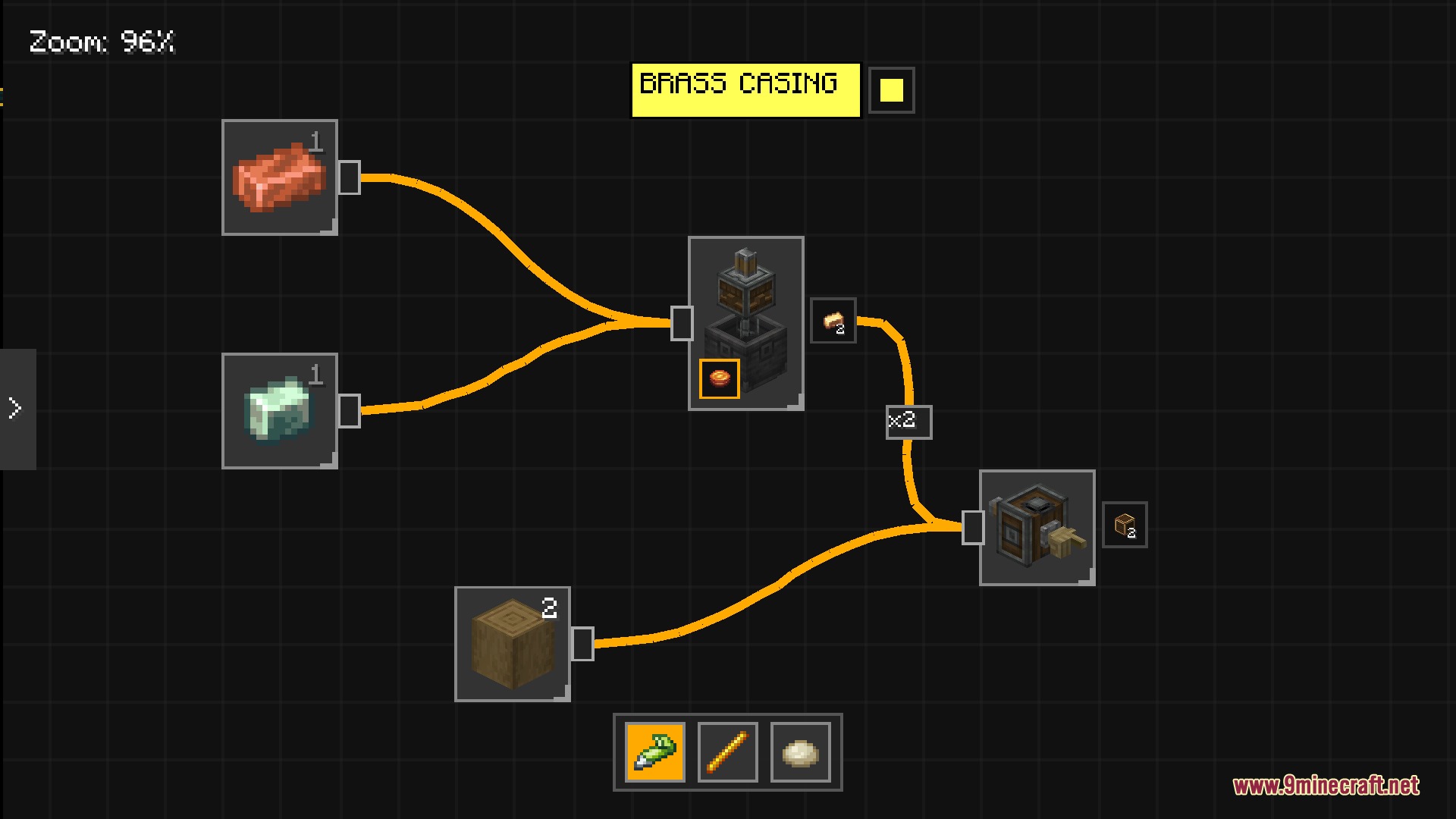
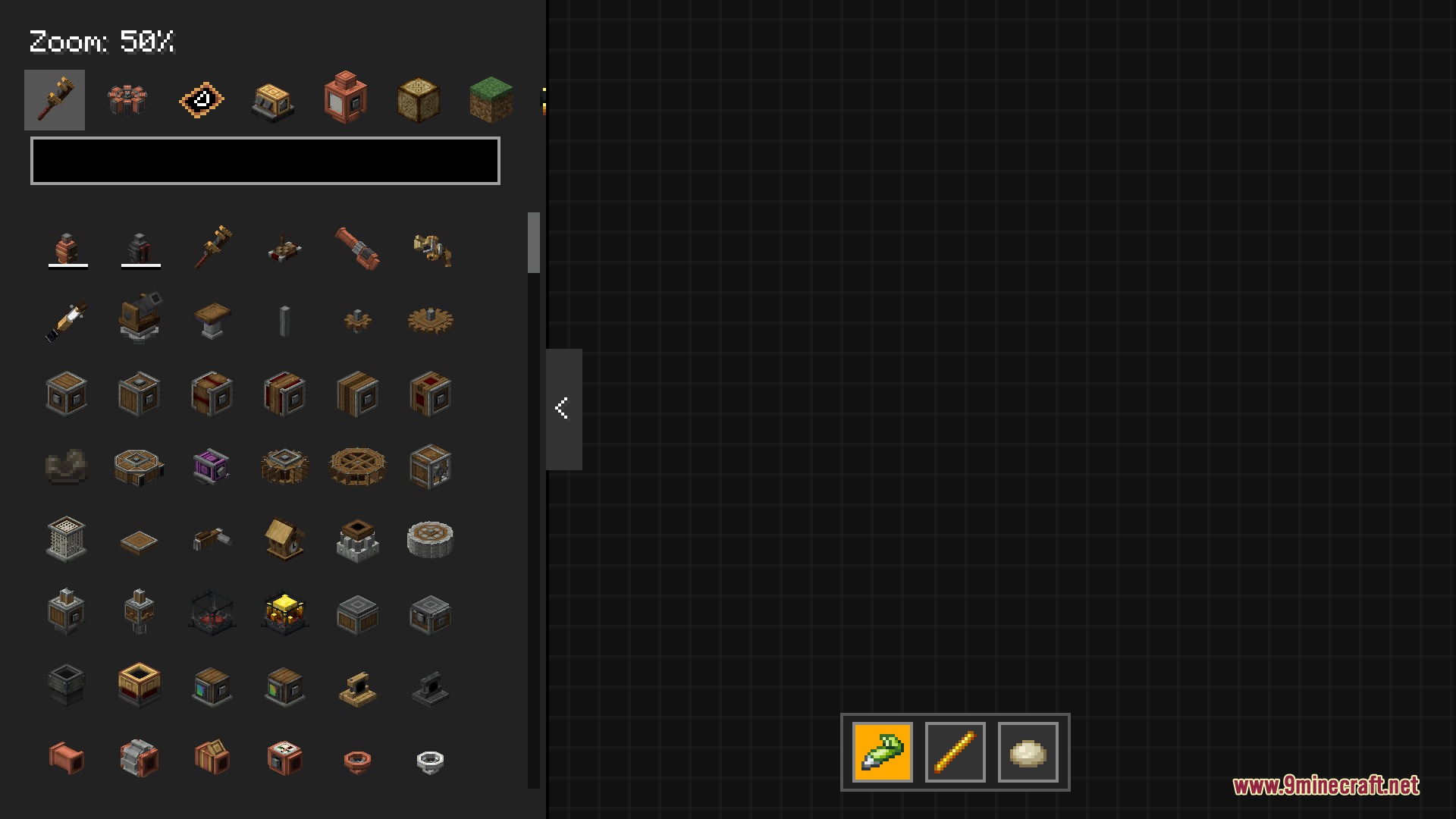
How to Install:
New to Minecraft? Follow our step-by-step guide to install Mods on your PC.View Guide
Requirements:
 NeoForge Required
Just Enough Items (JEI) Required
 Distraction Free Recipes Mod Required
Create Required
Create Diagram Mod Download Links
For Minecraft 1.21.1, 1.21
Click to rate this post!
[Total: 0 Average: 0]
You May Also Like





This post has no comments yet. Be the first — your comment will appear here.