
Cubed Textures Model – Brings Modern 3D Furniture and Animated Blocks

 0


Cubed Textures Model transforms the look of your world with a modern style that focuses on realism. This pack includes 898 custom 3D models and 6177 texture files to refresh your everyday building blocks. It replaces flat items with detailed shapes like doors with hinges, ATMs, and bathroom fixtures. You also get animated textures that bring extra movement to your builds.
Features:
- 898 Custom 3D Models: Replaces standard blocks with detailed 3D shapes for a realistic modern look.
- 6177 Texture Files: Repaints thousands of surfaces across the game to match a clean, modern theme.
- Animated Textures: Adds movement to specific block surfaces and items.
- Detailed Doors and Redstone: Gives acacia and birch doors visible top and bottom hinges, and changes the look of pressed buttons and pressure plates.
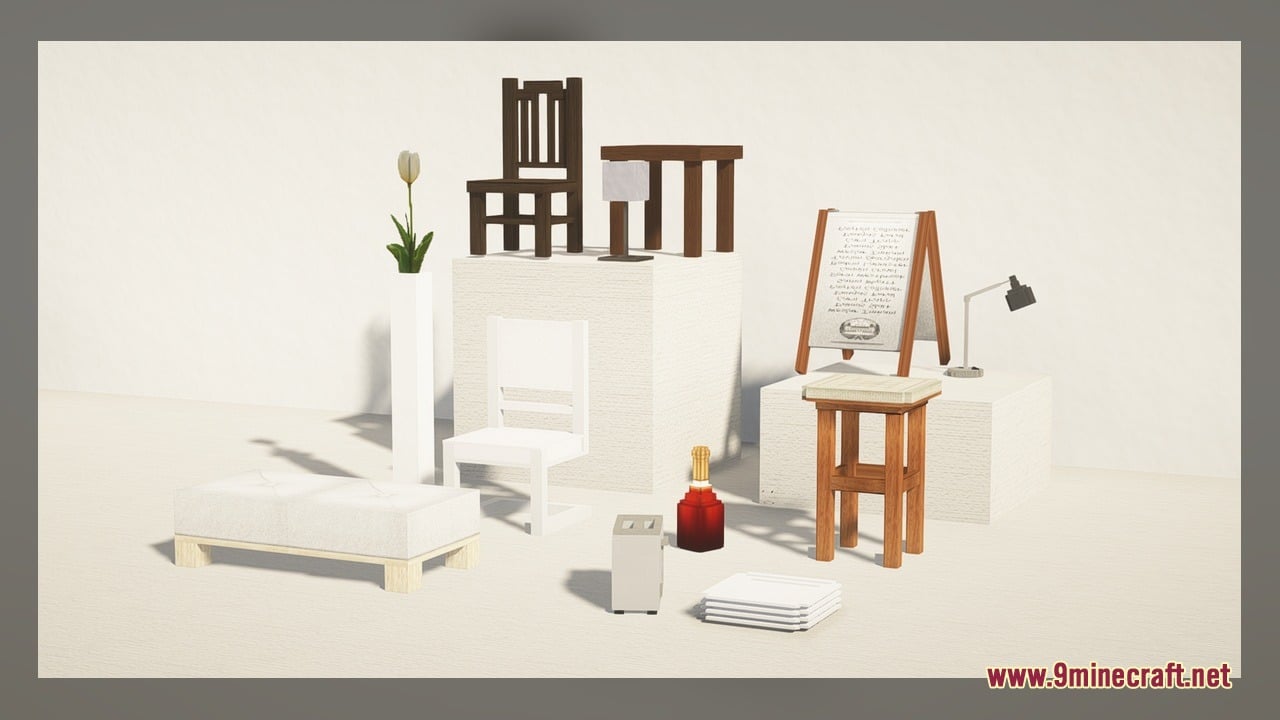
- Modern Furniture Models: Includes custom 3D models for ATMs facing different directions and three bathroom fixtures.
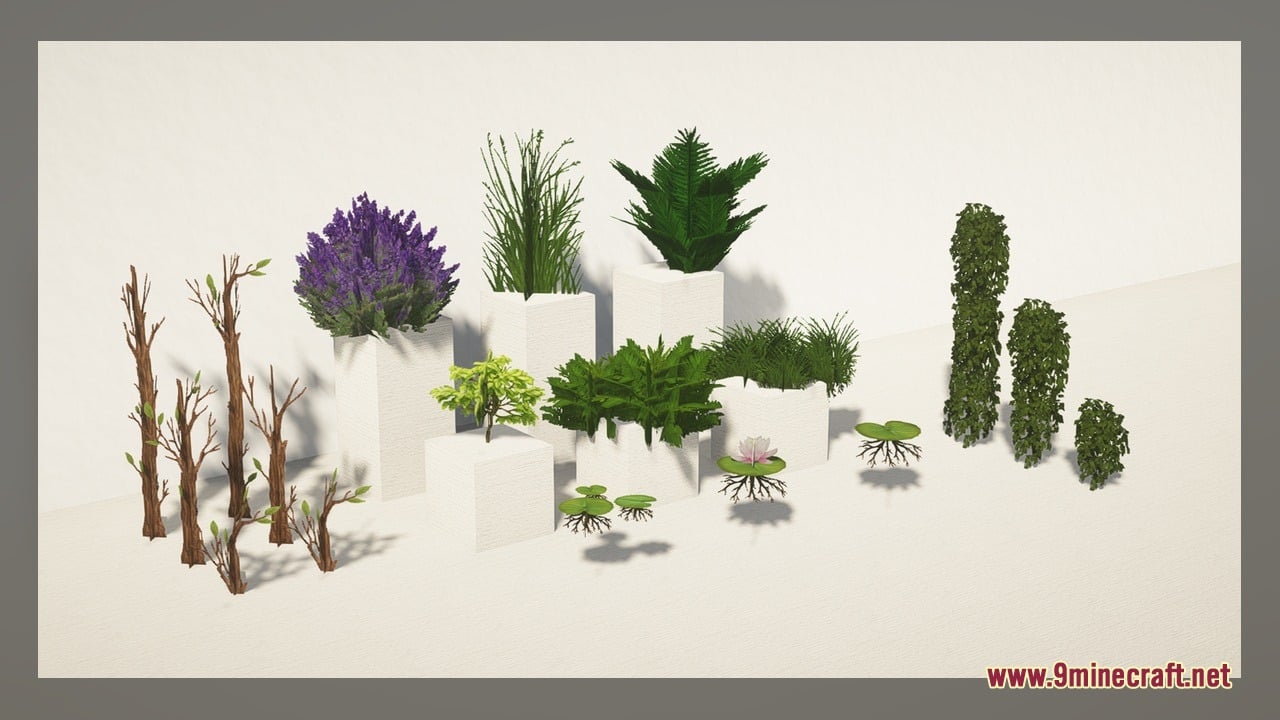
- Updated Plants and Utility Blocks: Reskins alliums, azure bluets, beige plants, anvils, beacons, and bells hung on floors, walls, or ceilings.
Included 3D Model Groups:
- Wood and Redstone: Acacia buttons, acacia pressure plates, acacia doors with hinges, birch buttons, and powered birch doors with hinges.
- Modern Props: Directional ATMs (east, south, west) and three bathroom models (bathroom1, bathroom2, bathroom3).
- Plants and Flowers: Two allium variants, azure bluet, and a beige plant.
- Utility Blocks: Anvils, beacons, and bells mounted on the ceiling, floor, or wall.
How to Use:
- Place the downloaded pack into your resourcepacks folder and activate it in the game settings with OptiFine installed.
- Craft or grab acacia and birch doors, buttons, and pressure plates to see the 3D hinges and how the models shift down when pressed or powered.
- Explore flower forests and plains to find alliums and azure bluets, or place the custom beige plant to check out the 3D plant models.
- Place a bell on the floor, a wall, or a ceiling to see how the 3D mount changes for each surface.
- Set down an anvil and a beacon to view their updated shapes and watch the animated textures in action.
- Use the custom modern props to place directional ATMs facing east, south, or west, along with the three bathroom models for interior builds.
Requirements:
- A Minecraft version that supports animated textures
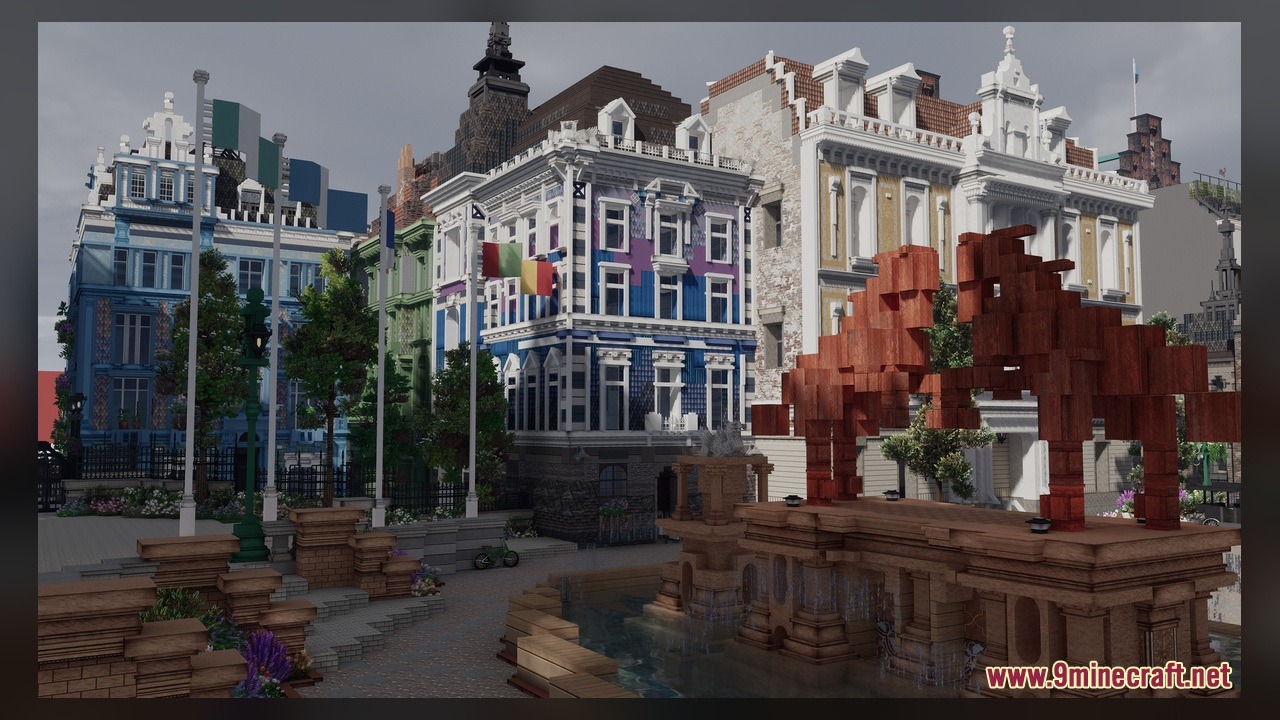
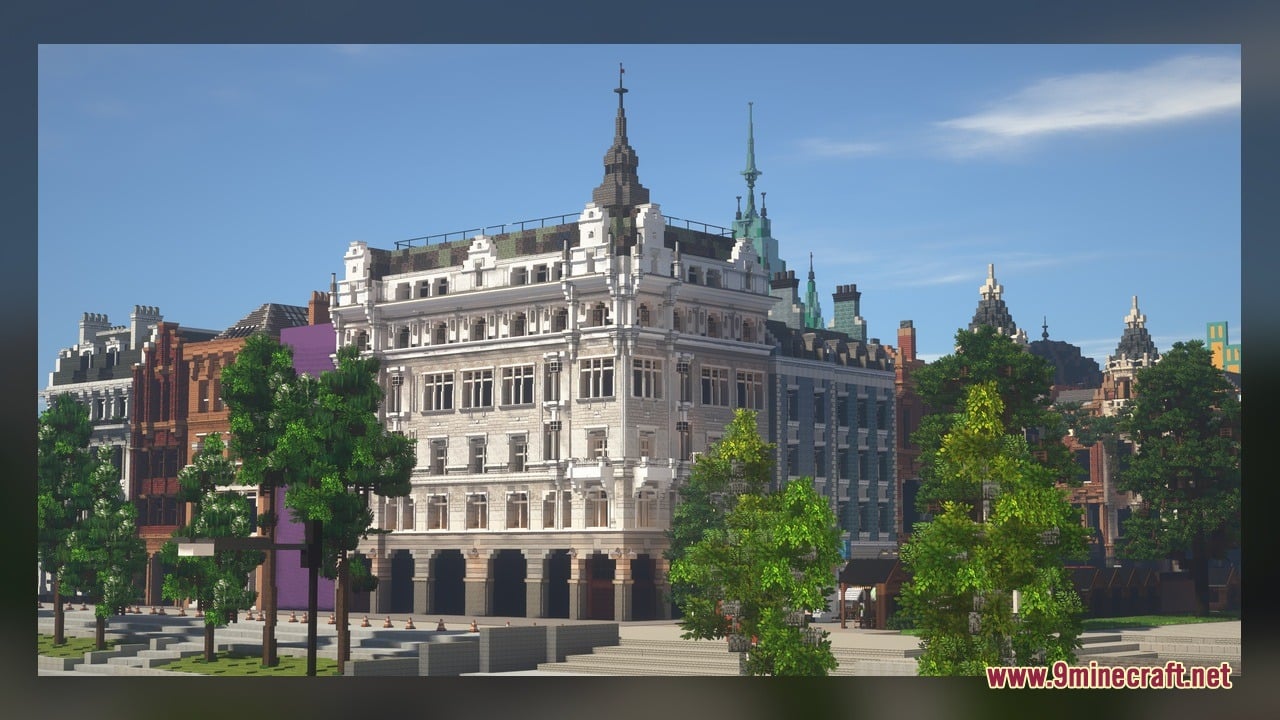
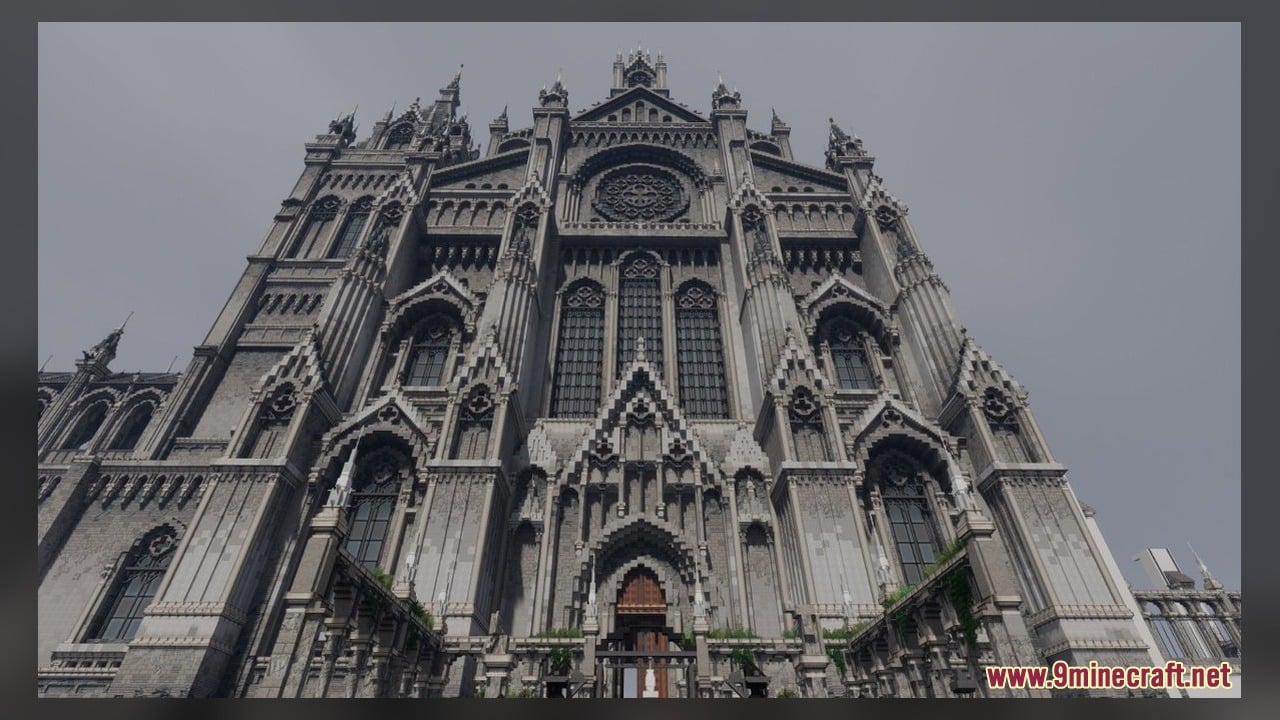
Screenshots:

Cubed Textures Model Download Links
Click to rate this post!
[Total: 0 Average: 0]
You May Also Like
Picked for this page
 PixelEmojis Model
 Vervada’s Enhanced Plants Model – Adds Volumetric 3D Vanilla Plants
 Demon Hunter Boss Model – Unleashes Epic Two-Phase Battle
 Pixel Perfection Fidelity Model – Brings Cozy Medieval 3D Models to Blocks
 Quadral Model – Brings Vivid Colors and 31 Custom 3D Models to Vanilla
 Pixel-Tree Model – Transforms Everyday Vanilla Blocks with Detailed 3D Shapes
 Bare Bones X Weskerson’s 3D Items Model – Brings Clean Animated 3D Redstone
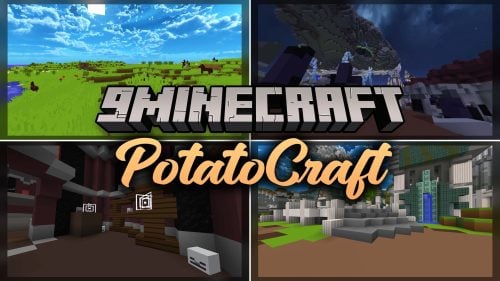 PotatoCraft Model – Brings Clean 3D Blocks and Transparent PvP Menus
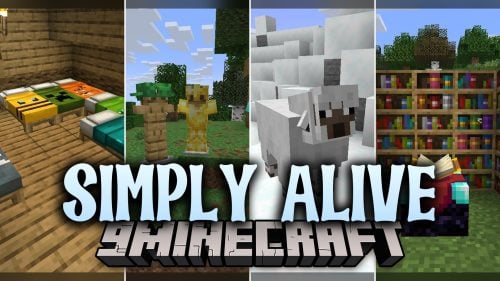 Simply Alive Model – Brings Animated 3D Blocks and Capybara Totems
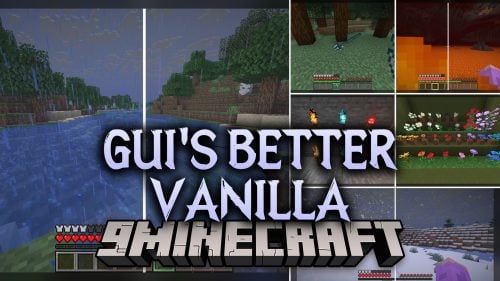 Gui’s Better Vanilla Model – Brings Animated 3D Torches and Plants
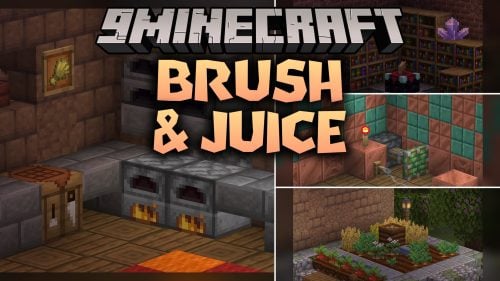 Brush & Juice Model – Brings Animated 3D Redstone and Mechanical Blocks
 100Follower Bedwars Pack Model – Transforms Arena Blocks for Clearer Fights
Most viewed in Models over the last 7 days
 Jenny Mod Skin Pack Mega Collection – 310+ Characters
 The Most Complete Collection of Jenny Mod Resources – Models, Animations, Structures,…
 Albedo Rework Jenny Mod Model
 Power Model – Custom Girl for PleasureCraft Mod
 Galath Rework Model – Custom Girl for PleasureCraft Mod
 Ram Model – Custom Girl for PleasureCraft Mod
 100+ Custom Animations For Jenny Mod
 750 Models Addon for Yes Steve Model Mod
 Ellie Rework Jenny Mod Model
 Femboy Ellie Rework Jenny Mod Model
 Steve (Jenny & Zoey) Pack Jenny Mod Model
 Alex Model – Custom Girl for PleasureCraft Mod
More from Models
 BnC Coaster Compat Model – Adds Hand-Made 3D Food Models to Coasters
 Rb’s Legendary Model – Adds 286 Custom 3D Models to Blocks and Items
 Human Era Villagers & Illagers X Fresh Animations Model
 The PäRail Trains Model – Adds Drivable Commuter Trains to Rail Networks
 Faithless Model – Adds 698 Custom 3D Models While Keeping the Vanilla Look
 Moonlit Model – Adds Soft Glowing Gear and Custom 3D Copper Lanterns
 New Default Model – Adds Thousands of 3D Block Models with Animated Fire
 S.O.M Model – Adds 118 Custom 3D Models for Leaves, Redstone and Nether Plants
 Excalibur Model – Adds Medieval 3D Models to Spawn Eggs and Steel Bars
 Ultimate Redstone Model – Brings Animated 3D Parts to Redstone Machines
 Spinky’s Christmas Chests Leaves Model – Brings Layered Leaves and Presents
 Comprogrammer Model – Transforms Modded Worlds with Retro Blocky Models

This post has no comments yet. Be the first — your comment will appear here.