
Cutmark Model – Transforms Flat Vanilla Tools Into Dangerous 3D Handheld Weapons

 0

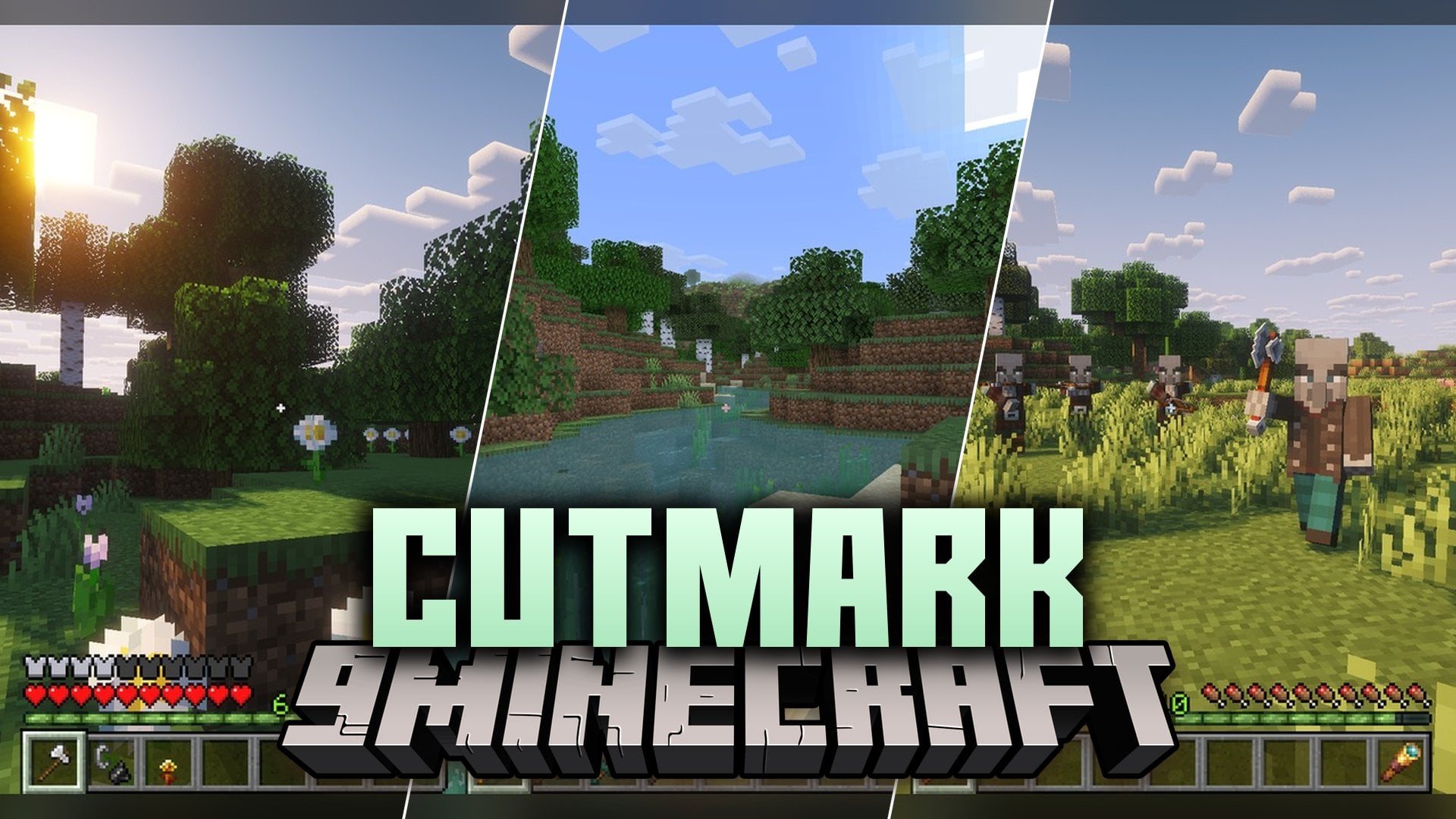
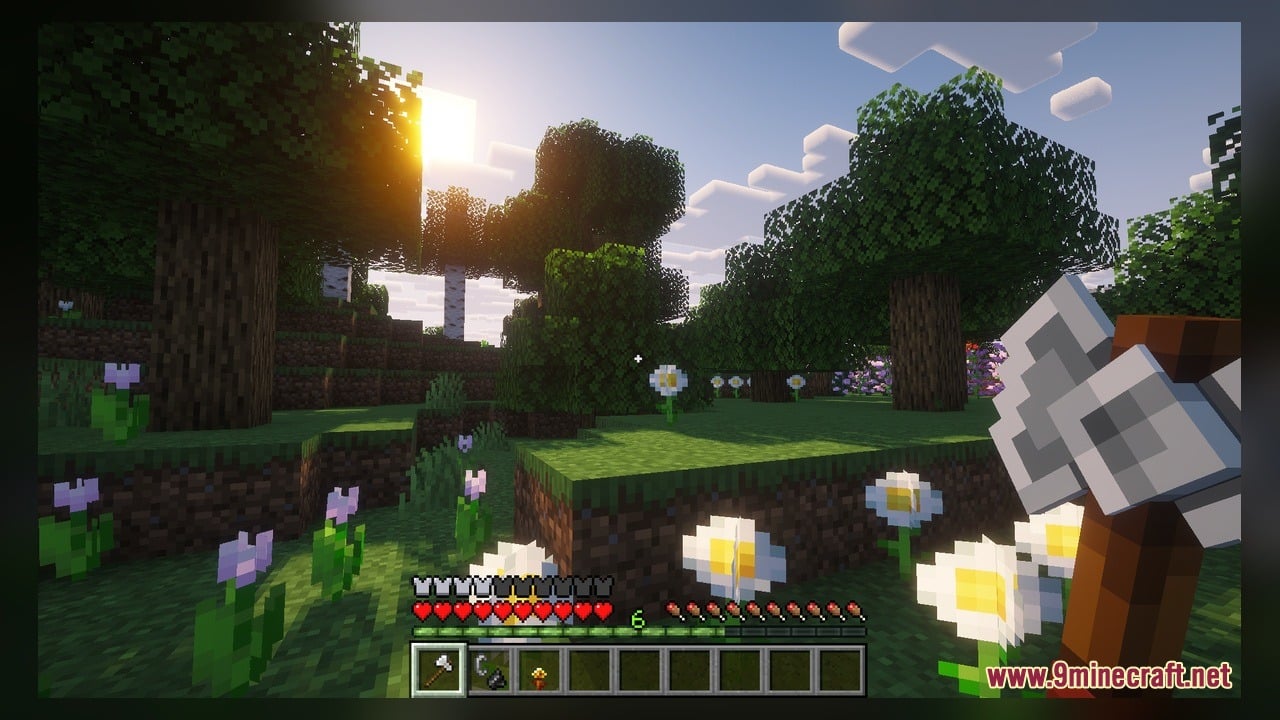
Cutmark Model transforms the look of your everyday weapons and tools with 86 custom 3D models. This pack makes your gear feel much more dangerous when you hold it in your hand. It covers all standard tiers including wooden, stone, iron, golden, diamond, netherite, and even copper tools. Every sword, axe, pickaxe, shovel, and hoe gets a sharper, three-dimensional appearance during combat and mining.
Features:
- 86 Custom 3D Models: Replaces flat vanilla tool items with detailed three-dimensional hand models across multiple material tiers.
- Dangerous Tool Designs: Gives your handheld equipment a sharper and more threatening visual style.
- Updates the handheld appearance for wooden, stone, copper, iron, golden, diamond, and netherite equipment.
- Includes two custom texture files that pair with the new 3D shapes to keep the art style clean.
Included Tool & Weapon Models:
- Swords: Adds 3D hand models for wooden, stone, copper, iron, golden, diamond, and netherite swords.
- Axes: Replaces the held models for wooden, stone, copper, iron, golden, diamond, and netherite axes.
- Pickaxes: Gives a new 3D handheld shape to wooden, stone, copper, iron, golden, diamond, and netherite pickaxes.
- Shovels: Upgrades the in-hand look of wooden, stone, copper, iron, golden, diamond, and netherite shovels.
- Hoes: Features custom 3D hand models for copper and diamond hoes.
How to Use:
- Move the downloaded pack file into your Minecraft resourcepacks folder, open the game settings, and activate it from the Resource Packs menu.
- Craft a starter Wooden Sword, Stone Axe, or Iron Pickaxe at a Crafting Table, or pull them straight from the Combat and Tools tabs in Creative mode.
- Place the tools into your hotbar and scroll to hold a Wooden Sword, Golden Axe, or Diamond Shovel in your main hand to see the flat item change into a 3D model.
- Upgrade your gear to a Diamond Sword, Diamond Hoe, or Netherite Pickaxe using a Smithing Table to inspect the high-tier 3D shapes in first-person view.
- Equip any of the copper variants like the Copper Sword, Copper Axe, Copper Pickaxe, Copper Shovel, or Copper Hoe to view their custom hand models.
- Press F5 to switch to third-person view while swinging your Netherite Sword or Iron Axe to see how the 3D weapon looks in your character’s hand.
Screenshots:




Cutmark Model Download Links
Click to rate this post!
[Total: 0 Average: 0]
You May Also Like
Picked for this page
 ShadowBlade Model – Equips Animated 3D Fantasy Weapons for PvP Combat
 TheRa 3D Model – Brings Animated Bows and Depth to Vanilla Items
 Universal 3D Archery – Transforms Flat Bows and Crossbows Into 3D Weapons
 Better Gear Model – Transforms Flat Tools Into Animated 3D Weapons
 Slimefun Model – Brings 3D Shields, Solar Panels, and Animated Server Tech
 Gravestone Dungeons Resource Pack Model – Brings Animated 3D Dungeon Rituals
 ZickZack ORI Red Model – Brings 3D Pen Bows, Trackers, and Custom Skies
 Moons Cuter Bedwars Model – Brings Cute 3D Blocks and Clean PvP Visuals
 Vanilla SMP Model – Brings Clear 3D Weapons and Visible Traps to PvP
 ASTERA Model – Brings Sharp 3D Blades to Vanilla Melee Battles
 Drown’s Tool Tweaks Model – Brings Animated 3D Weapons and Glowing Altars
 PacksHQ Model – Brings Custom 3D Gear and Animated Textures to Hypixel Skyblock
Most viewed in Models over the last 7 days
 Jenny Mod Skin Pack Mega Collection – 310+ Characters
 The Most Complete Collection of Jenny Mod Resources – Models, Animations, Structures,…
 Albedo Rework Jenny Mod Model
 750 Models Addon for Yes Steve Model Mod
 Power Model – Custom Girl for PleasureCraft Mod
 Galath Rework Model – Custom Girl for PleasureCraft Mod
 Pomni Jenny Mod Model
 Ram Model – Custom Girl for PleasureCraft Mod
 Femboy Ellie Rework Jenny Mod Model
 100+ Custom Animations For Jenny Mod
 Ellie Rework Jenny Mod Model
 Ellen Model – Custom Girl for PleasureCraft Mod
More from Models
 Bits & Tweaks LITE Model – Brings Animated 3D Depth to Vanilla Blocks and Tools
 Vanilla Future Texture TXF Model – Brings Futuristic 3D Sci-Fi Gear and Blocks
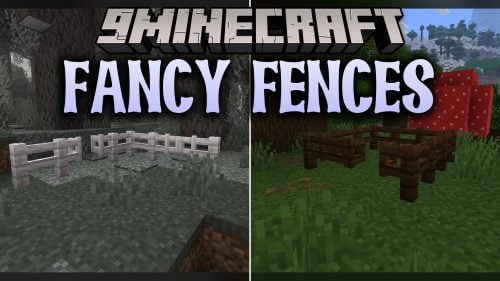 Fancy Fences Model – Transforms Default Barriers with Fresh 3D Depth
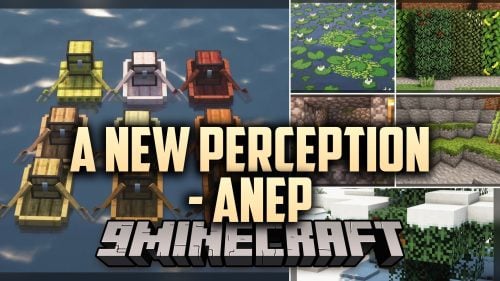 A New Perception – Adds Detailed 3D Block Shapes and Animated Textures
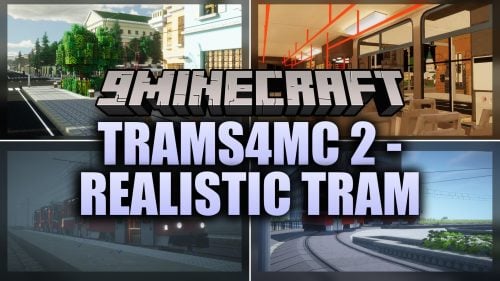 Trams4MC 2 – Brings Scripted Modern Streetcars to Your Transit Railway Lines
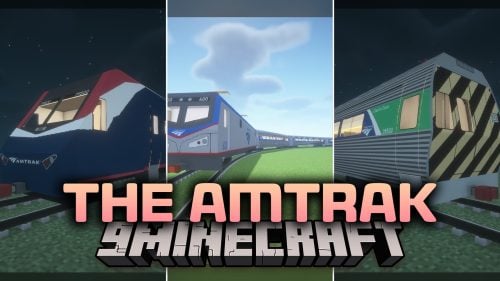 The Amtrak Model – Brings Realistic Passenger Trains to Your Railway Builds
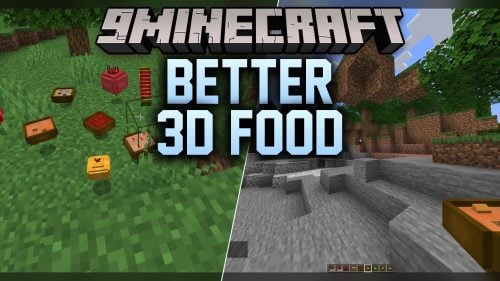 Better 3d Food Model – Transforms Flat Edibles Into Detailed Blocky Meals
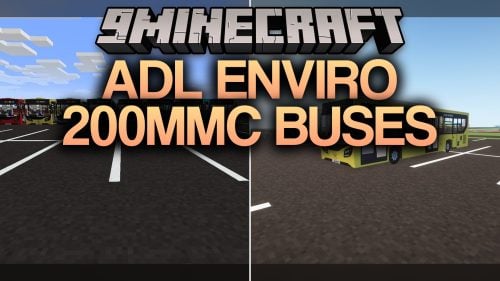 ADL Enviro 200MMC Buses Model – Brings British City Transit to Streets
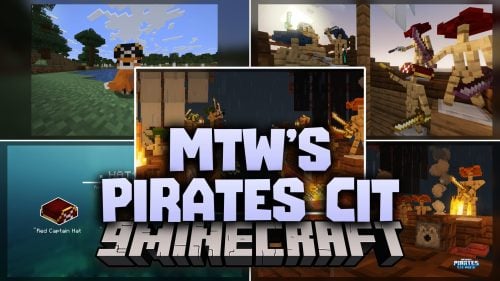 MTW’s Pirates CIT Model – Equips Seafaring Weapons and Classic Pirate Hats
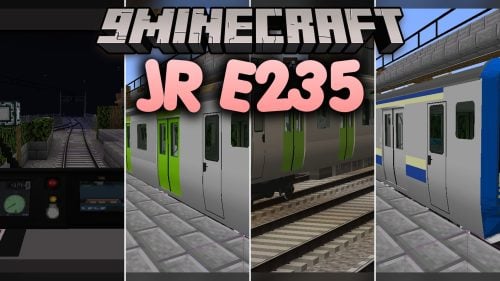 JR E235 Model – Brings Modern Japanese Commuter Trains to Transit Railways
 PotatoCraft 8X Model – Brings Minimal 8x Textures, 3D Doors, and Clear PvP Menus
 ViaBackwards Plus Model – Brings Backported 3D Block Visuals to Older Versions

This post has no comments yet. Be the first — your comment will appear here.