
Darker Loading Screen Mod (1.16.5) – Play at Night Without Glare
 109
 0

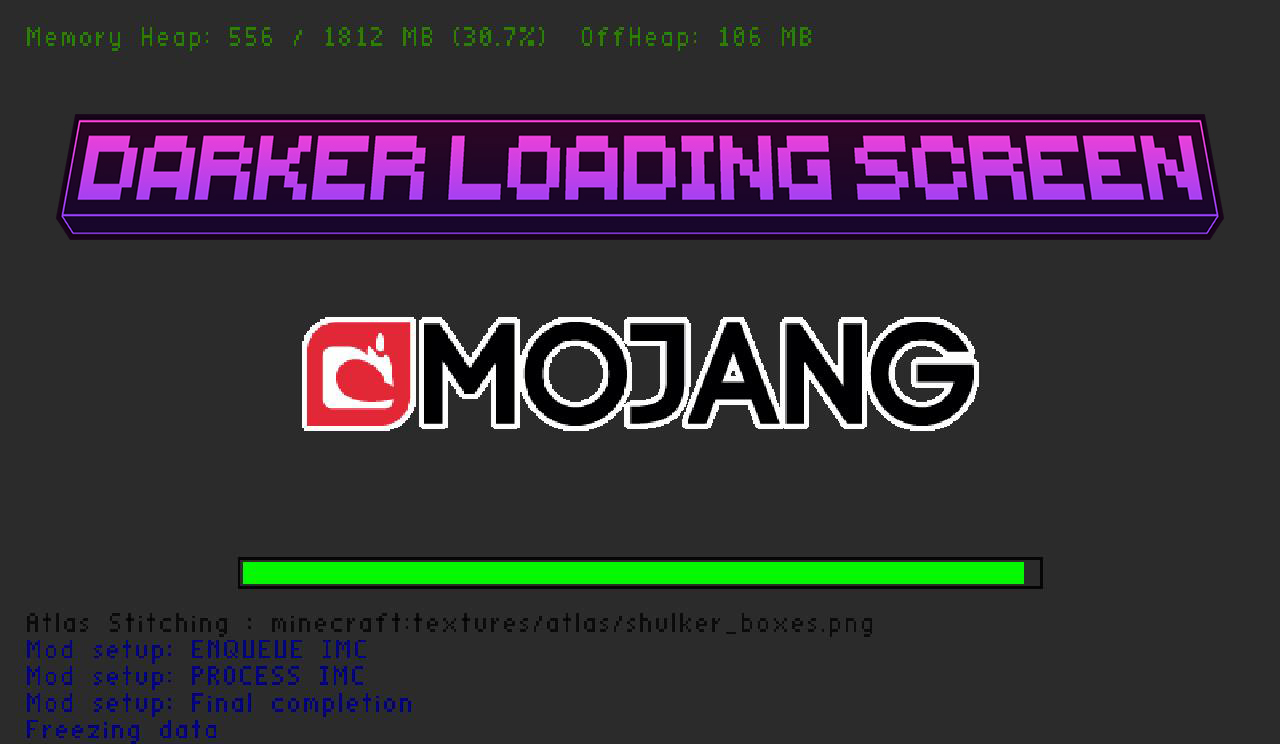
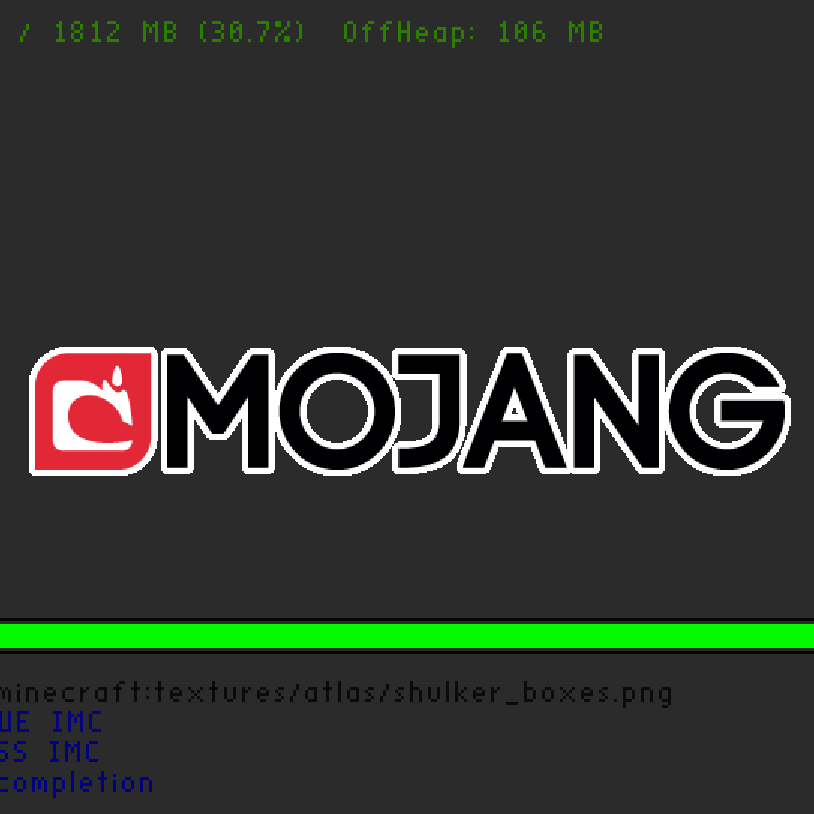
Darker Loading Screen Mod lets you change the colors of the loading screen and the resource reloading screen. You can choose your own colors for the background, the progress bar, and the logo. By default, this mod turns the background dark gray, makes an empty bar red, and makes a full bar green. It runs only on the client side and does nothing on dedicated servers.
Features:
- Lets you set a custom background color for both the game loading screen and the resource reloading screen.
- Allows you to pick custom colors for the loading progress bar.
- Includes an option to change the logo color in the 1.16 version.
- Uses dark gray for the background, red for an empty progress bar, and green for a full progress bar by default.
- Brings back loading screen color settings that Forge no longer includes after version 1.12.
- Works only on the client side and has no effect on dedicated servers.
- Requires MixinBootstrap only when playing on the 1.15 version.
Screenshots:
How to Install:
New to Minecraft? Follow our step-by-step guide to install Mods on your PC.View Guide
Darker Loading Screen Mod Download Links
For Minecraft 1.16.5
Forge version: Download from Server 1 – Download from Server 2
Click to rate this post!
[Total: 0 Average: 0]
QUICK MINECRAFT SURVEY · ONE TAP
Mods & Modpacks
How do you usually learn how a complex mod works?
23 responses · See the full results →
You May Also Like
Picked for this page
 Eyes in the Darkness Mod (26.2, 1.20.1) – A Spooky Mod
 Just Enough Effect Descriptions Mod (1.21.11, 1.20.1) – Display Information on All Status Effects
 Just Enough Characters Mod (26.3, 1.20.1) – Find Any Item Using Pinyin
 Fire Spread Tweaks Mod (26.3, 1.20.1) – Disables Default Fire Spread
 Simply No Shading Mod (26.2, 1.20.1) – Uniform Brightness Across All Blocks
 Entity View Distance Mod (26.3, 1.20.1) – Control How Far Away You Can See Entities
 ModernFix-mVUS Mod (26.3, 1.21.11) – Performance And Memory Optimization Backport Fork
 Raise Sound Limit Simplified Mod (26.3, 1.20.1) – Fix Audio Cutoffs In Minecraft
 Dimensional Sync Fixes Mod (1.21.1, 1.20.1) – Fixes Two Dimension Teleportation Bugs
 Fragmentum Mod (26.1.2, 1.20.1) – Base Module For Obscuria Mods
 Smidgeon O’ Bliss REMASTERED Mod (1.20.6, 1.20.1) – Eat for Buffs, Not Hunger
 Shogi Mod (26.3, 26.1.2) – Run Background Rules For Mods Like Waystones
Most viewed in Mods over the last 7 days
 Ala Industrial Mod (26.3) – Run Electric Power Grids and Automated Factories
 PleasureCraft Mod (26.3, 1.21.1) – Jenny Mod Remake for Fabric
 Jennycraft Mod (26.3, 1.20.1) – Virtual Girlfriend in Minecraft
 Fapcraft Mod (26.3, 1.12.2) – Comprehensive and Detailed Content
 Jenny Mod (Fapcraft) Official Complete Guide – How to use, Tutorial
 BangCraft Mod (1.20.1) – Jenny, Ellie and Elliot
 Meteor Client Mod (26.3, 1.20.1) – Xray, HUD, Fly
 Fabric Loader (26.3, 1.20.1) – Fabric Installer for All Minecraft Versions
 OptiFine HD (26.3, 1.20.1) – Run Faster, FPS Boost, Shaders Support
 The Shooting Star Demo Mod (26.3, 1.20.1) – Vaporize Terrain From Orbit
 Aristois Client Mod (1.21.4, 1.20.1) – World Class Minecraft Utility
 CatLean Client Mod (26.2, 1.21.11) – ThunderHack Recode Alternatives
More from Mods
 Hats Classic Mod (26.3, 1.20.1) – Hunt Mobs to Unlock and Wear Fun Cosmetic
 Conflux Map Mod (26.3, 1.20.1) – Map Caves, Mark Waypoints, and Never Lose
 Voxy Seed Gen Mod (26.2, 1.20.1) – Fill Your Render Distance with LODs
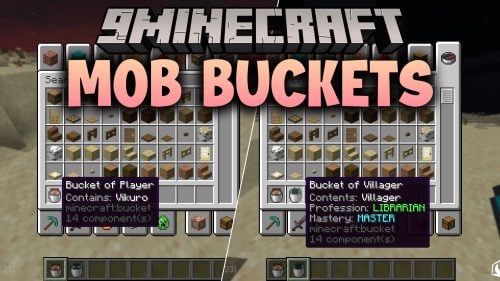 Mob Buckets Mod (26.3, 1.21.11) – Safely Relocate Villagers and Monsters
 Asgard Shield: Reloaded Mod (26.3, 1.20.1) – Shields & Powerful Weapons
 Menu Music Mod (26.3, 1.20.1) – Change The Title Menu Music
 Butter Bee Mob Variants Mod (26.3, 1.21.11) – Find Unique Animal Variants
 Ore Creeper Mod (26.3, 1.20.1) – Many Different Types Of Creeper
 Action Bar Info Mod (26.3, 1.20.1) – Real-Time Player Info On Your Action Bar
 Cliff Tree Mod (26.3, 1.20.1) – Transform Your Minecraft Landscape
 Floral Enchantment Mod (26.3, 1.20.1) – Adding Flower Bushes, Vines, Floral Items
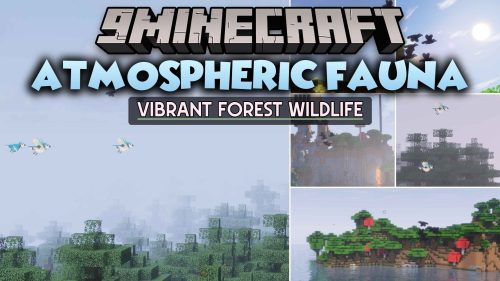 Atmospheric Fauna Mod (26.3, 1.21.1) – Fill Empty Skies with Flocks

This post has no comments yet. Be the first — your comment will appear here.