


Enchanteds Sodium Options Mod (26.2, 1.21.11) – Erweiterte Video-Einstellungen
 130
130
 0
0


🌐 Du liest diesen Artikel auf Deutsch. Möchtest du wechseln?
📖 Auf Englisch lesen (Original)Oder wähle die gewünschte Sprache:
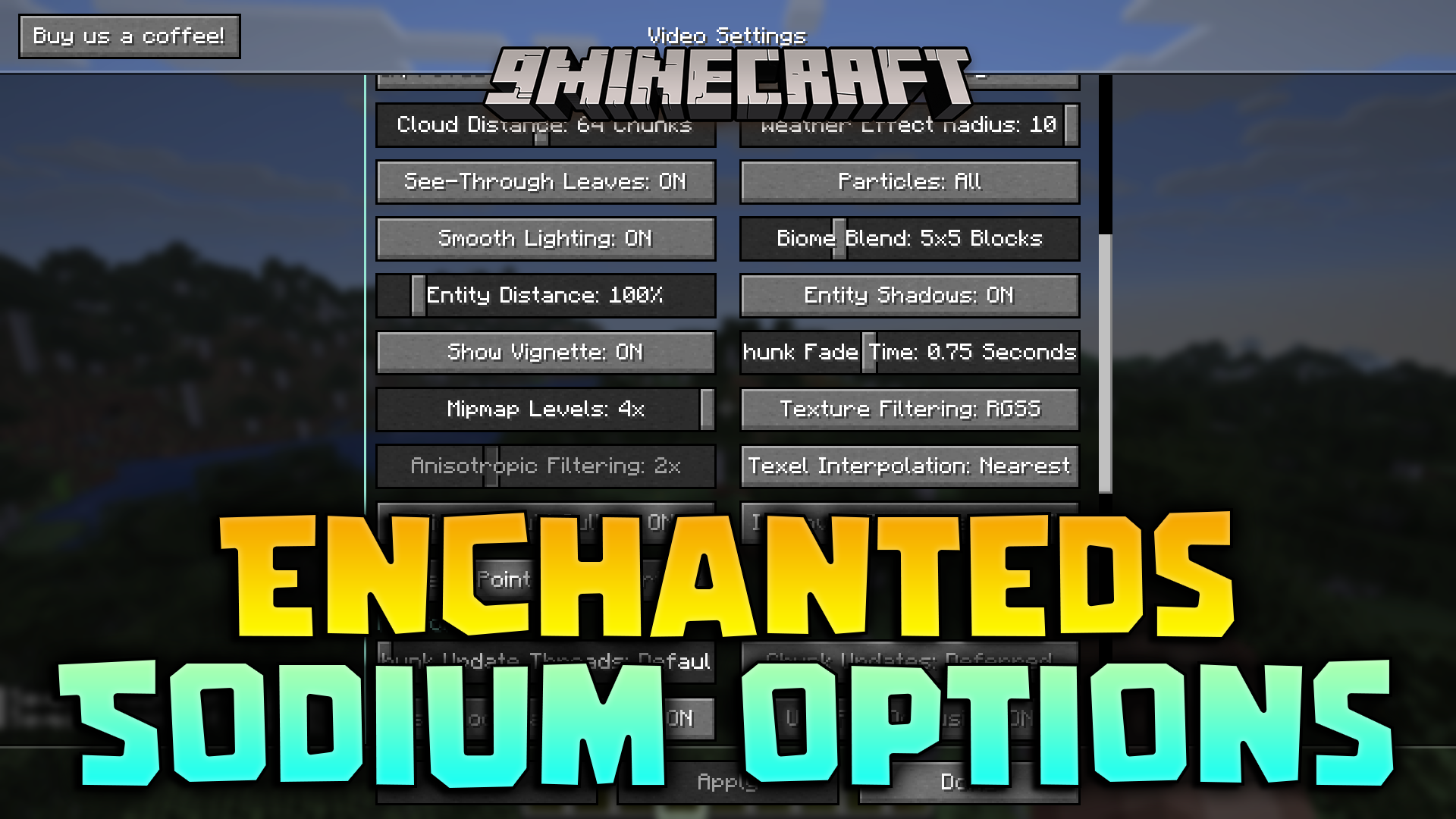
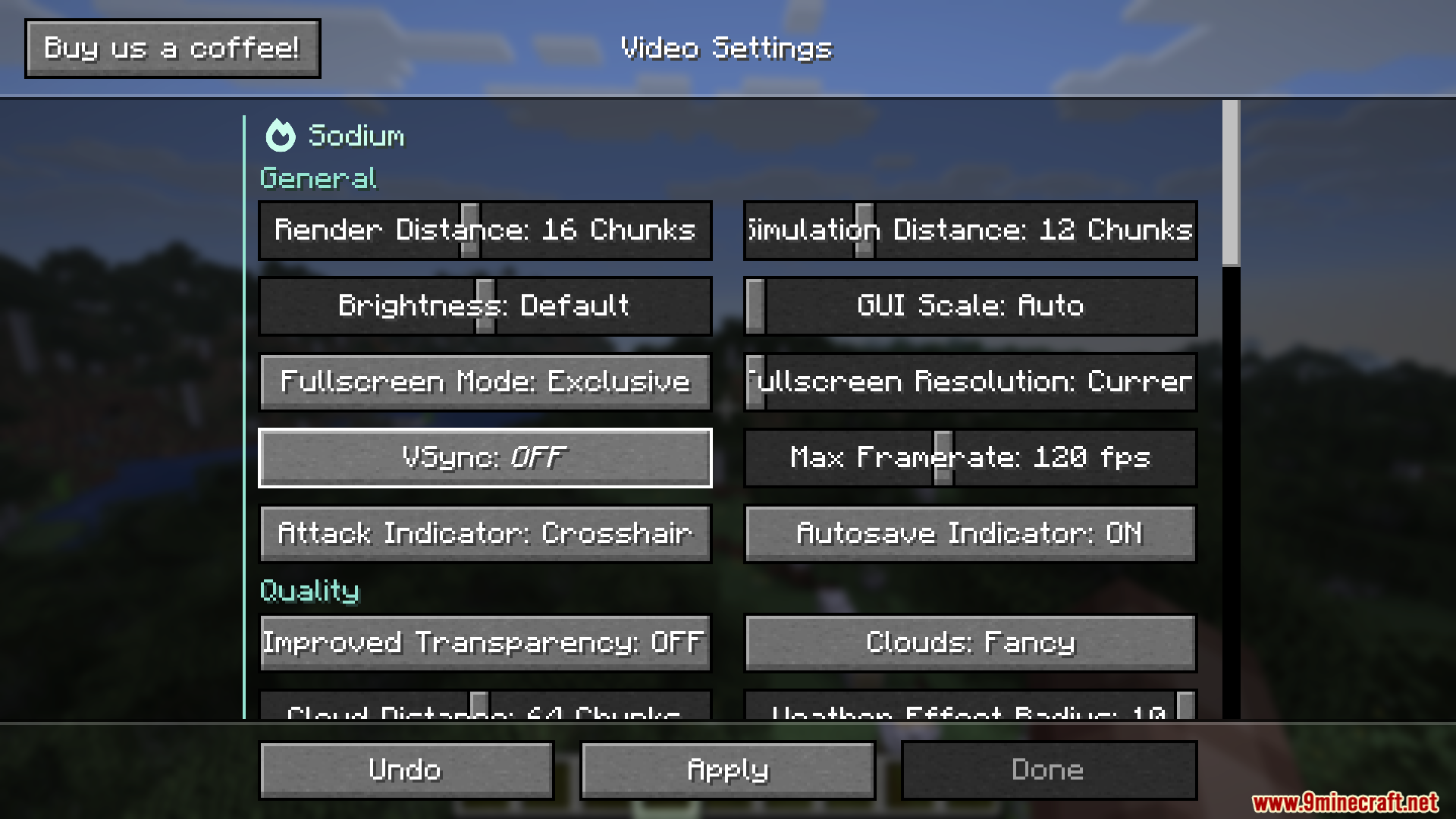
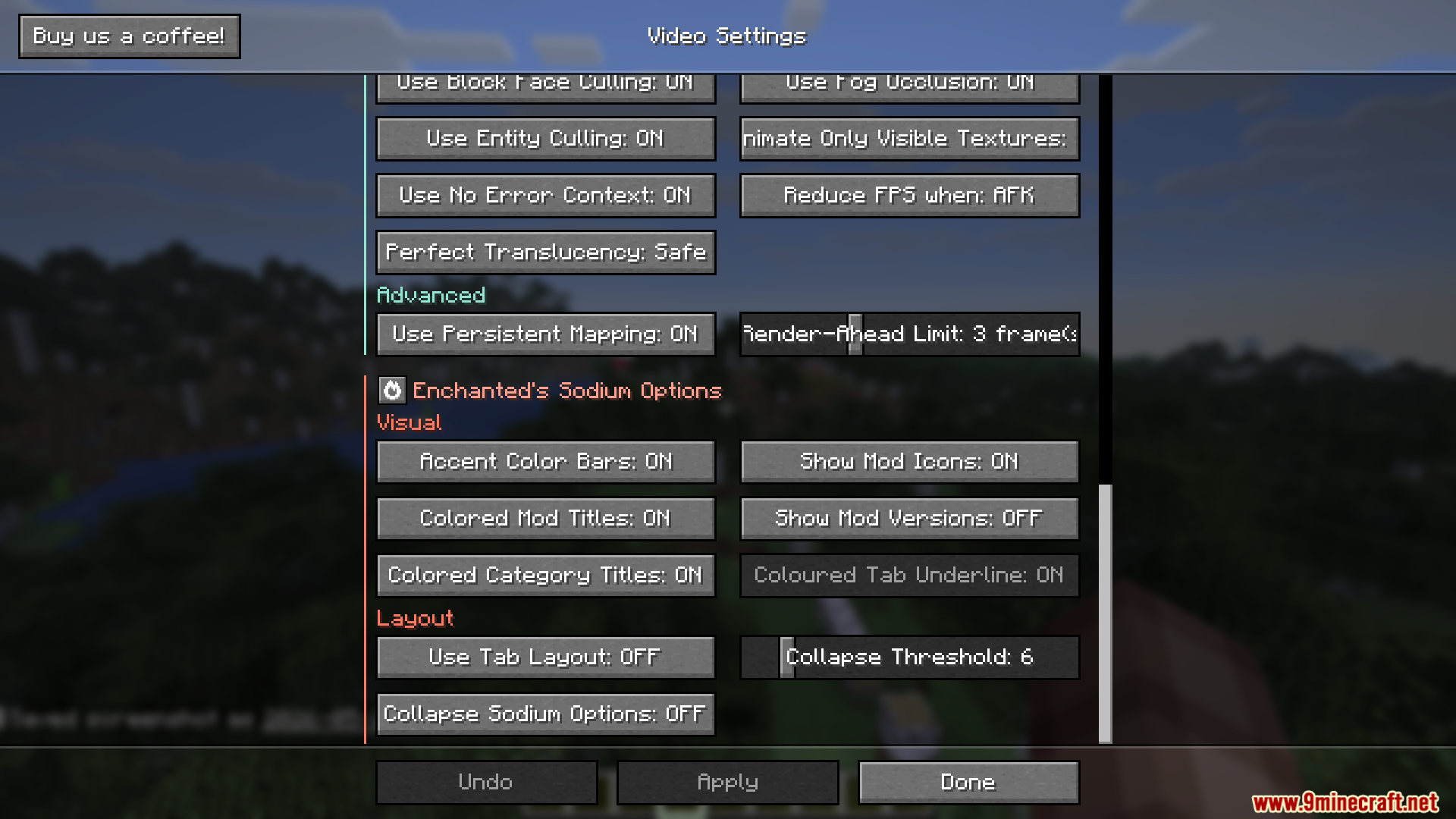
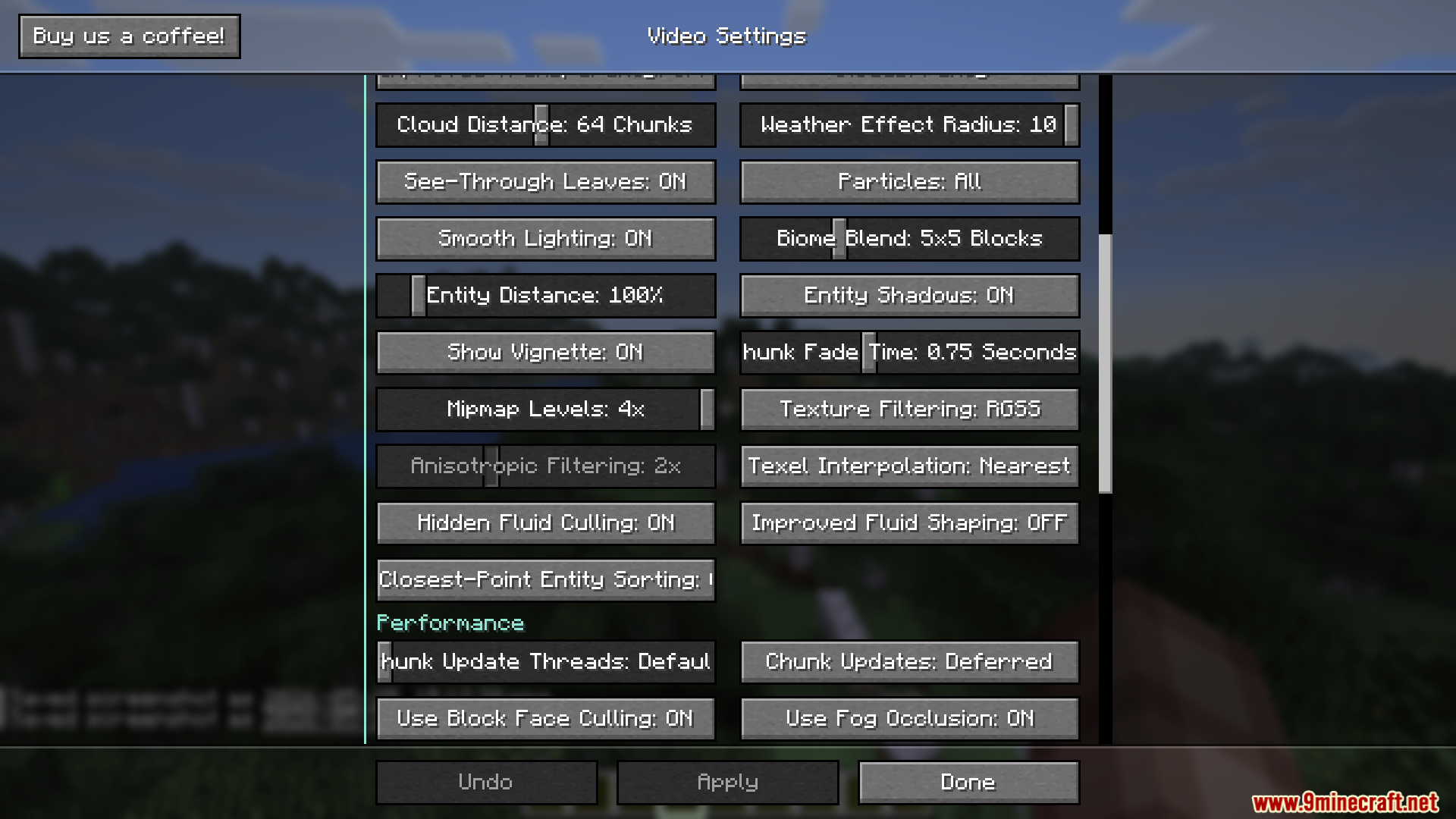
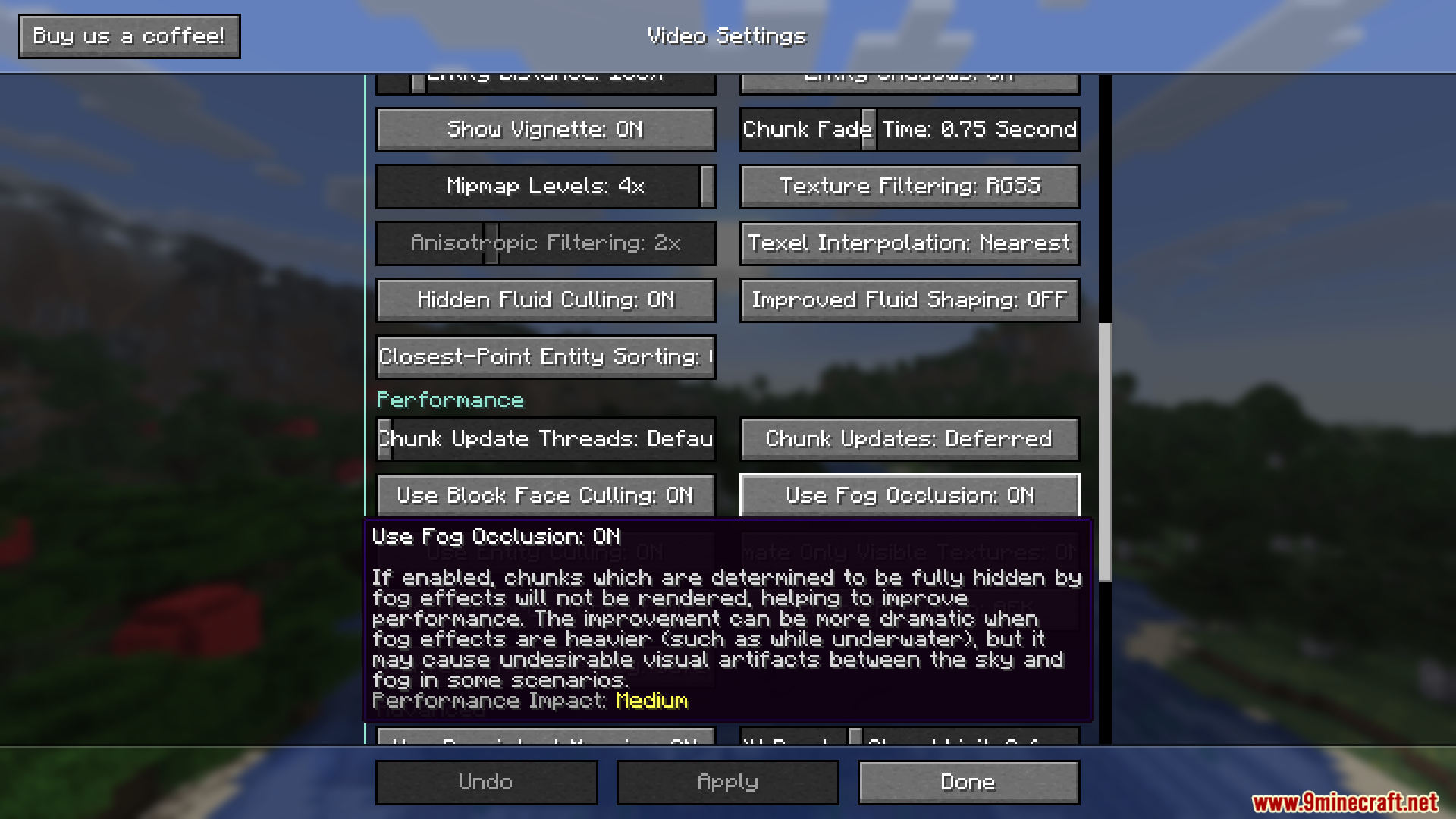
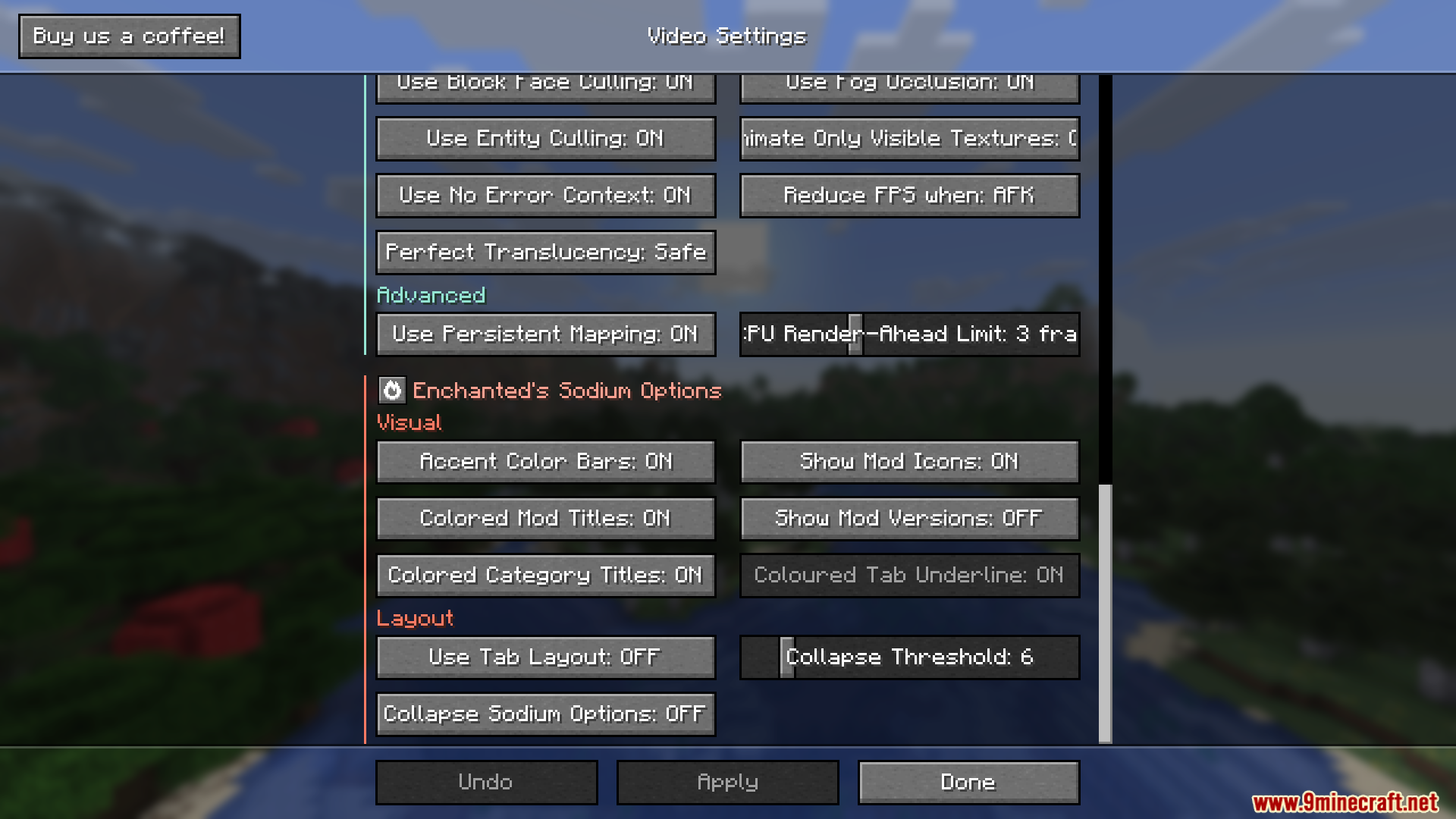
Enchanteds Sodium Options Mod verändert das Video-Einstellungsmenü in Sodium. Es ersetzt das benutzerdefinierte Layout durch einen Screen, der genau wie die normalen Minecraft-Menüs aussieht. Wenn du die bekannte Performance-Mod nutzt, aber die klassischen Buttons und Hintergründe vermisst, bringt dieser Tweak sie zurück.
Features:
- Vanilla-Style: Ersetzt das Sodium-Einstellungsmenü durch eines, das perfekt zum Look des restlichen Spiels passt.
- Unterstützt alle anderen Mods, die ihre eigenen Optionen in dasselbe Menüsystem einfügen.
- Ermöglicht das Deaktivieren der zusätzlichen Farben in den Einstellungen für einen schlichteren Look.
- Speziell für die neuesten Updates der Hauptmod optimiert.
Anwendung:
- Öffne deine Video-Einstellungen über das Hauptmenü oder den Pausenbildschirm.
- Genieße das neue Layout, das sich nahtlos in das Spiel einfügt.
- Drücke Alt + P auf deiner Tastatur, falls du jemals das ursprüngliche Sodium-Menü öffnen musst.
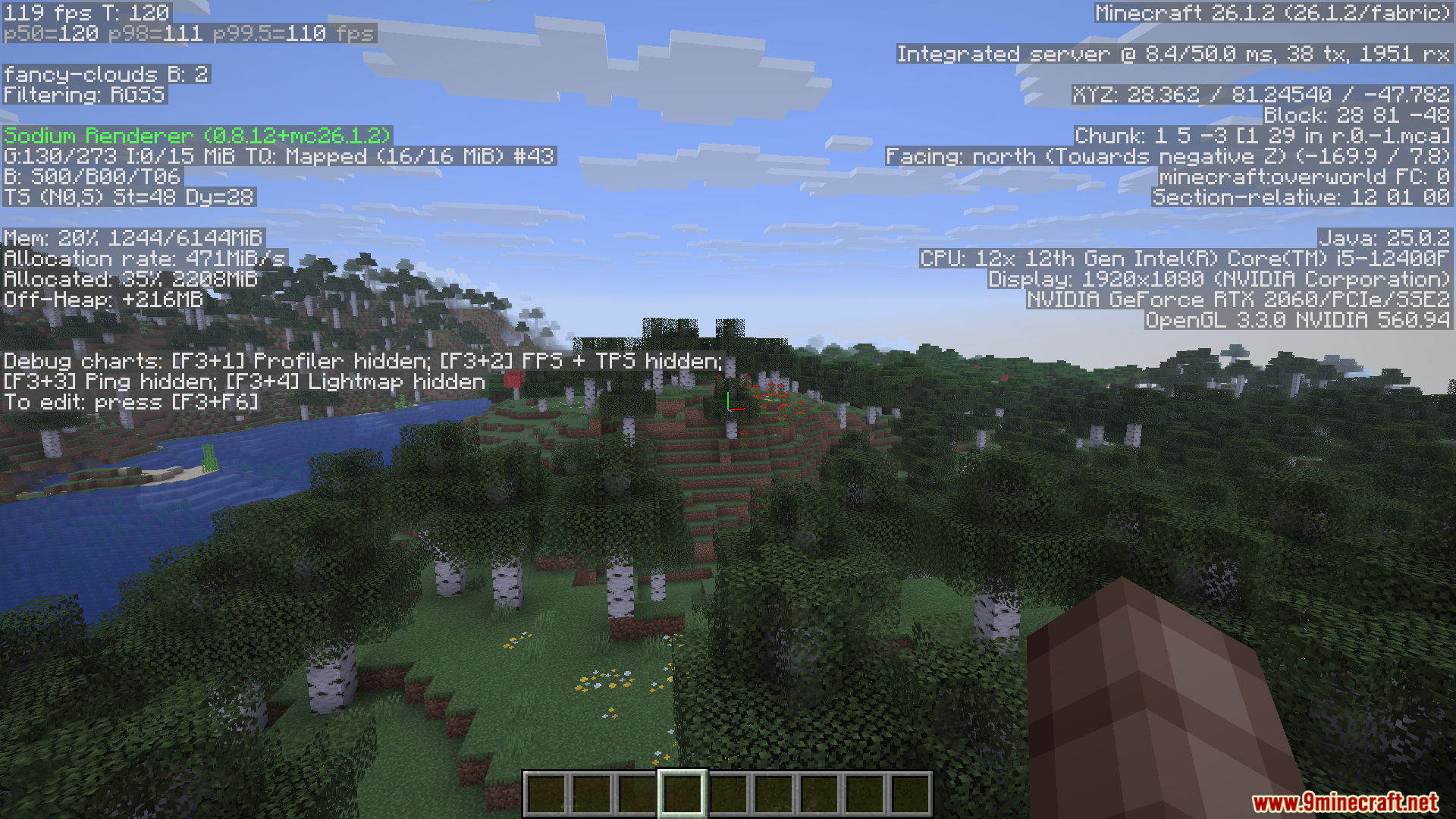
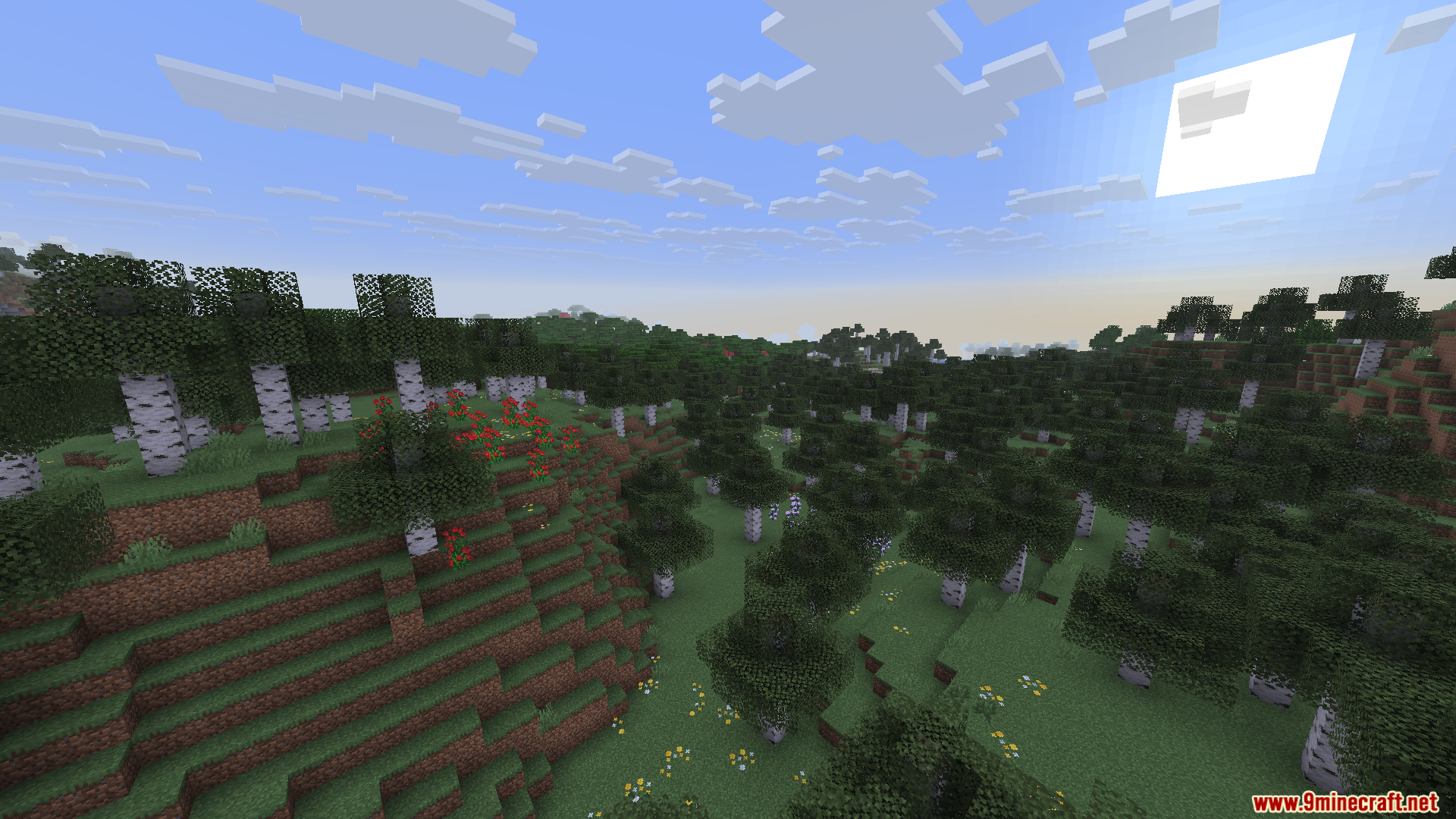
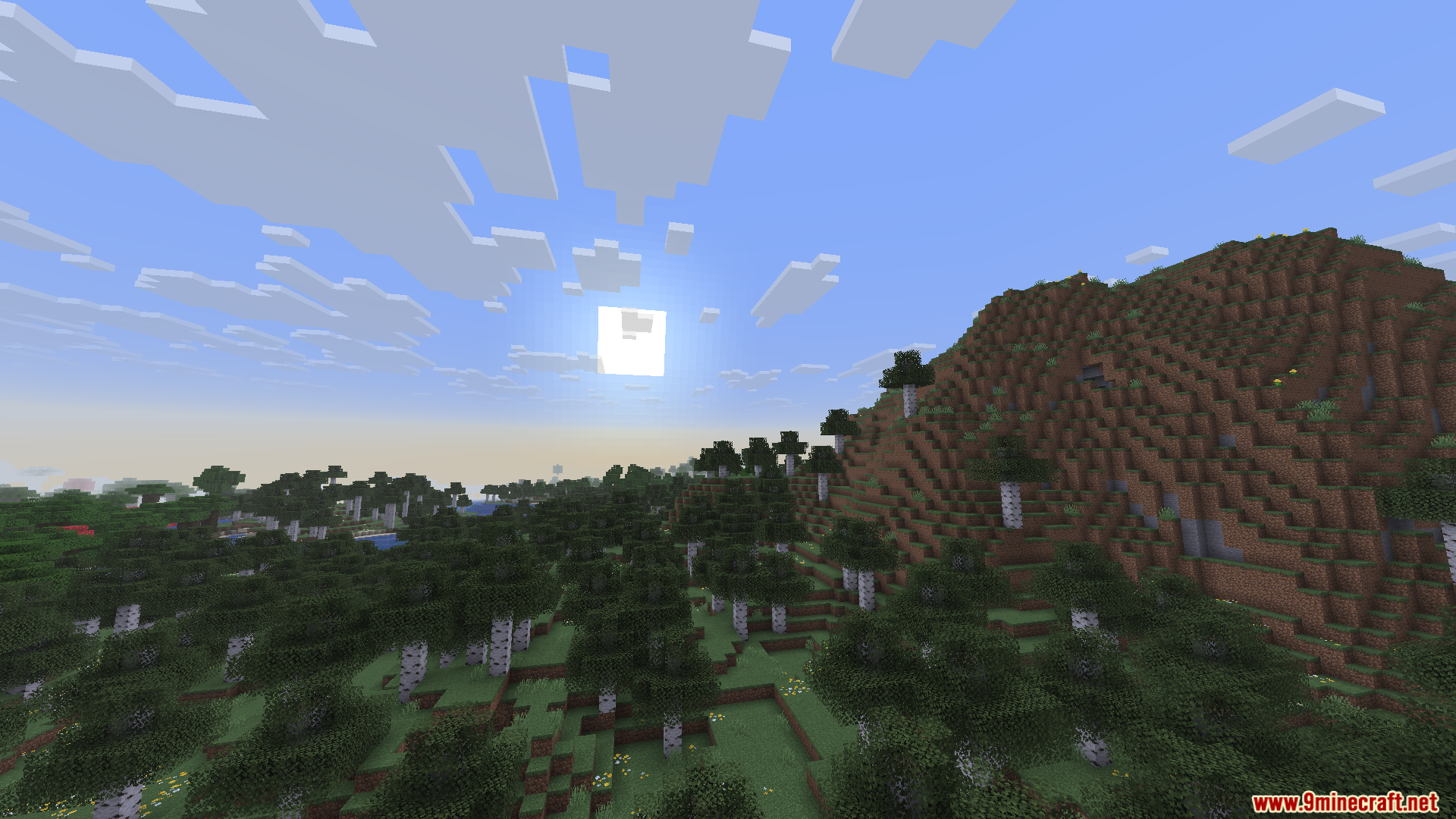
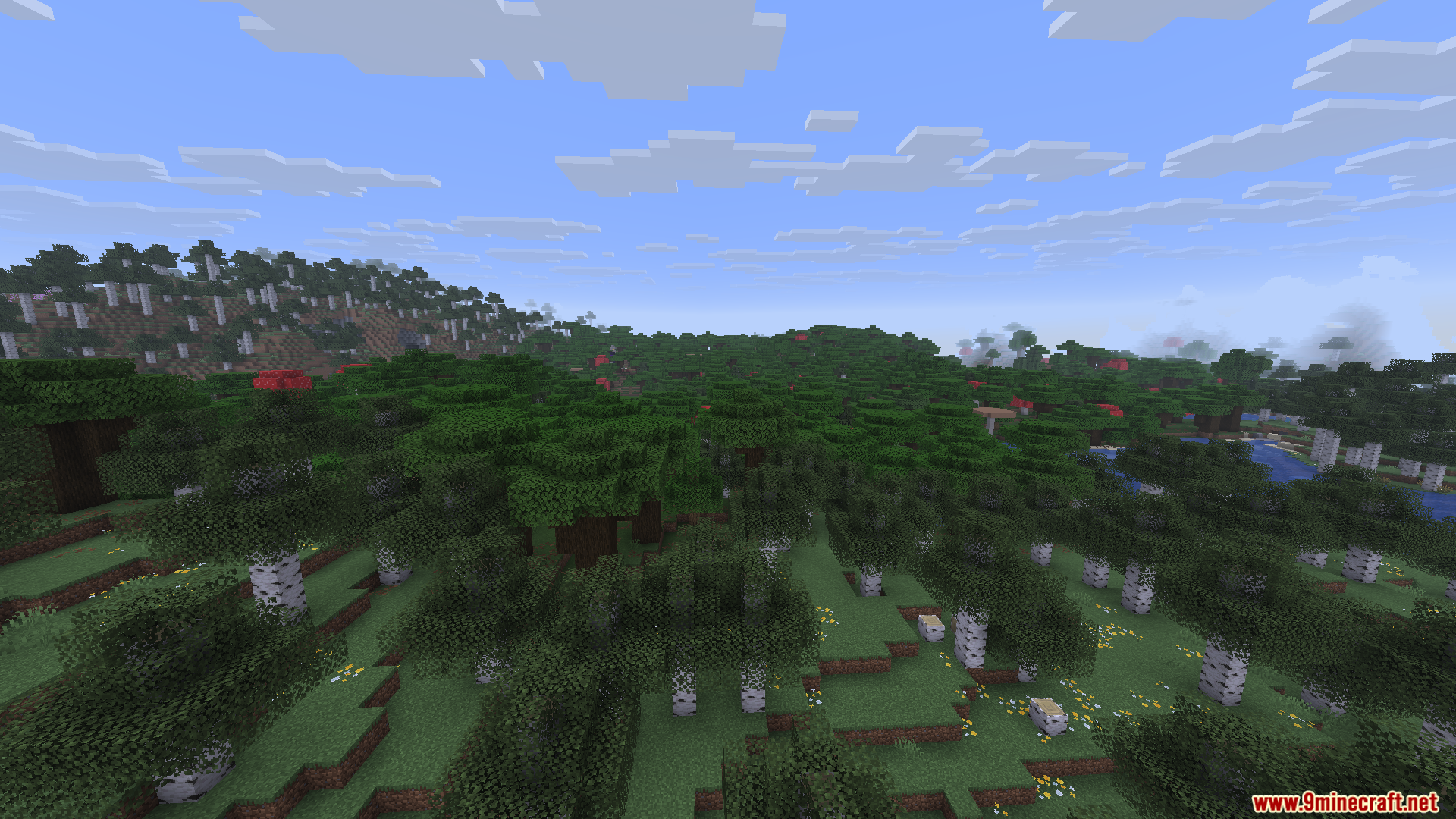
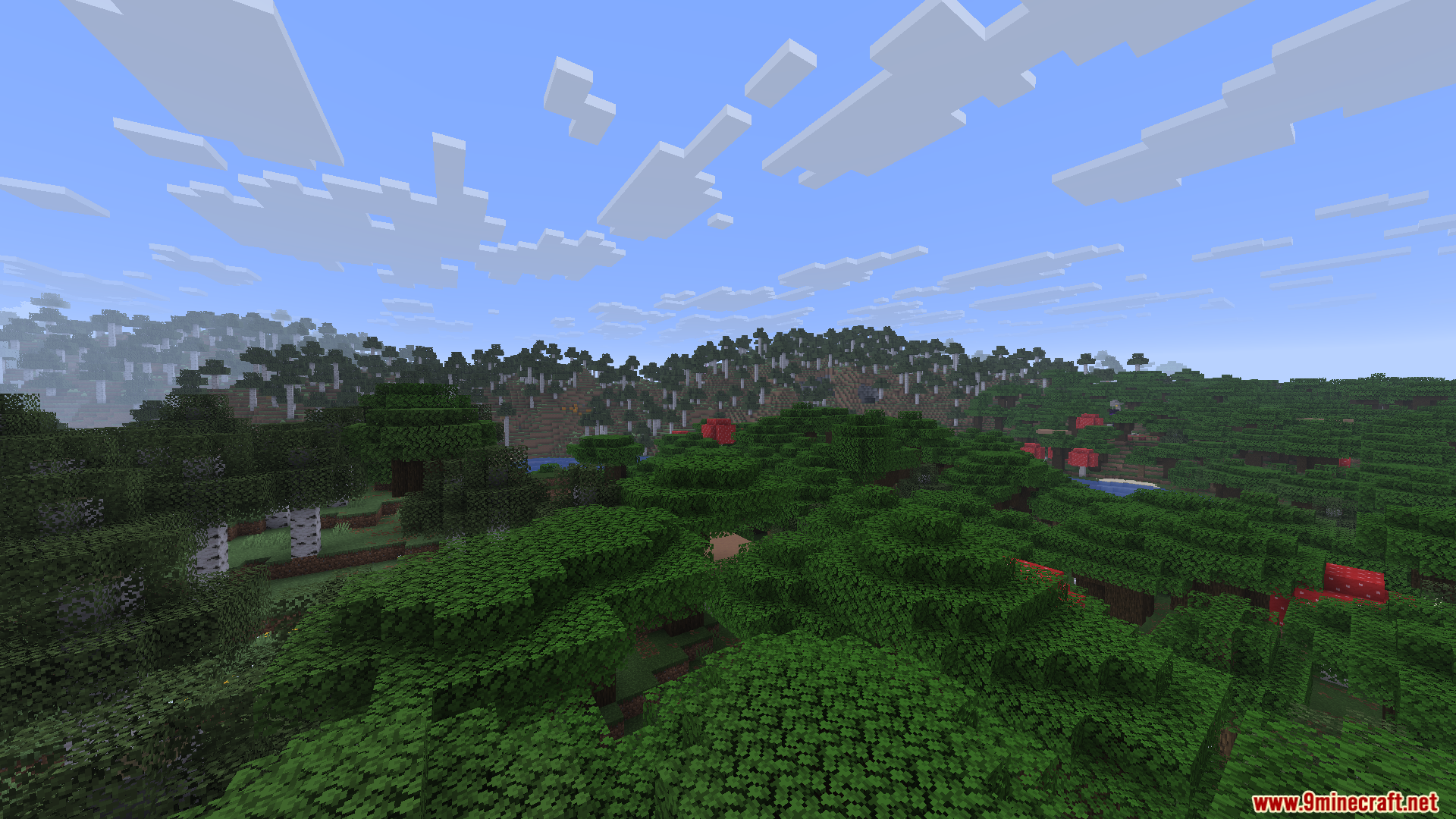
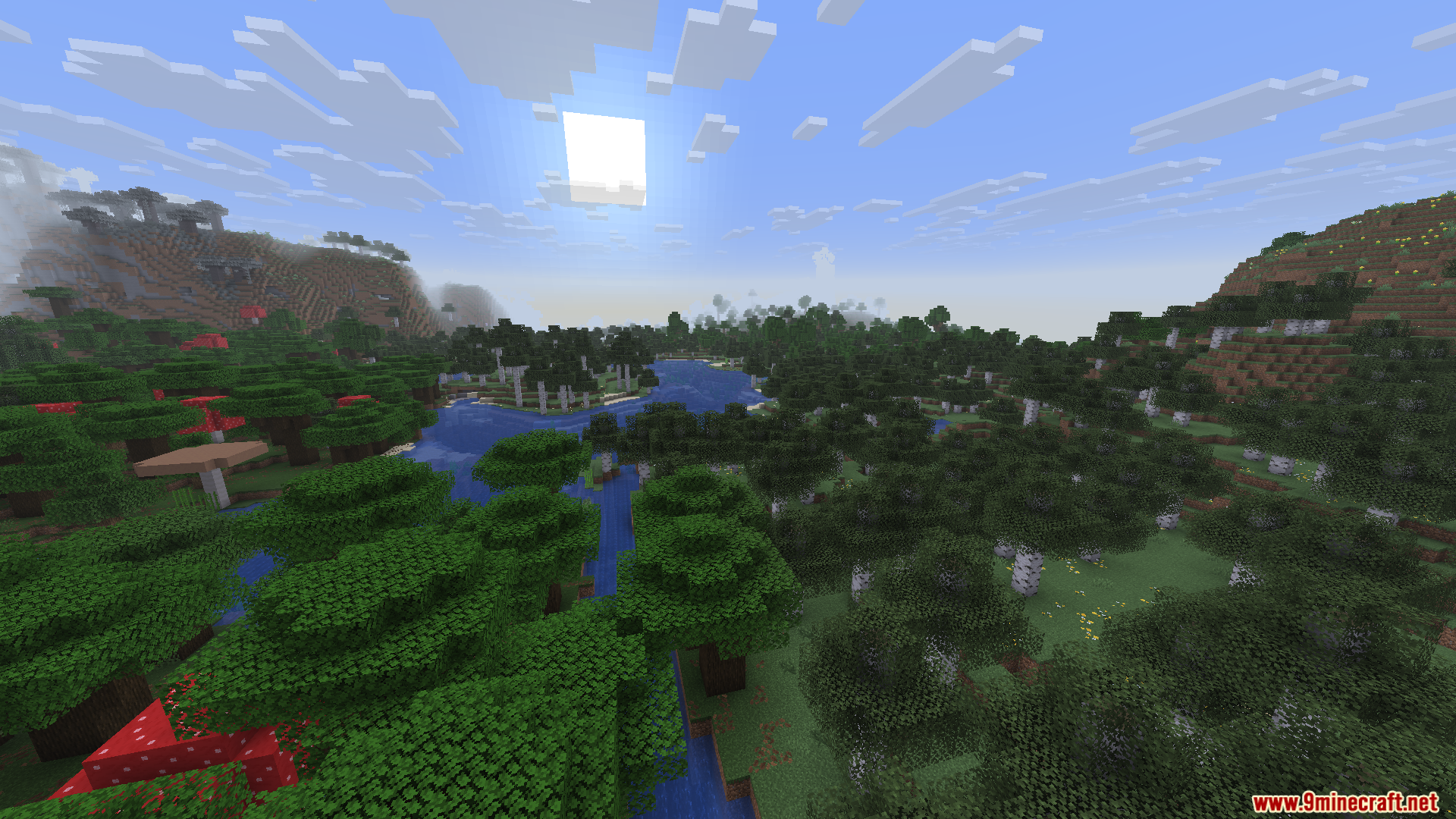
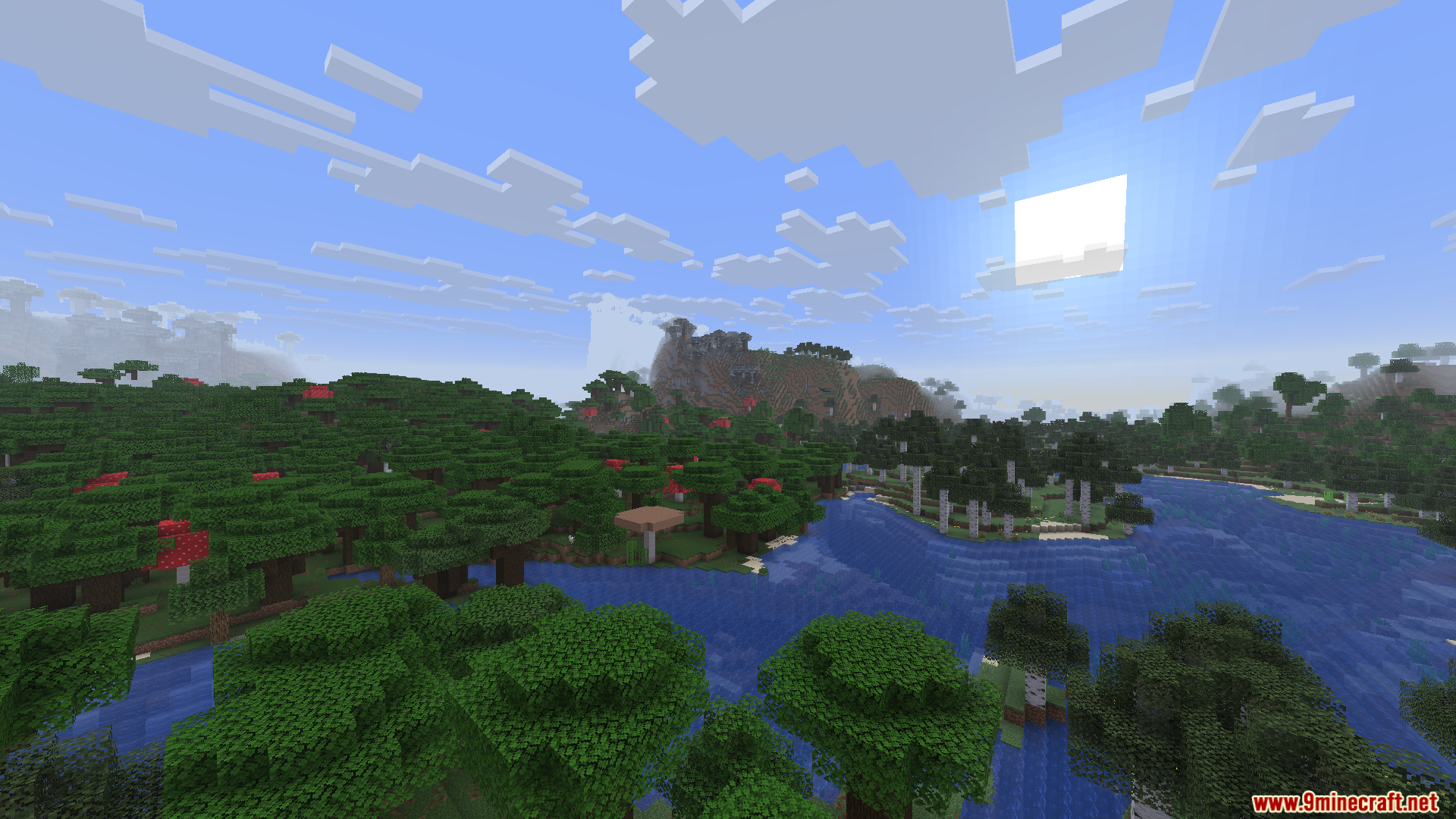
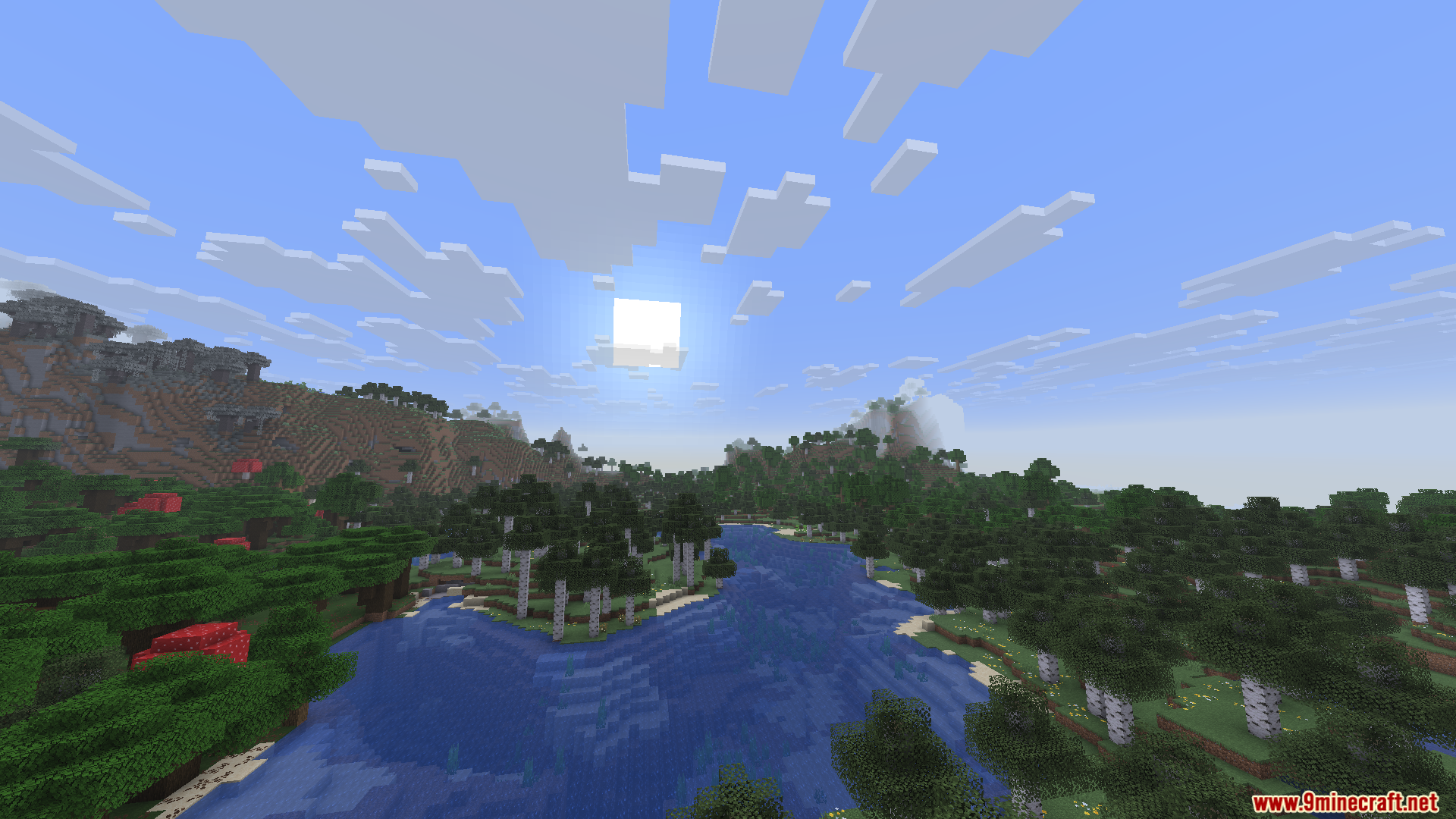
Screenshots:
Installationsanleitung:
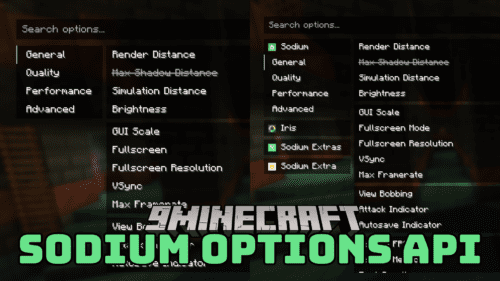
Voraussetzungen:




Enchanteds Sodium Options Mod Download Links
Für Minecraft 26.2
Für Minecraft 26.1.2, 26.1.1, 26.1
Für Minecraft 1.21.11
Klicke, um diesen Beitrag zu bewerten!
[Total: 0 Average: 0]
Das könnte dir auch gefallen






Dieser Beitrag hat noch keine Kommentare. Sei der Erste – dein Kommentar erscheint hier.