


Dead Air Mod (1.20.1) – Track Radio Frequencies for Music and Airdrops
 215
215
 0
0


🌐 Good news — we've translated this article into other languages!
Or pick the one you like:
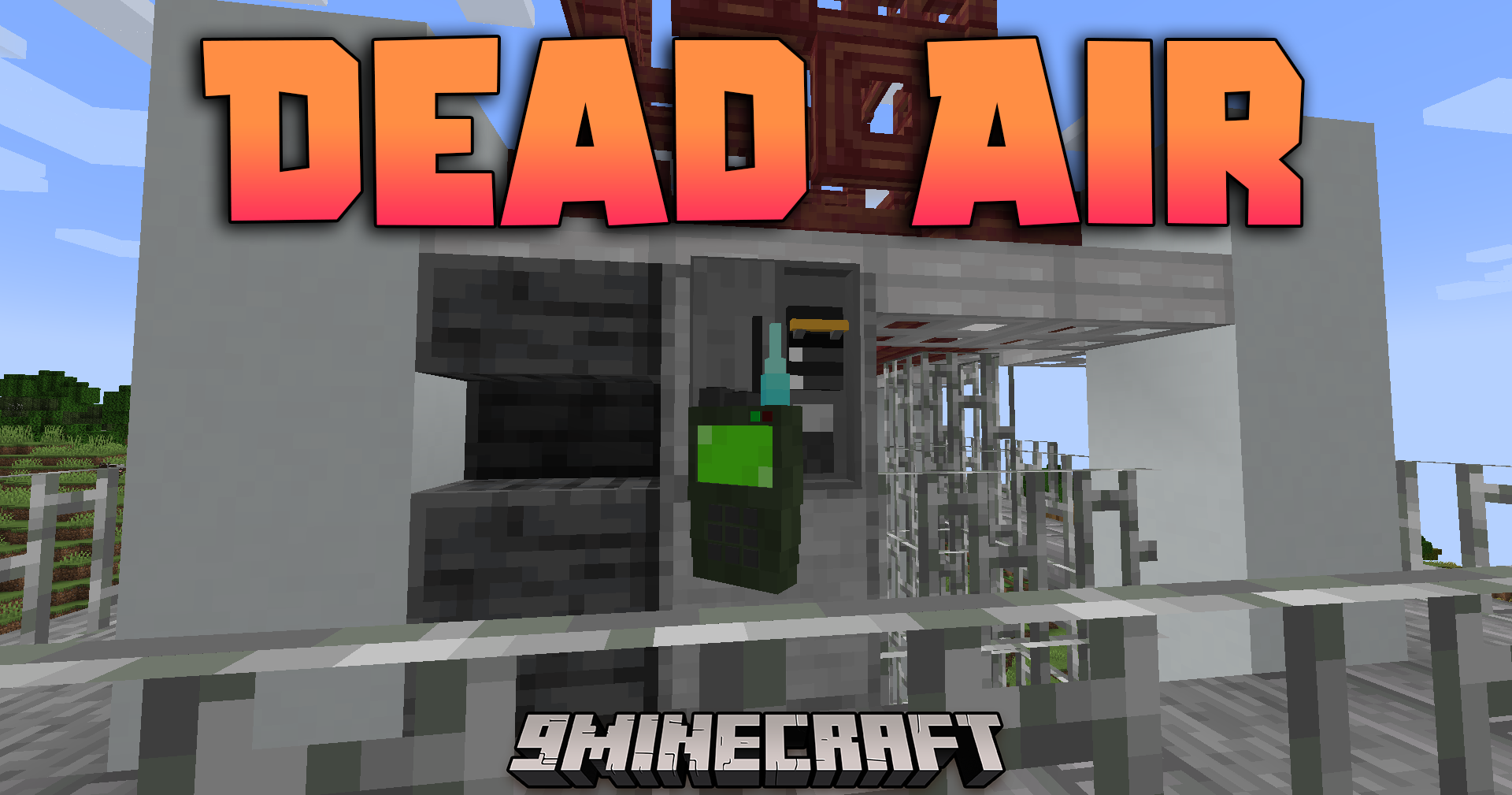
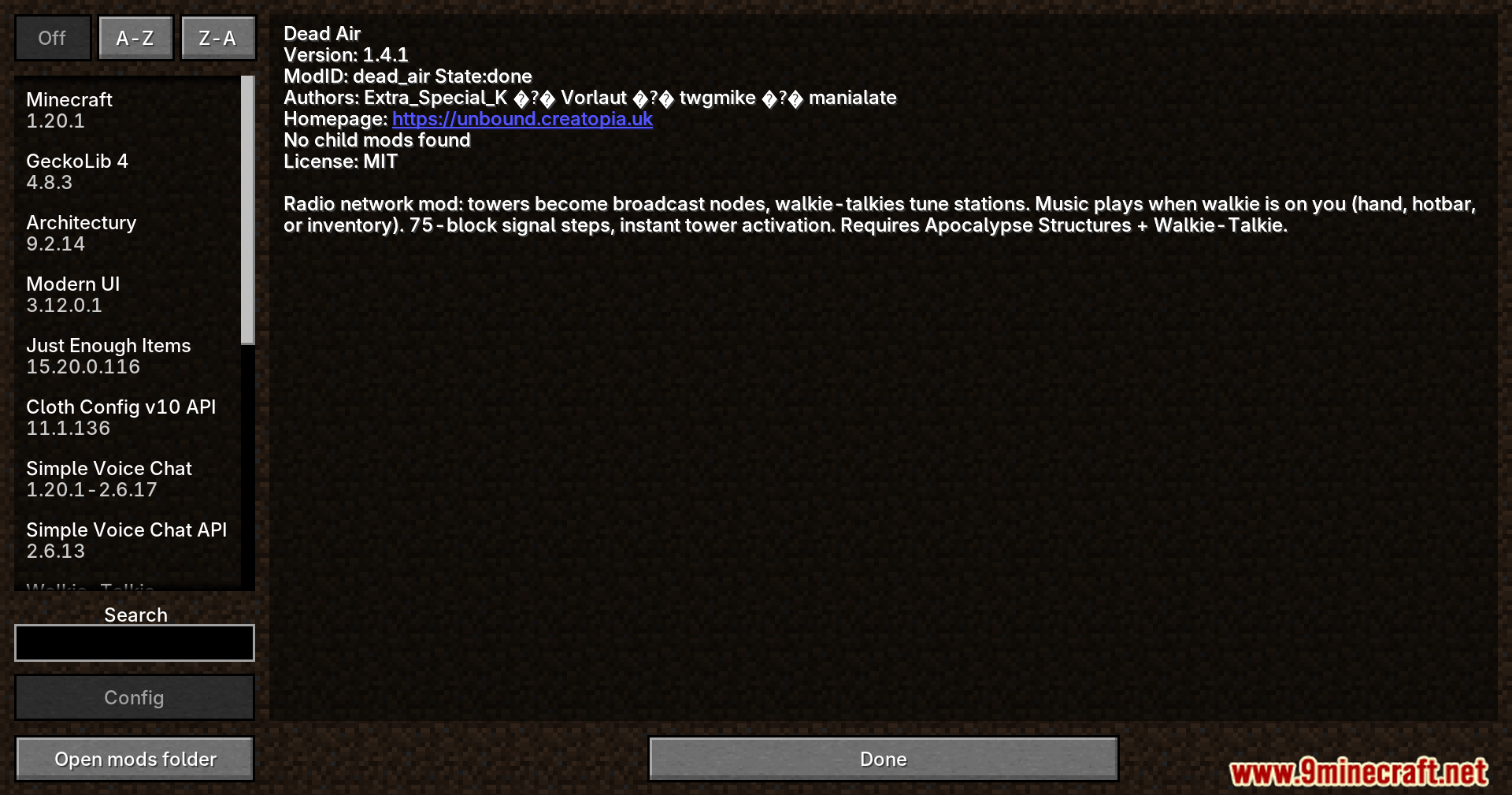
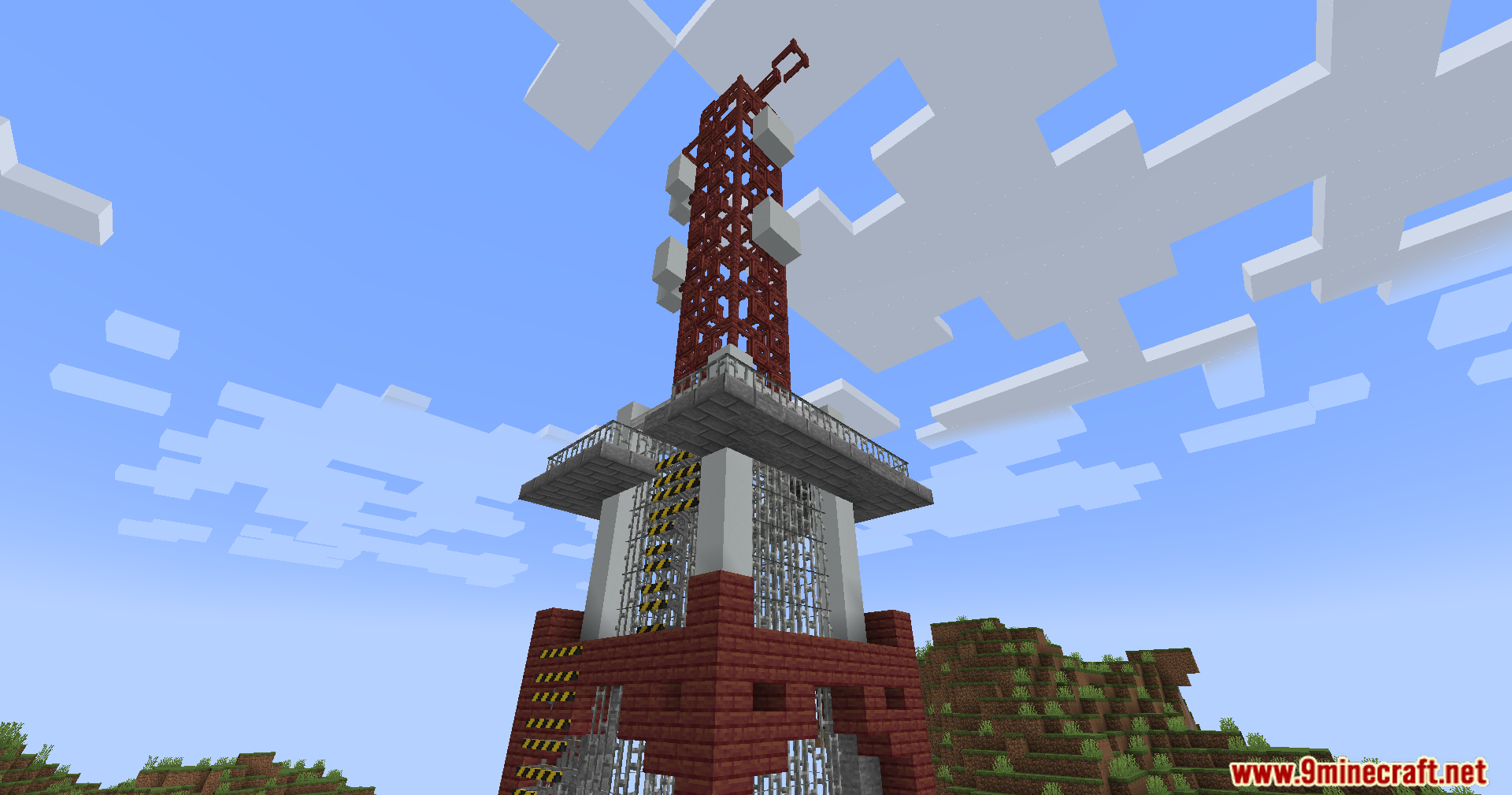
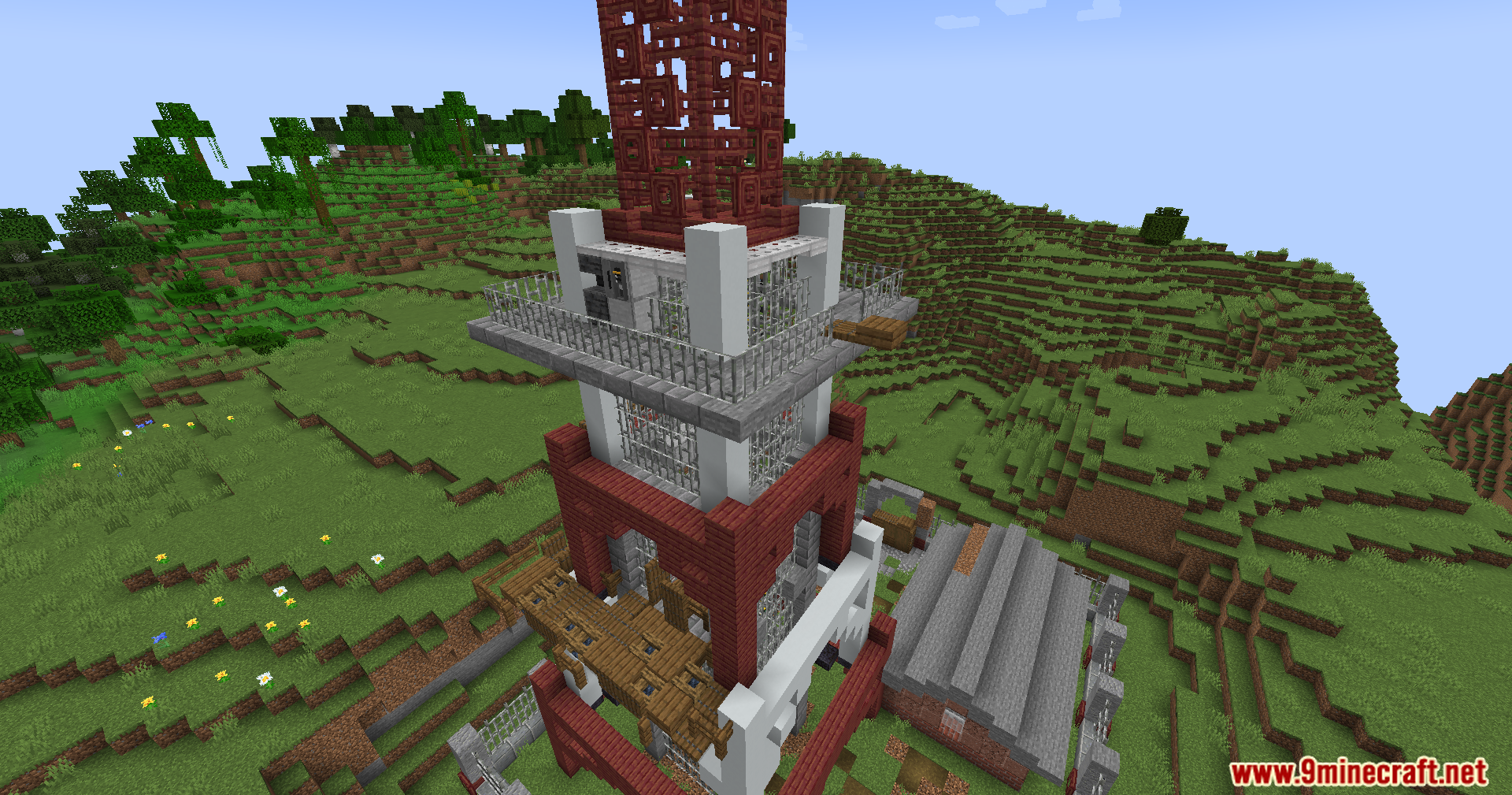
Dead Air Mod extends the Apocalypse Structures and Walkie-Talkie mods with a working radio network. It turns standard radio towers into broadcast nodes and lets you tune in to different music stations using your hand-held radio. You can explore the world while listening to built-in stations or add your own custom music tracks. The signal strength changes based on your distance from the towers, adding a fun survival element to your adventures.
Features:
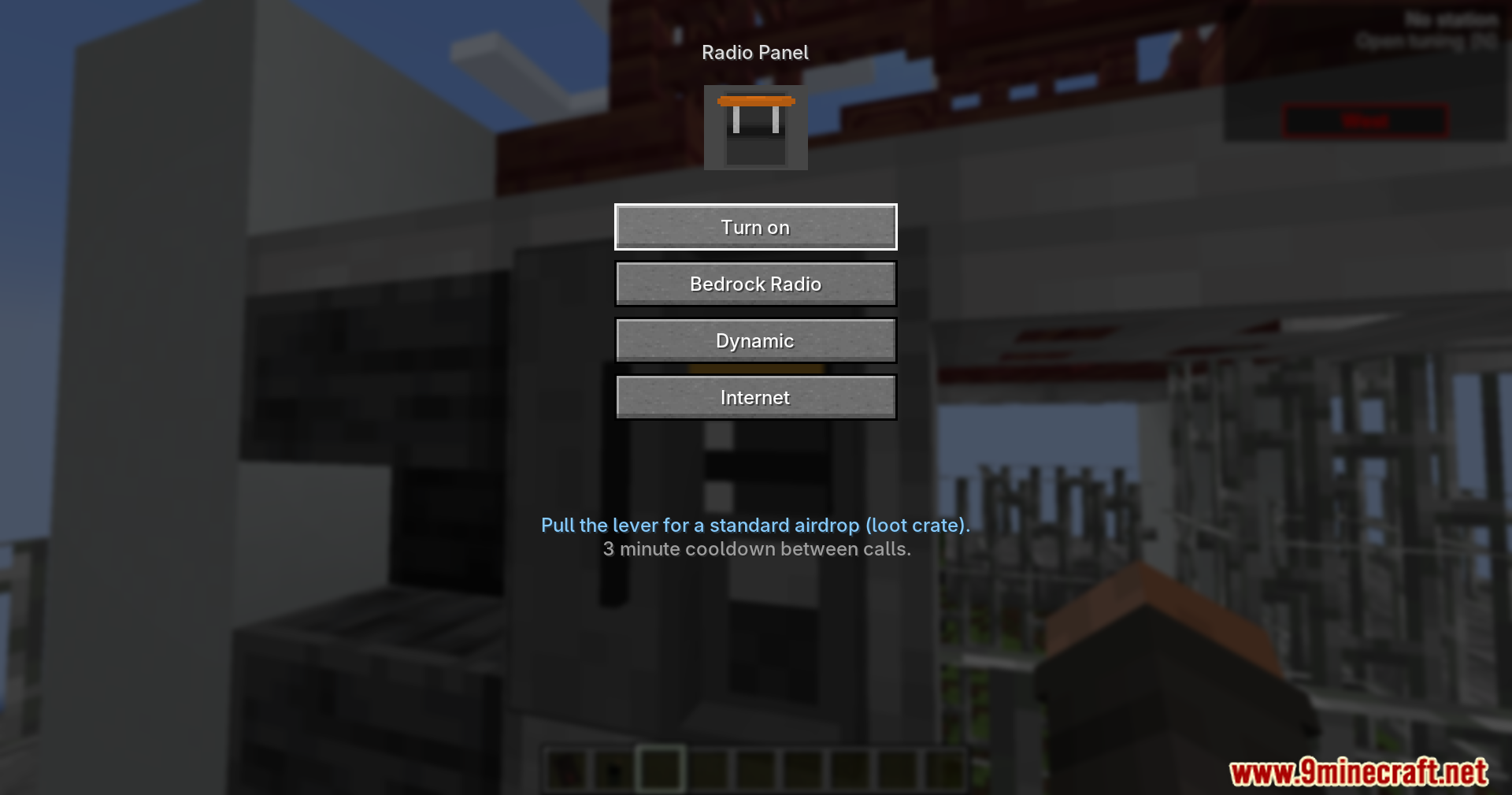
- Working Radio Stations: Towers broadcast different channels like Bedrock Radio, Jukebox FM, and Remix Radio across the map.
- Signal Strength: The radio connection drops as you move further from a tower, losing signal completely after 375 blocks.
- Realistic Interference: Weather, bad line-of-sight, and weak signals add static noise to the audio.
- Station Discovery: You unlock new stations by walking near a tower with your radio turned on.
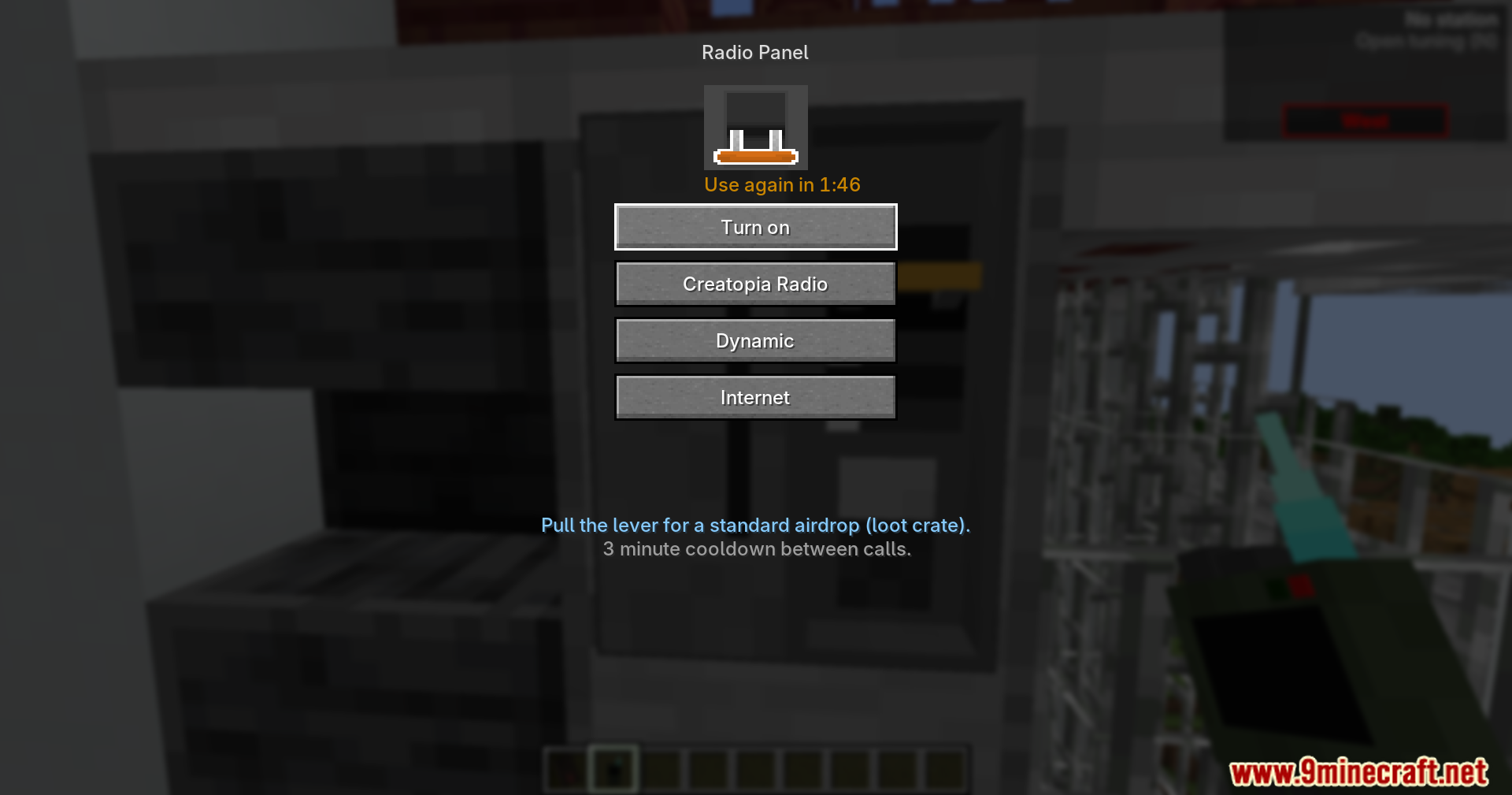
- Tower Activation: Standard towers work instantly, while fenced and overrun towers require a right-click on the radio panel to turn on.
- Custom Music: You can create your own stations by adding .ogg music files into the configuration folder.
- Background Playback: Music continues to play as long as the radio is in your hand, hotbar, or inventory.
- Location Ping: You can send your current coordinates and name directly to the game chat from the radio menu.
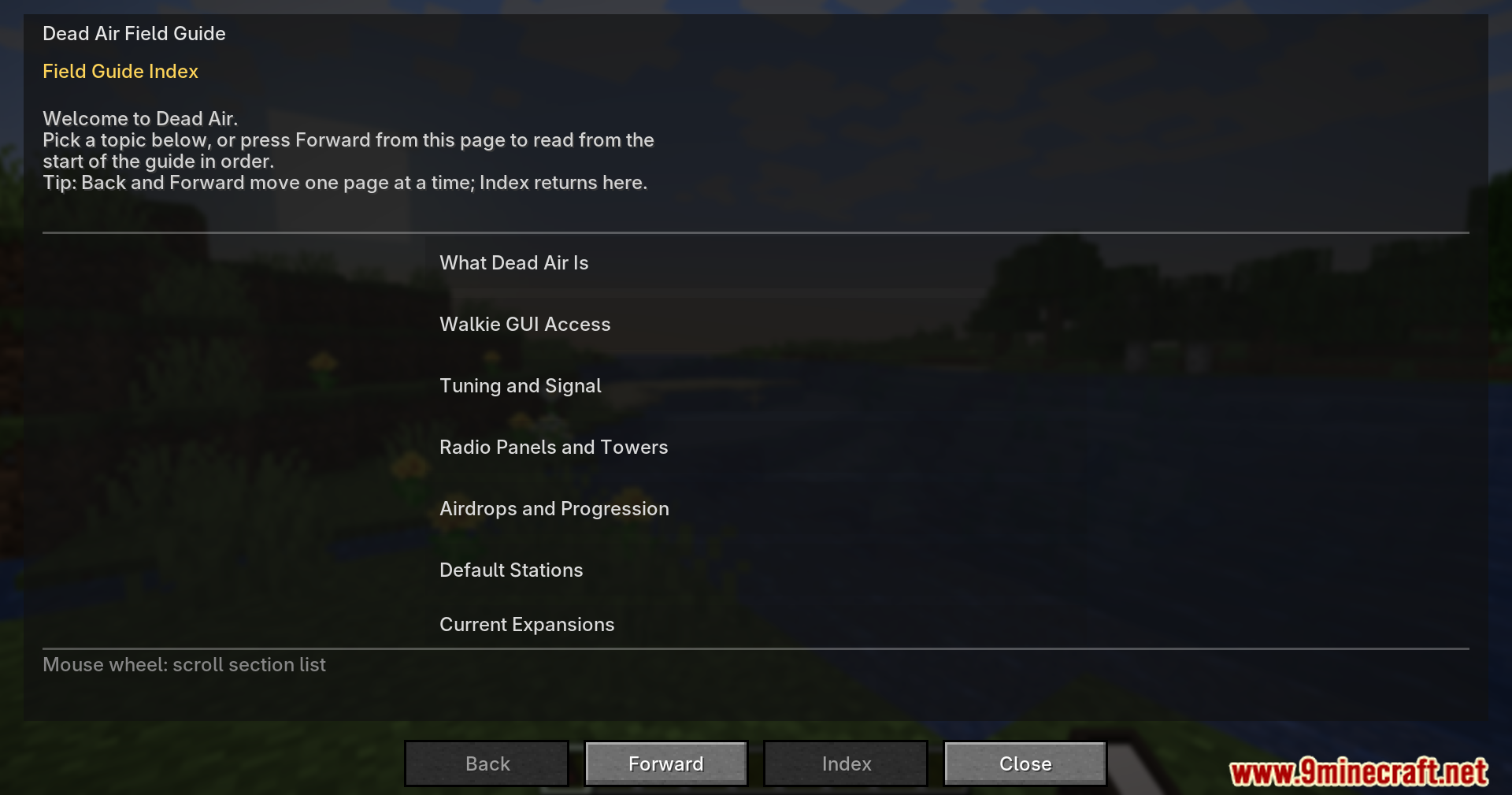
- Music Expansions: The system supports extra music packs for different moods like combat, adventure, and chill out.
Commands:
/dead_air spawntower <type> [x] [y] [z]: Generates a standard, fenced, or overrun active radio tower at your current location or specific coordinates.
How to Use:
- Hold a walkie-talkie in your hand.
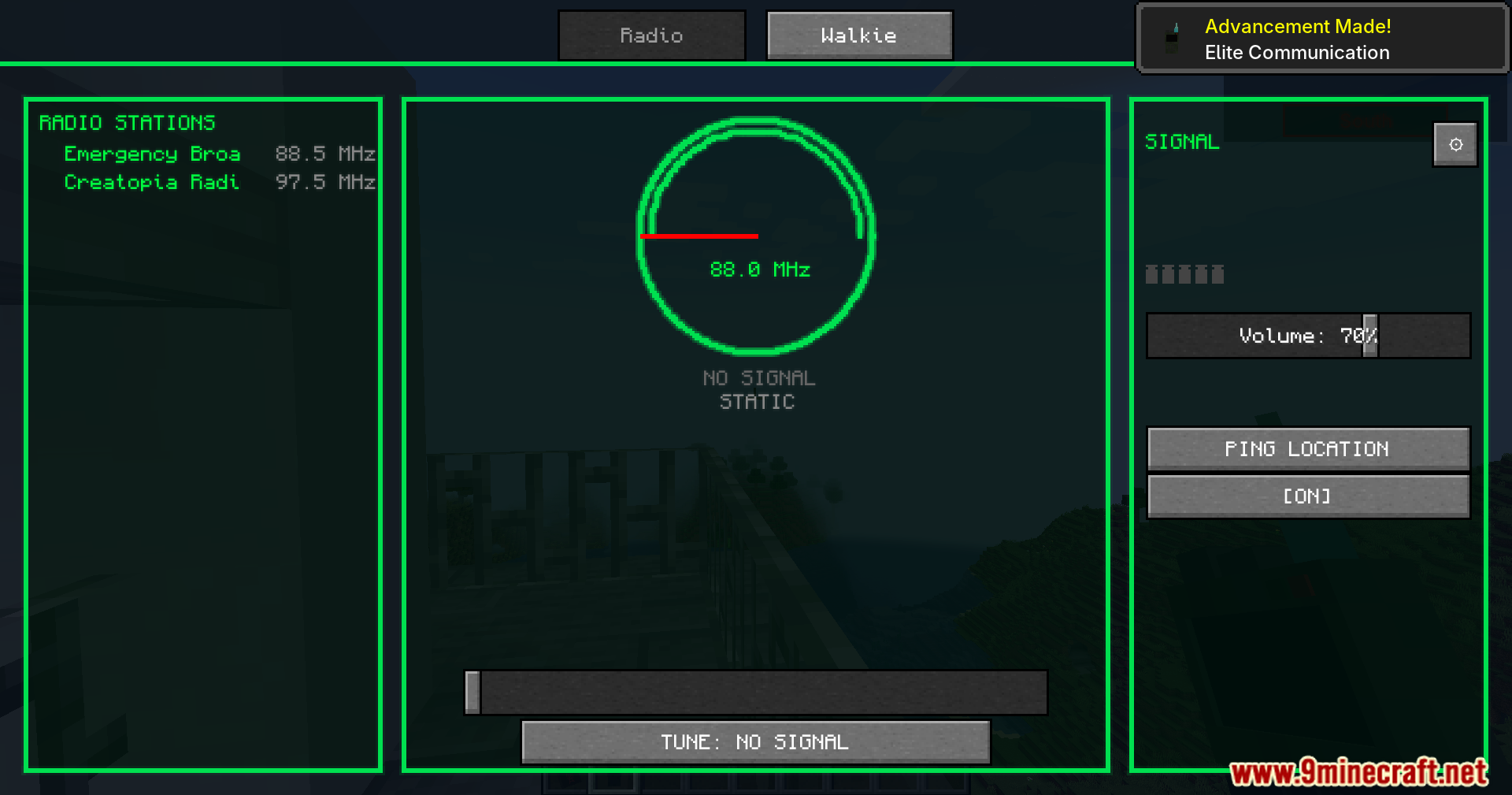
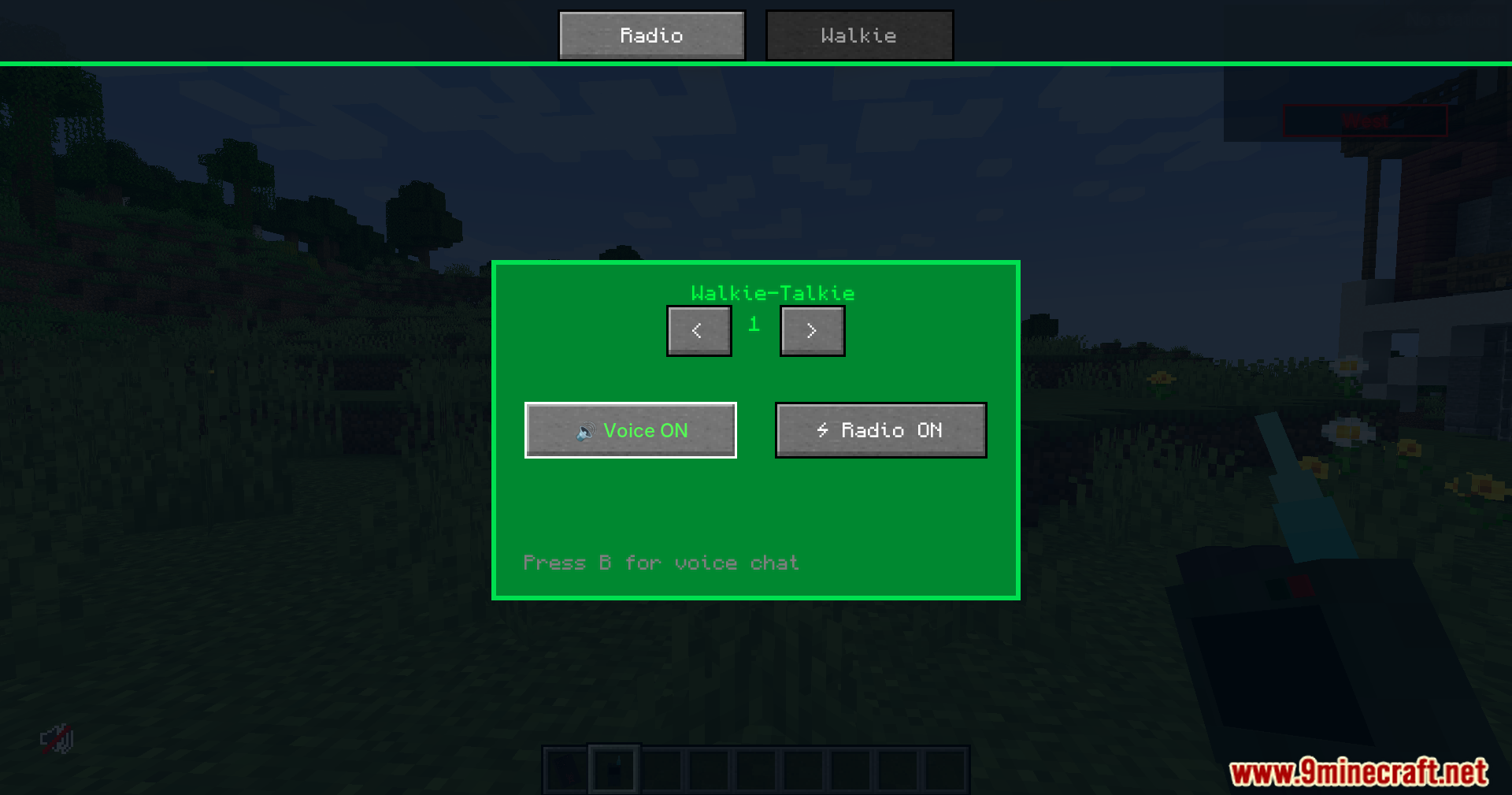
- Press the N key or right-click to open the tuning menu.
- Move the slider on the retro dial to find a frequency between 88.0 and 108.0 MHz.
- Select an unlocked station to start listening.
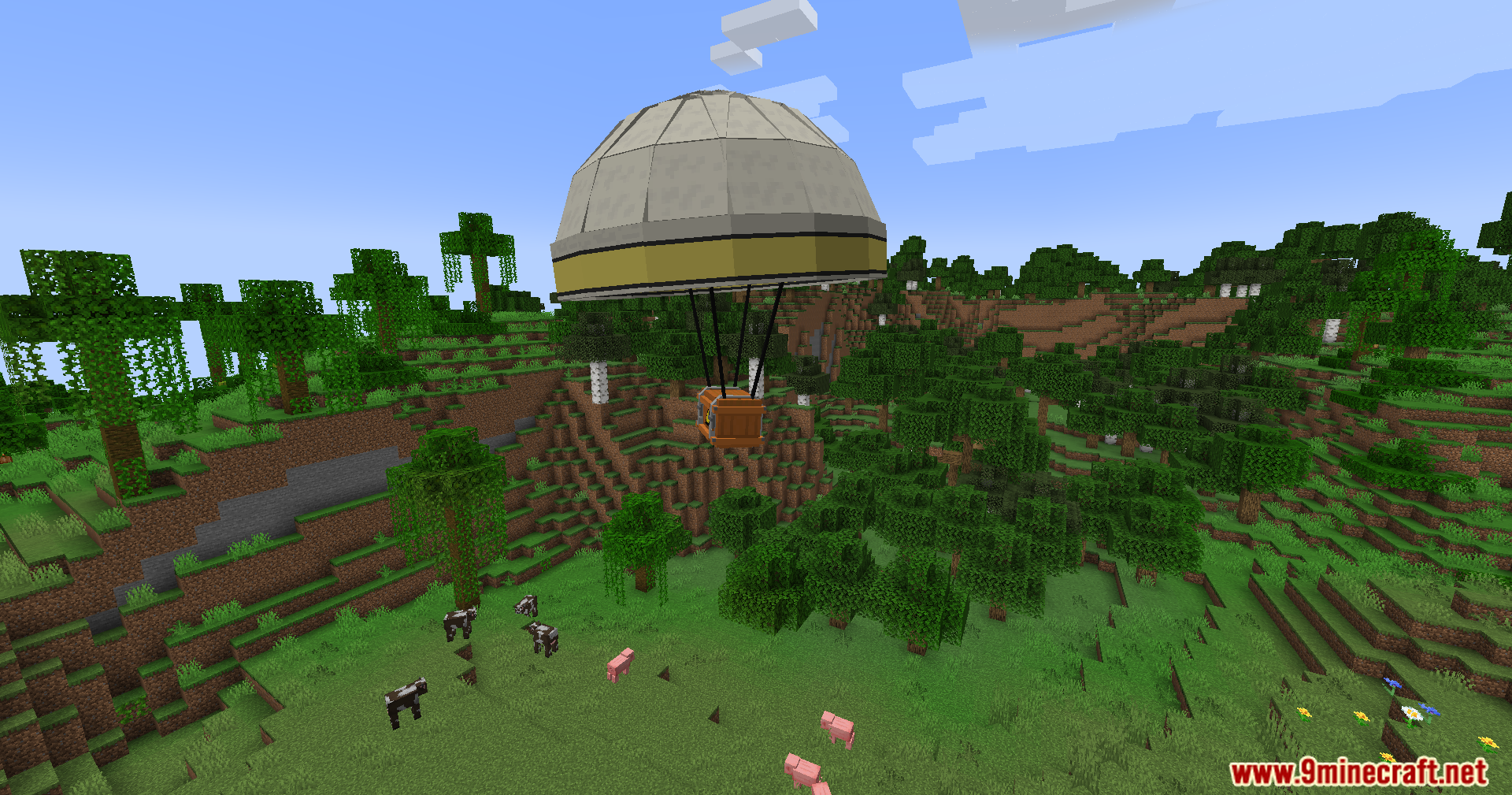
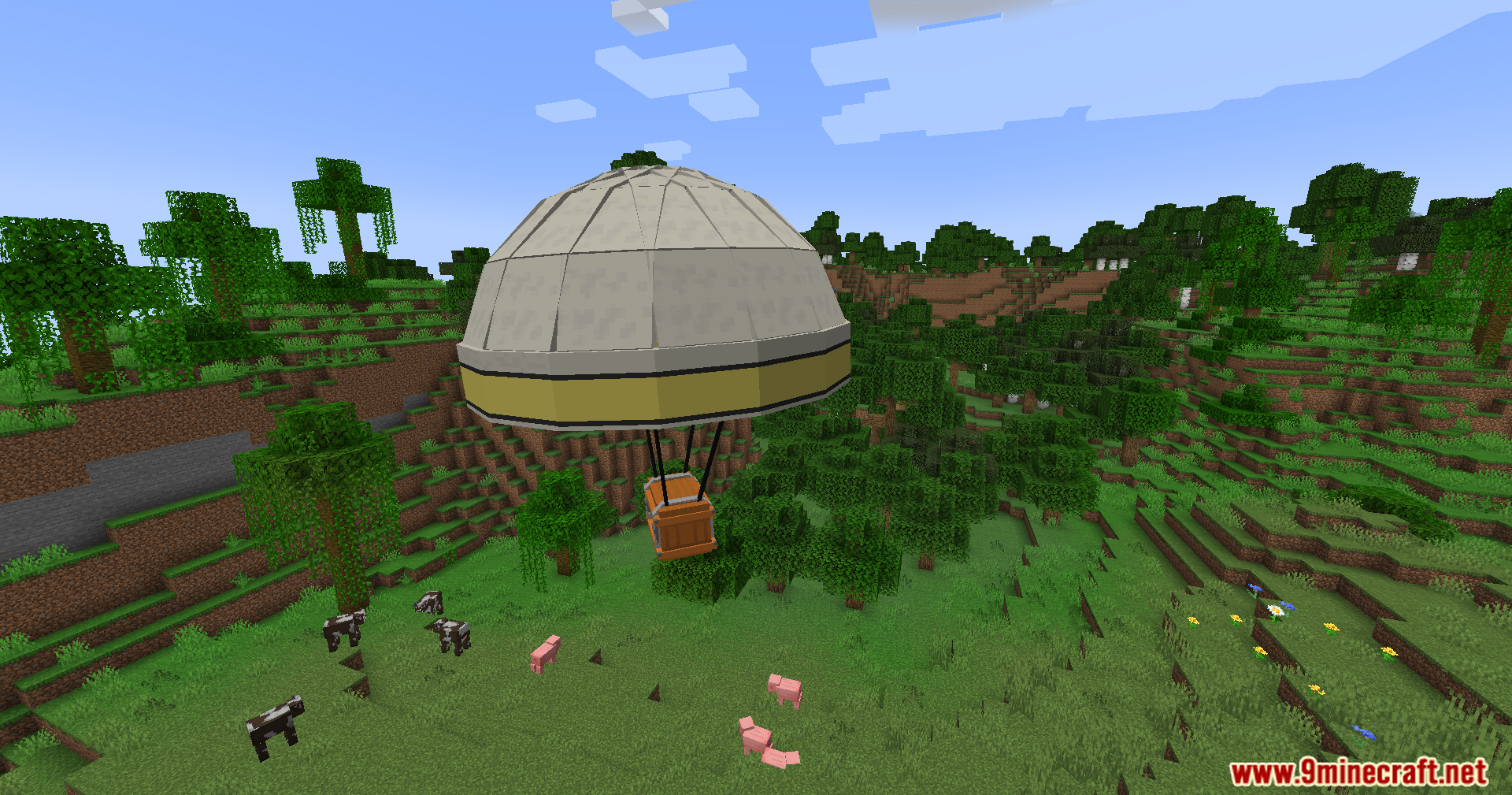
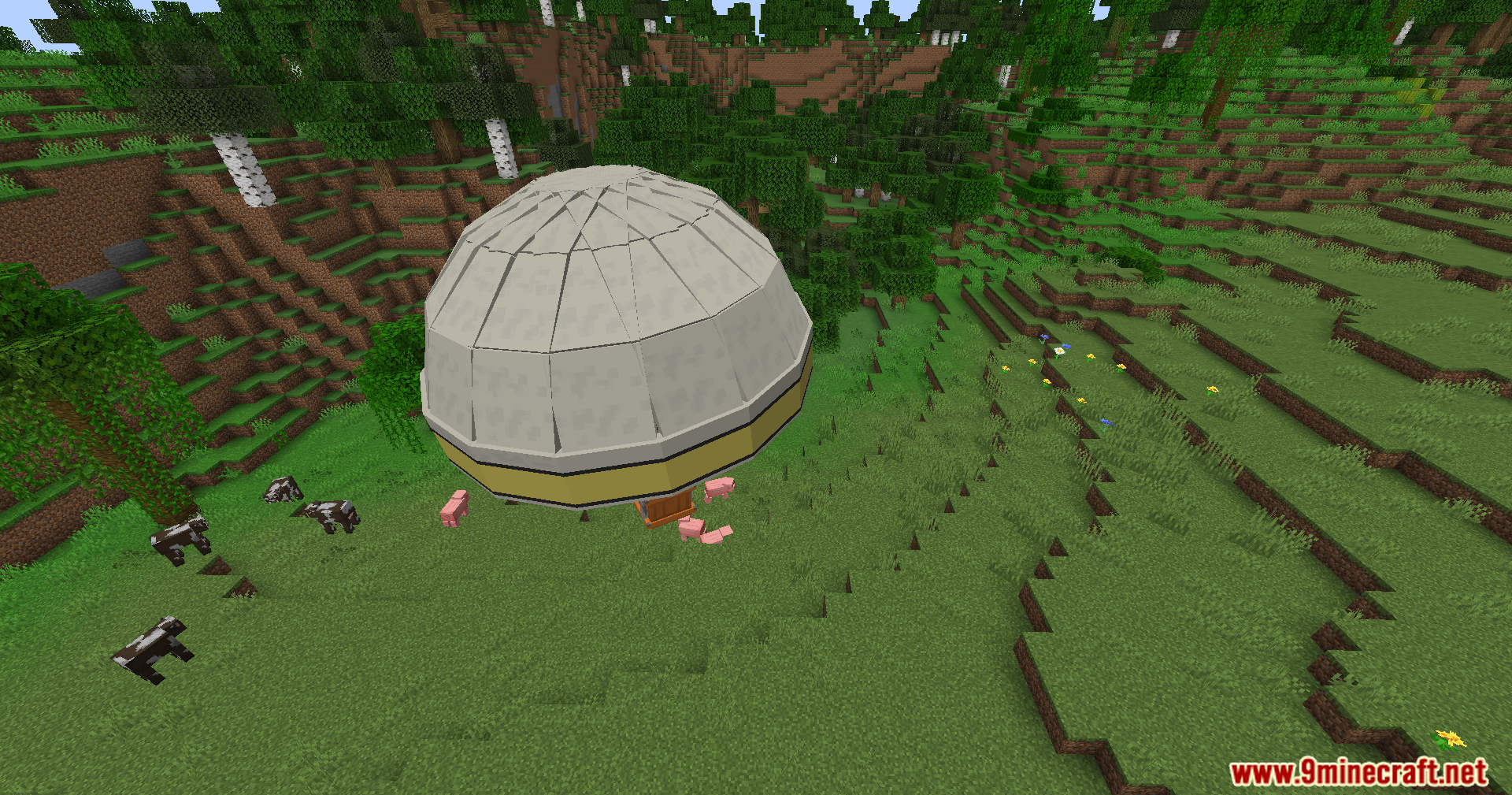
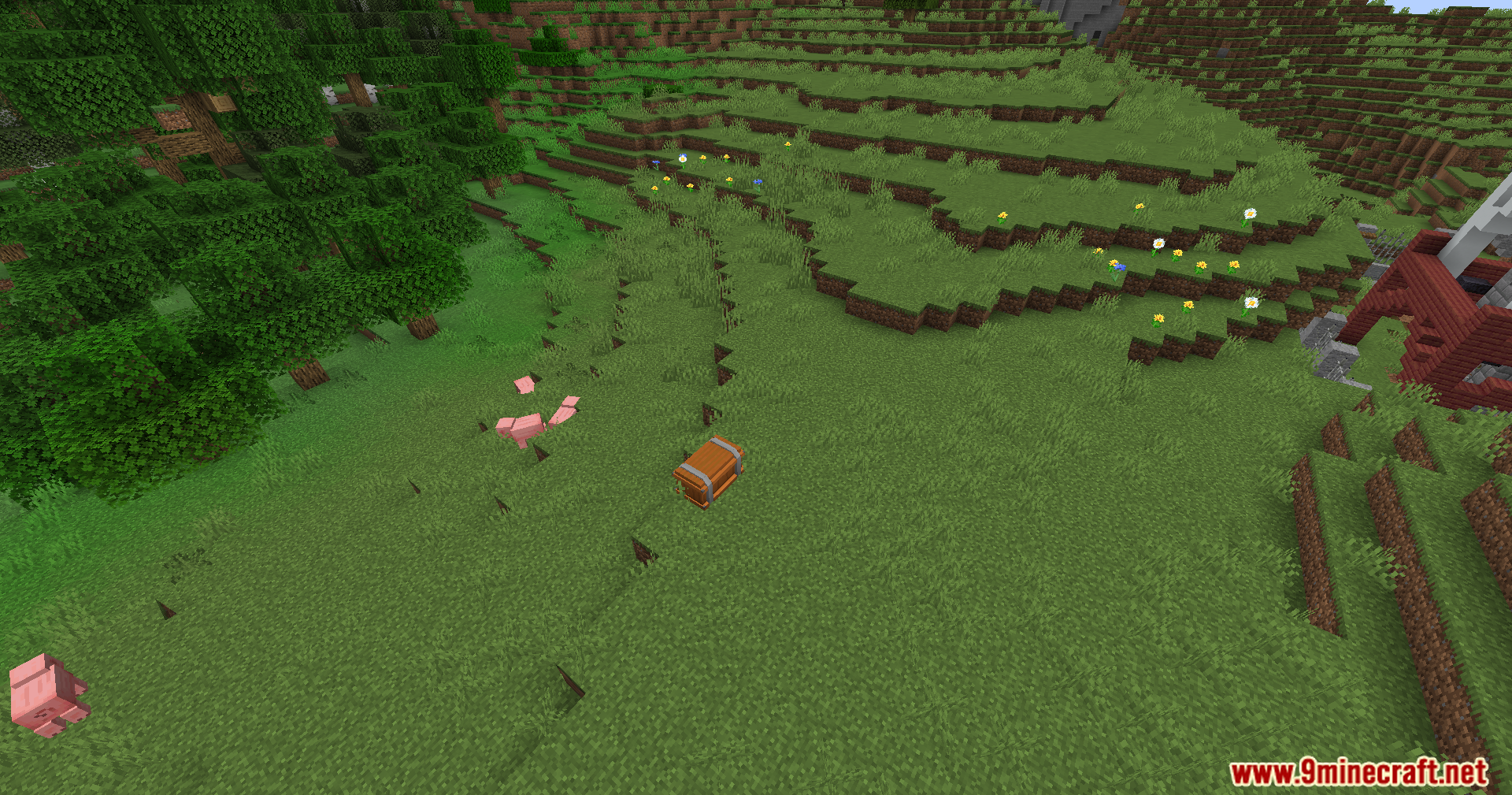
Screenshots:
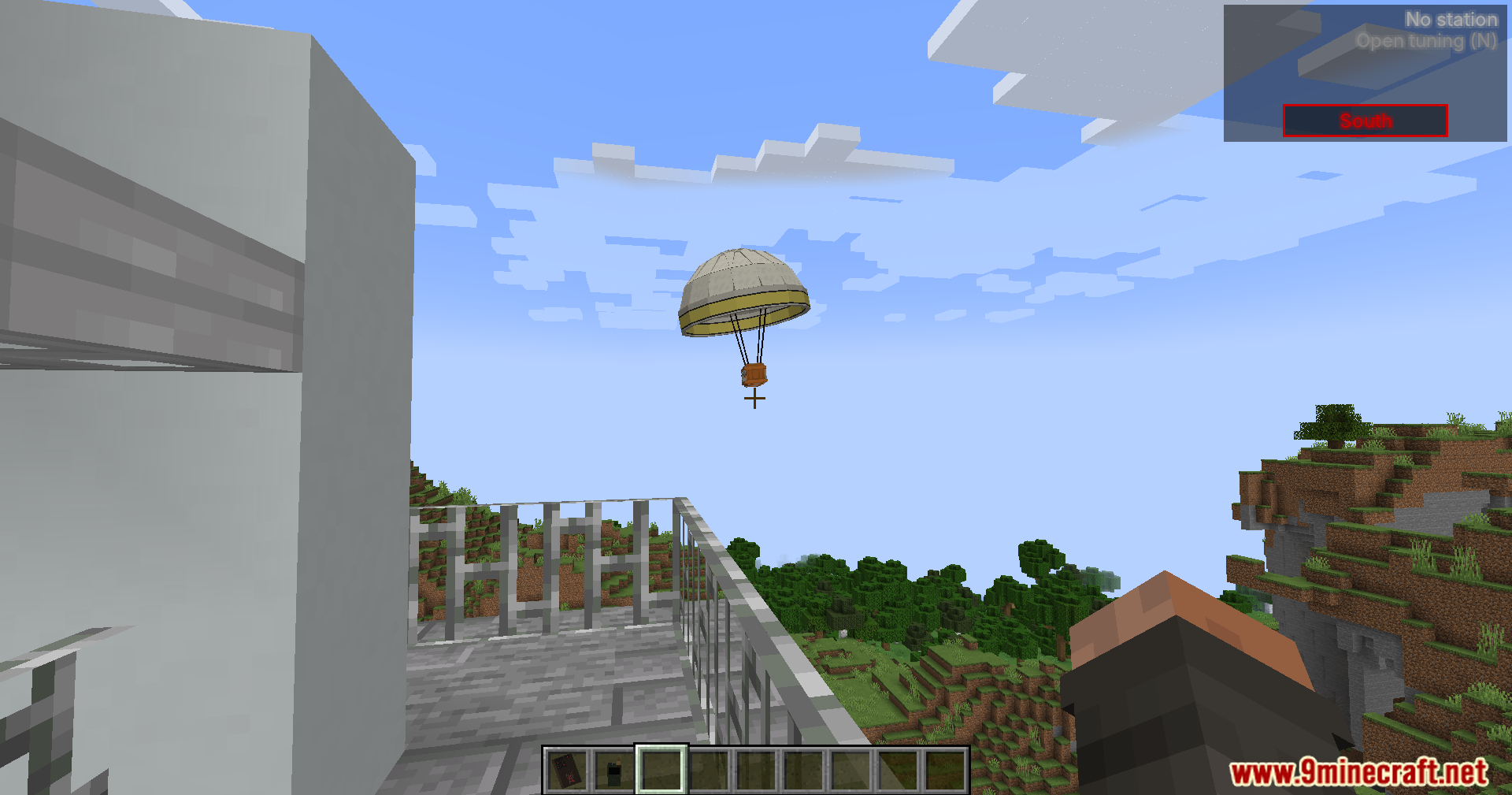
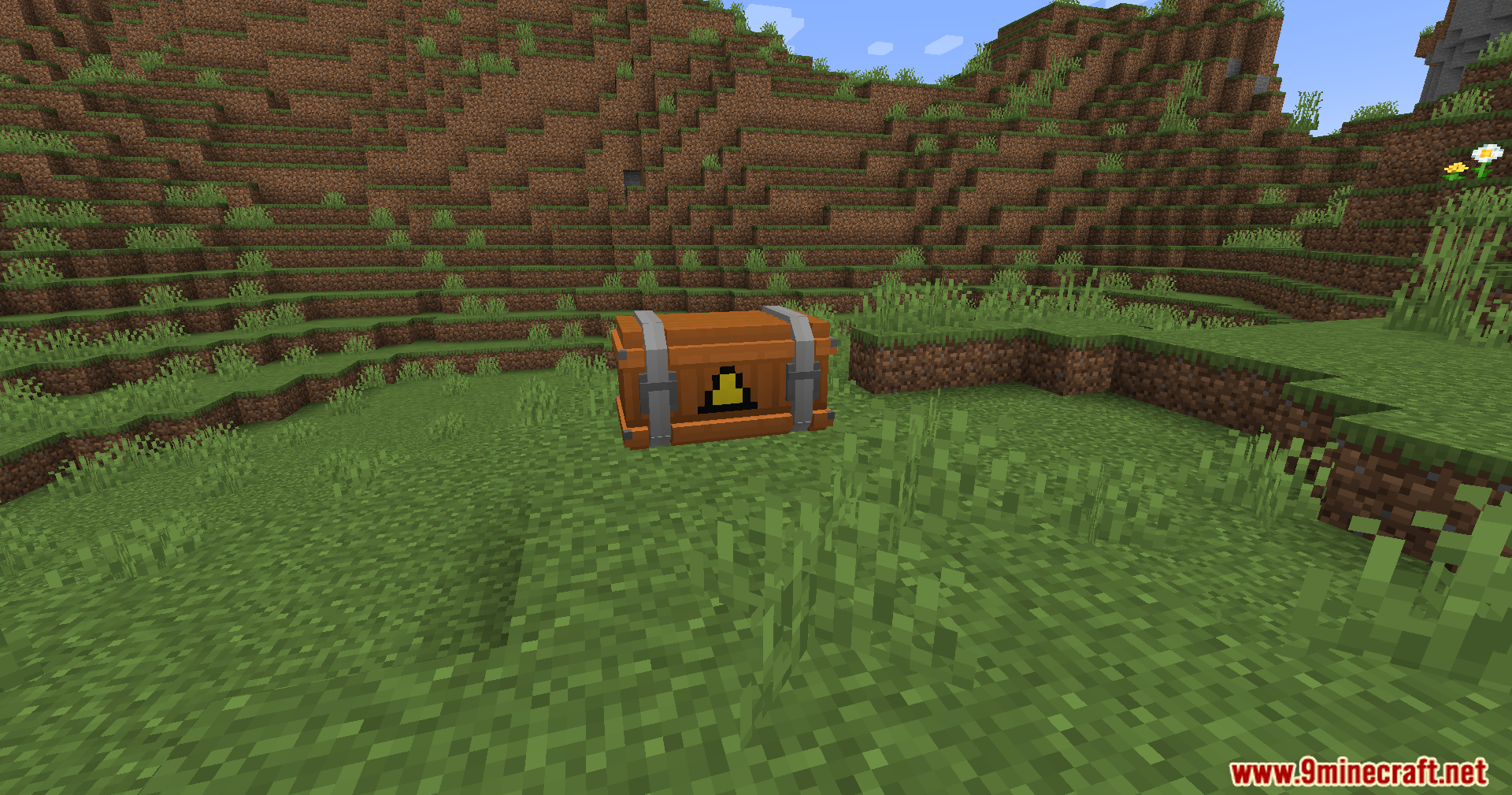
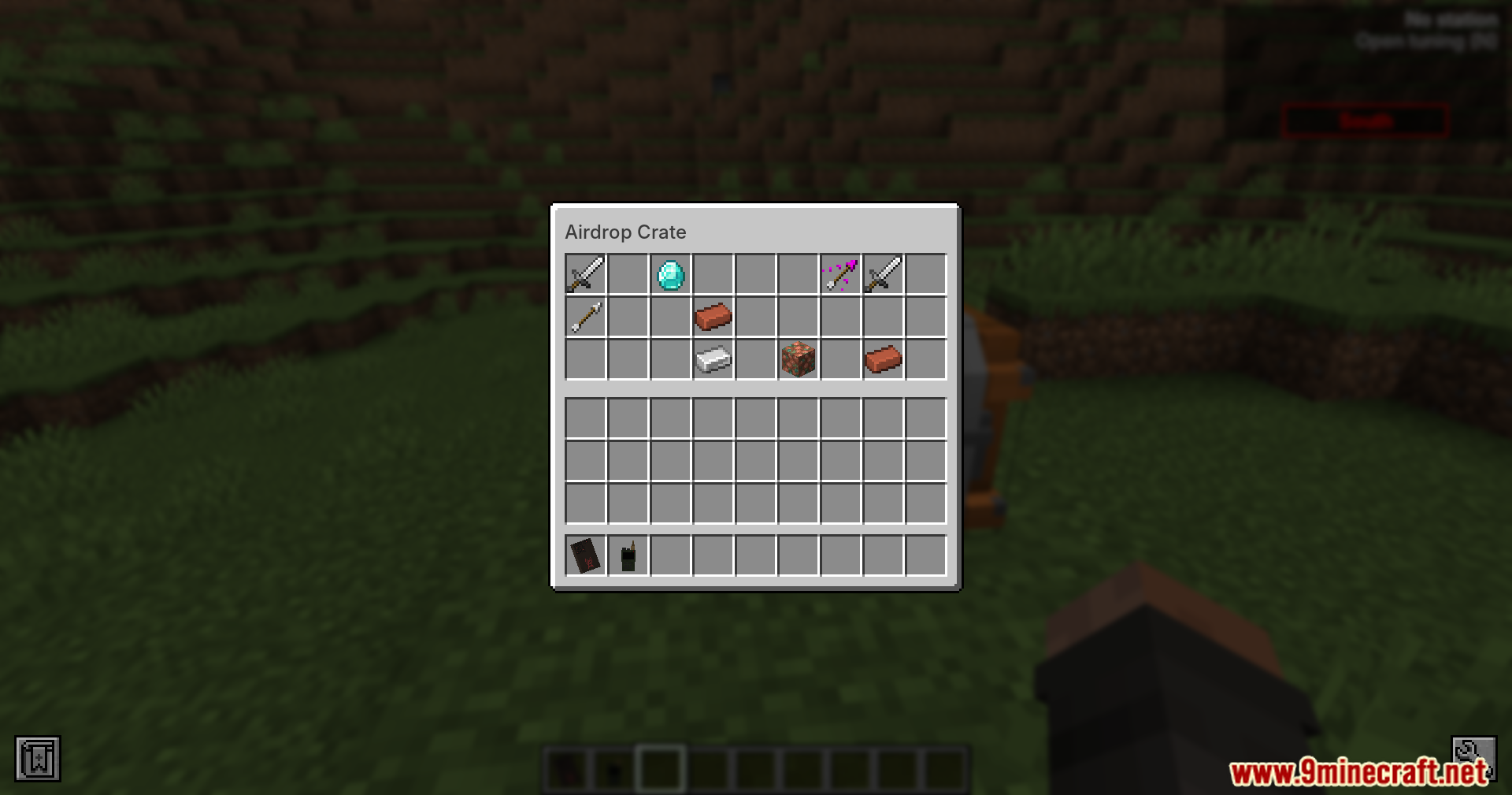
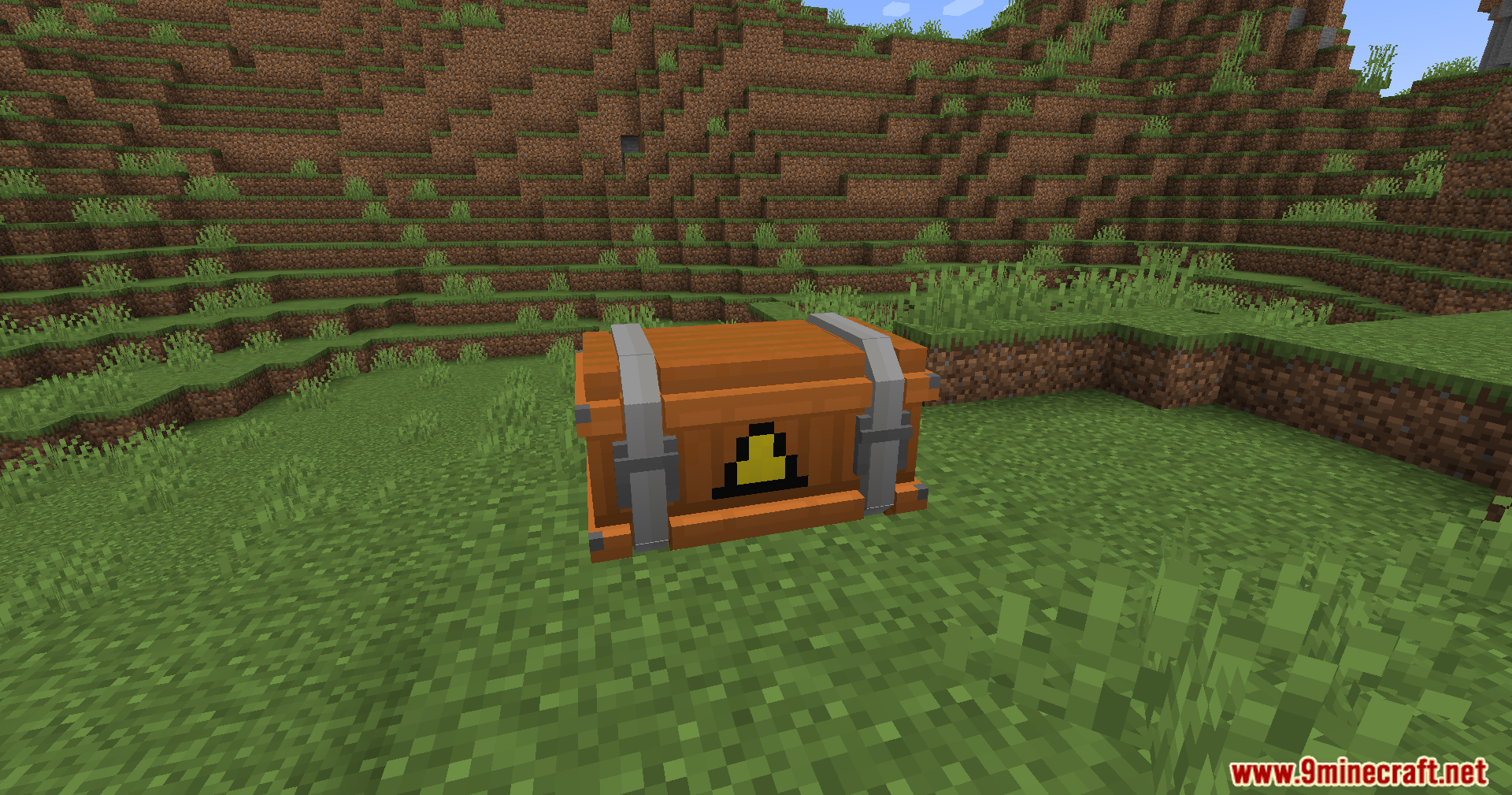
How to Install:
New to Minecraft? Follow our step-by-step guide to install Mods on your PC.View Guide
Requirements:
 Minecraft Forge Required
Walkie-Talkie Required
Apocalypse Structures: Radio Towers and Airdrops Required
Berezka's library Required
Simple Voice Chat Required
[ESC] Required

Dead Air Mod Download Links
For Minecraft 1.20.1, 1.20
Click to rate this post!
[Total: 1 Average: 5]
You May Also Like





This post has no comments yet. Be the first — your comment will appear here.