
Default-Style Winter Model – Brings Snowy Foliage and Frosty Blocks
 22
 0


Default-Style Winter Model transforms your standard Minecraft world into a chilly seasonal landscape. This pack adds custom 3D models to classic foliage, blocks, and mobs while preserving the familiar look of the base game. It updates trees, ground blocks, and snowmen with fresh visual layers and smooth animations. You can explore cold biomes or build winter cabins surrounded by frosty details.

Features:
- Adds 40 custom 3D models to revamp vanilla blocks, plants, and creatures.
- Includes 199 textures with animated effects to give life to frosty environments.
- Reworks tree canopies with textured leaves for oak, birch, spruce, jungle, acacia, mangrove, and cherry trees.
- Overhauls grass blocks with snowy flakes, ice touches, and winter sprouts.
- Gives Snow Golems new multi-part 3D model parts for their base, body, and head.
- Decorates the ground with snowy flowerbeds, winter vines, and floating ice floes in water.
- Keeps the classic vanilla art style so everything fits right into your existing builds.
How to Use:
- Place the pack into your Minecraft resource packs folder and activate it in the resource packs menu.
- Walk into any forest to see 3D foliage on oak, birch, spruce, jungle, acacia, mangrove, or cherry leaves.
- Look closely at grass blocks in cold biomes to spot custom ice flakes, sprouts, and animated surfaces.
- Build a Snow Golem using two snow blocks and a carved pumpkin to view the new snowman model parts.
- Visit rivers and oceans in cold areas to find detailed ice floes floating on the surface.
- Check cliffs and gardens to view the new 3D flowerbeds and frost-covered hanging vines.
Requirements:
- A Minecraft version that supports animated textures
Screenshots:


Default-Style Winter Model Download Links
Click to rate this post!
[Total: 0 Average: 0]
You May Also Like
Picked for this page
 Jenny Mod Skin Pack Mega Collection – 310+ Characters
 4D Custom Skin Mod APK (26.x, 1.21) – 65+ Anime and Fantasy Characters for MCPE
 Arty Reindeer Jenny Mod Model
 Custom Geometry Skin Pack (26.x, 1.21) – 80+ Anime and Asian Style 4D Characters
 Apex PvP Model – Brings Clean 3D Combat Visuals to Multiplayer Battles
 Old Horse Model – Restores Classic Retro Horse Models and Animations
 WU_SHUANGCB’s Zombie Skin Model – Transforms Zombies with Heavy Viral Weapons
 Create Energistics Model – Transforms Digital Storage Into Clockwork Machinery
 Diamond SMP Essentials Model – Transforms Utility Blocks with 3D Shapes
 Default-Style Christmas Model – Adds Festive Holiday 3D Block Models
 Vanilla PVP Essentials Model – Brings Clean 3D Overlays for Combat
 Simplistic 3D Doors Model – Adds Clean Depth to Vanilla Entryways
Most viewed in Models over the last 7 days
- Jenny Mod Skin Pack Mega Collection – 310+ Characters
 The Most Complete Collection of Jenny Mod Resources – Models, Animations, Structures,…
 Albedo Rework Jenny Mod Model
 Power Model – Custom Girl for PleasureCraft Mod
 Ram Model – Custom Girl for PleasureCraft Mod
 100+ Custom Animations For Jenny Mod
 Galath Rework Model – Custom Girl for PleasureCraft Mod
 Steve (Jenny & Zoey) Pack Jenny Mod Model
 Albedo Jenny Mod Model
 Fern Jenny Mod Model
 750 Models Addon for Yes Steve Model Mod
 Alex Model – Custom Girl for PleasureCraft Mod
More from Models
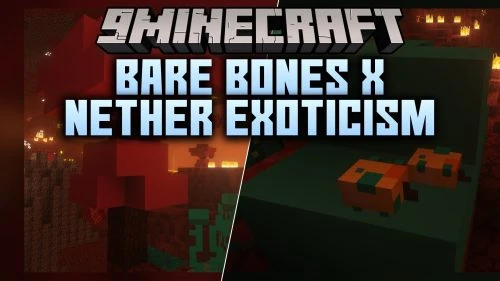 Bare Bones X Nether Exoticism Model – Adds Vibrant 3D Nether Flora
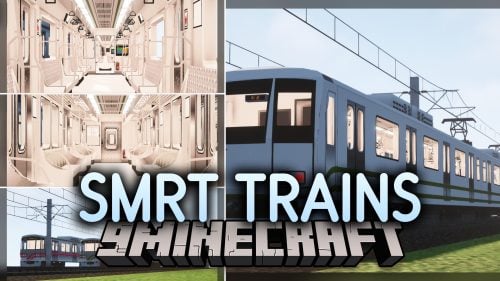 SMRT Trains Model – Brings Authentic Seoul Subway Trains to Custom Rails
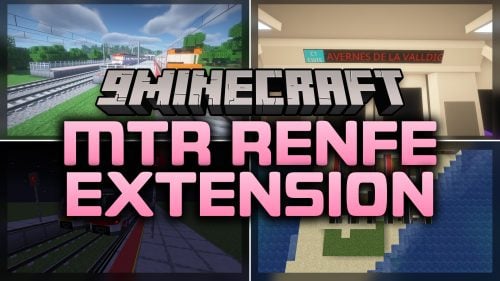 MTR RENFE Extension Model – Brings Spanish Passenger Trains to Railways
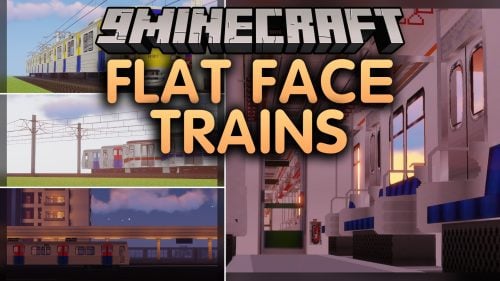 Flat Face Trains Model – Adds Classic Korean Commuter Trains to Tracks
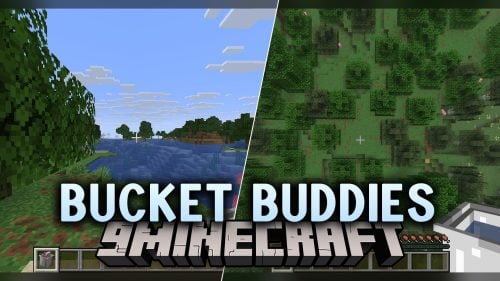 Bucket Buddies Model – Transforms Flat Buckets Into Cute Animated Critters
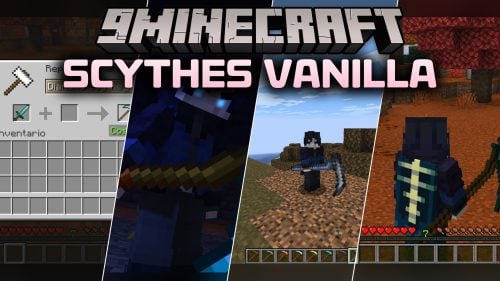 Scythes Vanilla Model – Brings Sharp Harvesting Weapons Across Every Tier
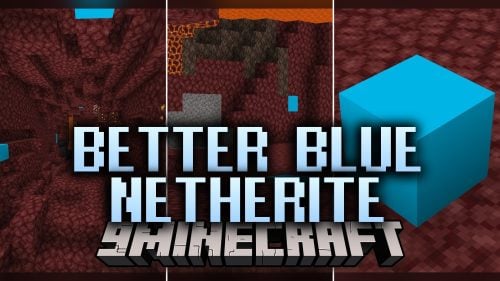 Better Blue Netherite Model – Transforms Ancient Debris Into Bright Blue Ores
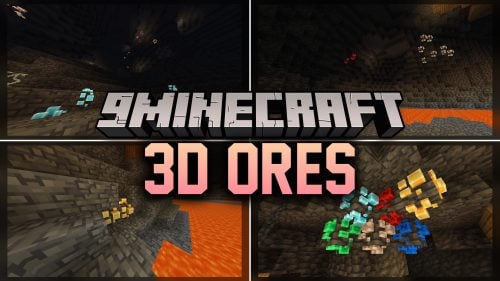 3D Ores Model – Transforms Flat Cave Minerals Into Sculpted Crystal Formations
 Modded Mizuno – Adds Charming Rustic 3D Animations to Utility Blocks
 Goose’s Crops Model – Transforms Flat Crops Into Detailed 3D Plants
 Cpvp-yxusuf05mai-anime-sky Model – Transforms Crystal PvP with Anime Skies
 GhibliBlocks 512x Model – Transforms World Blocks Into Painterly Anime Art

This post has no comments yet. Be the first — your comment will appear here.