Effortless Building Addon lets you build big shapes fast instead of placing blocks one at a time. You just pick a build mode and click two or three times to make lines, walls, or floors. This addon also creates large 3D shapes like cubes, spheres, and cylinders. It takes blocks right from your survival inventory, so it only uses what you carry. You can undo your mistakes and even place blocks in the middle of the air.

Features:

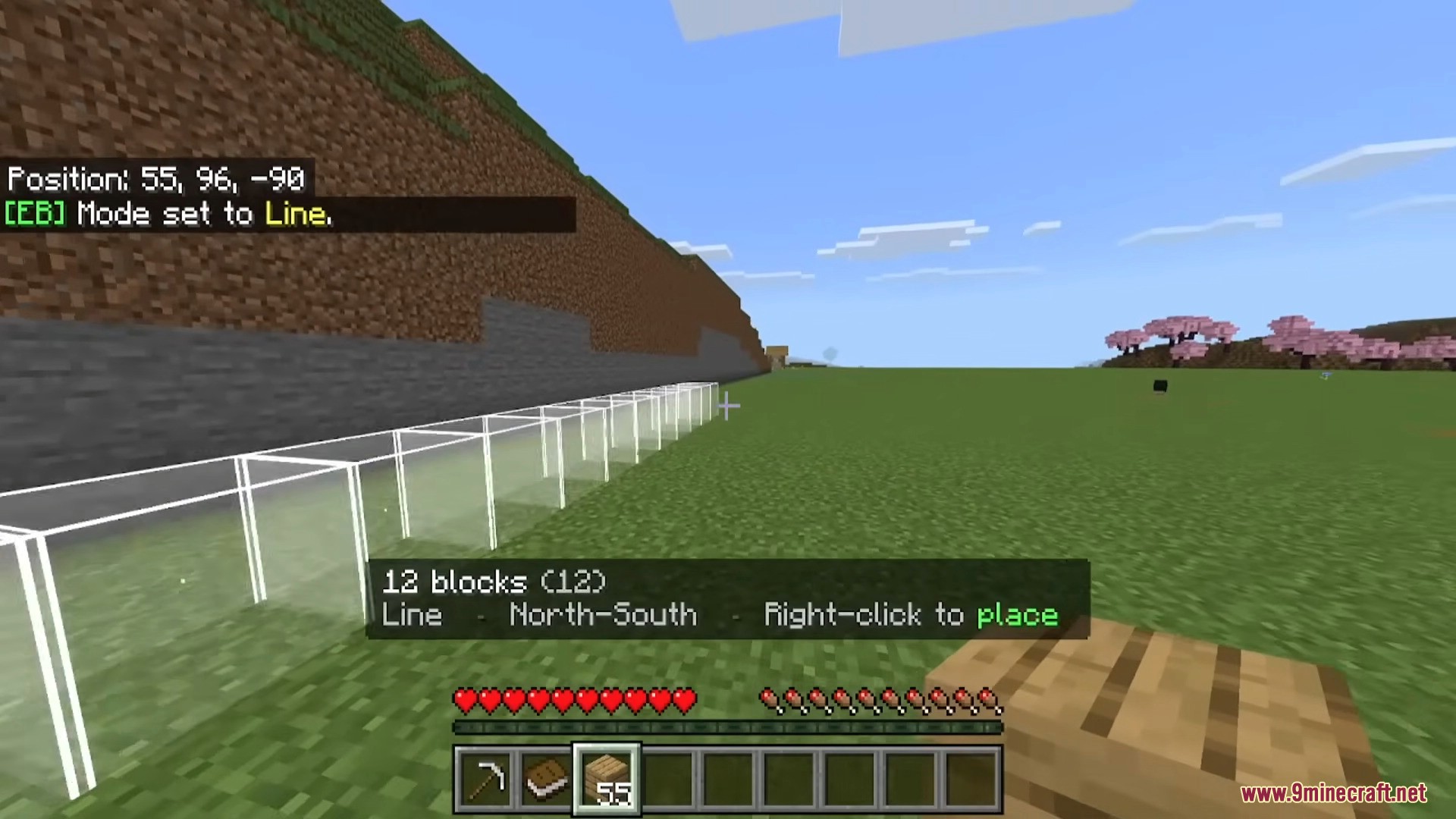
  • 11 different build shapes: You can make lines, walls, floors, cubes, circles, cylinders, and spheres in just a few clicks.
  • See before you build: The addon shows a clear outline or particles of your shape. This helps you know exactly where blocks will go before you put them down.
  • Works in survival mode: The addon takes blocks right from your inventory. It only places what you actually have with you.
  • Undo and redo mistakes: If you place something wrong, just type /eb:undo to take it back. You can fix up to 20 mistakes this way.
  • Choose your blocks easily: You can pick blocks from your hotbar or your whole inventory to build your shapes.
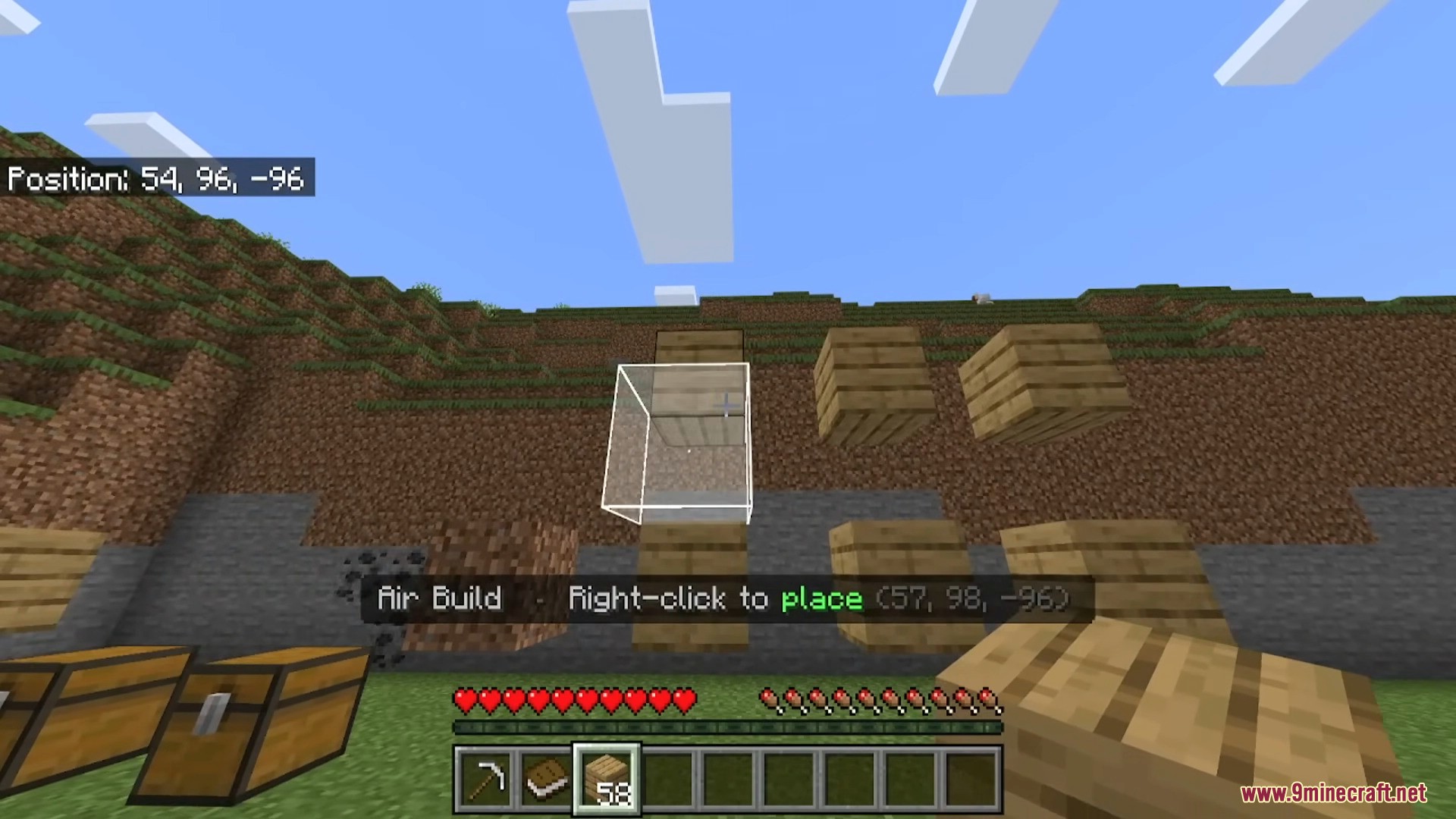
  • Air building: You do not need a solid block to start building. You can just place blocks right in the empty air.
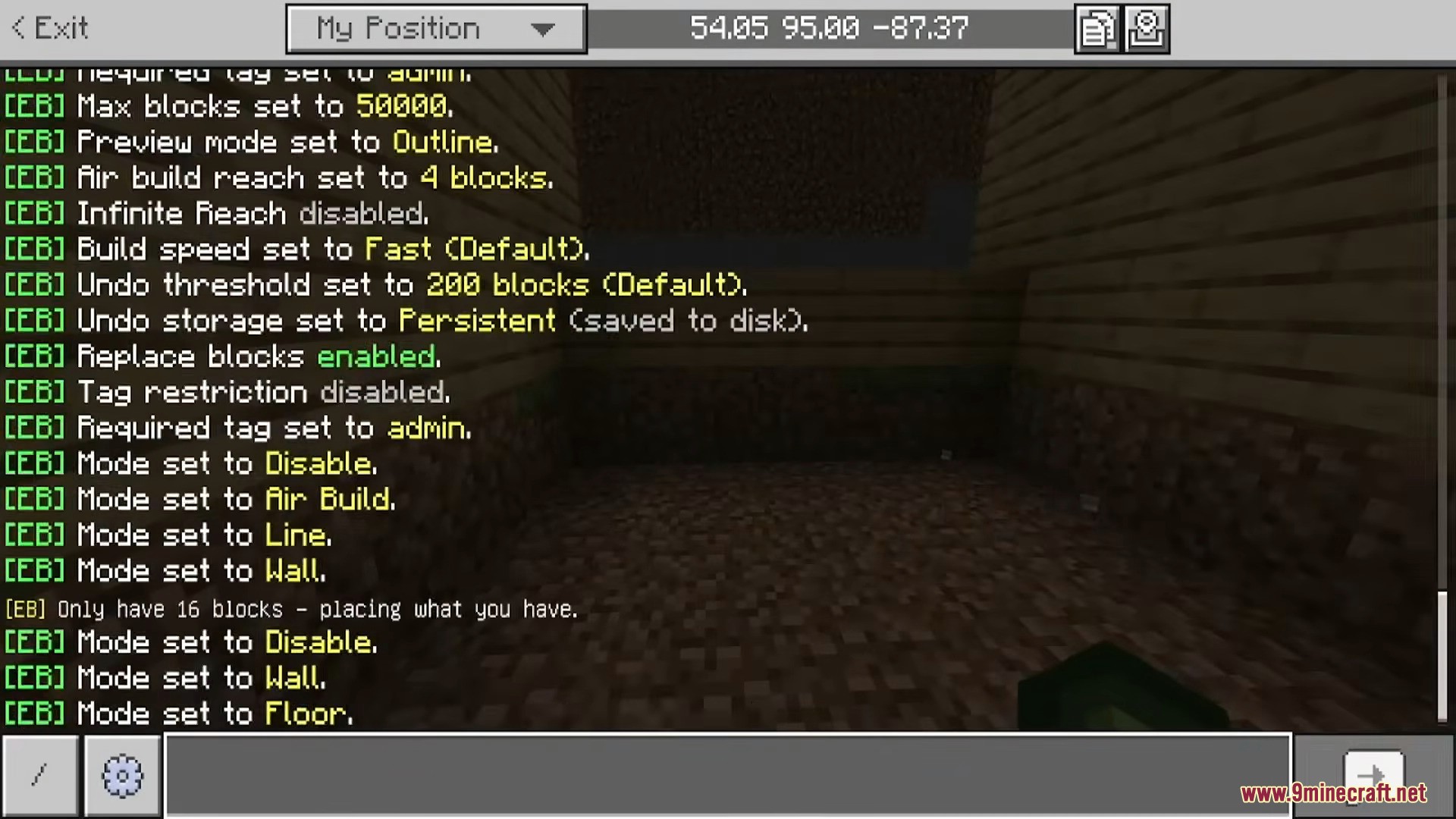
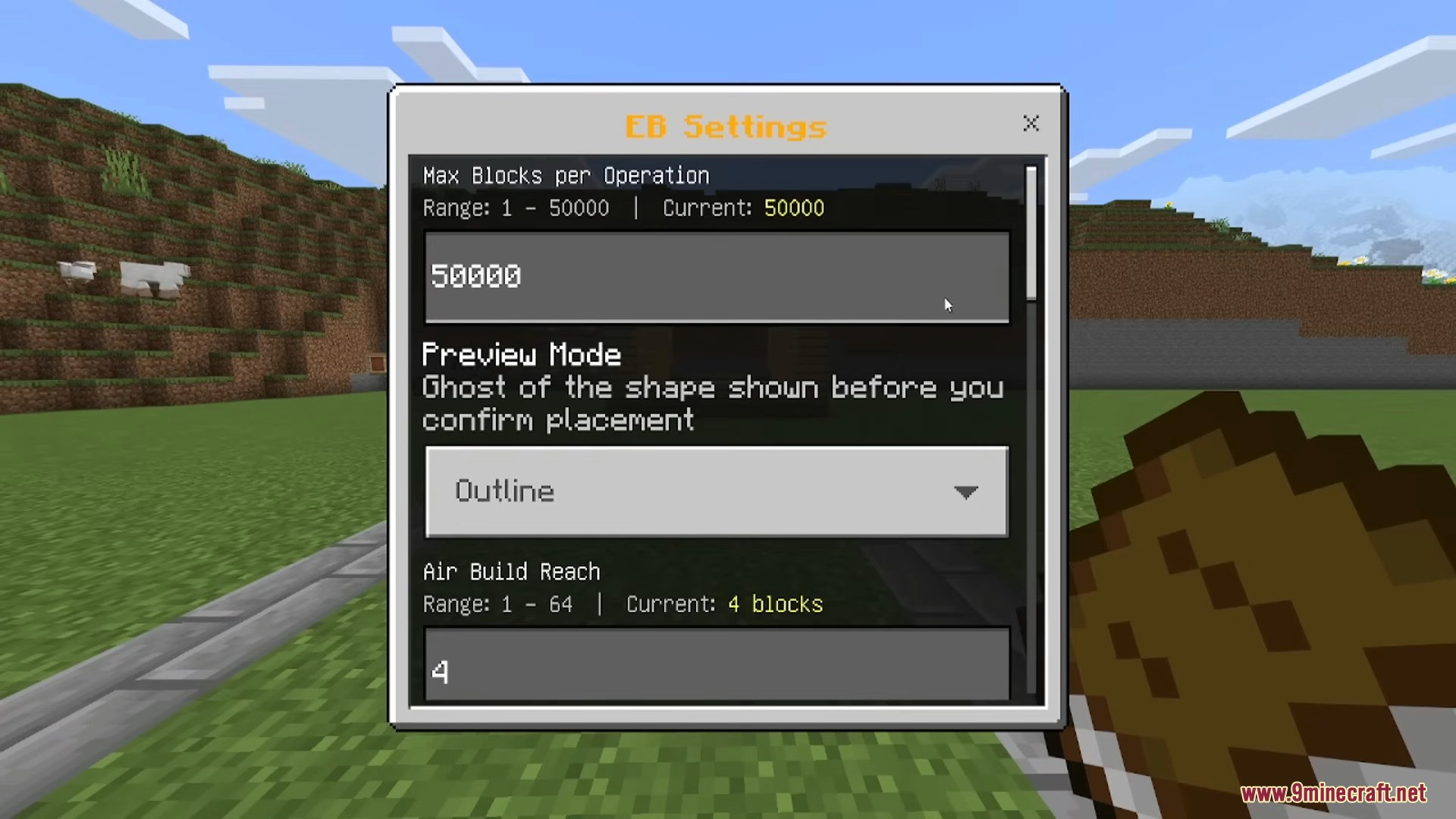
  • Save your own settings: Every player can pick their own block limit (up to 50,000 blocks at once), change how the shape outline looks, and set how far they can build in the air.
  • Server rules: Server owners can lock the addon so only certain players with a special tag can use it.

Screenshots:
Player opening the Effortless Building menu with the building book
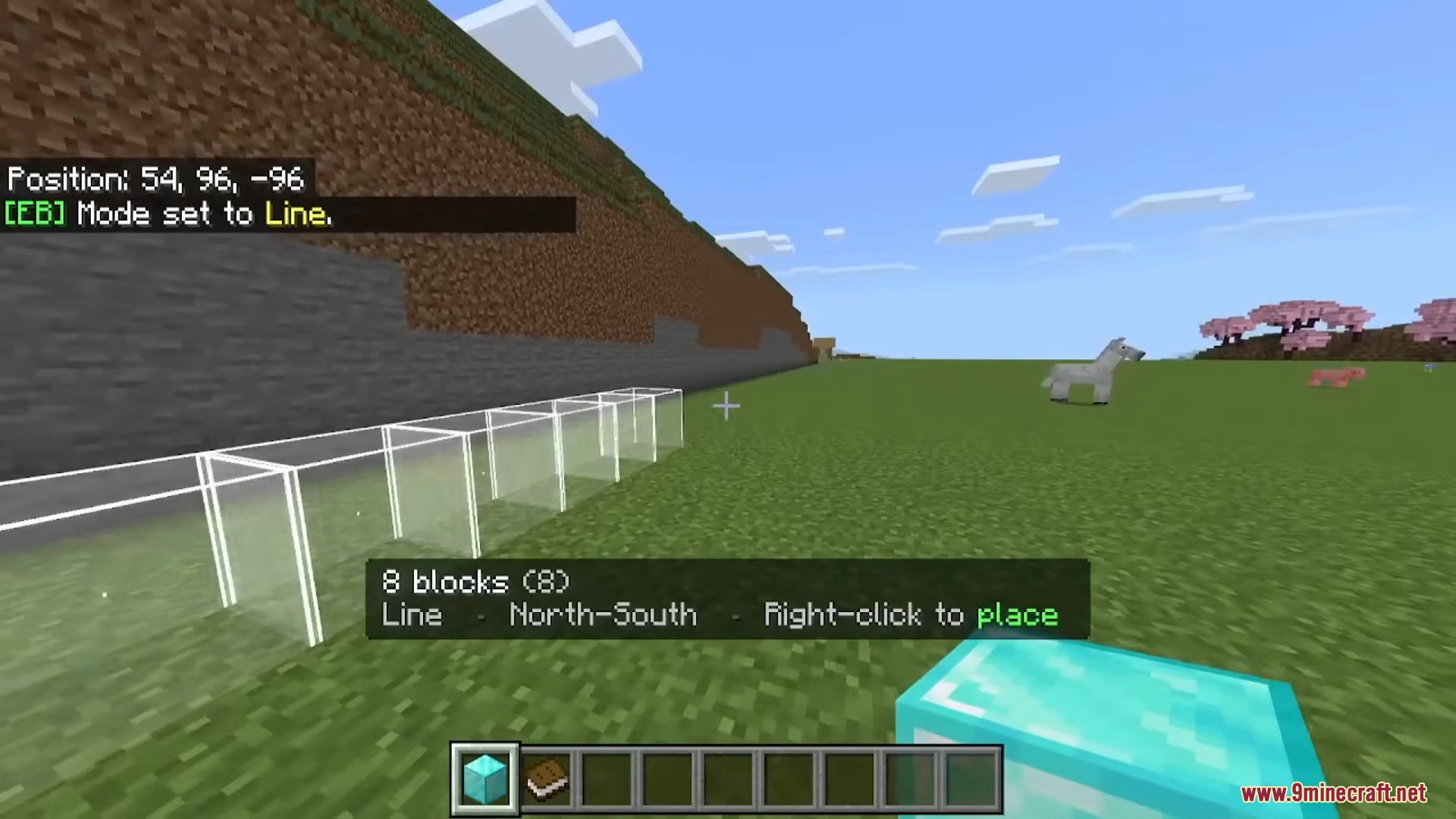
Effortless Building Addon enables quick line placement in Minecraft
Player using the line build mode with a live shape preview
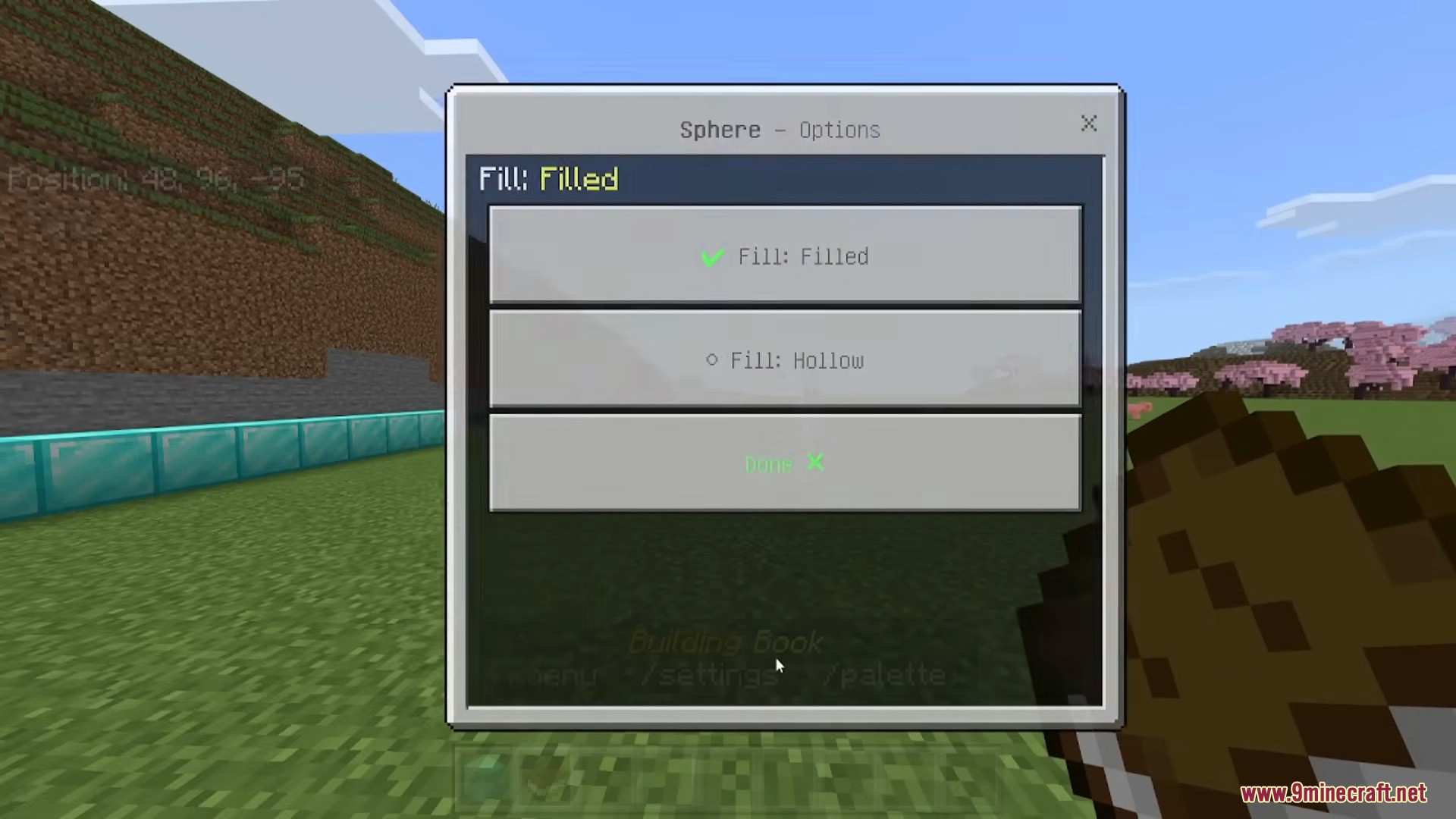
Settings menu for configuring filled or hollow sphere shapes
Player adjusting the sphere build mode options to filled or hollow
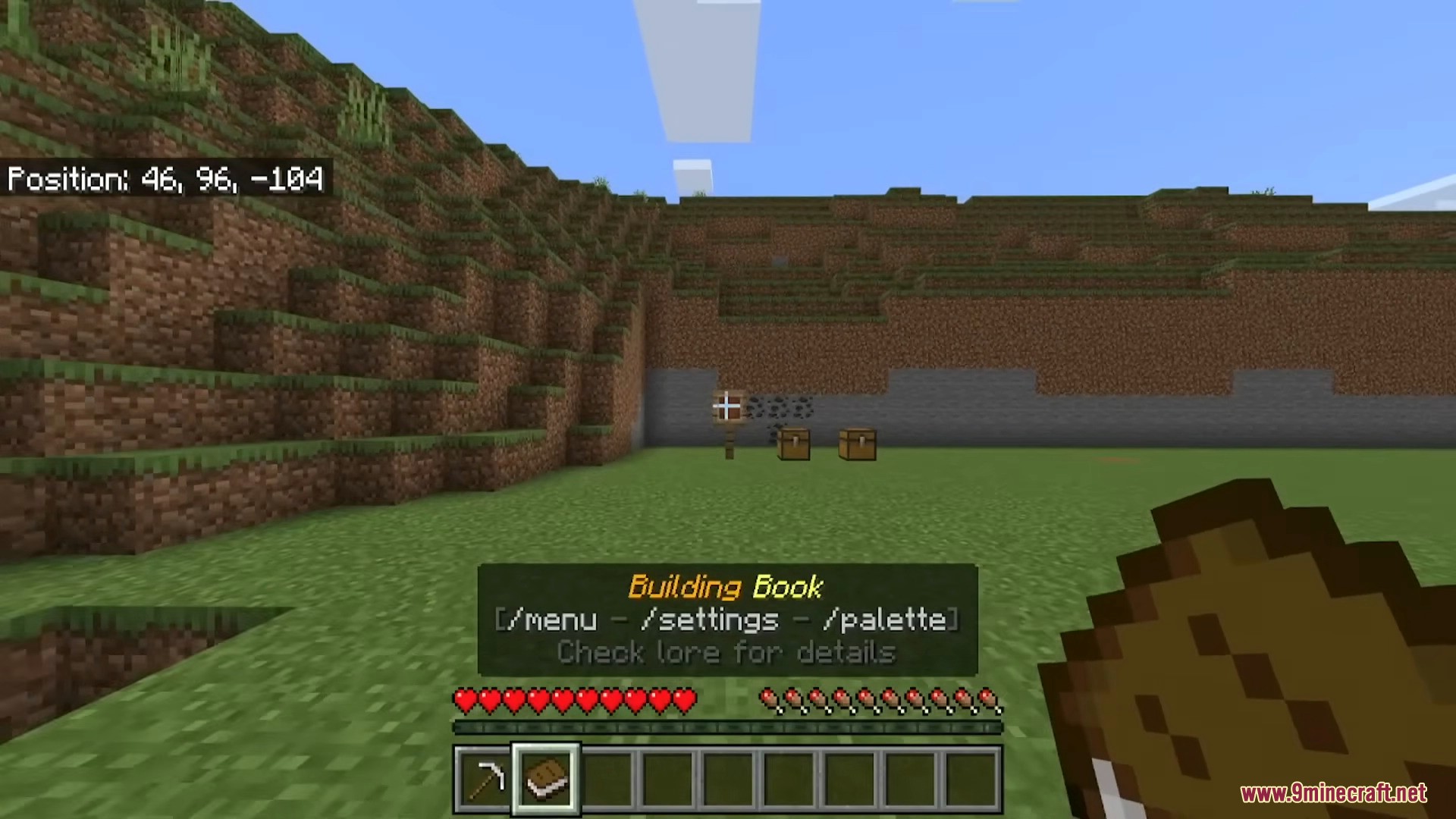
Player holding a book to access settings and palette menus
Building book item displaying commands for menu settings and palette
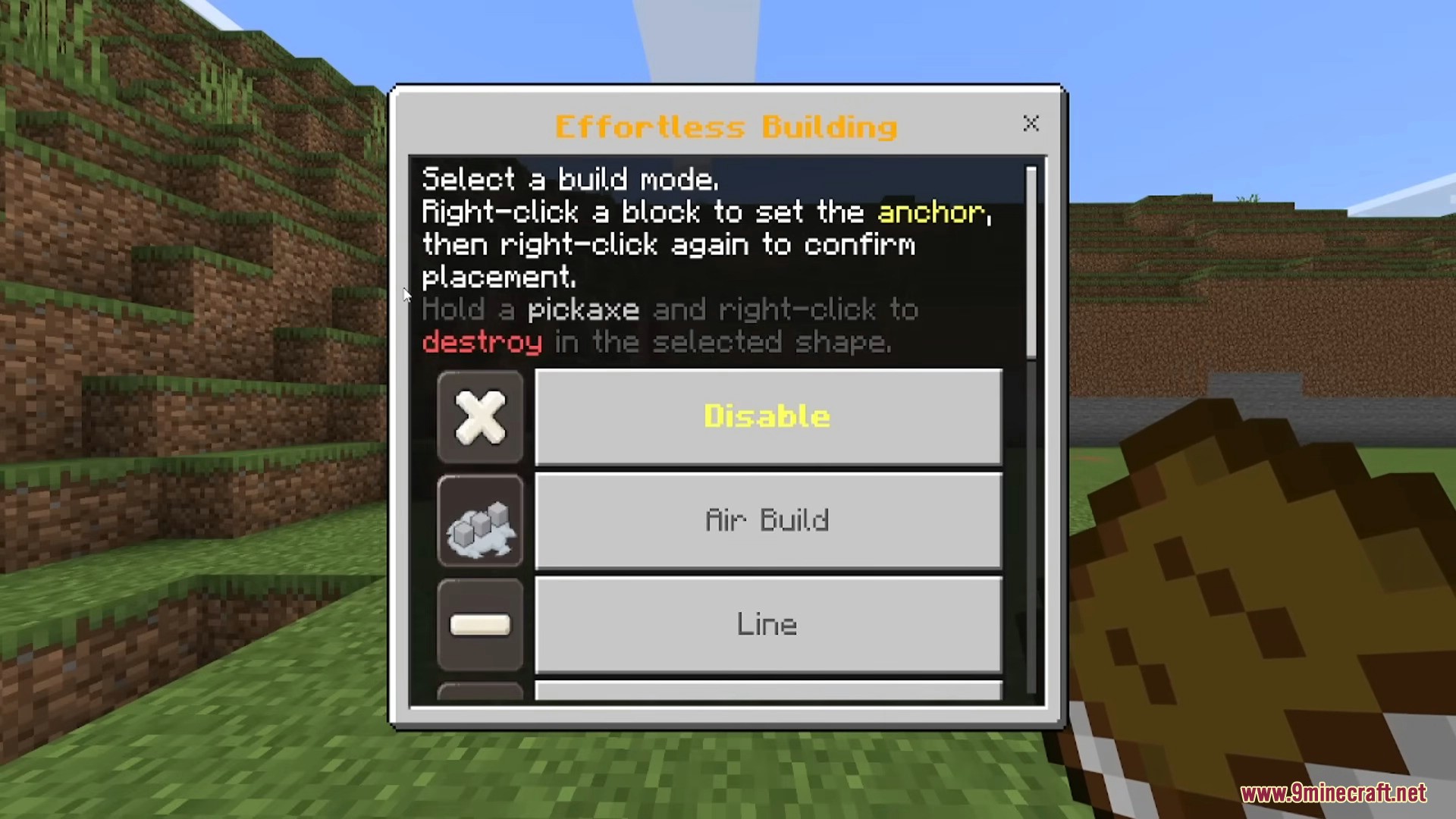
Effortless Building menu showing options for air build and line
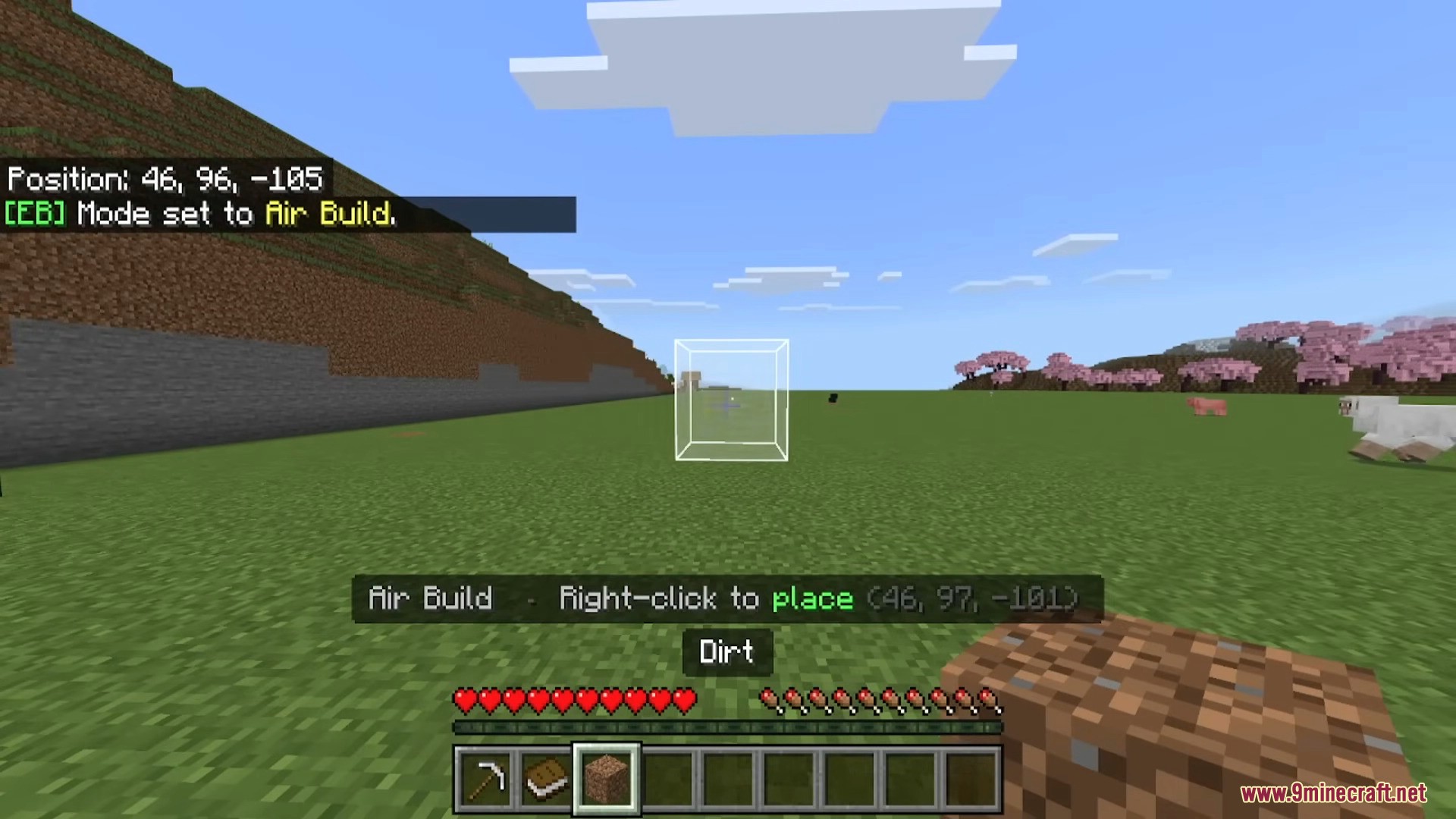
Air Build mode previewing a dirt block placement in mid air
Player using air build mode to place dirt blocks in mid air
Player placing wooden planks in mid air with Air Build mode
Using air build mode to place wooden planks with live shape preview
Player using Line mode to preview a long row of blocks
Effortless Building addon showing a line mode block preview
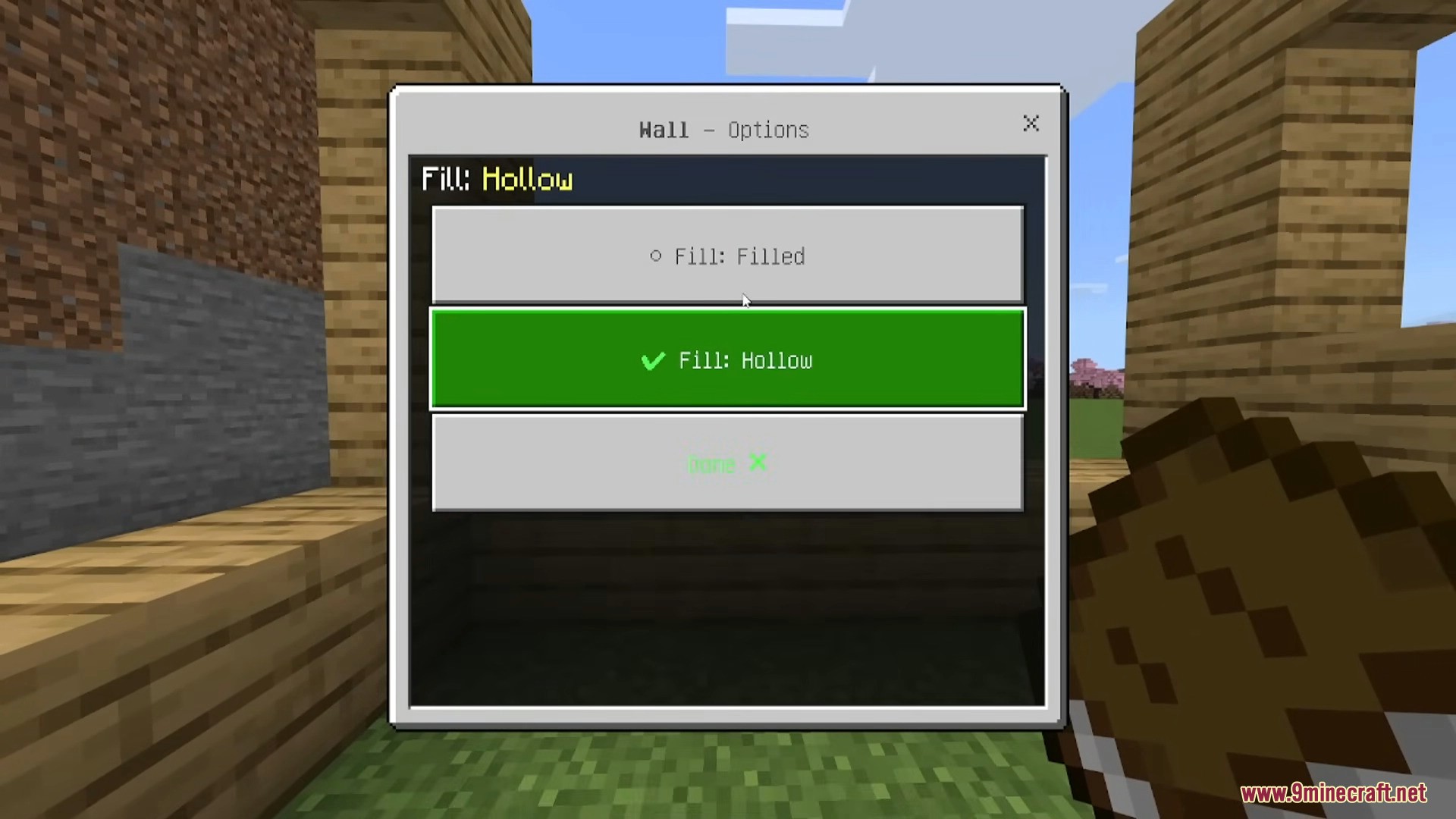
Menu interface for Wall mode showing hollow and filled placement options
Effortless Building addon menu with hollow wall fill option
Chat interface displaying active Effortless Building addon configuration settings
In game chat showing various configured settings and build modes
Settings menu for adjusting Effortless Building block placement parameters
Settings menu for adjusting max blocks preview mode and reach
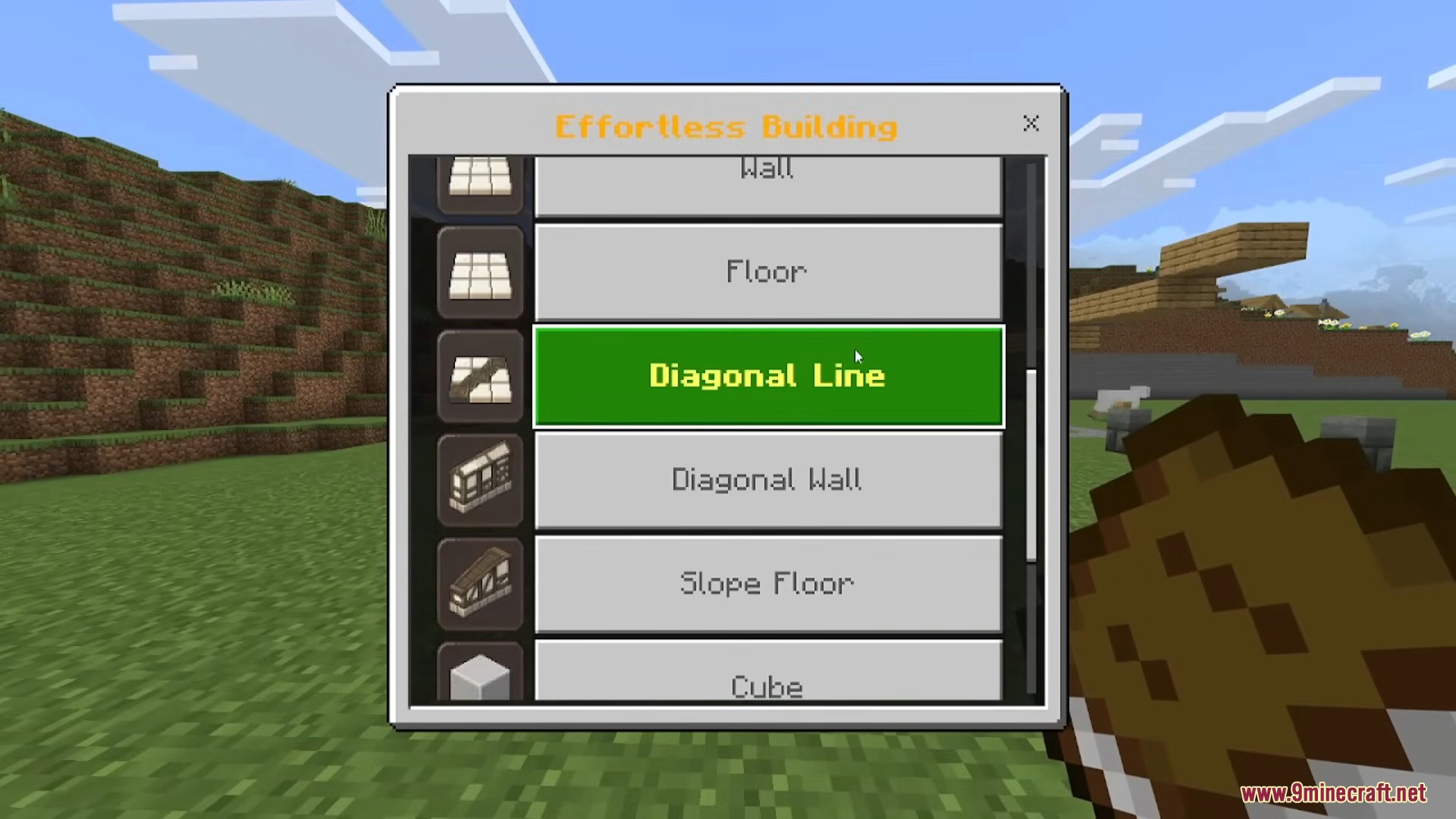
Selection menu showing various build modes for Effortless Building
Effortless Building menu showing various available block placement modes
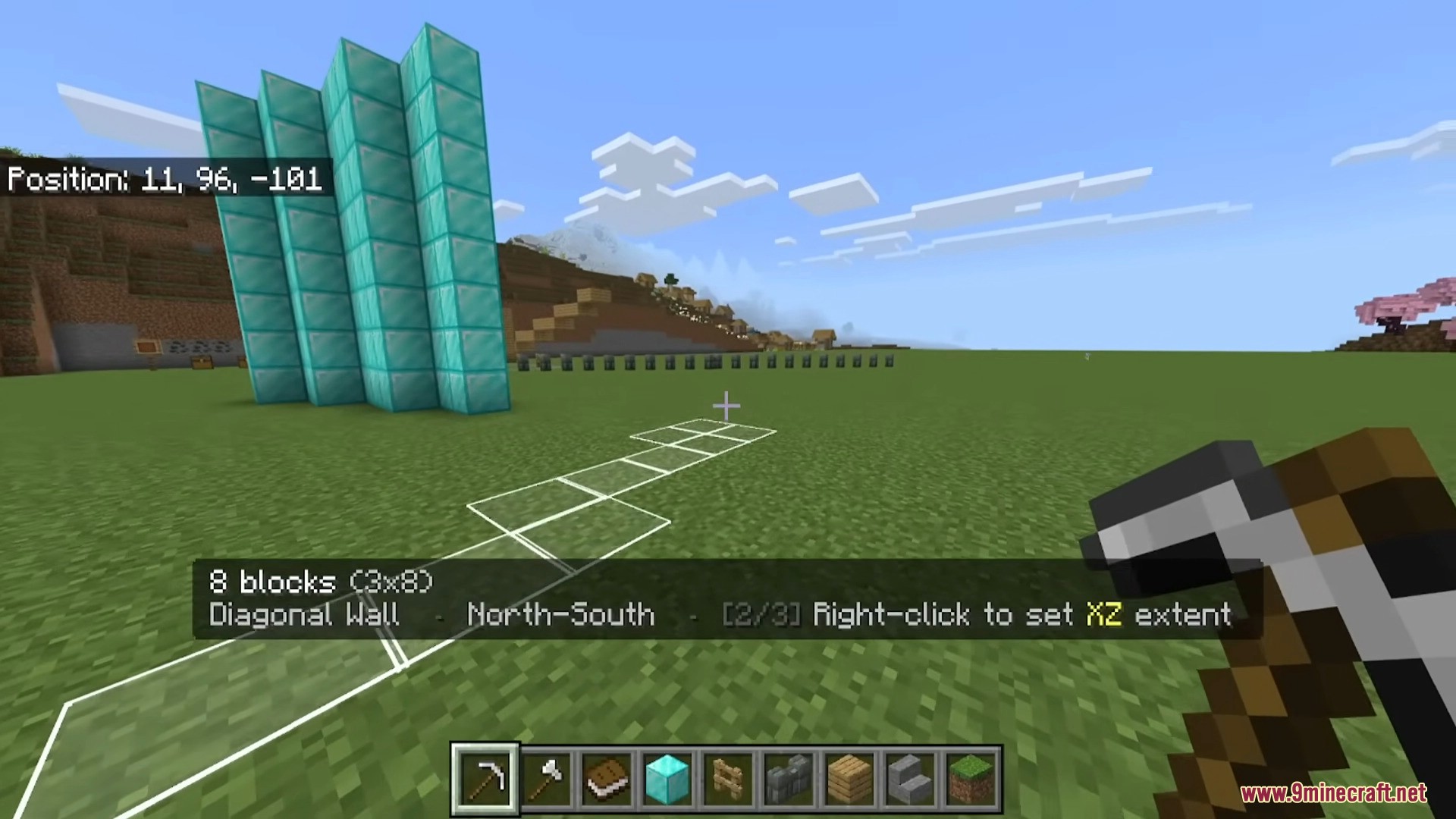
In game view showing active diagonal wall placement preview
Using the diagonal wall mode to place multiple diamond blocks
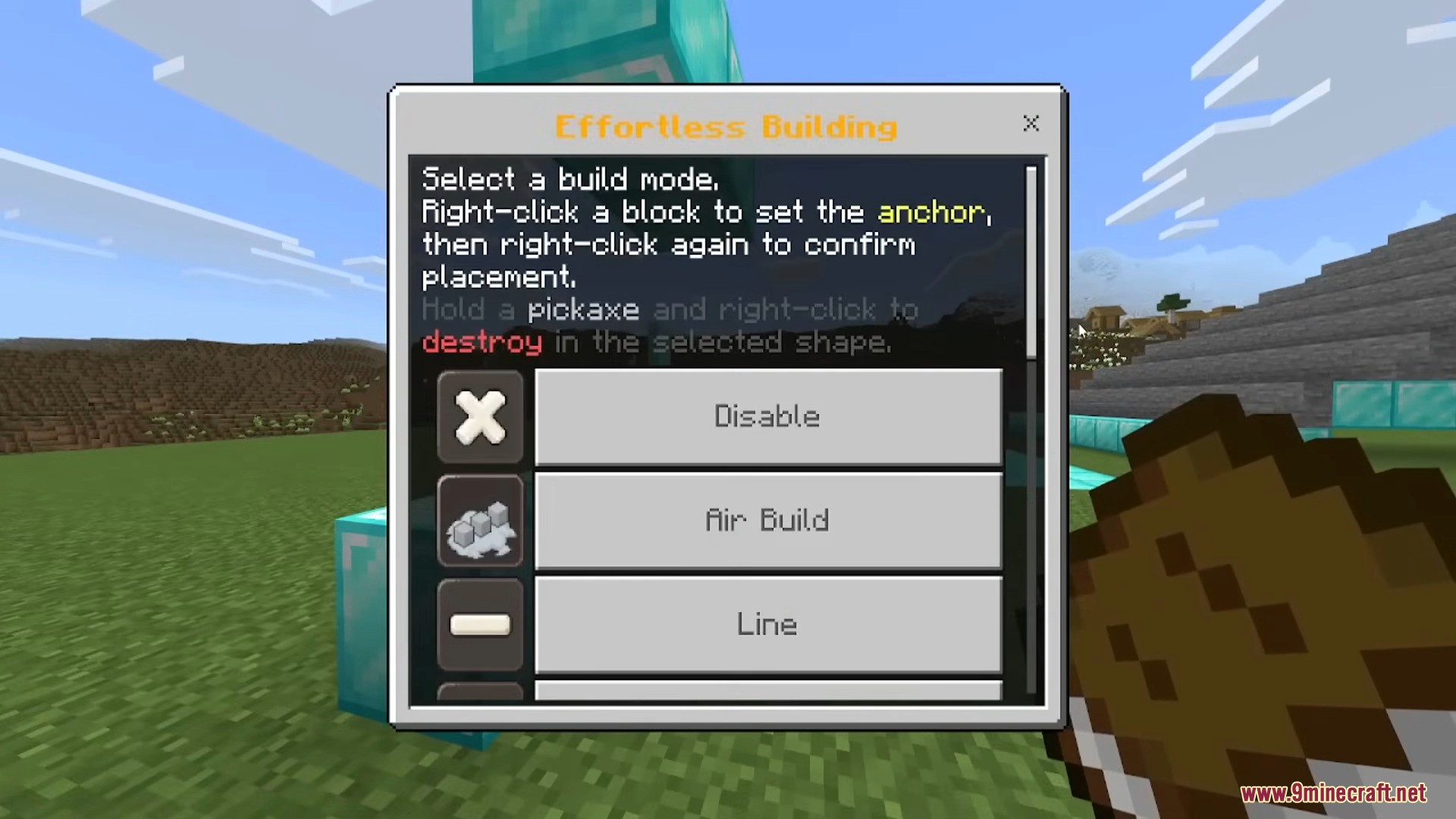
Effortless Building menu showing various selectable block placement modes
Effortless Building menu showing various selectable block placement build modes
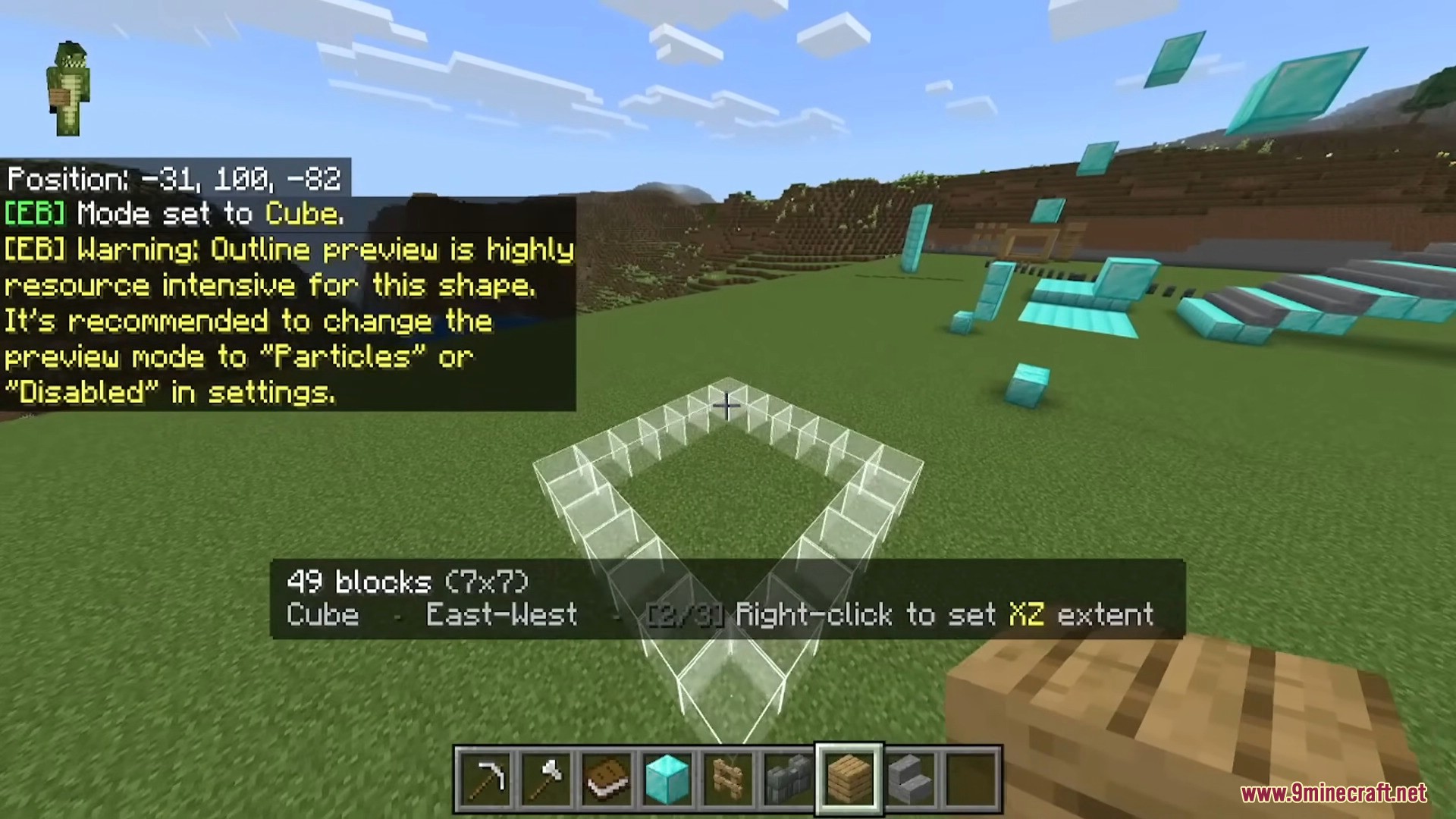
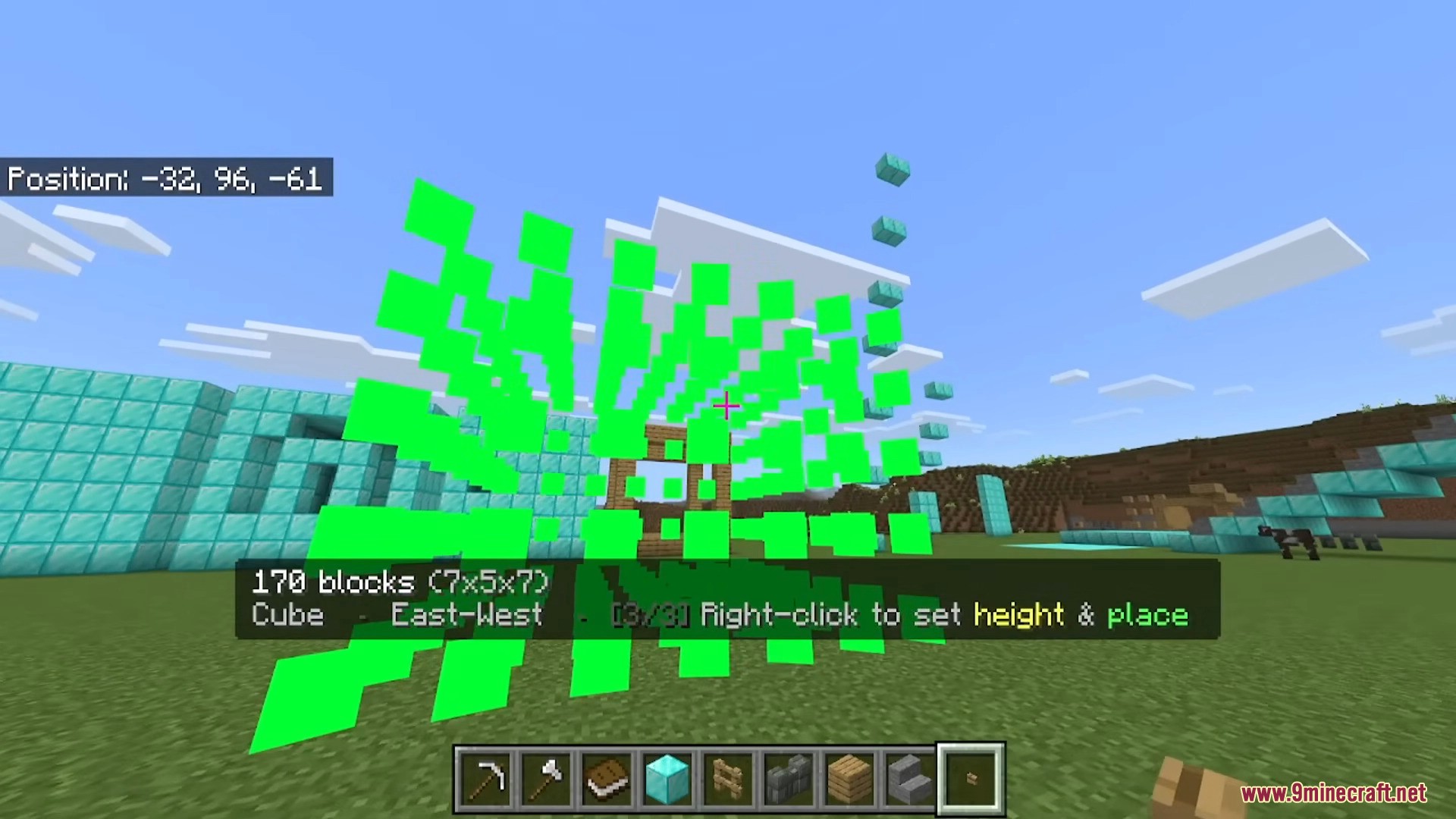
Live preview of a cube shape being built in Minecraft
A transparent cube preview showing how to build large shapes
Visualizing a 3D cube structure using the building addon
Player viewing live shape preview of a cube before placing blocks
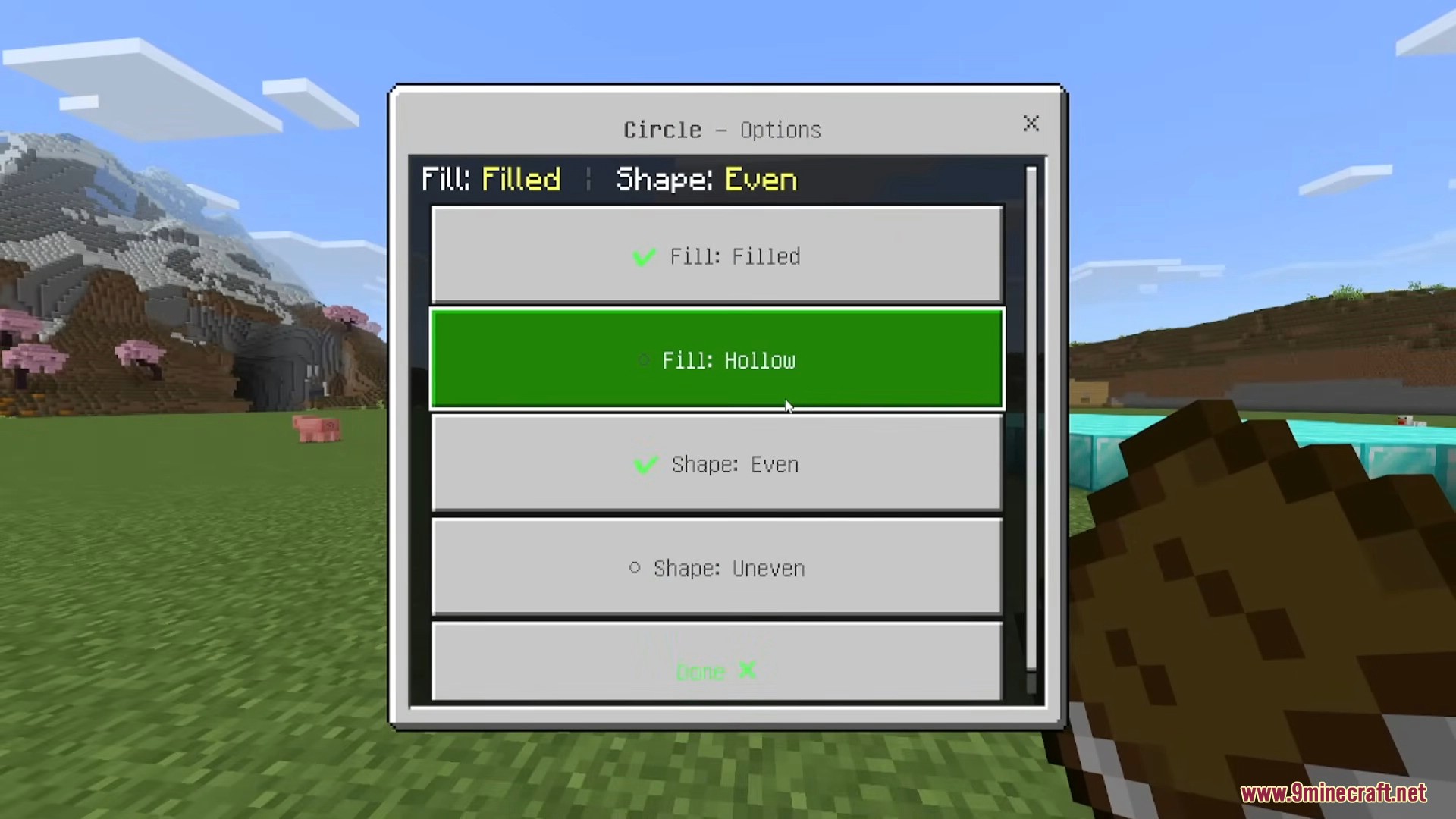
Settings menu for configuring circle shape and fill options
Player adjusting circle shape options like hollow or filled in menu
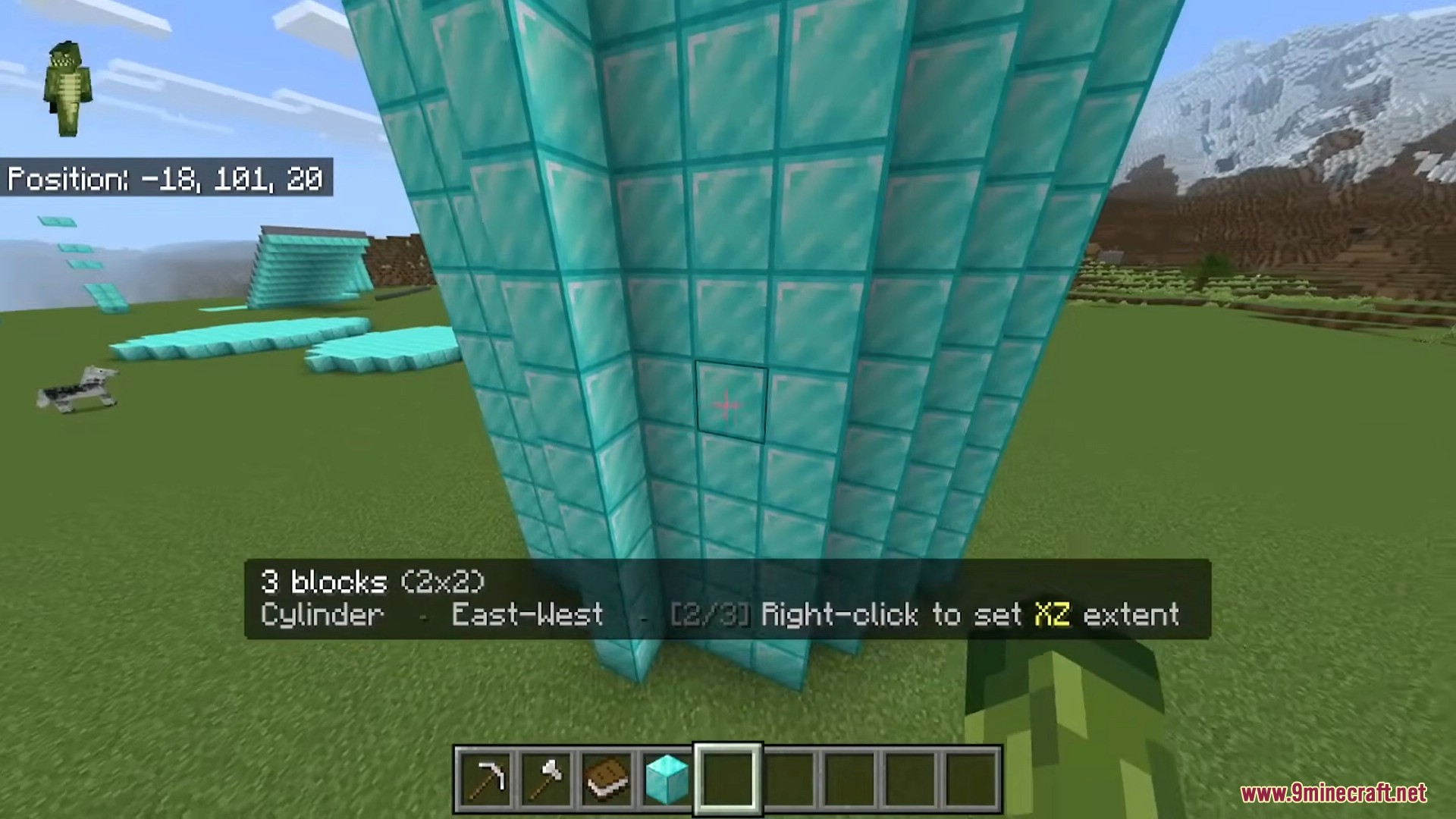
Effortless Building addon placing a cylinder shape in Minecraft
Effortless Building addon creates a cylinder shape in Minecraft
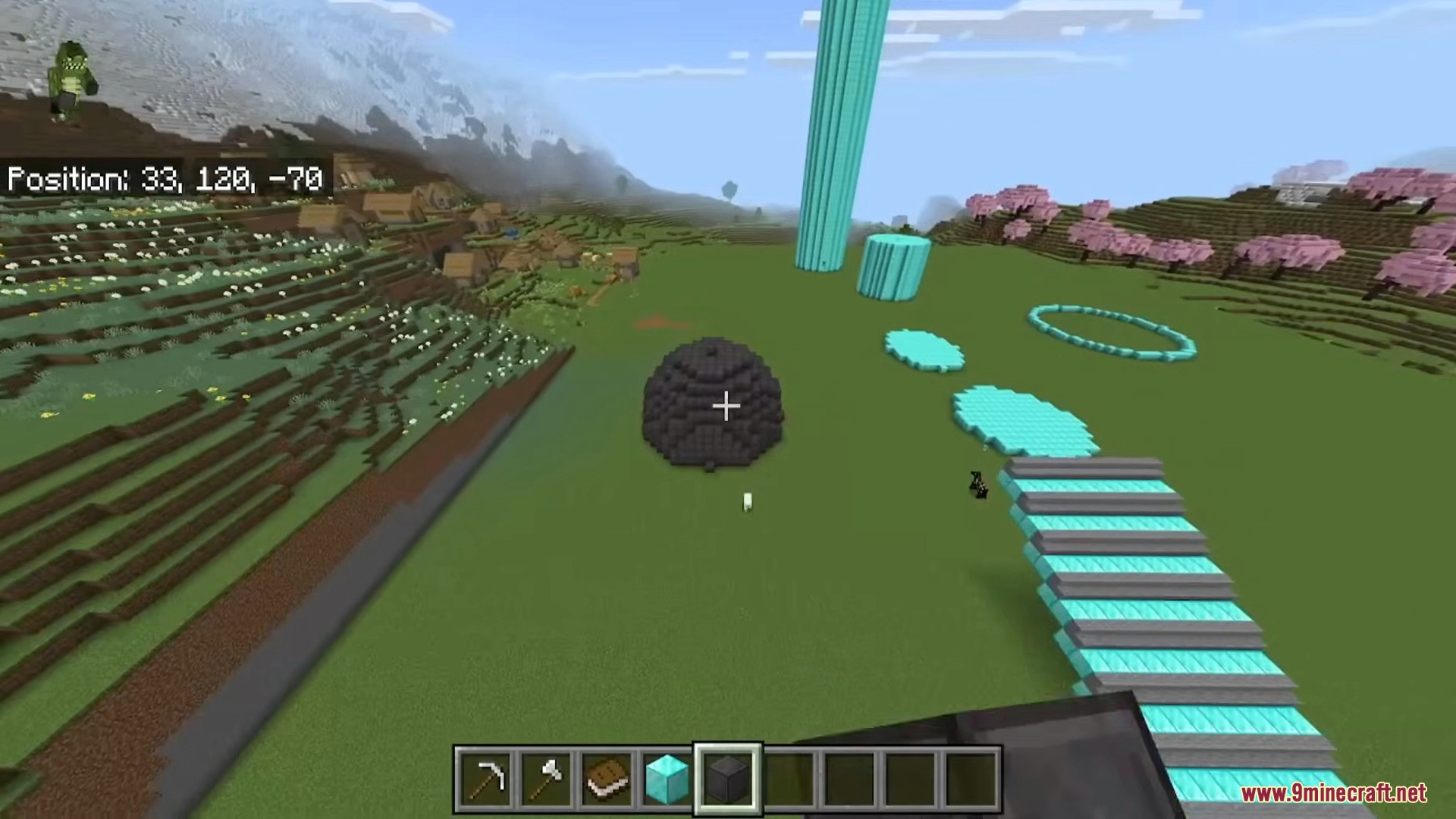
Various shapes and structures built using the addon tools
Effortless Building addon creates various shapes in Minecraft world
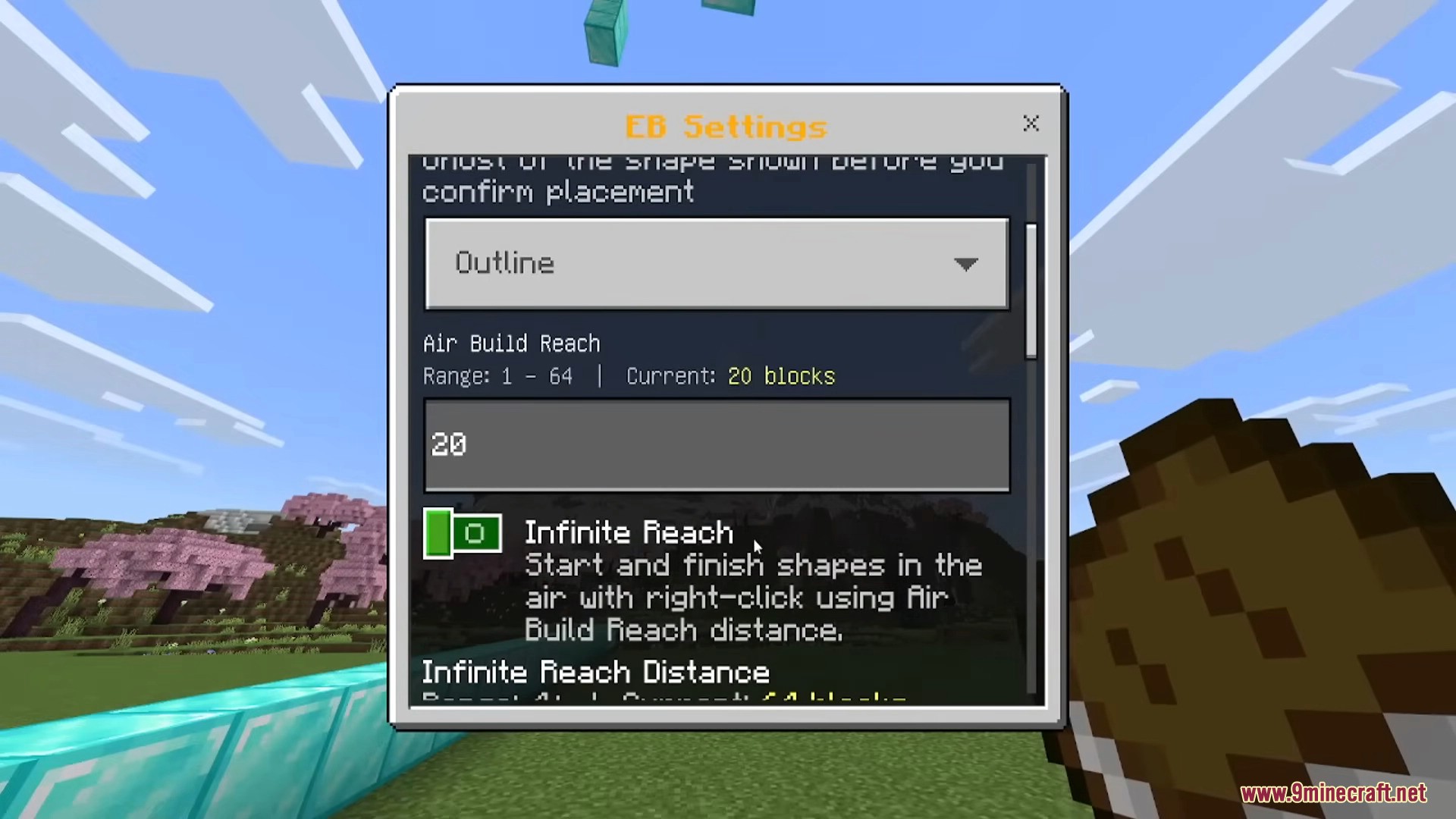
Settings menu for adjusting air build reach and placement
Settings menu for configuring air build reach and infinite range
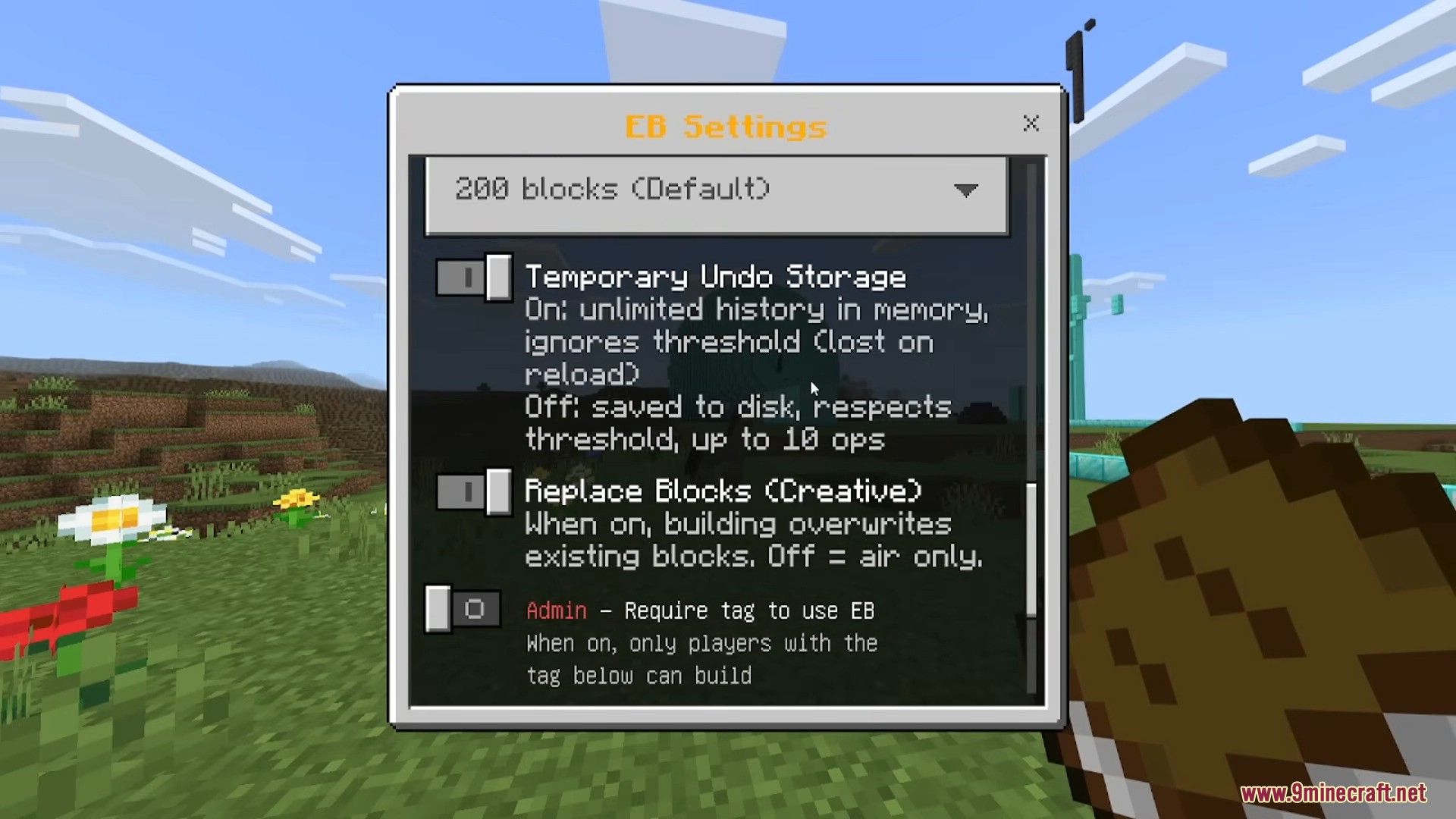
Configuration menu for undo storage and block replacement settings
Settings menu for undo storage and block replacement options

Installation Note:

  • You need to enable the Experimental Settings if the addon does not work.

Effortless Building Addon Download Links

For Minecraft 26.x 1.21.x NEW

mcaddon 967 KB Apr 23, 2026

Click to rate this post!
[Total: 62 Average: 3.9]