
Elenai Dodge 2 Mod (1.20.1, 1.19.2) – Sidestep Every Fatal Blow

 0


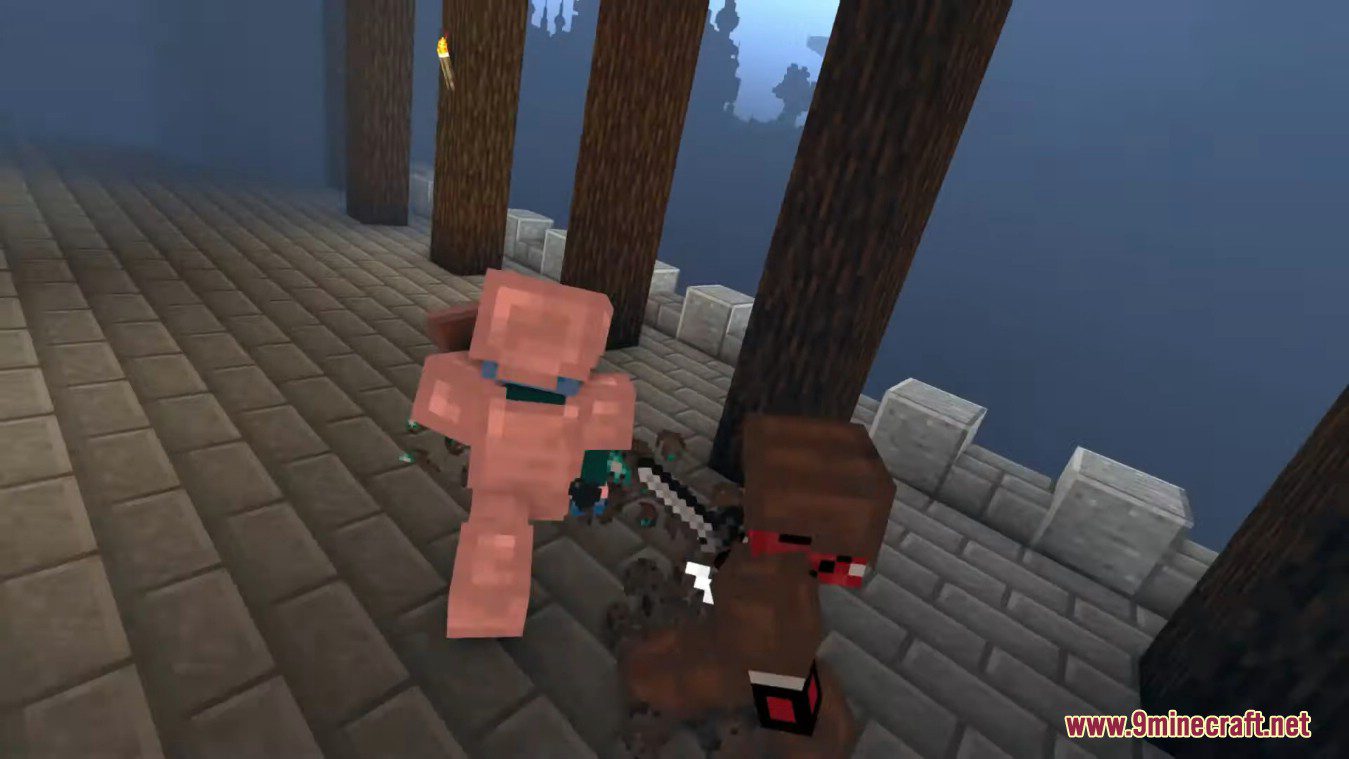
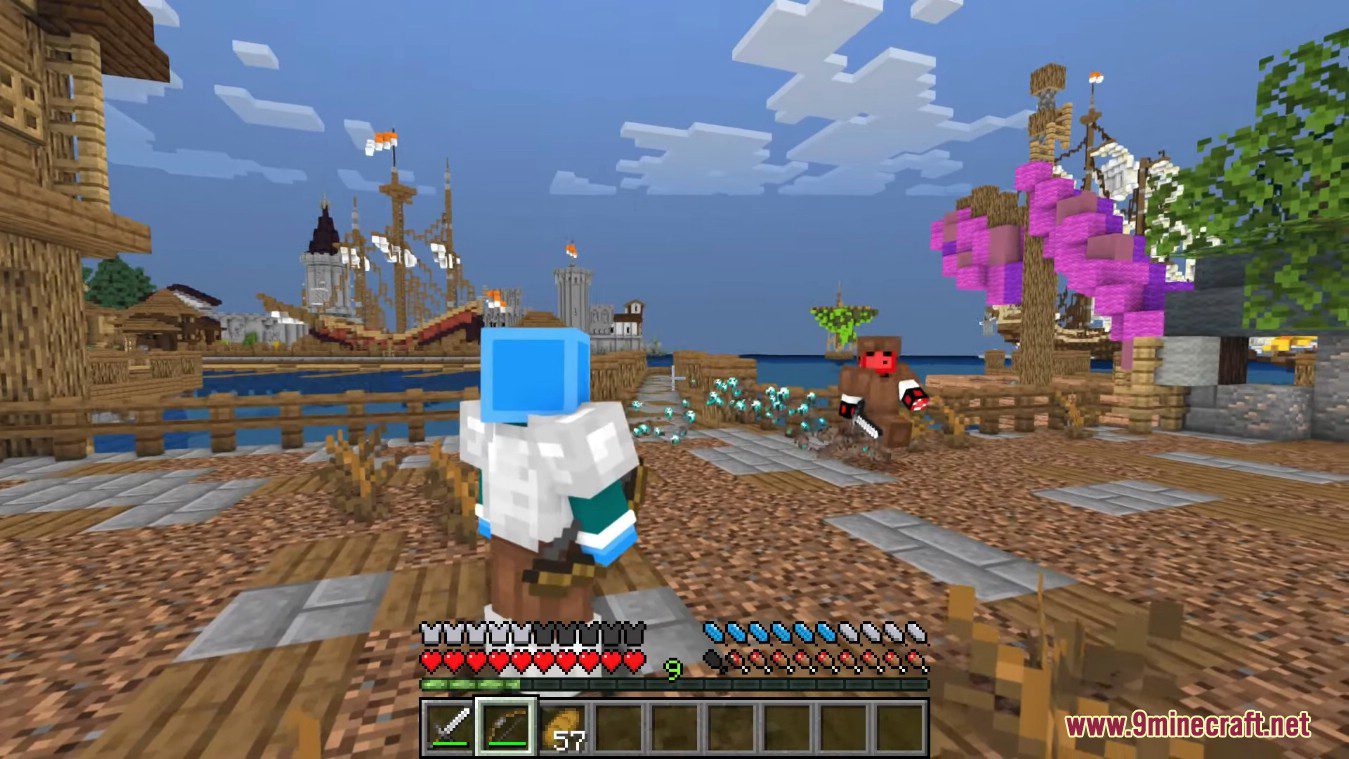
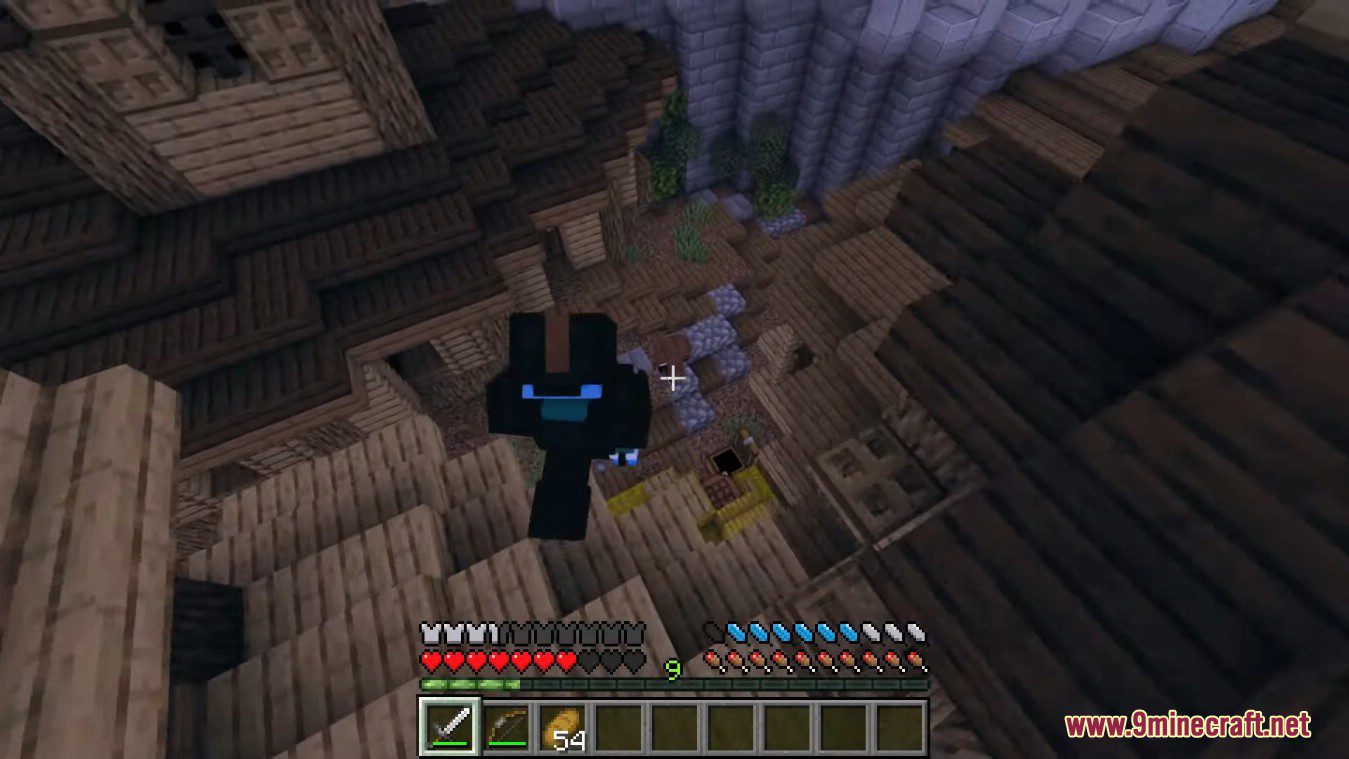
Elenai Dodge 2 Mod adds a smooth dodging and dashing system to Minecraft combat. You can quickly dash in any direction to avoid enemy attacks or close the distance during a fight. Each dodge uses stamina from a feather bar that refills over time, and wearing heavier armor reduces your dodge speed and distance. This mod also brings dive roll animations, custom controls, five throwable potions, and mid-air dash options. It works with the Feathers mod for its stamina system and supports Better Combat.

Features:
- Dodging System: Lets you dash in any direction to dodge enemy hits or move into a better spot during combat.
- Stamina Integration: Uses the Feathers stamina bar so every dodge costs feathers that refill over time, keeping fights balanced.
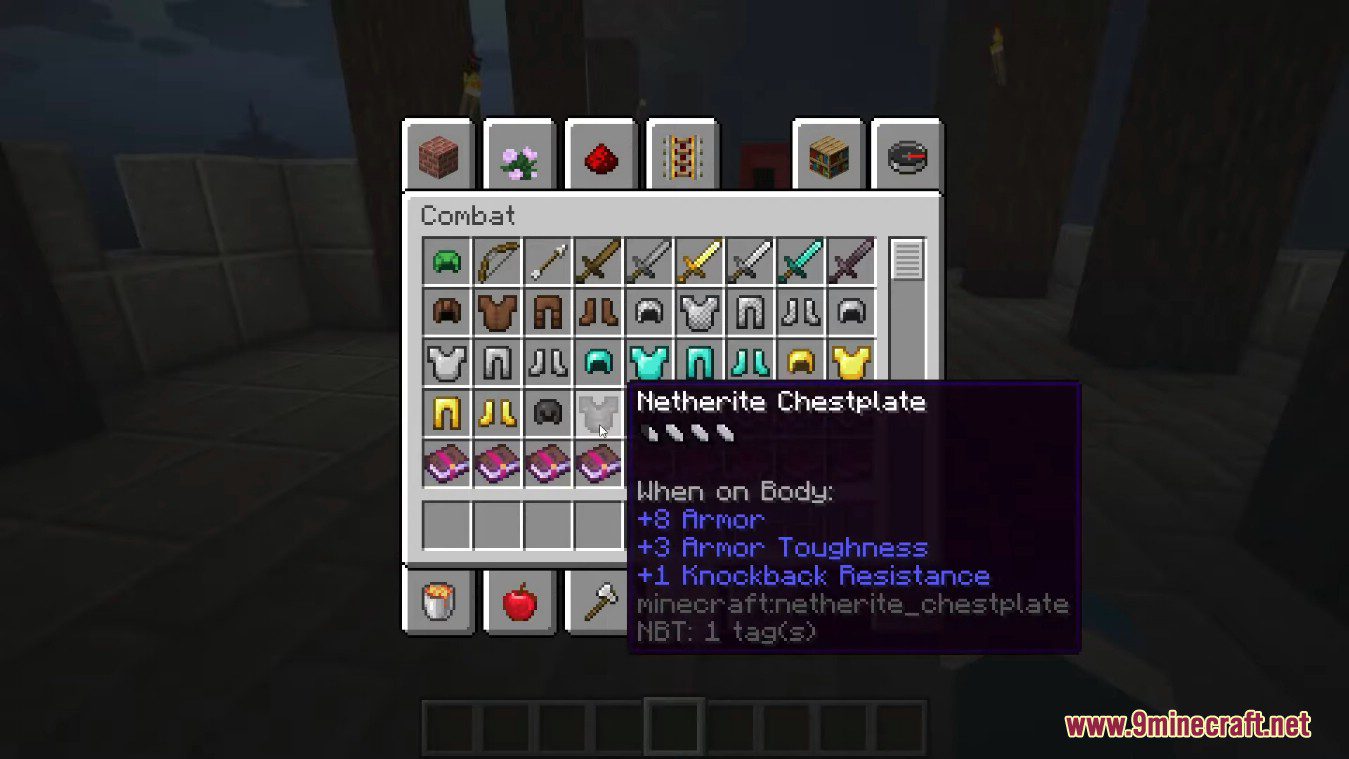
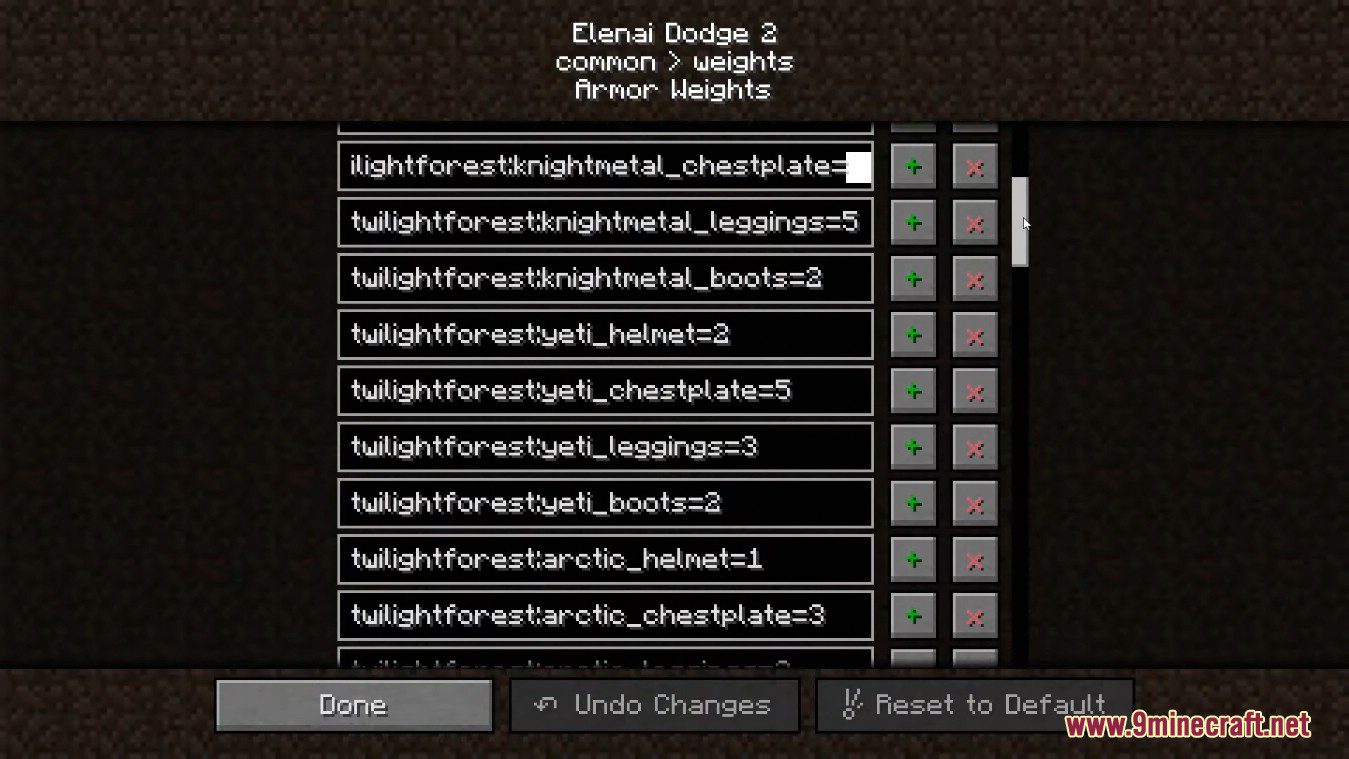
- Armor Weights: Changes your dodge speed and distance based on how heavy your armor is, with automatic weight values for modded armor too.
- Toggleable Animations: Plays a dive roll animation by default when you dodge, which you can turn off for a classic vanilla look.
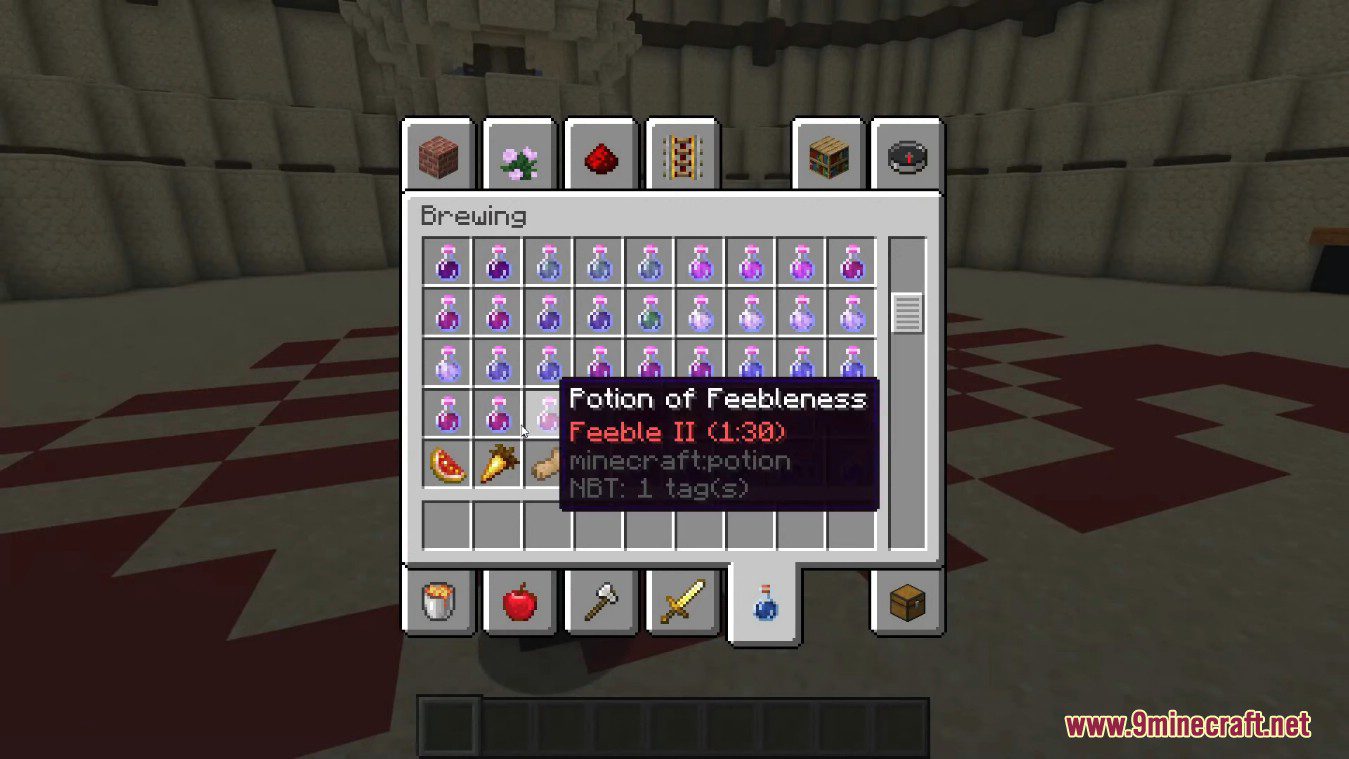
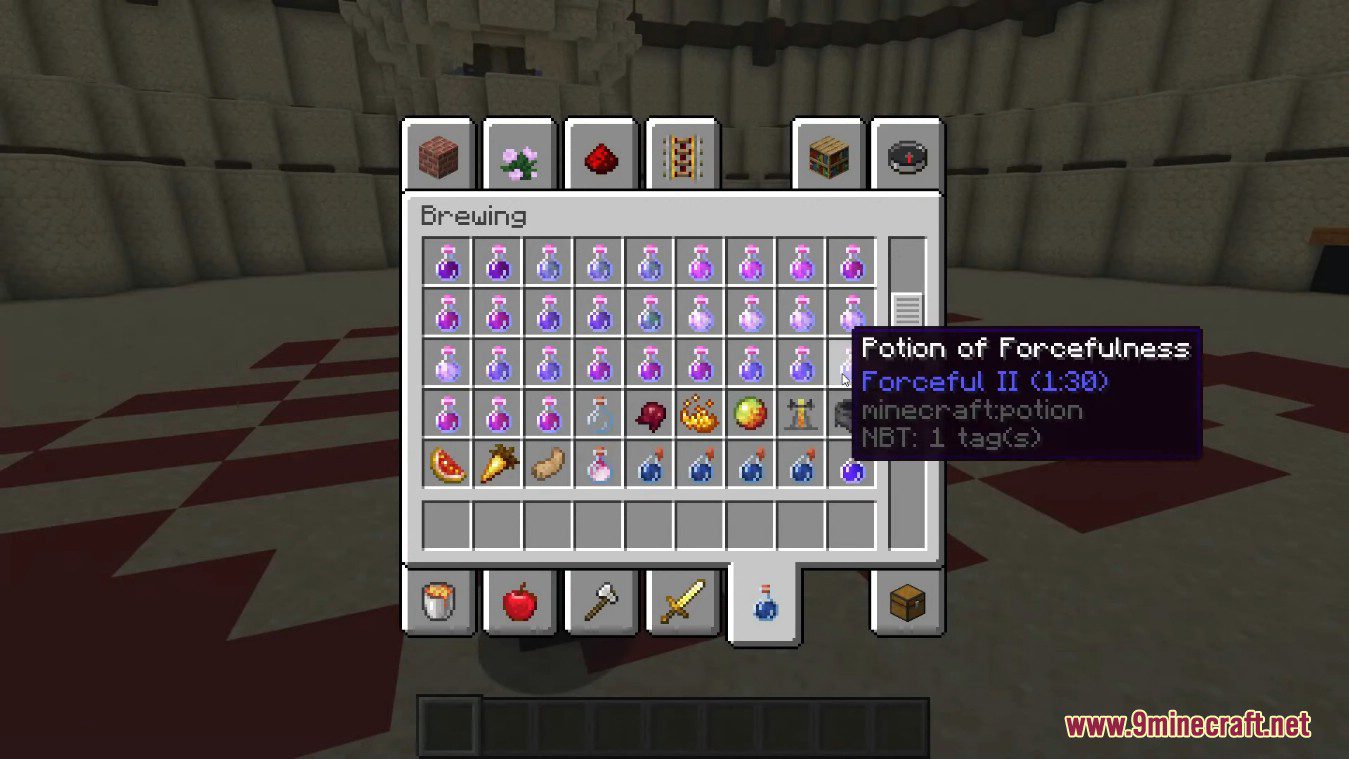
- Adds five throwable potions, including the Potion of Forcefulness and the Potion of Feebleness, that adjust dodge range, grant extra dodge charges, reduce armor weight penalties, or hinder enemy movement.
- Includes the Cold enchantment, which replaces the older Heavy enchantment.
- Offers two control styles in the config menu so you can dodge with a single key press or by double-tapping a movement key.
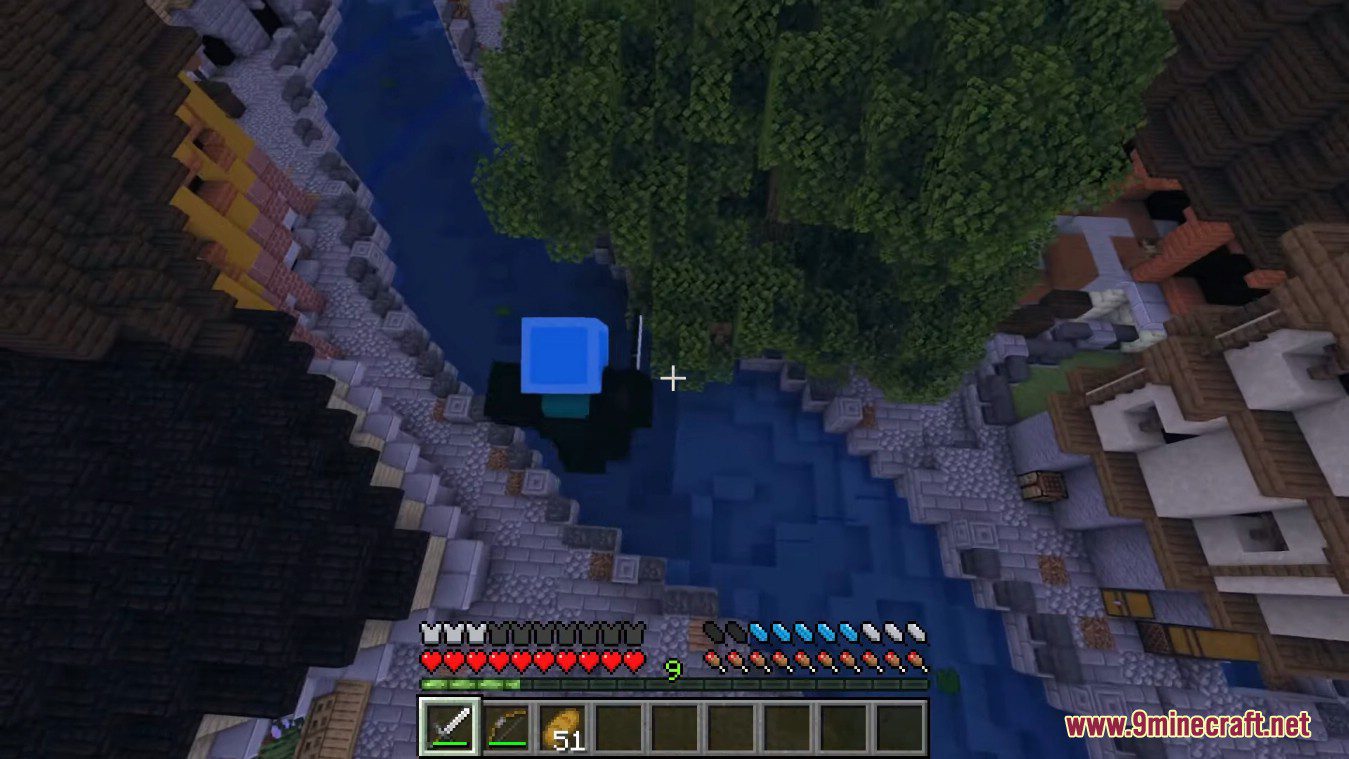
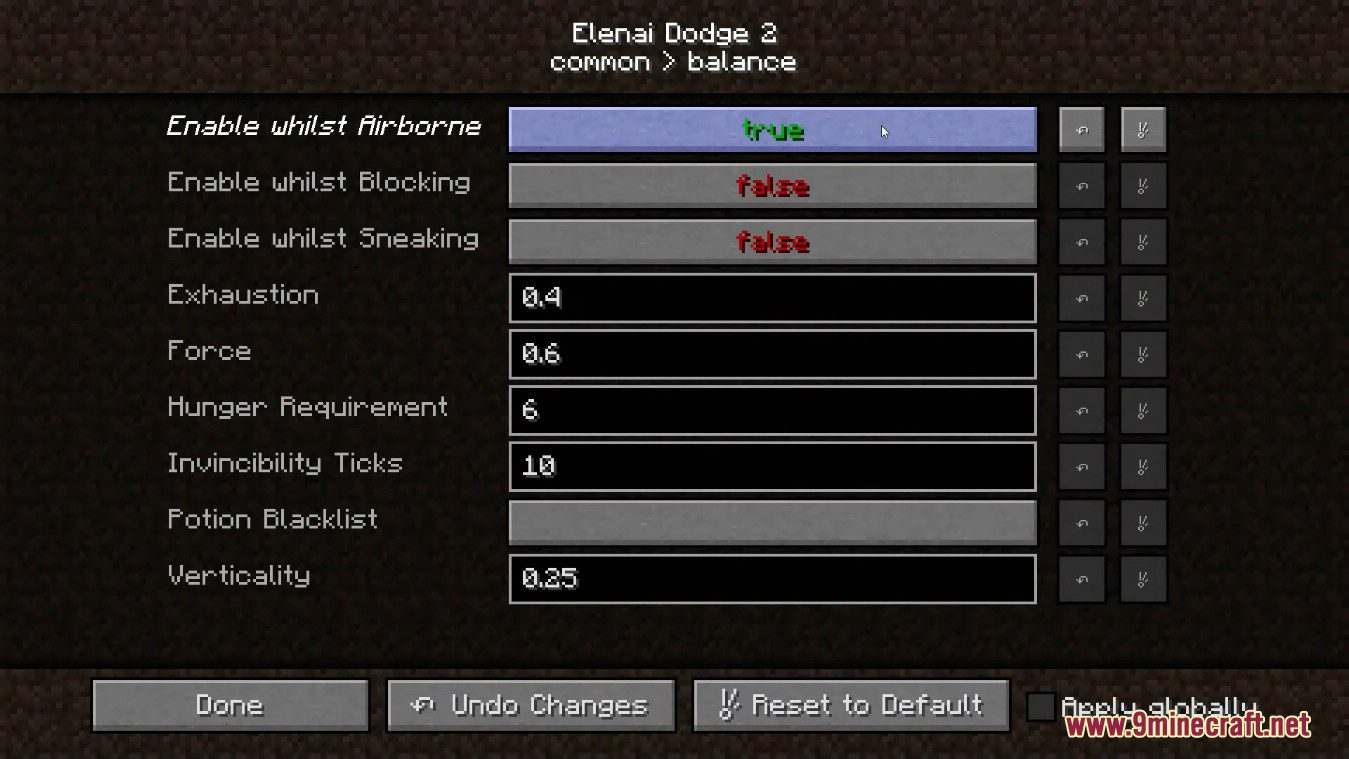
- Lets you enable mid-air dashing in the config file to jump across wide gaps.
- Gives you config menus to adjust movement, balance, and custom armor weight settings to fit your playstyle.
- Supports Better Combat by handling special attacks, rolling limits, and attack cooldowns smoothly while dodging.
How to Use:
- Move with W, A, S, or D and press Left-Alt to dash in that direction and avoid incoming hits.
- Watch the feather stamina bar above your hotbar so you know when you have enough energy to dodge again.
- Wear lighter armor sets to get longer and faster dashes with fewer weight penalties.
- Open Minecraft’s controls menu to rebind the Dodge Key from Left-Alt to any key you prefer.
- Open the mod config menu to switch to double-tapping W, A, S, or D, turn off dive roll animations, enable mid-air dashing, or adjust armor weight and balance settings.
- Throw the new potions during combat to boost your own dodge mobility or slow down opponents.
Screenshots:
How to Install:
New to Minecraft? Follow our step-by-step guide to install Mods on your PC.View Guide
Requirements:

Elenai Dodge 2 Mod Download Links
For Minecraft 1.20.1, 1.20
Forge version: Download from Server 1 – Download from Server 2
For Minecraft 1.19.4
Forge version: Download from Server 1 – Download from Server 2
For Minecraft 1.19.2, 1.19.1, 1.19
Forge version: Download from Server 1 – Download from Server 2
For Minecraft 1.18.2
Forge version: Download from Server 1 – Download from Server 2
For Minecraft 1.16.5
Forge version: Download from Server 1 – Download from Server 2
For Minecraft 1.12.2
Forge version: Download from Server 1 – Download from Server 2
What is your biggest frustration when playing with mods?
22 responses · See the full results →
You May Also Like
Picked for this page
 Artifacts Mod (26.1.2, 1.20.1) – Various Powerful Items
 Corail Tombstone Mod (26.2, 1.20.1) – Never Lose Your Items Again
 Mine Mine no Mi Mod (1.20.1) – Unleash Your Pirate Powers
 Cosmetic Armor Reworked Mod (1.21.11, 1.20.1) – Your Style with Max Armor
 Mystical Agriculture Mod (26.1.2, 1.20.1) – Grow Diamonds From a Seed
 Hunter’s Return Mod (26.3, 1.20.1) – Meet the Boomerang Illager
 Epic Force Close Loading Screen Mod (26.3, 1.20.1) – Saving Your Time
 Level Up Mod (1.21.11, 1.20.1) – Choose Your Class and Role
 Lycanite’s Mobs Mod (1.20.1) – Tame Wild Monsters to Fight for You
 Resourcify Mod (26.3, 1.20.1) – Easy In-Game Resource Pack Installation
 Config Manager Mod (26.3, 1.20.1) – Modpack Configuration Management
 Insane’s Survival Overhaul Mod (1.21.1, 1.20.1) – A Survival Experience
Most viewed in Mods over the last 7 days
 Ala Industrial Mod (26.3) – Run Electric Power Grids and Automated Factories
 PleasureCraft Mod (26.3, 1.21.1) – Jenny Mod Remake for Fabric
 Jennycraft Mod (26.3, 1.20.1) – Virtual Girlfriend in Minecraft
 Fapcraft Mod (26.3, 1.12.2) – Comprehensive and Detailed Content
 Jenny Mod (Fapcraft) Official Complete Guide – How to use, Tutorial
 BangCraft Mod (1.20.1) – Jenny, Ellie and Elliot
 Fabric Loader (26.3, 1.20.1) – Fabric Installer for All Minecraft Versions
 Meteor Client Mod (26.3, 1.20.1) – Xray, HUD, Fly
 The Shooting Star Demo Mod (26.3, 1.20.1) – Vaporize Terrain From Orbit
 OptiFine HD (26.3, 1.20.1) – Run Faster, FPS Boost, Shaders Support
 Aristois Client Mod (1.21.4, 1.20.1) – World Class Minecraft Utility
 Prestige Client Mod (1.21.11, 1.21.4) – Powerful Ghost Features for Crystal & Sword PvP
More from Mods
 The Graveyard Mod (26.3, 1.20.1) – Cemeteries in Minecraft
 Enhanced Overlay Mod (26.3, 1.21.11) – Remove Screen Clutter
 Flint Mod (1.21.11) – Run DiamondFire Community Addons Without Crashing
 Not Just Sandwich Mod (26.3, 1.20.1) – Edibles, Sandwiches
 Waddles Mod (26.3, 1.20.1) – Make Icy Biomes Feel Alive
 Artemis’ Thin Logs Mod (26.3, 1.20.1) – Build Custom Trees and Detailed Wood
 Asterion Mod (26.3, 1.20.1) – Survive Ancient Mazes and Slay the Legendary Minotaur
 Passthrough Signs Mod (26.3, 1.20.1) – Right-Click Through Wall Signs
 Packing Tape Mod (26.3, 1.20.1) – Move Chests, Machines
 No XP Anvils Mod (26.3, 1.20.1) – Repair And Enchant Without XP
 Naruto Shippuden Mod (26.3, 1.16.5) – Immerse Yourself in The World of Ninja
 Araxer’s Bestiary Mod (26.3, 1.20.1) – Build an In-Game Encyclopedia of Every Mob

This post has no comments yet. Be the first — your comment will appear here.