


Ender Tanks Mod (1.21.1, 1.20.1) – Send Liquids Across Dimensions
 4,273
4,273
 0
0
 April 13, 2025
 ShetiPhian
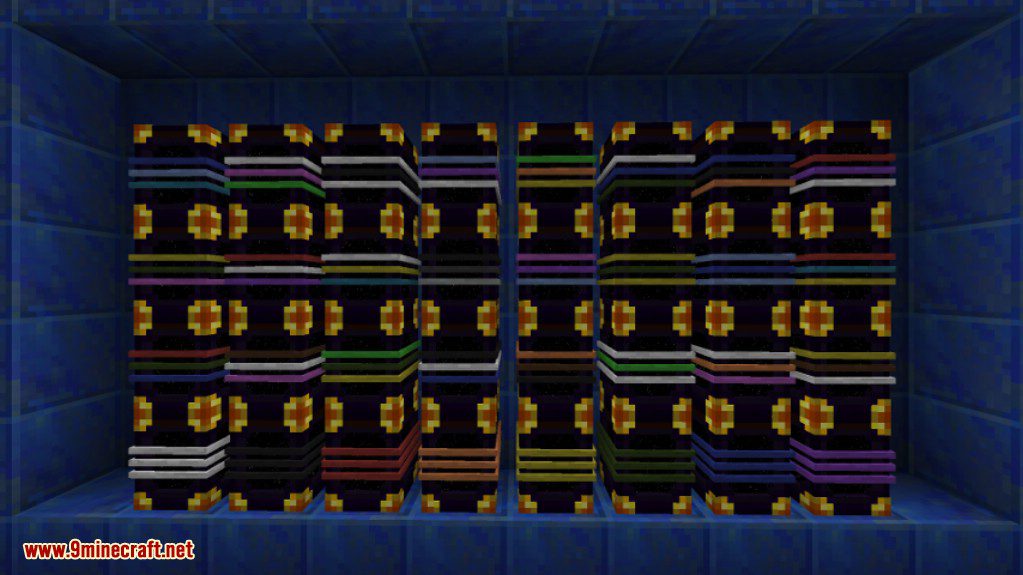
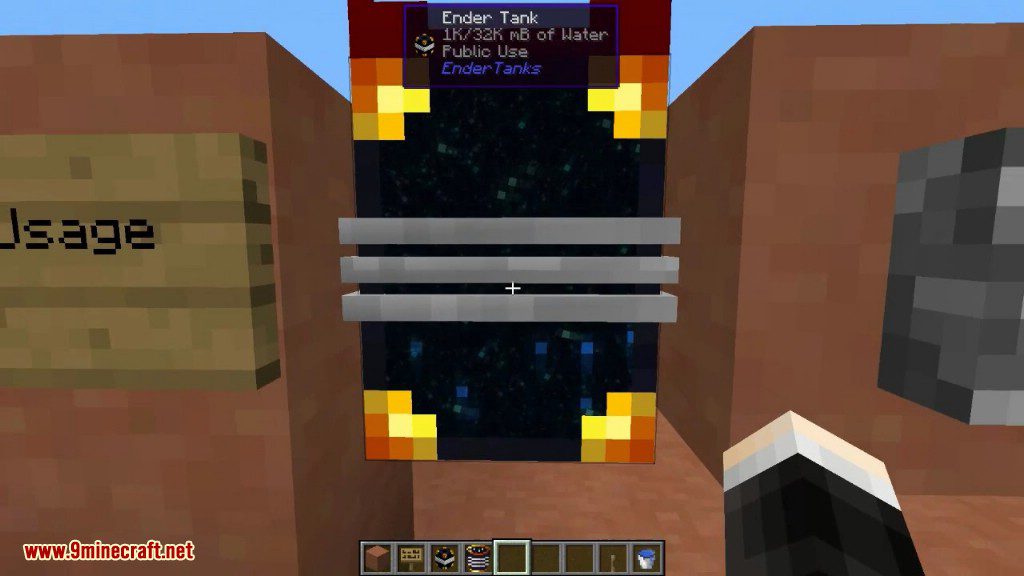
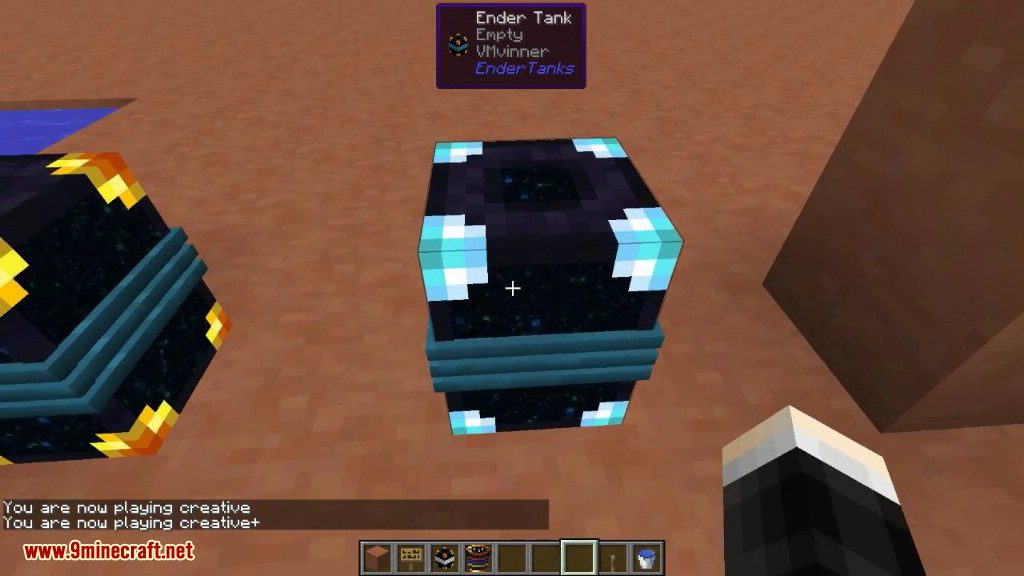
Ender Tanks Mod adds special tanks that store and transport liquids across different dimensions. These tanks work just like Ender Chests but for fluids. Each tank has three color bands that you can change with dyes. By setting a unique color combination, you can create up to 4,096 different networks, allowing you to keep all your liquids separate and organized.
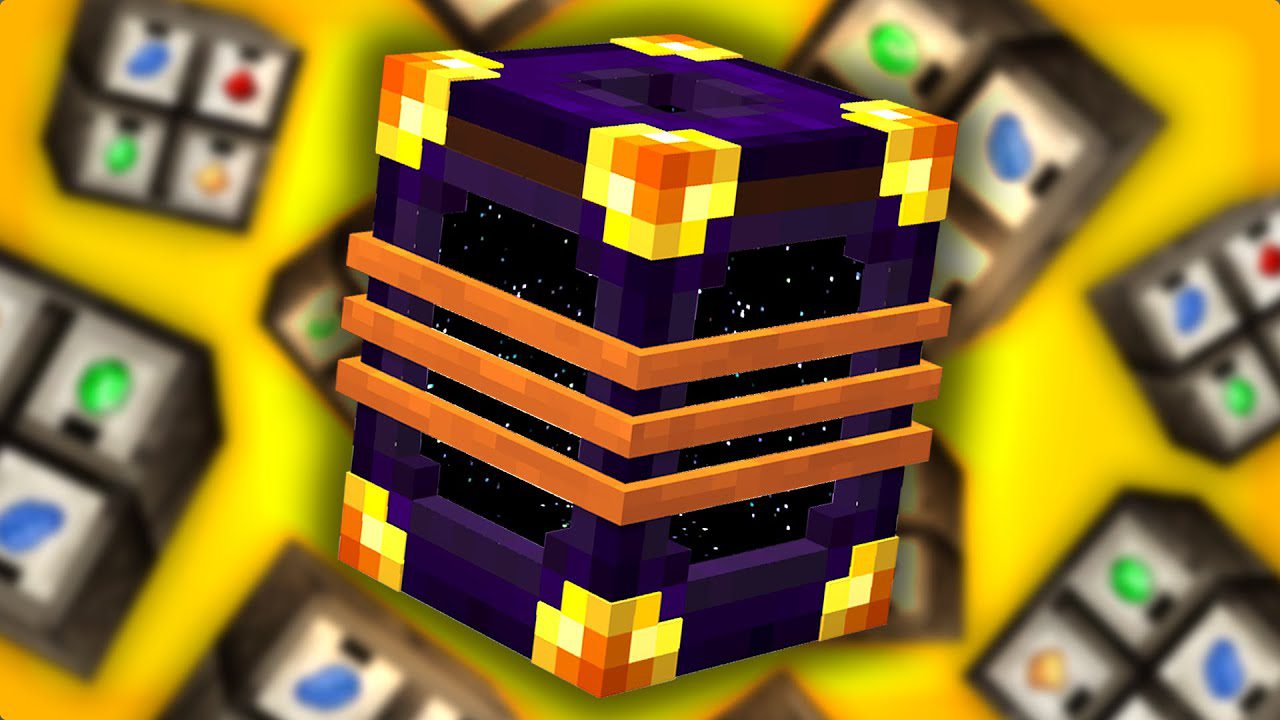
Features:
- Adds Ender Tanks that let you store liquids in a shared, cross-dimensional space.
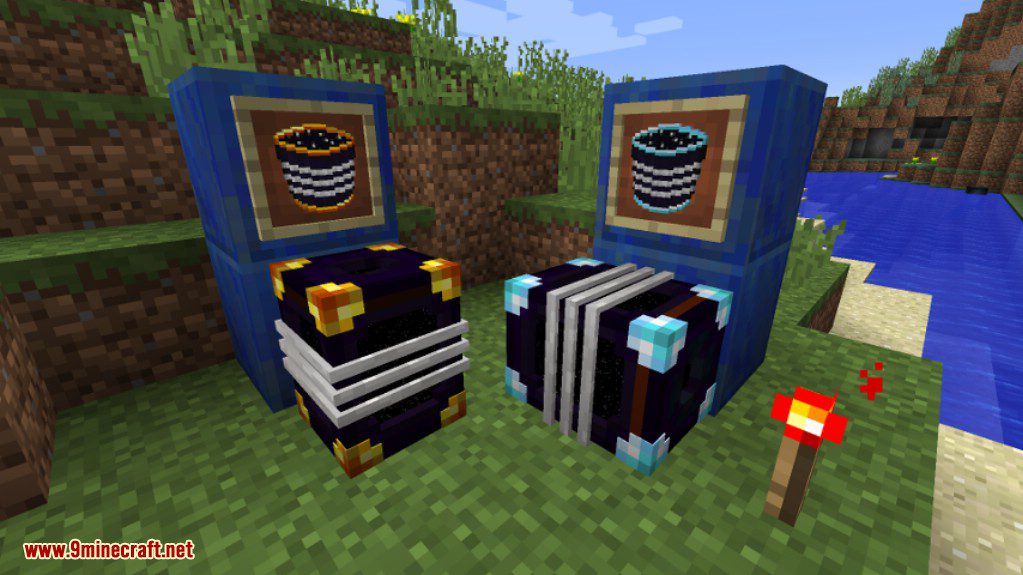
- All tanks with the same three-band color code are connected into a single fluid network.
- Supports different network types, including Global (public), Personal, and Team networks.
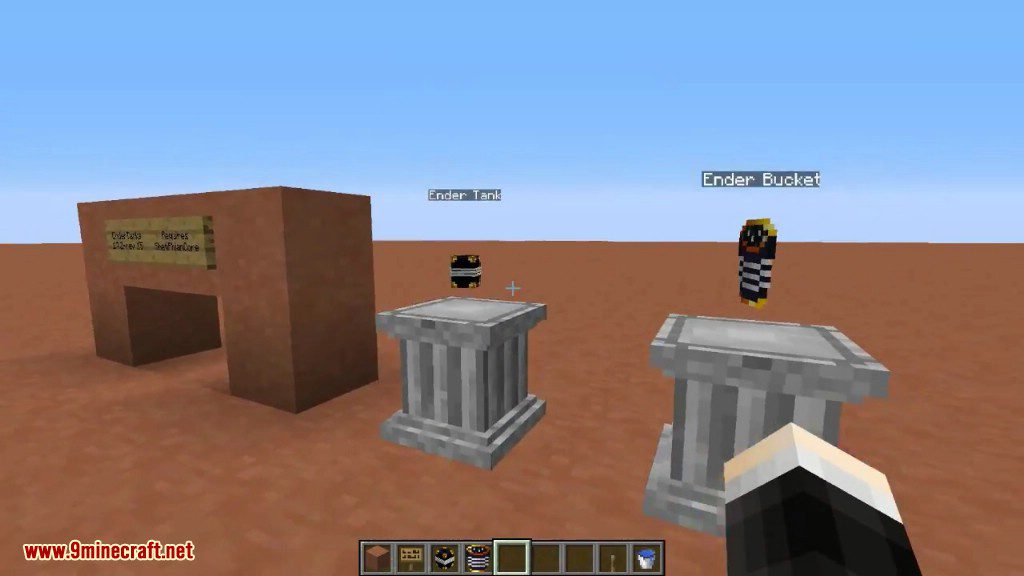
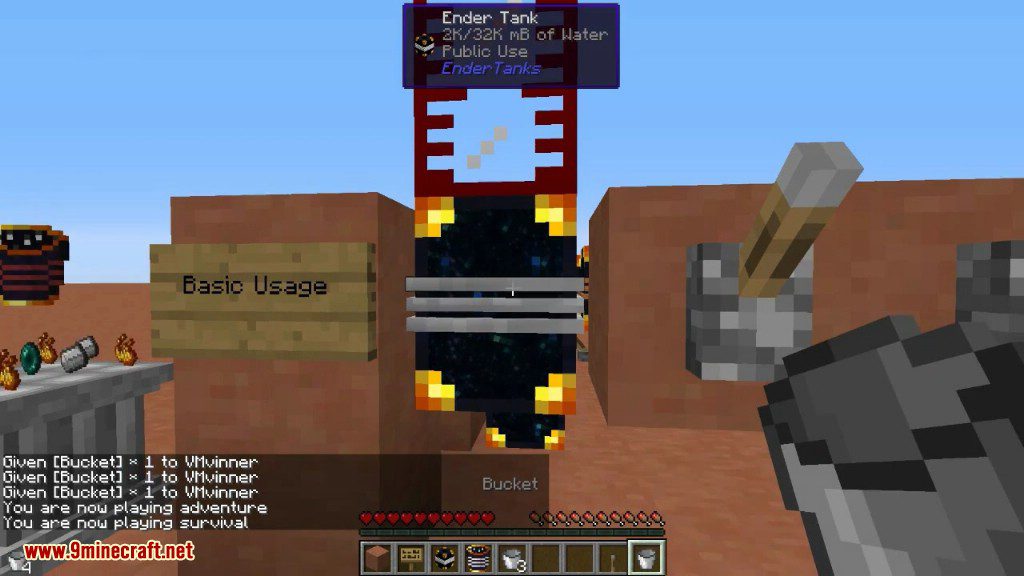
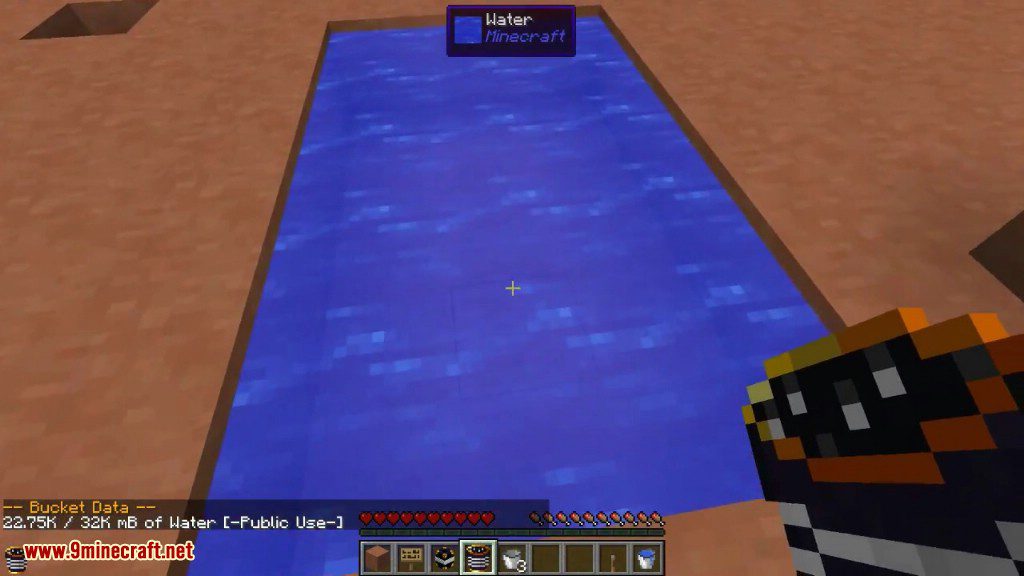
- Includes Ender Buckets, which can be linked to a tank for portable access to its stored liquid.
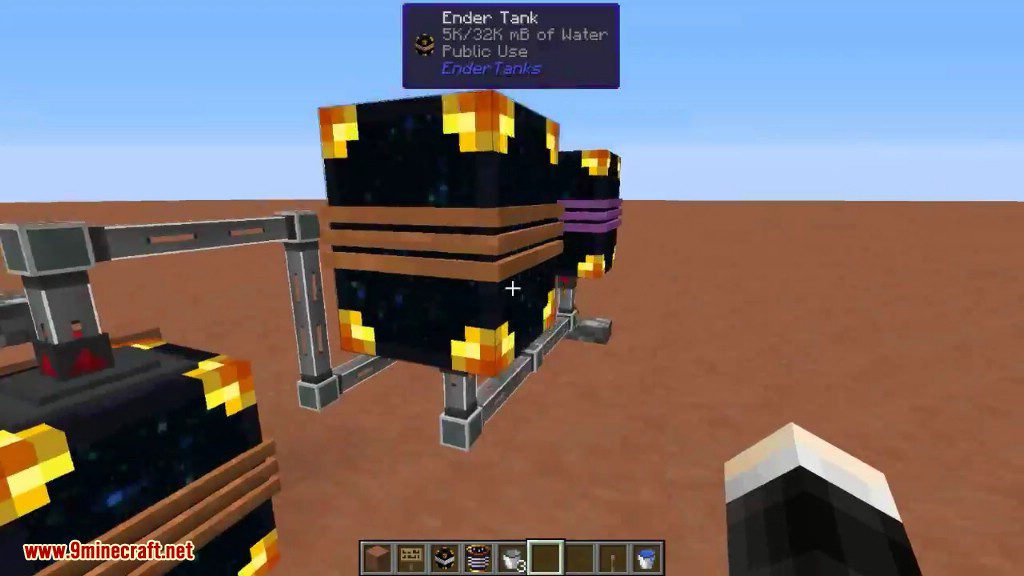
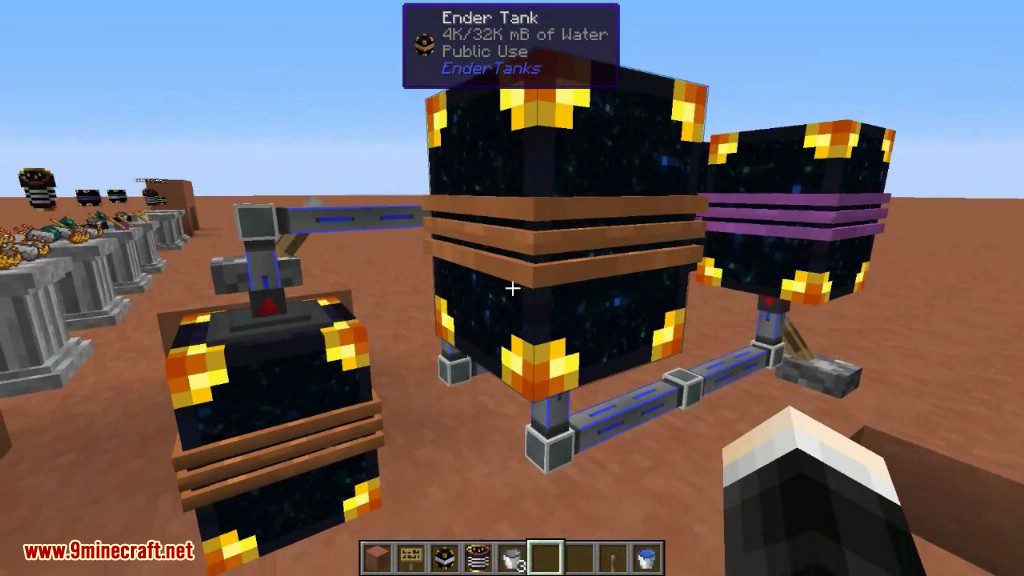
- Allows you to pump fluids in and out from the top and bottom of the tanks.
- Tanks can be controlled using redstone signals.
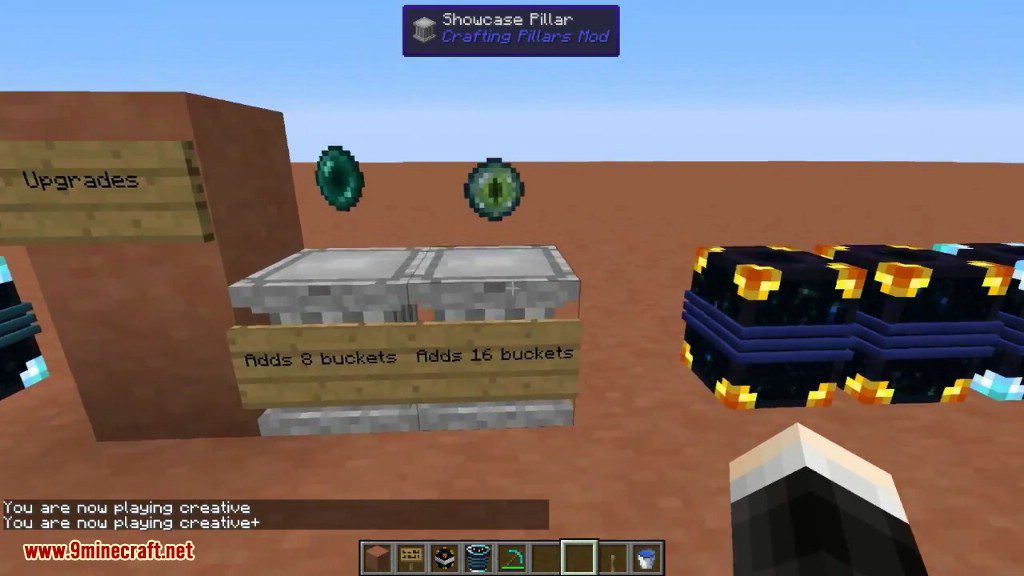
- Expand the storage capacity of a tank network using Ender Pearls and Eyes of Ender.
- When a tank is broken, it keeps its color code and doesn’t lose the liquid inside.
How to Use:
- To change a tank’s color, sneak and right-click one of its three color bands while holding a dye.
- All tanks with the same color combination will share the same liquid storage, no matter where they are placed.
- To make a tank part of your personal network, click on it with a diamond.
- To link an Ender Bucket to a tank’s network, sneak and right-click the tank with the bucket.
- Use the linked Ender Bucket to pick up liquids with a right-click and place them by sneaking and right-clicking.
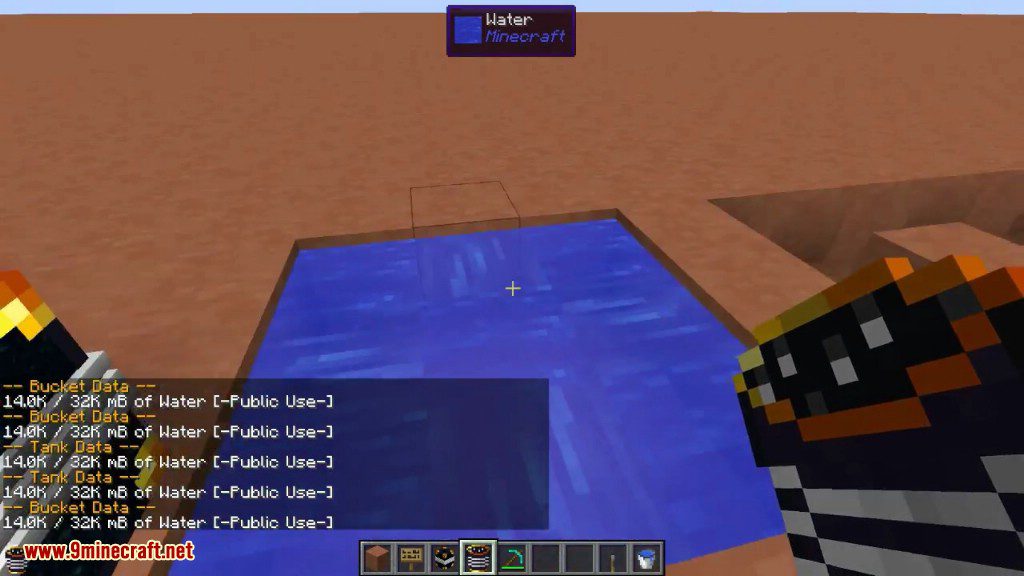
- Right-click a tank at any time to see its network and storage information.
Screenshots:
Tank Bucket
Tanks
How to Install:
New to Minecraft? Follow our step-by-step guide to install Mods on your PC.View Guide
Requirements:
Ender Tanks Mod Download Links
For Minecraft 1.7.10
Forge version: Download from Server 1
For Minecraft 1.8.9
For Minecraft 1.12.2, 1.12.1, 1.12
Forge version: Download from Server 1
For Minecraft 1.14.4
Forge version: Download from Server 1
For Minecraft 1.15.2
Forge version: Download from Server 1
For Minecraft 1.16.5
Forge version: Download from Server 1
For Minecraft 1.17.1
Forge version: Download from Server 1
For Minecraft 1.18.1
Forge version: Download from Server 1
For Minecraft 1.18.2
Forge version: Download from Server 1
Fabric version: Download from Server 1
For Minecraft 1.19.2, 1.19.1, 1.19
Forge version: Download from Server 1
Fabric version: Download from Server 1
For Minecraft 1.19.3
Forge version: Download from Server 1 – Download from Server 2
Fabric version: Download from Server 1 – Download from Server 2
For Minecraft 1.19.4
Forge version: Download from Server 1 – Download from Server 2
Fabric version: Download from Server 1 – Download from Server 2
For Minecraft 1.20.1, 1.20
Forge version: Download from Server 1 – Download from Server 2
Fabric version: Download from Server 1 – Download from Server 2
For Minecraft 1.20.2
Forge version: Download from Server 1 – Download from Server 2
Fabric version: Download from Server 1 – Download from Server 2
For Minecraft 1.20.4
Forge version: Download from Server 1 – Download from Server 2
NeoForge version: Download from Server 1 – Download from Server 2
Fabric version: Download from Server 1 – Download from Server 2
For Minecraft 1.21.1, 1.21
Forge version: Download from Server 1 – Download from Server 2
NeoForge version: Download from Server 1 – Download from Server 2
Fabric version: Download from Server 1 – Download from Server 2
You May Also Like










This post has no comments yet. Be the first — your comment will appear here.