
Enhanced Hordes Mod (1.20.1, 1.19.2) – Monsters Stack Up to Breach Your Walls
 1,801
 0


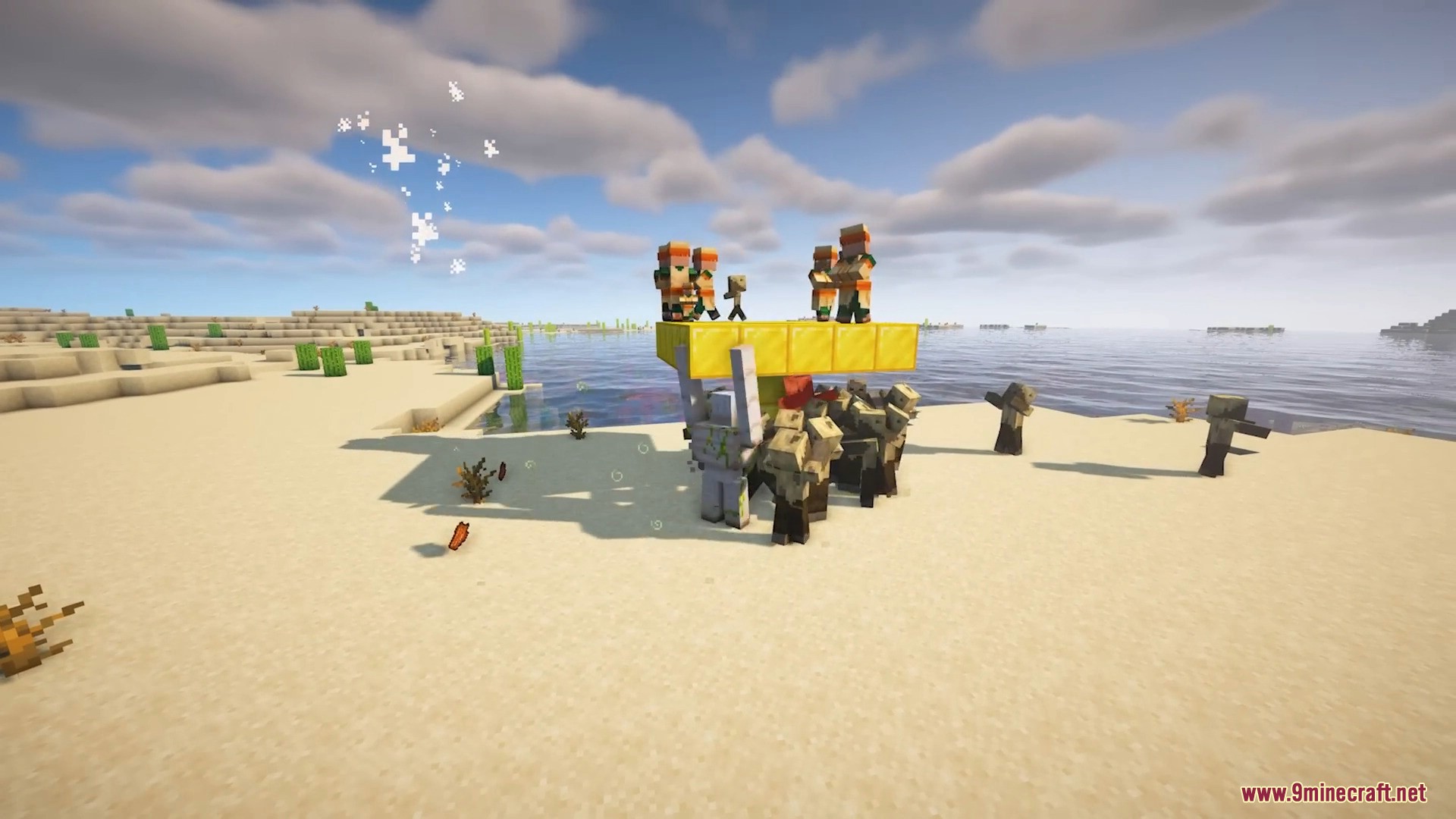
Enhanced Hordes Mod gives hostile mobs smarter teamwork and new ways to reach you in Minecraft. Zombies can stack on top of each other to climb high places, dig up more zombies from the ground, spread fire across the group, and break through walls in large numbers. Skeletons, Piglins, Zombie Piglins, Wither Skeletons, Slimes, and Spiders also get smarter tactics like weapon swapping, leaping, and avoiding friendly fire. To help balance these tougher fights, Iron Golems gain multi-hit swings, natural healing, faster responses to threatened villagers, and strong resistances. You can also tune horde rules with gamerules or use datapacks to add modded mobs to these behaviors.
Features:
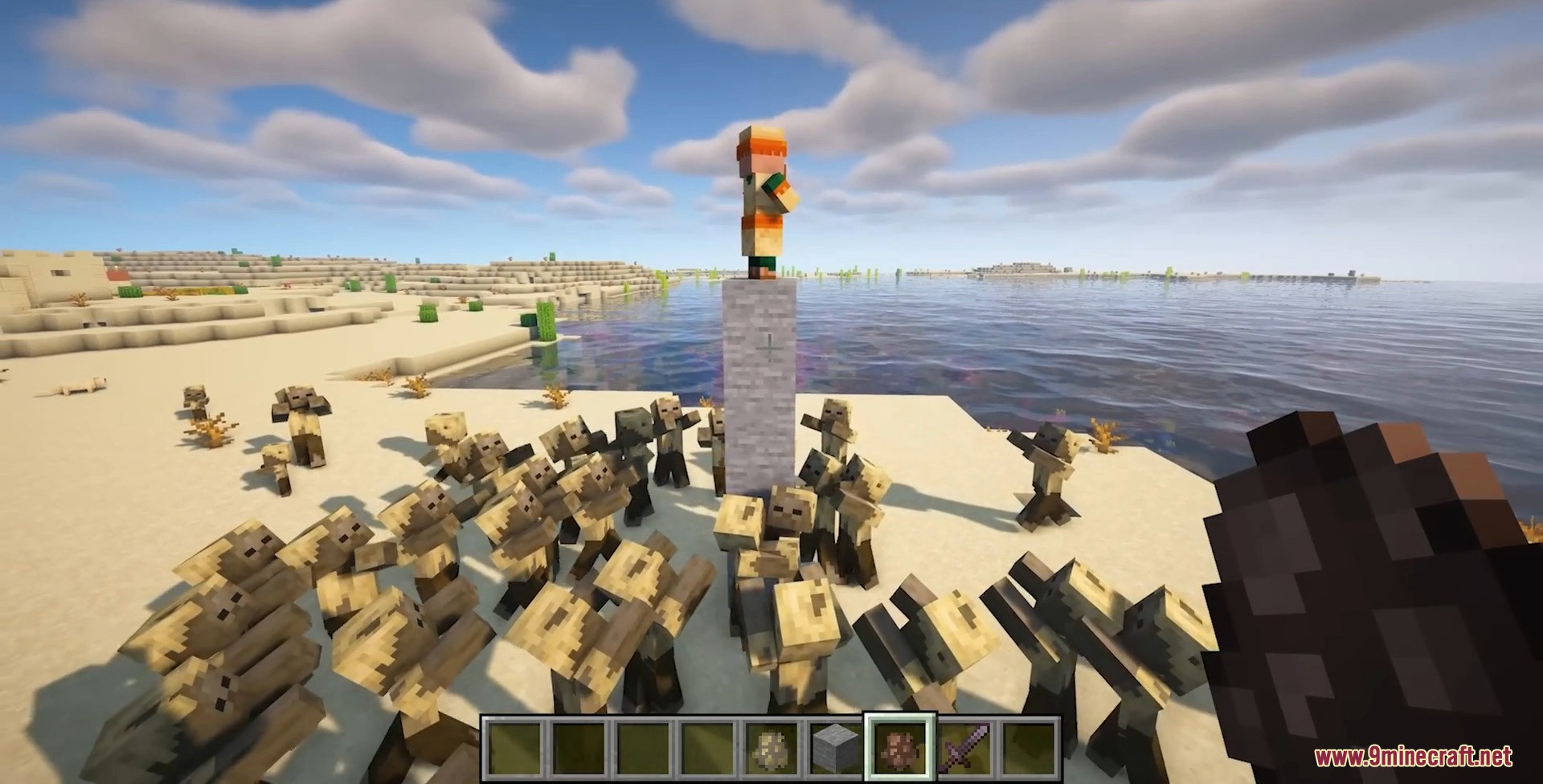
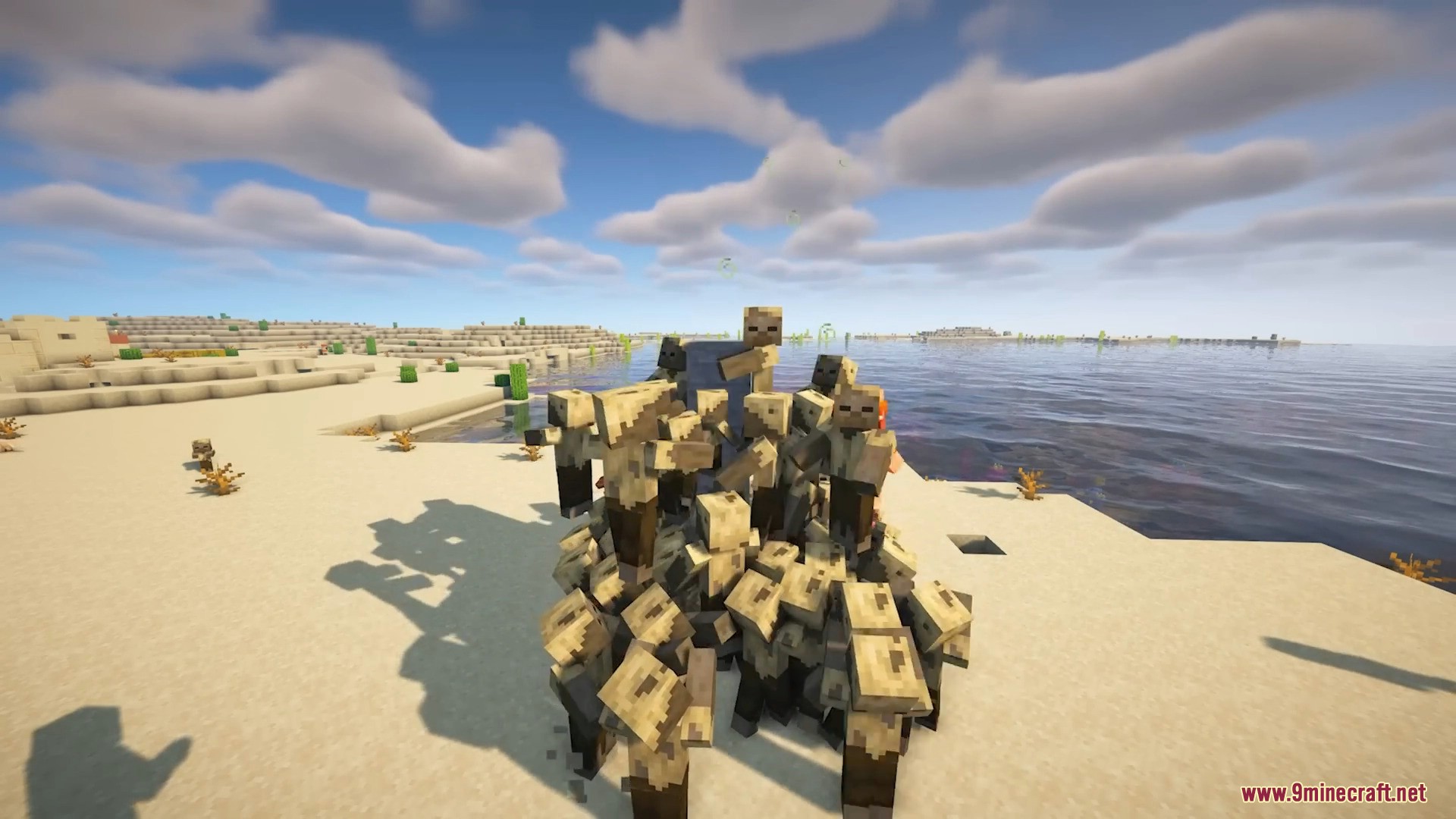
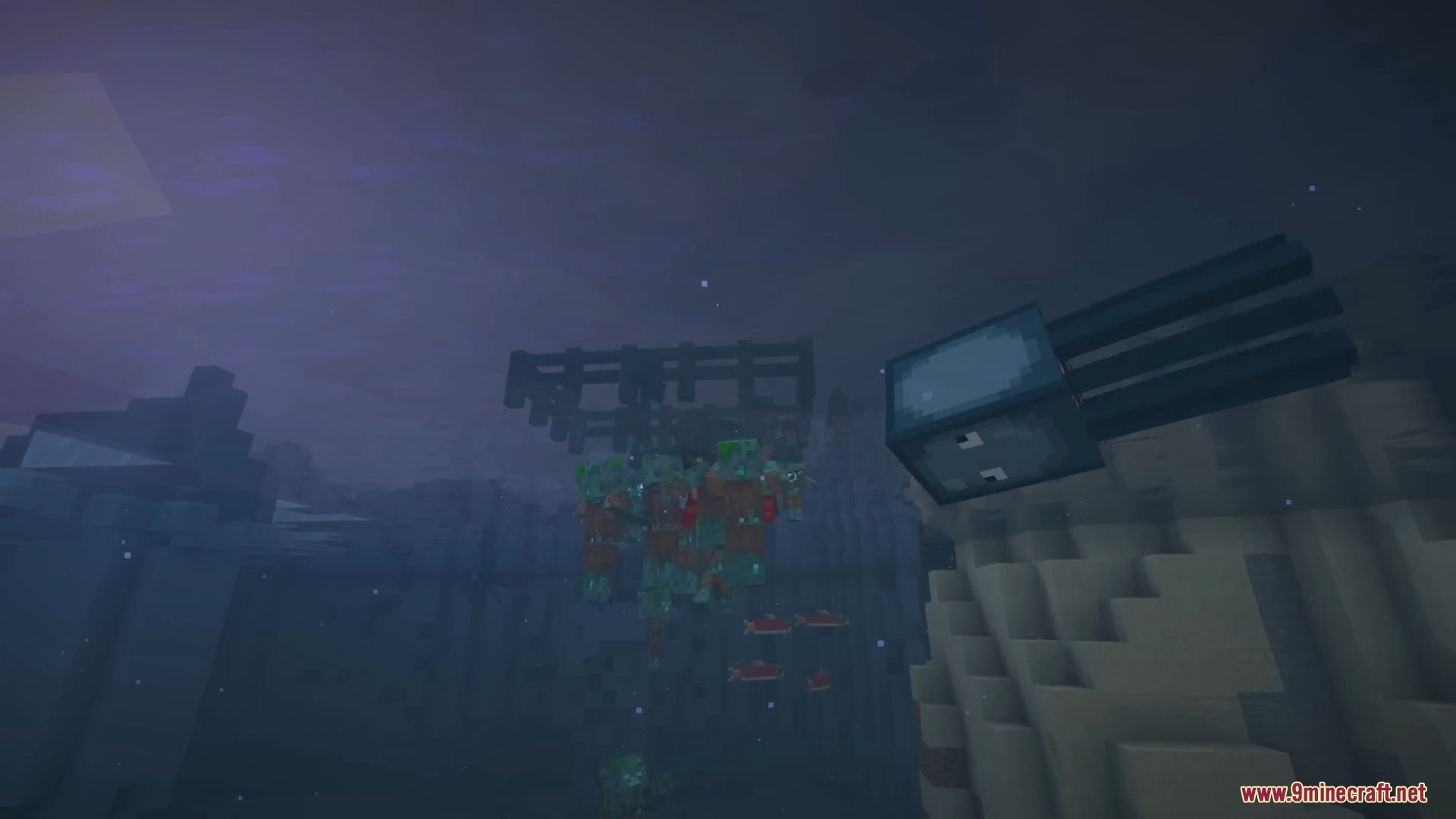
- Mob Stacking: Zombies and Slimes climb on top of each other so they can reach you even when you stand up high.
- Wall Breaking: Large zombie hordes can smash through walls, giving you a warning when the walls start rumbling before they break in.
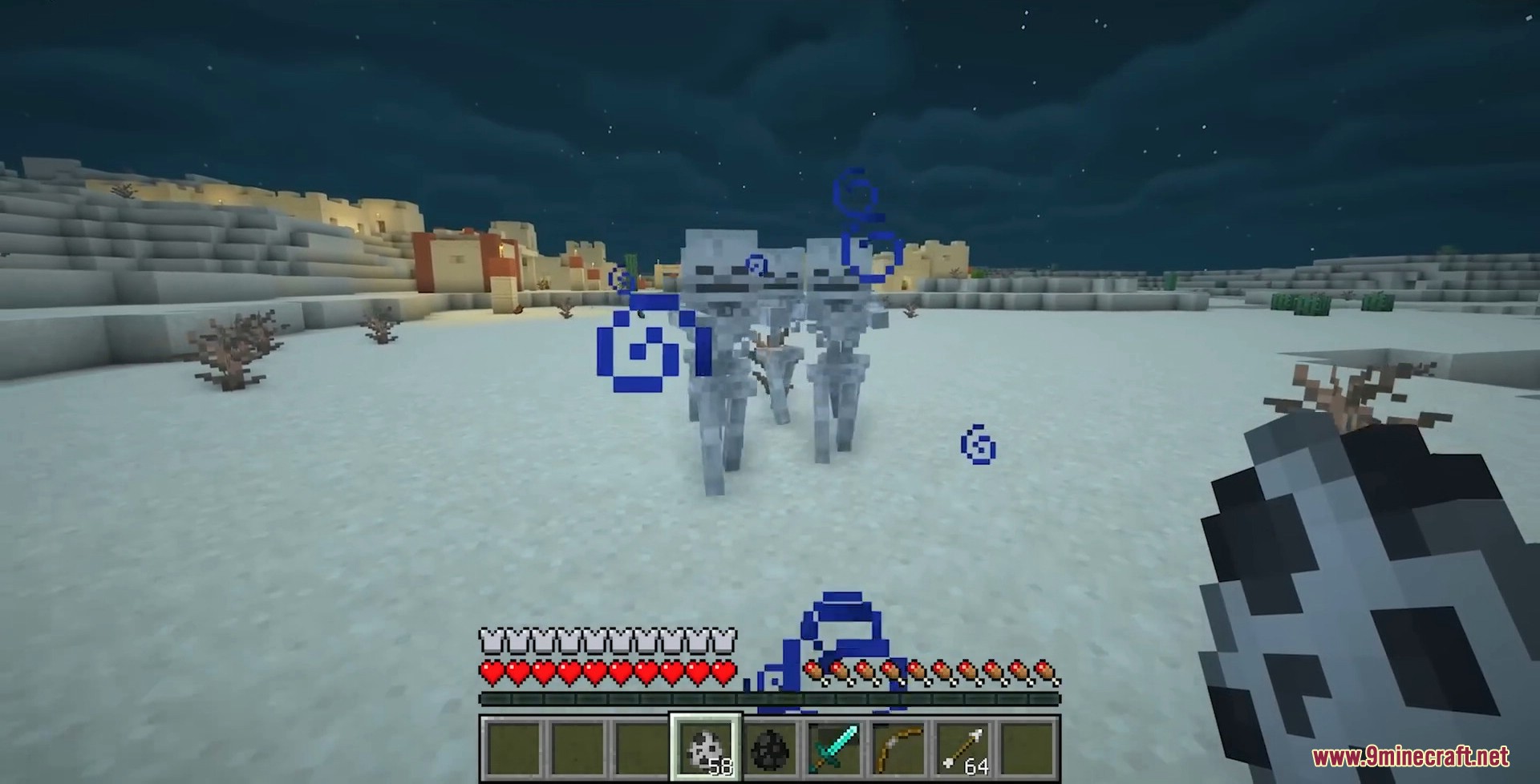
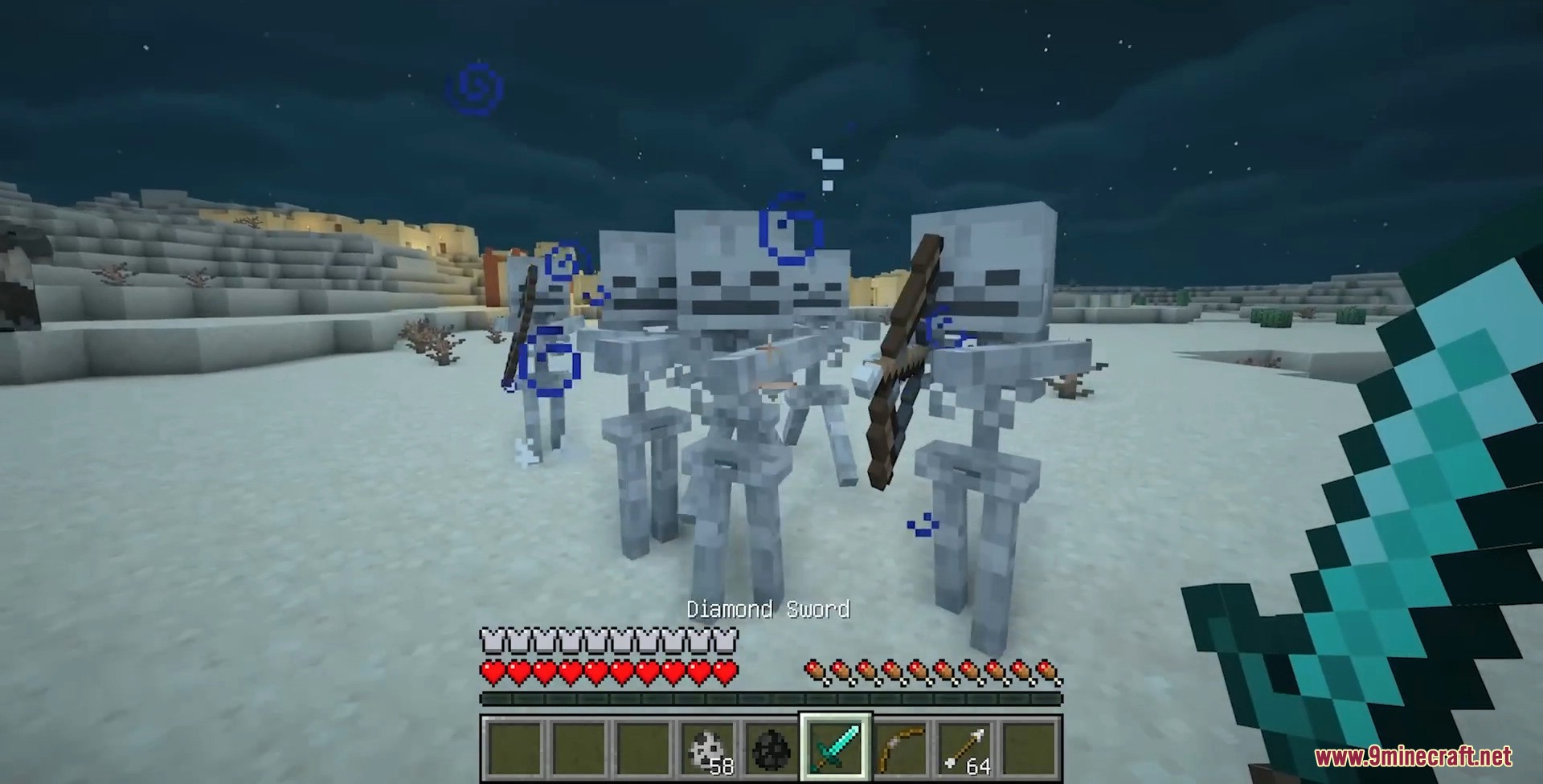
- Smart Friendly-Fire Protection: Skeletons stop shooting other skeletons, and Piglins stop hurting other Piglins during fights.
- Lets you adjust horde rules and Iron Golem healing through built-in gamerules.
- Supports datapacks so you can add modded zombies, skeletons, piglins, leaping mobs, and custom breakable or unbreakable blocks without needing a config file.
Zombie Abilities:
- Zombies can dig through the ground to pull out more zombies, and hitting them once stops them from multiplying.
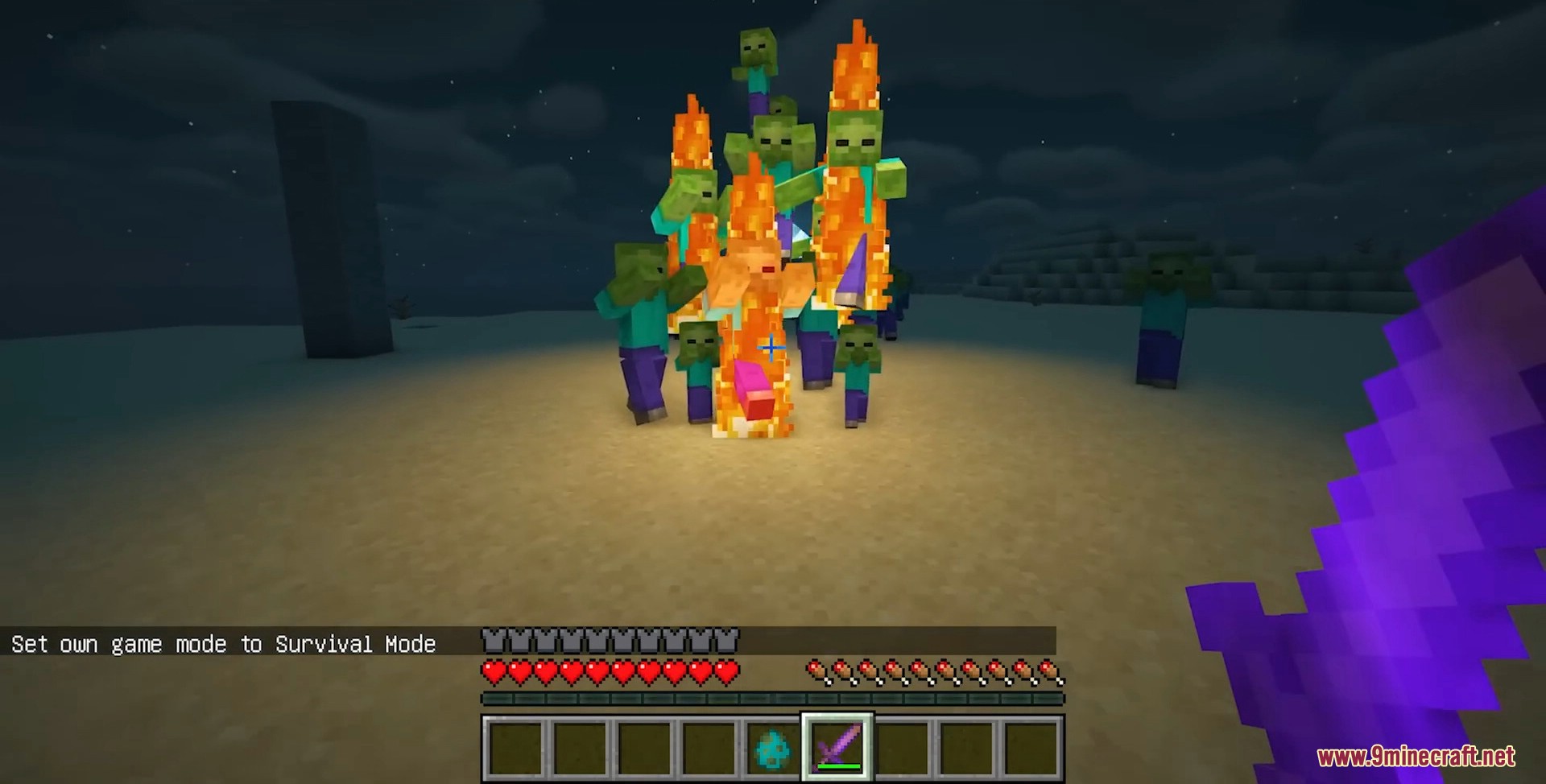
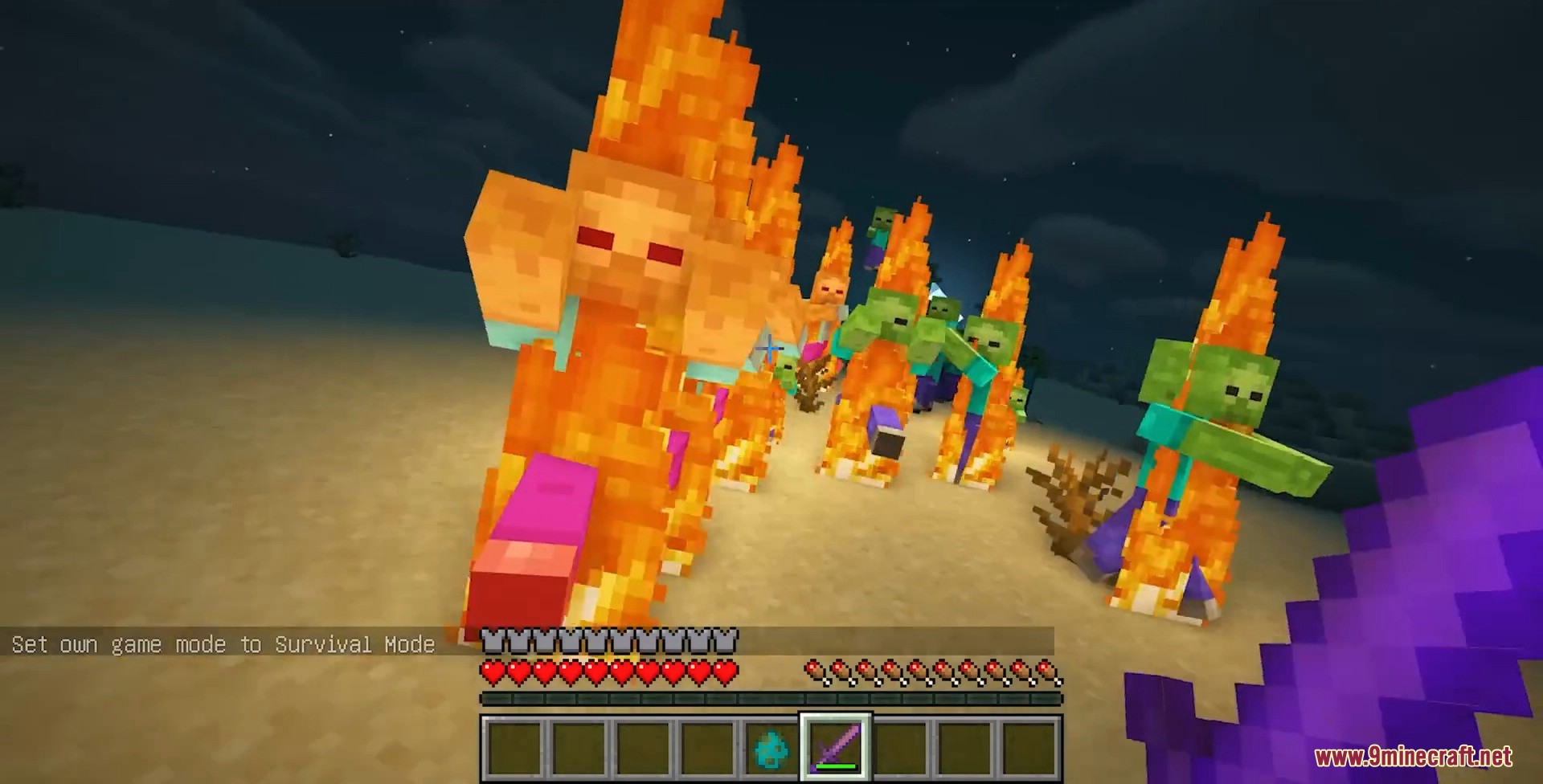
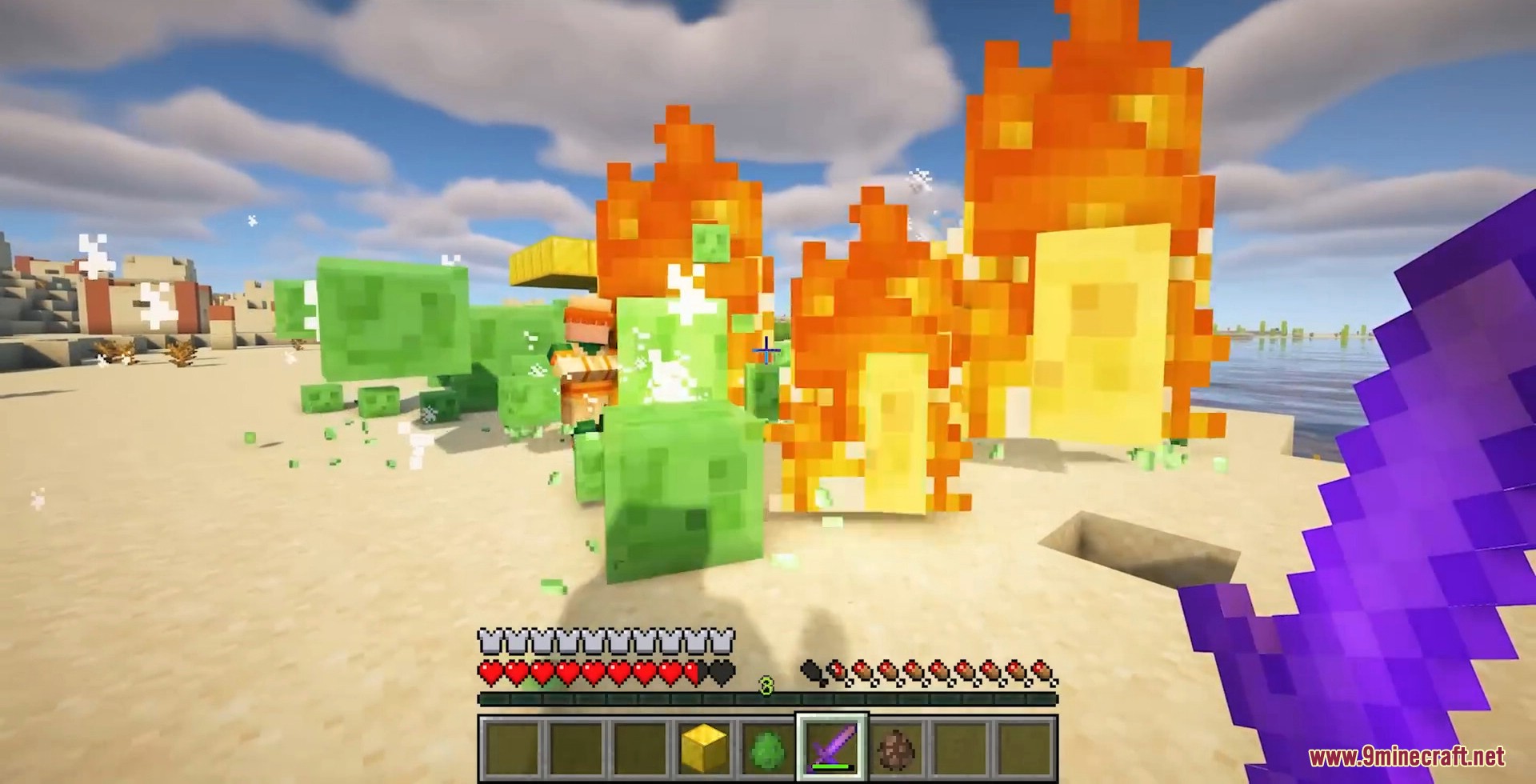
- Burning zombies pass fire to any other zombie they touch, allowing a single spark to light up a whole horde.
- Ignited zombies move faster than normal while chasing targets.
Intelligent Mobs:
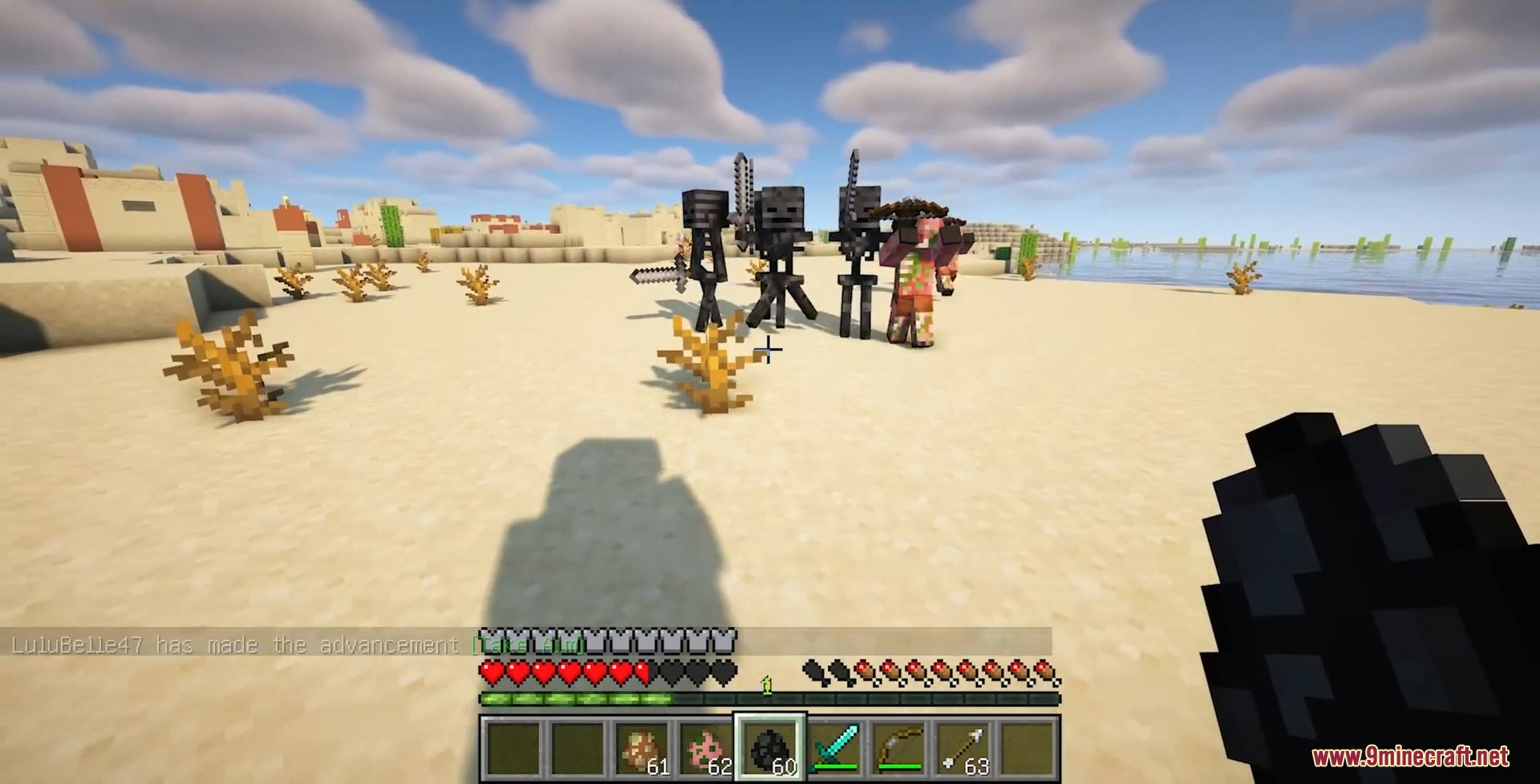
- Skeletons put away their bows when other skeletons are nearby or when you get too close, unless the bow is enchanted or special.
- Skeletons dash away after punching you and pull their bows back out.
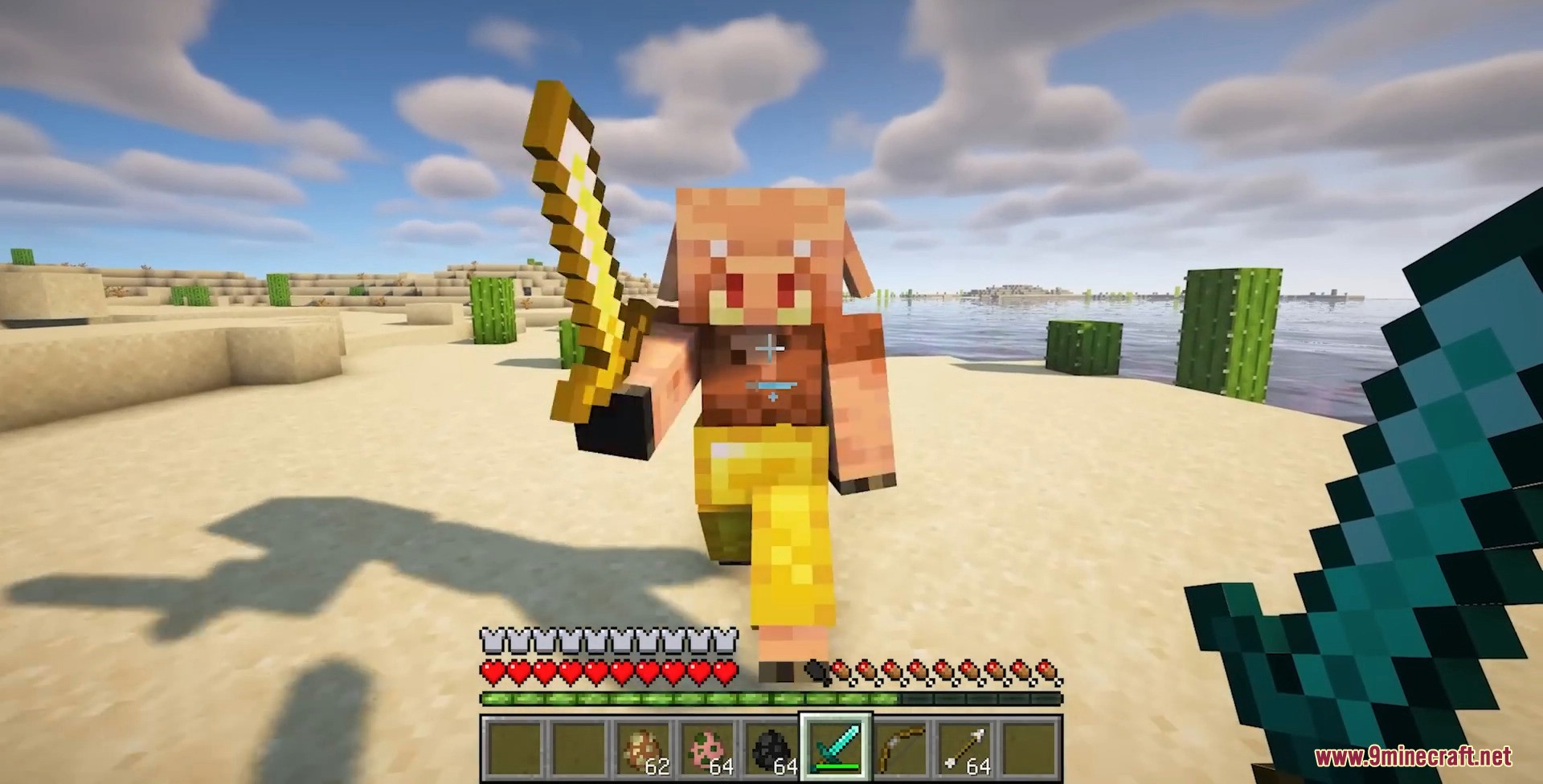
- Piglins switch to their sword when an enemy gets close and switch to their crossbow when an enemy is far away.
- Zombie Piglins try to use crossbows at long range, though their aim is not accurate.
- Wither Skeletons that spawn with a bow use it the same way regular skeletons do.
Iron Golem Buffs:
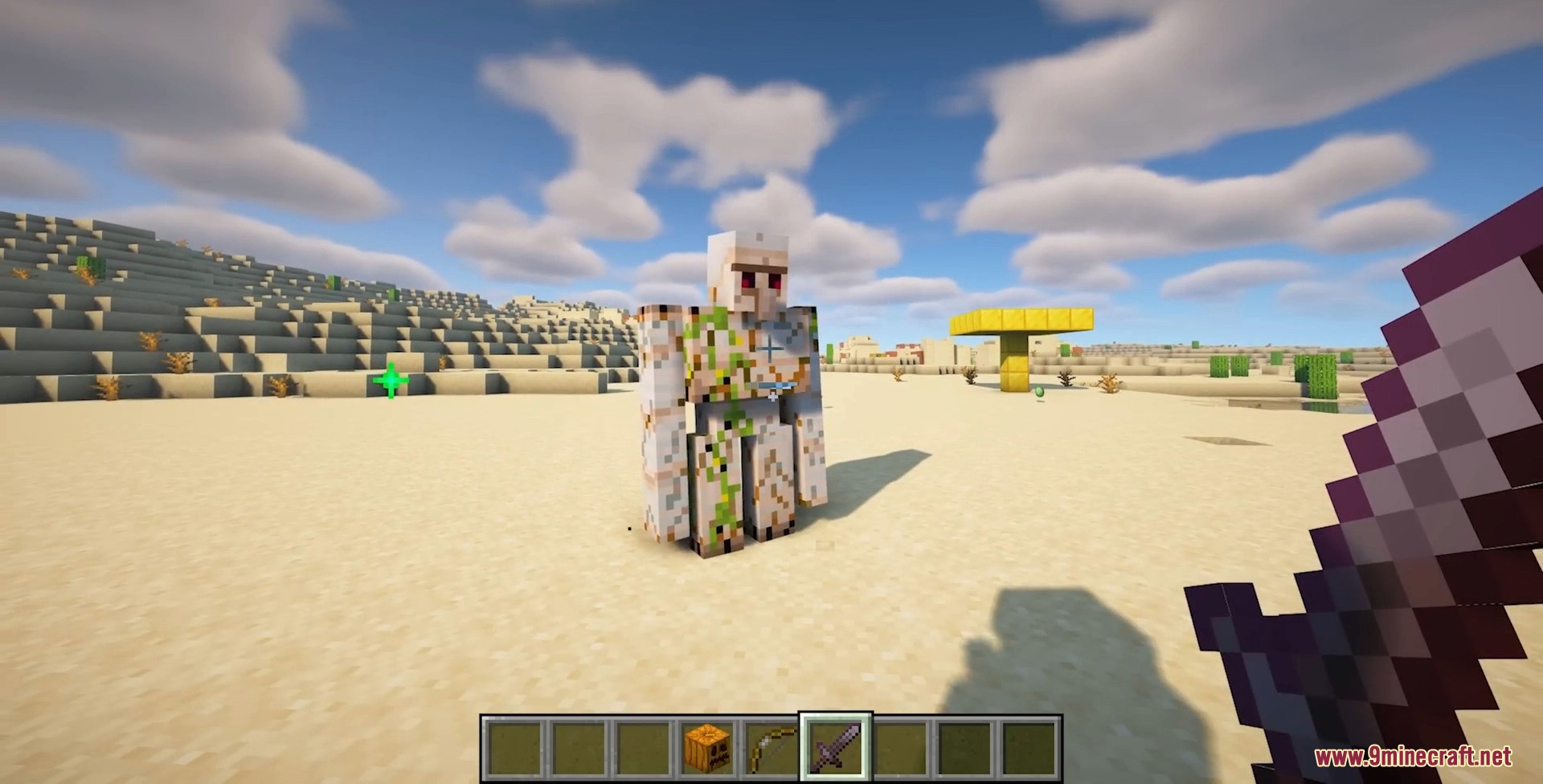
- Iron Golems hit multiple enemies at once with a single swing.
- Iron Golems heal naturally whenever there is no danger nearby.
- Iron Golems move faster to help when a Villager is targeted.
- Iron Golems resist arrows so most shots bounce right off them.
- Iron Golems stay immune to fire as long as they are not standing directly in flames or lava.
- Iron Golems are 100% immune to Wither, Poison, and Levitation effects.
Other Mob Changes:
- Slimes spread fire to each other on contact just like zombies do.
- Spiders and Cave Spiders can leap toward targets that are too high to reach normally.
Commands:
/gamerule HordeStacking: controls whether horde mobs can climb and stack on top of each other./gamerule HordeMultiplying: controls whether zombies can dig up more zombies from the ground./gamerule HordeSmashingPower: controls how easily hordes can break through normal blocks./gamerule ironGolemRegenPower: controls how fast Iron Golems heal naturally when there is no danger.
How to Use:
- Create a datapack if you want to customize mobs or blocks, since this mod uses datapacks and gamerules instead of a config file.
- Add
hordes.jsoninsidedata/forge/tags/entity_types/and list mob IDs in theforge:hordestag so modded zombies can join hordes (default values aredrowned,zombie,husk,zombified_piglin,zombie_villager, andslime). - Add modded skeletons or piglins to the
forge:intelligent_teamstag, or add piglins toforge:intelligent_piglins, so they swap weapons, dash, and stop hurting each other. - Add blocks to the
forge:horde_destroyableblock tag to make hordes break them easily, or toforge:horde_unbreakableto stop hordes from breaking them; any other block uses normal difficulty fromHordeSmashingPower. - Add blocks to the
forge:hidden_zombie_blocksblock tag to pick which blocks zombie mobs can dig more zombies out of. - Add mob IDs to the
forge:horde_grave_robberstag to control which mobs can dig themselves up from the ground. - Add mob IDs to the
forge:leaping_mobstag to let those mobs leap toward high targets.
Screenshots:
How to Install:
New to Minecraft? Follow our step-by-step guide to install Mods on your PC.View Guide
Enhanced Hordes Mod Download Links
For Minecraft 1.20.1, 1.20
Forge version: Download from Server 1 – Download from Server 2
For Minecraft 1.19.2
Forge version: Download from Server 1 – Download from Server 2
For Minecraft 1.18.2
Forge version: Download from Server 1 – Download from Server 2
What type of storage system do you look for first in a modded world?
24 responses · See the full results →
You May Also Like
Picked for this page
 Iron Jetpacks Mod (26.1.2, 1.20.1) – Fully Customizable FE Powered Jetpacks
 Spark Mod (26.3, 1.21.1) – Diagnose Your Game’s Problems
 Universal Bone Meal Mod (26.3, 1.20.1) – New Uses for Bone Meal
 Chance Cubes Mod (1.21.1, 1.20.1) – Every Block Is a Big Gamble
 Pipe Goggles Mod 1.14.4, 1.12.2 (Helps with You Plumbing, See Pipes Through Walls) (1.21.1)
 Spice Of Fabric Mod (26.1.2, 1.20.1) – Food Containers
 Burn In The Sun Mod (26.3, 1.20.1) – Custom Sun Burn Entities
 Extra Armor Info Mod (1.20.1) – New HUD Icons
 Goatman Revived Mod (1.20.1) – The Horned Hunter Returns
 Animal Garden Lion Mod (26.3, 1.20.1) – Raise A Pride Of Loyal Pet Lions
 SCP-1027 Carnivorous Central Nervous System Mod (1.20.1, 1.19.2) – It Controls The Undead
 CTOV Incubation Compat Mod (1.20.1, 1.20) – Chicken Coops in Your Villages
Most viewed in Mods over the last 7 days
 Ala Industrial Mod (26.3) – Run Electric Power Grids and Automated Factories
 PleasureCraft Mod (26.3, 1.21.1) – Jenny Mod Remake for Fabric
 Jennycraft Mod (26.3, 1.20.1) – Virtual Girlfriend in Minecraft
 Fapcraft Mod (26.3, 1.12.2) – Comprehensive and Detailed Content
 Jenny Mod (Fapcraft) Official Complete Guide – How to use, Tutorial
 BangCraft Mod (1.20.1) – Jenny, Ellie and Elliot
 Fabric Loader (26.3, 1.20.1) – Fabric Installer for All Minecraft Versions
 The Shooting Star Demo Mod (26.3, 1.20.1) – Vaporize Terrain From Orbit
 Meteor Client Mod (26.3, 1.20.1) – Xray, HUD, Fly
 OptiFine HD (26.3, 1.20.1) – Run Faster, FPS Boost, Shaders Support
 Aristois Client Mod (1.21.4, 1.20.1) – World Class Minecraft Utility
 Prestige Client Mod (1.21.11, 1.21.4) – Powerful Ghost Features for Crystal & Sword PvP
More from Mods
 Better Nether 9minecraft Mod (26.3, 26.2) – Survive Forever in the Nether
 BCLib 9minecraft Mod (26.3, 26.2) – Power Custom Nether and End Overhauls
 ForgedLoaderAPI Mod (1.19.2, 1.18.2) – Bring Ported Fabric Creations
 Shield System Mod (1.21.1) – Tank Heavy Monster Hits Without Losing Hearts
 Shin’s Tensura Race Models Mod (1.19.2) – Play As Unique 3D Anime Race
 Offgrid Mod (26.3, 1.20.1) – Furnish Compact Interiors Without Strict Grid
 Tempest Almanac Iron’s Spells ‘n Spellbooks Mod (1.21.1, 1.20.1)
 Chat Guides Mod (26.3, 1.21.11) – Never Memorize Complex Server Commands Again
 TRMT Reimagined the Roads More Travelled Mod (26.3, 1.20.1)
 Morrowless Mod (1.21.1) – Defend Your Shelter From Nightmare Creatures
 THE SLOPSTROSITY Mod (1.21.1) – Battle a Ridiculous Slime Boss
 Decoween Mod (1.21.1, 1.20.1) – Transform Ordinary Survival Bases

This post has no comments yet. Be the first — your comment will appear here.