
EzZoom Mod (1.16.5) – Spot Distant Lands Easily

 0


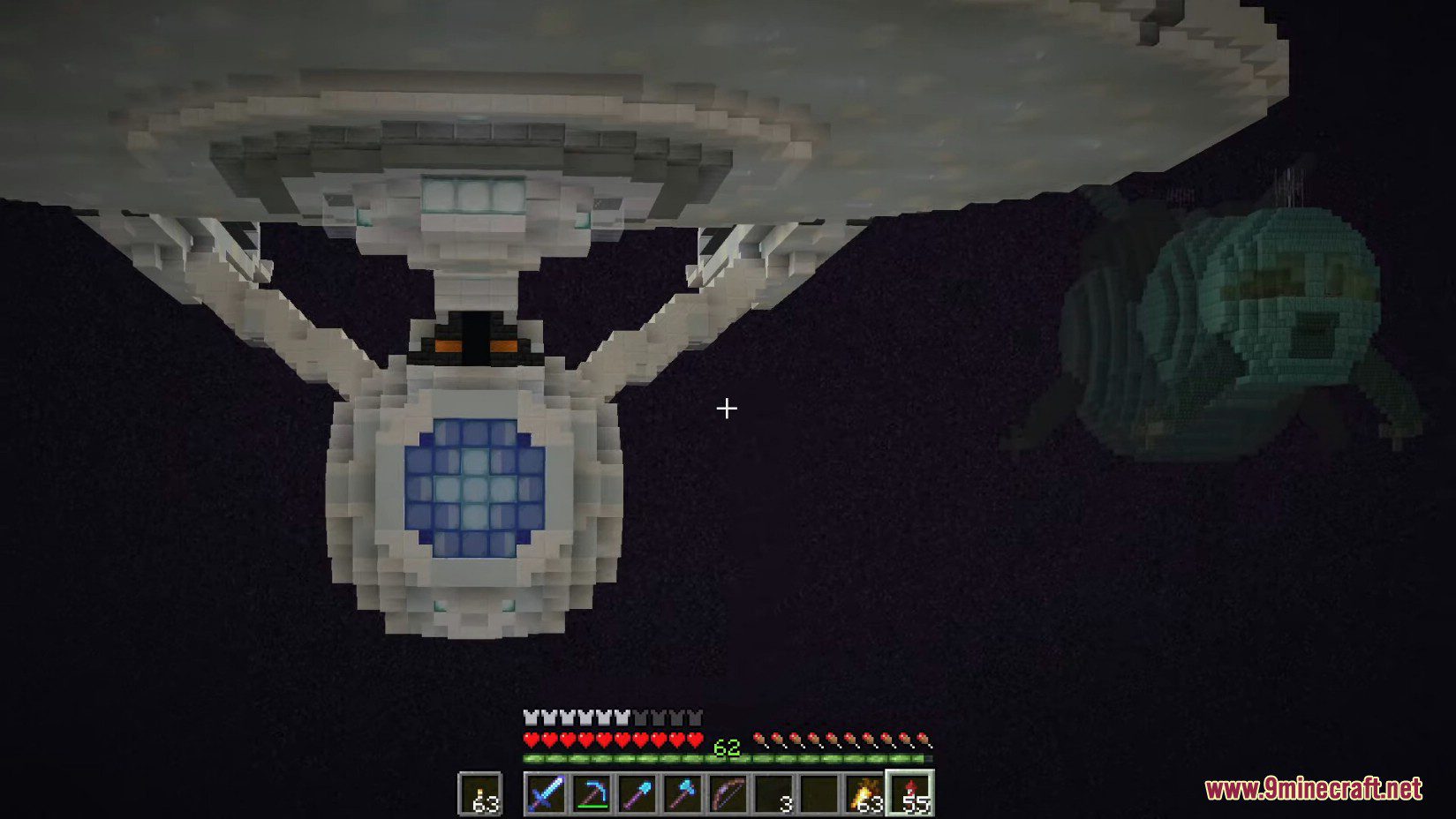
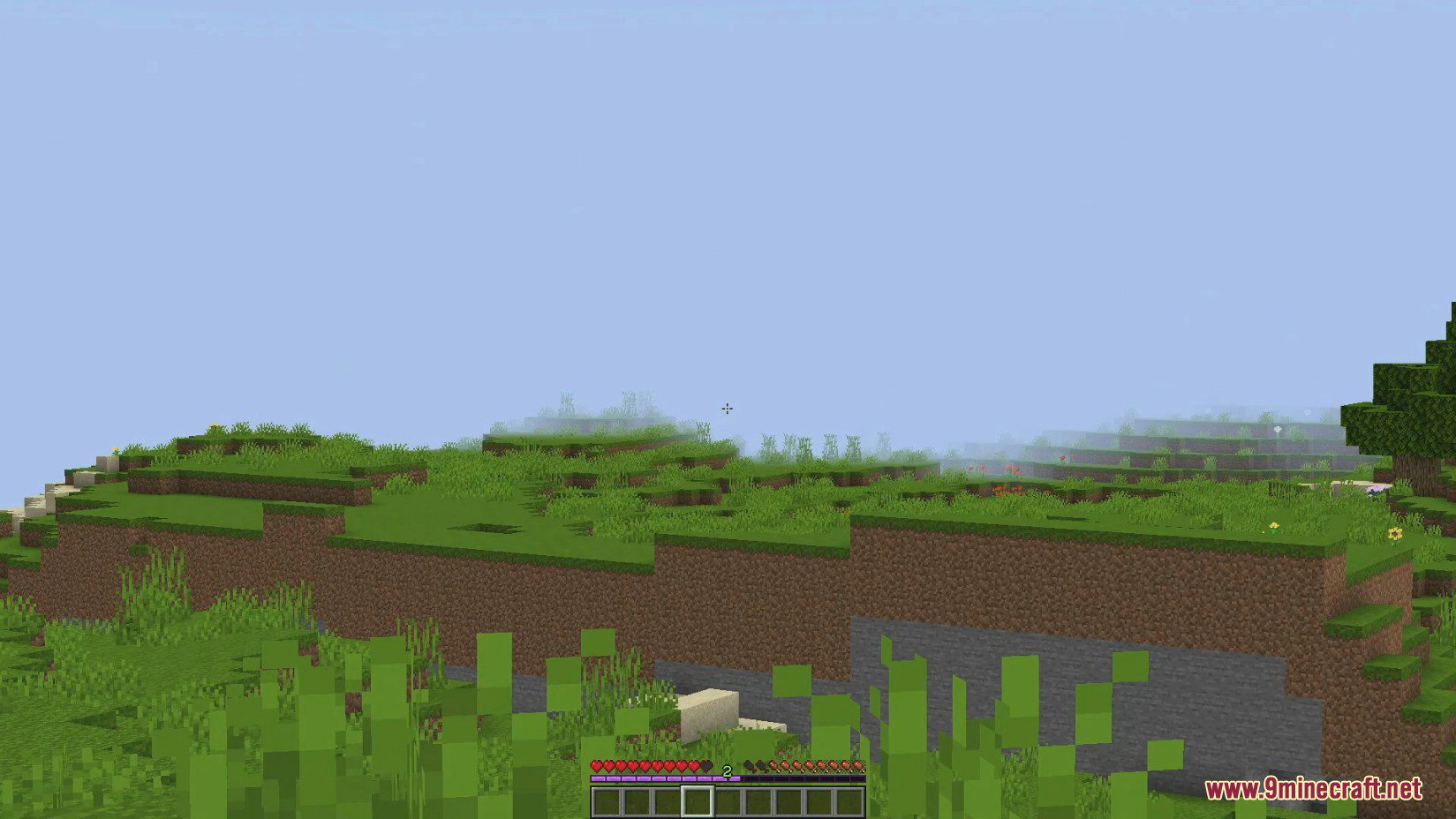
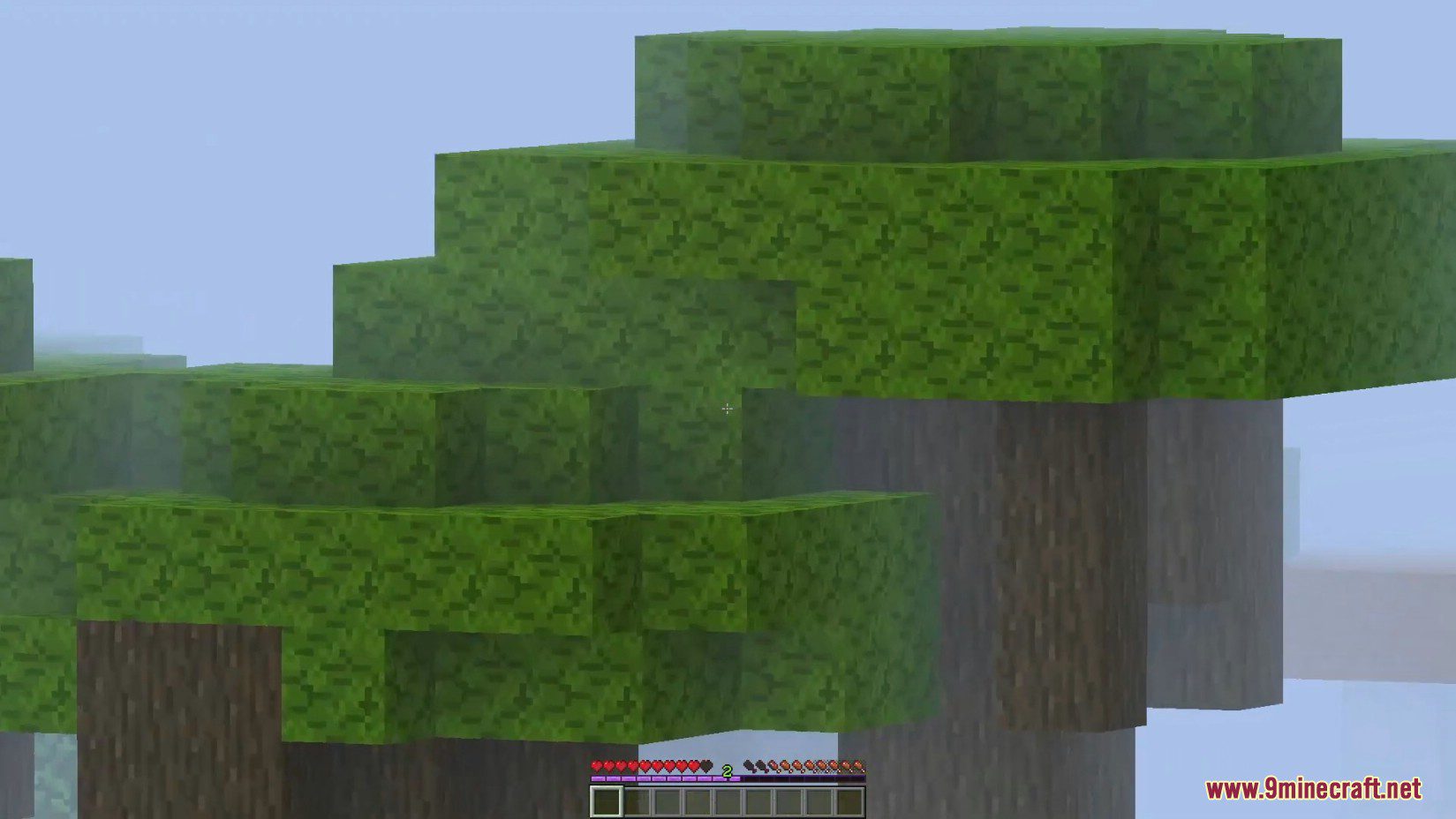
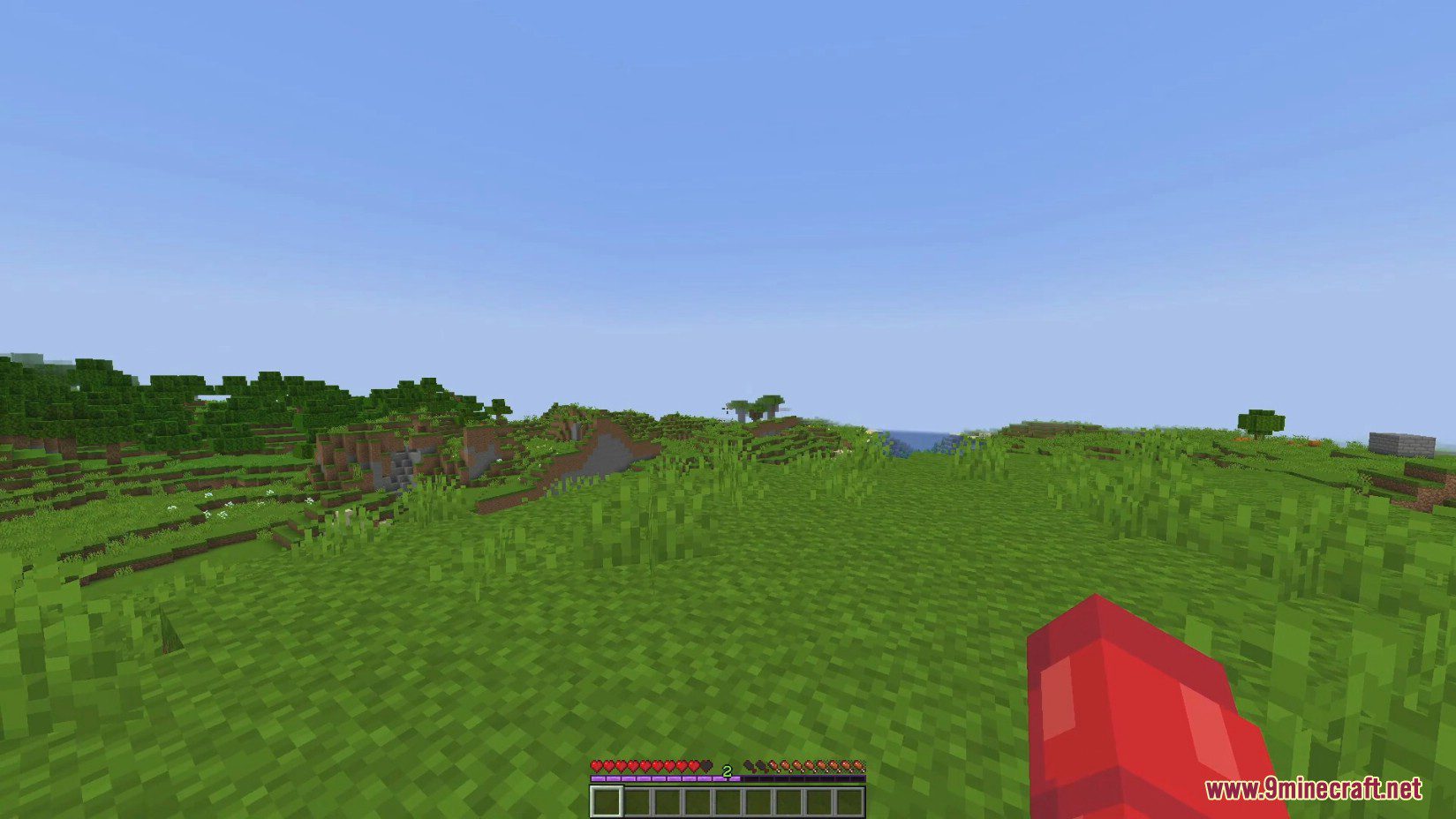
EzZoom Mod adds an easy way to zoom in on faraway places with a single button. It lowers your mouse sensitivity while zoomed in so your camera stays steady and easy to move. This mod also includes an Advanced Zoom option that lets you zoom in and out in steps with your mouse wheel. You can change the zoom strength, mouse sensitivity, and step-zoom settings to match how you play.
Features:
- One-Button Zoom: Press the default Z key to zoom in quickly with a single button.
- Advanced Zoom: Hold the zoom key and scroll your mouse wheel to zoom in and out in steps.
- Lowers your mouse sensitivity while you are zoomed in so moving the camera feels smooth and easy to handle.
- Lets you change the zoom strength, adjust how much your mouse sensitivity drops, and customize the Advanced Zoom settings.
How to Use:
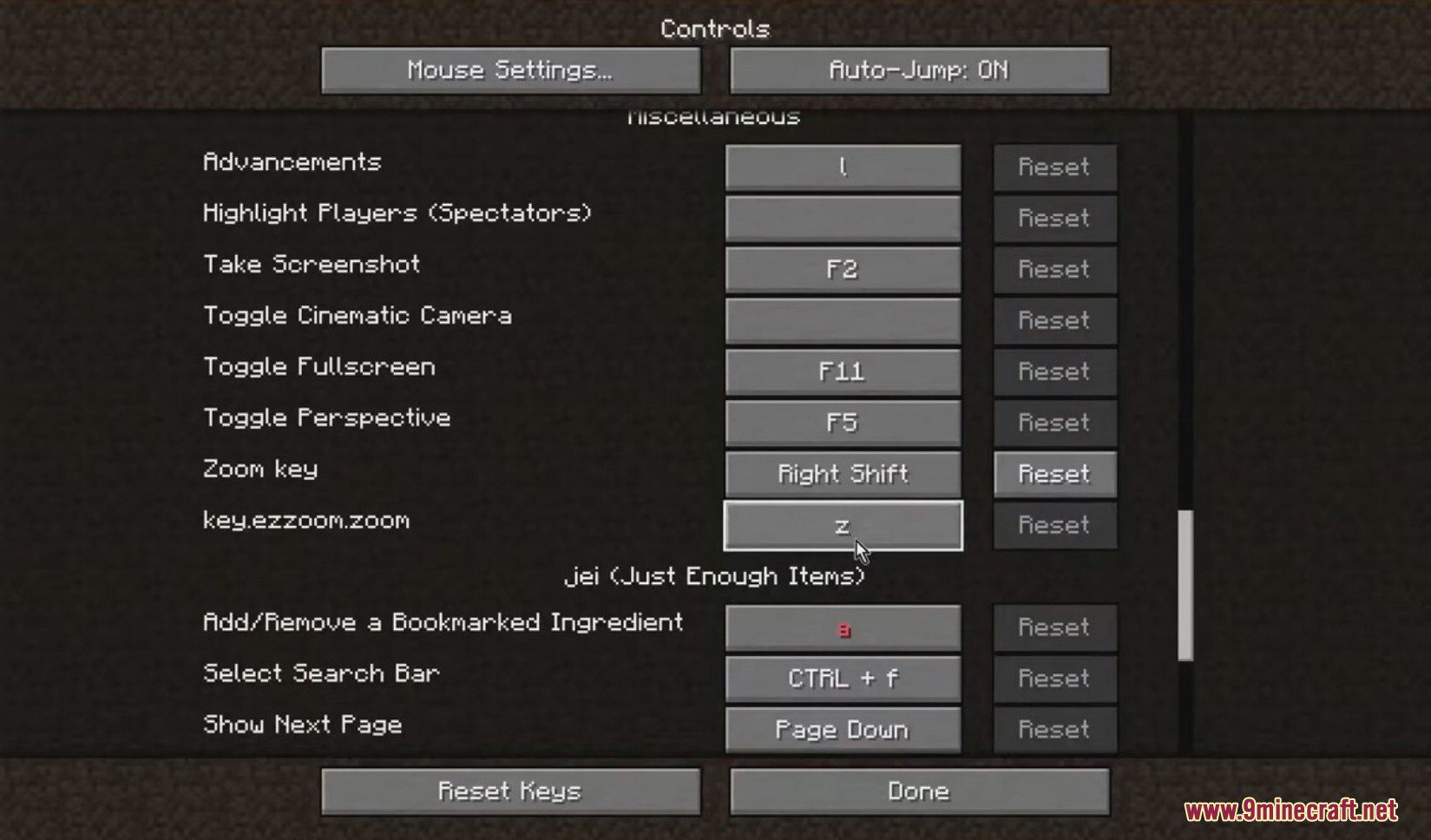
- Press and hold the default zoom key (Z) to zoom in on whatever you are looking at.
- Scroll your Mouse Wheel while holding Z to zoom closer or farther out in steps with Advanced Zoom.
- Let go of Z to return your view to normal right away.
Screenshots:

How to Install:
New to Minecraft? Follow our step-by-step guide to install Mods on your PC.View Guide
EzZoom Mod Download Links
For Minecraft 1.16.5
Forge version: Download from Server 1 – Download from Server 2
Click to rate this post!
[Total: 0 Average: 0]
QUICK MINECRAFT SURVEY · ONE TAP
Mods & Modpacks
Which item and recipe viewer mod do you prefer to have in your game?
28 responses · See the full results →
You May Also Like
Picked for this page
 Traveler’s Backpack Mod (26.3, 1.20.1) – A Mobile Base on Your Back
 Better Advancements Mod (26.3, 1.20.1) – New Advancements System
 Tinkers’ Construct Mod (1.20.1, 1.19.2) – Design Your Perfect Toolkit
 Coordinates Display Mod (26.2, 1.20.1) – Minecraft Explorer’s Companion
 Crawl Mod (1.21.11, 1.20.1) – Smart Moving Returns
 Stack Refill Mod (26.3, 1.20.1) – Automatic Item Refill
 OpenBlocks Elevator Mod (26.3, 1.20.1) – Fastest Elevator Ever
 Tool Stats Mod (26.3, 1.20.1) – Harvest Level Display
 Ambient Environment Mod (26.3, 1.20.1) – Biome-Specific Color Variations
 Compost Mod (26.3, 1.20.1) – Expanded Composting Rewards
 Armor Status Mod (1.21.11, 1.21.1) – Never Let Your Best Armor Break In Combat
 The Great Outdoors Mod (1.21.1, 1.20.1) – Turn Your World Into a National Park
Most viewed in Mods over the last 7 days
 Ala Industrial Mod (26.3) – Run Electric Power Grids and Automated Factories
 PleasureCraft Mod (26.3, 1.21.1) – Jenny Mod Remake for Fabric
 Jennycraft Mod (26.3, 1.20.1) – Virtual Girlfriend in Minecraft
 Fapcraft Mod (26.3, 1.12.2) – Comprehensive and Detailed Content
 Jenny Mod (Fapcraft) Official Complete Guide – How to use, Tutorial
 BangCraft Mod (1.20.1) – Jenny, Ellie and Elliot
 Fabric Loader (26.3, 1.20.1) – Fabric Installer for All Minecraft Versions
 Meteor Client Mod (26.3, 1.20.1) – Xray, HUD, Fly
 The Shooting Star Demo Mod (26.3, 1.20.1) – Vaporize Terrain From Orbit
 OptiFine HD (26.3, 1.20.1) – Run Faster, FPS Boost, Shaders Support
 Aristois Client Mod (1.21.4, 1.20.1) – World Class Minecraft Utility
 SchnurriTV Mod (1.12.2) – Characters and Features
More from Mods
 Shield System Mod (1.21.1) – Tank Heavy Monster Hits Without Losing Hearts
 Shin’s Tensura Race Models Mod (1.19.2) – Play As Unique 3D Anime Race
 Offgrid Mod (26.3, 1.20.1) – Furnish Compact Interiors Without Strict Grid
 Tempest Almanac Iron’s Spells ‘n Spellbooks Mod (1.21.1, 1.20.1)
 Chat Guides Mod (26.3, 1.21.11) – Never Memorize Complex Server Commands Again
 TRMT Reimagined the Roads More Travelled Mod (26.3, 1.20.1)
 Morrowless Mod (1.21.1) – Defend Your Shelter From Nightmare Creatures
 THE SLOPSTROSITY Mod (1.21.1) – Battle a Ridiculous Slime Boss
 Decoween Mod (1.21.1, 1.20.1) – Transform Ordinary Survival Bases
 Simply Light 9minecraft Mod (26.3) – Decorate Builds Without Torches
 Alex’s Caves Continued Mod (26.3, 1.20.1) – Conquer Six Massive Underground
 Anvil Uses Mod (26.3, 1.20.1) – Track Item Anvil Usage

This post has no comments yet. Be the first — your comment will appear here.