
Fast Entity Transfer Mod (1.20.4, 1.20.1) – Skip Menus and Move Items Faster
 586
 0


Fast Entity Transfer Mod brings a quick item transfer system to Minecraft. It lets you move items between your inventory and block entities without opening any GUI screens.
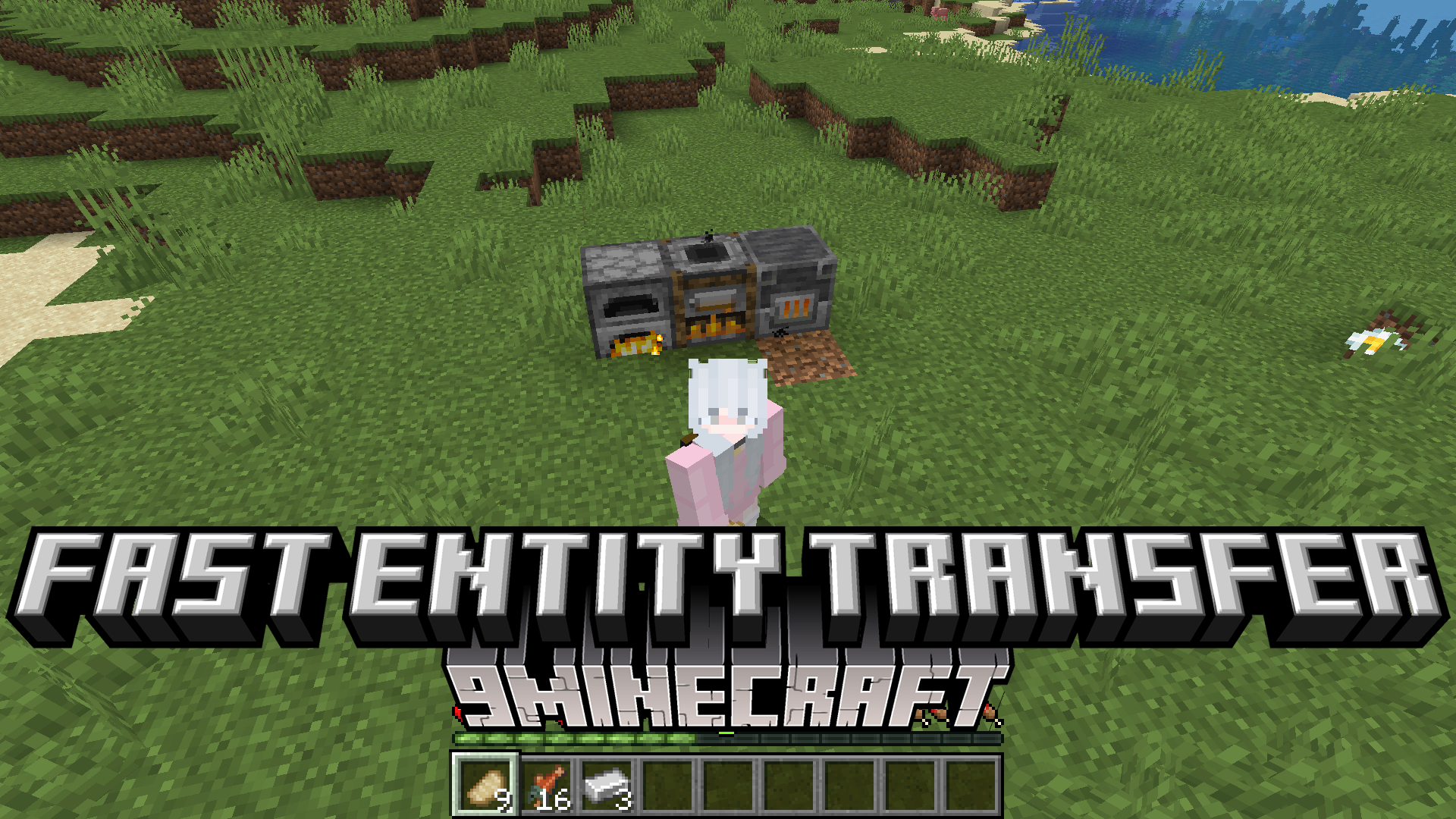
Features:
- Enables fast item transfer between the player and block entities without opening a GUI.
- Collects items or experience from the output slot automatically when you interact with stations.
- Sends burnable items straight to the fuel slot when interacting with compatible blocks.
- Prioritizes fuel slots first, then input slots when using items that are both burnable and have smelting recipes.
- Directs items with a blasting, smelting, or smoking recipe right into the input slot.
- Supports modded block entities that extend the standard furnace, smoker, or blast furnace classes.
How to Use:
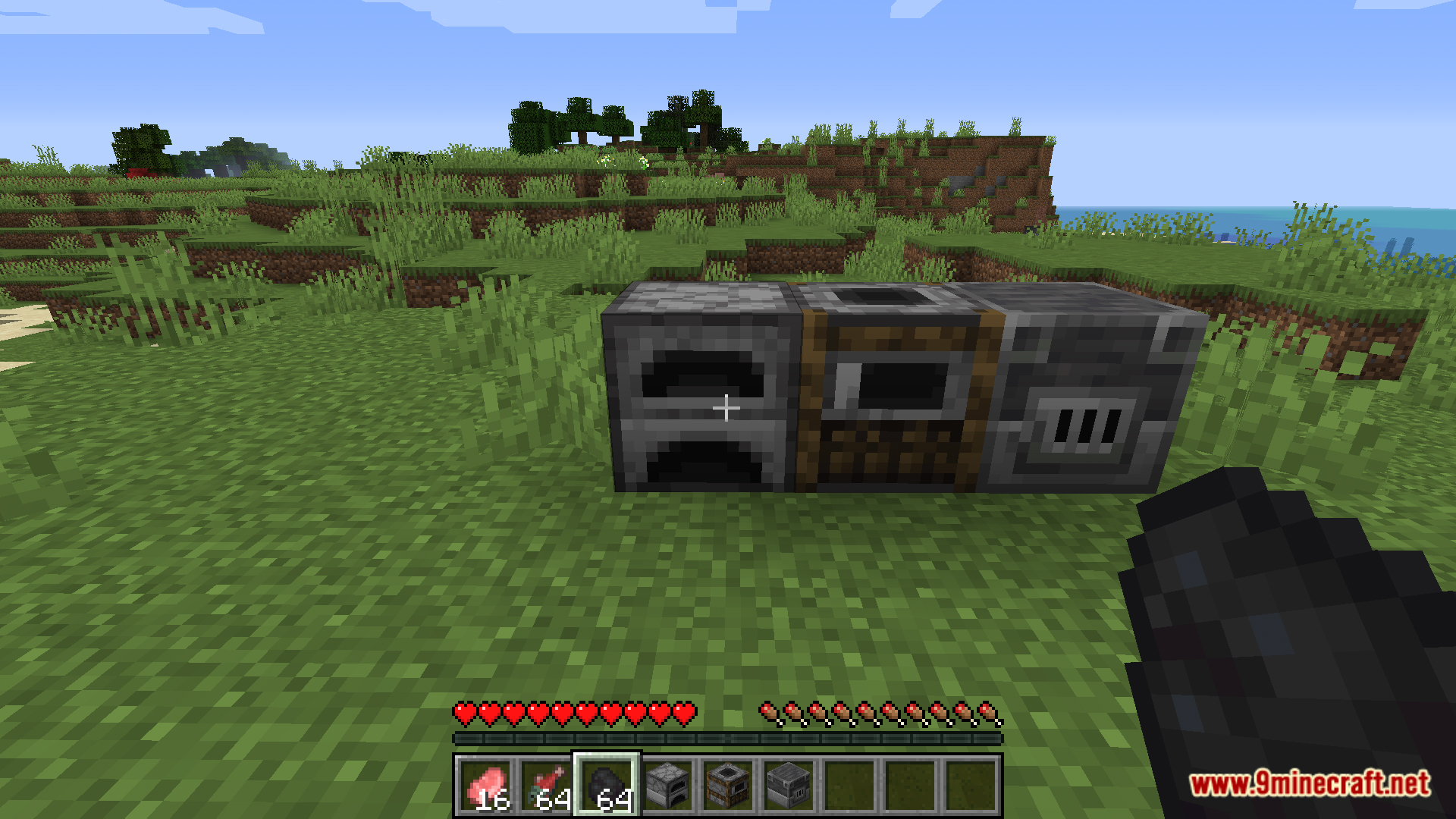
- Hold a suitable item in your hand and point your crosshair at a compatible block entity.
- Press the CTRL and LEFT or RIGHT mouse buttons together to transfer items instantly.
- Collect items or experience waiting in the output slot directly into your inventory.
- Deposit fuel or raw materials into furnaces, smokers, or blast furnaces without opening their menu.
Screenshots:
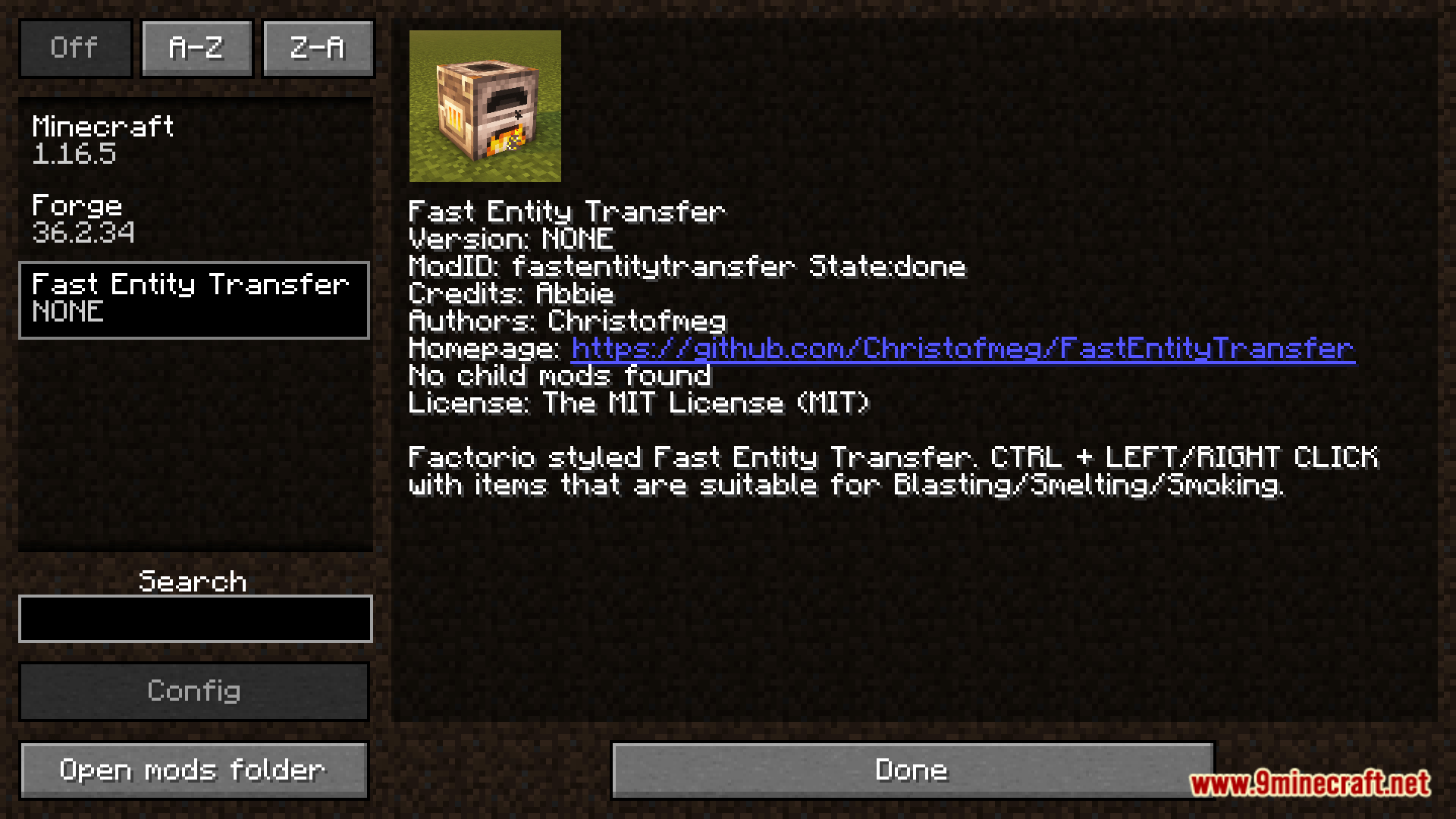
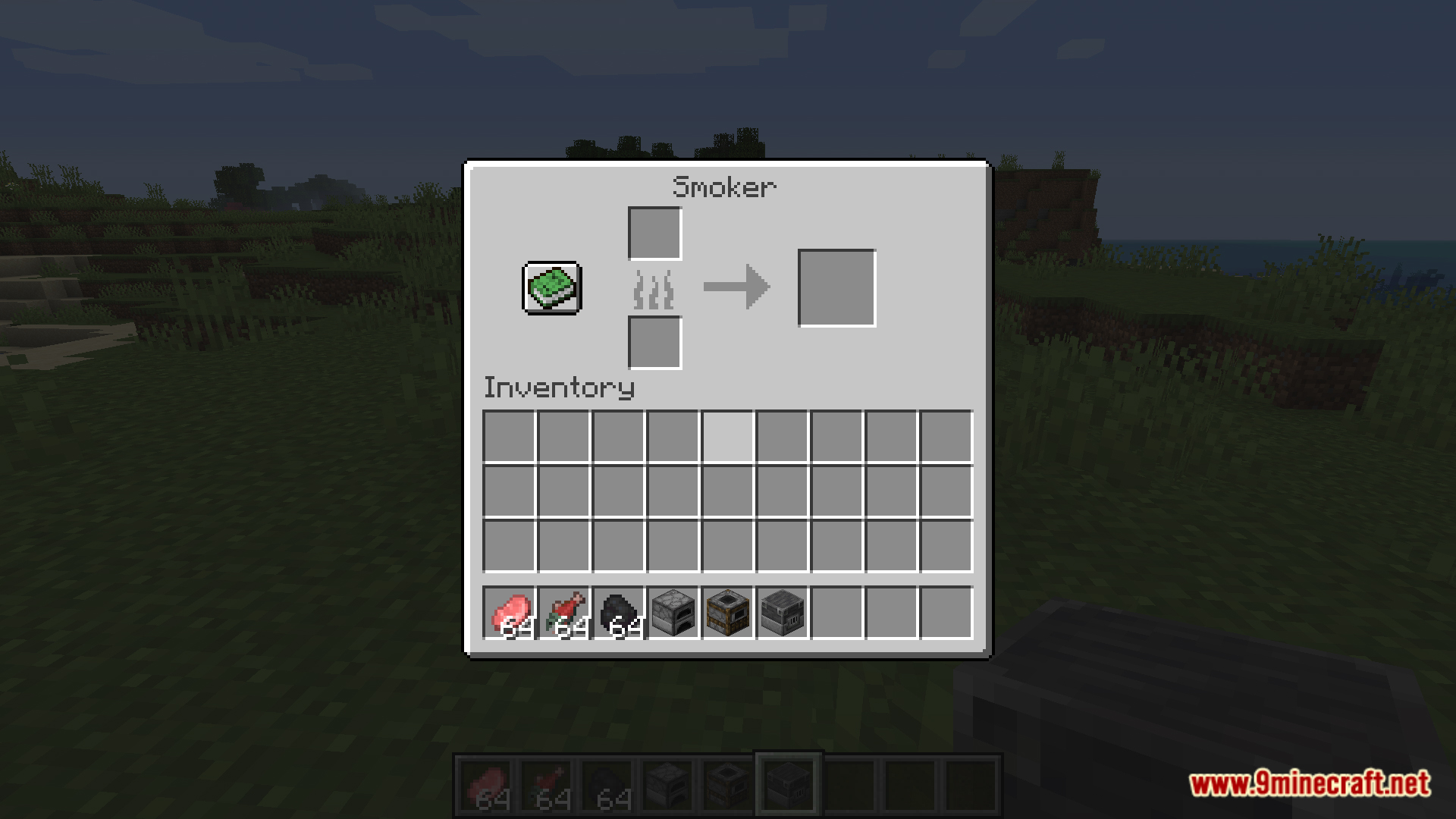
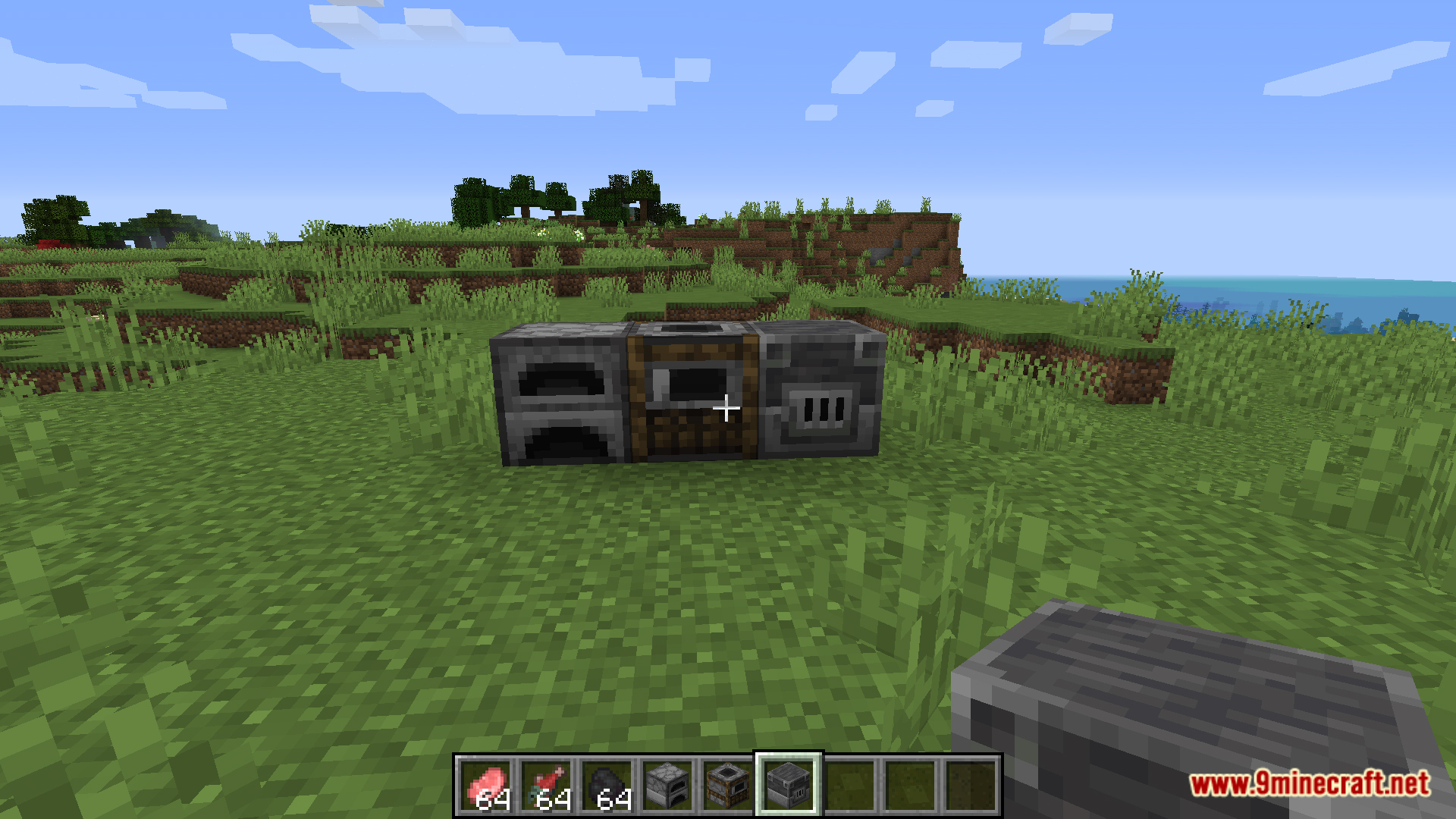
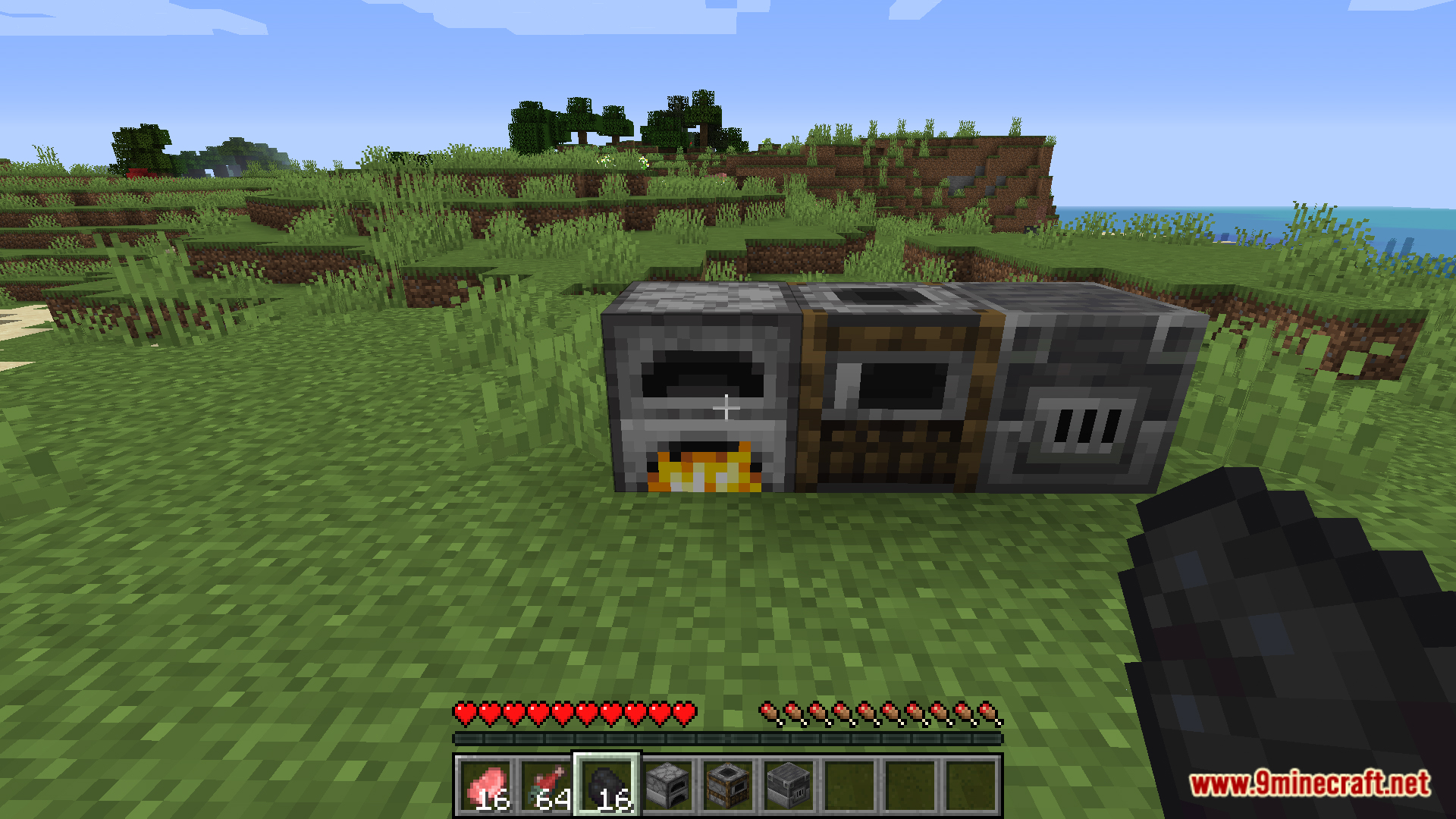
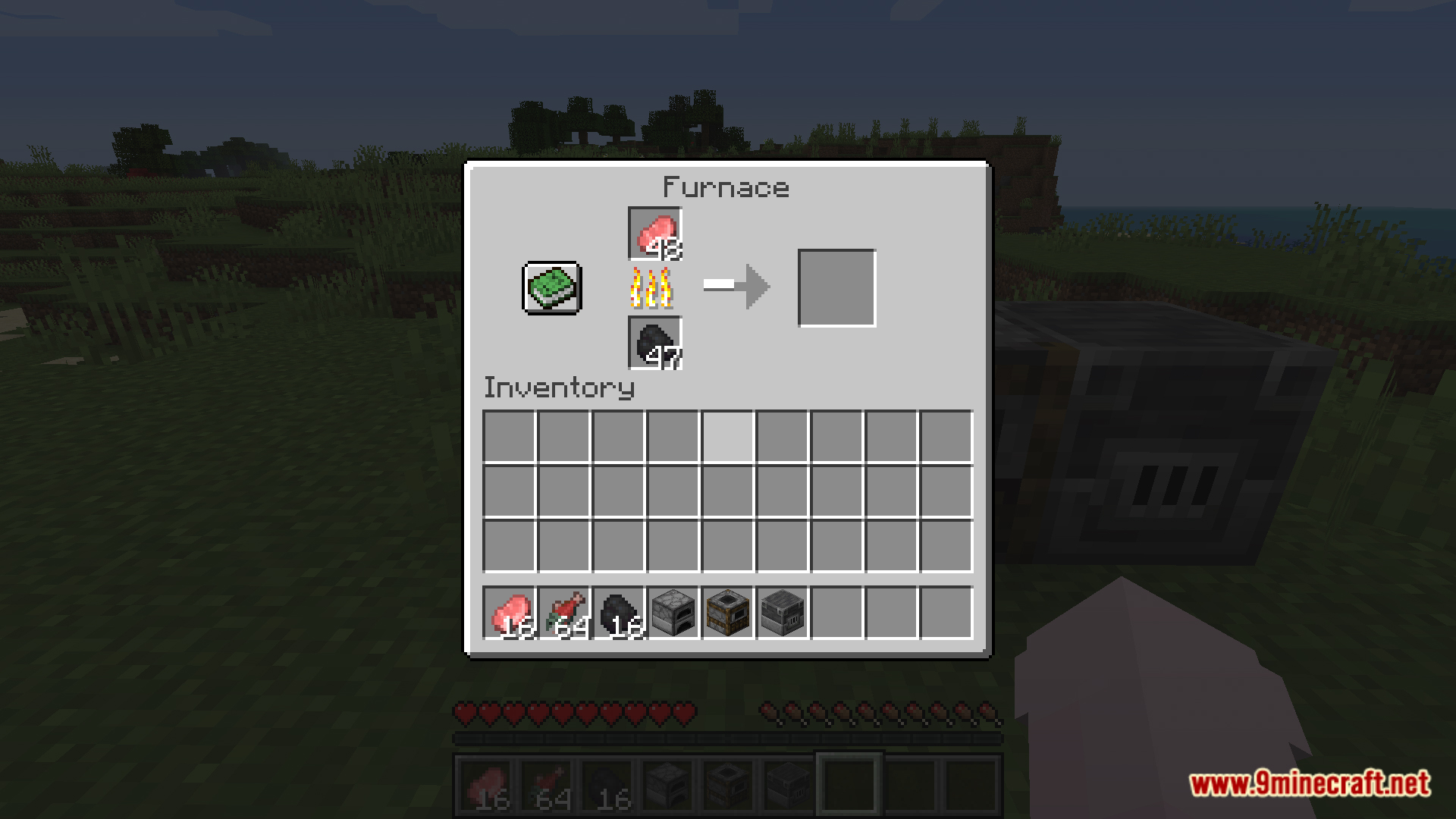
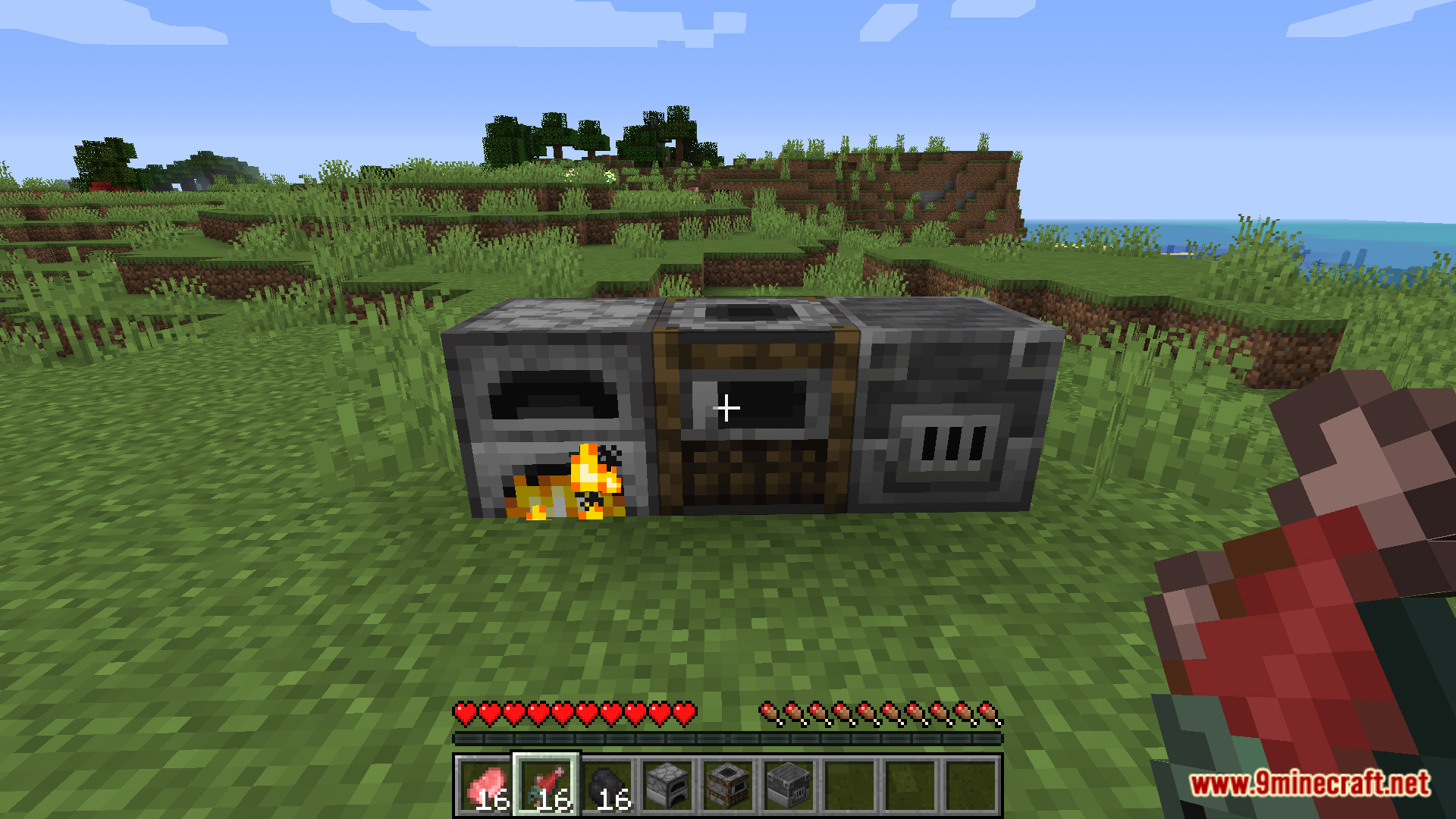
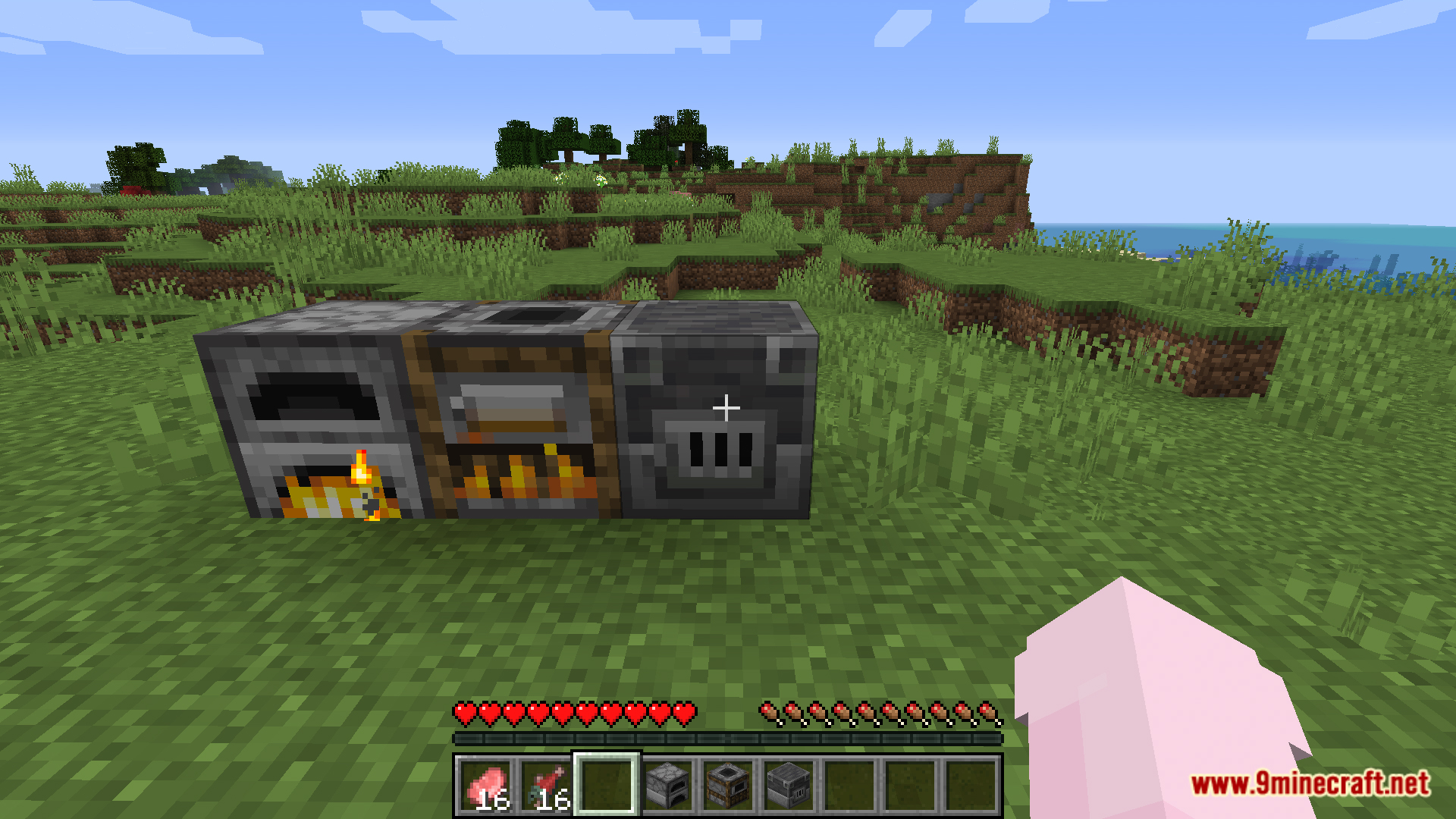
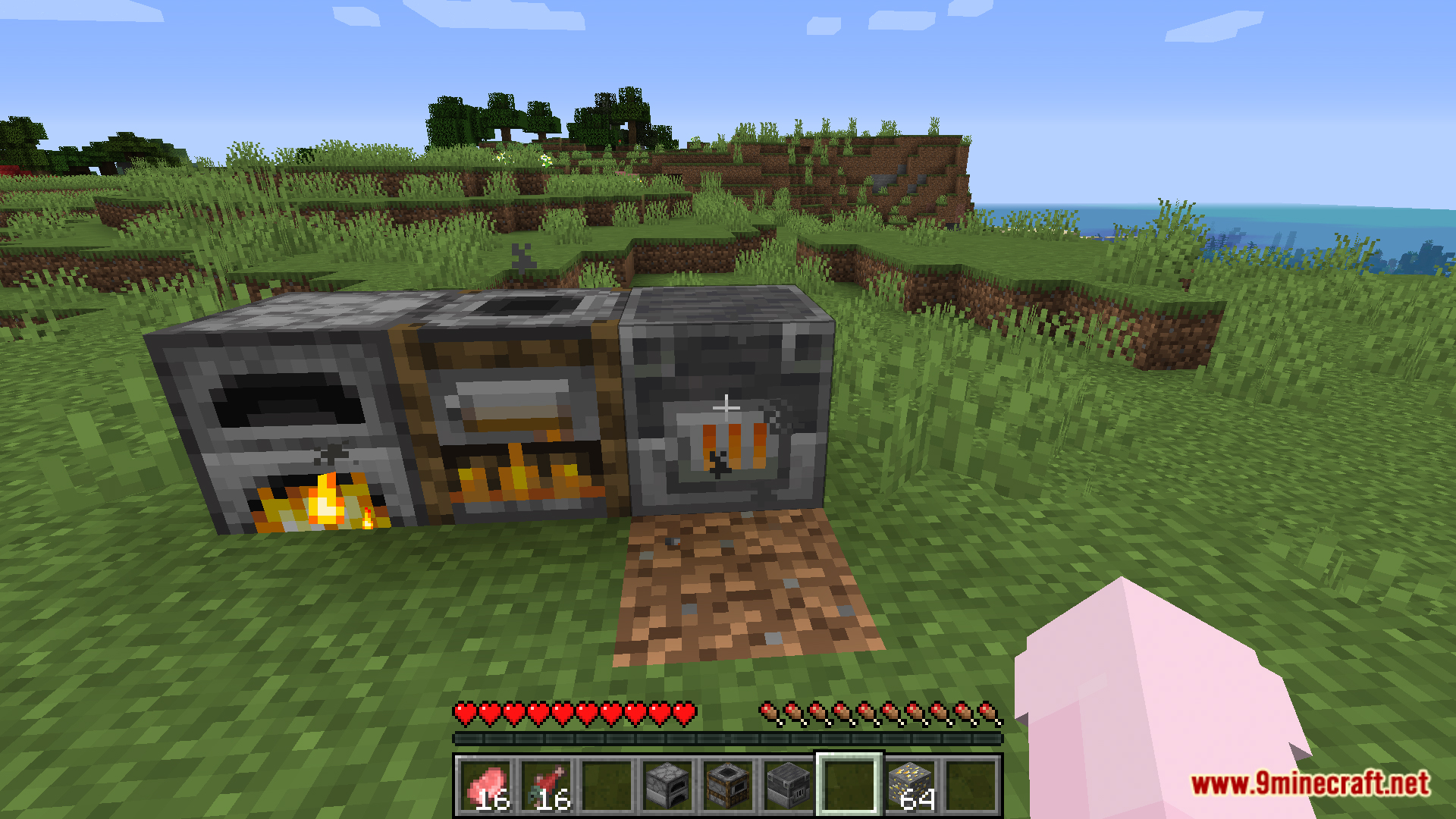
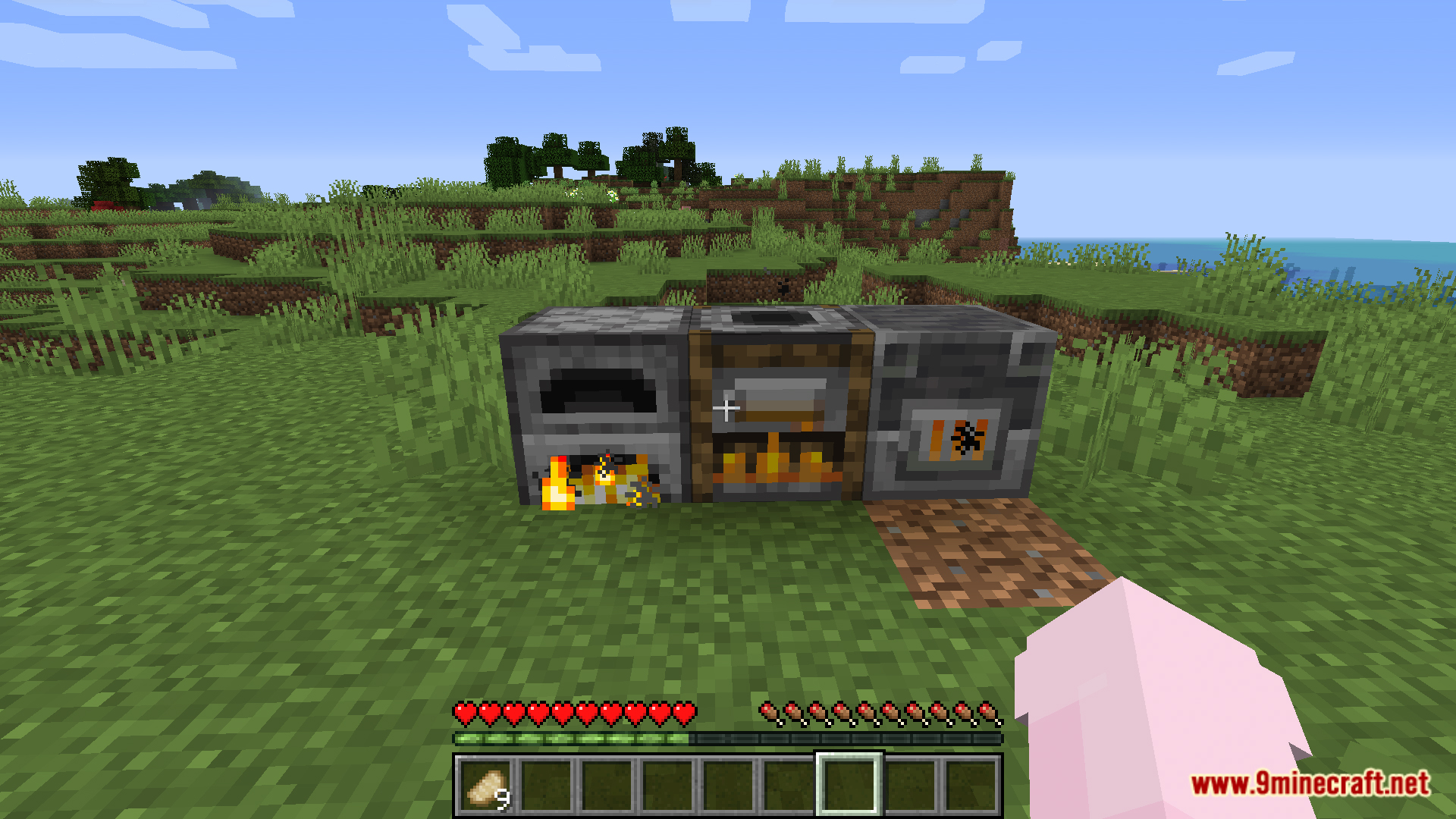
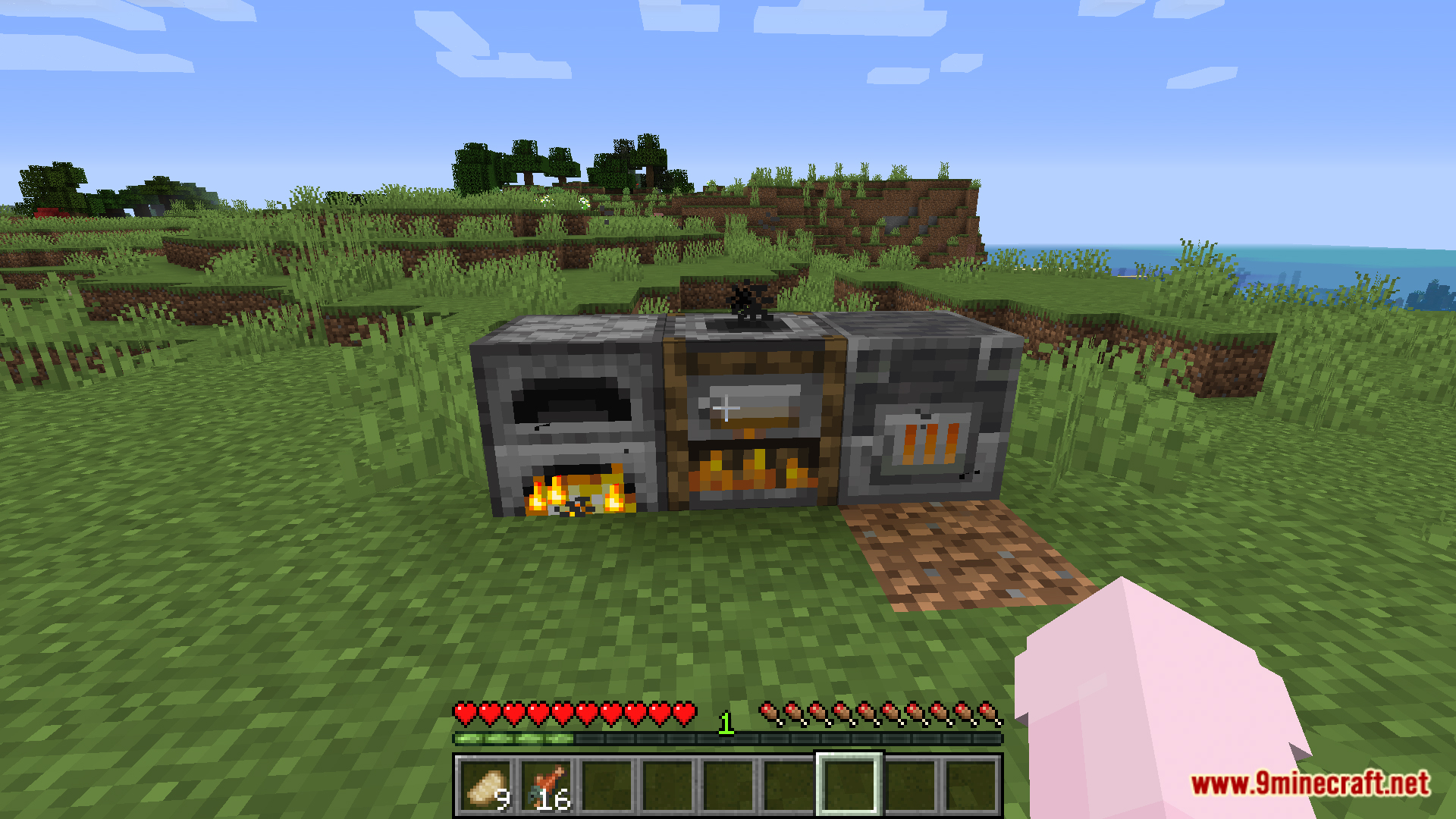
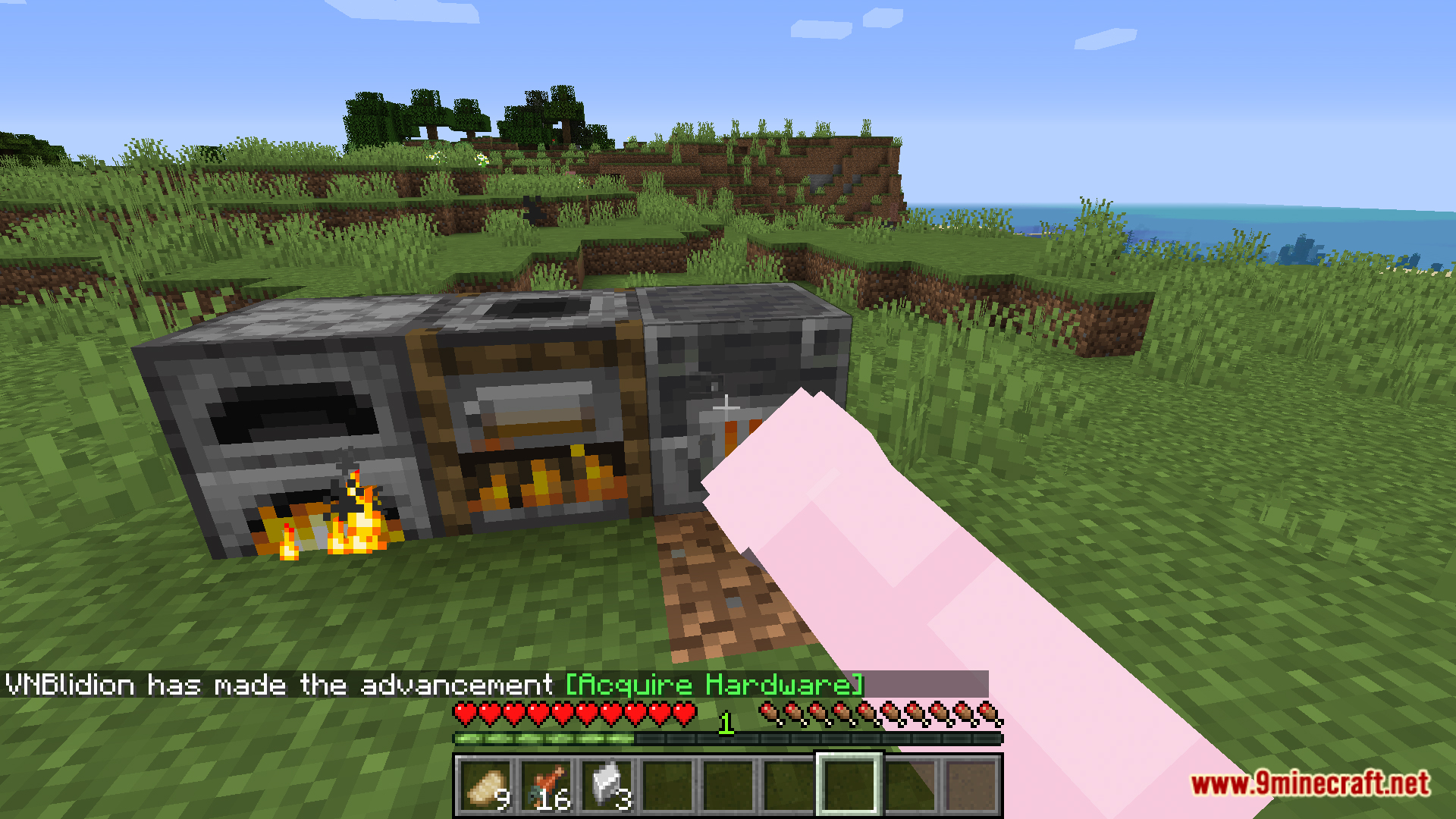
How to Install:
New to Minecraft? Follow our step-by-step guide to install Mods on your PC.View Guide
Fast Entity Transfer Mod Download Links
For Minecraft 1.14.4
Forge version: Download from Server 1 – Download from Server 2
Fabric version: Download from Server 1 – Download from Server 2
For Minecraft 1.15.2
Forge version: Download from Server 1 – Download from Server 2
Fabric version: Download from Server 1 – Download from Server 2
For Minecraft 1.16.5
Forge version: Download from Server 1 – Download from Server 2
Fabric version: Download from Server 1 – Download from Server 2
For Minecraft 1.17.1
Forge version: Download from Server 1 – Download from Server 2
Fabric version: Download from Server 1 – Download from Server 2
For Minecraft 1.18.2
Forge version: Download from Server 1 – Download from Server 2
Fabric version: Download from Server 1 – Download from Server 2
Quilt version: Download from Server 1 – Download from Server 2
For Minecraft 1.19.2
Forge version: Download from Server 1 – Download from Server 2
Fabric version: Download from Server 1 – Download from Server 2
Quilt version: Download from Server 1 – Download from Server 2
For Minecraft 1.19.4
Forge version: Download from Server 1 – Download from Server 2
Fabric version: Download from Server 1 – Download from Server 2
Quilt version: Download from Server 1 – Download from Server 2
For Minecraft 1.20.1
Forge version: Download from Server 1 – Download from Server 2
Fabric version: Download from Server 1 – Download from Server 2
Quilt version: Download from Server 1 – Download from Server 2
NeoForge version: Download from Server 1 – Download from Server 2
For Minecraft 1.20.2
Forge version: Download from Server 1 – Download from Server 2
Fabric version: Download from Server 1 – Download from Server 2
Quilt version: Download from Server 1 – Download from Server 2
NeoForge version: Download from Server 1 – Download from Server 2
For Minecraft 1.20.4
Forge version: Download from Server 1 – Download from Server 2
Fabric version: Download from Server 1 – Download from Server 2
NeoForge version: Download from Server 1 – Download from Server 2
Which Minecraft version do you spend the most time playing with mods?
63 responses · See the full results →
You May Also Like
Picked for this page
 Carpet Mod (1.21.11, 1.20.1) – Game Performance Monitoring
 Shield Statuses Mod (26.3, 1.20.1) – Renders Customizable Color Overlays
 Player Tracking Compass Mod (26.3, 1.20.1) – Player Targeting
 Coins JE Mod (26.3, 1.20.1) – New Exchange Currency System
 Ctrl Q Mod (26.1, 1.20.1) – Take Control Of Your Inventory
 Terrestria Mod (26.3, 1.20.1) – Highly Detailed Biomes
 Integrated Dynamics Mod (26.3, 1.20.1) – Automation & Integration Networks
 Sword Blocking Mechanics Mod (26.3, 1.20.1) – Sword Blocking From Version 1.8
 Replay Voice Chat Mod (26.3, 1.20.1) – Records Voice Chat and Player Icons
 Incendium Biomes Only Mod (1.21.11, 1.20.1) – Removes Structures, Items from Incendium
 SCP 008 Mod (1.20.1, 1.19.2) – The Zombie Plague
 Extra Quests Mod (1.21.1, 1.20.1) – Quest Expansion
Most viewed in Mods over the last 7 days
 Ala Industrial Mod (26.3) – Run Electric Power Grids and Automated Factories
 PleasureCraft Mod (26.3, 1.21.1) – Jenny Mod Remake for Fabric
 Jennycraft Mod (26.3, 1.20.1) – Virtual Girlfriend in Minecraft
 Fapcraft Mod (26.3, 1.12.2) – Comprehensive and Detailed Content
 Jenny Mod (Fapcraft) Official Complete Guide – How to use, Tutorial
 BangCraft Mod (1.20.1) – Jenny, Ellie and Elliot
 Fabric Loader (26.3, 1.20.1) – Fabric Installer for All Minecraft Versions
 The Shooting Star Demo Mod (26.3, 1.20.1) – Vaporize Terrain From Orbit
 Meteor Client Mod (26.3, 1.20.1) – Xray, HUD, Fly
 OptiFine HD (26.3, 1.20.1) – Run Faster, FPS Boost, Shaders Support
 Aristois Client Mod (1.21.4, 1.20.1) – World Class Minecraft Utility
 Prestige Client Mod (1.21.11, 1.21.4) – Powerful Ghost Features for Crystal & Sword PvP
More from Mods
 Happy Ghasts Boost Mod (26.1.2, 1.20.1) – Fly Across Vast Distances at Top Speed
 LiquidBounce Client Mod (26.3, 1.20.1) – LiquidLauncher, A Free Client
 Create Hand Made Mod (1.21.1) – Craft Create Recipes By Hand in Your Workshop
 Seed Map for Xaero Mod (26.1) – See Rare Biomes and Dungeons Before You Travel
 MCPersist Mod (26.3) – Keep Your World Online for Friends Even After Logging Off
 Minecraft Java MCP Server Mod (1.21.11) – Command Your World Through External AI Tools
 Arcanism Mod (26.2) – Build Magic Factories and Program Custom Spells
 Archangel Client Mod (1.21.11) – Master Every PvP Duel with Clean Screen Stats
 Block Front Survival Patch Mod (1.21.1) – Wage Tactical Warfare in Survival
 Better Enchantment Bookshelf Placement Mod (26.2, 1.20.1)
 SimpleRPGCore Mod (1.21.4, 1.21.1) – Fight with Classic RPG Stats
 Bard RPG Series Plus by Fichte Mod (1.21.1, 1.20.1) – Buff Allies in Combat

This post has no comments yet. Be the first — your comment will appear here.