


Audio Extension For FancyMenu V2 Mod (1.20.4, 1.20.1) – Bigyan ng Unique na Sound ang Iyong Menus
 70
70
 0
0


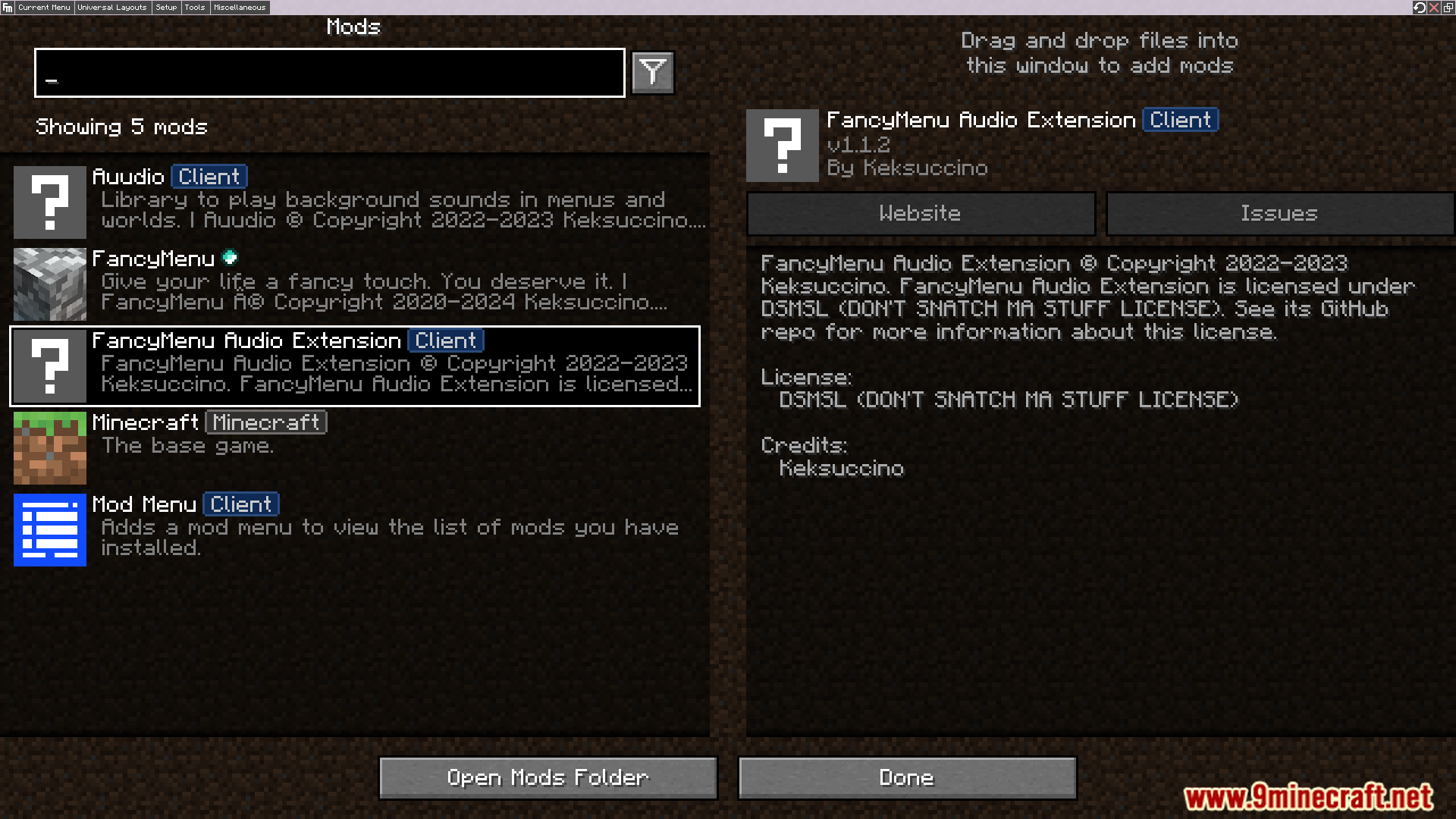
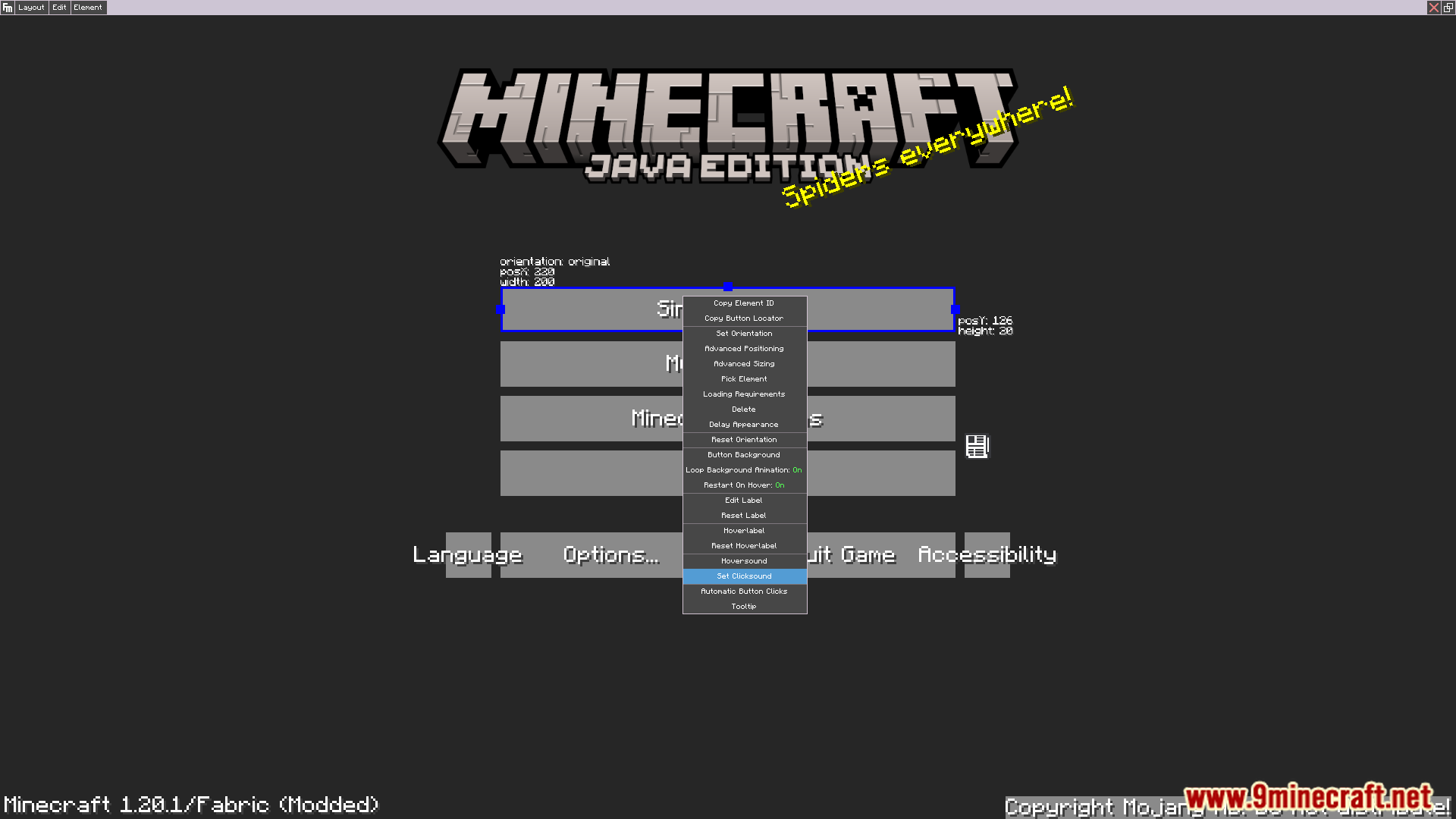
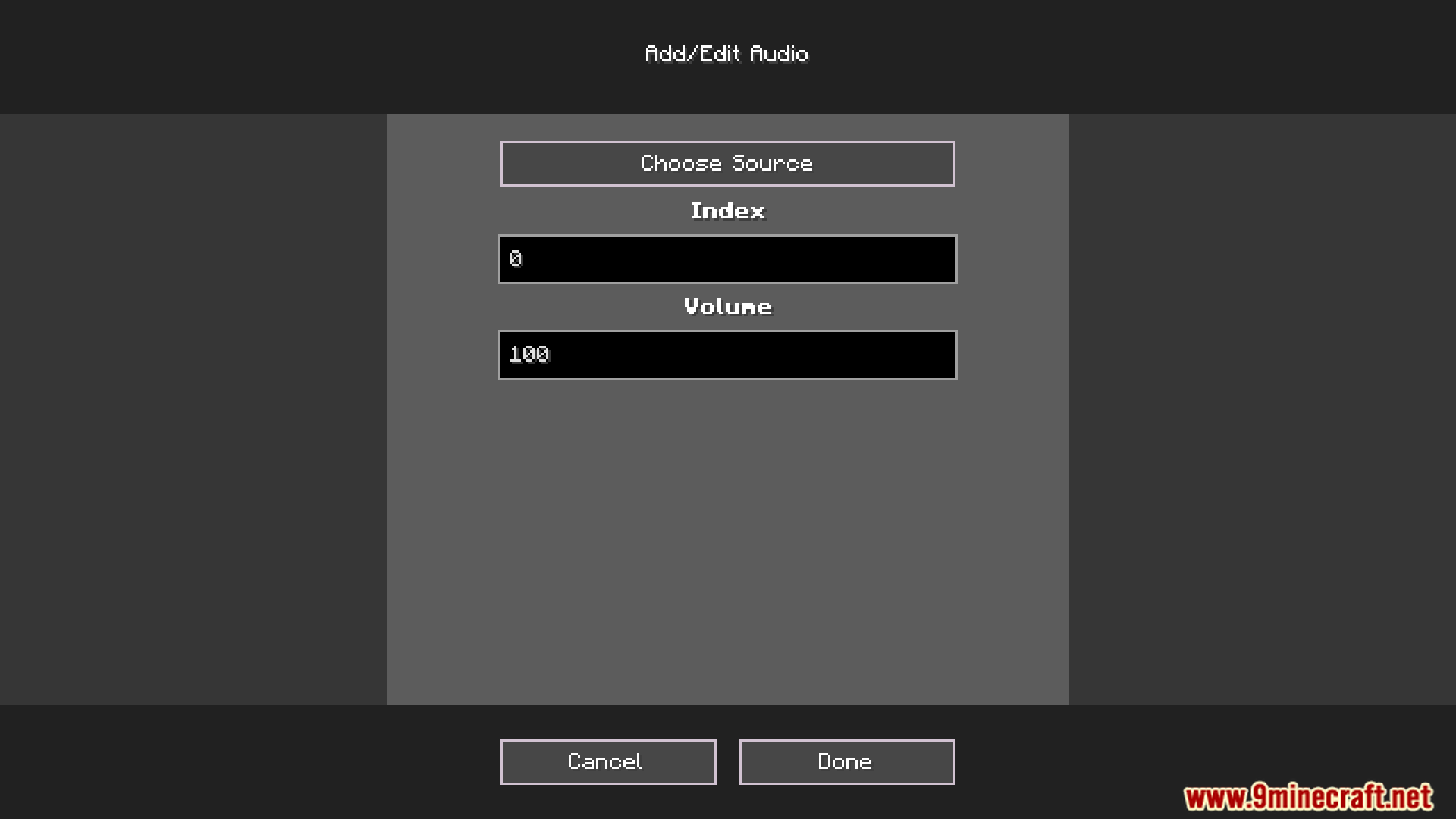
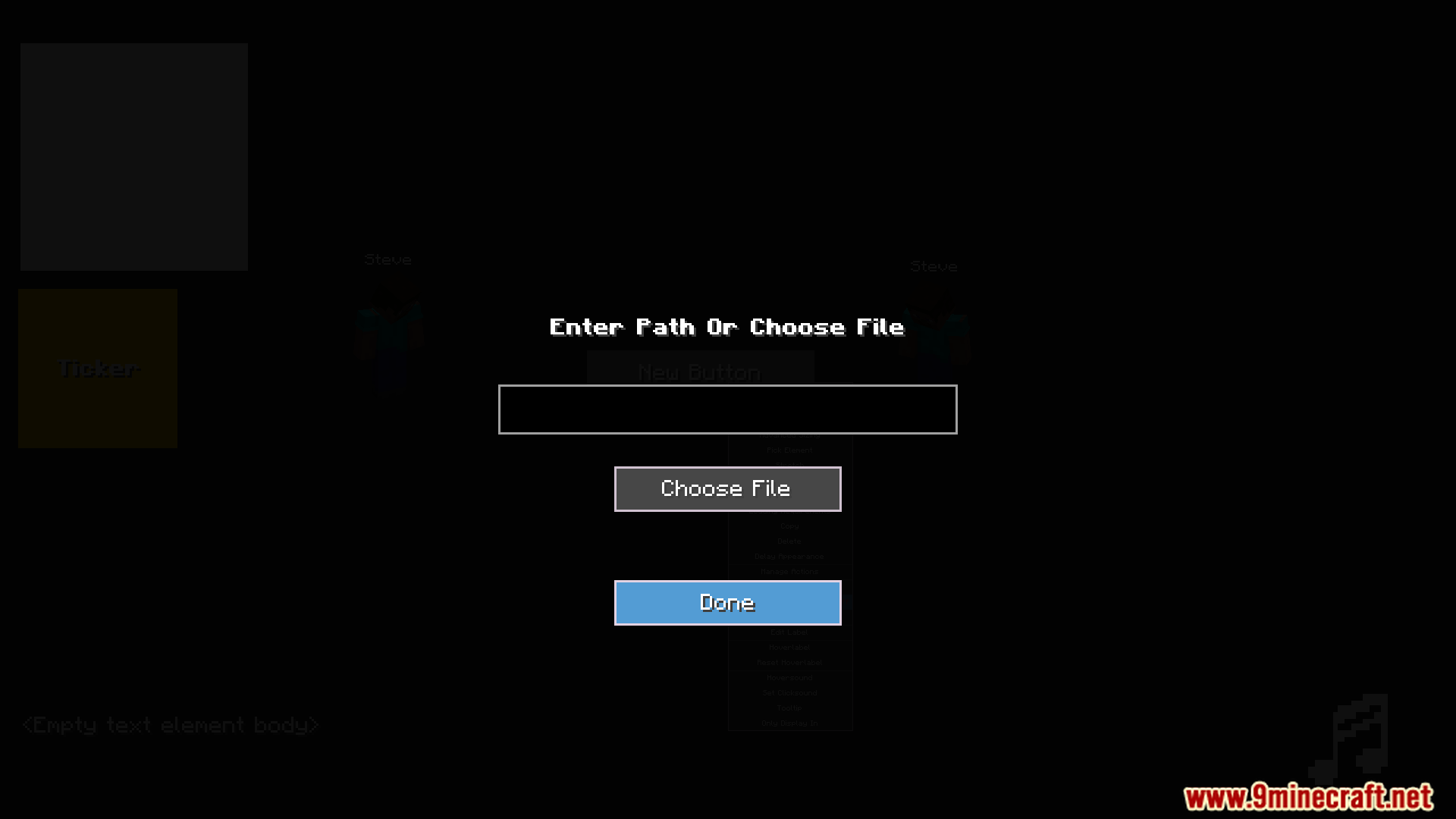
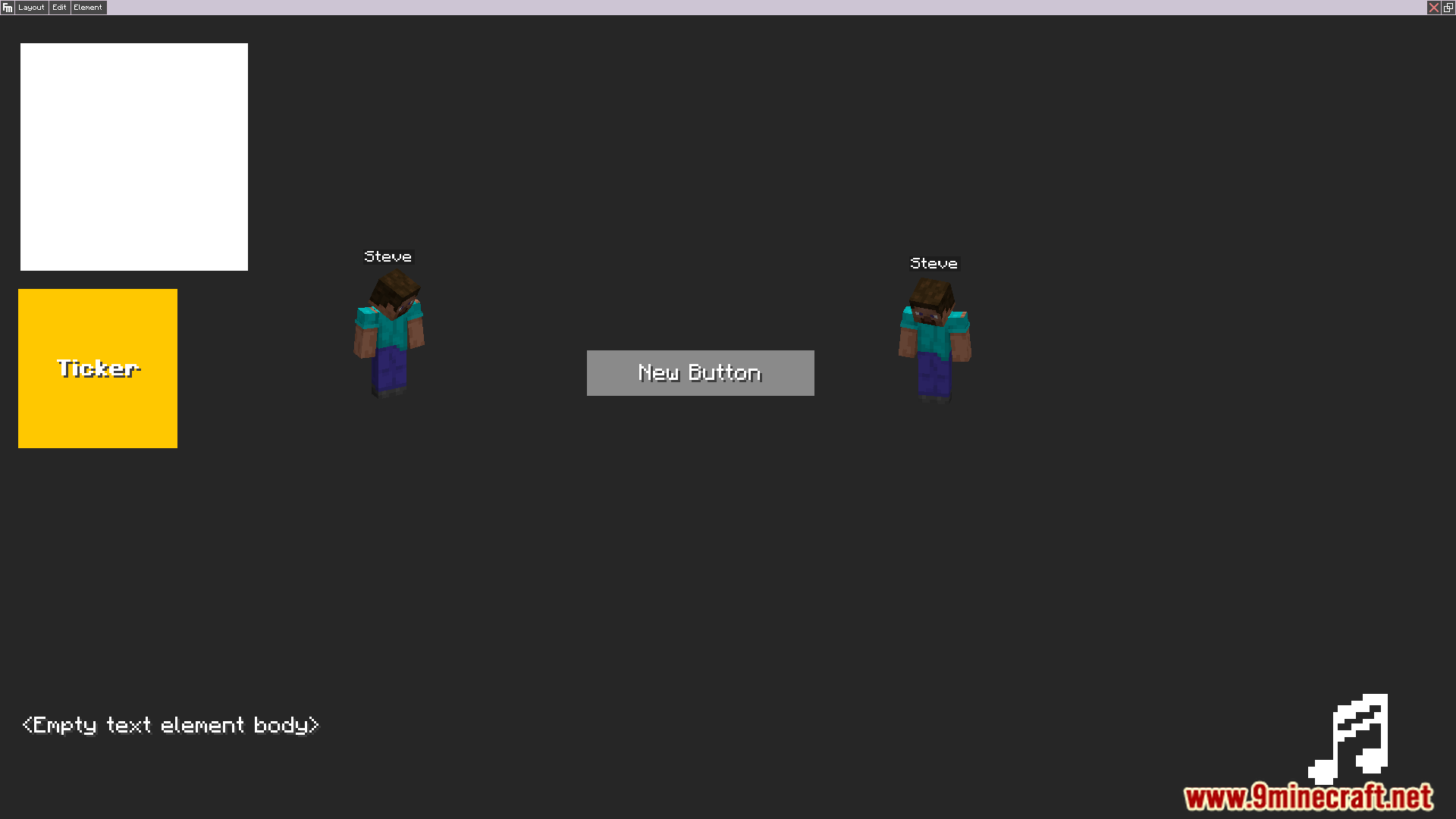
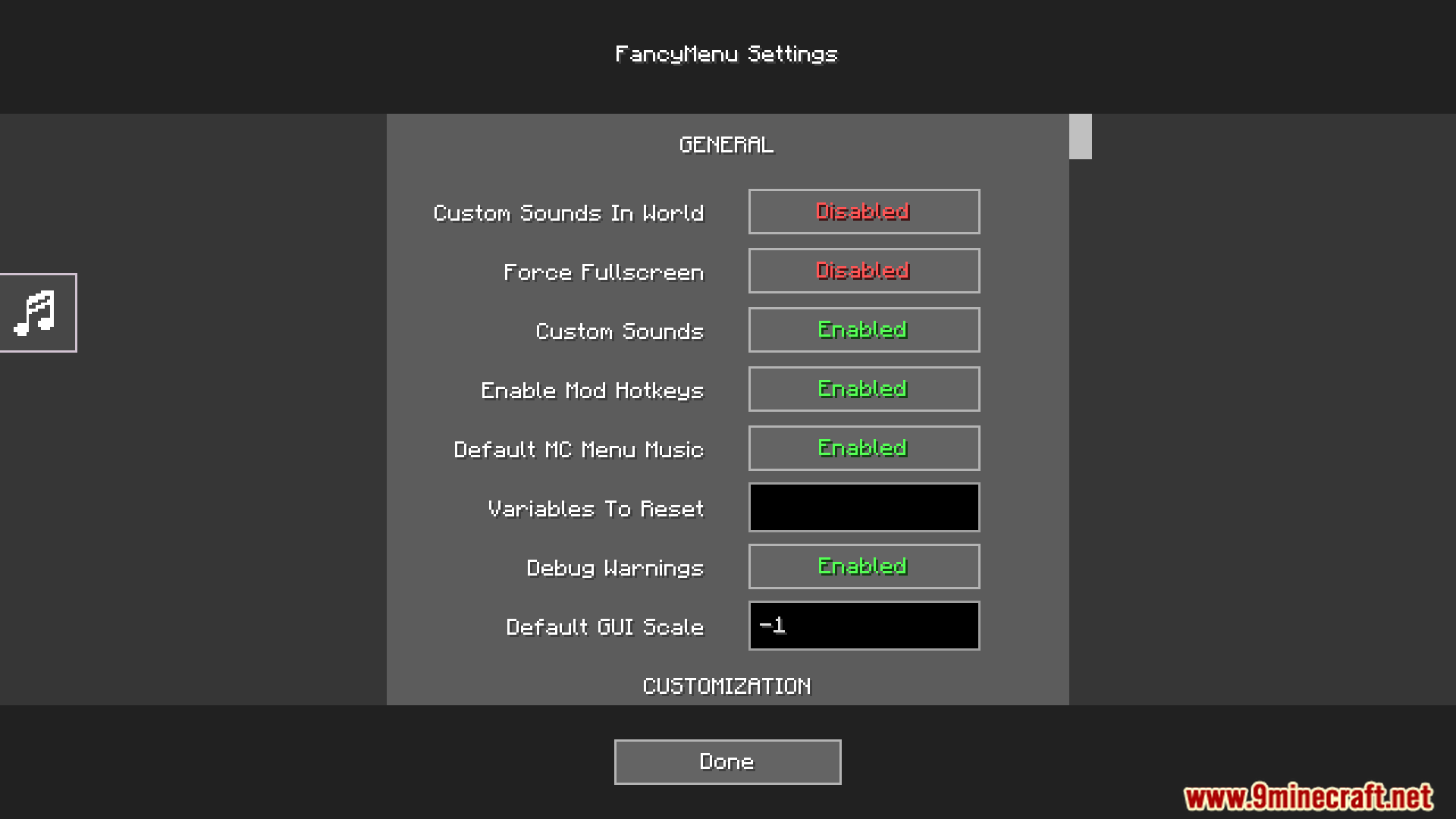
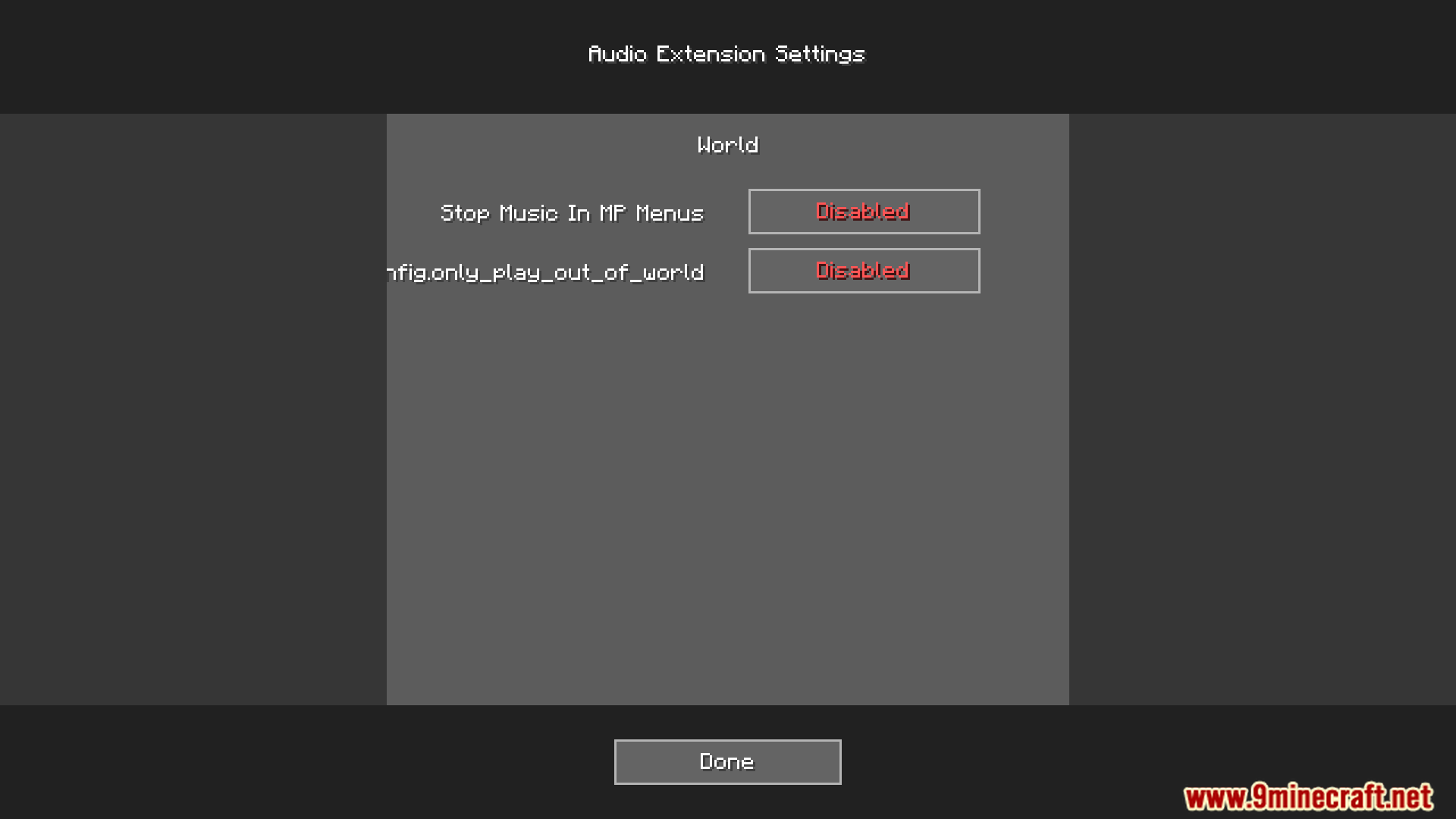
Ang Audio Extension For FancyMenu V2 Mod ay nagdaragdag ng mga customizable na tunog sa mga menu na ginawa gamit ang FancyMenu mod. Ang addon na ito ay sadyang idinisenyo para sa FancyMenu v2 at hindi compatible sa version 3. Pinapayagan ka nitong maglagay ng mga audio element sa iyong mga layout, para sa mas immersive na experience sa mga custom modpacks o servers.
Features:
- Magdagdag ng maraming tunog sa isang audio element para gumawa ng playlist.
- I-play ang mga tunog sa partikular na pagkakasunod-sunod o i-set ang mga ito sa shuffle randomly.
- I-assign ang mga audio element sa iba’t ibang Minecraft sound channels gaya ng master o music.
- I-adjust ang volume para sa bawat tunog nang indibidwal.
- I-set ang mga tunog na mag-loop nang tuloy-tuloy o tumugtog lang nang minsan bawat game session.
- Gamitin ang ‘toggle_mute_audio’ button action para i-mute ang mga partikular na tunog.
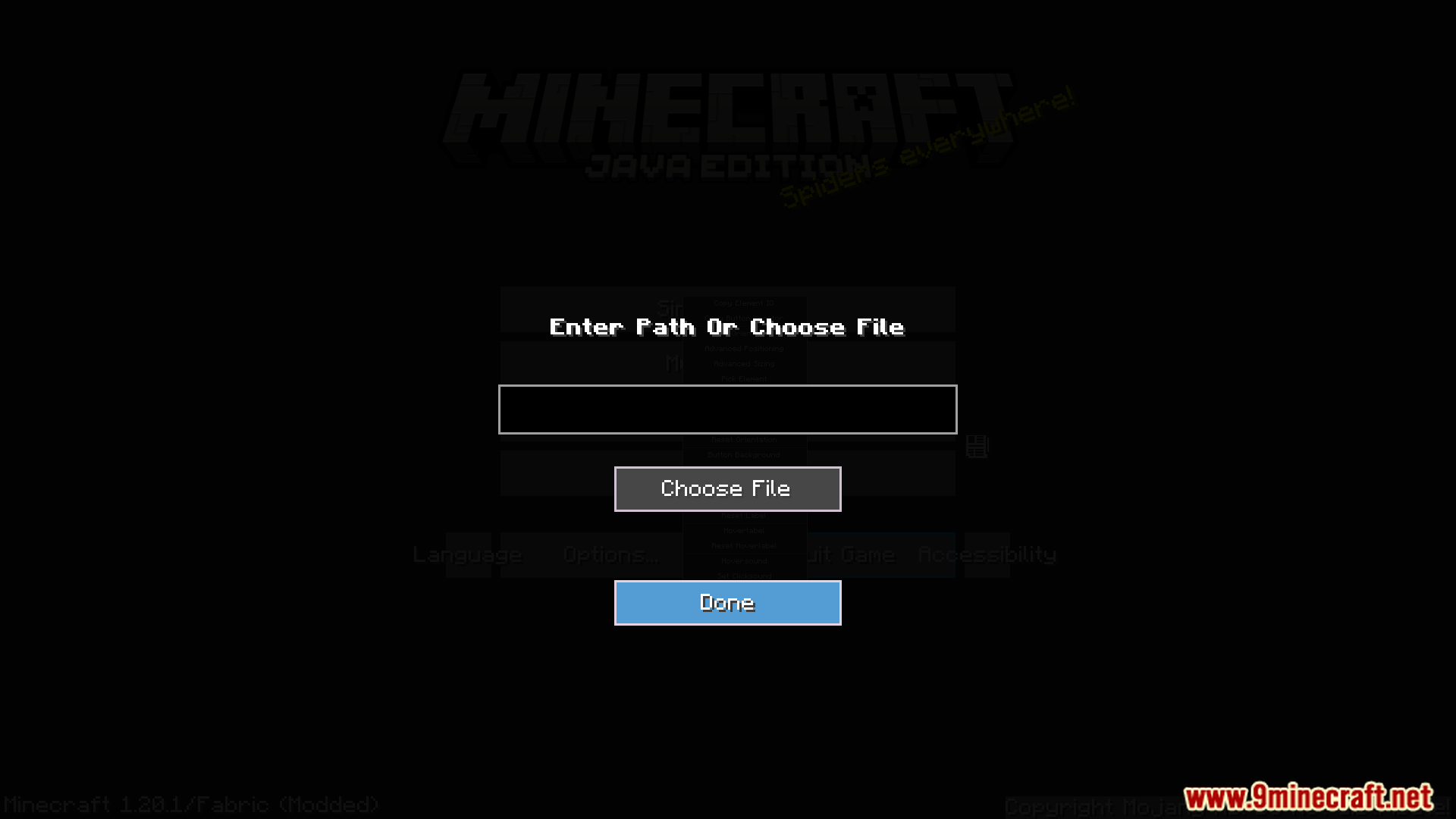
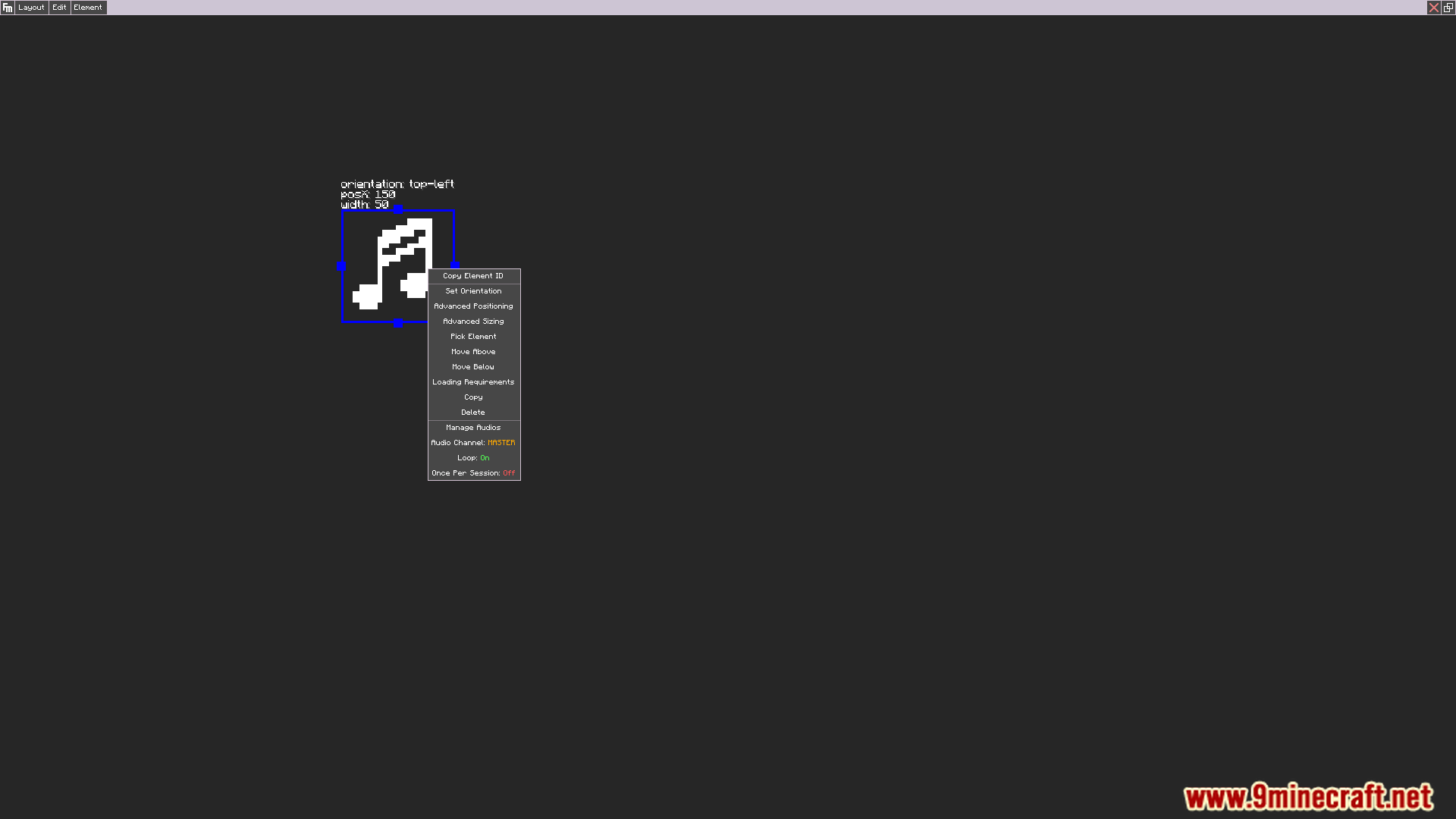
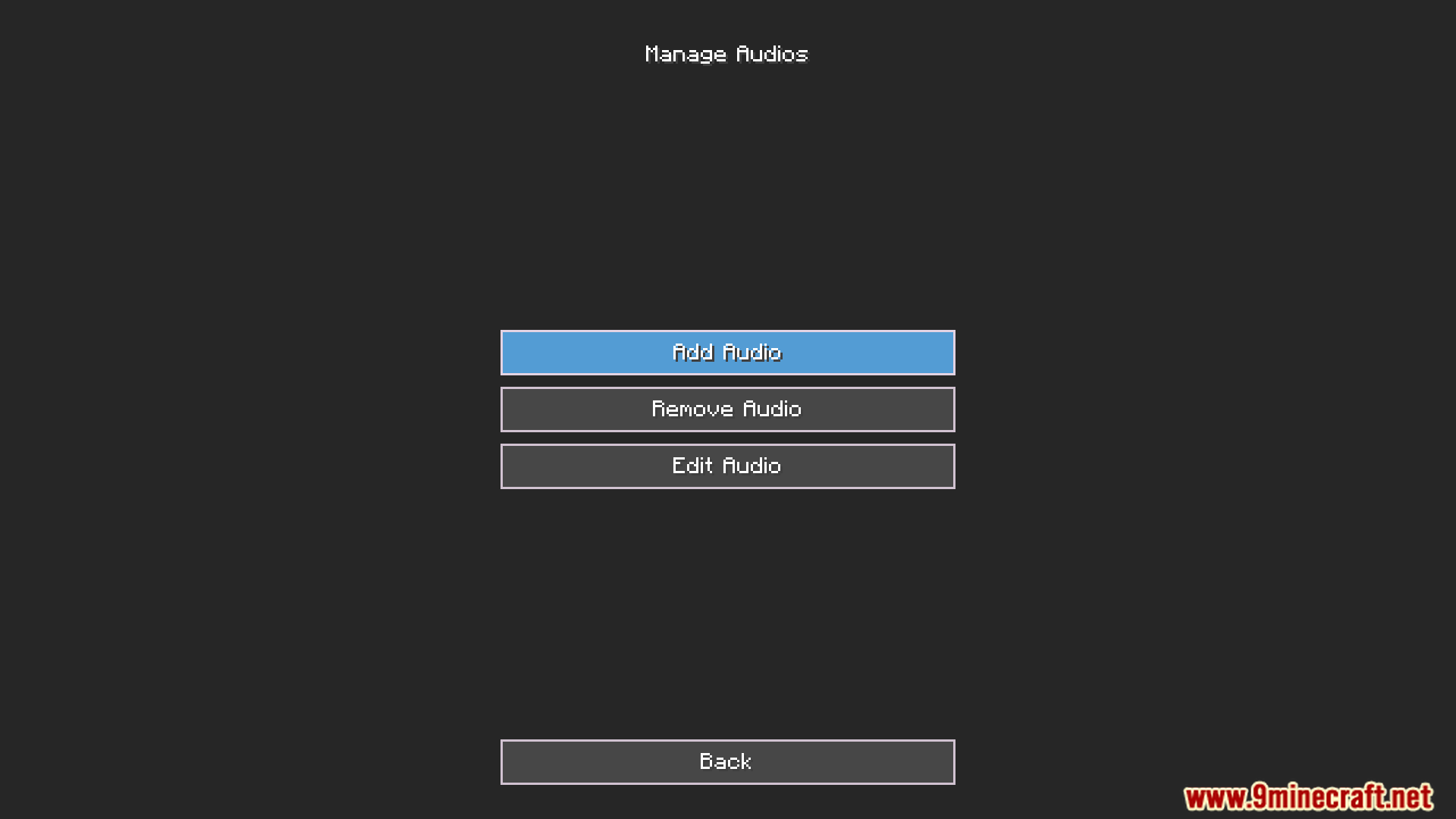
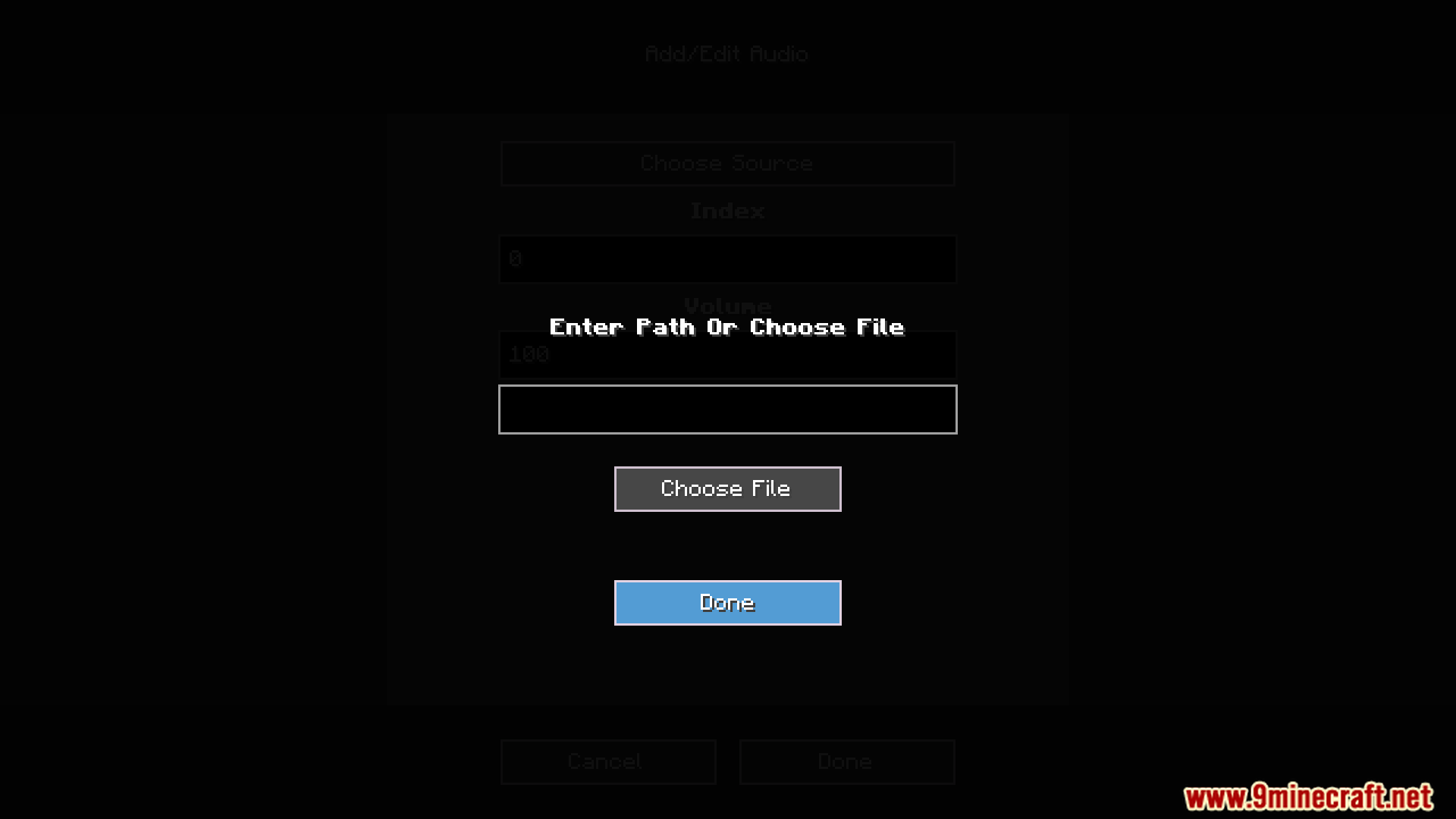
Screenshots:
Paano I-install:
Mga Kailangan:

Audio Extension For FancyMenu V2 Mod Download Links
Para sa Minecraft 1.16.5, 1.16.4, 1.16.3, 1.16.2
Forge version: Download mula sa Server 1 – Download mula sa Server 2
Fabric version: Download mula sa Server 1 – Download mula sa Server 2
Para sa Minecraft 1.18.2, 1.18.1, 1.18
Forge version: Download mula sa Server 1 – Download mula sa Server 2
Fabric version: Download mula sa Server 1 – Download mula sa Server 2
Para sa Minecraft 1.19.2, 1.19.1, 1.19
Forge version: Download mula sa Server 1 – Download mula sa Server 2
Fabric version: Download mula sa Server 1 – Download mula sa Server 2
Para sa Minecraft 1.19.3
Forge version: Download mula sa Server 1 – Download mula sa Server 2
Fabric version: Download mula sa Server 1 – Download mula sa Server 2
Para sa Minecraft 1.19.4
Forge version: Download mula sa Server 1 – Download mula sa Server 2
Fabric version: Download mula sa Server 1 – Download mula sa Server 2
Para sa Minecraft 1.20.1, 1.20
Forge version: Download mula sa Server 1 – Download mula sa Server 2
Fabric version: Download mula sa Server 1 – Download mula sa Server 2
Para sa Minecraft 1.20.4, 1.20.2
Forge version: Download mula sa Server 1 – Download mula sa Server 2
Fabric version: Download mula sa Server 1 – Download mula sa Server 2
Baka Magustuhan Mo Rin


Wala pang komento ang post na ito. Maging una — lalabas dito ang iyong komento.