


Fancy Block Particles Mod (1.20.1, 1.12.2) – Gawing Mas Satisfying ang Pag-mimina

 0
0 

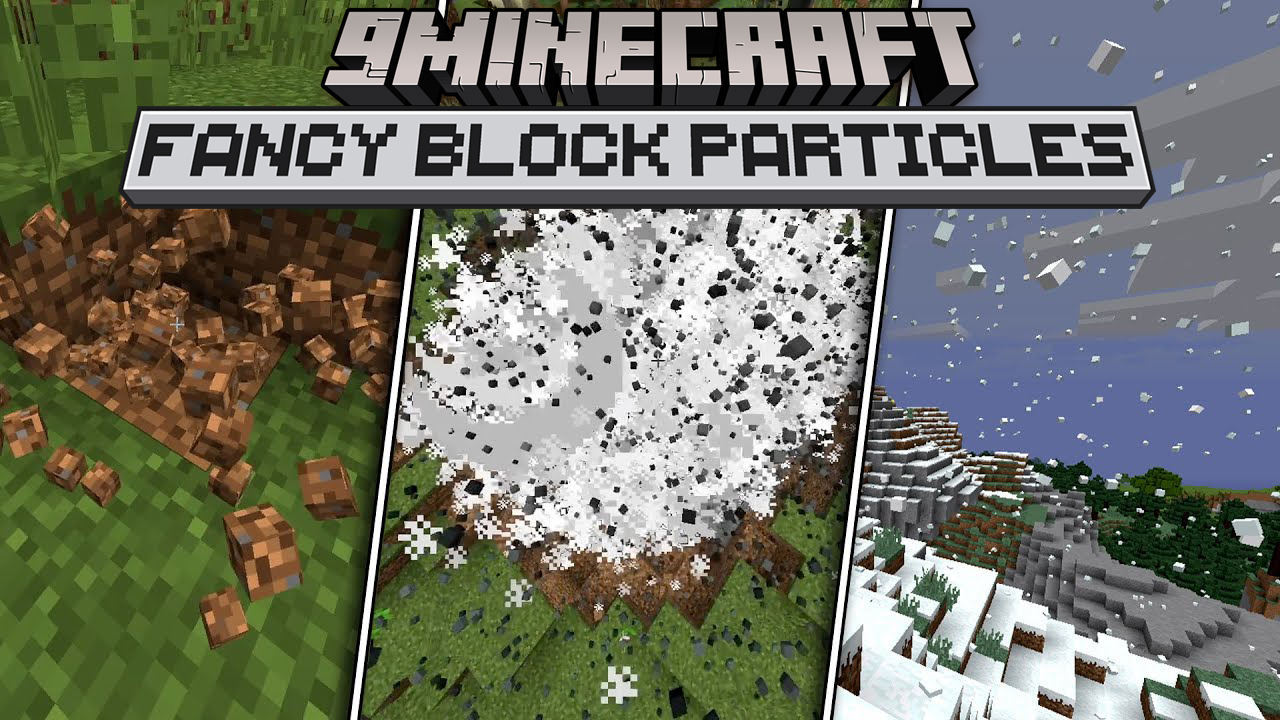
Binabago ng Fancy Block Particles Mod ang paraan ng pagkasira ng mga blocks sa Minecraft. Kapag naghuhukay o nagmimina ka, pinapalitan ng mod na ito ang mga normal na flat particles ng maliliit na 3D pieces ng block. Dahil dito, mas nagmumukhang realistic at masayang tingnan ang pagbasag ng mga blocks.
Features:
- Pinapalitan ang standard 2D block-breaking particles ng mga 3D version.
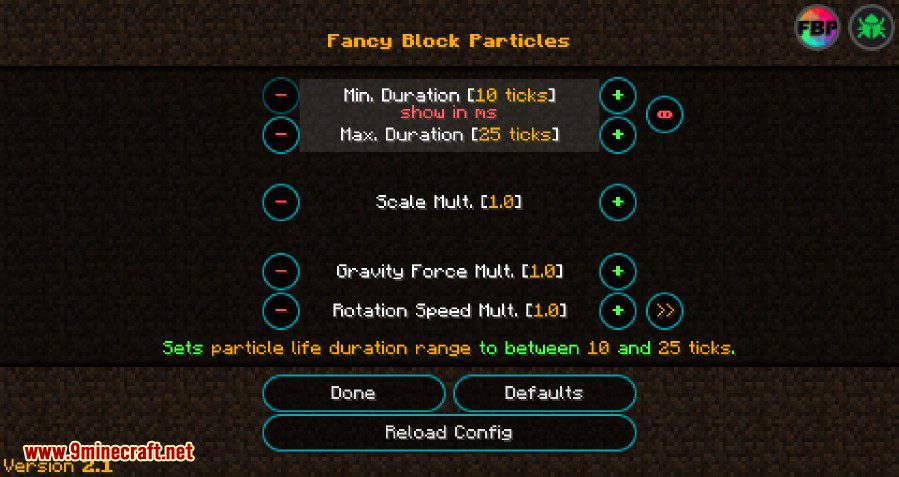
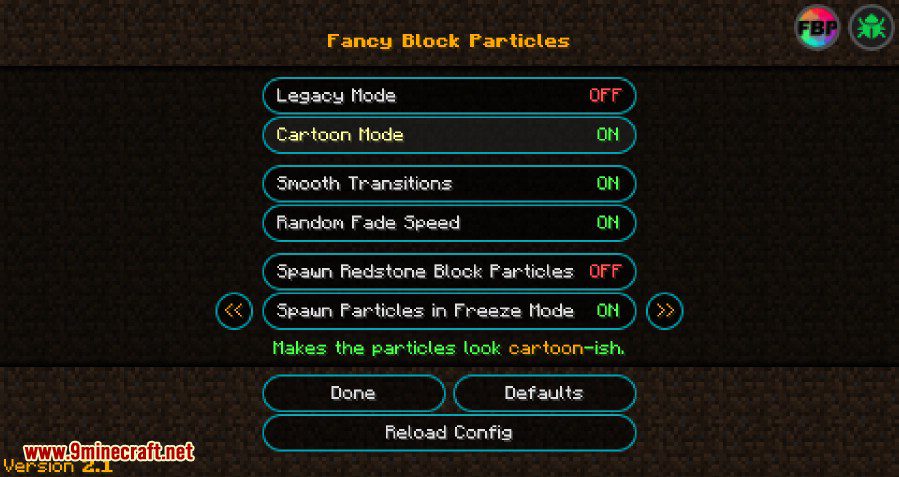
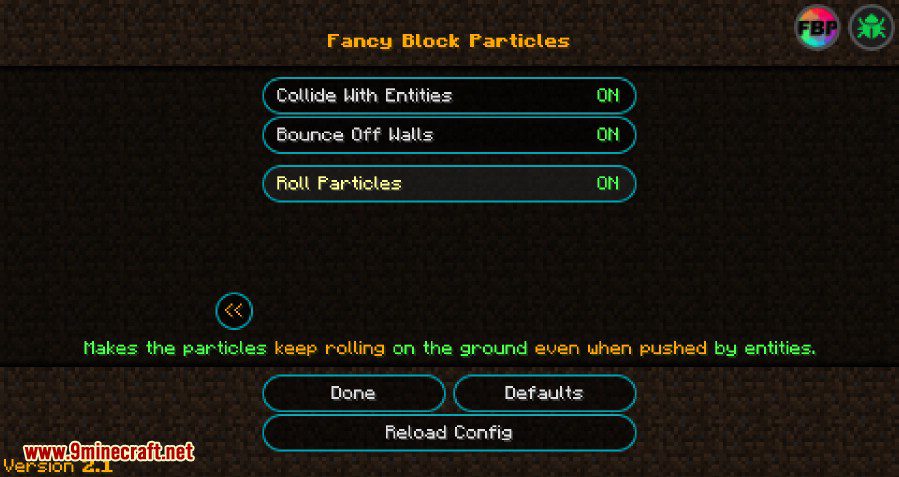
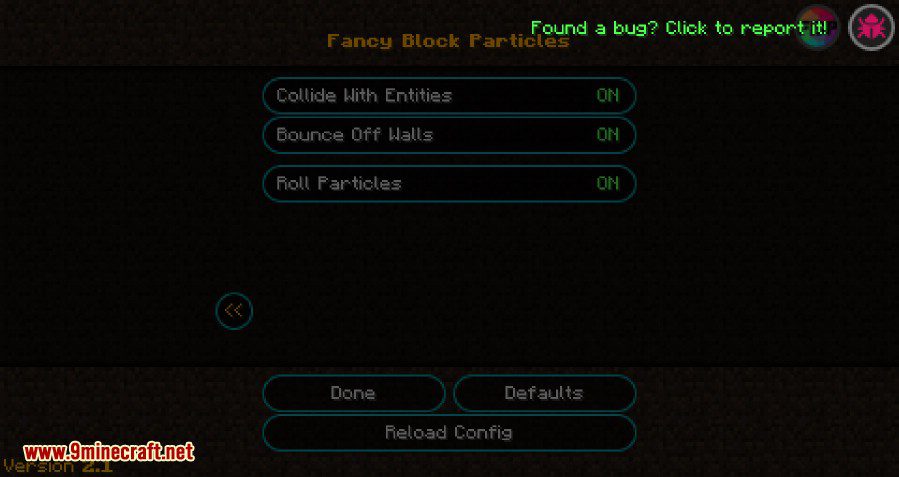
- May kasamang settings menu para mabago ang itsura at galaw ng mga particles.
- Pinapayagan kang i-adjust ang particle physics gaya ng gravity at kung gaano sila katagal bago mawala.
- May “cartoon mode” para sa kakaibang visual style.
- Pinapayagan kang i-blacklist ang mga specific na blocks para hindi sila magpakita ng 3D particles.
- I-freeze ang lahat ng particles sa ere sa isang pindot lang ng button.
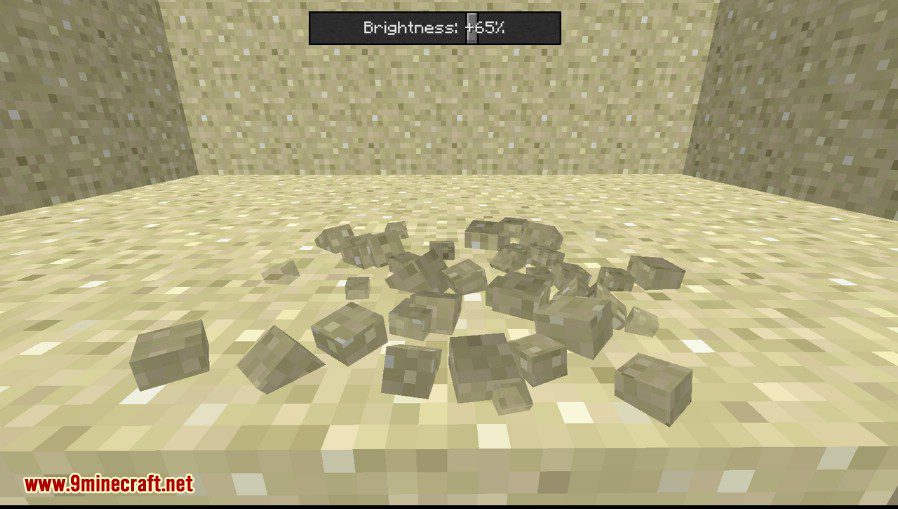
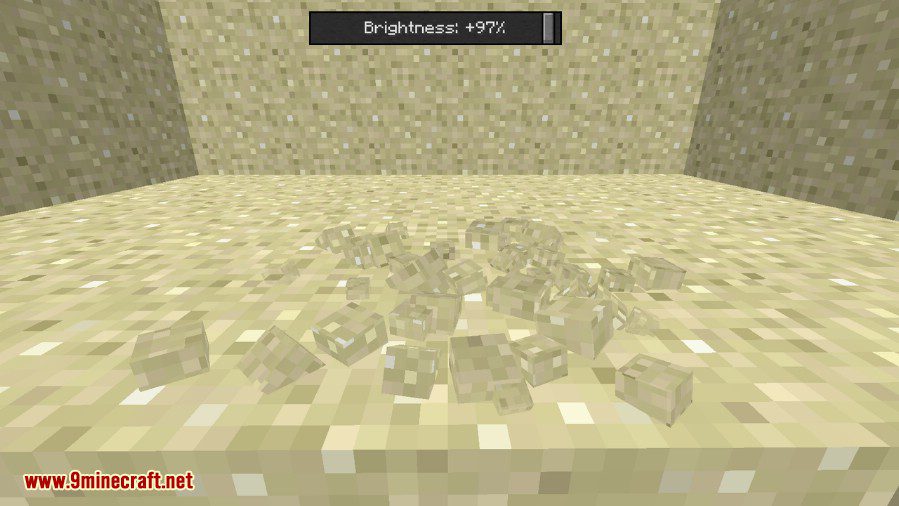
- I-adjust ang brightness ng mga 3D particles.
Paano Gamitin:
- Pindutin ang P key para buksan ang main menu ng mod.
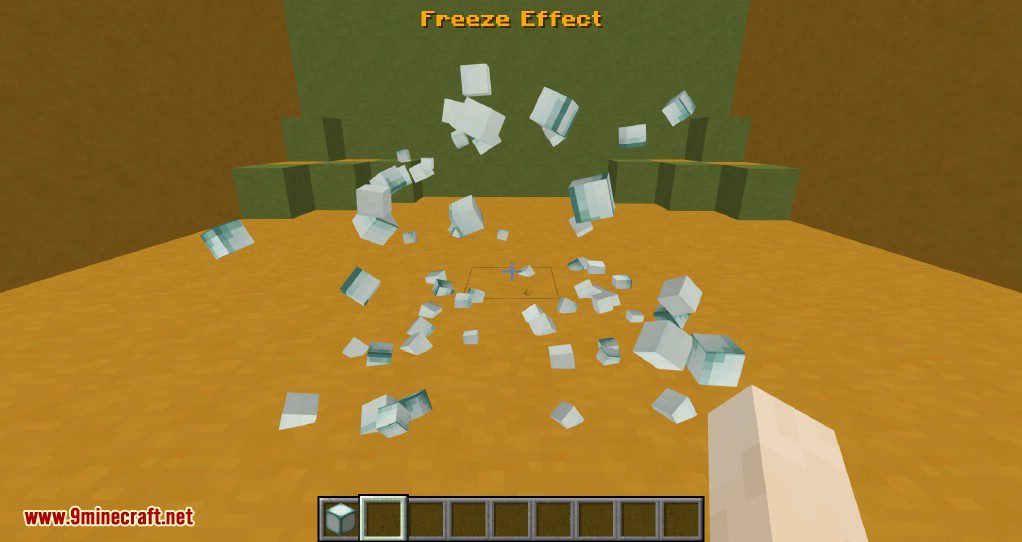
- Pindutin ang R key para i-toggle ang particle freeze effect (on/off).
- Tumingin sa isang block at pindutin ang X key para mabilis itong maidagdag sa blacklist.
- Habang may hawak na item, pindutin ang Shift + X para i-blacklist ang hawak mong block.
- Ang ibang controls, gaya ng pag-toggle sa buong mod, ay hindi naka-set by default pero pwedeng i-assign sa keybind settings ng Minecraft.
Key Controls:
- Enable/Disable mod: [NOT SET]
- Kill Particles: [NOT SET]
- Open FBP Menu: ‘P’
- Toggle Freeze Effect: ‘R’
Screenshots:
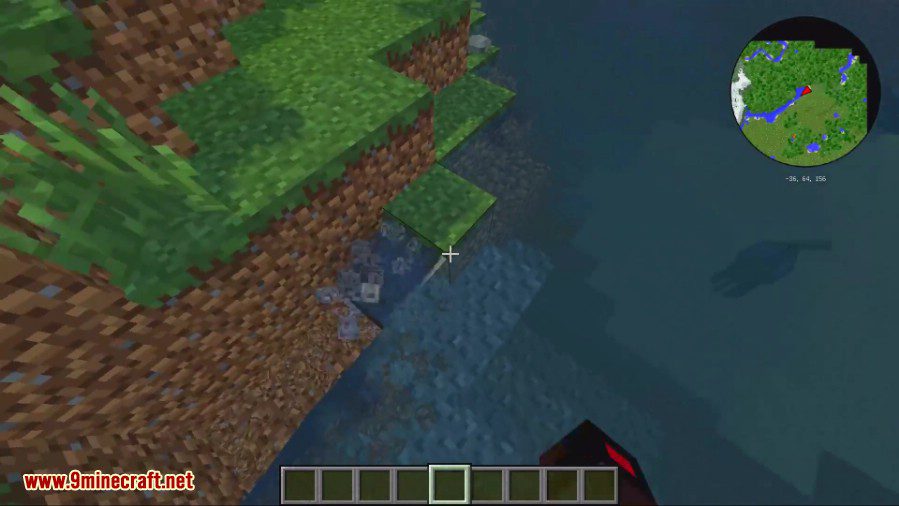
Pwede mong baguhin ang itsura at galaw ng mga particles
Pwede mong i-adjust ang brightness ng mga particles
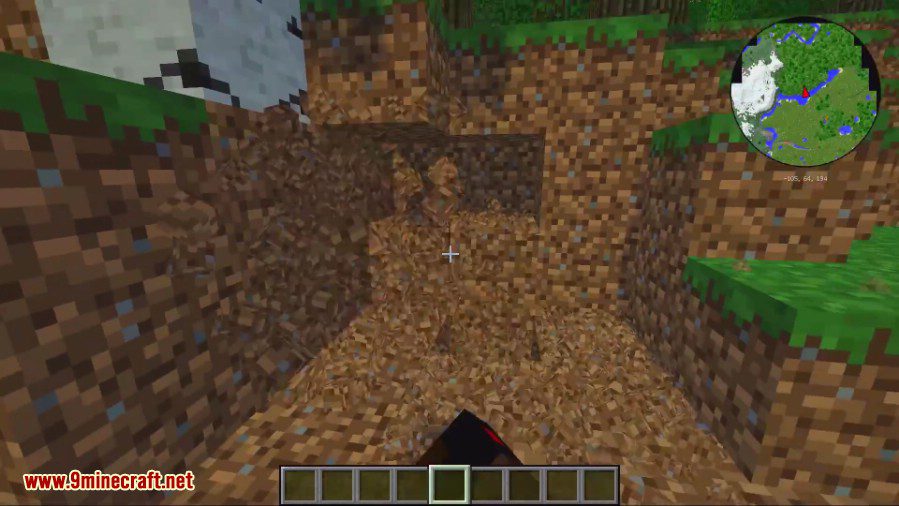
Pwede mo ring i-freeze ang mga particles sa ere (sa pagpindot ng ‘R’)
Paano I-install:
Fancy Block Particles Mod Download Links
Para sa Minecraft 1.7.10, 1.7.2
Para sa Minecraft 1.8.9
Para sa Minecraft 1.10.2
Para sa Minecraft 1.11.2, 1.11
Para sa Minecraft 1.20.4
Forge version: Download mula sa Server 1 – Download mula sa Server 2
NeoForge version: Download mula sa Server 1 – Download mula sa Server 2
Fabric version: Download mula sa Server 1 – Download mula sa Server 2
Mas Bagong Version:
https://www.9minecraft.net/fancy-block-particles-renewed-mod/
Para sa Minecraft 1.20.1
Forge version: Download mula sa Server 1 – Download mula sa Server 2
Fabric version: Download mula sa Server 1 – Download mula sa Server 2
Para sa Minecraft 1.19.4
Forge version: Download mula sa Server 1 – Download mula sa Server 2
Fabric version: Download mula sa Server 1 – Download mula sa Server 2
Para sa Minecraft 1.12.2, 1.12.1, 1.12
Baka Magustuhan Mo Rin

Wala pang komento ang post na ito. Maging una — lalabas dito ang iyong komento.