


Fancy Block Particles Mod (1.20.1, 1.12.2) – Make Mining More Satisfying

 0
0 

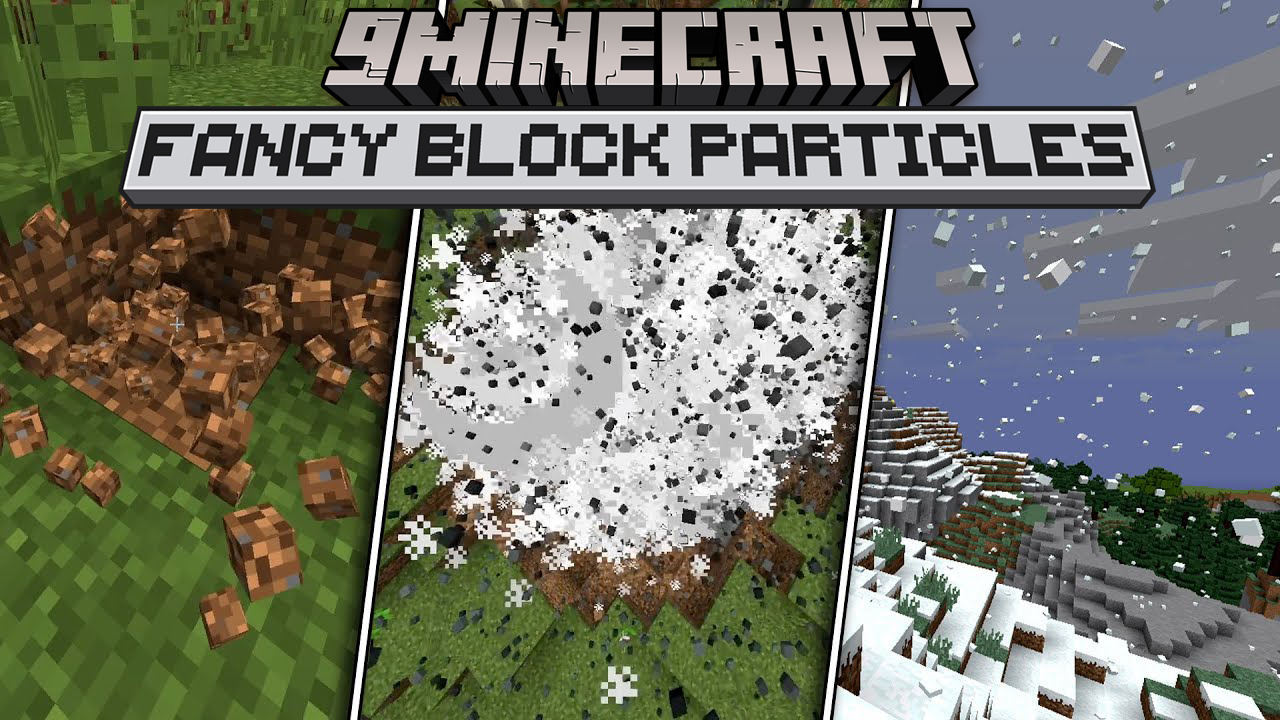
Fancy Block Particles Mod changes how blocks break in Minecraft. When you dig or mine, this mod replaces the normal flat particles with little 3D pieces of the block. This makes breaking blocks look more realistic and fun.
Features:
- Replaces standard 2D block-breaking particles with 3D versions.
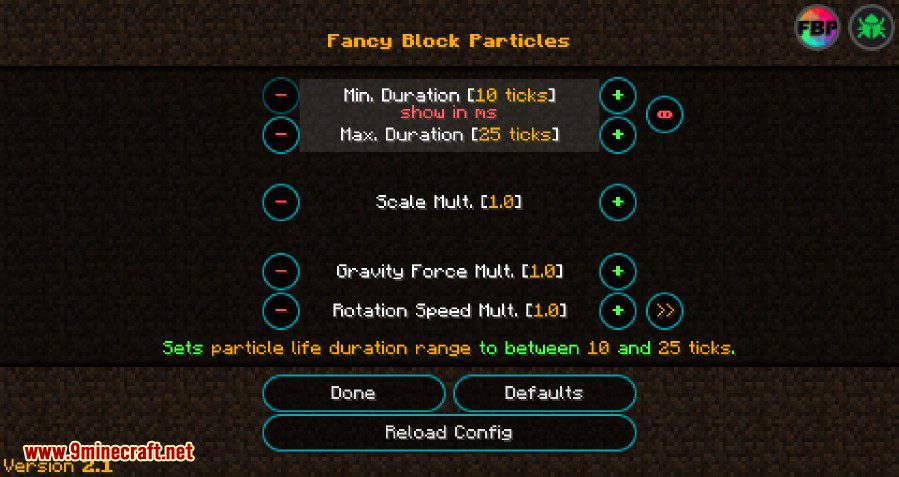
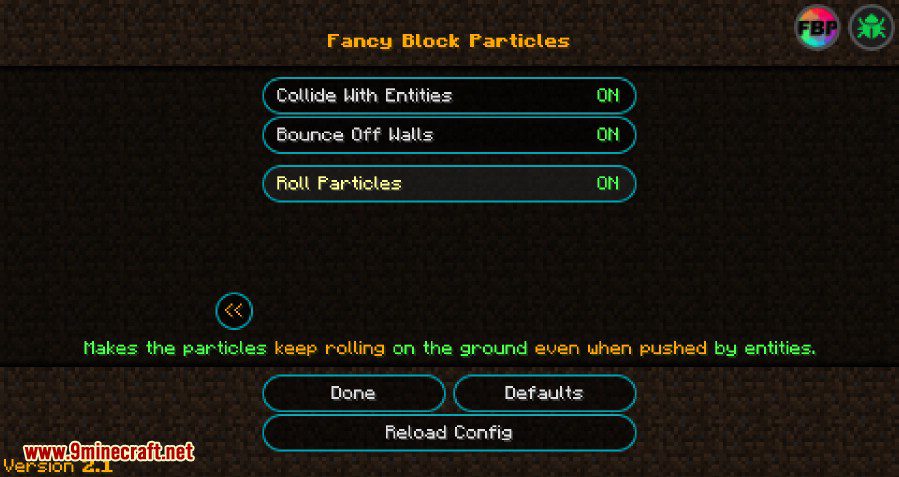
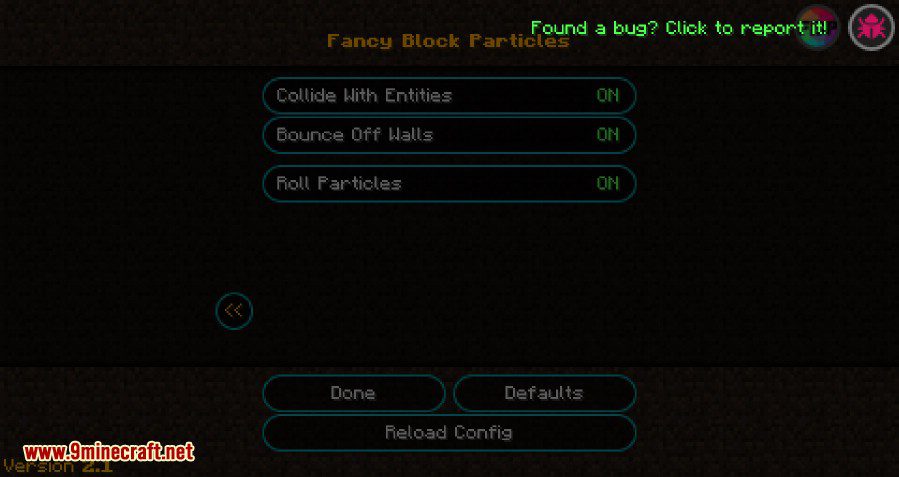
- Includes a settings menu to change how particles look and behave.
- Lets you adjust particle physics like gravity and how long they last.
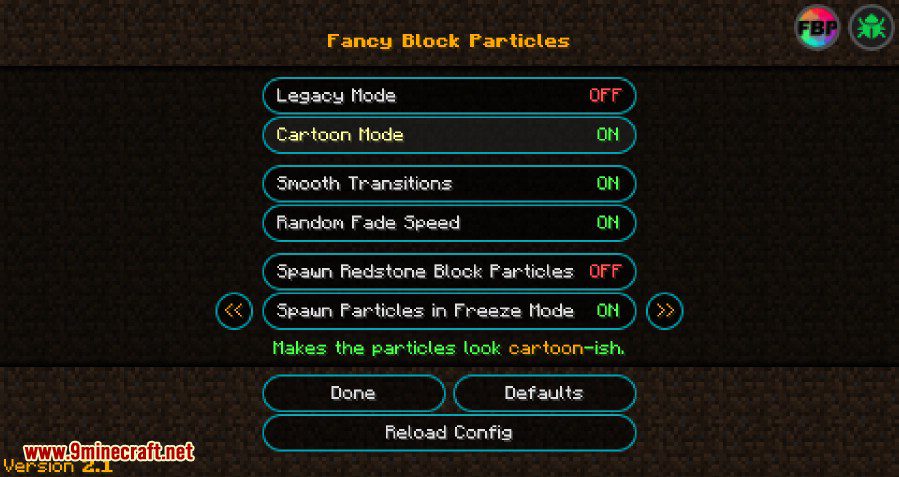
- Offers a “cartoon mode” for a different visual style.
- Allows you to blacklist specific blocks to prevent them from showing 3D particles.
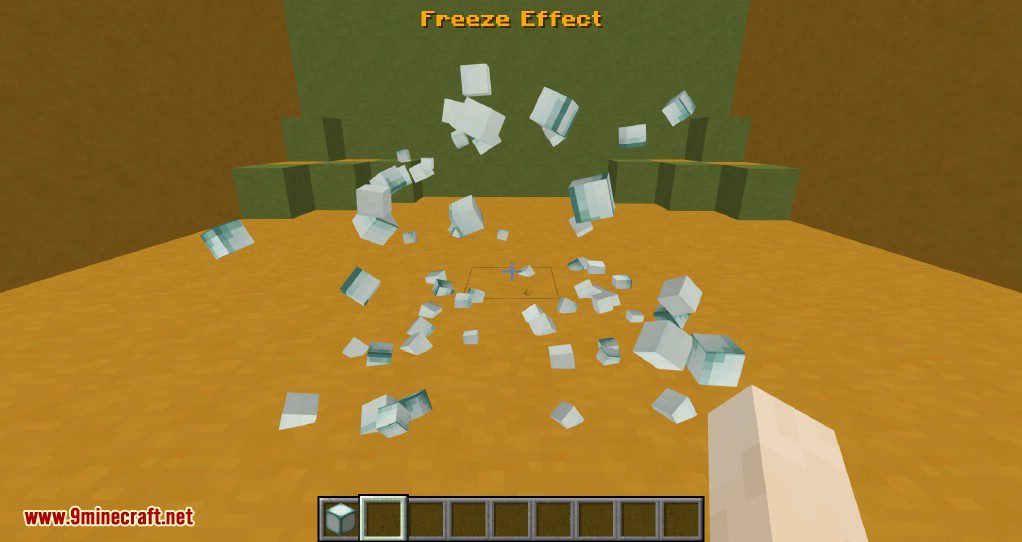
- Freeze all particles in mid-air with the press of a button.
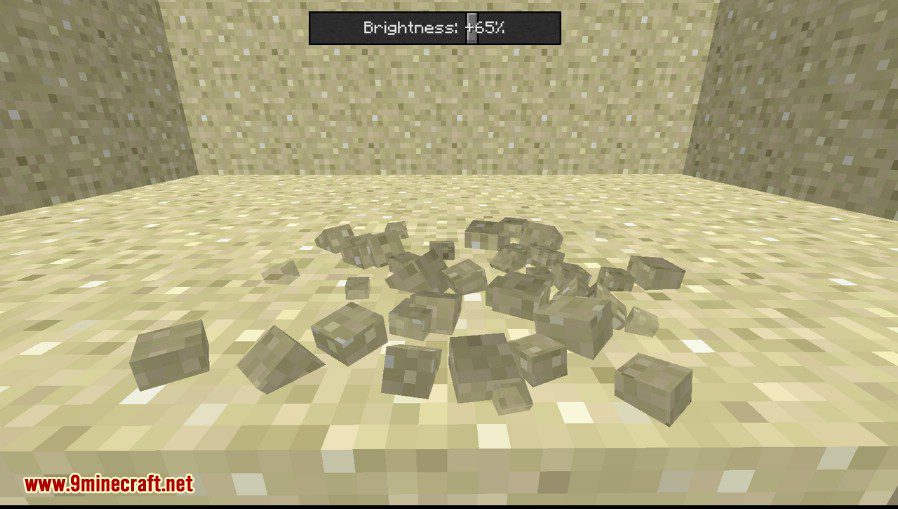
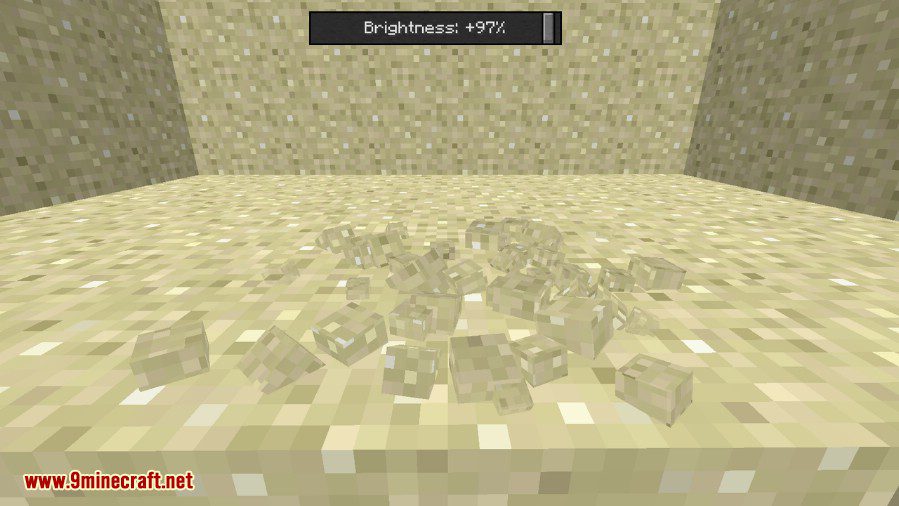
- Adjust the brightness of the 3D particles.
How to Use:
- Press the P key to open the main menu for the mod.
- Press the R key to toggle the particle freeze effect on and off.
- Look at a block and press the X key to quickly add it to the blacklist.
- Hold an item and press Shift + X to add the held block to the blacklist.
- Other controls, like toggling the entire mod, are not set by default but can be assigned in Minecraft’s keybind settings.
Key Controls:
- Enable/Disable mod: [NOT SET]
- Kill Particles: [NOT SET]
- Open FBP Menu: ‘P’
- Toggle Freeze Effect: ‘R’
Screenshots:
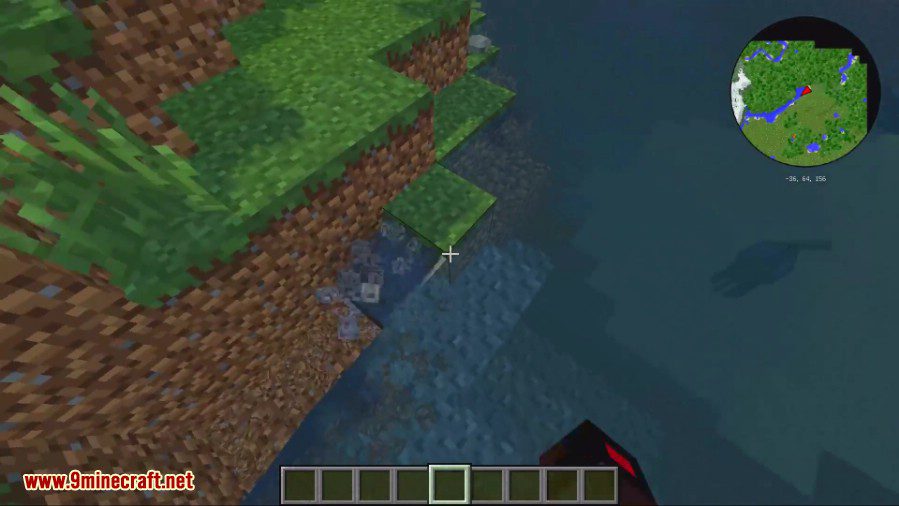
You can change how the particles look, how they behave
You can adjust the brightness of the particles
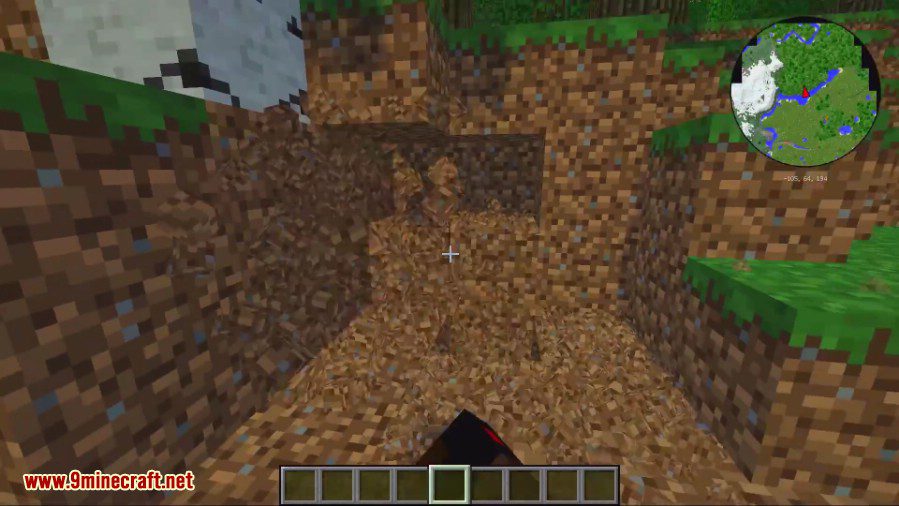
You can also freeze the particles mid-air (by pressing ‘R’)
How to Install:
New to Minecraft? Follow our step-by-step guide to install Mods on your PC.View Guide
Fancy Block Particles Mod Download Links
For Minecraft 1.7.10, 1.7.2
For Minecraft 1.8.9
For Minecraft 1.10.2
For Minecraft 1.11.2, 1.11
For Minecraft 1.20.4
Forge version: Download from Server 1 – Download from Server 2
NeoForge version: Download from Server 1 – Download from Server 2
Fabric version: Download from Server 1 – Download from Server 2
Newer Version:
https://www.9minecraft.net/fancy-block-particles-renewed-mod/
For Minecraft 1.20.1
Forge version: Download from Server 1 – Download from Server 2
Fabric version: Download from Server 1 – Download from Server 2
For Minecraft 1.19.4
Forge version: Download from Server 1 – Download from Server 2
Fabric version: Download from Server 1 – Download from Server 2
For Minecraft 1.12.2, 1.12.1, 1.12
You May Also Like


This post has no comments yet. Be the first — your comment will appear here.