


Keystrokes Plus Mod (1.21.11) – I-monitor ang Iyong Clicks Per Second Habang Nag-PvP
 425
425
 0
0


🌐 Binabasa mo ang artikulong ito sa Filipino. Gusto mong magpalit?
📖 Basahin sa Ingles (orihinal)O pumili ng gusto mo:
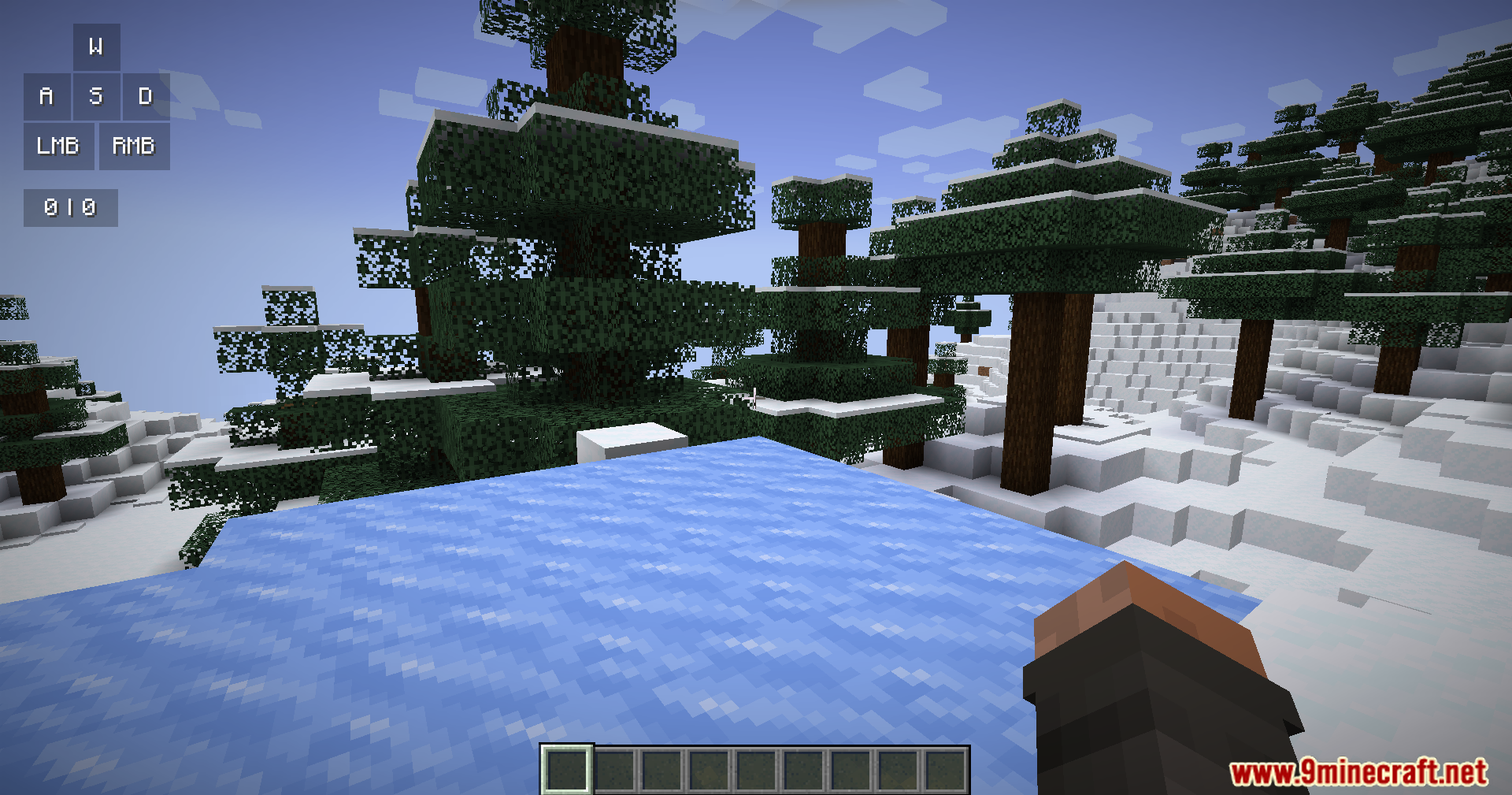
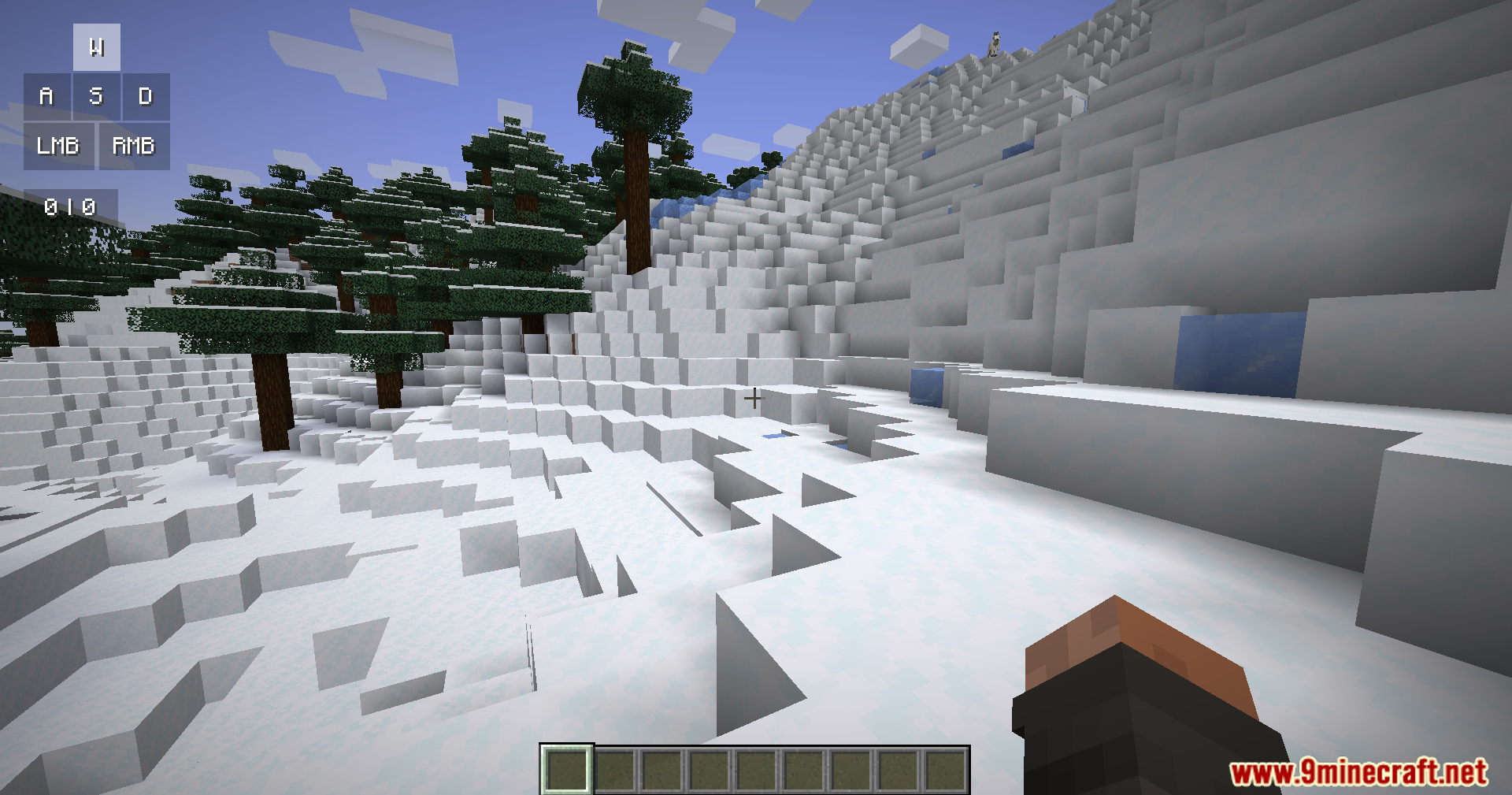
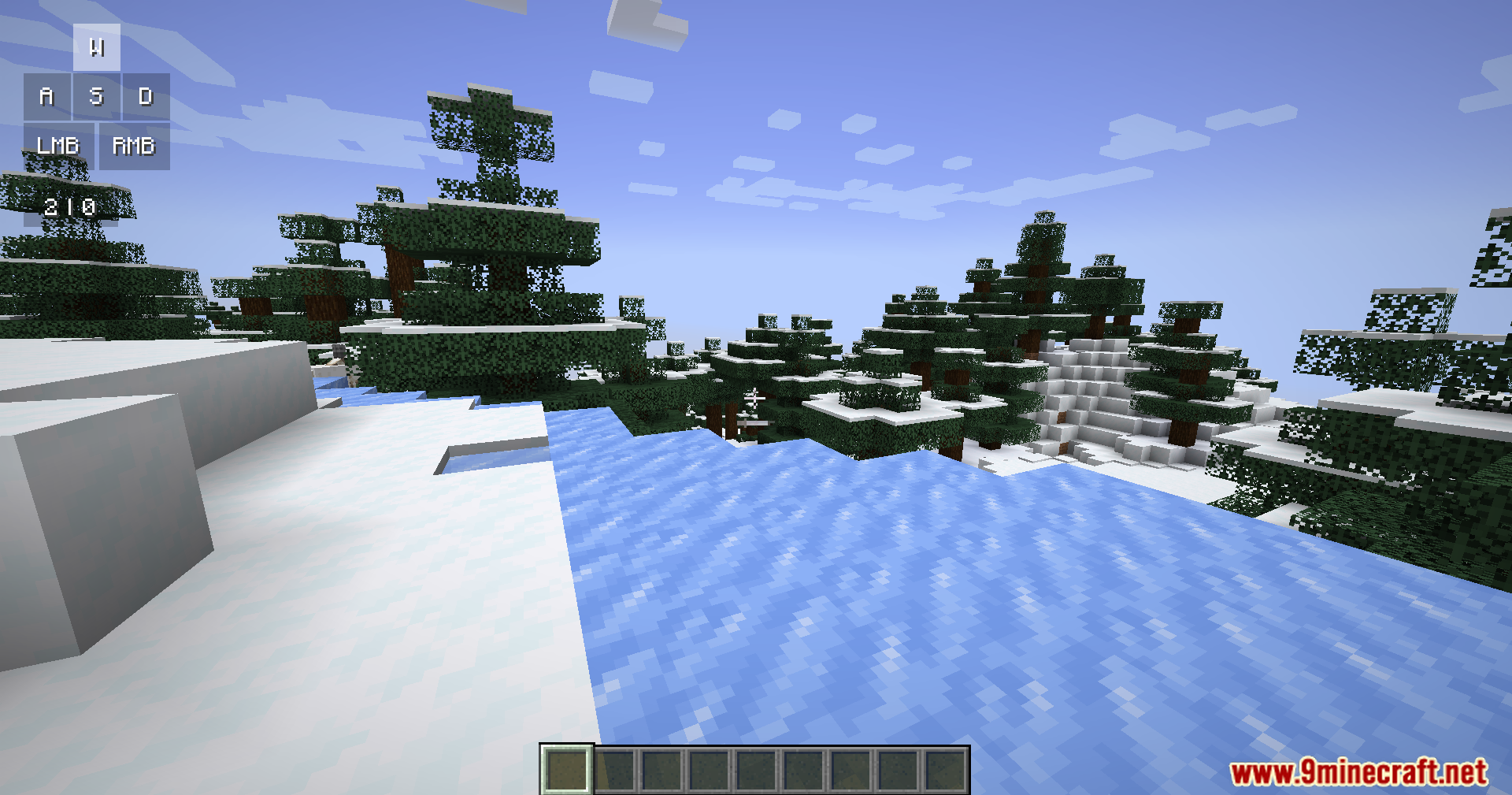
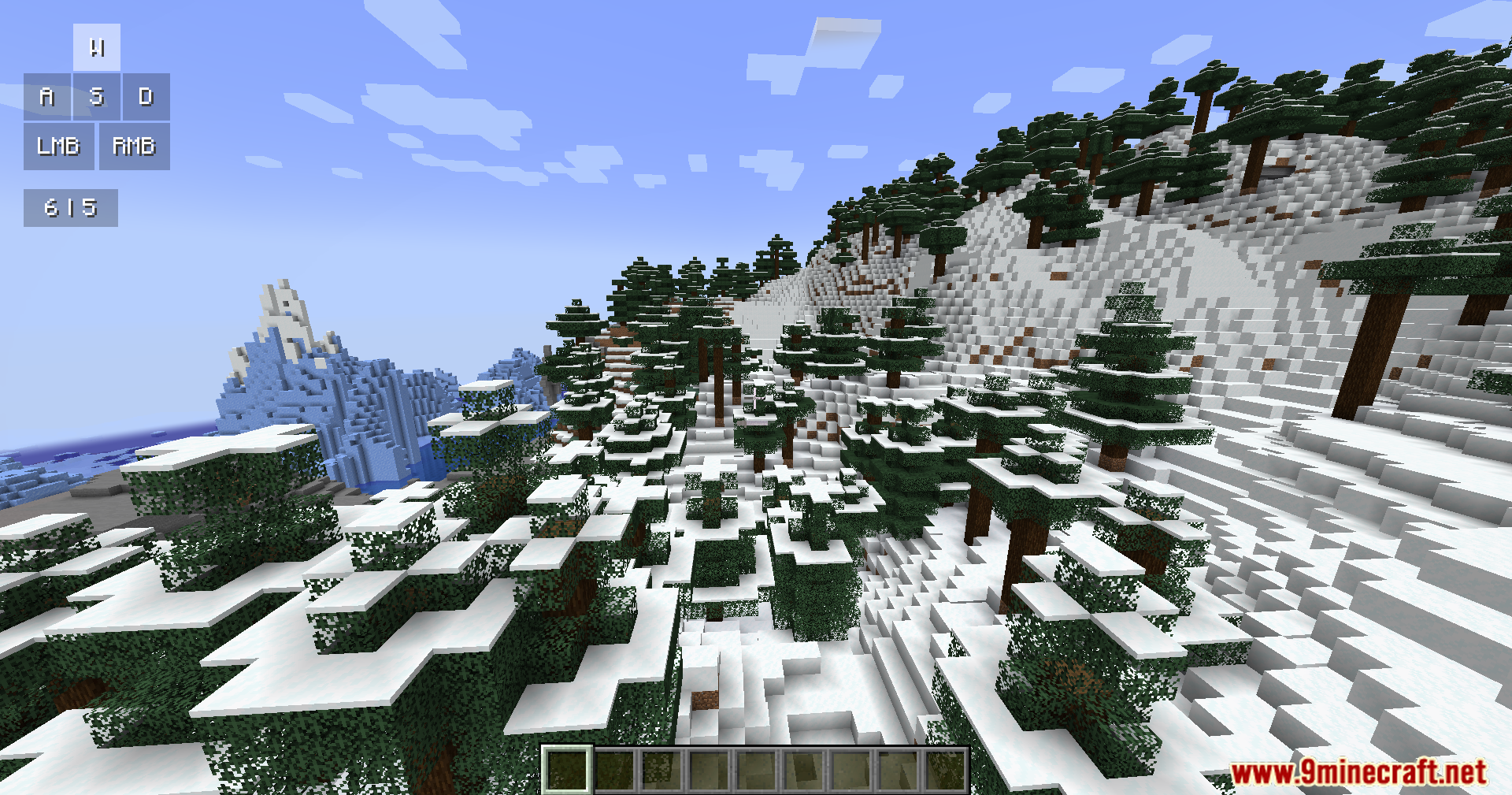
Ang Keystrokes Plus Mod ay nagdaragdag ng isang malinis na information screen sa iyong laro. Ipinapakita nito ang mga button na pinipindot mo at ang iyong clicks per second mismo sa iyong monitor. Ang mod na ito ay nagbibigay ng modernong look na may smooth animations at rounded corners na swak na swak sa laro.
Features:
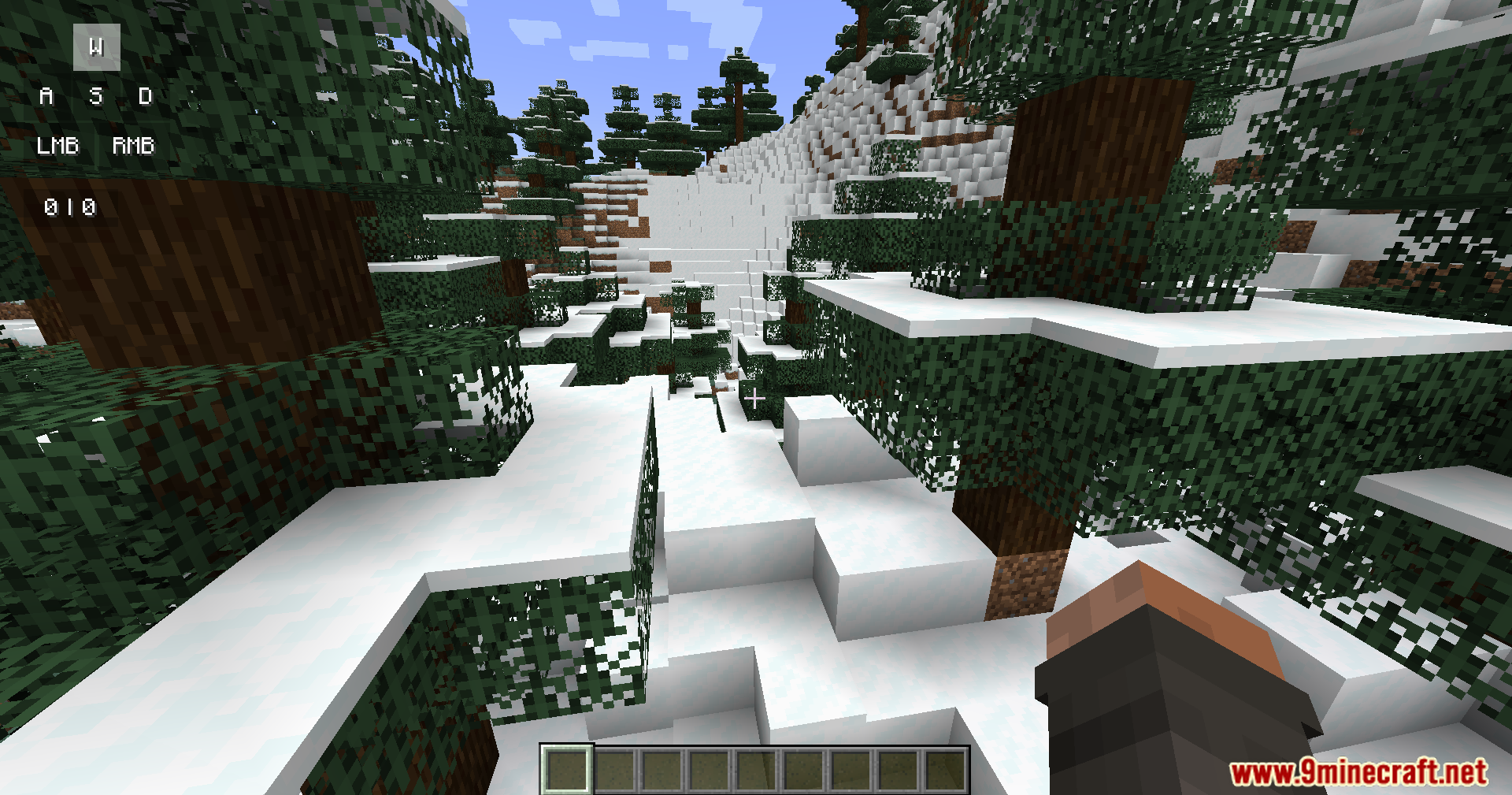
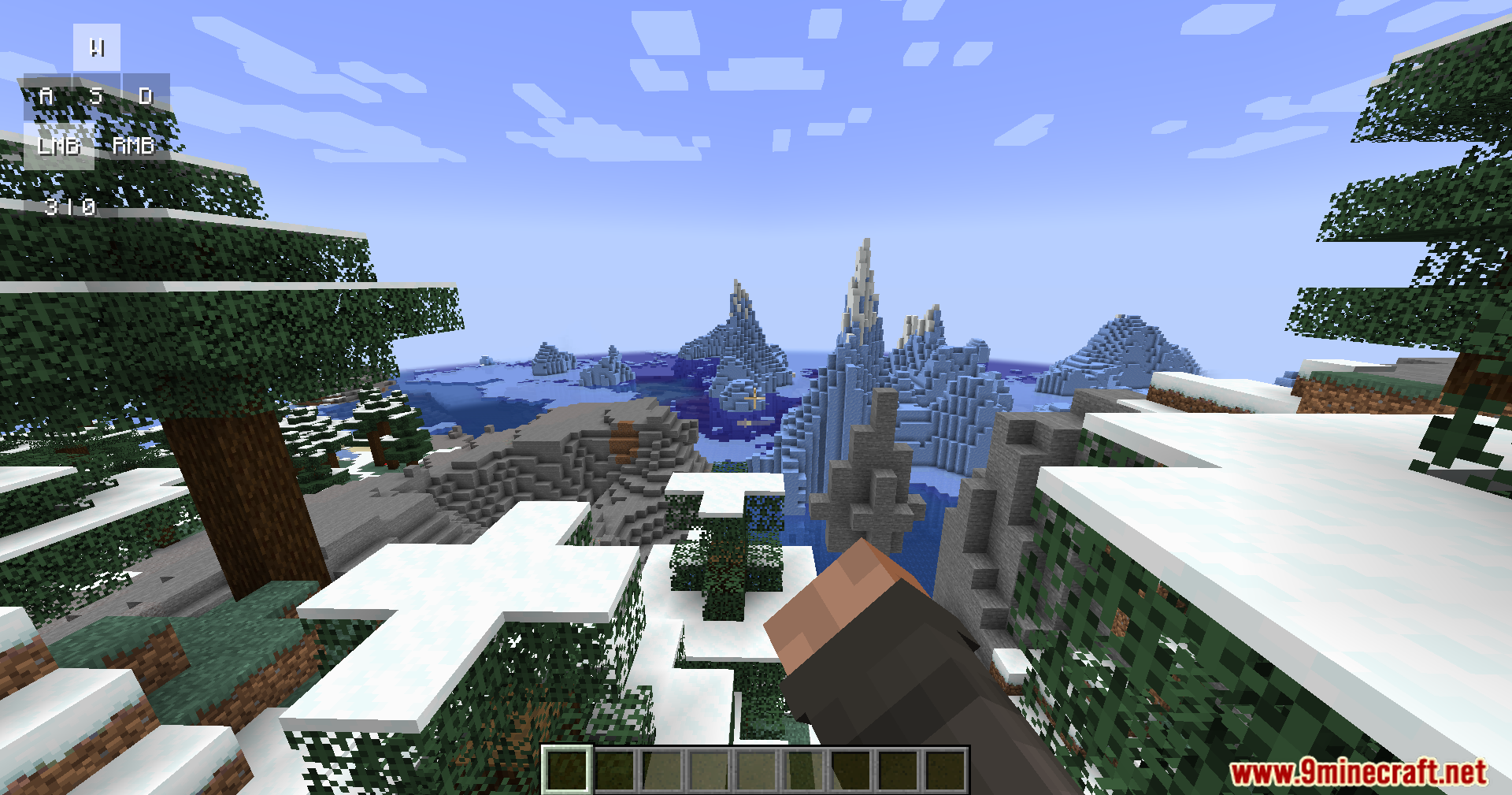
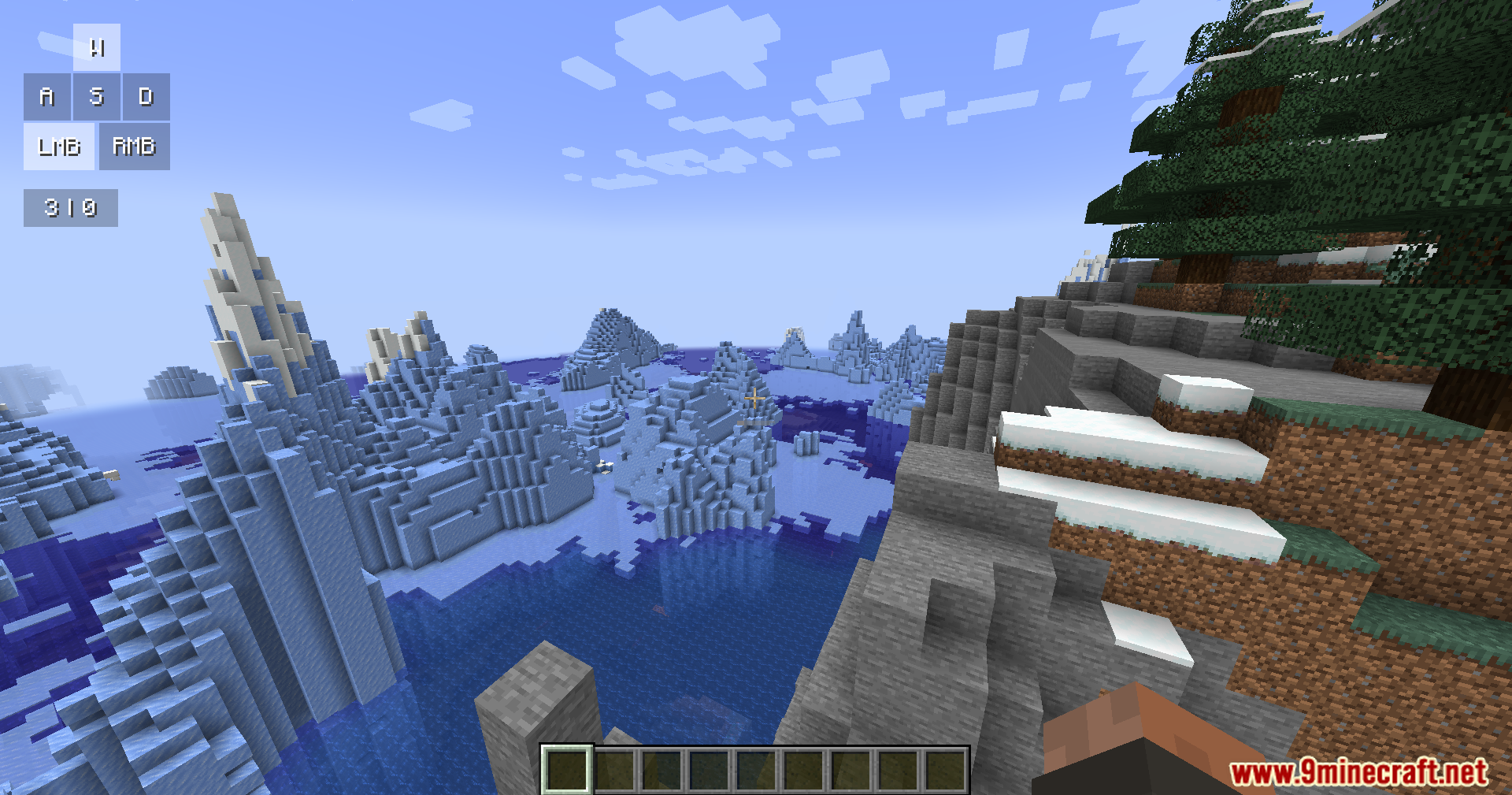
- Key Tracking: Ipinapakita kapag pinindot mo ang iyong movement keys tulad ng W, A, S, D at ang iyong mouse buttons.
- CPS Counter: Binibilang kung gaano ka kabilis mag-click sa iyong left at right mouse buttons.
- Ipinapakita ang armor na suot mo at ang mga item na hawak mo sa screen.
- Ipinapakita ang iyong active potion effects na may maliliit na icons at timer.
- Nagbibigay ng fresh na look sa screen na may soft shadows, color gradients, at smooth movements.
Paano Gamitin:
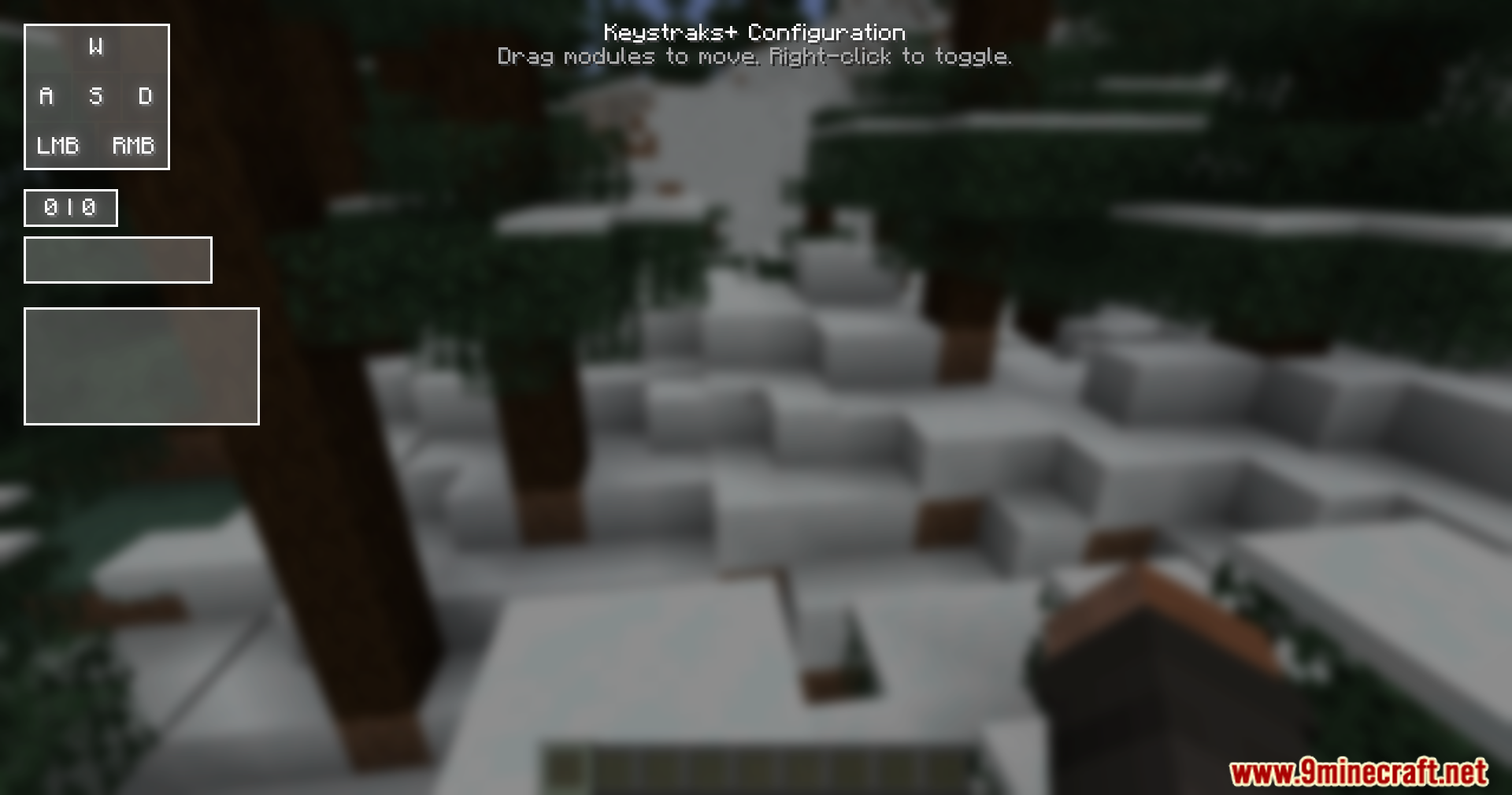
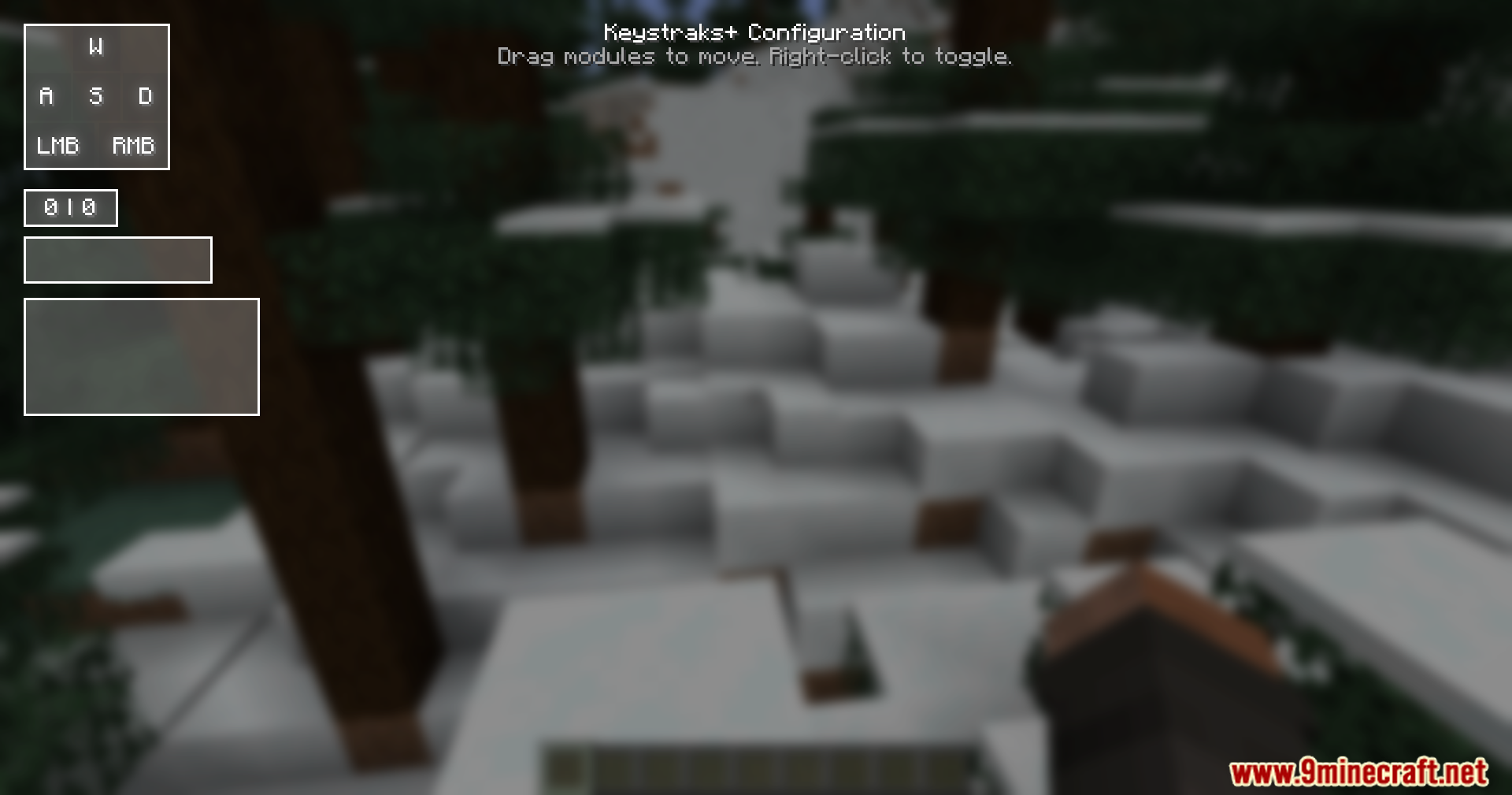
- Pindutin ang Right Shift key sa iyong keyboard para buksan ang setup menu.
- I-click at i-drag ang iba’t ibang boxes sa screen para ilipat ang mga ito.
- I-right-click ang kahit anong box para i-on o i-off ito.
Screenshots:
Paano I-install:
Mga Kailangan:


Keystrokes Plus Mod Download Links
Para sa Minecraft
1.21.11,
1.21.10,
1.21.9
All Versions Covered
1.21.11
1.21.10
1.21.9
1.21.8
1.21.7
1.21.6
1.21.5
1.21.4
All Versions Covered
1.21.11
1.21.10
1.21.9
1.21.8
1.21.7
1.21.6
1.21.5
1.21.4
I-click para i-rate ang post na ito!
[Total: 1 Average: 5]
Baka Magustuhan Mo Rin





Wala pang komento ang post na ito. Maging una — lalabas dito ang iyong komento.