


MetaMorph Mod (1.12.2, 1.11.2) – Maging Paborito Mong Mob

 0
0 

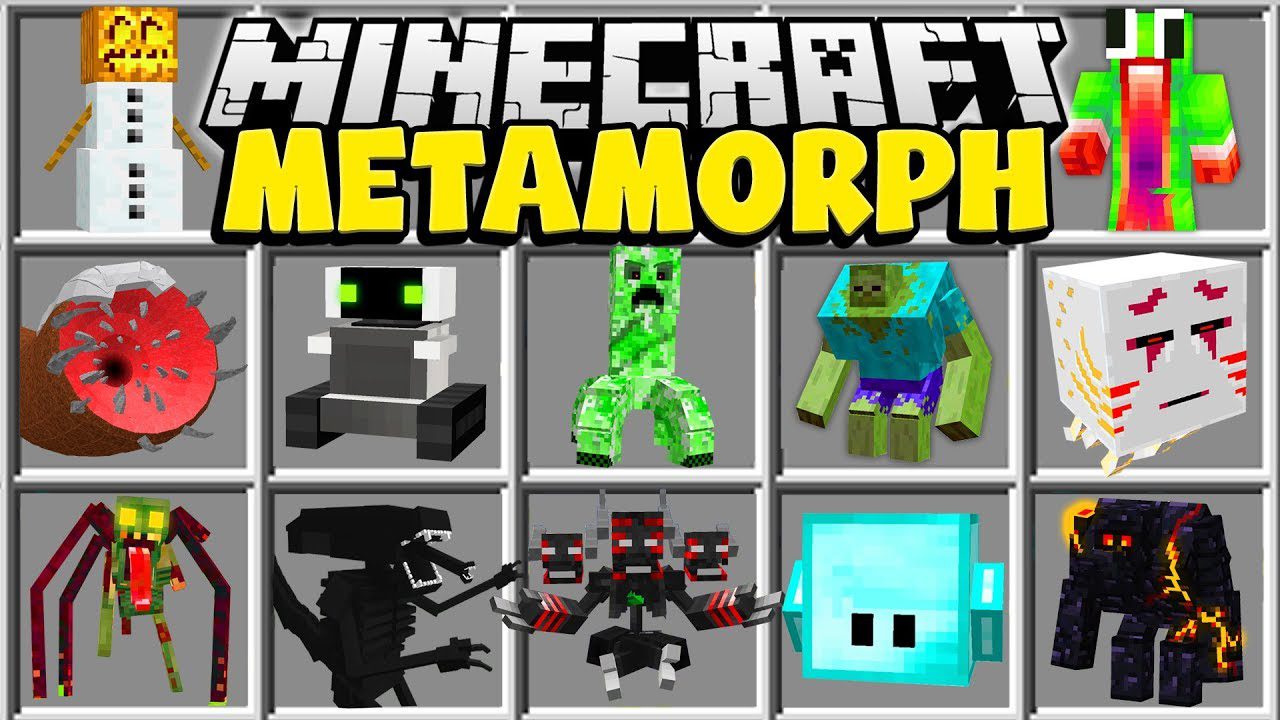
Ang MetaMorph Mod ay hinahayaan kang mag-transform sa iba’t ibang mobs sa Minecraft. Para makuha ang kakayahang mag-morph, kailangan mo munang talunin ang isang mob. Pagkatapos mo itong mapatay, maaari mong kunin ang morph nito at gamitin ito para mag-iba ng anyo. Dahil dito, makikita mo ang mundo sa bagong perspektibo at magagamit mo ang mga unique na abilities ng bawat nilalang.
Features:
- Mag-transform sa halos lahat ng vanilla Minecraft mobs pagkatapos mo silang talunin.
- Makakuha ng mga special abilities na unique sa bawat mob, gaya ng slow fall ng manok o wall-climbing ng gagamba.
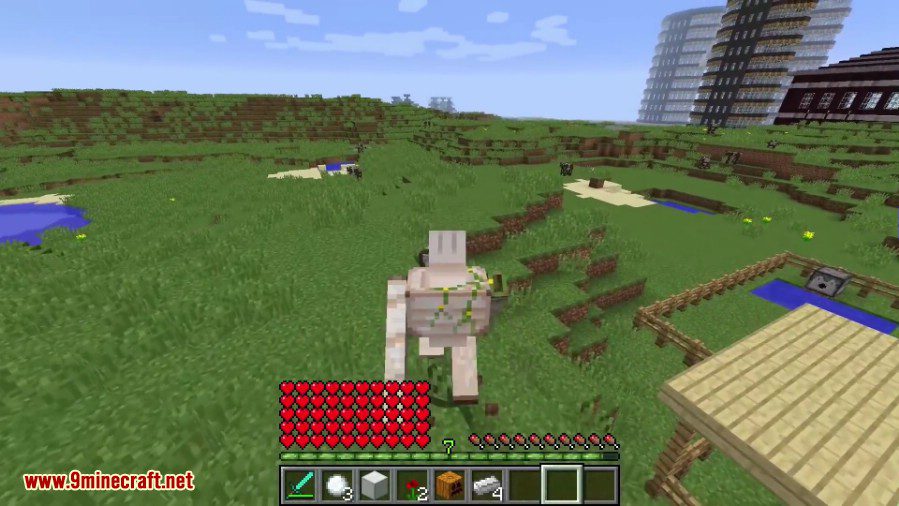
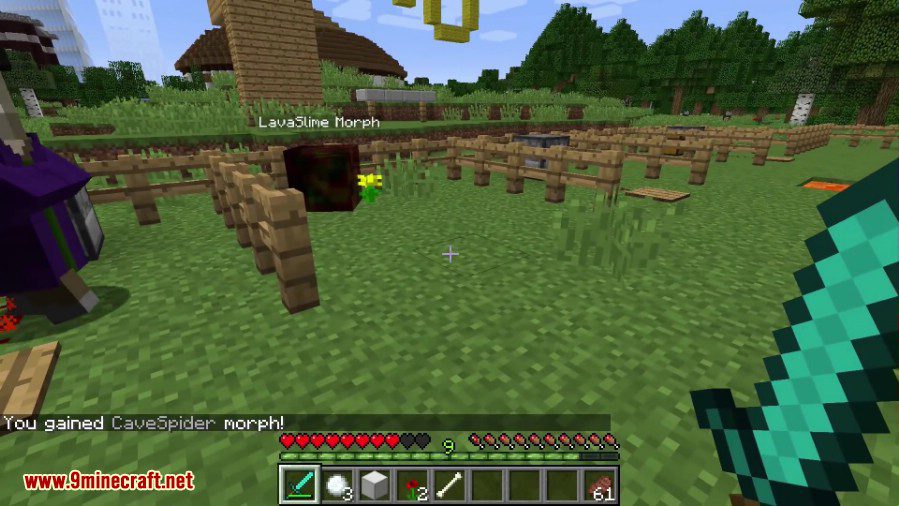
- Gumamit ng mga mob-specific attacks, tulad ng lason ng Cave Spider o malakas na knockback ng Iron Golem.
- Magsagawa ng special actions sa pagpindot ng key, gaya ng pagsabog ng Creeper o mataas na talon ng Rabbit.
- Ang iyong laki, health, at hitsura ay magbabago base sa mob na pinili mo.
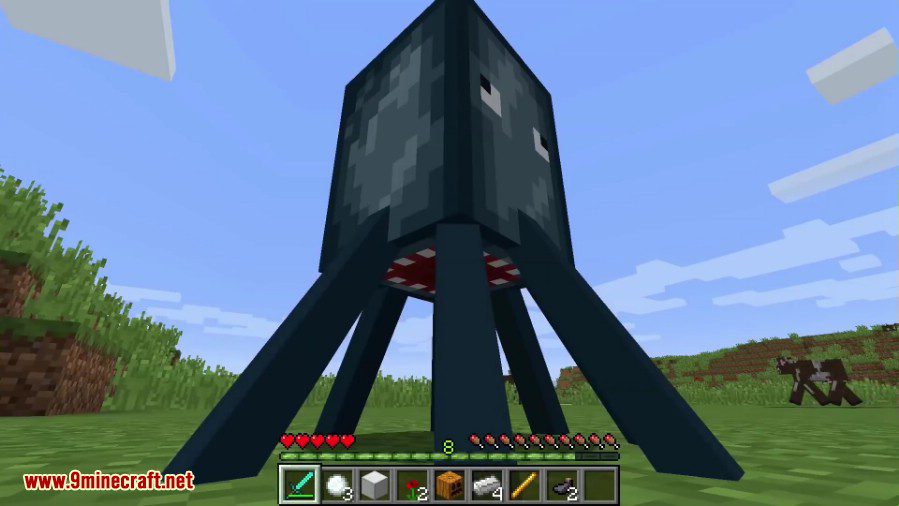
- Ang mga Bat ay nakakalipad at may night vision, habang ang mga Squid naman ay nakakahinga sa ilalim ng tubig.
- Mananatili ang iyong mga morph kahit mamatay ka pa.
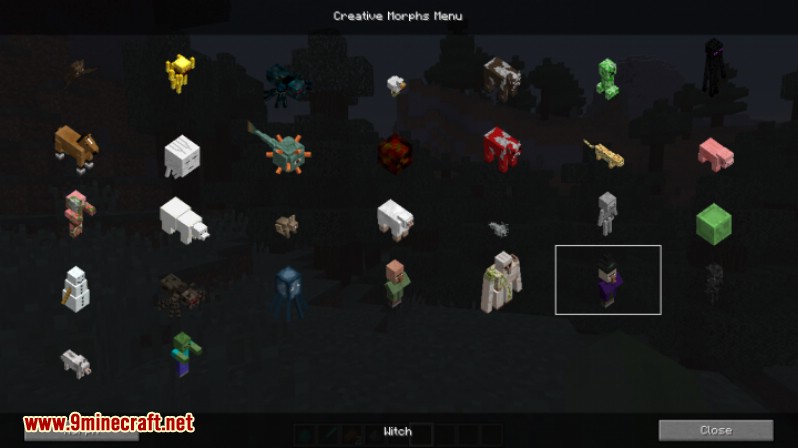
- May creative mode menu na nagbibigay-daan para malayang makapili ng kahit anong available na morph.
Tungkol sa mga Morphs:
Bawat morph na gagamitin mo ay magbibigay sa iyo ng kakaibang look, laki, at health capacity. Bukod sa mga katangiang ito, ang bawat morph ay mayroon ding special abilities, attack, at action.
Ang mga Abilities ay nagbibigay ng special properties sa mga morph. Ang Chicken morph ay dahan-dahang mahuhulog at walang fall damage. Ang Spider at CaveSpider morphs ay makakaakyat sa pader. Ang Bat morph naman ay makakalipad at may night vision.
Ang Attack ay isang effect na tumatama sa entity na inatake mo. Halimbawa, kung may tinamaan kang entity habang naka-CaveSpider morph, malalason ang target mo. Kung tatama ka naman habang naka-VillagerGolem morph, mapapatalsik mo ang target mo nang mataas sa ere.
Ang Action ay isang special ability na nti-trigger ng “action key” (na “V” by default). Halimbawa: sa Rabbit morph, tatalon ka nang mataas; sa Creeper morph, sasabog ka na parang creeper, at iba pa.
Morphs:
- Animals
- Bat (fly, night vision)
- Cave Spider (poison attack, climbing up the walls)
- Chicken (glide)
- Cow
- Horse (higher jump)
- Mooshroom
- Ocelot
- Pig
- Polar bear
- Rabbit
- Sheep
- Spider (climbing up the walls)
- Squid (breath underwater, faster swim)
- Wolf
- Neutral mobs
- Enderman (free teleportation, water allergy)
- Iron Golem (super knockback)
- Snow Golem
- Villager
- Zombie Pigman (fire immunity)
- Hostile mobs
- Blaze (fly, shoot fire, fire immunity)
- Creeper (explode and kill yourself)
- Ghast (fly, shoot fire, fire immunity)
- Guardian (breath underwater, faster swim)
- Magma cube (jumping)
- Silverfish
- Skeleton (sun allergy)
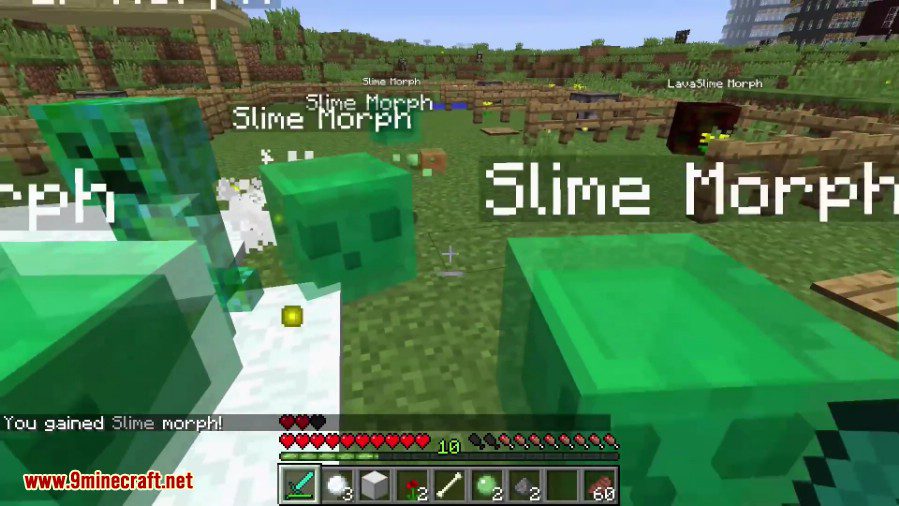
- Slime (jumping)
- Witch (throw random negative splash potion)
- Wither Skeleton (wither attack, fire immunity)
- Zombie (sun allergy)
Abilities:
Ang mga abilities na may check ay nasa code na ng laro, pero maaaring hindi pa fully functional. Naka-implement na ang mga ito sa basic na paraan.
Ticking abilities
- Fly (parang sa creative)
- Glide (bagal ng paghulog)
- Breath underwater (unlimited na oras sa tubig)
- Swim (mas mabilis na paglangoy)
- Allergies (nababawasan ng buhay mula sa…)
- Snow walk (naglalagay ng manipis na layer ng snow sa ilalim ng player)
- Climb up the wall (kapag malapit sa pader, pwede itong akyatin)
- Fire immunity
- Fall damage prevention (para sa mga tumatalon na mobs)
- Jumping (parang mga slime, hindi ka basta makakalakad)
- Night vision (bat)
Attacks
- Wither (wither skeleton)
- Super knockback (iron golem)
- Poison (cave spider)
Actions
- Throw negative potion (pindutin ang
keypara maging parang witch) - Shoot snow ball (pindutin ang
keypara bumato ng snow ball) - Teleport (pindutin ang
keypara mag-teleport) - Shoot fire (pindutin ang
keypara bumuga ng apoy) - Creeper suicide action
explode(pindutin angkeypara sumabog at magpakamatay) - Jump (mas mataas na talon)
Paano Gamitin:
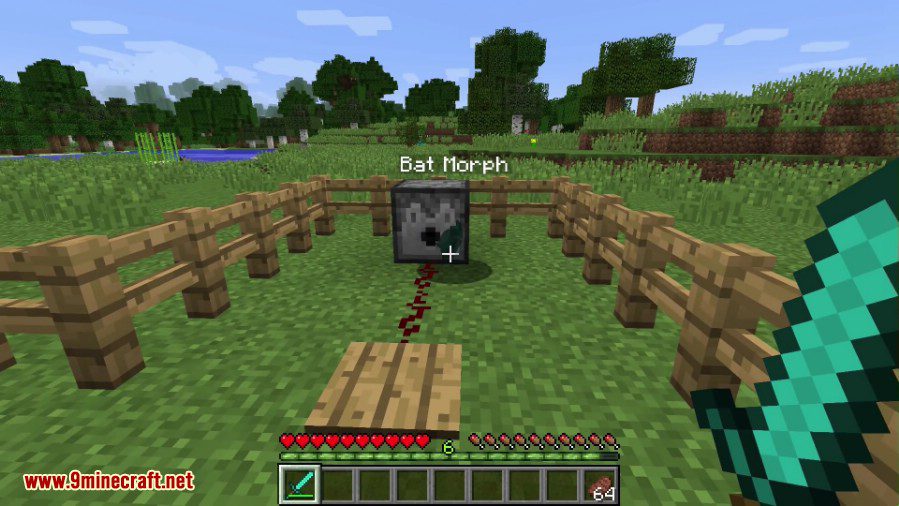
- Para makakuha ng morph, humanap at pumatay ng mob. May lalabas na ghost ng mob; lakaran ito para makolekta ang morph.
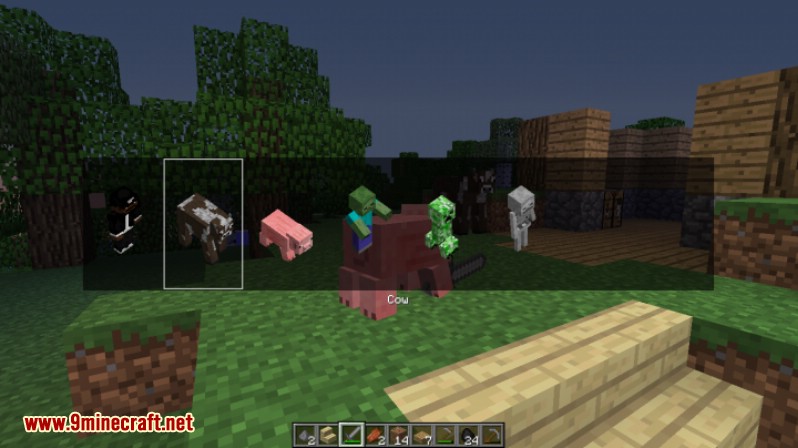
- Pindutin ang X key para buksan ang morph menu at makita ang lahat ng anyo na nakolekta mo.
- Pumili ng morph gamit ang mouse o arrow keys at pindutin ang ‘Morph’ button o ang Enter key para mag-transform.
- Para bumalik sa pagiging player, pindutin ang demorph key (. by default).
- Para gamitin ang special action ng morph, gaya ng pagsabog ng Creeper, pindutin ang action key (V by default).
- Sa Creative Mode, pindutin ang B key para buksan ang Creative Morph Menu at pumili ng kahit anong morph na gusto mo.
Screenshots:

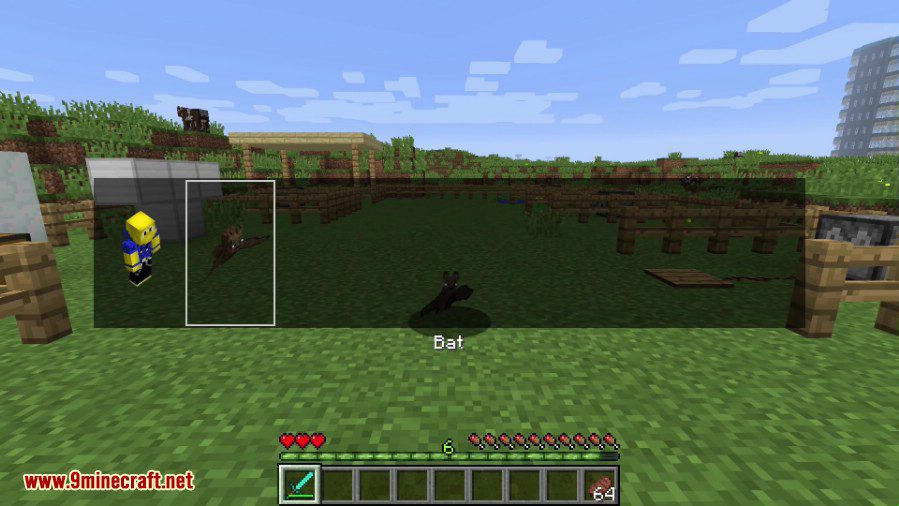
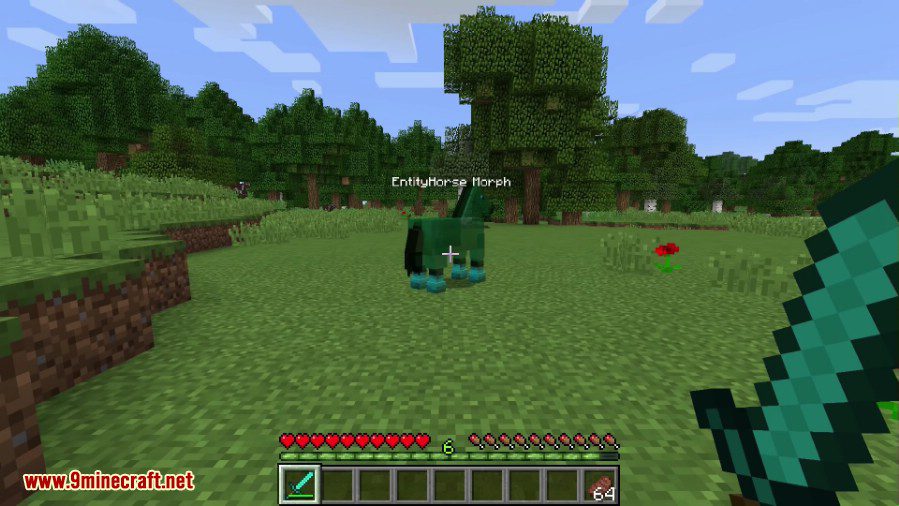
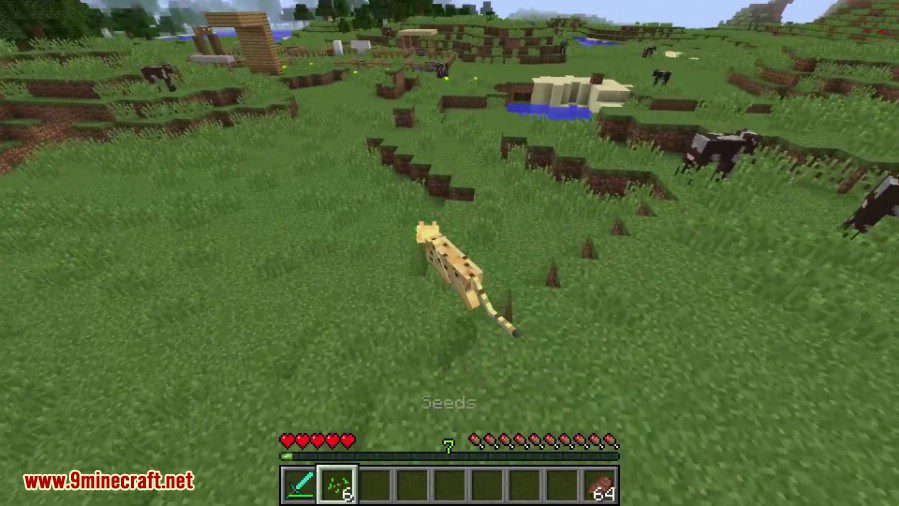
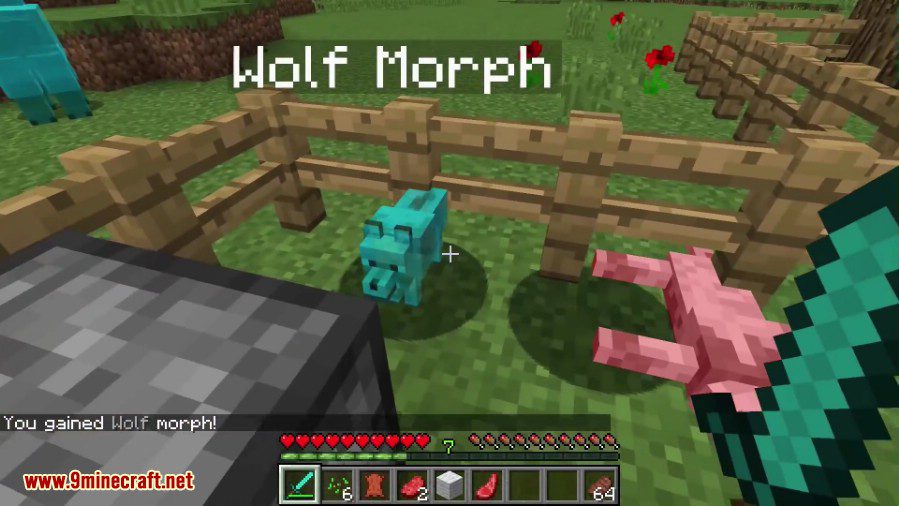
Paano I-install:
MetaMorph Mod Download Links
Para sa Minecraft 1.10.2
Forge version: Download mula sa Server 1
Para sa Minecraft 1.11.2
Forge version: Download mula sa Server 1
Para sa Minecraft 1.12.2
Forge version: Download mula sa Server 1 – Download mula sa Server 2
Baka Magustuhan Mo Rin

Wala pang komento ang post na ito. Maging una — lalabas dito ang iyong komento.