


SchematicPreview Mod (26.2, 1.21.1) – Huwag Nang Magkamali sa Pag-load ng Schematic
 796
796
 0
0


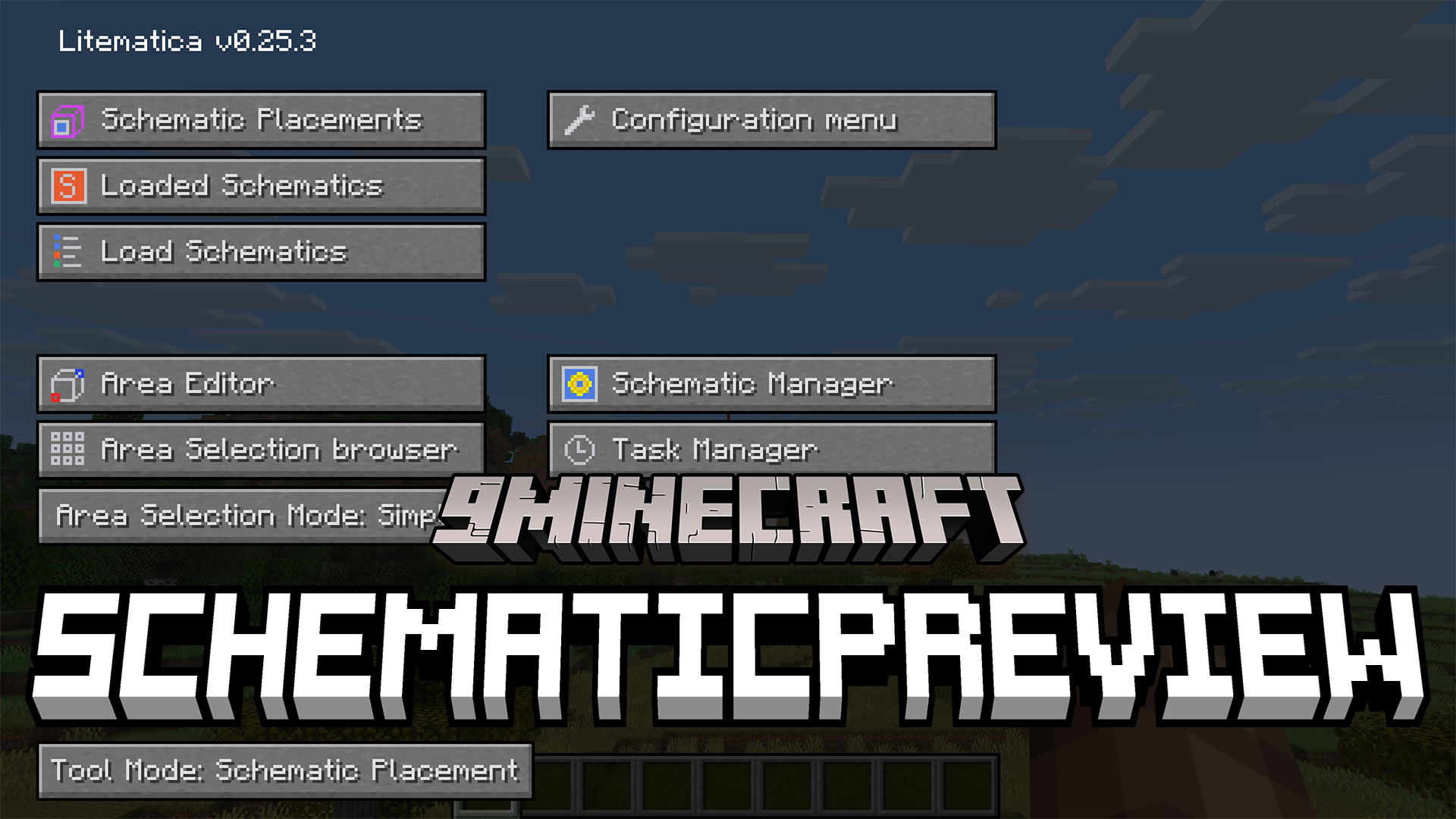
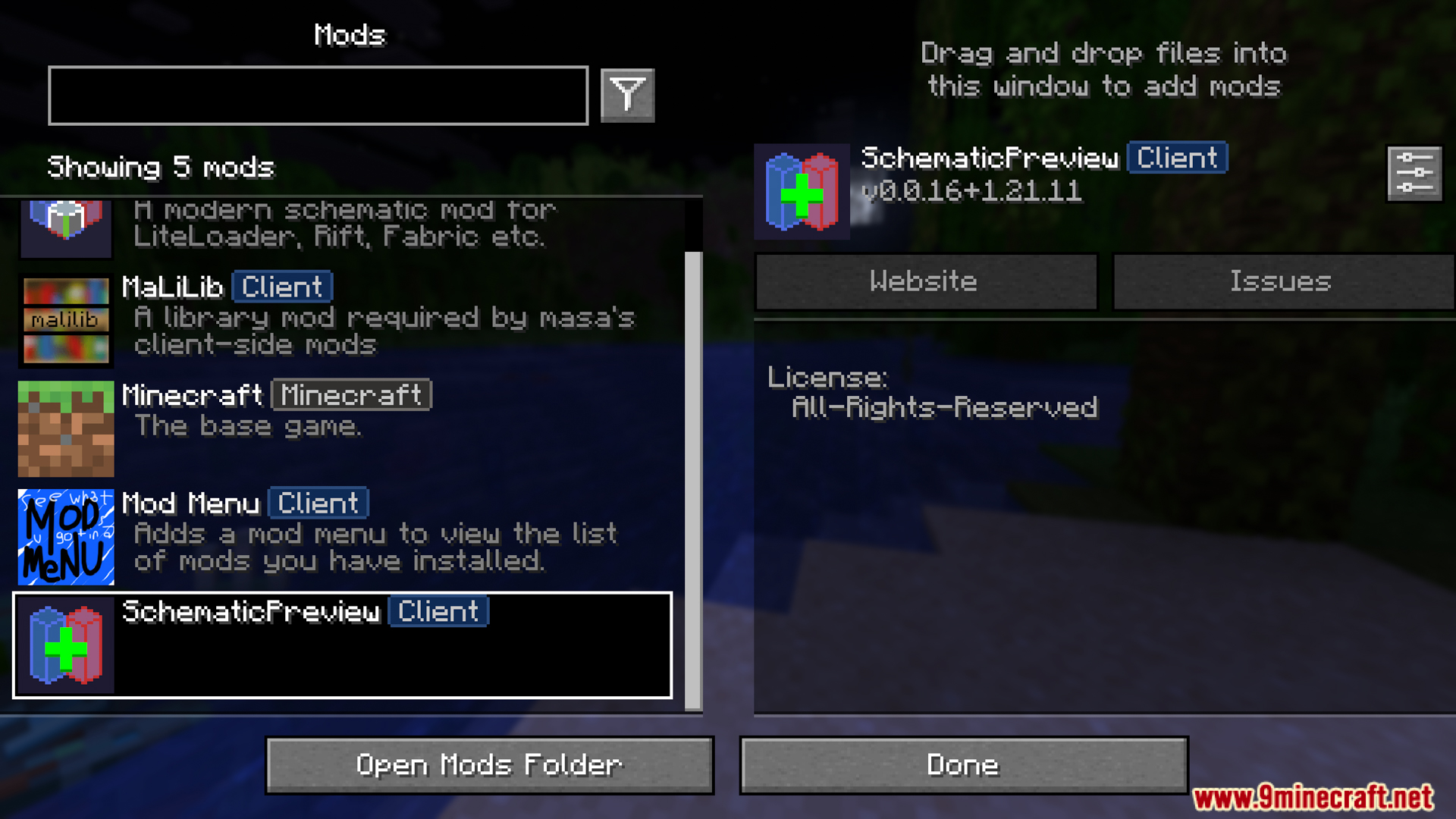
Ang SchematicPreview Mod ay nagpapaganda sa Litematica gamit ang mga visual features. Nagpapakita ito ng 3D picture ng iyong saved building bago mo pa ito i-load sa mundo. Ang mod na ito ay naglalagay din ng mga custom icon sa iyong mga folder para mas mabilis mong mahanap ang iyong mga file. Mayroon din itong handy button para mag-swap ng mga blocks mismo sa loob ng material list. Dahil dito, mas pinadali ang pag-manage ng malalaking blueprints.
Features:
- 3D Previews: Ang SchematicPreview mod ay nagpapakita ng malinaw na 3D picture ng iyong mga saved blueprint sa file menu bago mo i-load ang mga ito sa iyong mundo.
- Nagdadagdag ng mga custom icon sa tabi ng iyong mga folder at file para mas mabilis mong makita ang tamang builds.
- Nagbibigay ng replace button sa loob ng material list para mabilis na makapag-swap ng blocks.
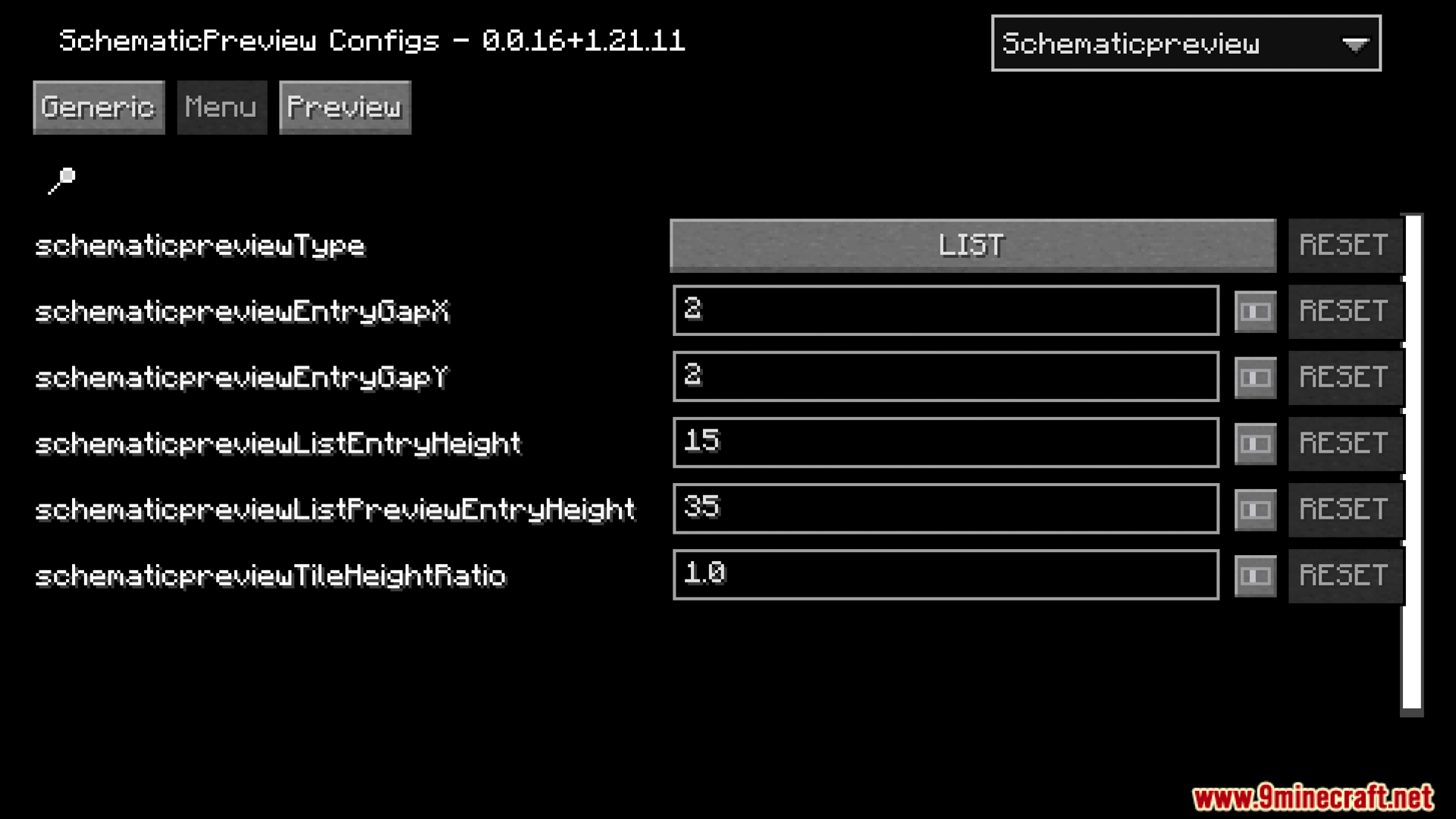
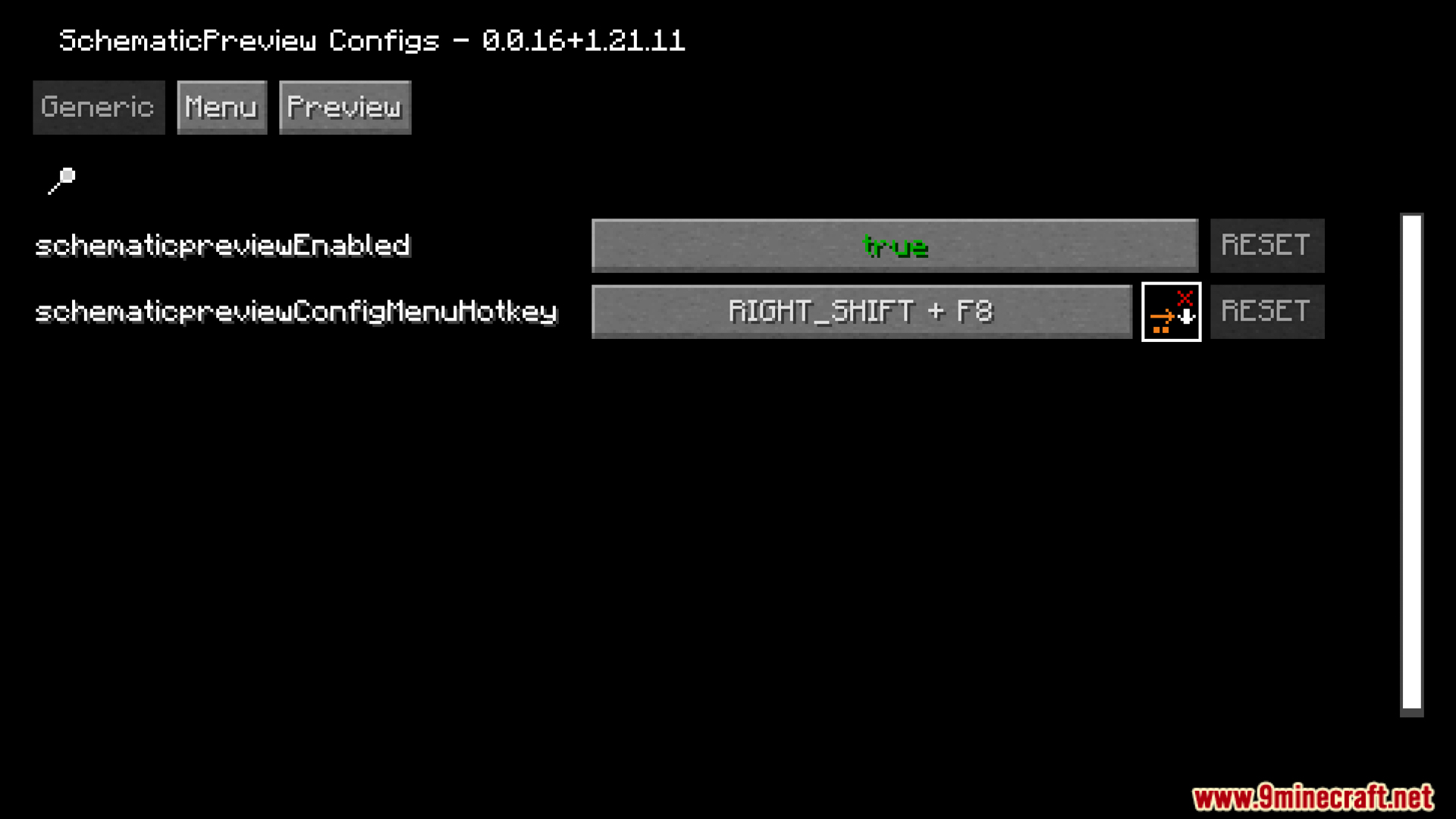
- Maaari mong baguhin kung paano gumagana ang mga tools at mag-set up ng custom hotkeys sa settings menu.
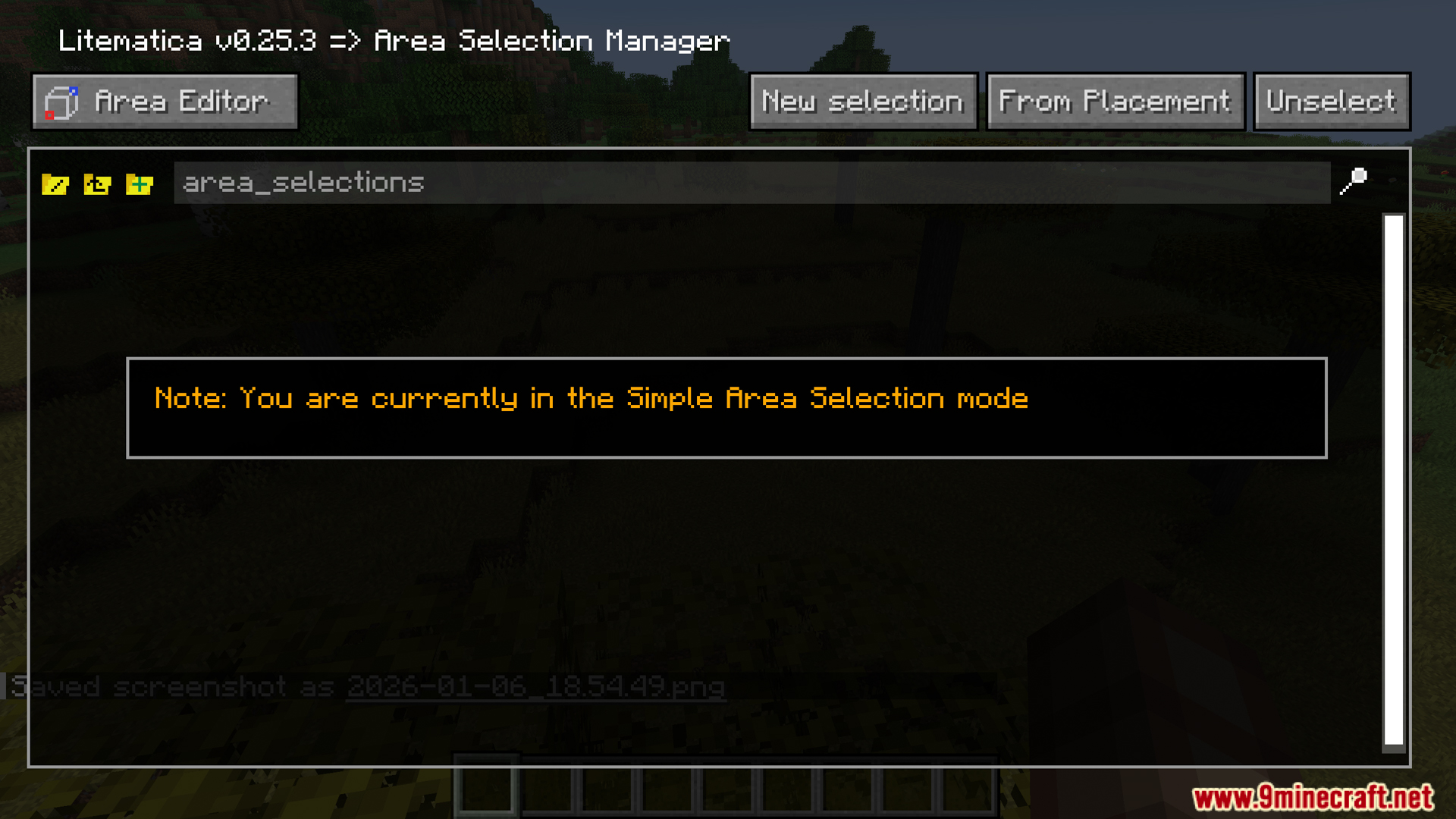
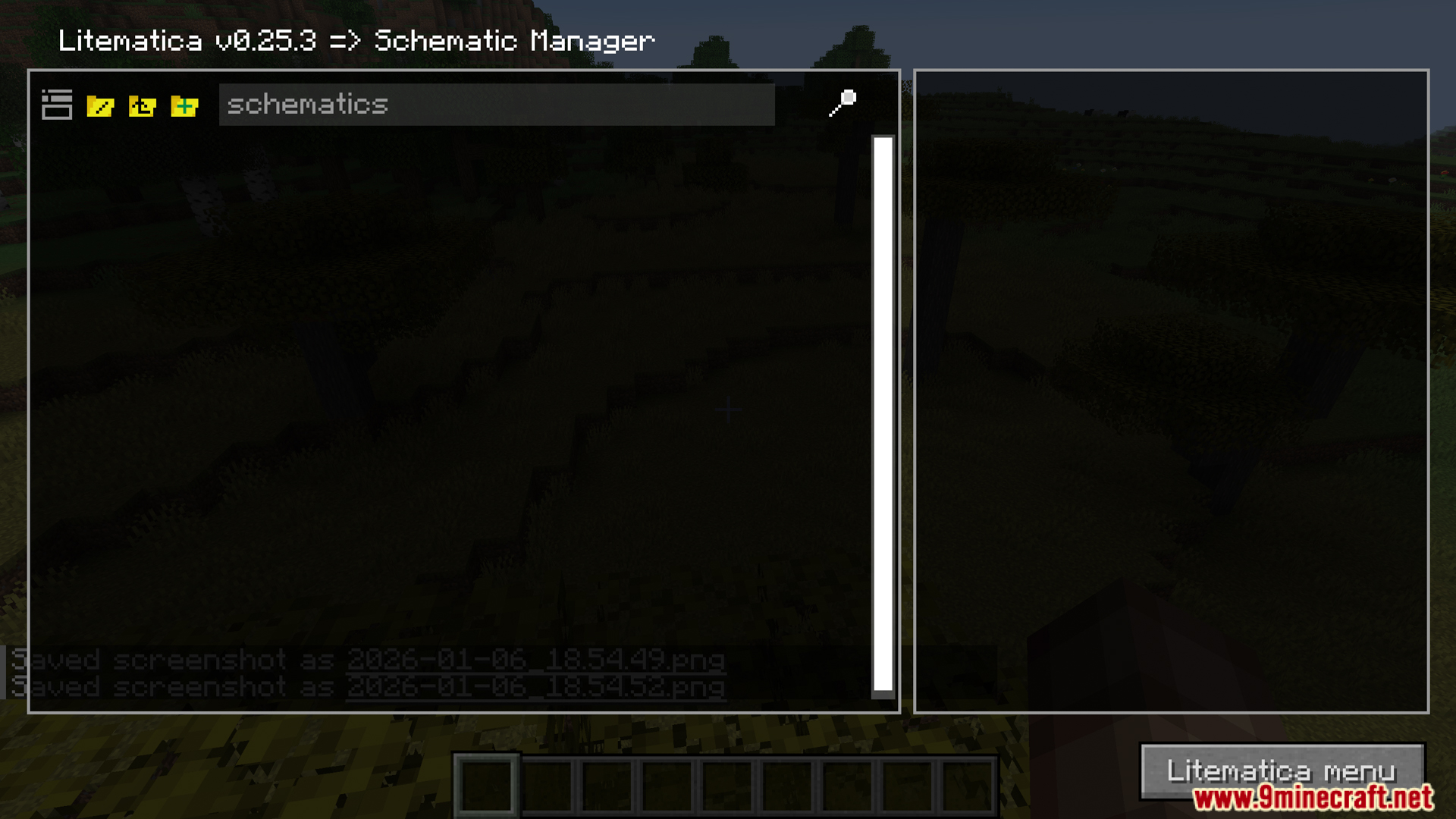
- Direktang gumagana sa mga main Litematica menus gaya ng Area Editor at Schematic Manager.
Screenshots:
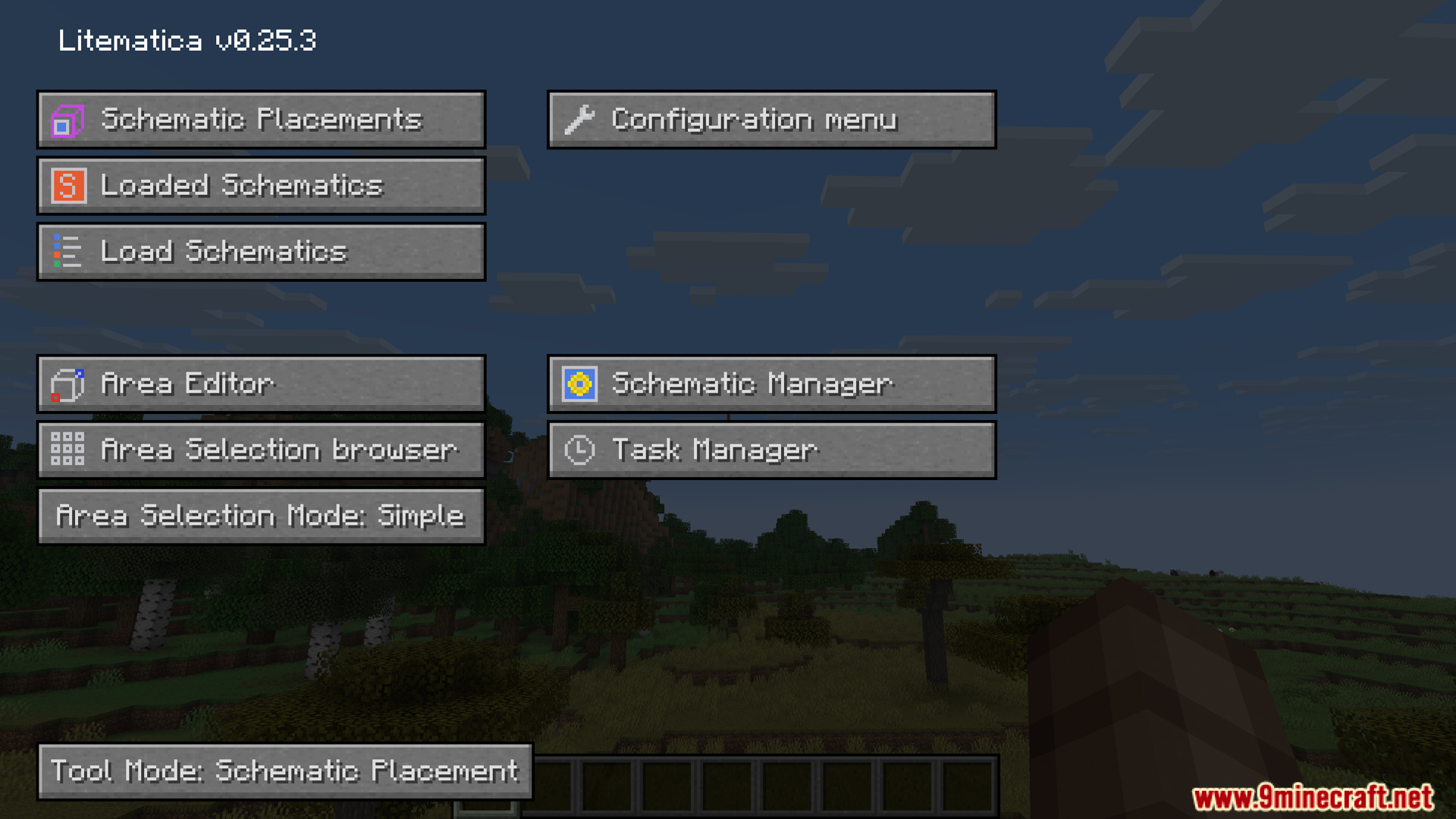
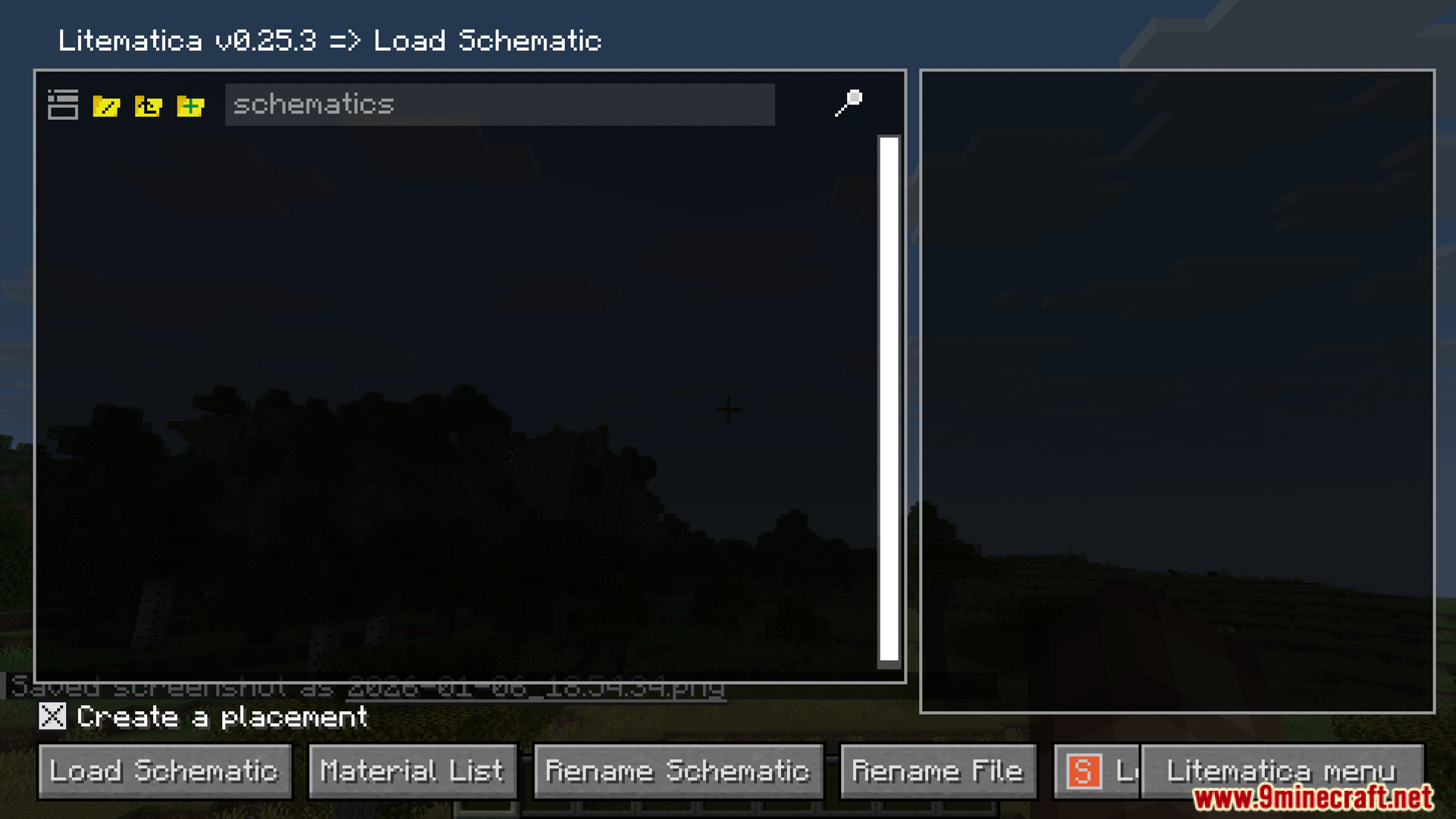
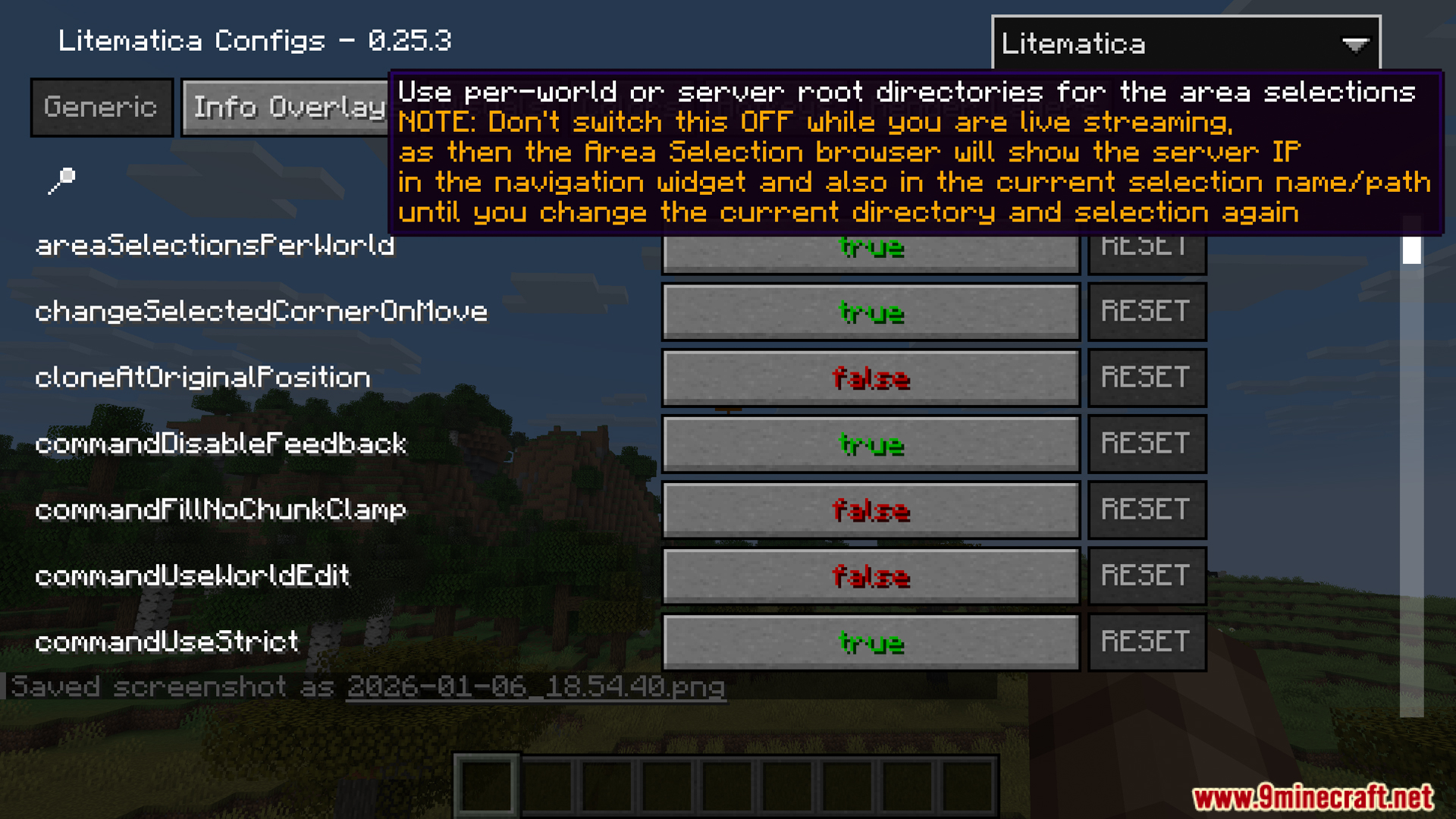
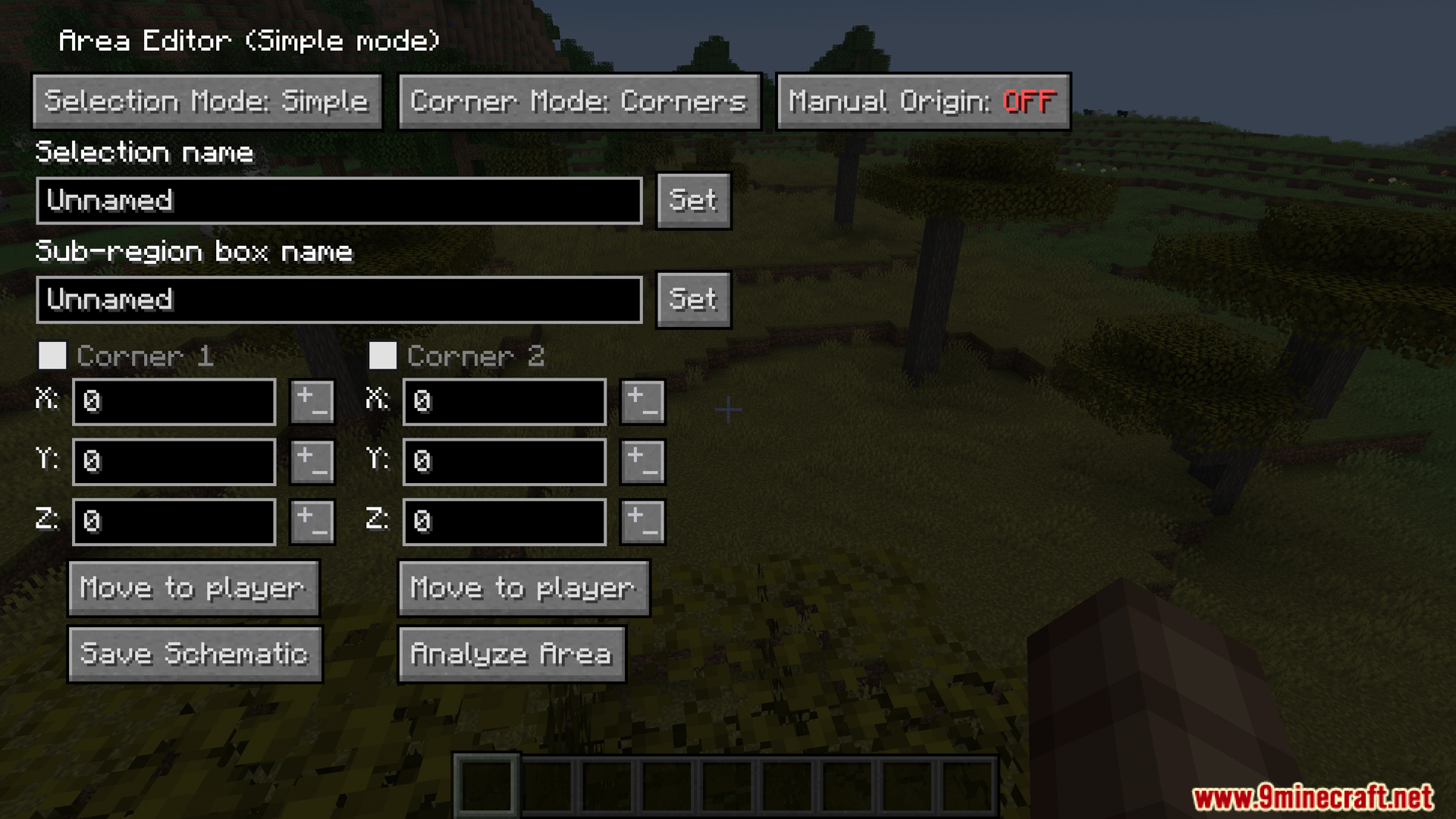
Paano I-install:
Mga Kailangan:



SchematicPreview Mod Download Links
Para sa Minecraft 1.21.11
Fabric version: Download mula sa Server 1 – Download mula sa Server 2
Para sa Minecraft 1.21.10
Fabric version: Download mula sa Server 1 – Download mula sa Server 2
Para sa Minecraft 1.21.8
Fabric version: Download mula sa Server 1 – Download mula sa Server 2
Para sa Minecraft 1.21.4
Fabric version: Download mula sa Server 1 – Download mula sa Server 2
Para sa Minecraft 1.21.3
Fabric version: Download mula sa Server 1 – Download mula sa Server 2
Para sa Minecraft 1.21.1, 1.21
Fabric version: Download mula sa Server 1 – Download mula sa Server 2
Para sa Minecraft 26.2
Para sa Minecraft 26.1.2, 26.1.1, 26.1
Para sa Minecraft 1.21.11
Para sa Minecraft 1.21.10, 1.21.9
Para sa Minecraft 1.21.8, 1.21.7, 1.21.6
Para sa Minecraft 1.21.4
Para sa Minecraft 1.21.3, 1.21.2
Para sa Minecraft 1.21.1, 1.21
Baka Magustuhan Mo Rin





Wala pang komento ang post na ito. Maging una — lalabas dito ang iyong komento.