
Litematica Printer Mod (26.3, 1.20.1) – Print Detailed Blueprints As You Walk
 51,687
 0


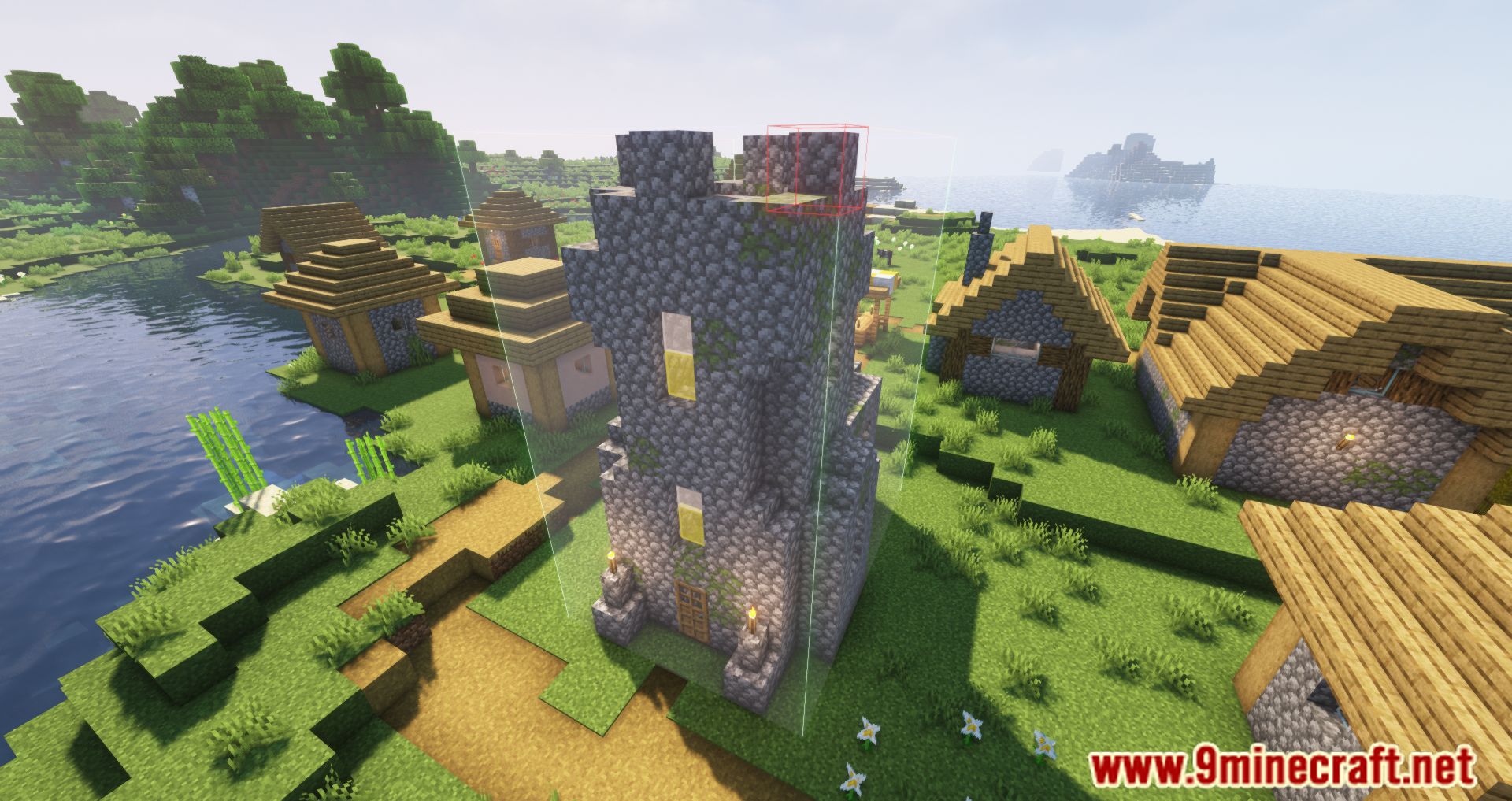
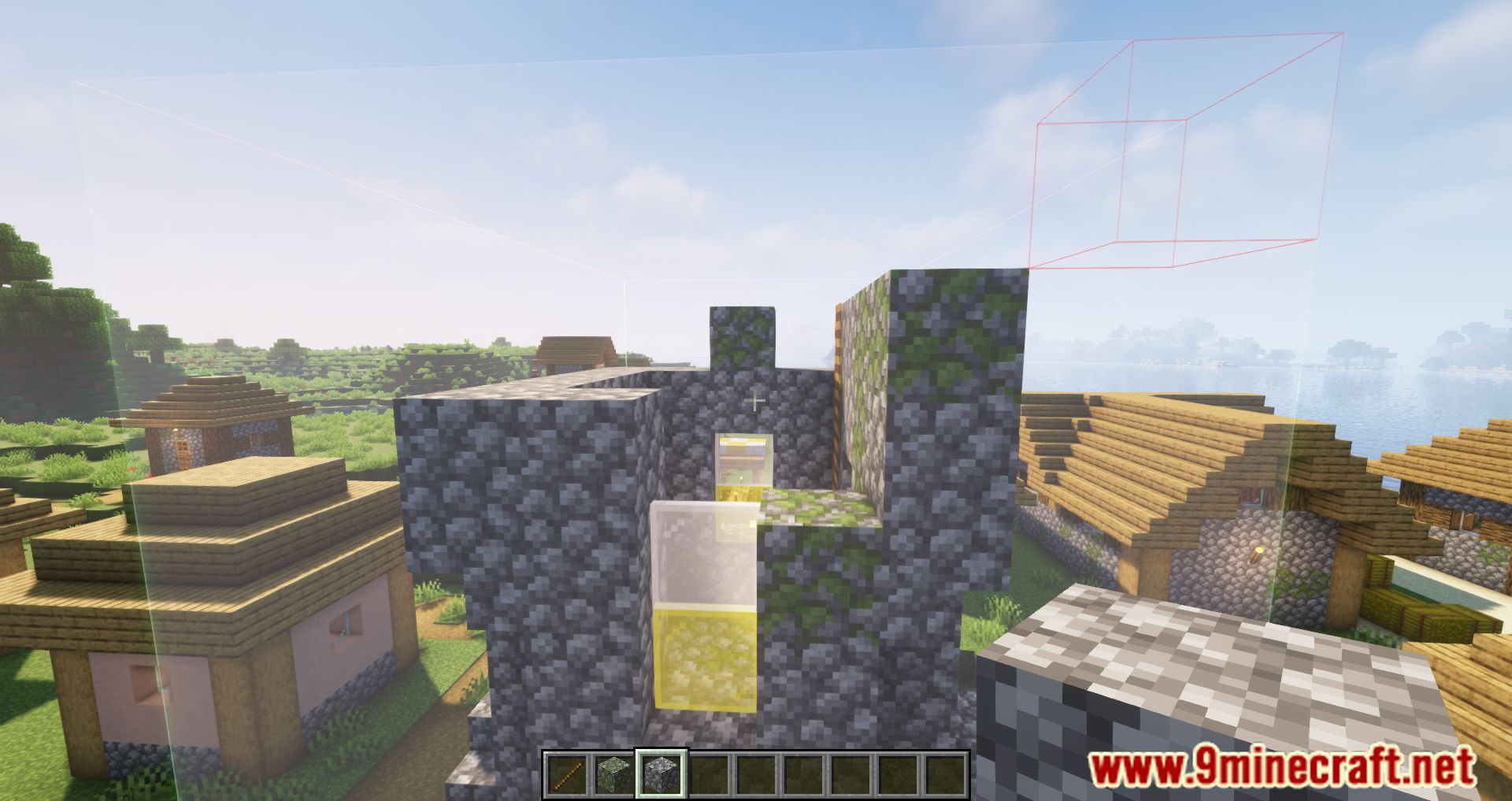
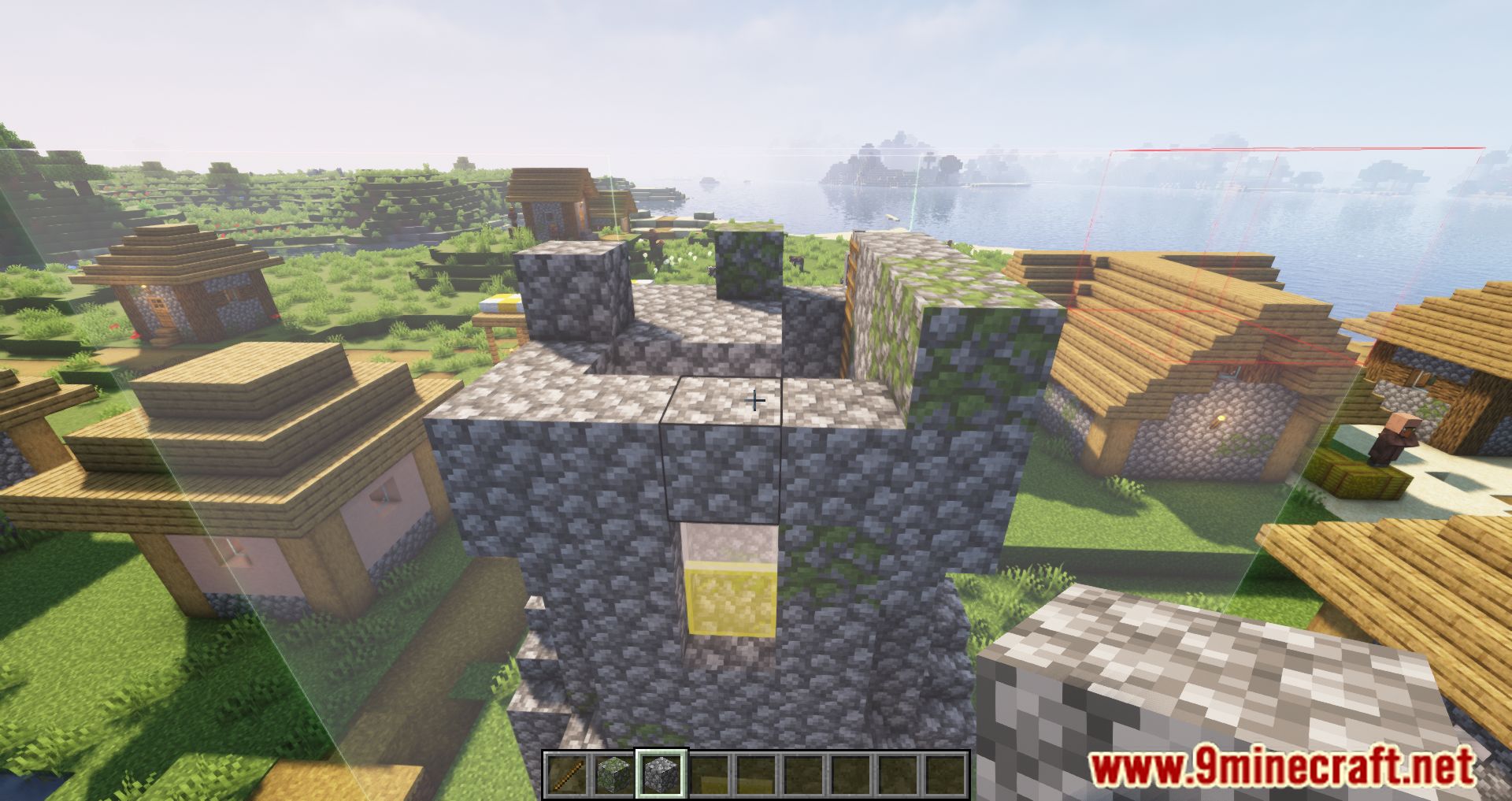
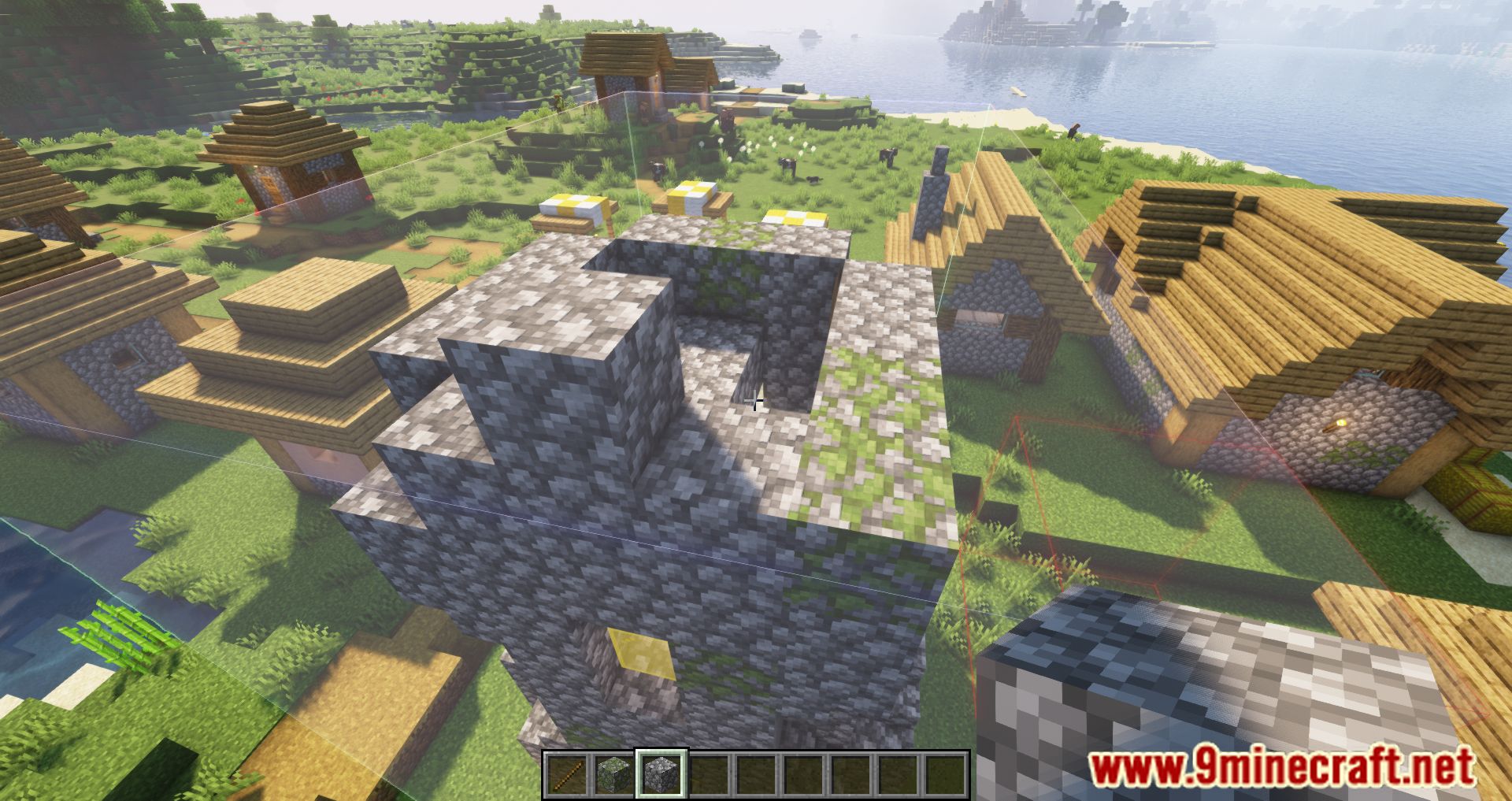
Litematica Printer Mod adds an automatic block printer to Litematica so you can build big structures faster. It places the right blocks around you on its own and saves time on large builds. You can switch the printer on or off, hold a key to print right away, and adjust the speed and range in the settings. The mod also skips tricky blocks like grindstones, signs, ground skulls, glow lichen, vines, item frames, and armor stands to prevent placement mistakes. It requires Fabric API and MaLiLib alongside the main mod, and you should check server rules first because it may cause a ban on multiplayer servers.
Features:
- Automatically places the right blocks around you so you can finish big builds faster.
- Lets you switch the printer on or off with the CAPS_LOCK key by default.
- Lets you hold down the V key to print blocks right away, even while the toggle is turned off.
- Includes speed and range options inside the “Generic” settings tab so you can control how fast and far the printer builds, or slow it down if a block places wrong.
- Allows you to rebind the printer toggle key under the “Hotkeys” settings tab.
- Skips a built-in blacklist of blocks and entities automatically instead of placing them wrong.
Skipped Blacklisted Blocks:
- Grindstones
- Skulls placed on the ground
- Signs
- Glow lichen and vines
- Entities, including item frames and armor stands
How to Use:
- Check the server rules before using this mod in multiplayer, because automatic printing can get you banned on some servers.
- Press CAPS_LOCK to turn the printer on or off; while active, it places the right blocks around you automatically.
- Hold down the V key to print blocks right away, even when the printer toggle is off.
- Press M + C to open Litematica settings, go to the “Generic” tab, and scroll to the bottom to adjust printing speed and range.
- Open the “Hotkeys” tab in the same settings menu to change the printer toggle key to any key you prefer.
- Lower the printing speed under the “Generic” tab if you notice blocks getting placed the wrong way.
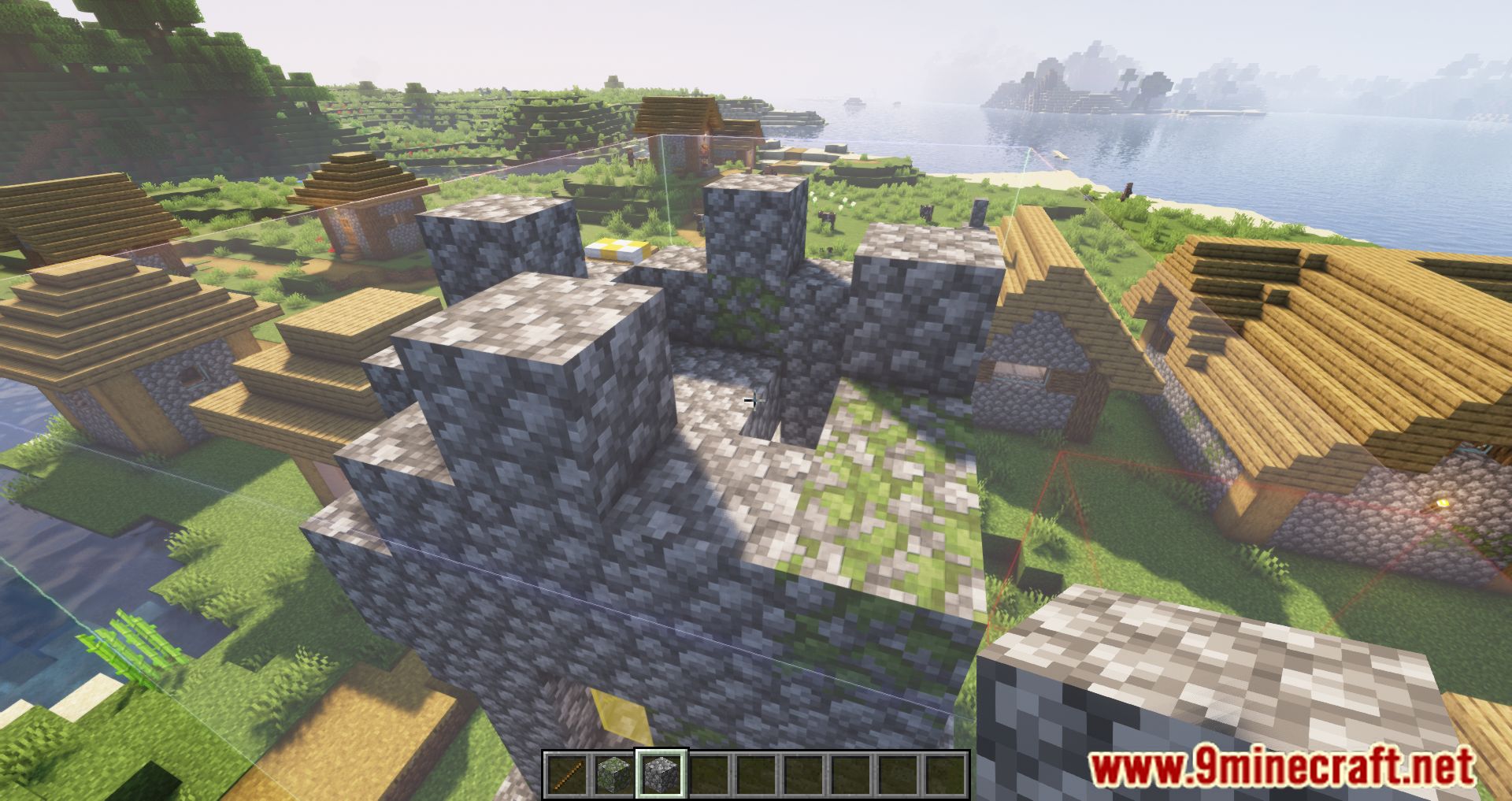
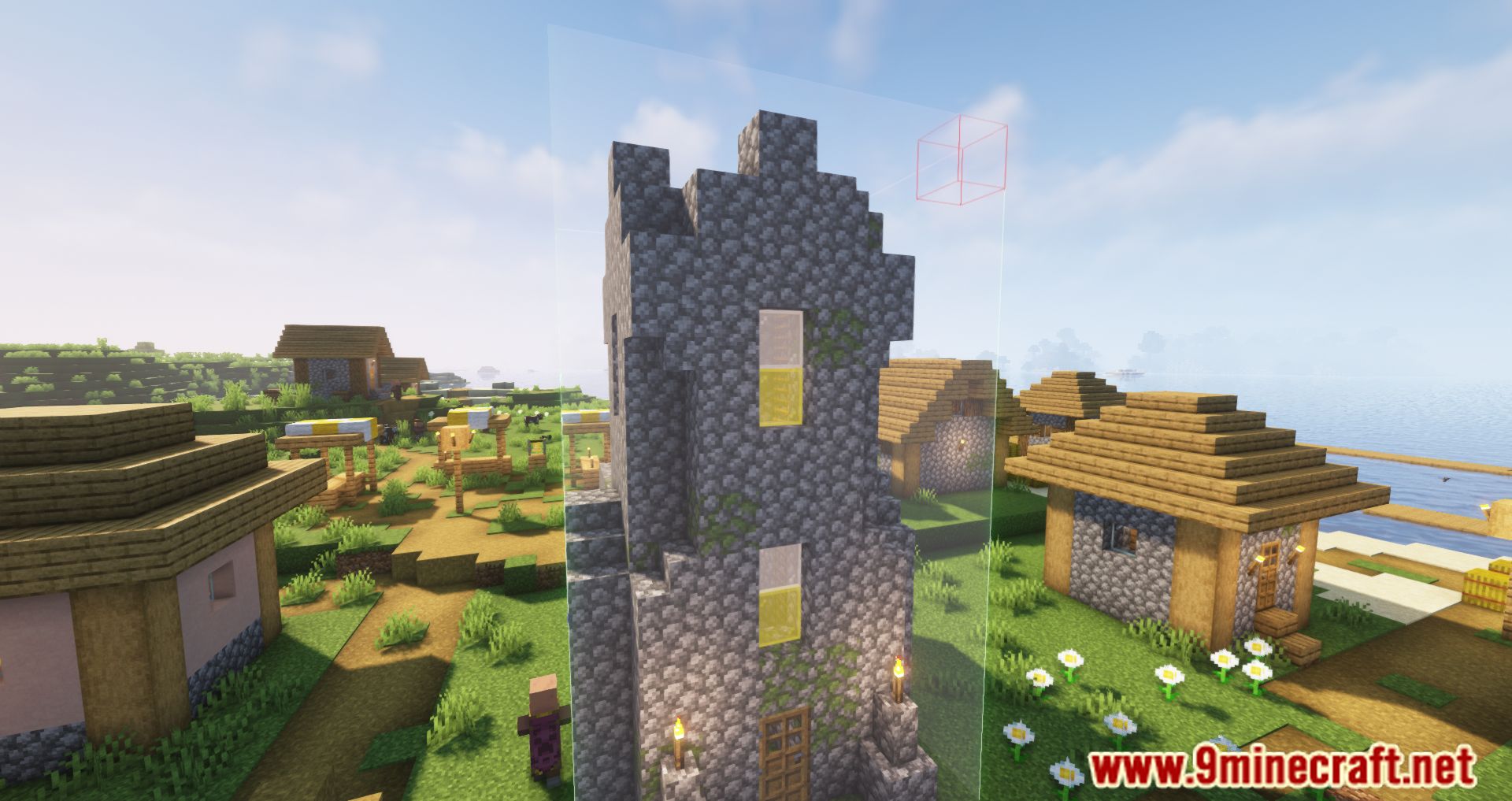
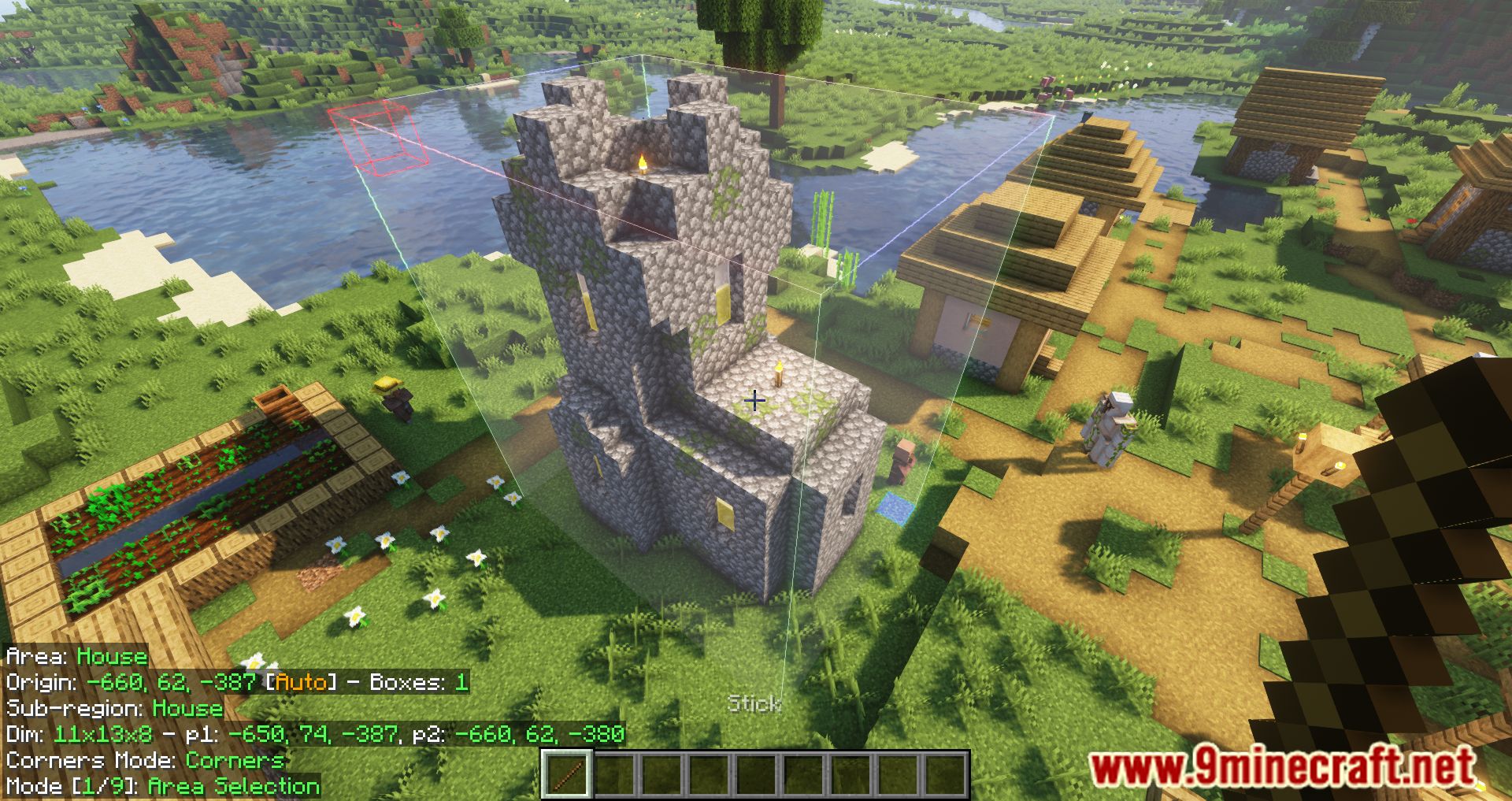
Screenshots:
How to Install:
New to Minecraft? Follow our step-by-step guide to install Mods on your PC.View Guide


Litematica Printer Mod Download Links
For Minecraft 26.3
For Minecraft 26.2
For Minecraft 26.1.2, 26.1.1, 26.1
For Minecraft 1.21.11
For Minecraft 1.21.10, 1.21.9
For Minecraft 1.21.8, 1.21.7, 1.21.6
For Minecraft 1.21.5
For Minecraft 1.21.4
For Minecraft 1.21.3, 1.21.2
For Minecraft 1.21.1, 1.21
For Minecraft 1.20.6
For Minecraft 1.20.4, 1.20.3
For Minecraft 1.20.2
For Minecraft 1.20.1, 1.20
For Minecraft 1.19.4
For Minecraft 1.19.3
For Minecraft 1.19.2, 1.19.1
For Minecraft 1.19
For Minecraft 1.18.2
For Minecraft 1.17.1
You May Also Like
Picked for this page
 Dynamic FPS Mod (26.3, 1.20.1) – Best Fps Boosting Mod
 Pipez Mod (26.3, 1.20.1) – Transporting Things Is Easier
 Gnomed Mod (26.1.2, 1.20.1) – You’ve been Gnomed
 MaFgLib Mod (26.3, 1.20.1) – MaLiLib Forge Port
 Better Ping Display Mod (1.21.11, 1.20.1) – Ping in the Player List
 Theurgy Mod (26.3, 1.20.1) – Use Alchemy to Find Any Ore
 Areas Mod (26.3, 1.20.1) – Specify Zones in The Game
 Librarian’s Balance Mod (26.3, 1.20.1) – Rebalances Librarian Trades
 BlueMap Marker Manager Mod (26.3, 1.20.1) – Provides an Interactive Setup Menu
 Ender Cane Mod (26.2, 1.20.1) – Save And Teleport With The Ender Cane
 Stonecutter GUI Remastered Mod (26.3, 1.20.1) – Better Stonecutter GUI
 Panorama Screenshot Mod (26.3, 1.20.1) – Make Your World the Main Menu
Most viewed in Mods over the last 7 days
 Ala Industrial Mod (26.3) – Run Electric Power Grids and Automated Factories
 PleasureCraft Mod (26.3, 1.21.1) – Jenny Mod Remake for Fabric
 Jennycraft Mod (26.3, 1.20.1) – Virtual Girlfriend in Minecraft
 Fapcraft Mod (26.3, 1.12.2) – Comprehensive and Detailed Content
 Jenny Mod (Fapcraft) Official Complete Guide – How to use, Tutorial
 BangCraft Mod (1.20.1) – Jenny, Ellie and Elliot
 Fabric Loader (26.3, 1.20.1) – Fabric Installer for All Minecraft Versions
 Meteor Client Mod (26.3, 1.20.1) – Xray, HUD, Fly
 The Shooting Star Demo Mod (26.3, 1.20.1) – Vaporize Terrain From Orbit
 OptiFine HD (26.3, 1.20.1) – Run Faster, FPS Boost, Shaders Support
 Aristois Client Mod (1.21.4, 1.20.1) – World Class Minecraft Utility
 Prestige Client Mod (1.21.11, 1.21.4) – Powerful Ghost Features for Crystal & Sword PvP
More from Mods
 Infinity Bound Mod (1.21.1) – Snap Away Enemies with Legendary Superhero Gear
 Legacy Gecko Lib Fabric Mod (1.16.5) – Power Animated Creatures in Modpacks
 The Man from the Shadow Horror Mod (1.20.1) – Fight Hallucinations to Survive
 Shade & Saturation Slider Mod (26.2, 1.21.11) – Make Every Biome Vibrant
 Cataclysm X Yung’s Better Nether Fortresses Compat Mod (1.21.1, 1.20.1)
 Patchouli 9minecraft Mod (26.3) – Read Mod Guides Without Leaving Minecraft
 Paintings ++ 9minecraft Mod (26.3) – Pick the Exact Painting You Want
 owo-lib 9minecraft Mod (26.3) – Run Your Favorite Mods Without Errors
 Moonlight 9minecraft Lib (26.3, 26.2) – Run Complex Mods Without Errors
 Load My Tags 9minecraft Mod (26.3) – Mix Mods Without Breaking Recipes
 Kambrik 9minecraft Mod (26.3) – Run Kotlin Mods Without Game Lag
 Fast Paintings 9minecraft Mod (26.3, 26.2) – Place Wall Art Exactly Where You Want It

This post has no comments yet. Be the first — your comment will appear here.