


SchematicPreview Mod (26.2, 1.21.1) – Never Load the Wrong Schematic Again
 772
772
 0
0


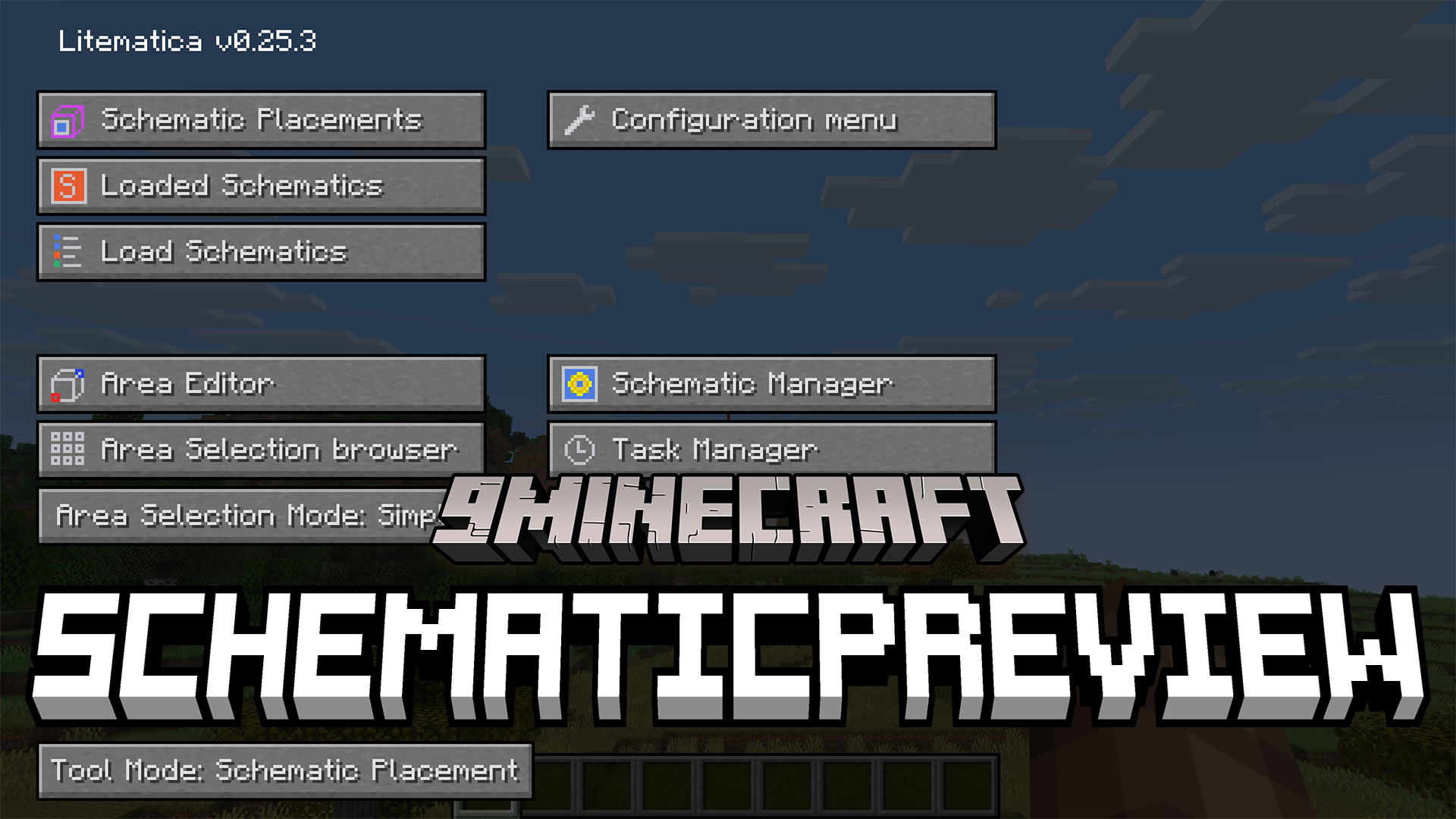
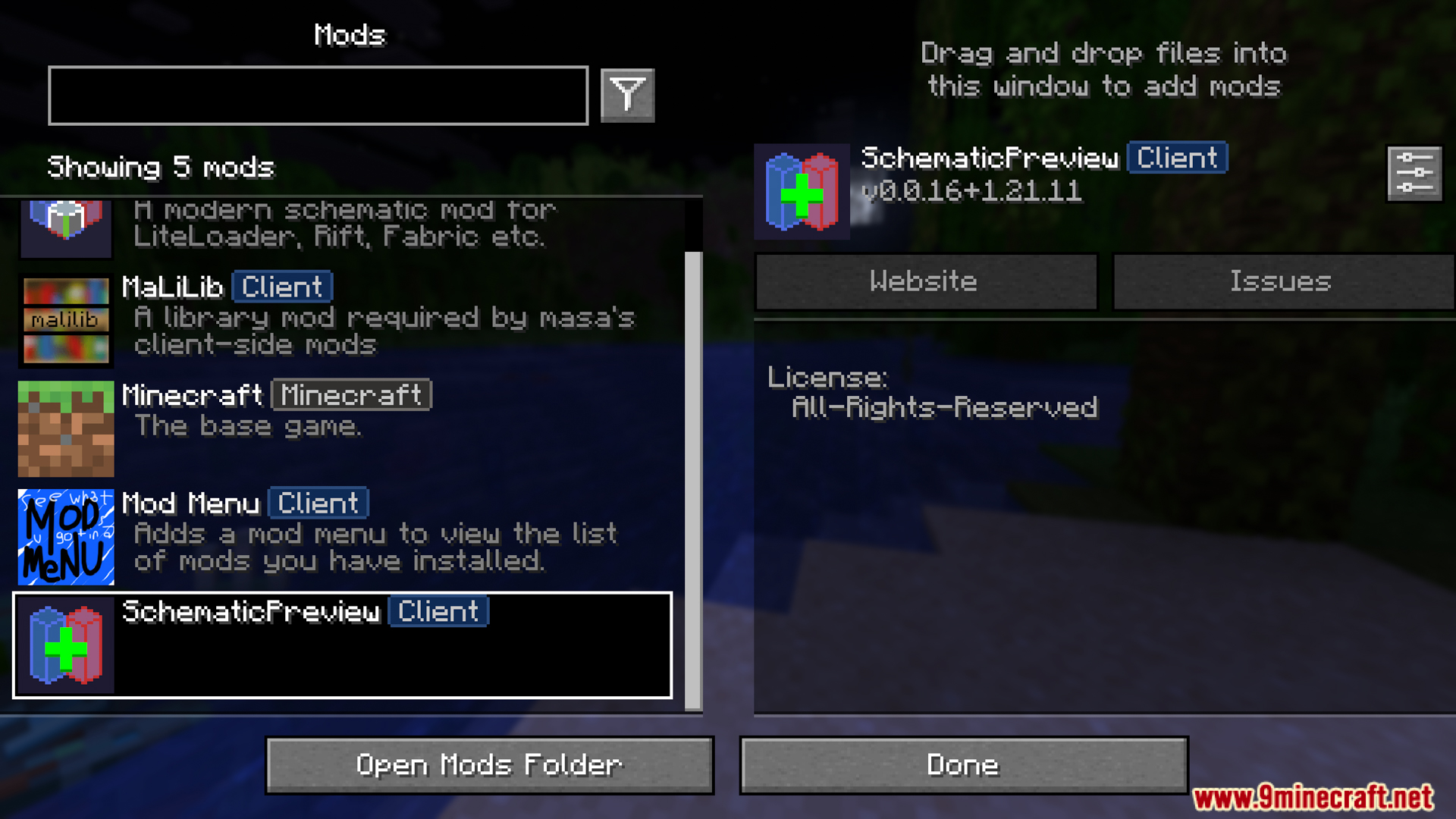
SchematicPreview Mod extends Litematica with helpful visual features. It shows a 3D picture of your saved building before you load it into the world. This mod also puts custom icons on your folders so you can find your files faster. It even adds a handy button to swap out blocks right inside the material list. This makes managing large blueprints much simpler.
Features:
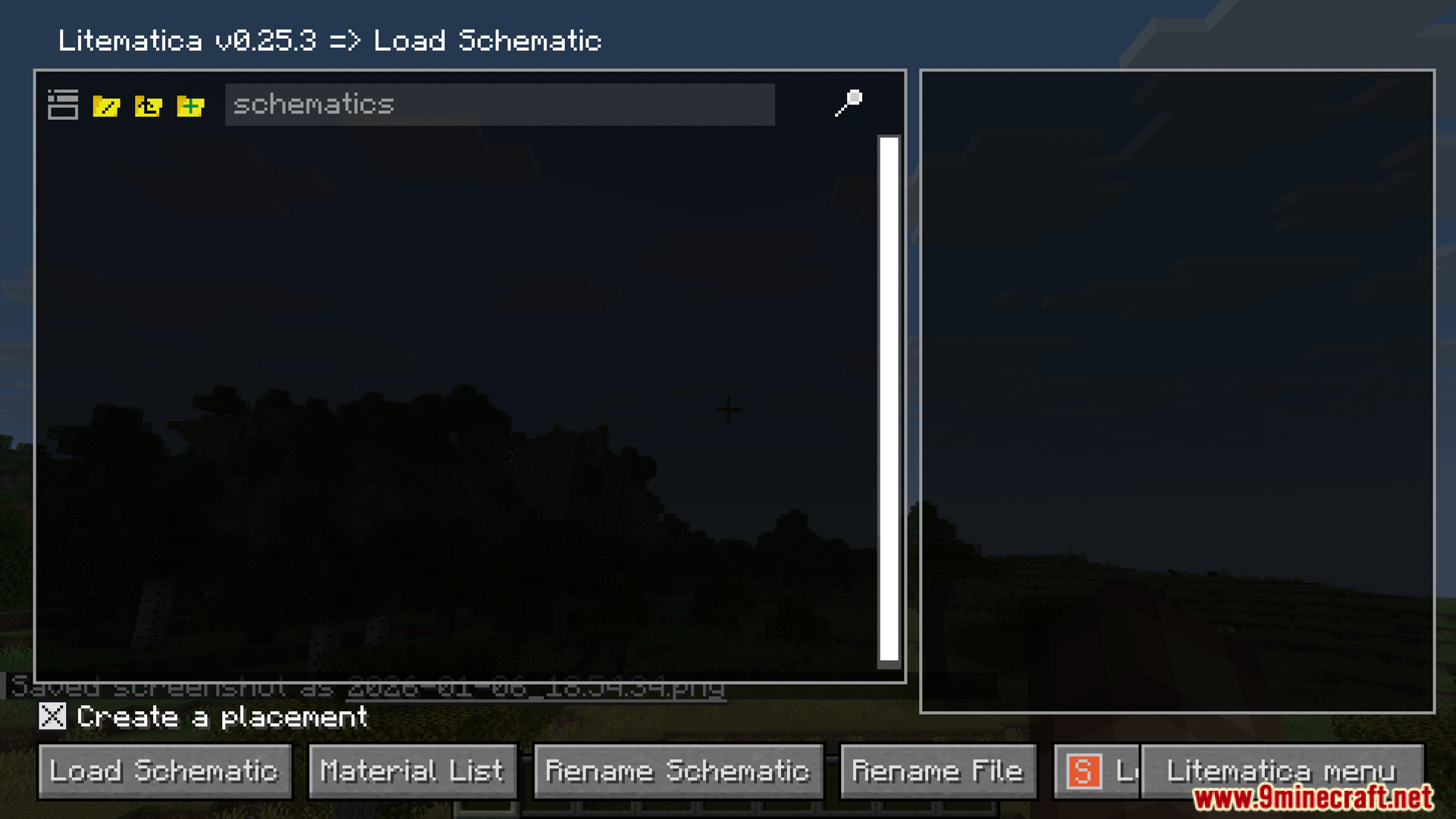
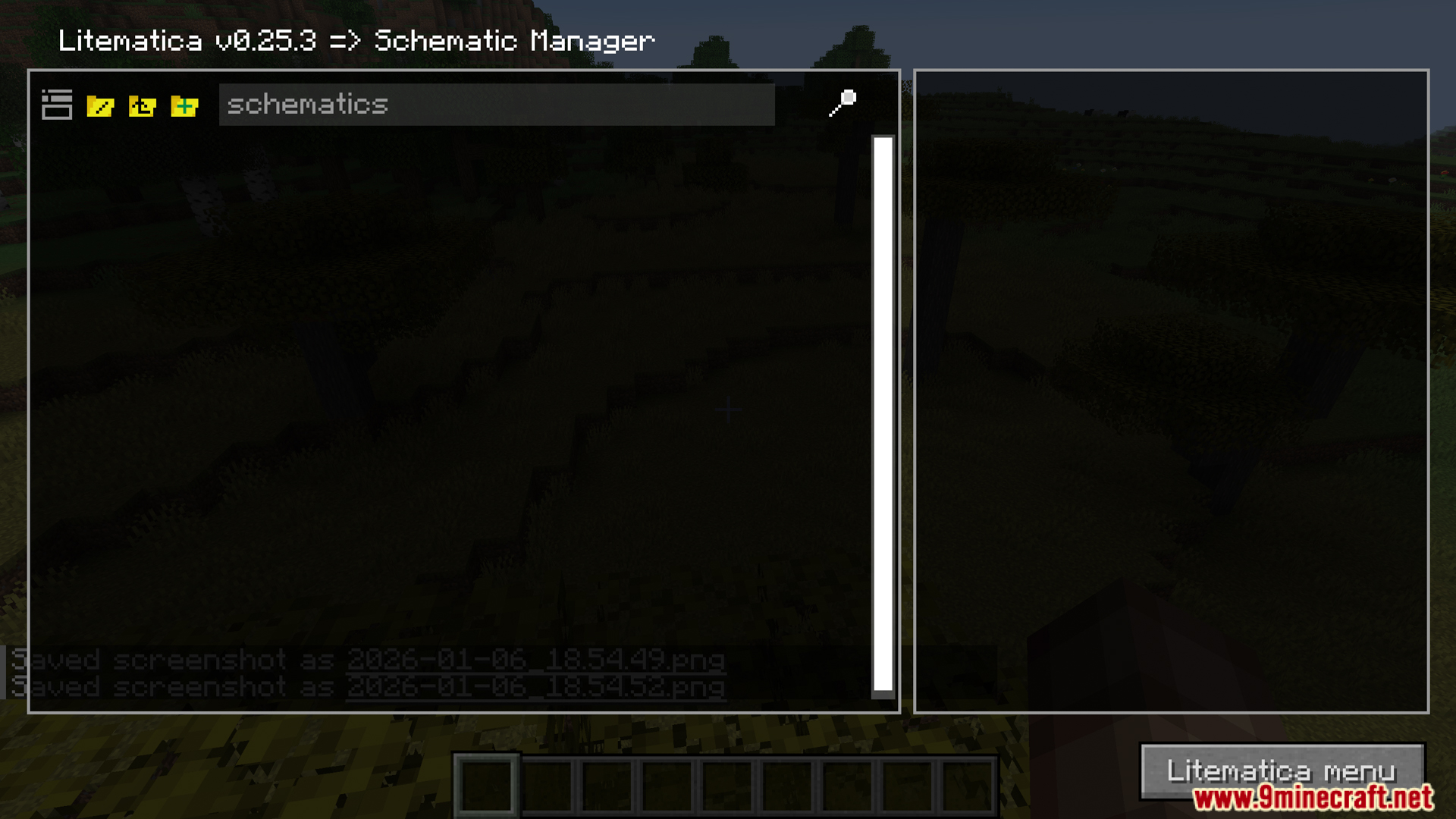
- 3D Previews: The SchematicPreview mod shows a clear 3D picture of your saved blueprints right in the file menu before you load them into your world.
- Adds custom icons next to your folders and files so you can spot the right builds faster.
- Gives you a replace button inside the material list to swap out blocks quickly.
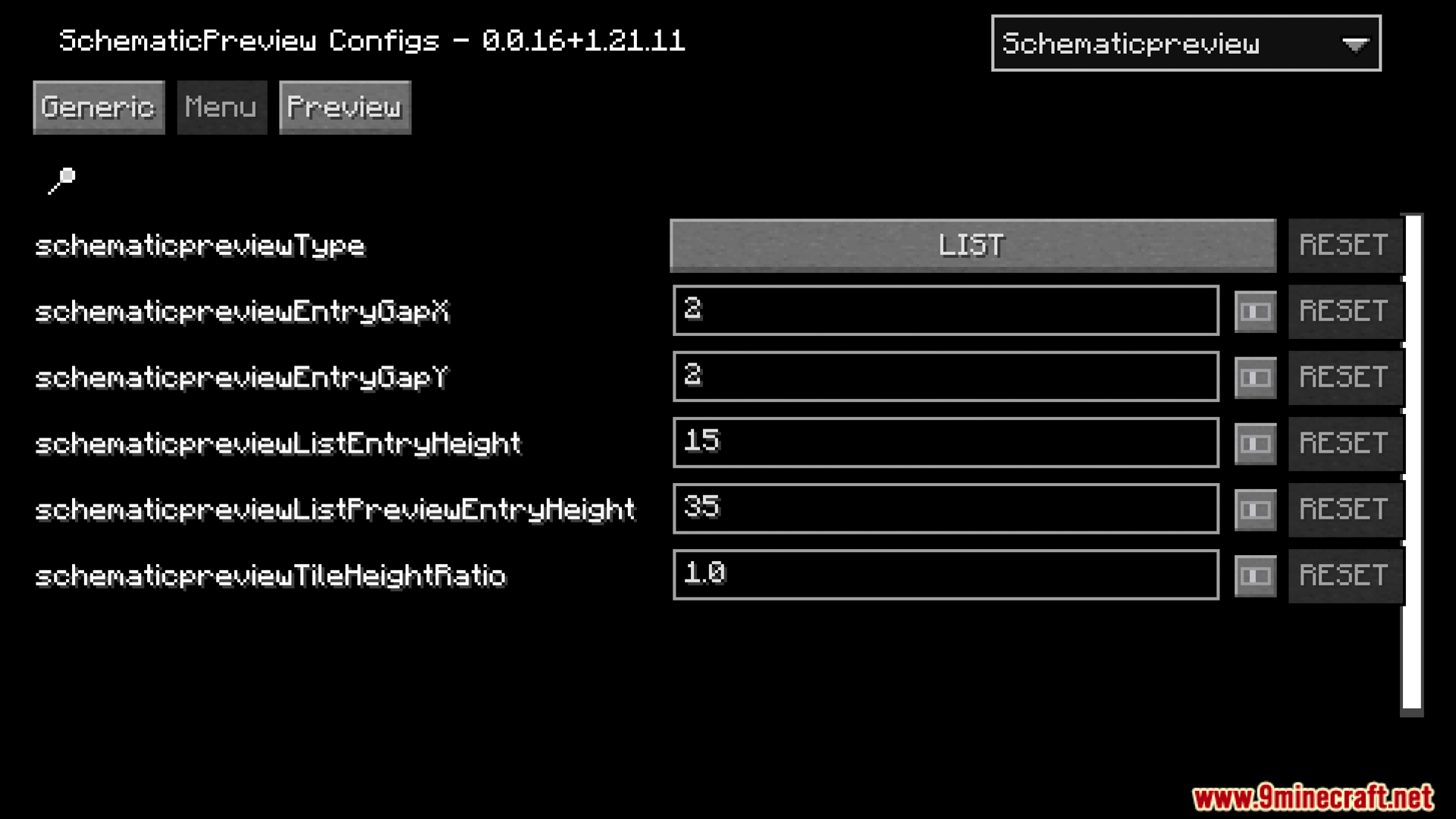
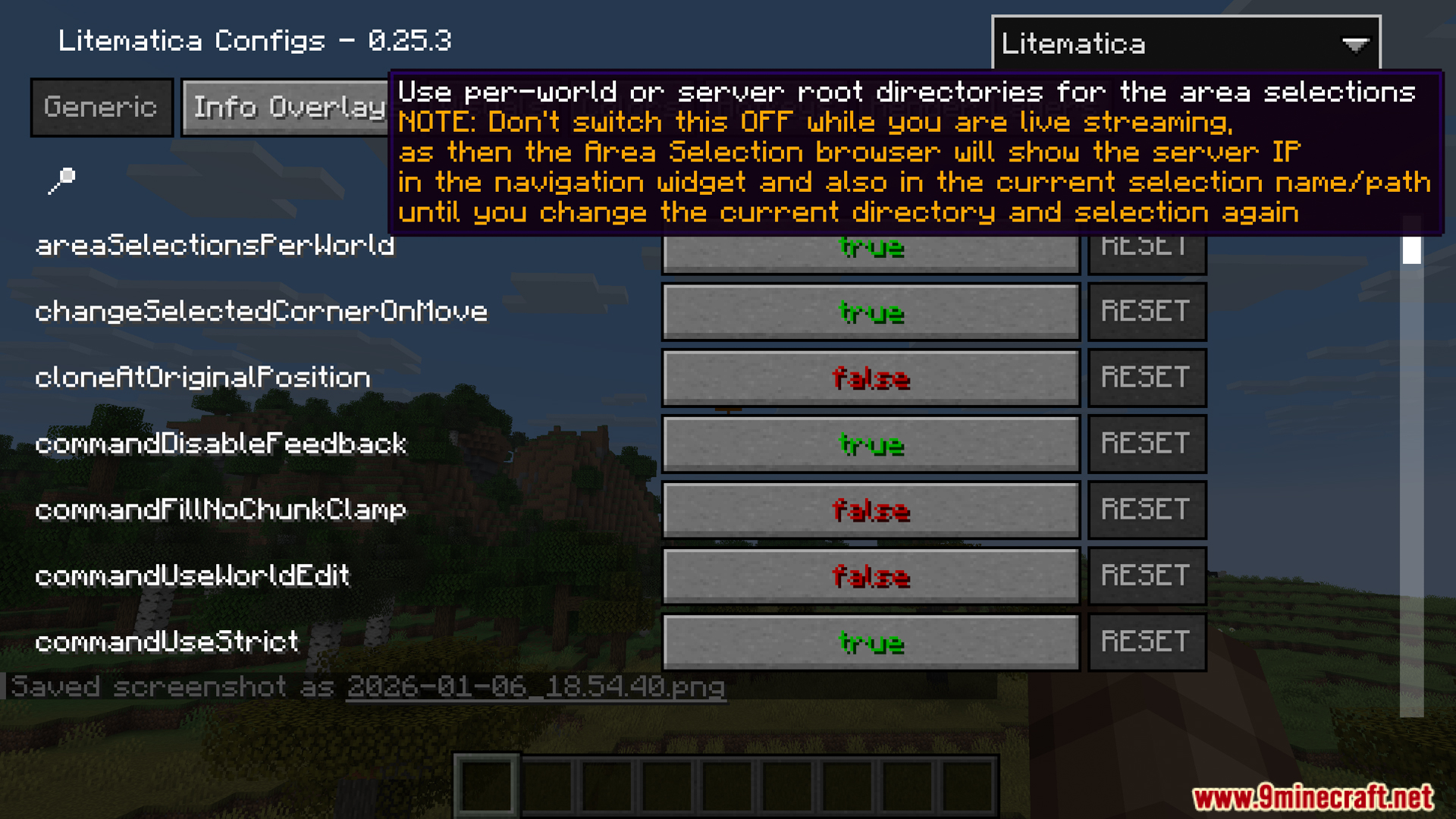
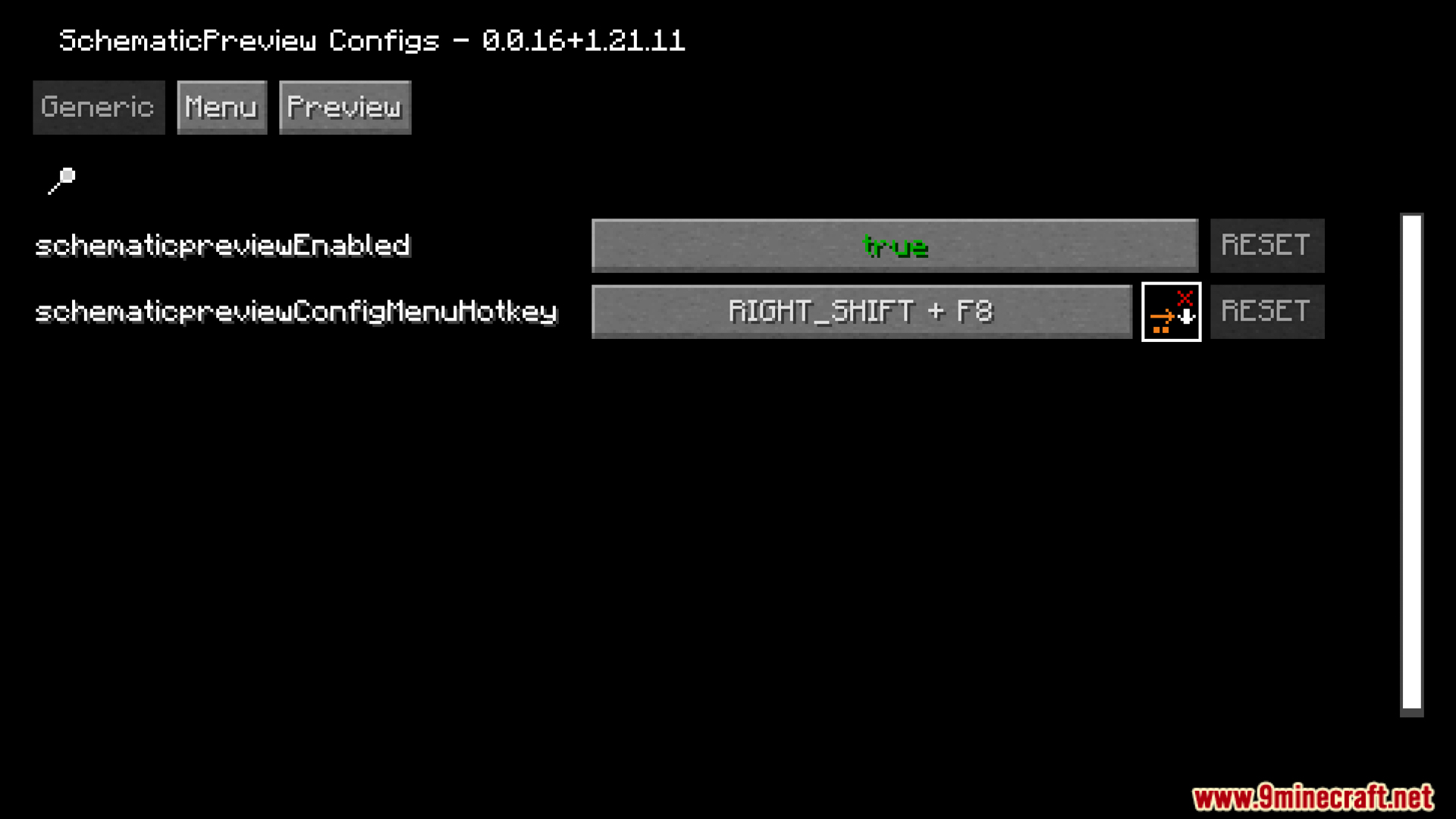
- You can change how the tools work and set up custom hotkeys through the settings menu.
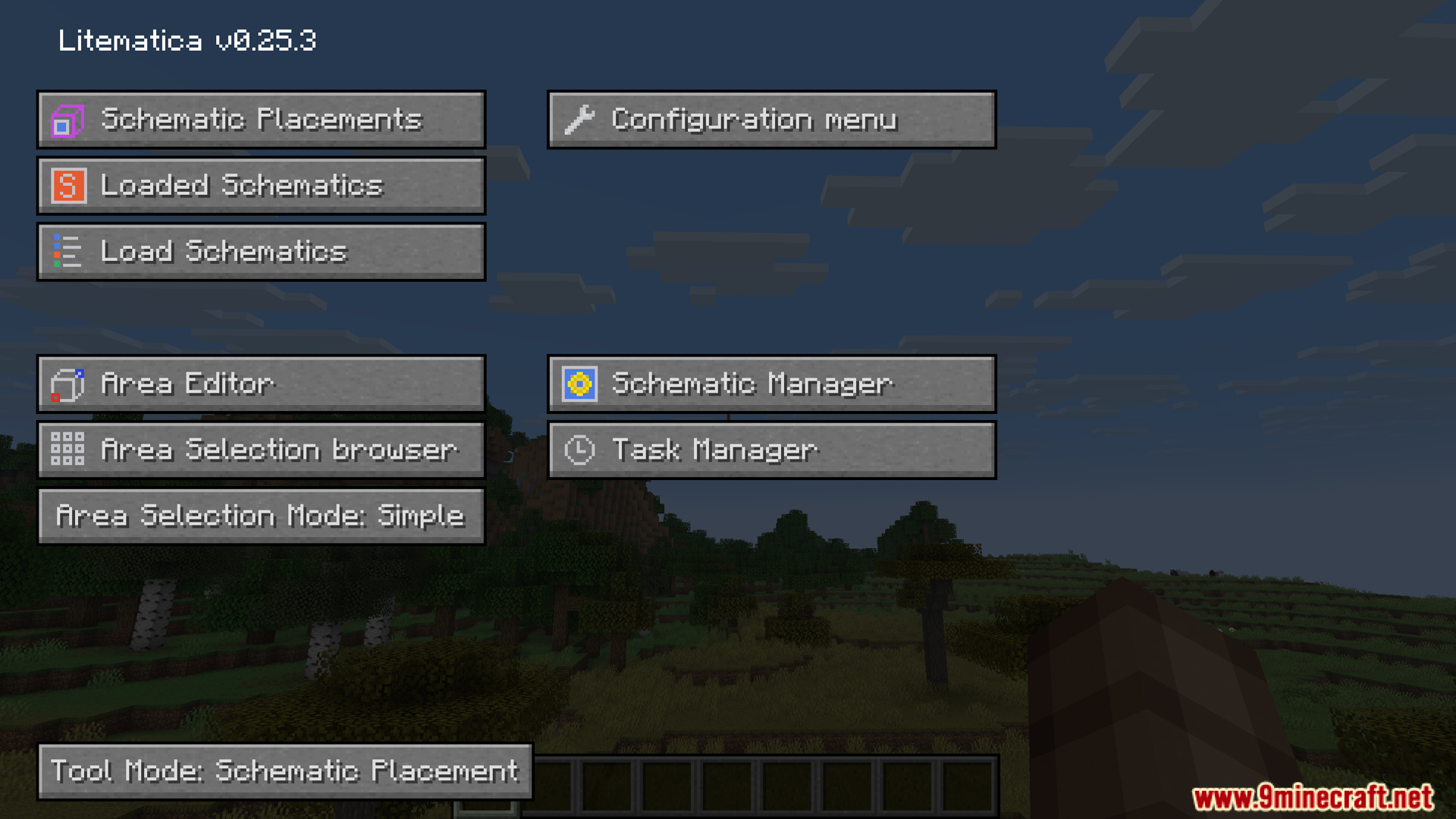
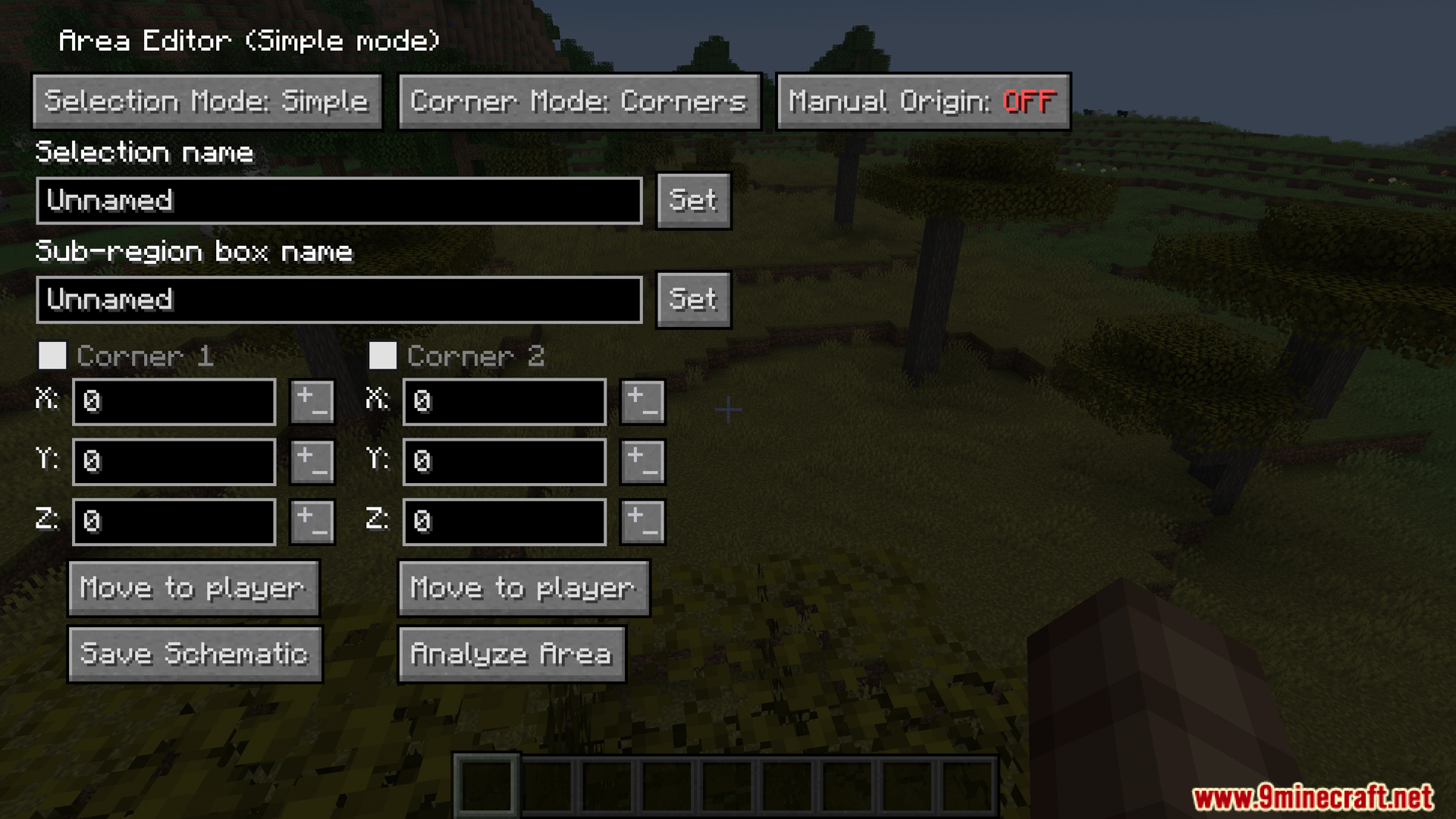
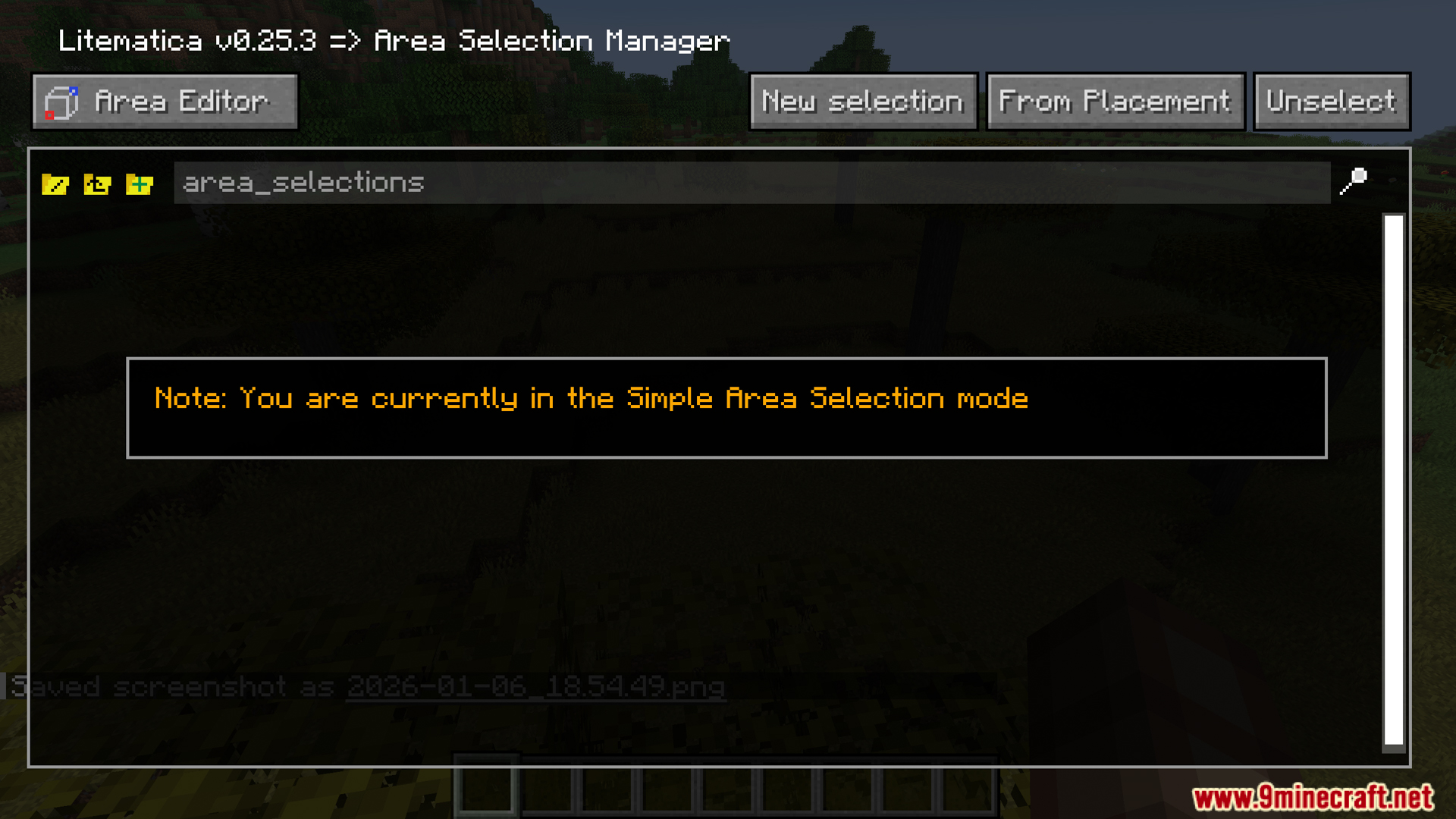
- Works directly with the main Litematica menus like the Area Editor and Schematic Manager.
Screenshots:
How to Install:
New to Minecraft? Follow our step-by-step guide to install Mods on your PC.View Guide
Requirements:




SchematicPreview Mod Download Links
For Minecraft 26.2
For Minecraft 26.1.2, 26.1.1, 26.1
For Minecraft 1.21.11
For Minecraft 1.21.10, 1.21.9
For Minecraft 1.21.8, 1.21.7, 1.21.6
For Minecraft 1.21.4
For Minecraft 1.21.3, 1.21.2
For Minecraft 1.21.1, 1.21
Click to rate this post!
[Total: 0 Average: 0]
You May Also Like













This post has no comments yet. Be the first — your comment will appear here.