


Five Nights at Freddy’s 2 – Multiplayer Edition Map (26.2, 1.20.1)
 1,799
1,799
 0
0

About Five Nights at Freddy’s 2
Five Nights at Freddy’s 2 – Multiplayer Edition Map. Check out Five Nights at Freddy’s 2 in Minecraft! But this time, it’s Multiplayer.
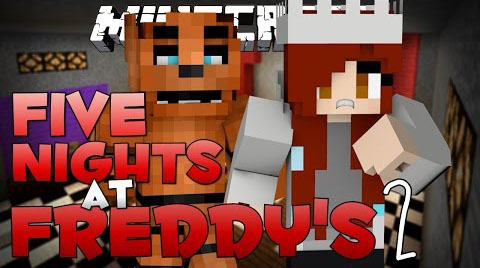
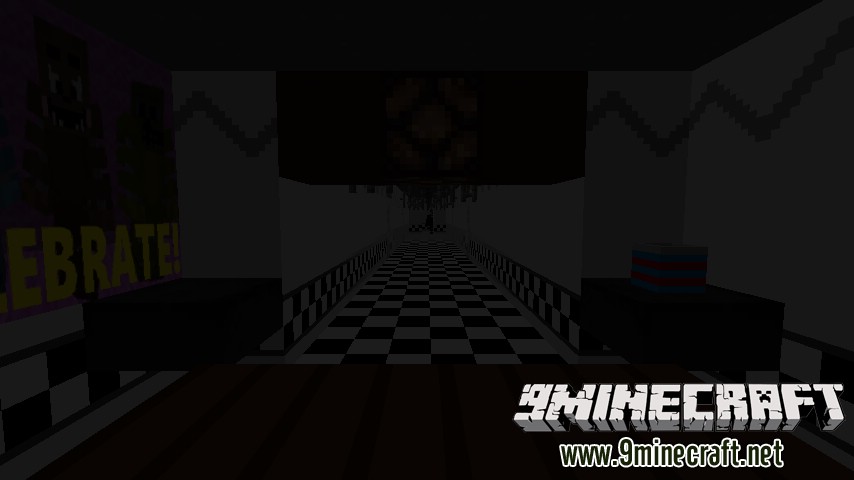
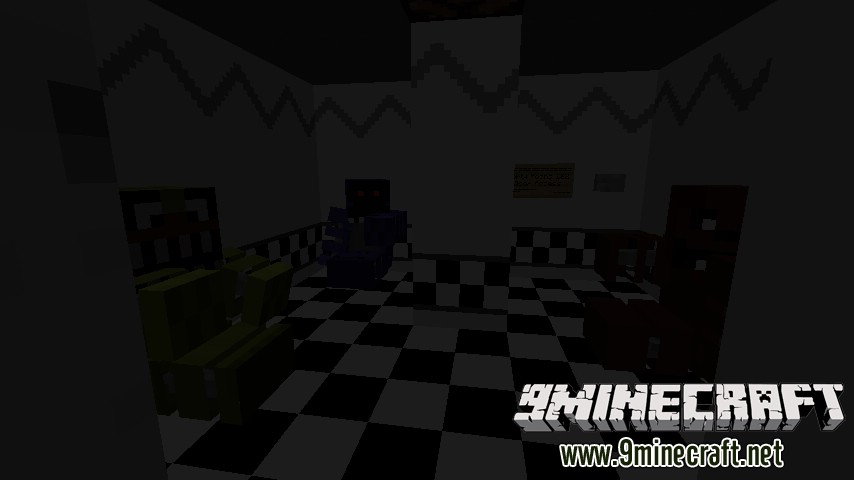
Five Nights at Freddy’s 2 – Multiplayer Edition Map Screenshots:
Instructions (Security Guard):
Step on the green carpet to begin your shift. Survive until 6AM, using your flashlight and cameras to keep the animatronics fixed in place and your Freddy Mask to reset them when they get too close. Don’t forget to wind up the music box every so often too. Be careful, your flashlight won’t just help you see. Press TAB to view your flashlight power, when it runs out, you can’t use the flashlight any more!
Instructions (Animatronics):
Get to the security office before the end of the night, but avoid getting too close when the guard is wearing the Freddy Mask, or else you’ll be reset. You’ll be immobilized whenever the player uses his flashlight, but he’ll run out of power if he uses it for too long.
How to Install:
New to Minecraft? Follow our step-by-step guide to install Maps on your PC.View Guide
Download links for Five Nights at Freddy’s 2 – Multiplayer Edition Map
https://mega.co.nz/#!Hs9BUJST!ZR-mO-kqGcm-5mAJ6_ejDR-prcK5aV4MHISI9o5oo3s
You May Also Like






This post has no comments yet. Be the first — your comment will appear here.