
Forager Model – Brings Animated 3D Depth to Vanilla Blocks and Plants
 3
 0


Forager Model brings a natural 16×16 look to your game with 552 custom 3D models and 5008 texture files. This pack refreshes blocks, plants, and redstone parts with extra depth and animated textures. You can see wooden doors, fences, and garden crops change shape as you interact with them in your world.
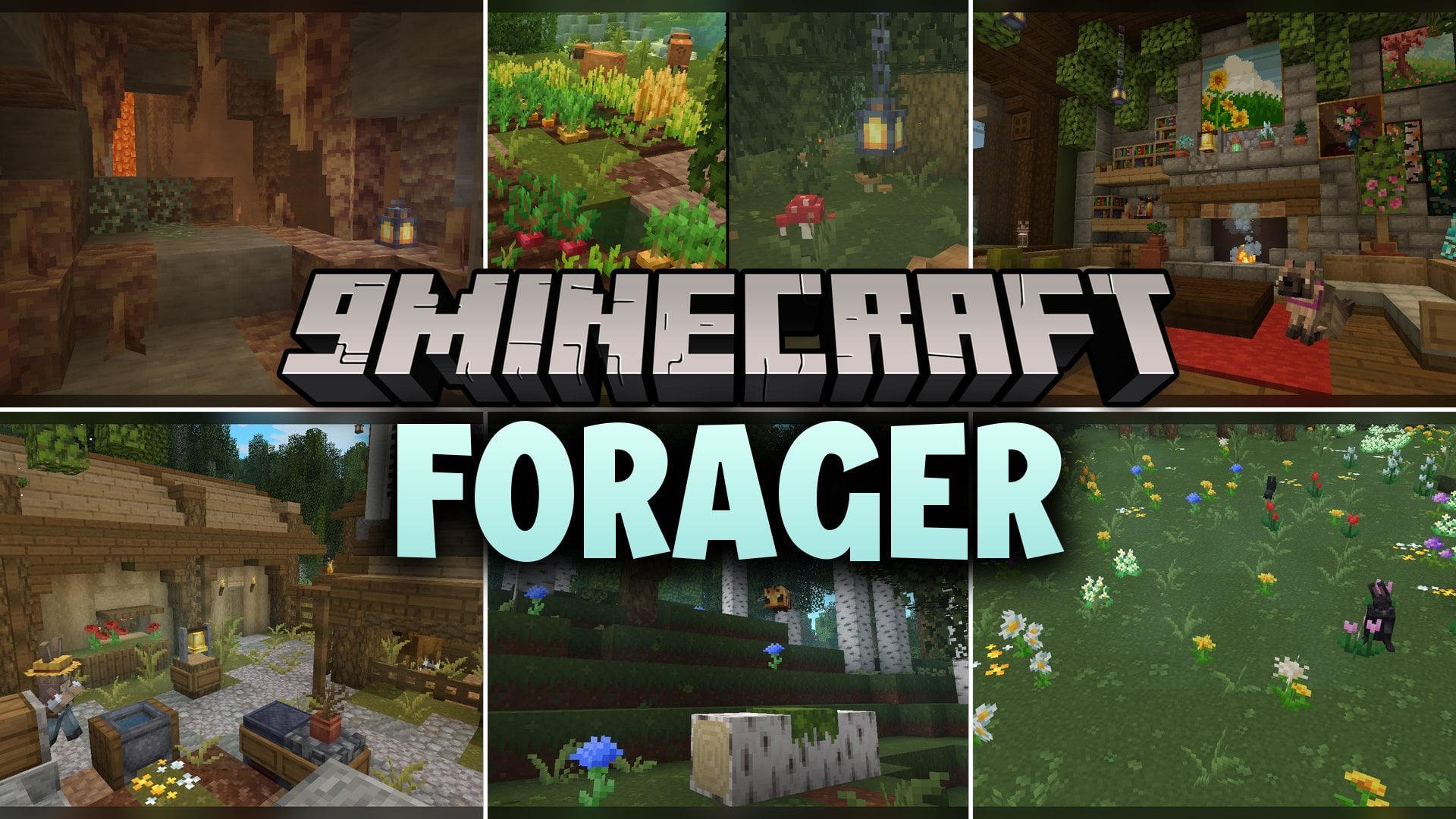
Features:
- Natural 16×16 Style: Gives blocks and plants a clean, nature-inspired look that fits the standard pixel size.
- 552 Custom 3D Models: Adds 3D shapes to flat blocks like rails, flowers, and wooden building parts.
- Animated Textures: Brings subtle movement to different surfaces across the 5008 texture files.
- Interactive Acacia Wood: Changes the 3D shape of acacia buttons, doors, fence gates, and trapdoors when you press or open them.
- Detailed Plant Models: Gives new 3D models to allium flowers and attached melon and pumpkin stems in your farm.
- 3D Activator Rails: Updates flat and sloped activator rails with distinct models for both powered and unpowered states.
How to Use:
- Put the pack file into your resourcepacks folder and turn it on in the game settings menu.
- Gather acacia wood from a savanna biome to craft an acacia door, trapdoor, fence, fence gate, and button.
- Place the acacia blocks down and right-click them to watch the models switch between their open, closed, and pressed states.
- Place an acacia fence gate between stone walls to see the special wall-attached gate model.
- Craft activator rails and place them on flat ground and slopes, then power them with a redstone torch to see the active 3D rail model light up.
- Find an allium flower in a flower forest, or grow melons and pumpkins until the stems attach to the fruit to inspect the updated 3D plant shapes.
Requirements:
- A Minecraft version that supports animated textures
Screenshots:
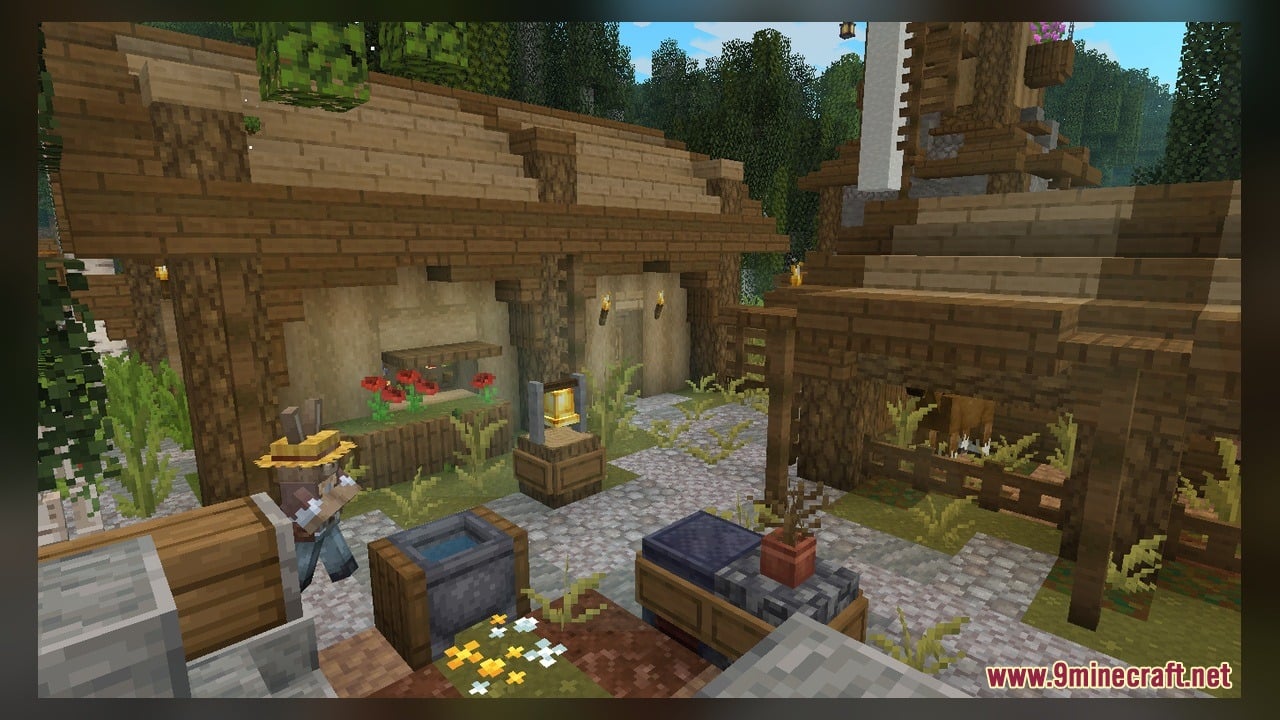
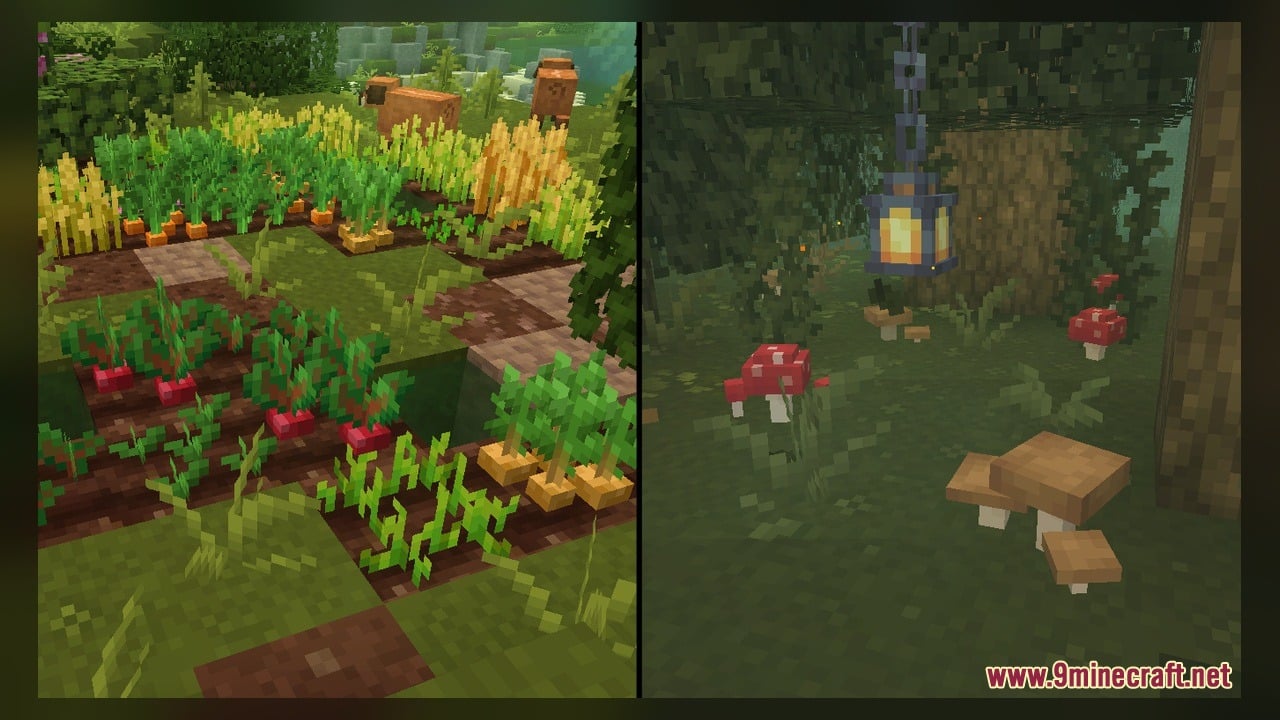
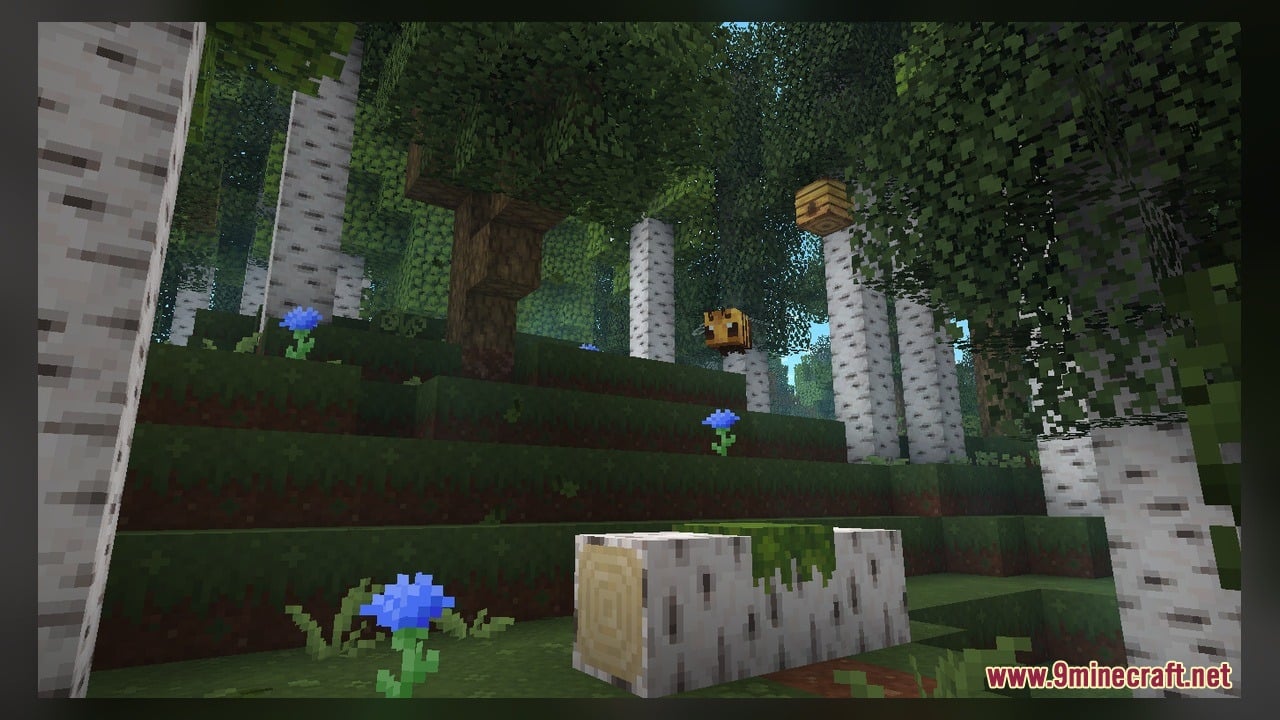
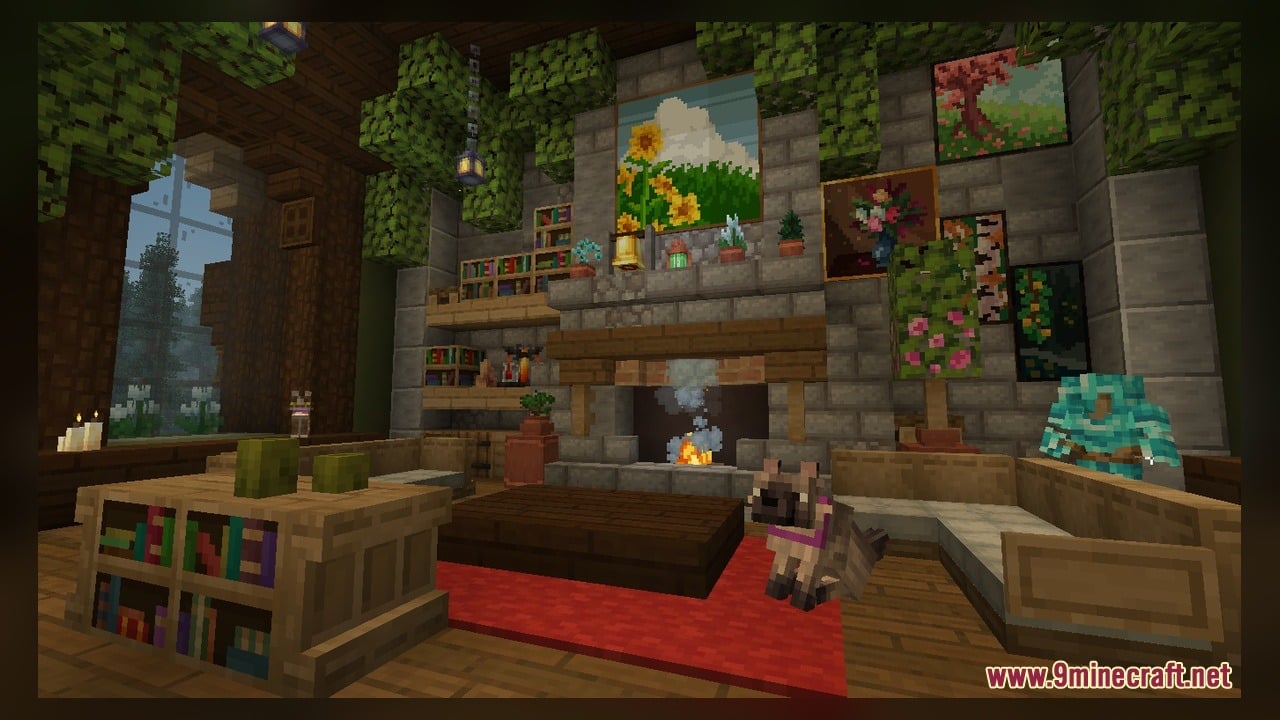
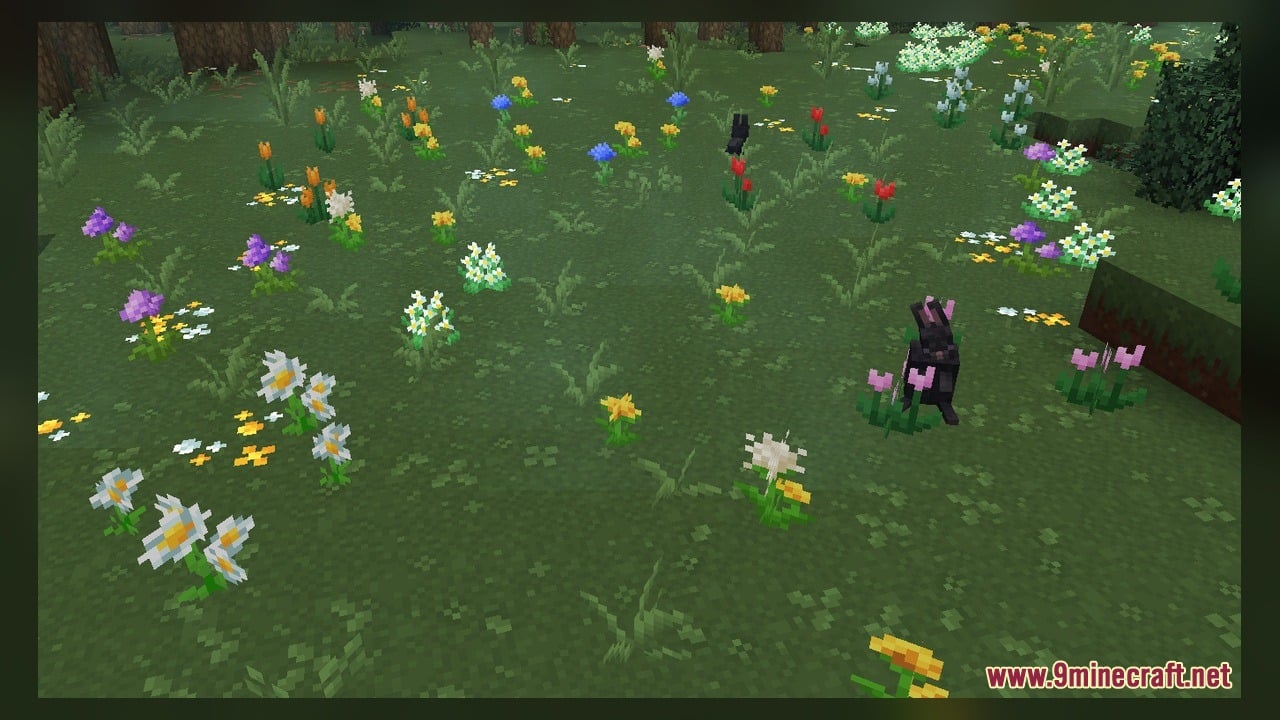
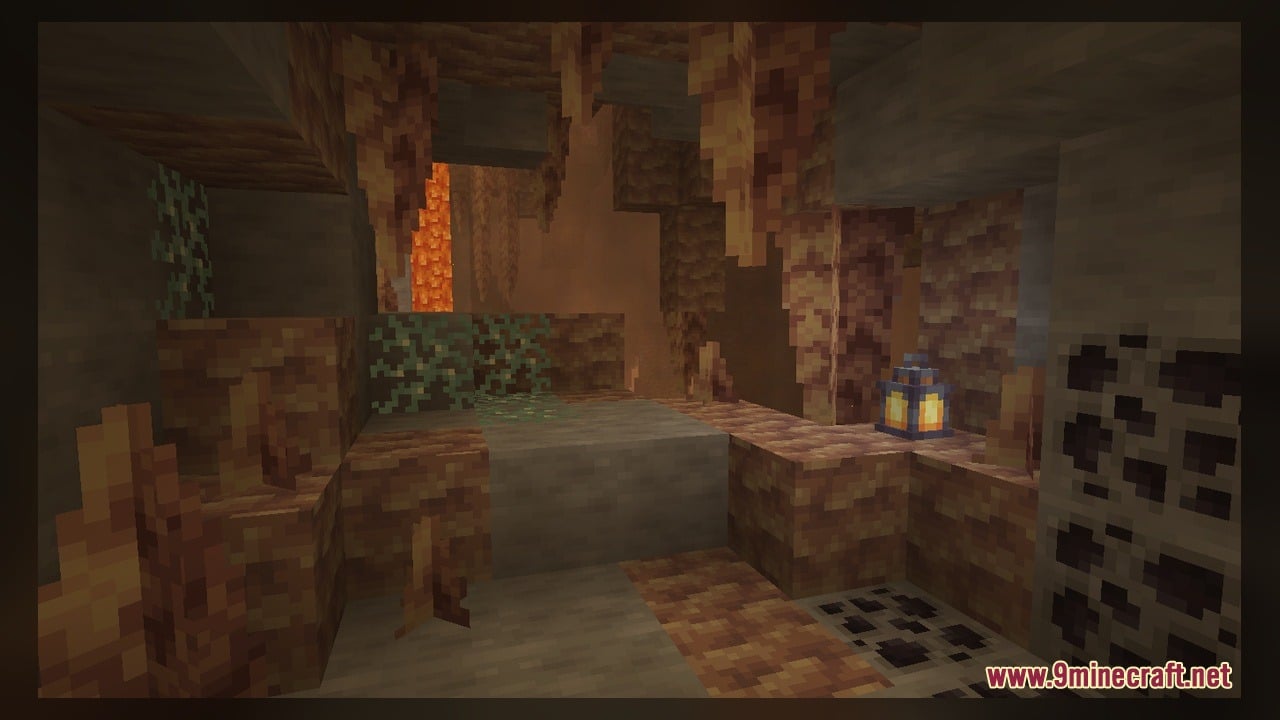
Forager Model Download Links
Click to rate this post!
[Total: 0 Average: 0]
You May Also Like
Picked for this page
 Velociraptor Kobold Jenny Mod Model
 Pixel Perfection Fidelity Model – Brings Cozy Medieval 3D Models to Blocks
 Bare Bones X Weskerson’s 3D Items Model – Brings Clean Animated 3D Redstone
 Northern Wonderer Model – Adds 660 Custom 3D Models to Doors and Rails
 PotatoCraft Model – Brings Clean 3D Blocks and Transparent PvP Menus
 100Follower Bedwars Pack Model – Transforms Arena Blocks for Clearer Fights
 Quadral Model – Brings Vivid Colors and 31 Custom 3D Models to Vanilla
 Pixel-Tree Model – Transforms Everyday Vanilla Blocks with Detailed 3D Shapes
 Brush & Juice Model – Brings Animated 3D Redstone and Mechanical Blocks
 Simply Alive Model – Brings Animated 3D Blocks and Capybara Totems
 Gui’s Better Vanilla Model – Brings Animated 3D Torches and Plants
 Dimensionalized 3D Essentials Model – Adds 248 Vanilla-Style 3D Block Models
Most viewed in Models over the last 7 days
 Jenny Mod Skin Pack Mega Collection – 310+ Characters
 The Most Complete Collection of Jenny Mod Resources – Models, Animations, Structures,…
 Albedo Rework Jenny Mod Model
 Galath Rework Model – Custom Girl for PleasureCraft Mod
 Power Model – Custom Girl for PleasureCraft Mod
 750 Models Addon for Yes Steve Model Mod
 Pomni Jenny Mod Model
 Ram Model – Custom Girl for PleasureCraft Mod
 Femboy Ellie Rework Jenny Mod Model
 100+ Custom Animations For Jenny Mod
 Ellie Rework Jenny Mod Model
 Steve (Jenny & Zoey) Pack Jenny Mod Model
More from Models
 Scythes Vanilla Model – Brings Sharp Harvesting Weapons Across Every Tier
 Better Blue Netherite Model – Transforms Ancient Debris Into Bright Blue Ores
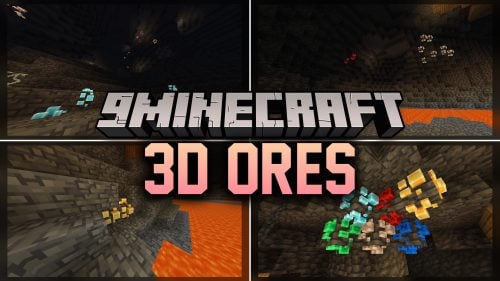 3D Ores Model – Transforms Flat Cave Minerals Into Sculpted Crystal Formations
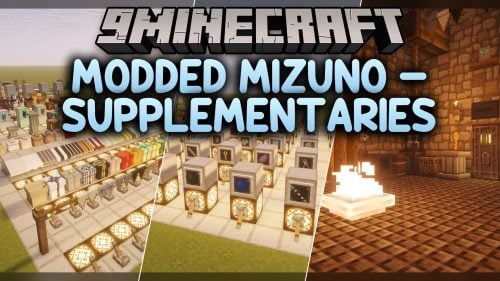 Modded Mizuno – Adds Charming Rustic 3D Animations to Utility Blocks
 Goose’s Crops Model – Transforms Flat Crops Into Detailed 3D Plants
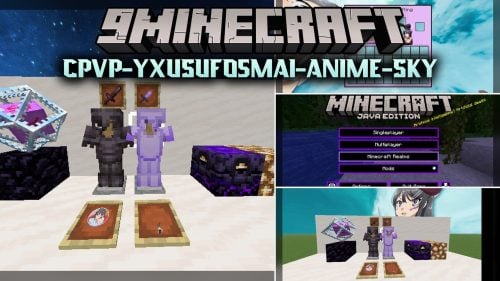 Cpvp-yxusuf05mai-anime-sky Model – Transforms Crystal PvP with Anime Skies
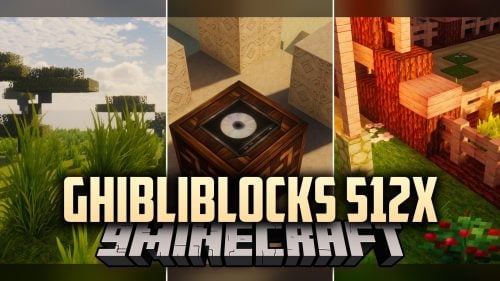 GhibliBlocks 512x Model – Transforms World Blocks Into Painterly Anime Art
 Edgy Foliage Model – Transforms Blocky Plants Into Bushy 3D Shapes
 Spawn Eggs New Model – Transforms Egg Sprites Into 3D Mob Sculptures
 British Rail Mark X Model – Brings Modern Passenger Carriages to Rails
 Minecraft Transit Railway – Brings Automated Light Rail to Cities
 3D Remix Model – Adds Animated Layers and Depth to Classic Blocks

This post has no comments yet. Be the first — your comment will appear here.