
Fyoncle’s 3D Trims Model – Transforms Smithing Templates Into Carved Tablets

 0
0 

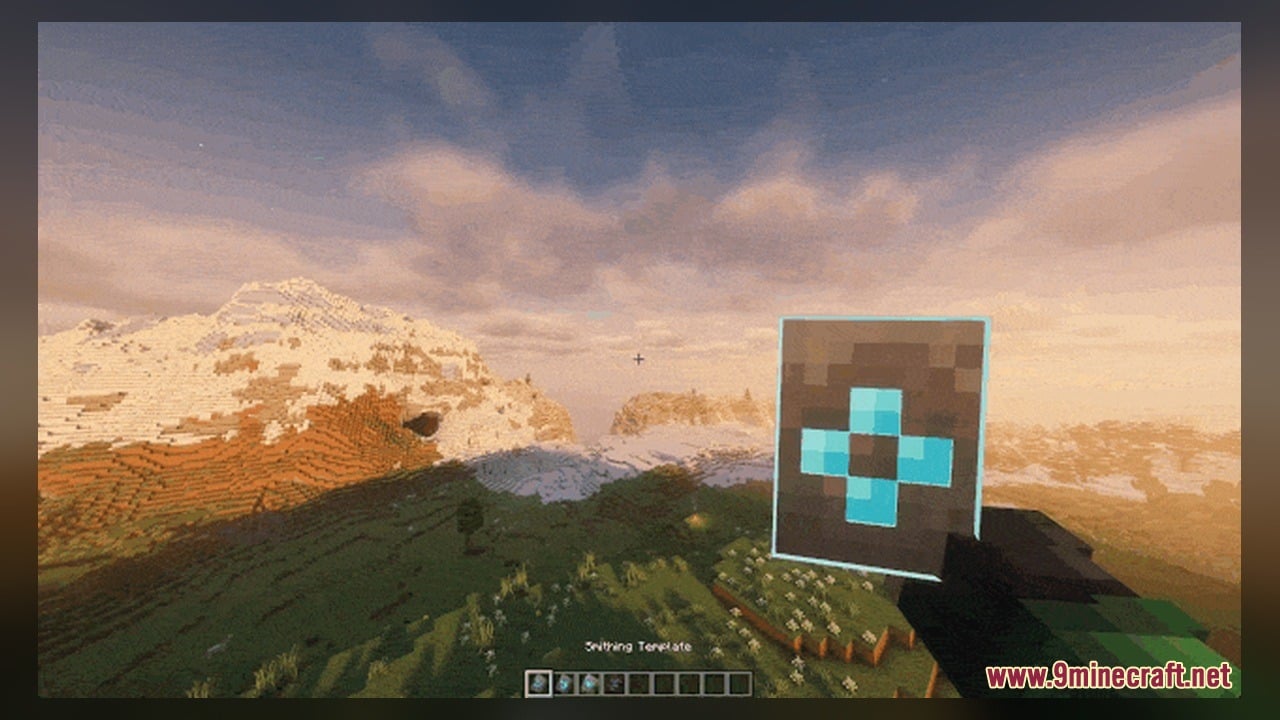
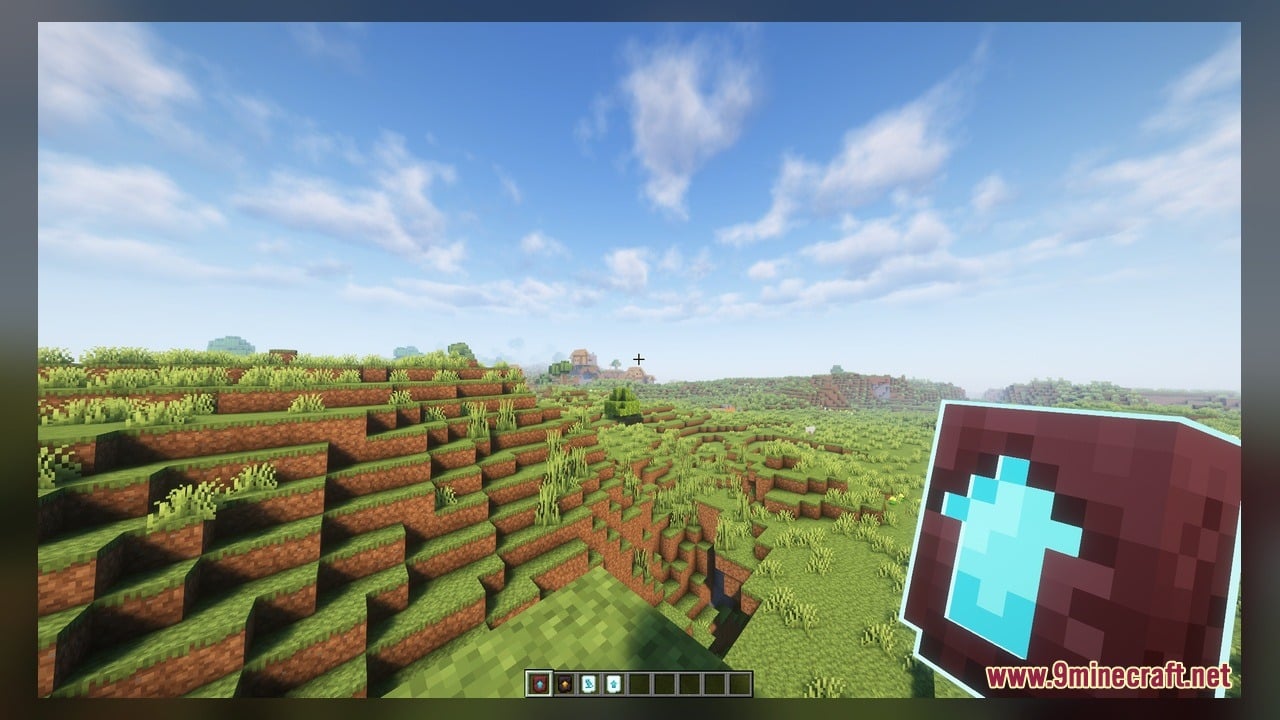
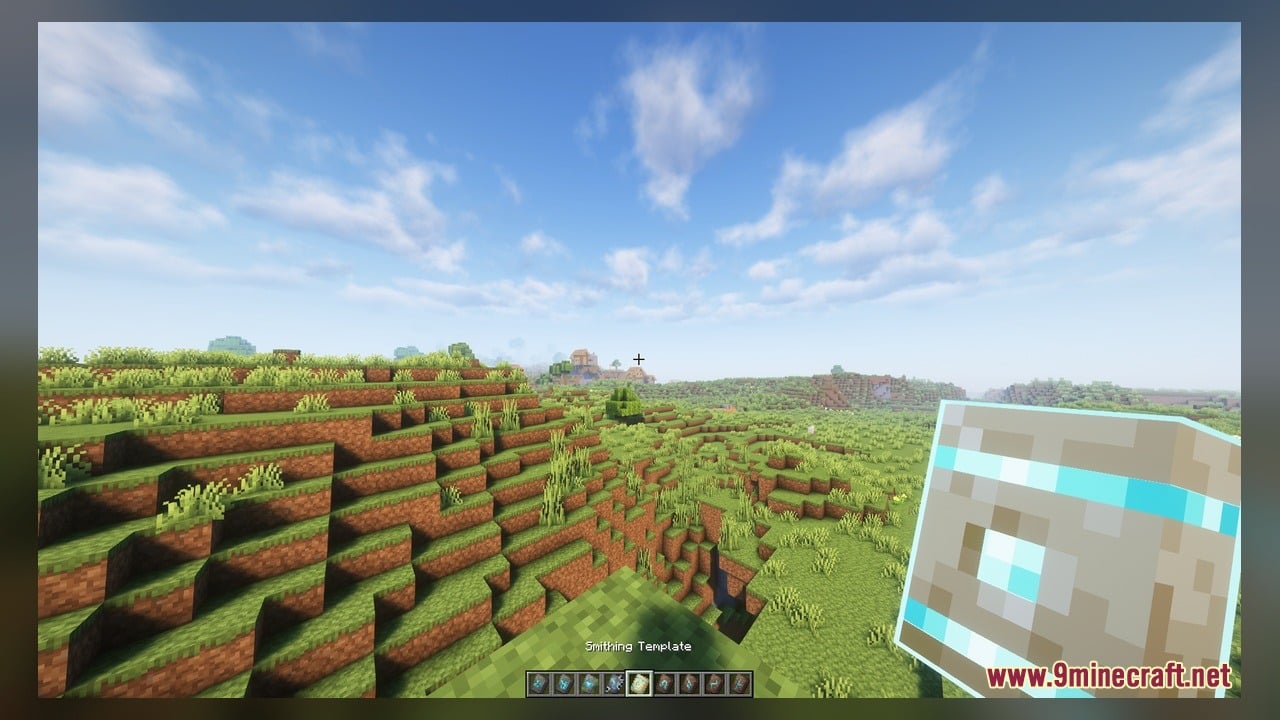
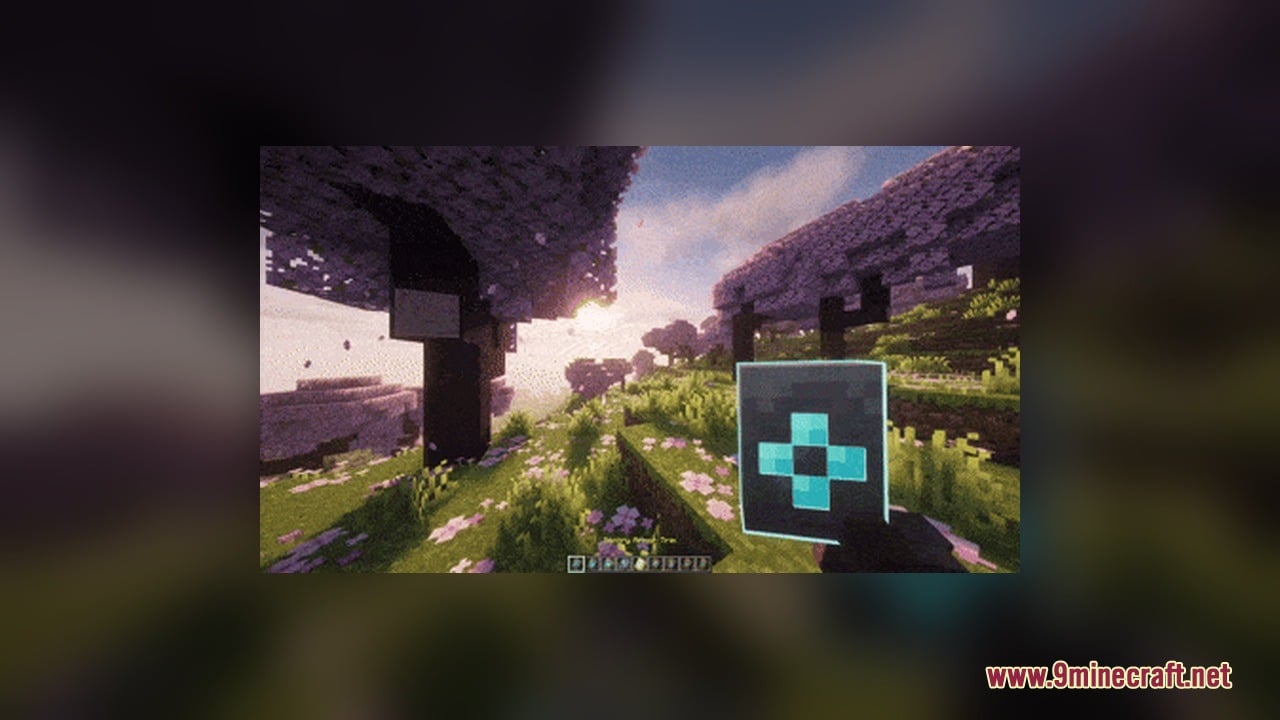
Fyoncle’s 3D Trims Model transforms flat smithing templates into detailed 3D handheld models. When you hold any smithing template or upgrade item in your main hand or offhand, it displays with full blocky depth instead of a basic flat sprite. The pack updates vanilla trims as well as custom template items so your character holds thick carved tablets during your adventures.
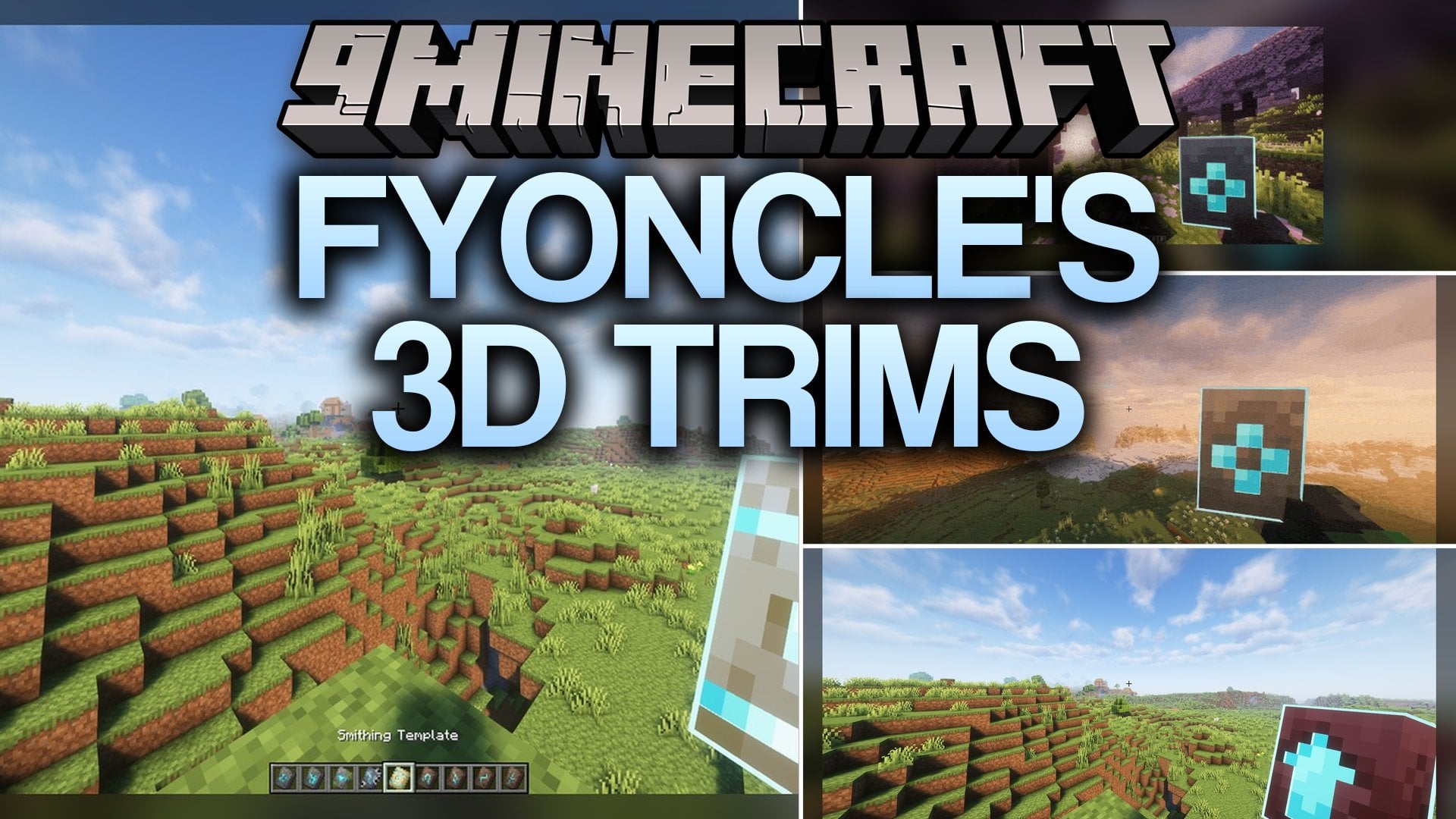
Features:
- First-Person 3D Display: Replaces flat item sprites with custom 3D models whenever templates rest in your hands.
- Extensive Model Collection: Includes 41 custom 3D models and 83 textures tailored for smithing templates.
- Vanilla templates like Sentry, Vex, Wild, Coast, Dune, Wayfinder, Raiser, Shaper, Host, Ward, Silence, Tide, Snout, Rib, Eye, Spire, Bolt, and Flow display distinct carved geometry.
- Netherite Upgrade templates receive a solid, dimensional redesign with unique metallic accents.
- Includes custom and mod-friendly templates such as Gilded, Warden, Fur, Ice Skate, Stasis, Frosty, Glacial, Snow Man, Beast, Fever, and Greed templates.
- Keeps a clean look that matches standard vanilla blocks and tools.
How to Use:
- Place the downloaded pack file directly into your Minecraft
resourcepacksfolder and turn it on in the Resource Packs menu. - Loot an Ancient City chest to grab a Silence Armor Trim or Ward Armor Trim, or mine a Nether Fortress to pick up a Netherite Upgrade Smithing Template.
- Switch to first-person view and place the template into your main hand or off-hand slot to see its solid 3D shape pop out from the screen.
- Travel to a Trial Chamber vault to obtain a Bolt or Flow trim template and notice the sharp geometric edges carved into the sides of each tablet.
- Find special add-on templates like the Gilded Upgrade, Warden Upgrade, or Frosty Trim to inspect how each unique theme alters the tablet surface in your grip.
Screenshots:
Fyoncle’s 3D Trims Model Download Links
Click to rate this post!
[Total: 0 Average: 0]
You May Also Like
Picked for this page
 Arty Reindeer Jenny Mod Model
 Gawr Gura Character For Luna Jenny Mod Model
 My Totem Doll Model – Transforms Totems Into Custom Mini Player Dolls
 Old Horse Model – Restores Classic Retro Horse Models and Animations
 CMG PP Model – Transforms Create Machinery Into Tactical Military Equipment
 Overly Realistic Base Resources Model – Brings Custom 3D Block Overlays
 Create Energistics Model – Transforms Digital Storage Into Clockwork Machinery
 WU_SHUANGCB’s Zombie Skin Model – Transforms Zombies with Heavy Viral Weapons
 Bucket Buddies Model – Transforms Flat Buckets Into Cute Animated Critters
 Vanilla Recrafted Model – Brings Crisp 3D Shapes and Smooth Animations
 Vanilla PVP Essentials Model – Brings Clean 3D Overlays for Combat
 Simplistic 3D Doors Model – Adds Clean Depth to Vanilla Entryways
Most viewed in Models over the last 7 days
 Jenny Mod Skin Pack Mega Collection – 310+ Characters
 The Most Complete Collection of Jenny Mod Resources – Models, Animations, Structures,…
 Albedo Rework Jenny Mod Model
 Power Model – Custom Girl for PleasureCraft Mod
 Ram Model – Custom Girl for PleasureCraft Mod
 100+ Custom Animations For Jenny Mod
 Galath Rework Model – Custom Girl for PleasureCraft Mod
 750 Models Addon for Yes Steve Model Mod
 Fern Jenny Mod Model
 Femboy Ellie Rework Jenny Mod Model
 Steve (Jenny & Zoey) Pack Jenny Mod Model
 Alex Model – Custom Girl for PleasureCraft Mod
More from Models
 Cpvp-yxusuf05mai-anime-sky Model – Transforms Crystal PvP with Anime Skies
 GhibliBlocks 512x Model – Transforms World Blocks Into Painterly Anime Art
 Edgy Foliage Model – Transforms Blocky Plants Into Bushy 3D Shapes
 Spawn Eggs New Model – Transforms Egg Sprites Into 3D Mob Sculptures
 British Rail Mark X Model – Brings Modern Passenger Carriages to Rails
 Minecraft Transit Railway – Brings Automated Light Rail to Cities
 3D Remix Model – Adds Animated Layers and Depth to Classic Blocks
 British Rail Class 153 Model – Brings Rural Diesel Trains to Railways
 British Rail Classes 323 & 157 Model – Adds Realistic British Commuter Trains
 Great Torch Model – Transforms Torches and Redstone Into Realistic 3D Shapes
 Minecraft Askew Model – Brings Animated 3D Shapes to Classic Blocks
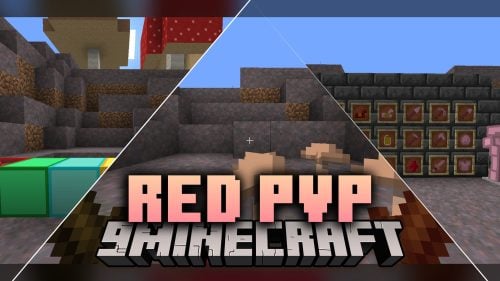 Red PVP Model – Brings Animated Crimson Gear and Custom 3D Weapons

This post has no comments yet. Be the first — your comment will appear here.