
Glowing Trim Shield Model – Unlocks 18 Glowing Trim Styles Via Anvil Renaming

 0

Glowing Trim Shield Model transforms standard Minecraft shields into glowing trim shields with 16 colors and 18 trim styles. This model pack includes 576 custom 3D models and 1,156 texture files to cover every color and trim combination, alongside blocking states like a1 through a18 and a1b through a18b. Players unlock these glowing visual variants simply by renaming a regular shield at an anvil.

Features:
- 18 Trim Styles & 16 Colors: Turns regular shields into glowing trimmed variants across 18 trim patterns and 16 different colors.
- Anvil Renaming System: Activates the glowing shield models just by renaming a standard shield item, without changing normal shield stats.
- Includes 576 custom 3D models and 1,156 texture files to handle every color, trim, and blocking state combination.
- Provides separate idle and blocking model states (such as
a1toa18anda1btoa18b) so the shield switches models when raised to block.
How to Use:
- Move the downloaded pack into your Minecraft
resourcepacksfolder and activate it in the in-game Resource Packs menu. - Craft or grab a standard Shield and place an Anvil in your world.
- Open the Anvil menu, insert the Shield, and rename it to match your desired glowing trim and color variant (corresponding to internal model IDs like
a1througha18across the 16 color sets). - Equip the renamed Shield in your main hand or off-hand to view the glowing trim pattern in first-person or third-person view.
- Hold Right-Click to raise the shield into its blocking stance, which switches the model to its matching blocking variant (such as
a1bthrougha18b).
Screenshots:


Glowing Trim Shield Model Download Links
Click to rate this post!
[Total: 0 Average: 0]
You May Also Like
Picked for this page
 Suku Slime Princess Model – Unleashes Intelligent Slime Boss
 The ClickCrystals Pack Model – Transforms Crystal Combat with 3D Visuals
 Conquest_ Model – Adds 721 Detailed Props From Paintings to Hunting Trophies
 ShadowBlade Model – Equips Animated 3D Fantasy Weapons for PvP Combat
 TheRa 3D Model – Brings Animated Bows and Depth to Vanilla Items
 Universal 3D Archery – Transforms Flat Bows and Crossbows Into 3D Weapons
 Slimefun Model – Brings 3D Shields, Solar Panels, and Animated Server Tech
 Gravestone Dungeons Resource Pack Model – Brings Animated 3D Dungeon Rituals
 Vanilla SMP Model – Brings Clear 3D Weapons and Visible Traps to PvP
 Drown’s Tool Tweaks Model – Brings Animated 3D Weapons and Glowing Altars
 ASTERA Model – Brings Sharp 3D Blades to Vanilla Melee Battles
 Shield Corrections Model – Brings Lowered 3D Shields and Fixed Banner Patterns
Most viewed in Models over the last 7 days
 Jenny Mod Skin Pack Mega Collection – 310+ Characters
 The Most Complete Collection of Jenny Mod Resources – Models, Animations, Structures,…
 Albedo Rework Jenny Mod Model
 750 Models Addon for Yes Steve Model Mod
 Power Model – Custom Girl for PleasureCraft Mod
 Galath Rework Model – Custom Girl for PleasureCraft Mod
 Pomni Jenny Mod Model
 Femboy Ellie Rework Jenny Mod Model
 Ram Model – Custom Girl for PleasureCraft Mod
 100+ Custom Animations For Jenny Mod
 Ellie Rework Jenny Mod Model
 Ellen Model – Custom Girl for PleasureCraft Mod
More from Models
 Moons Simple Bedwars Model – Brings Clean Animated 3D Blocks to Matches
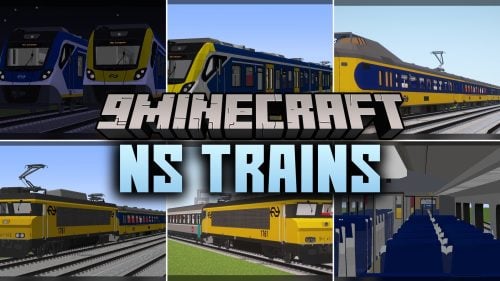 NS Trains Model – Brings Realistic Dutch Railway Vehicles to MTR4 Networks
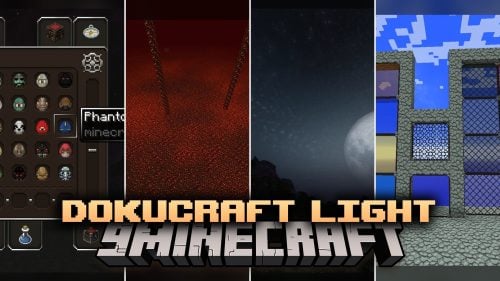 Dokucraft Light Model – Transforms Everyday Blocks Into Fantasy 3D Shapes
 IVR – Brings Anime-Themed KCRC and MTRC Trains to Your Transit Railway
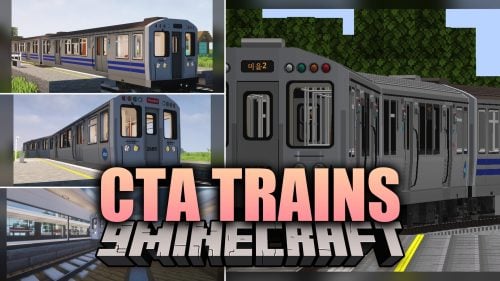 CTA Trains Model – Brings Authentic Chicago L Trains to Your MTR4 Railways
 TGV Atlantique Thalys Model – Brings High-Speed European Trains to Railways
 Moons Cuter Bedwars Model – Brings Cute 3D Blocks and Clean PvP Visuals
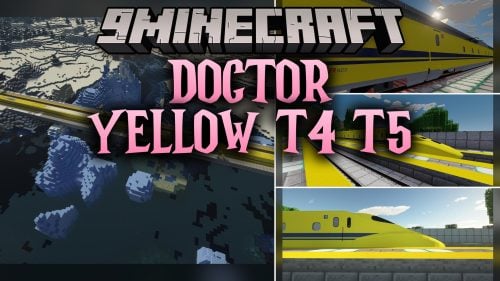 DOCTOR YELLOW T4 T5 Model – Adds Famous Yellow Inspection Trains to Railways
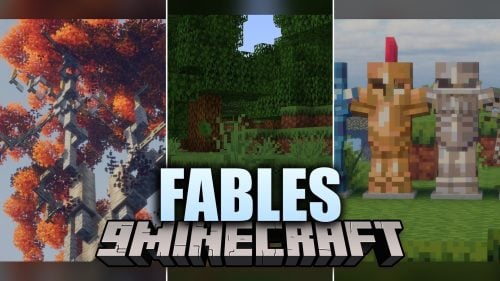 Fables Model – Brings Stylized Fantasy 3D Foliage and Animated Block Textures
 OdarIs Model – Transforms Outdoor Terrain with Animated 2048x 3D Foliage
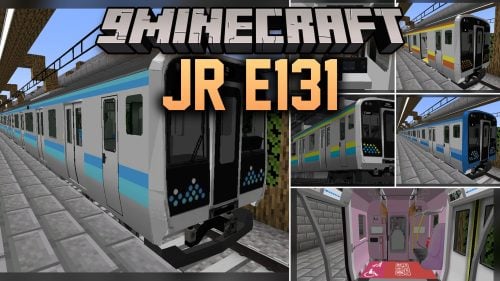 JR E131 Model – Brings Authentic Japanese Commuter Trains to Rail Networks
 Seoul Metro Woojin Trains Model – Brings Modern Korean Subway Cars

This post has no comments yet. Be the first — your comment will appear here.