


Gnetum Mod (26.2, 1.20.1) – Play with Higher FPS and Zero Annoying Lag Spikes

 0
0 

🌐 Good news — we've translated this article into other languages!
Or pick the one you like:
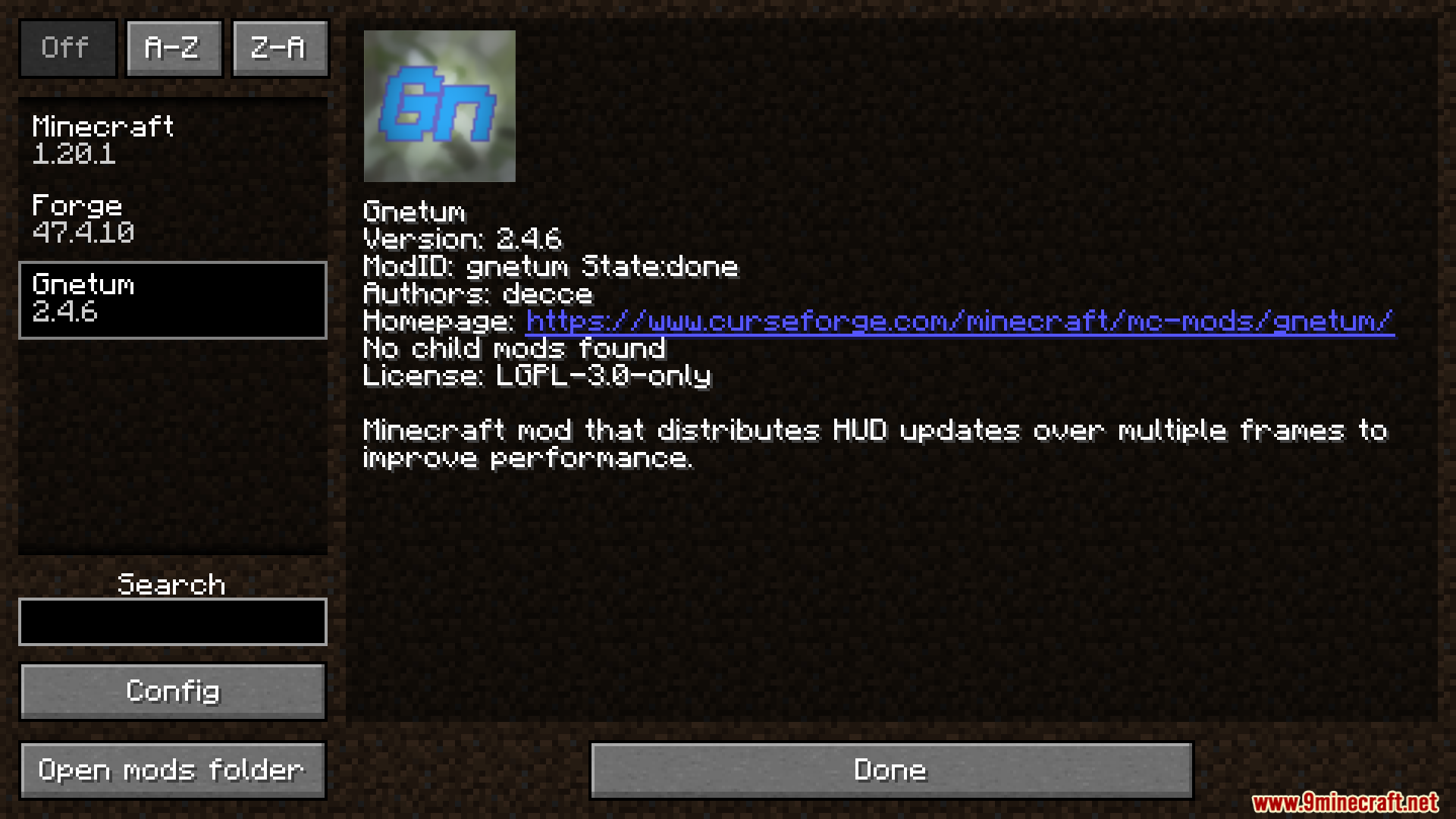
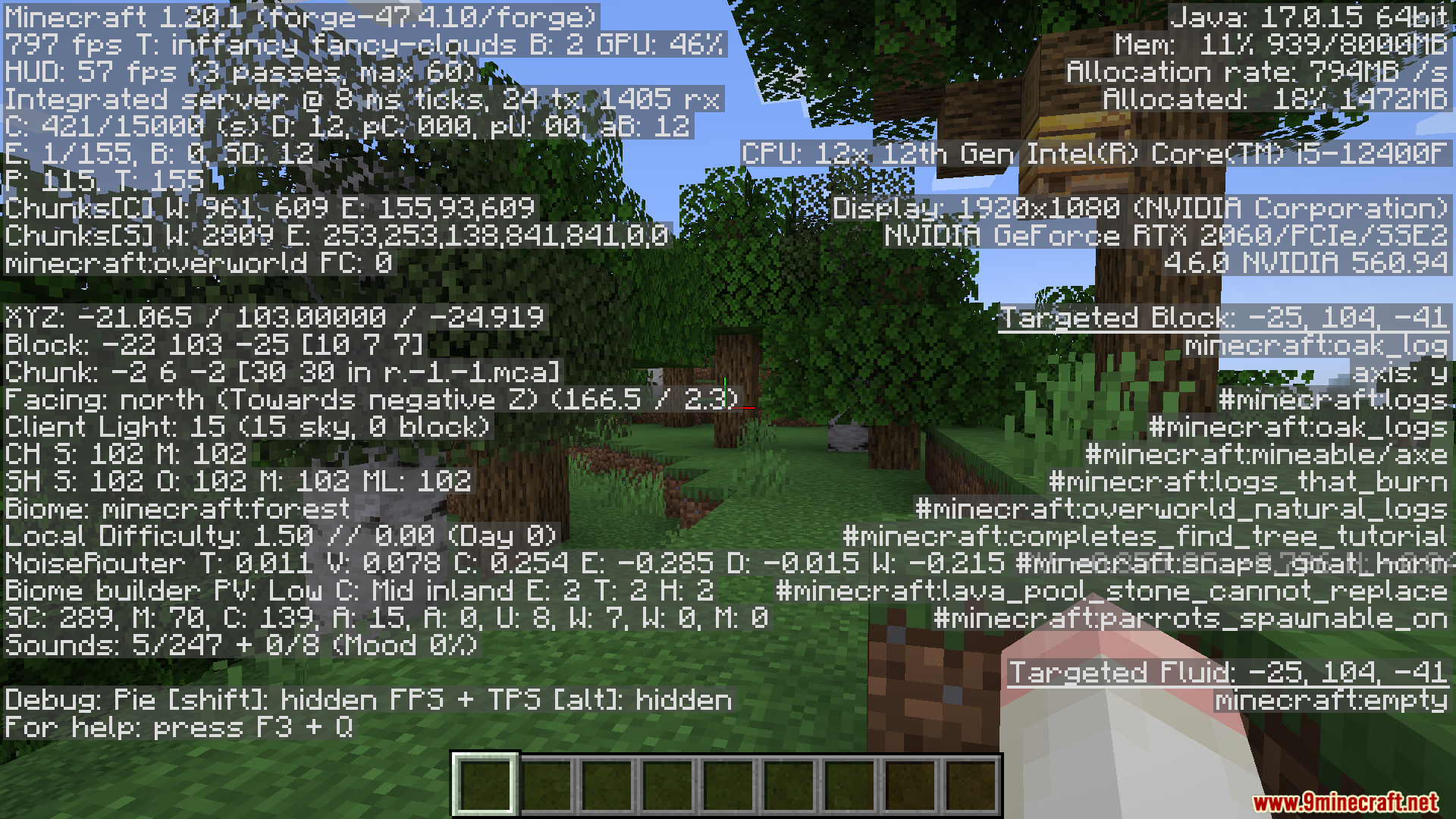
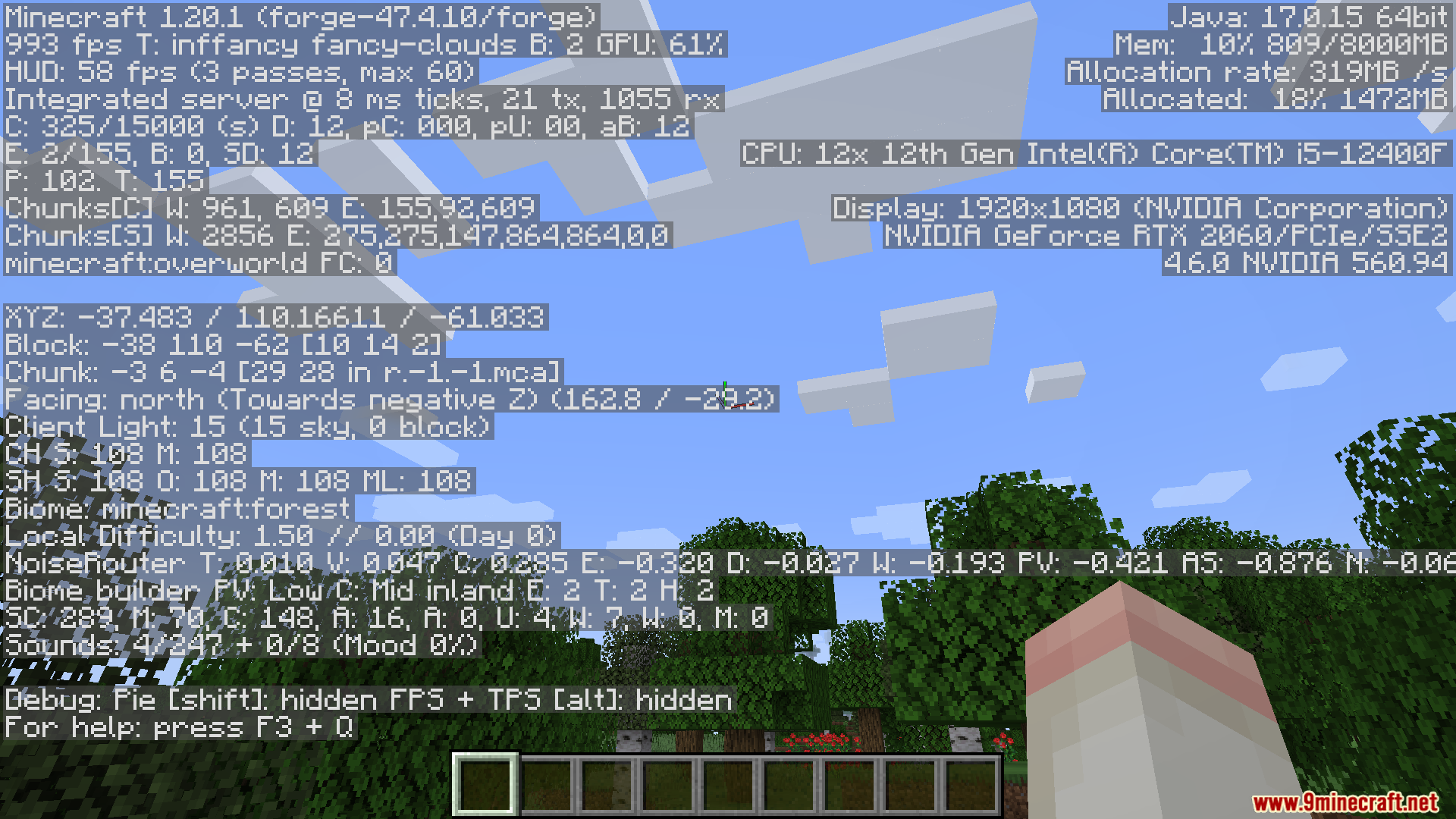
Gnetum Mod optimizes your game speed by changing how your health and item bars load. It splits the screen updates into smaller pieces across multiple frames so your computer does less work at once. This helps your game run faster and stops annoying lag spikes while you play.
Features:
- Splits the on-screen display updates into smaller passes to save computer power.
- Renders only one small piece of the display per frame instead of the whole thing at once.
- Increases both your average frames per second and your lowest frame drops.
- Adds a special framerate limiter just for the screen display elements.
- Lets you turn caching on or off for different parts of your screen.
Important Settings:
- If you play on older versions with OptiFine, you must turn off the Fast Render setting.
- If you use StellarCore, turn off its display caching feature so this mod can work.
How to Use:
- Open your game menu and go to the Video Screen settings.
- Find the new settings menu added by this mod.
- Change the number of passes the display uses to update.
- Set a maximum FPS limit just for your health and hotbar display.
- Turn caching on or off for specific screen elements.
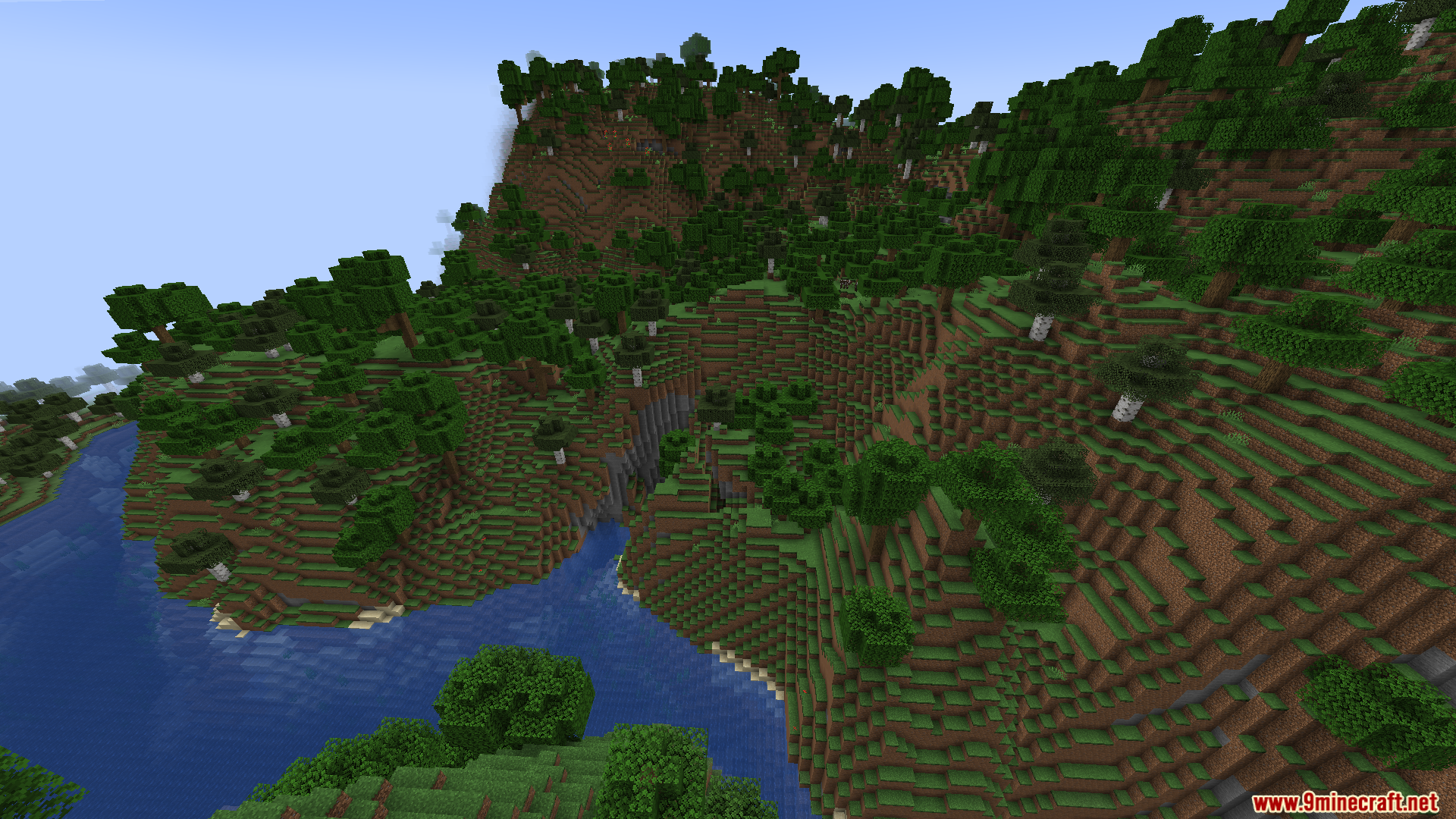
Screenshots:
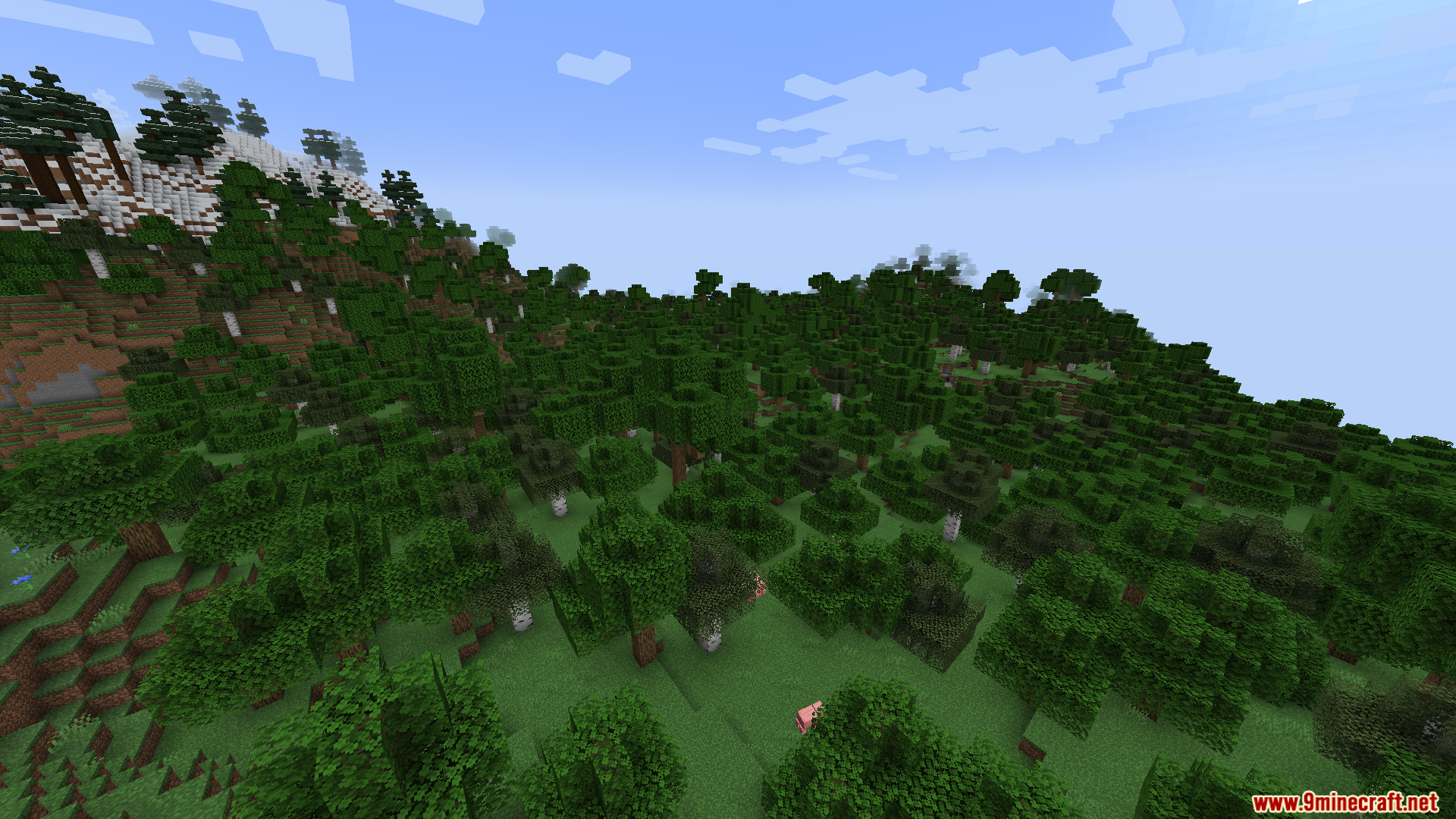
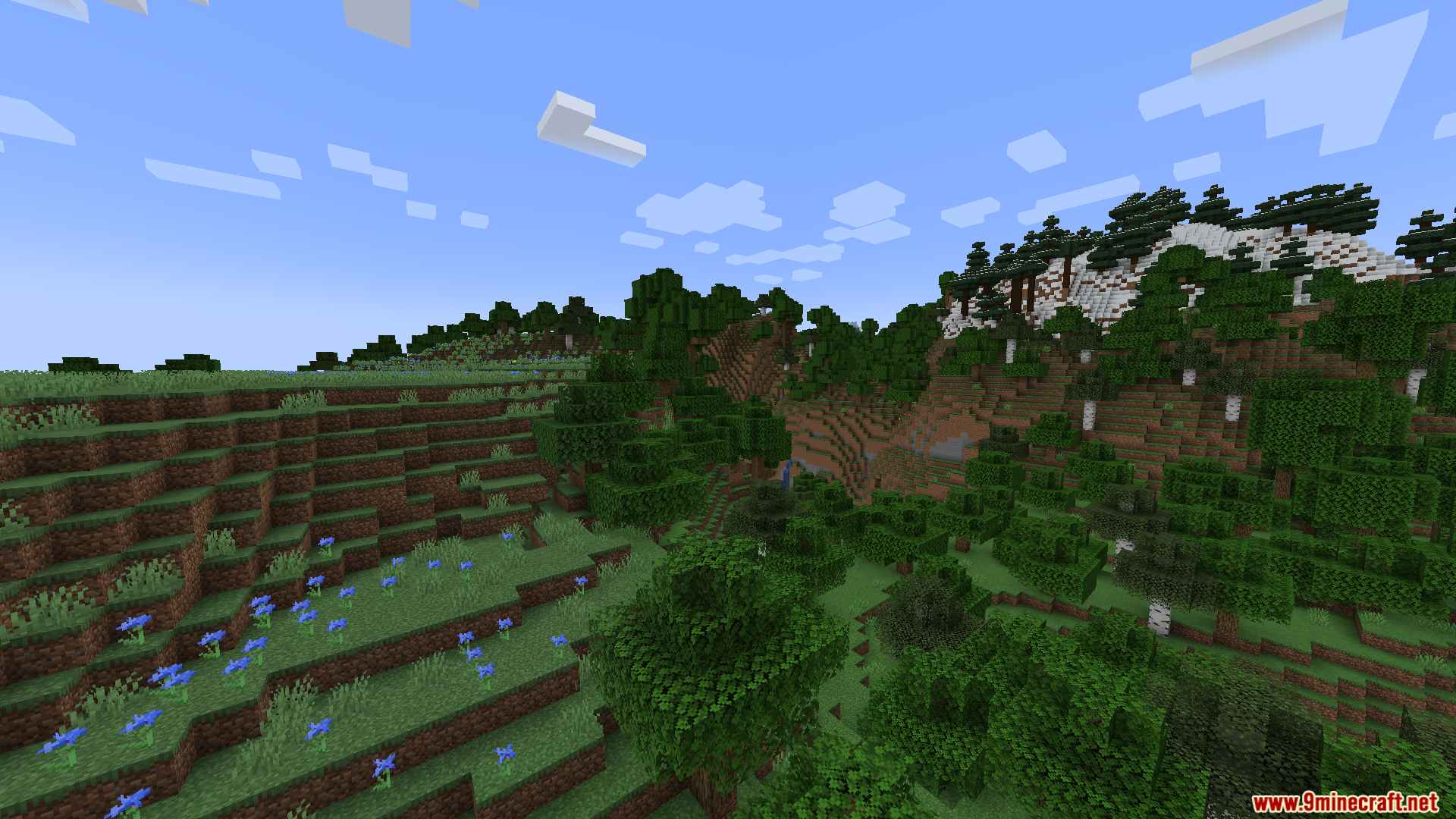
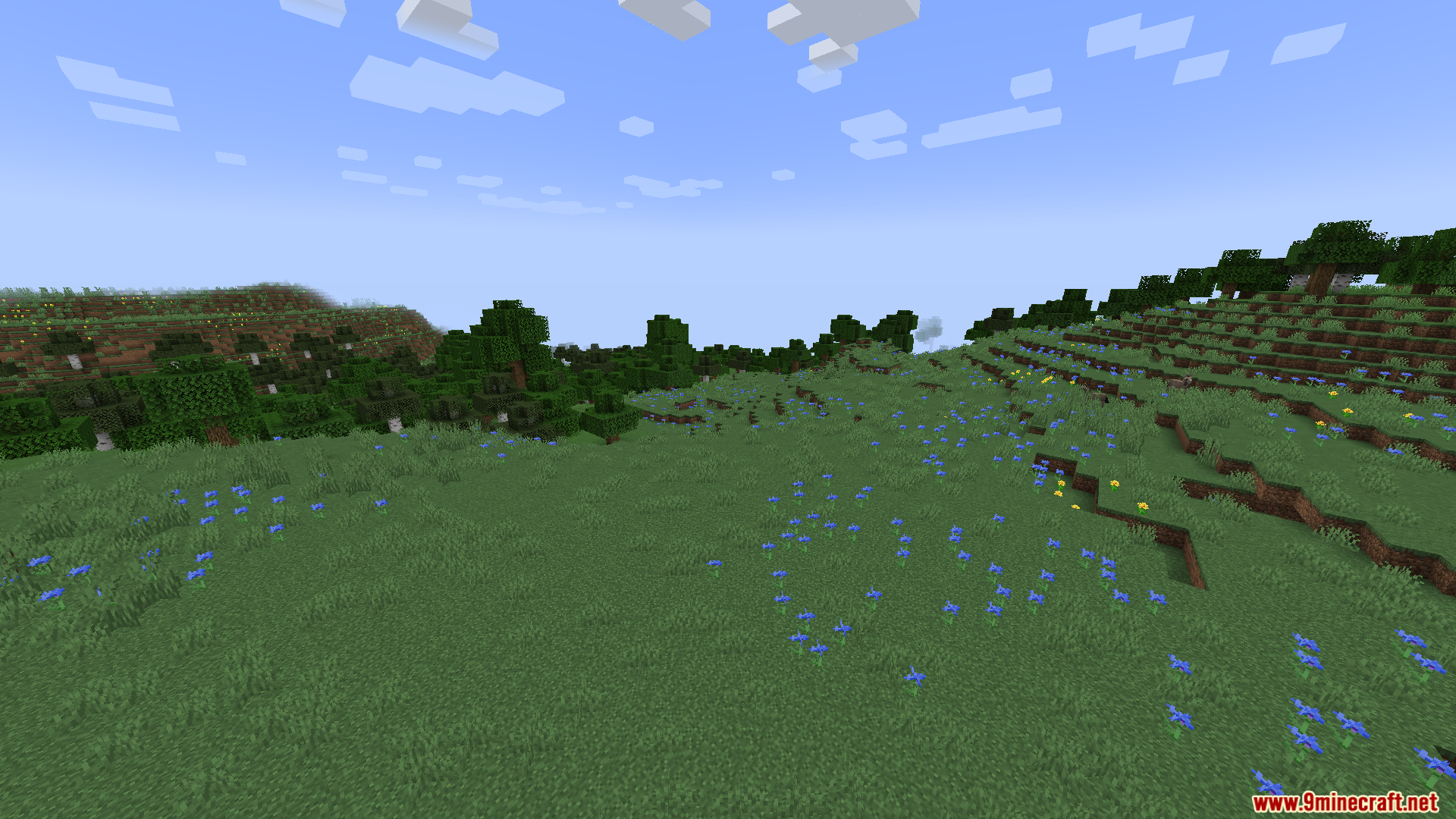
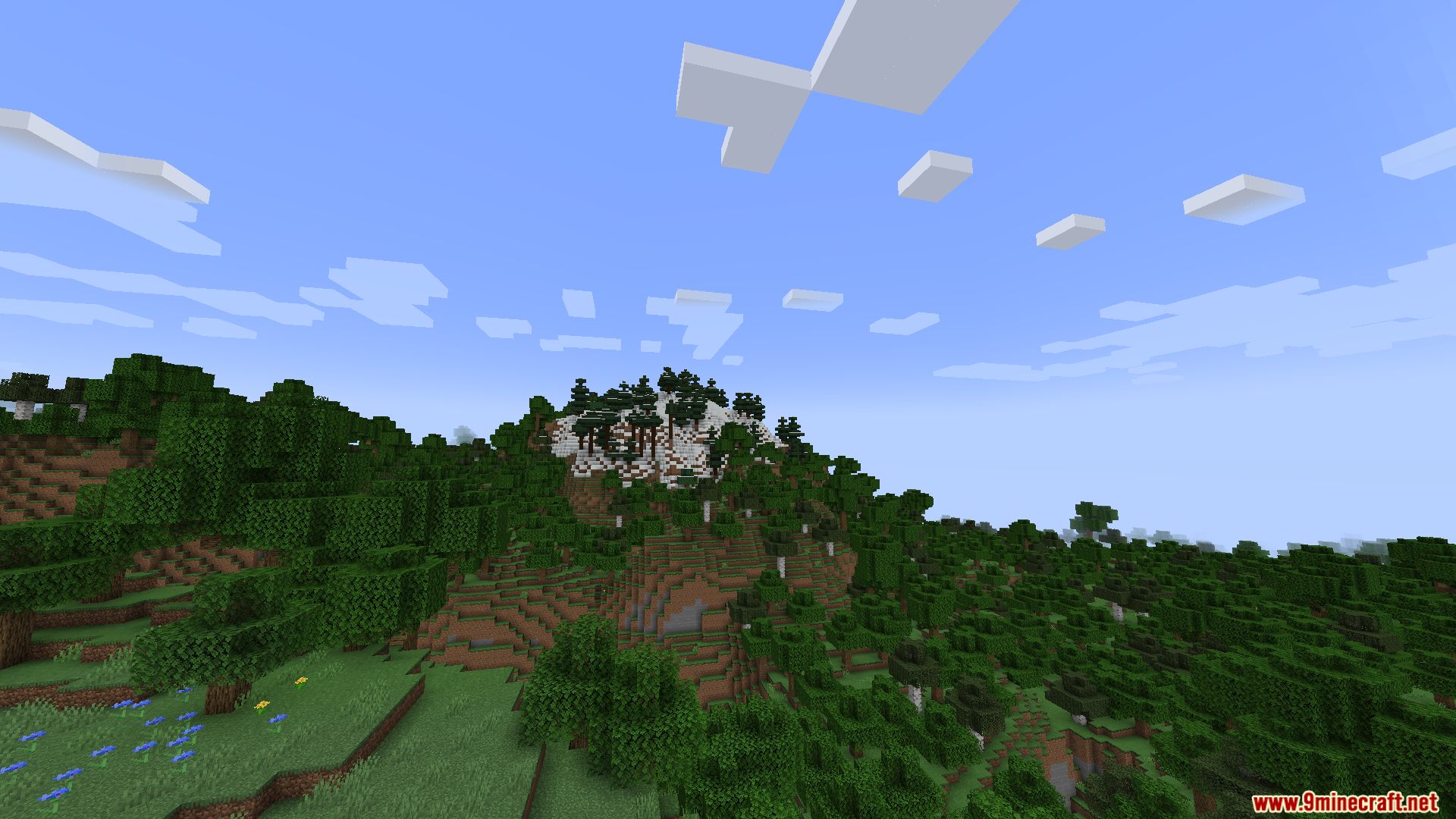
How to Install:
New to Minecraft? Follow our step-by-step guide to install Mods on your PC.View Guide




Gnetum Mod Download Links
For Minecraft 26.2
For Minecraft 26.1.2, 26.1.1, 26.1
For Minecraft 1.21.11
For Minecraft 1.21.1, 1.21
For Minecraft 1.20.1, 1.20
For Minecraft 1.12.2
Click to rate this post!
[Total: 0 Average: 0]
You May Also Like





This post has no comments yet. Be the first — your comment will appear here.