


Collect Everything Mod (26.2) – Achieve 100% Completion in Your World

 0
0 

🌐 Good news — we've translated this article into other languages!
Or pick the one you like:
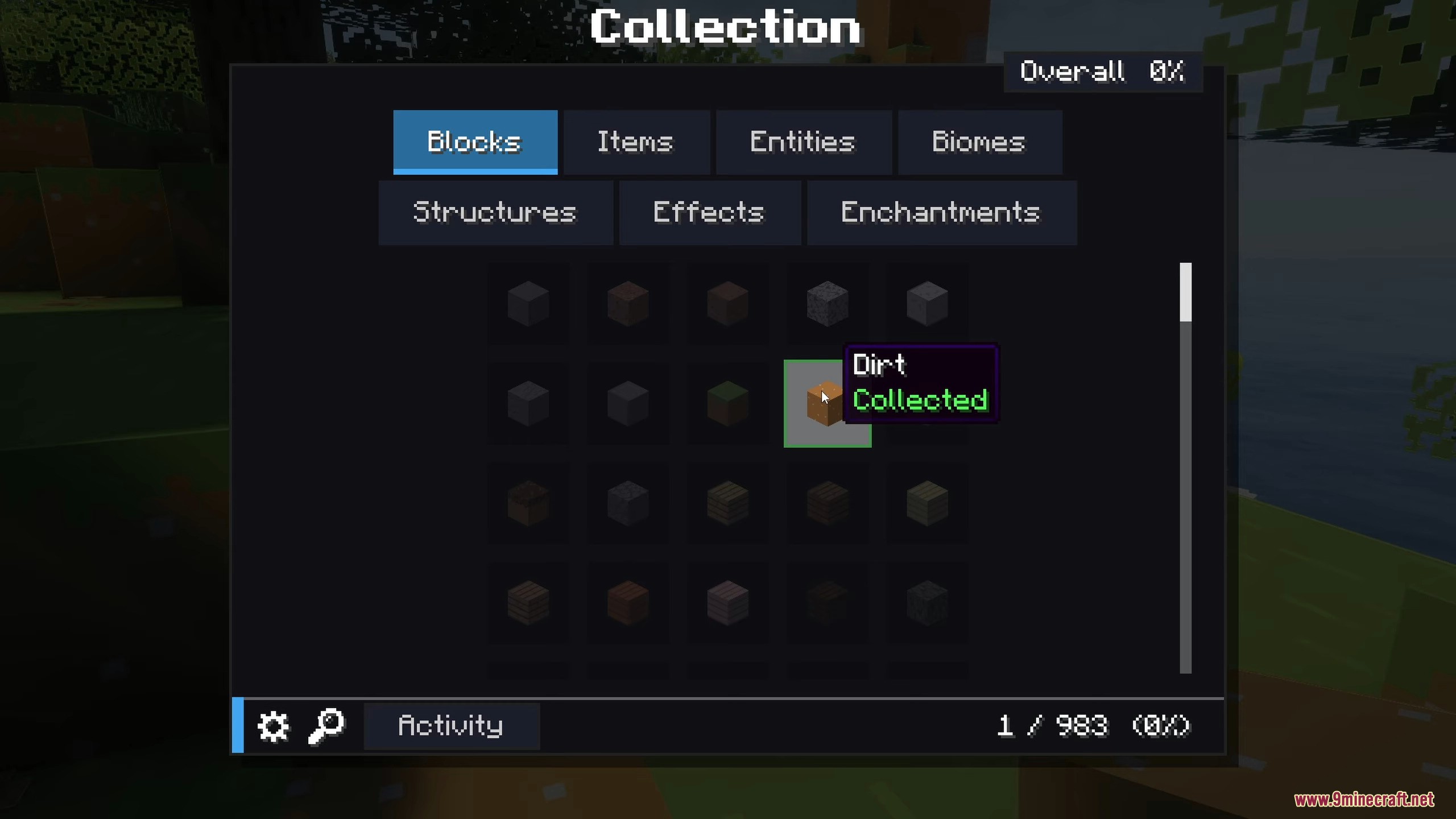
Collect Everything Mod gives you a giant checklist to track your progress toward 100 percent completion. It records every single block, item, mob, biome, and structure you find during your playthrough. You can easily see what you already have and what you still need to look for. This tracker works for both solo players and big multiplayer servers.
Features:
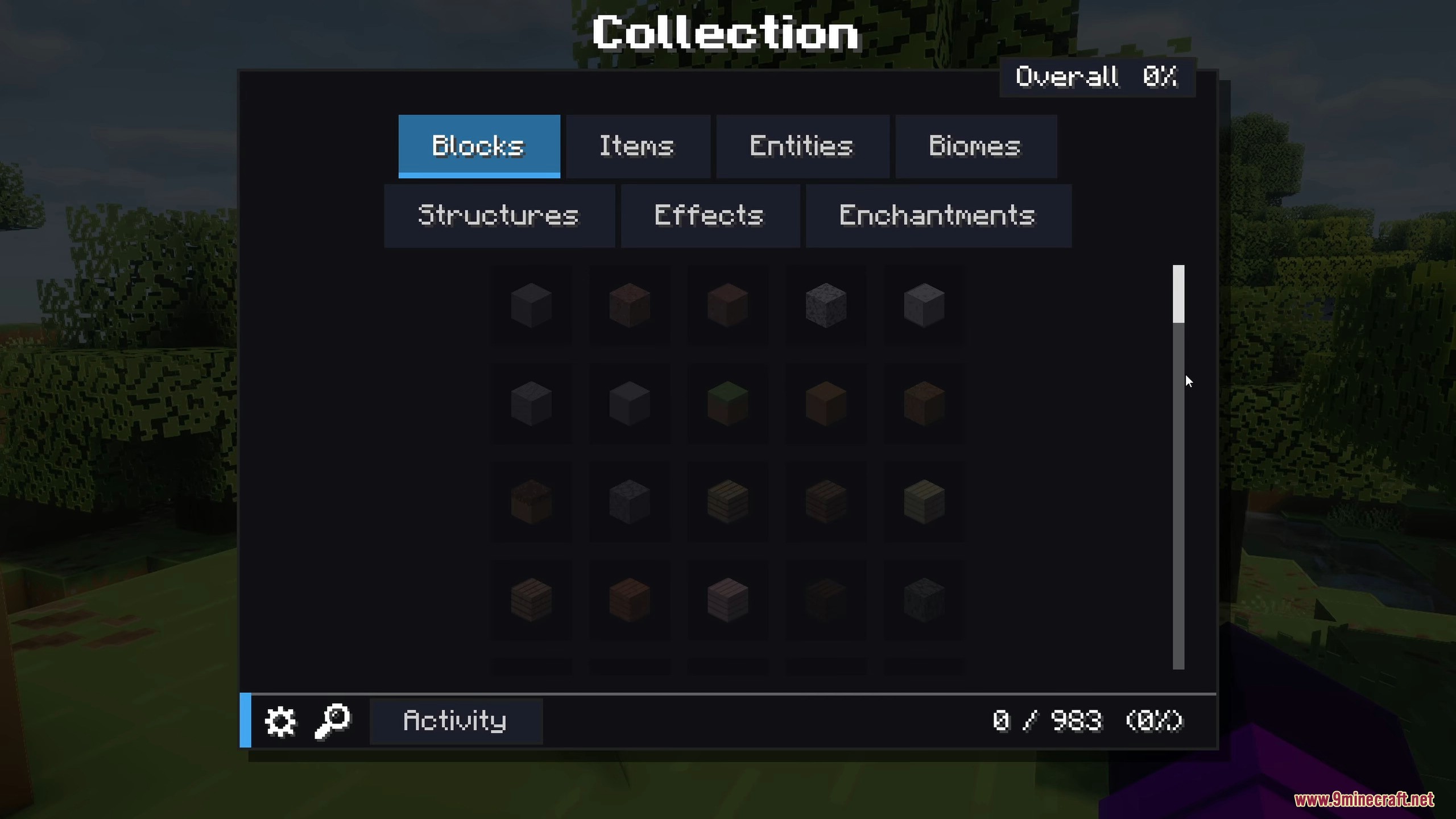
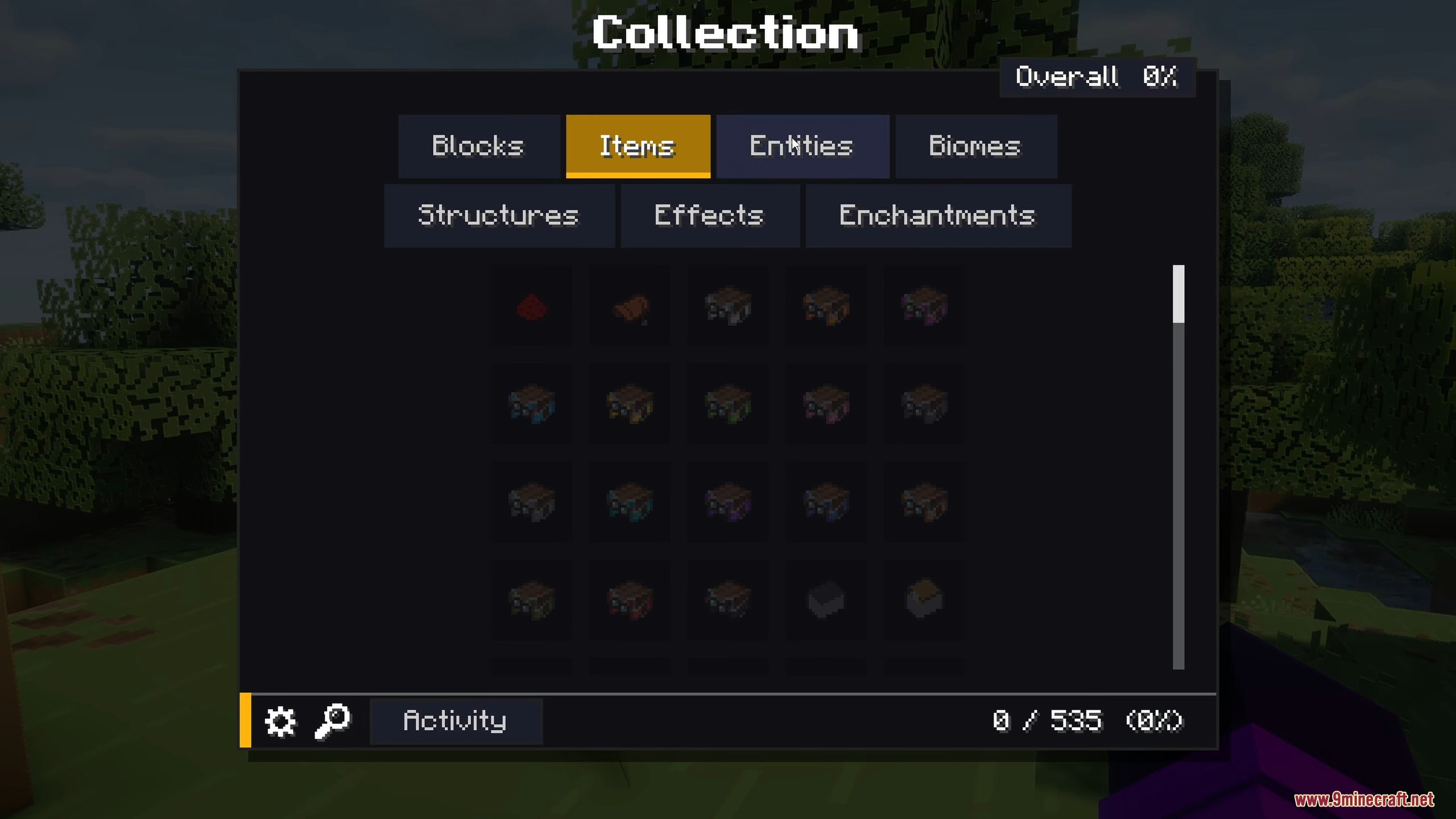
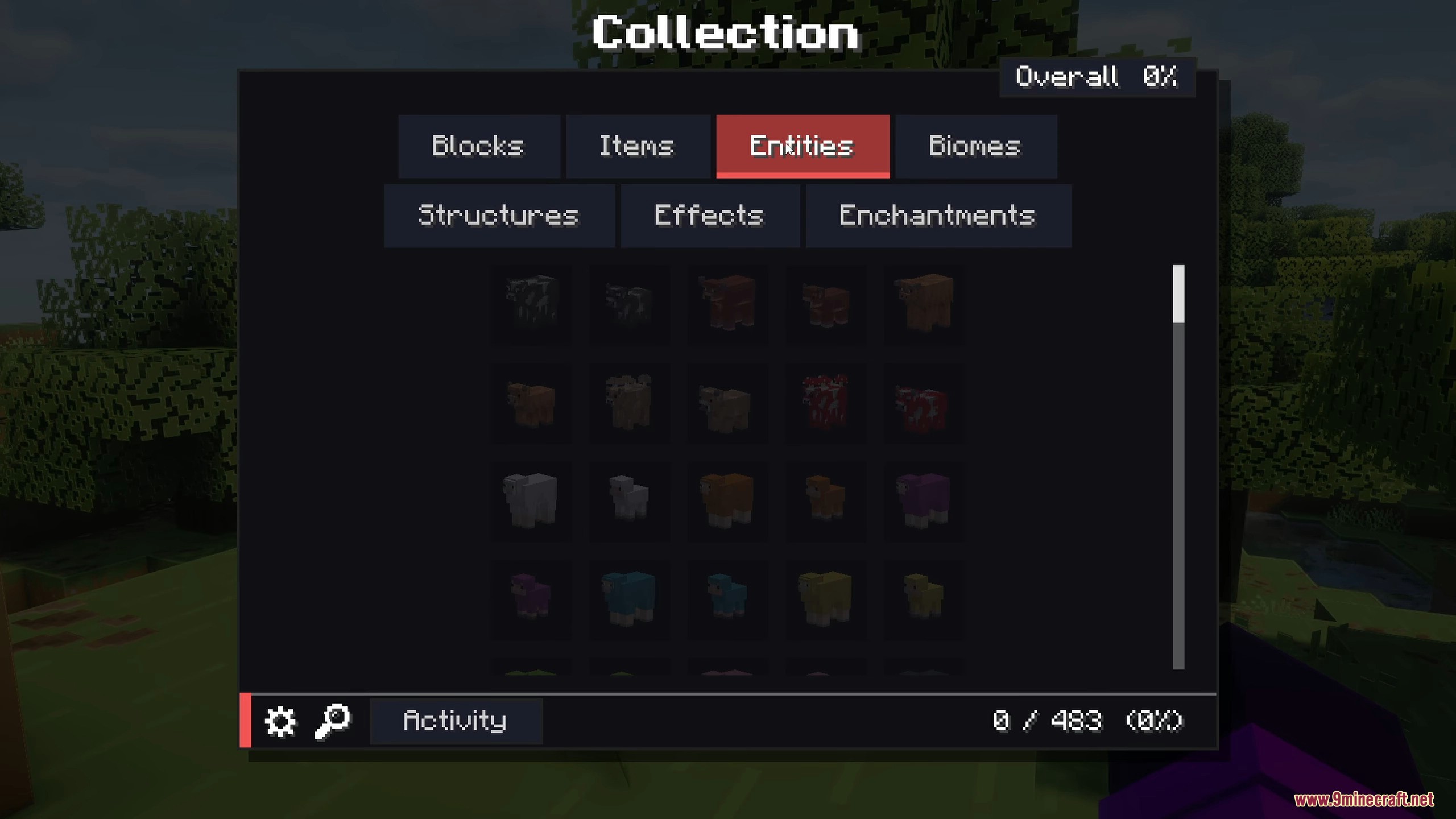
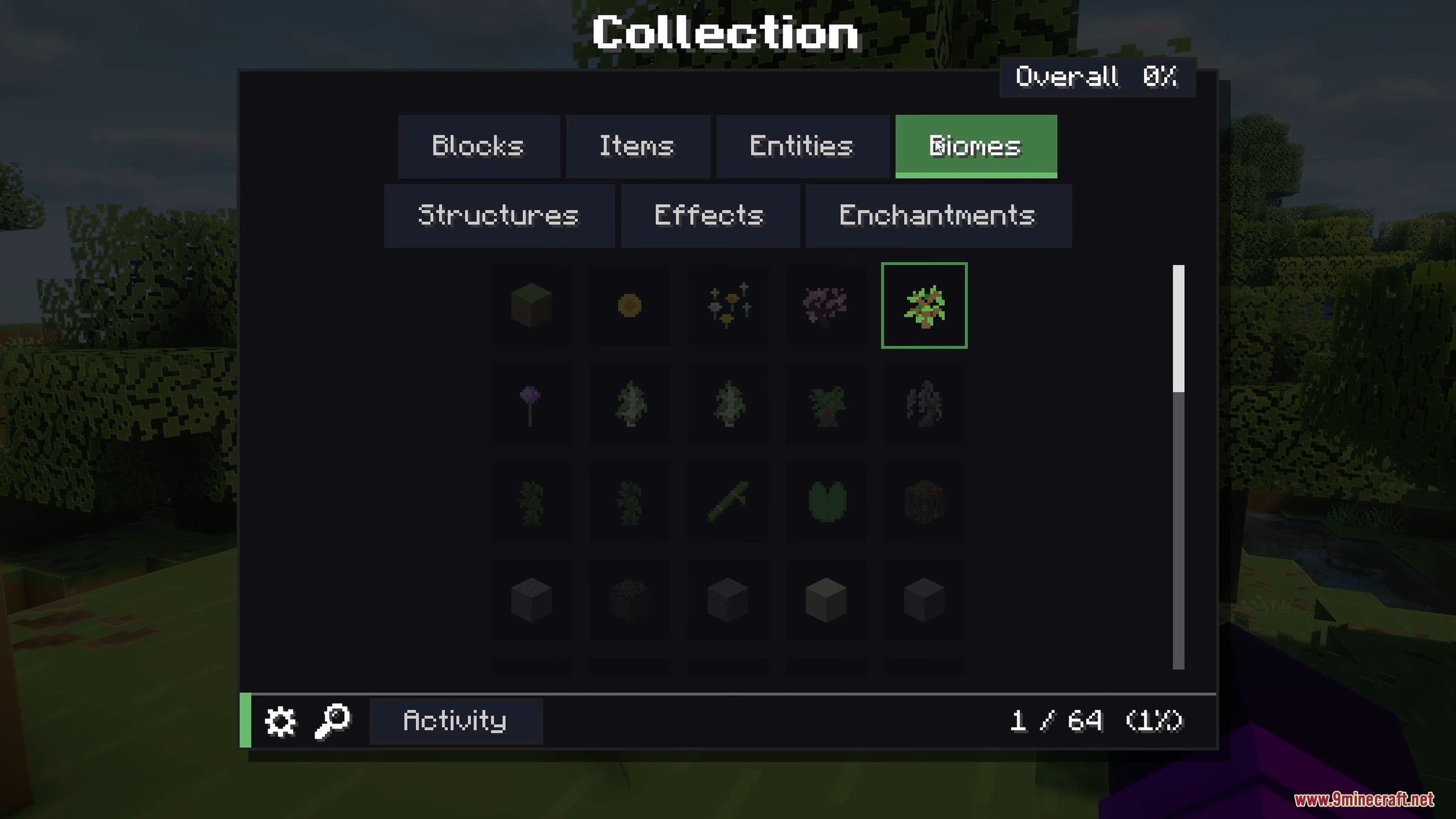
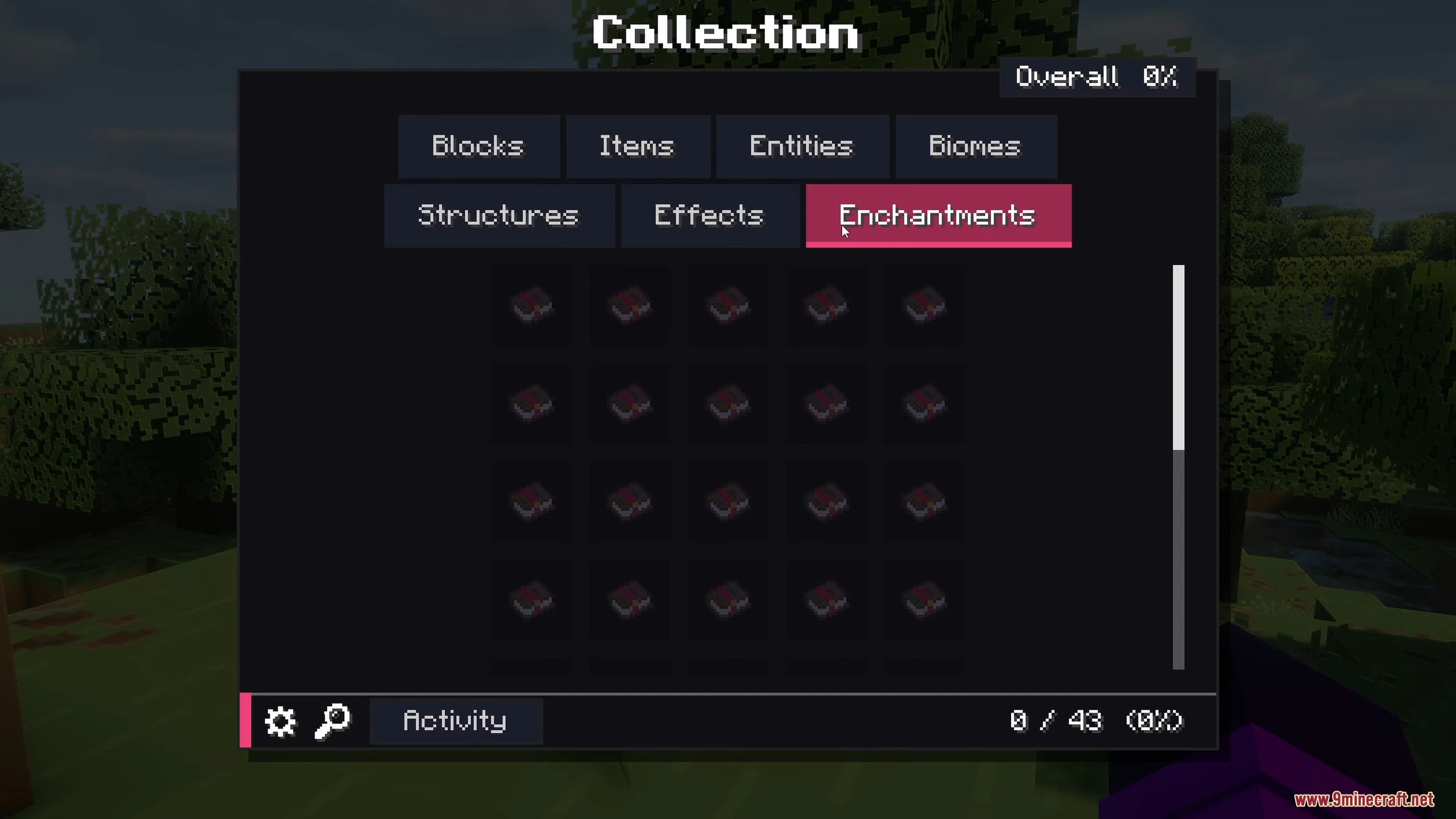
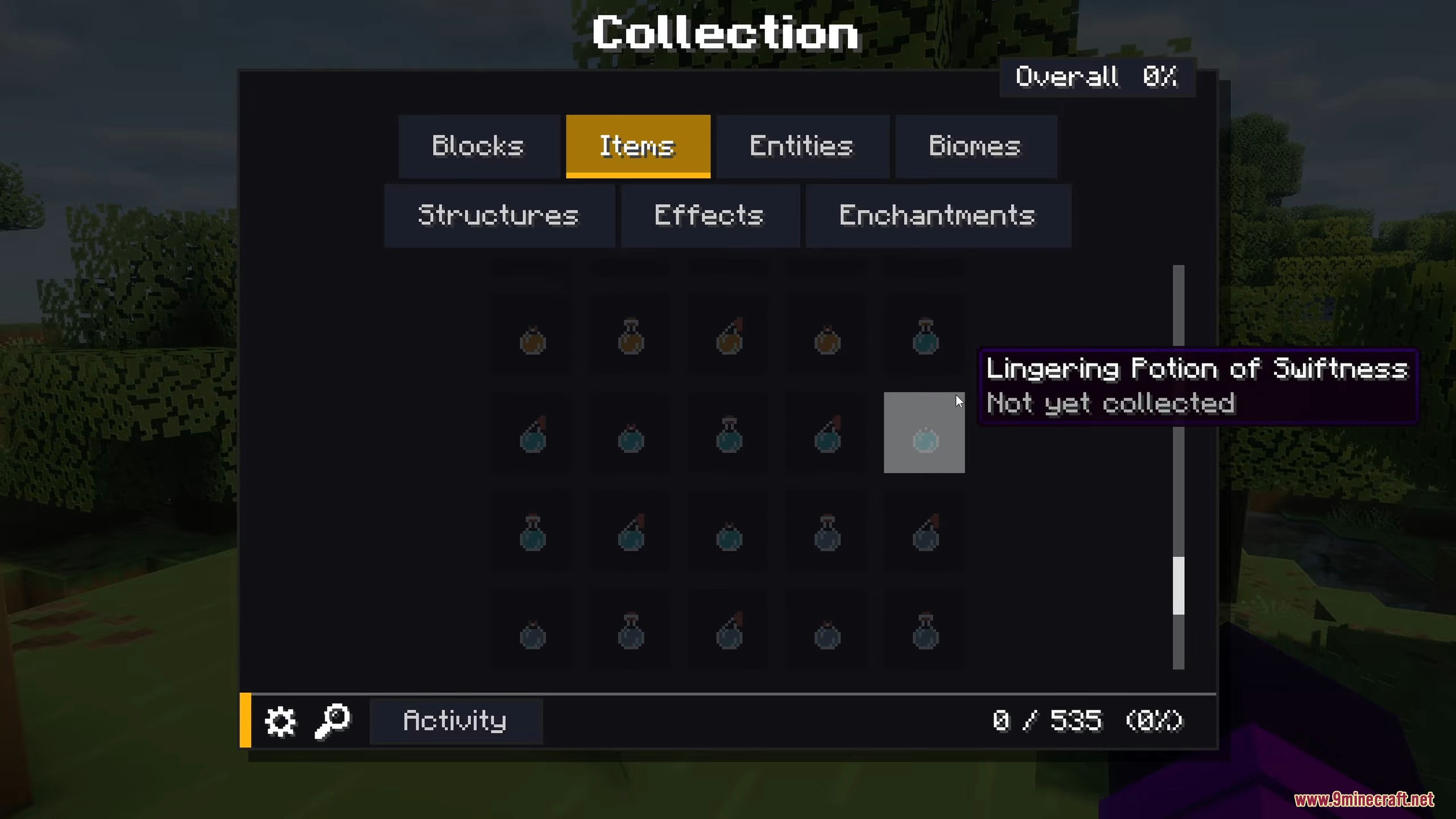
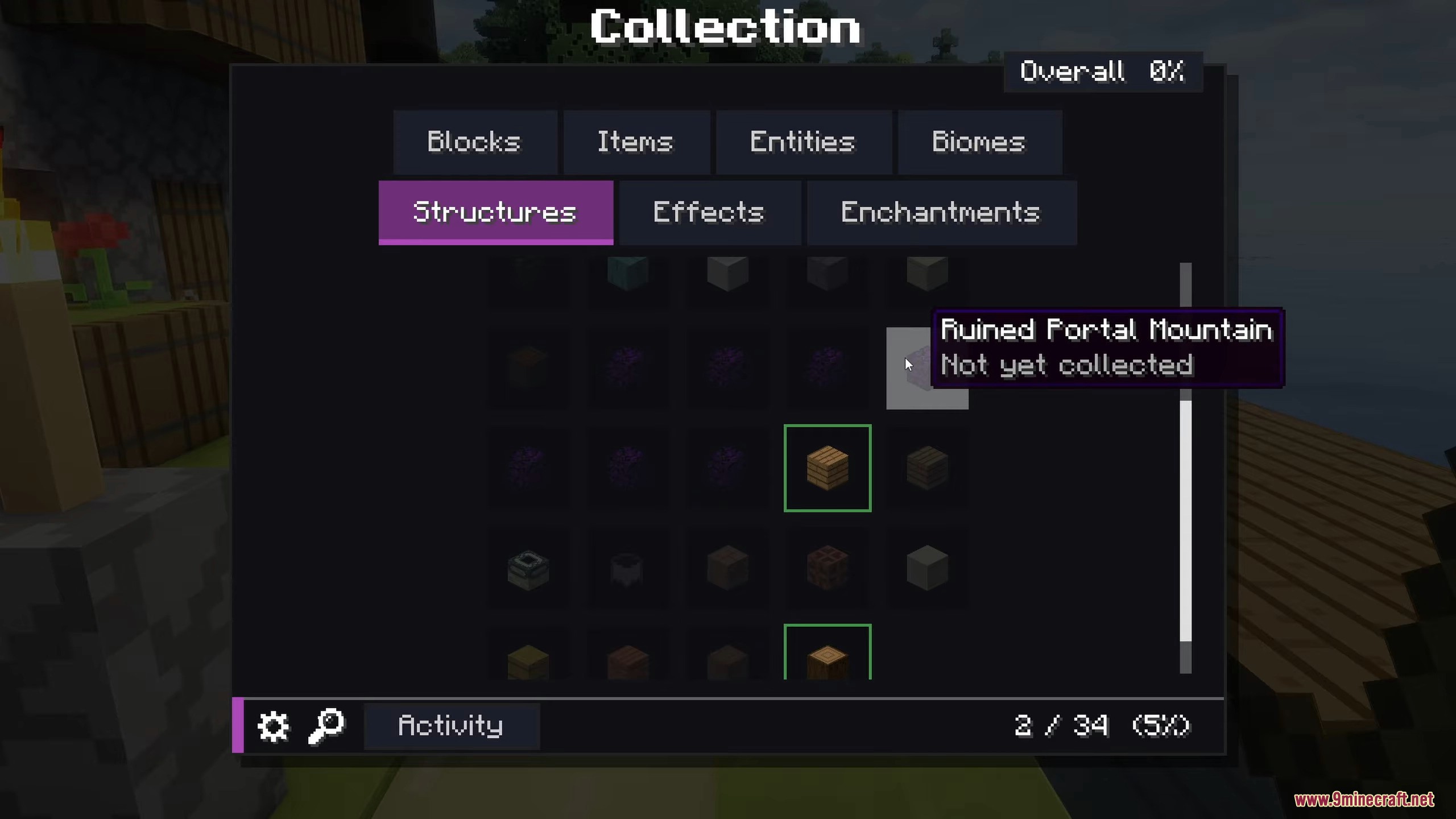
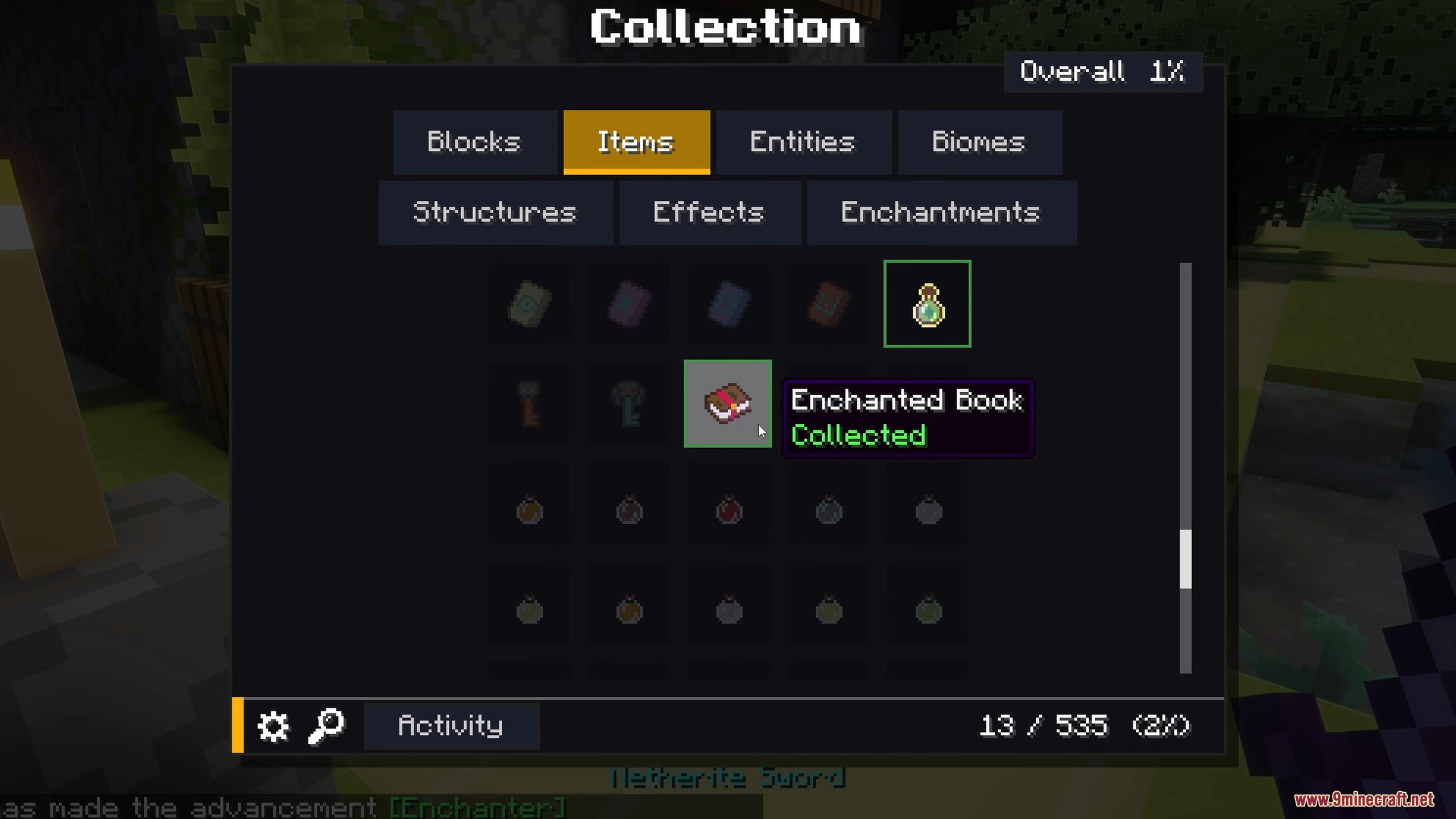
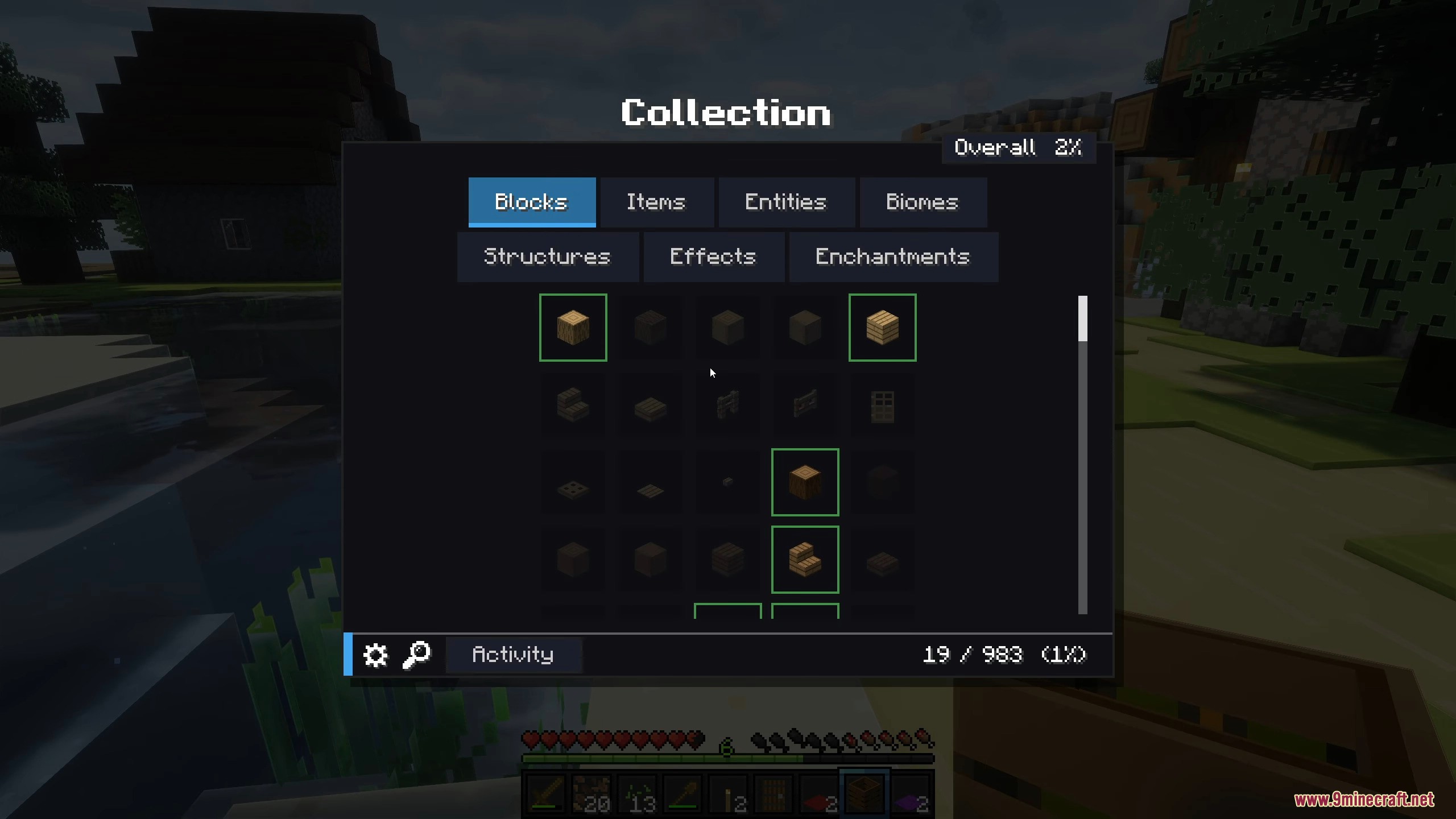
- Complete Tracking: Records blocks, items, mobs, biomes, structures, potion effects, and enchantments in one huge menu.
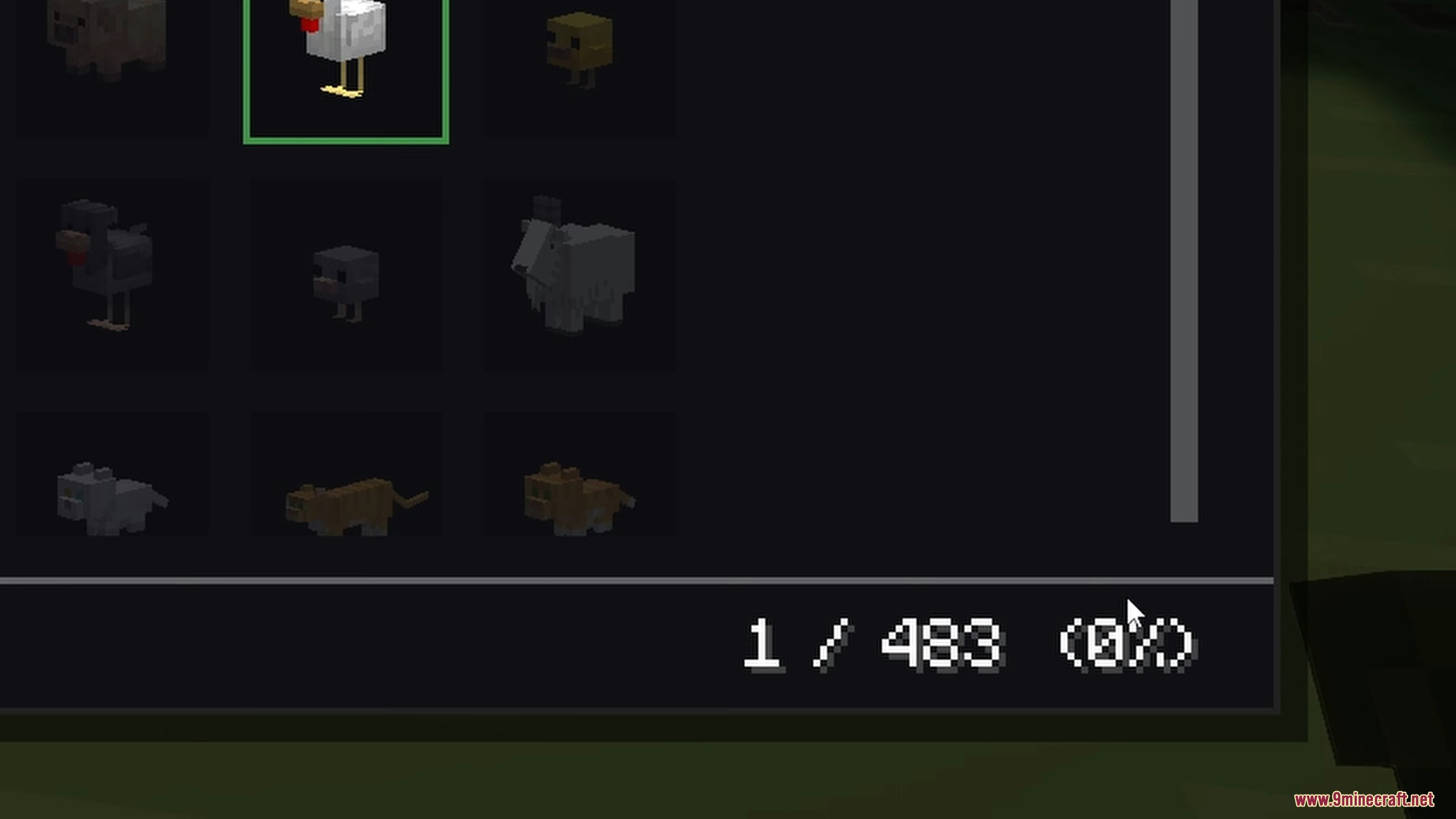
- Live Mob Previews: Shows tiny 3D versions of the mobs you find, complete with custom poses and correct weapons.
- Server Leaderboards: Lets you share progress with friends in Together Mode and see who finds the most things first.
- Counts every single mob variant separately, so you need to find every sheep color and villager type.
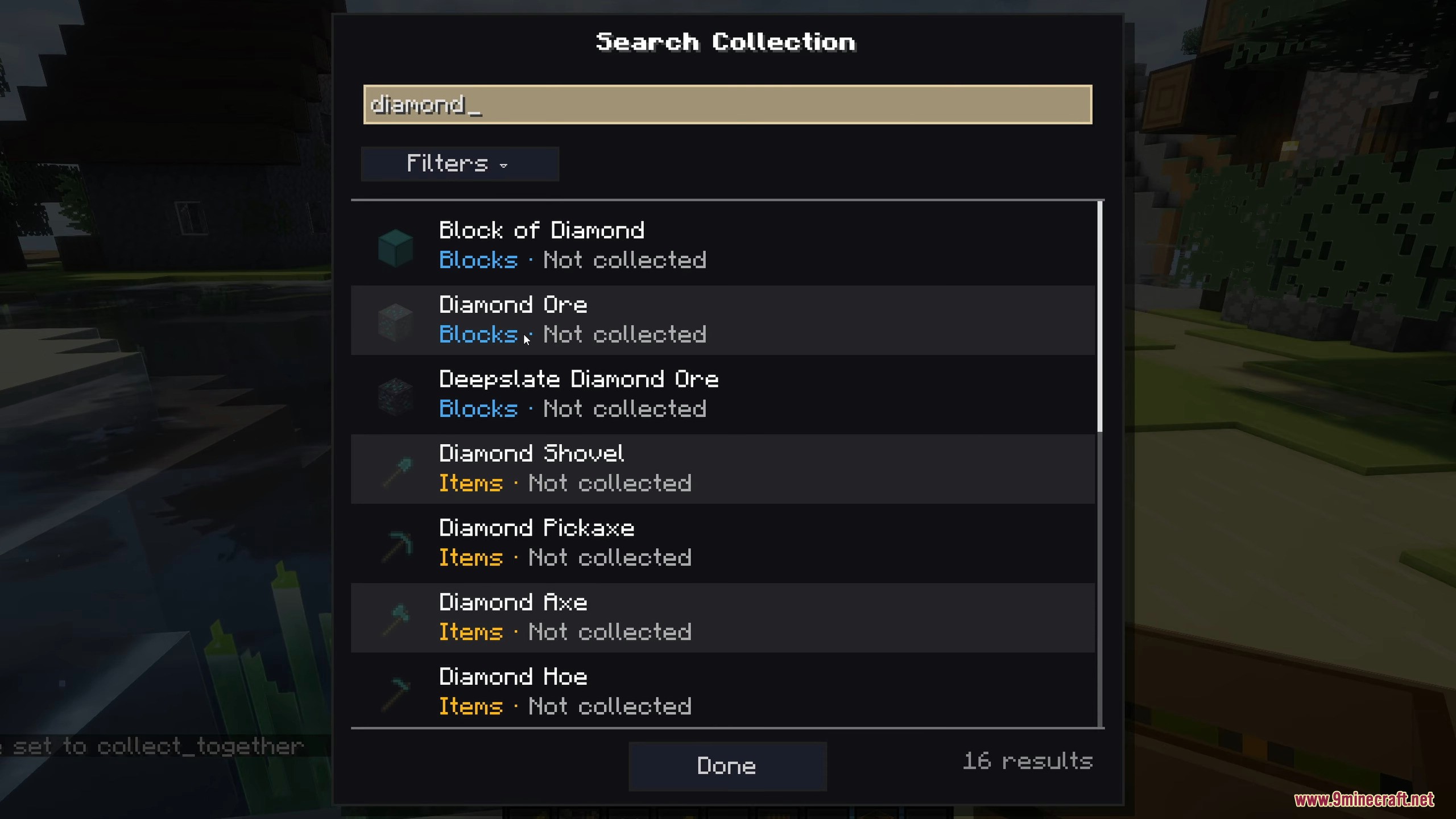
- Displays uncollected things as dark silhouettes so you get a hint about what you are missing.
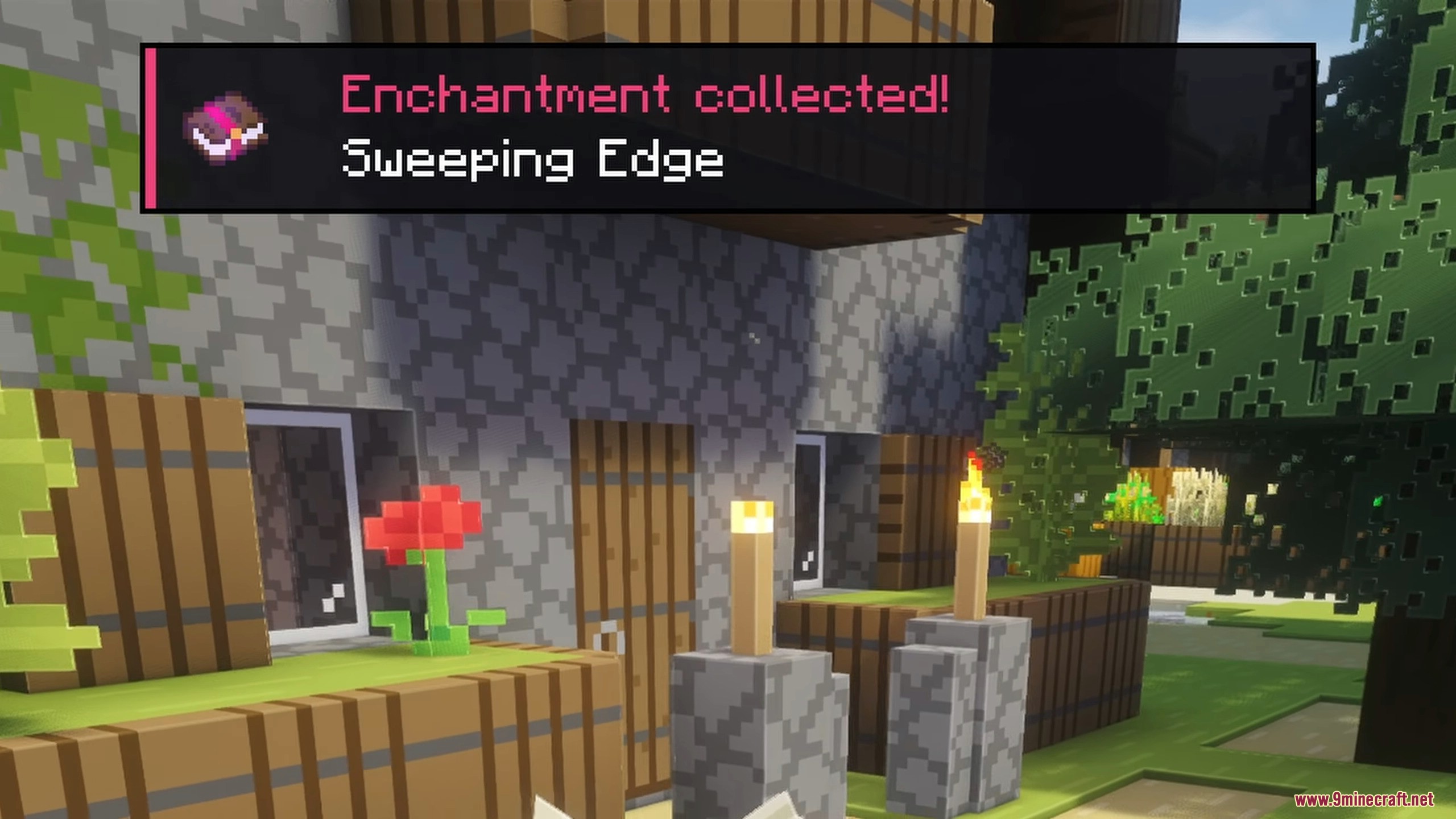
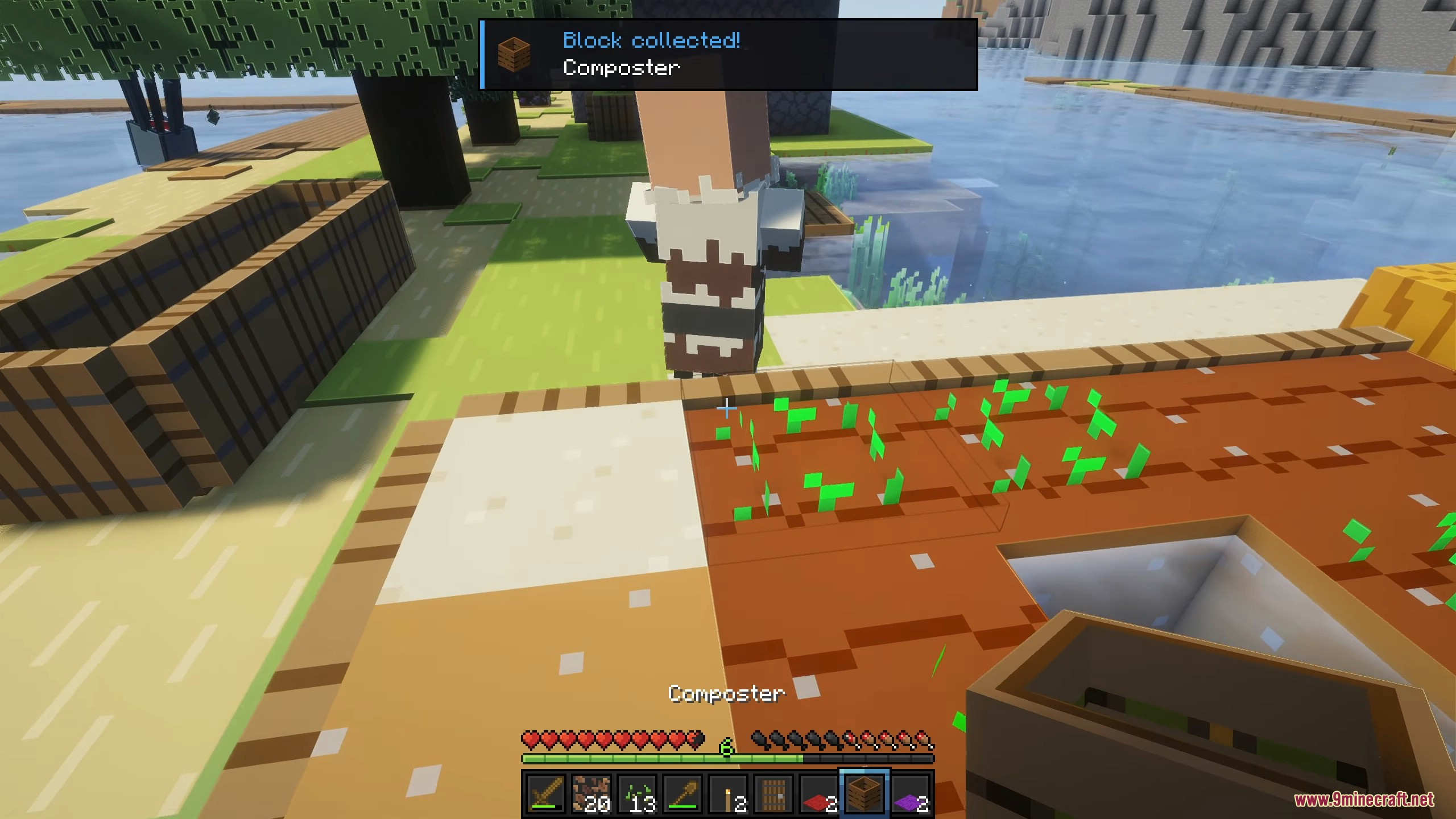
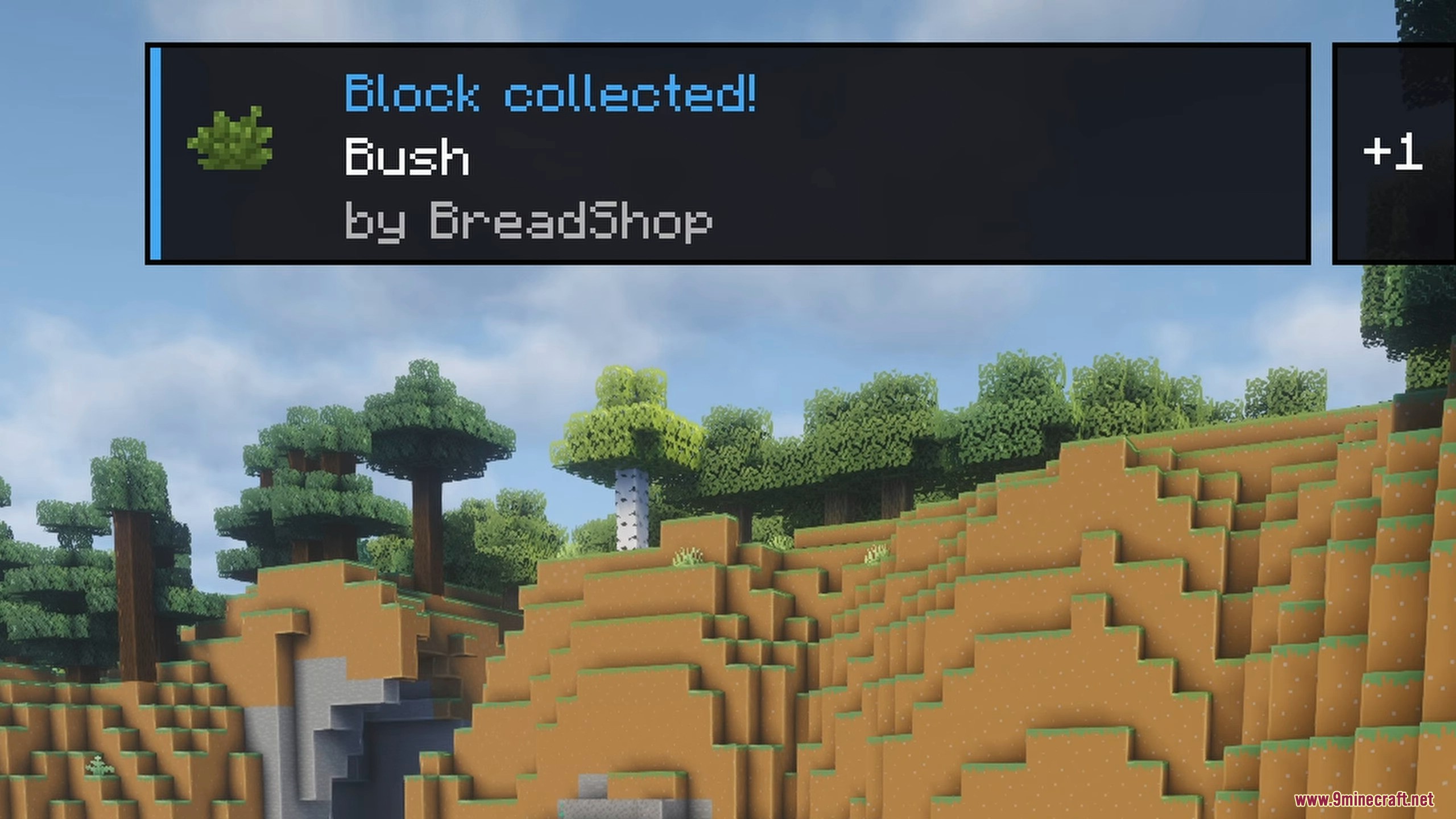
- Pops up a small notification on your screen whenever you add something new to your collection.
- Includes a search bar and filters to help you quickly look up specific items or categories.
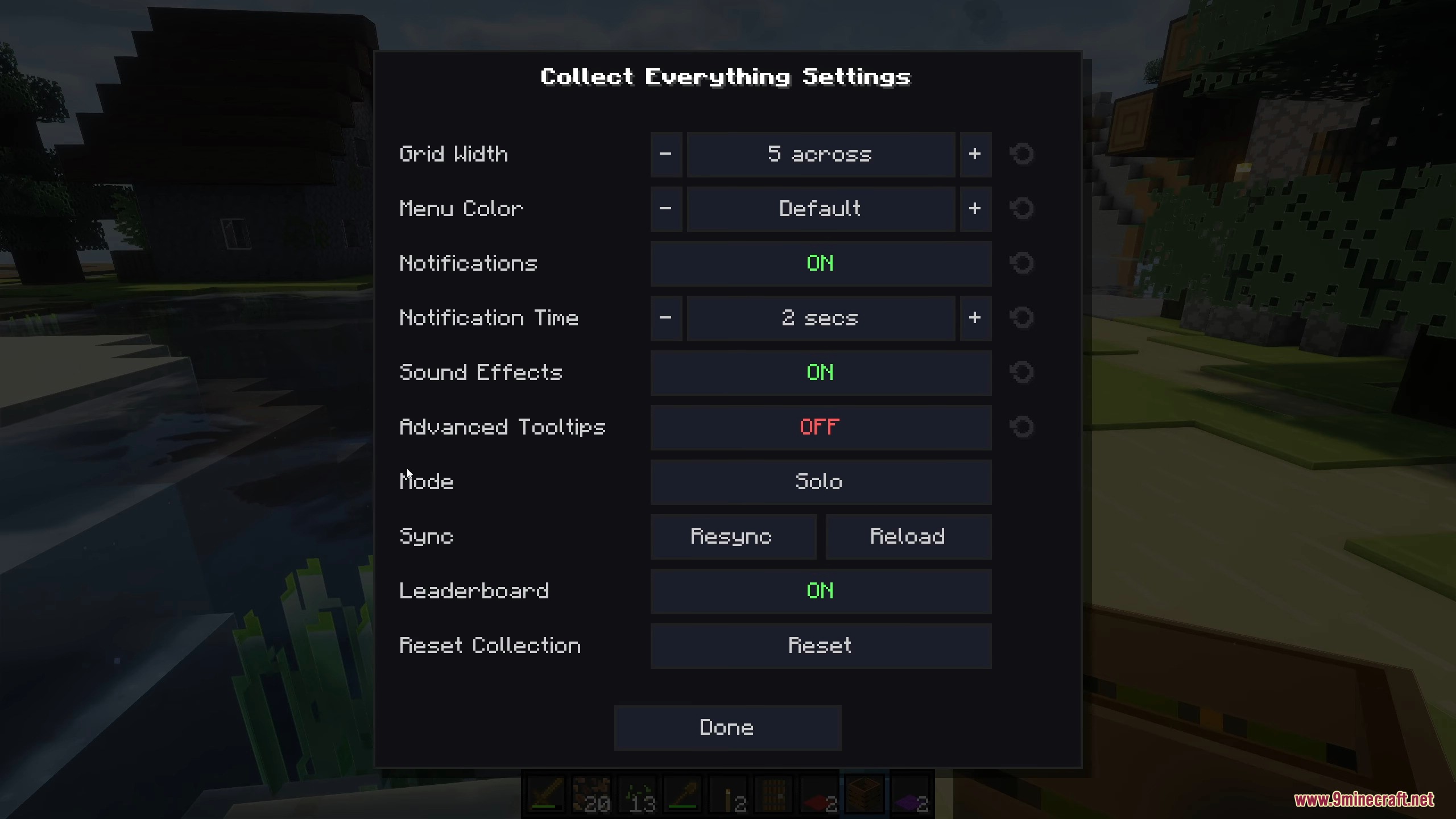
- Lets you change the menu color using 16 different dye themes.
- Allows you to check your world’s progress right from the main menu without even loading into the game.
Commands:
/collect_everything mark|unmark <category> <id>changes an entry to collected or uncollected./collect_everything resetclears all your personal progress so you can start over./collect_everything mode <solo|together>changes how the server tracks progress./collect_everything leaderboard <on|off>turns the team score list on or off./collect_everything collect_everythingmarks the whole list as complete and triggers a massive firework celebration.
How to Use:
- Press the
\key on your keyboard to open the main collection menu. - Click through the different tabs at the top to view blocks, items, mobs, biomes, and more.
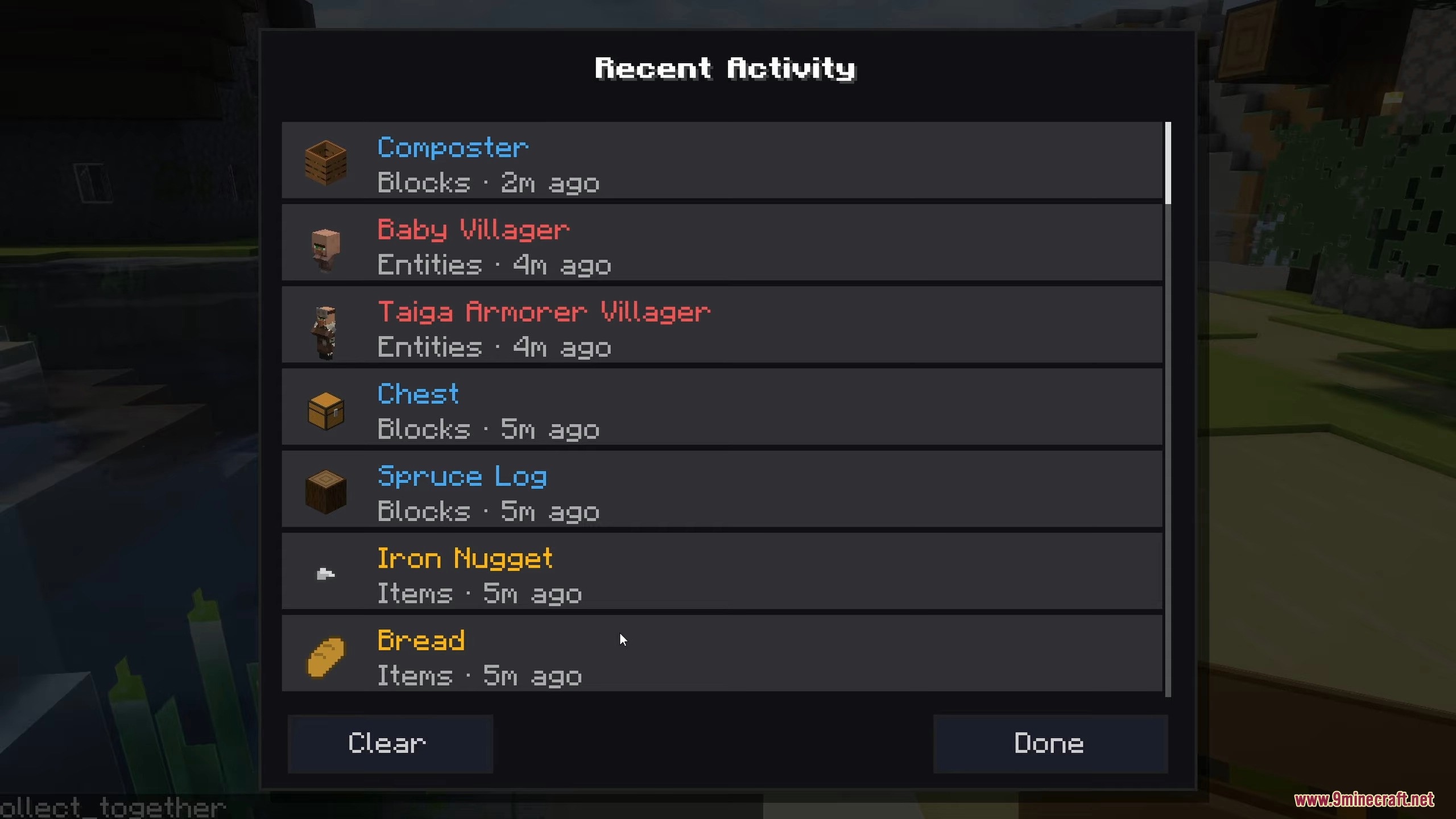
- Look at the recent activity feed to see what you or your friends just found.
- Click the search icon on the singleplayer world list to view your progress without loading the world.
- Open the settings panel inside the menu to change colors, grid sizes, and notification sounds.
Screenshots:
How to Install:
New to Minecraft? Follow our step-by-step guide to install Mods on your PC.View Guide
Requirements:


Collect Everything Mod Download Links
For Minecraft 26.2
For Minecraft 26.1.2, 26.1.1, 26.1
Click to rate this post!
[Total: 0 Average: 0]
You May Also Like





This post has no comments yet. Be the first — your comment will appear here.