


No More Pop-Ups Mod (26.2, 1.20.1) – Clean UI Without Warnings

 0
0 

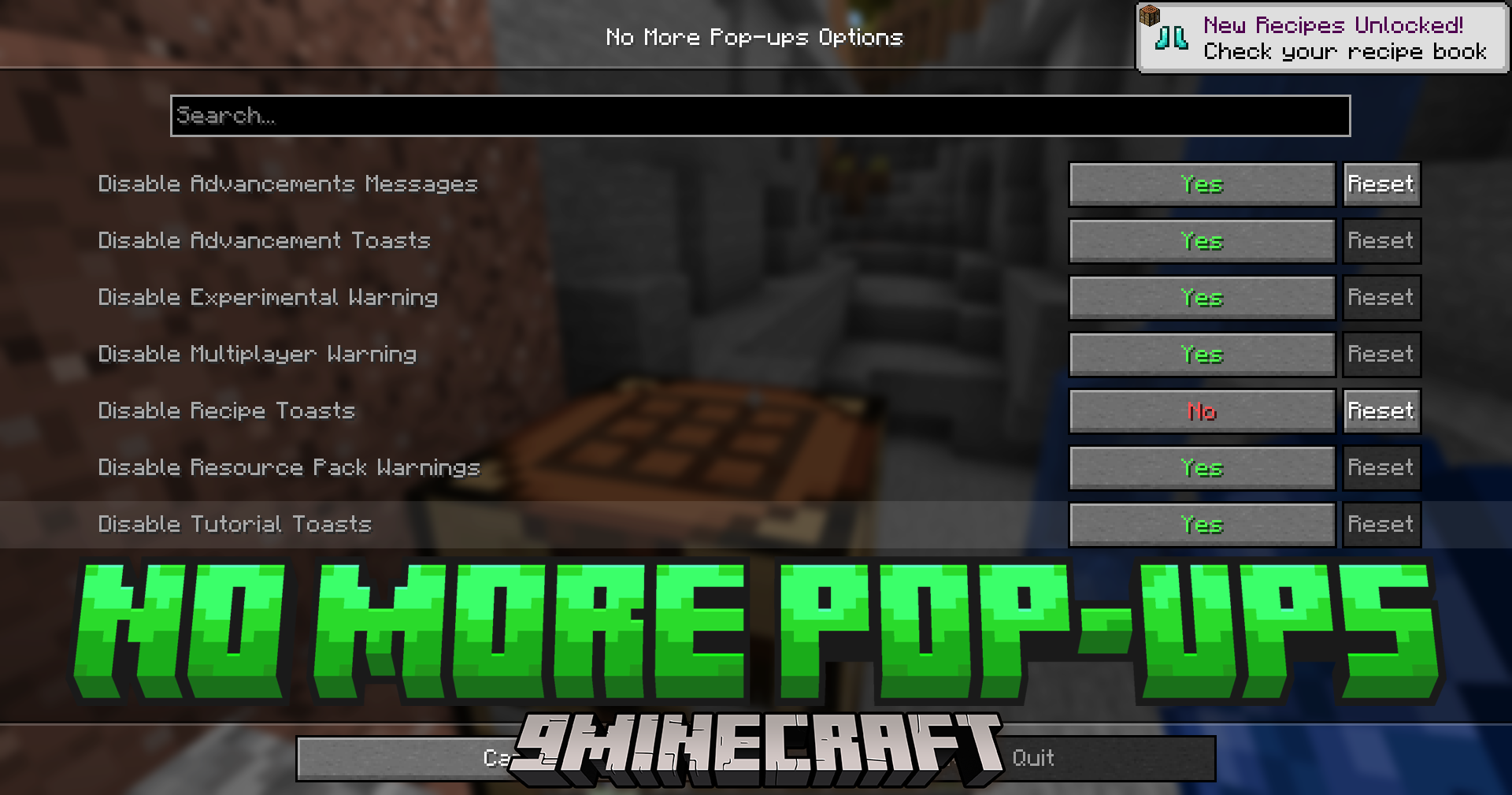
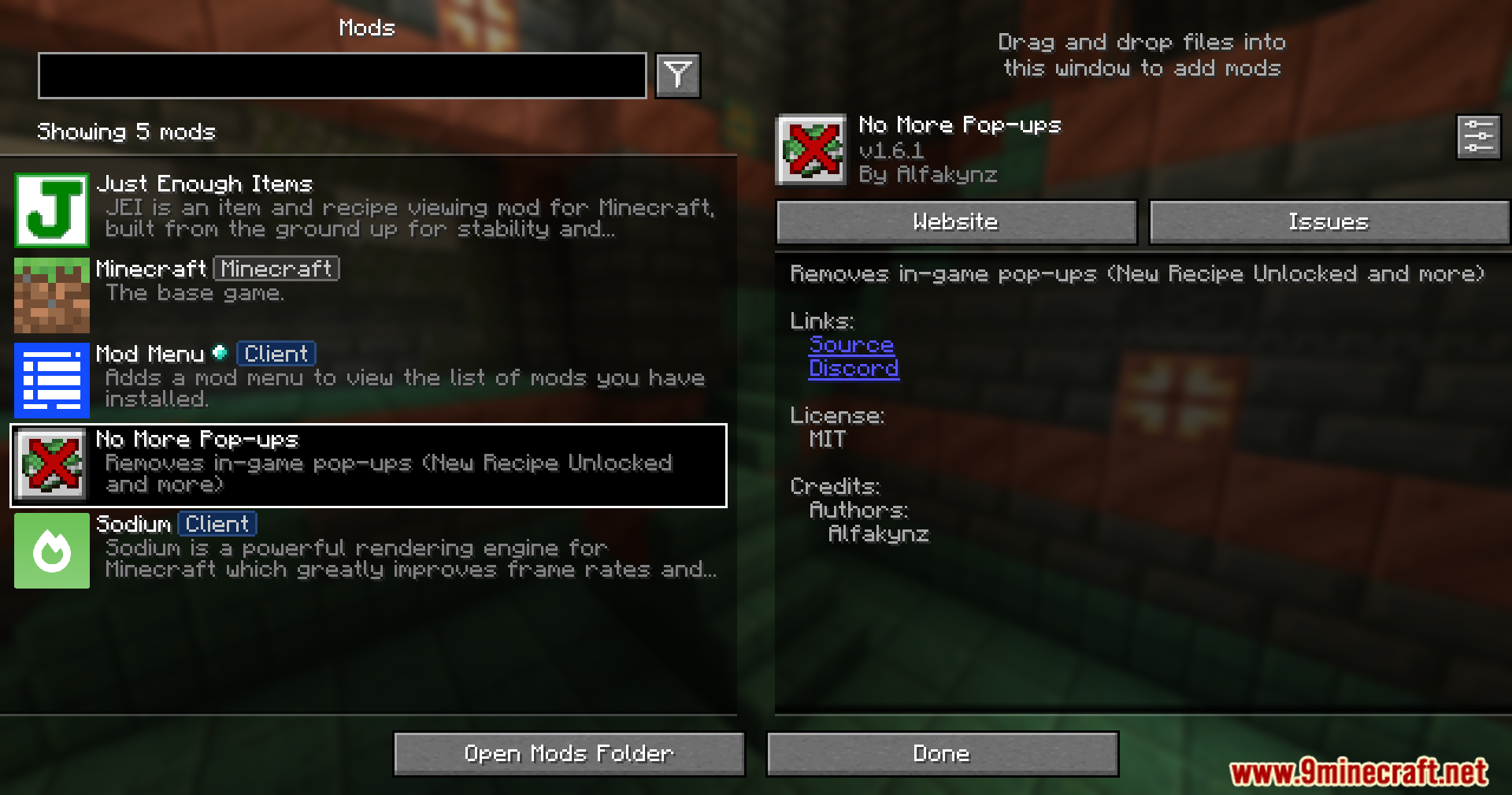
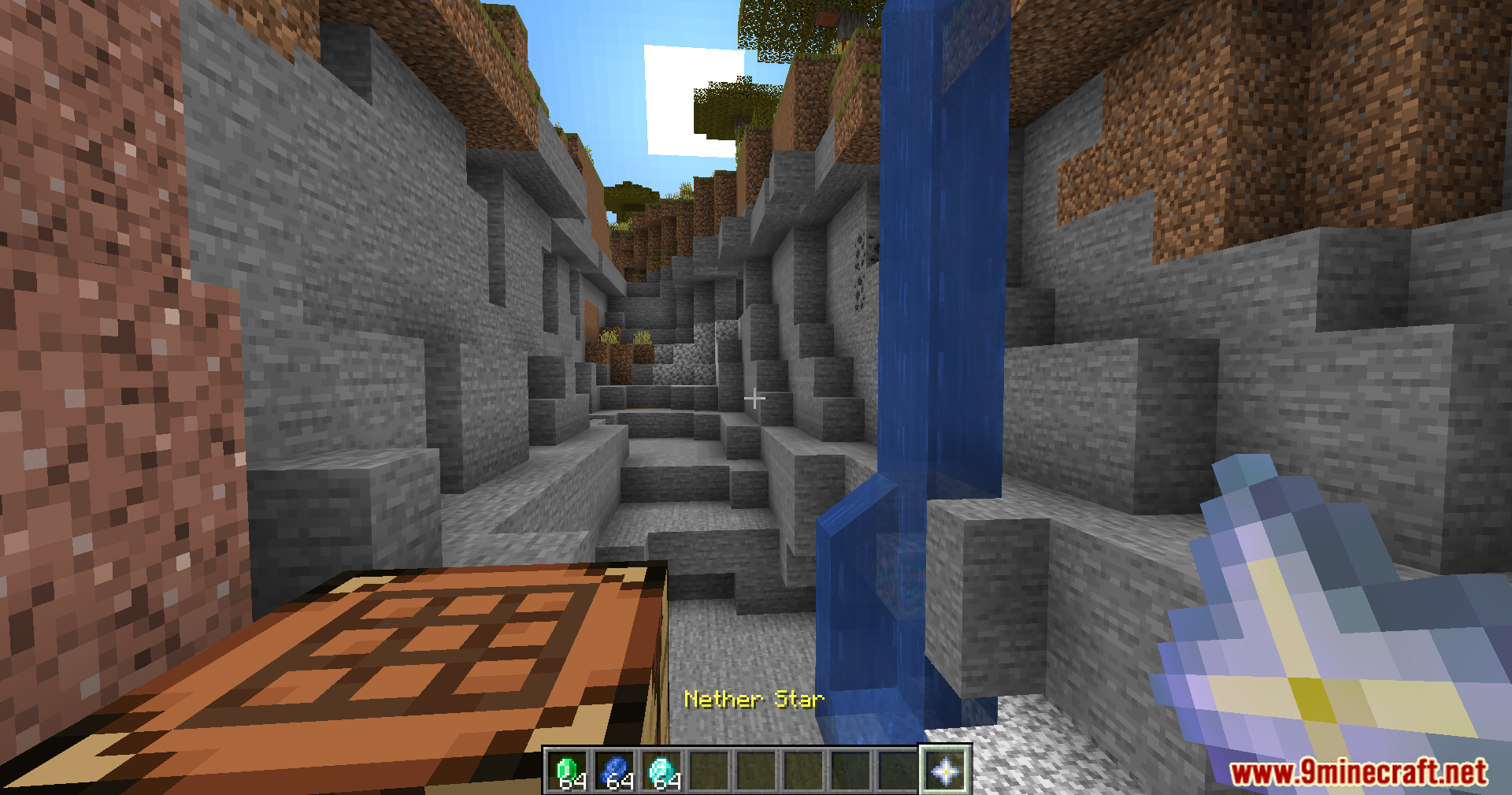
No More Pop-Ups Mod suppresses Minecraft’s on-screen tips and alerts to reduce visual interruptions. It removes several default pop-ups and warnings, with optional settings to re-enable specific items when configured through ModMenu/Cloth Config.
Features:
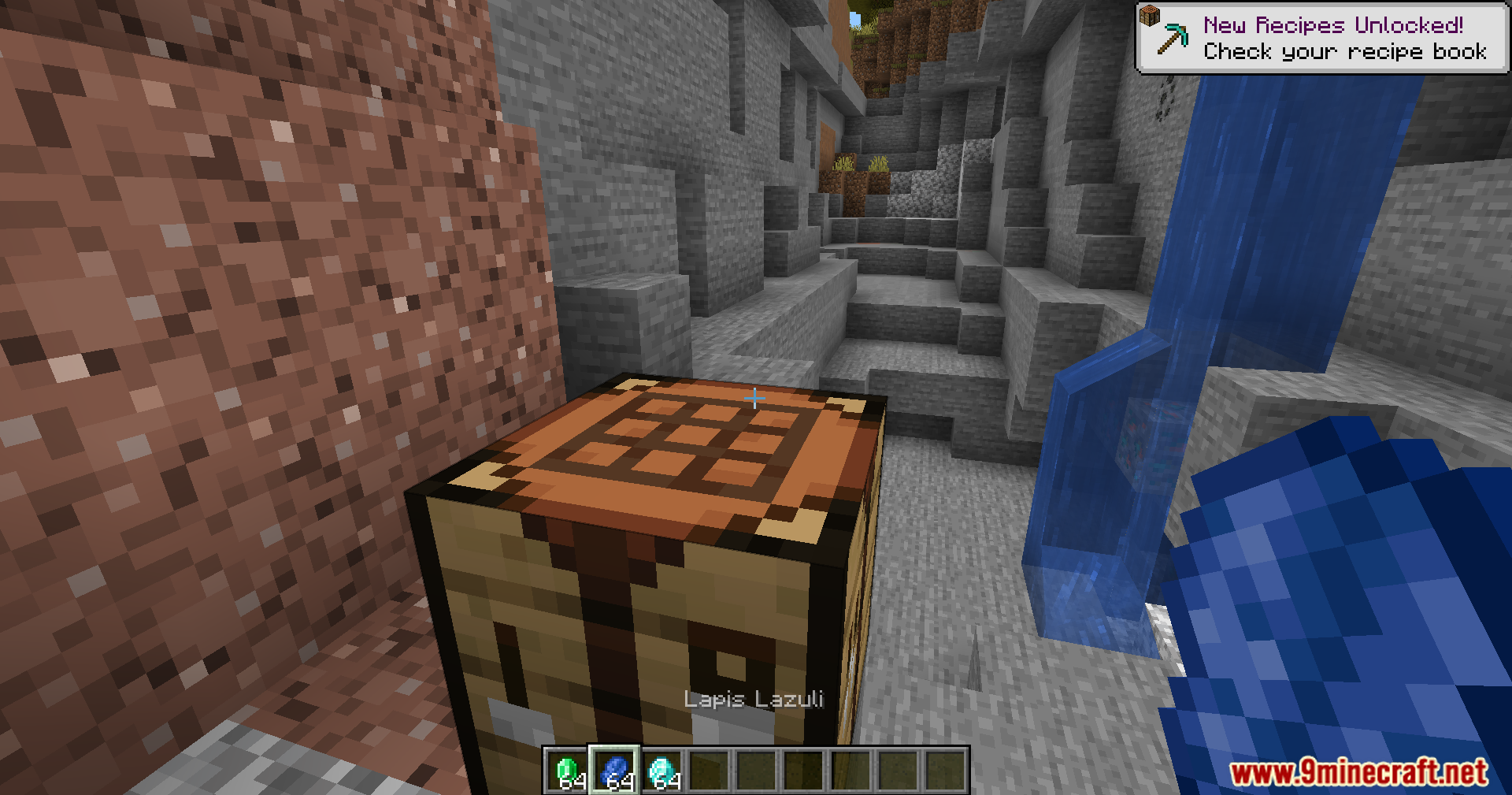
- Removes “New Recipe Unlocked!” pop-ups.
- Removes tutorial pop-ups.
- Removes advancement pop-ups.
- Removes resource pack warning.
- Removes multiplayer warning.
- Removes experimental world warning.
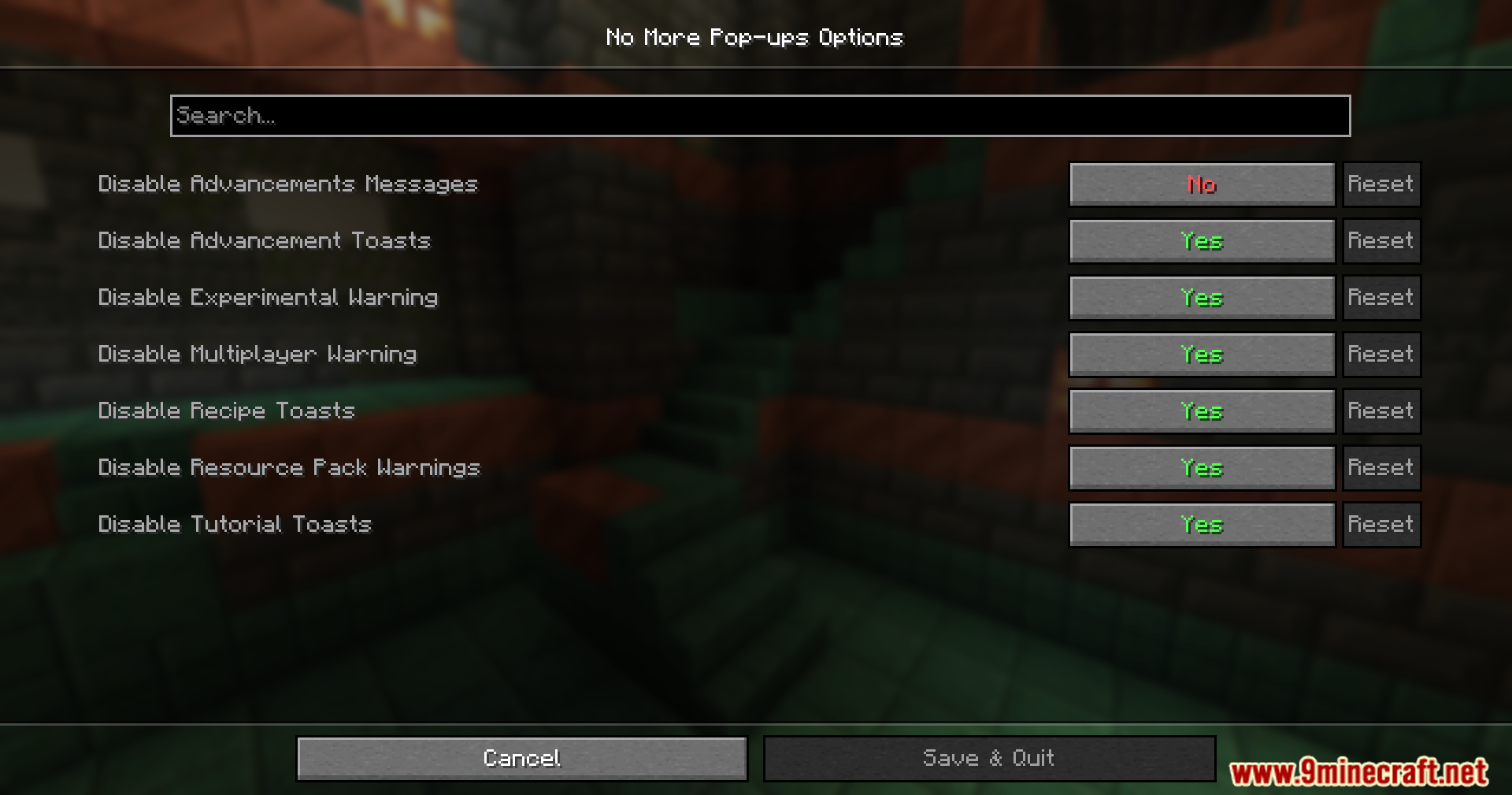
- Removes advancement messages in chat, disabled by default.
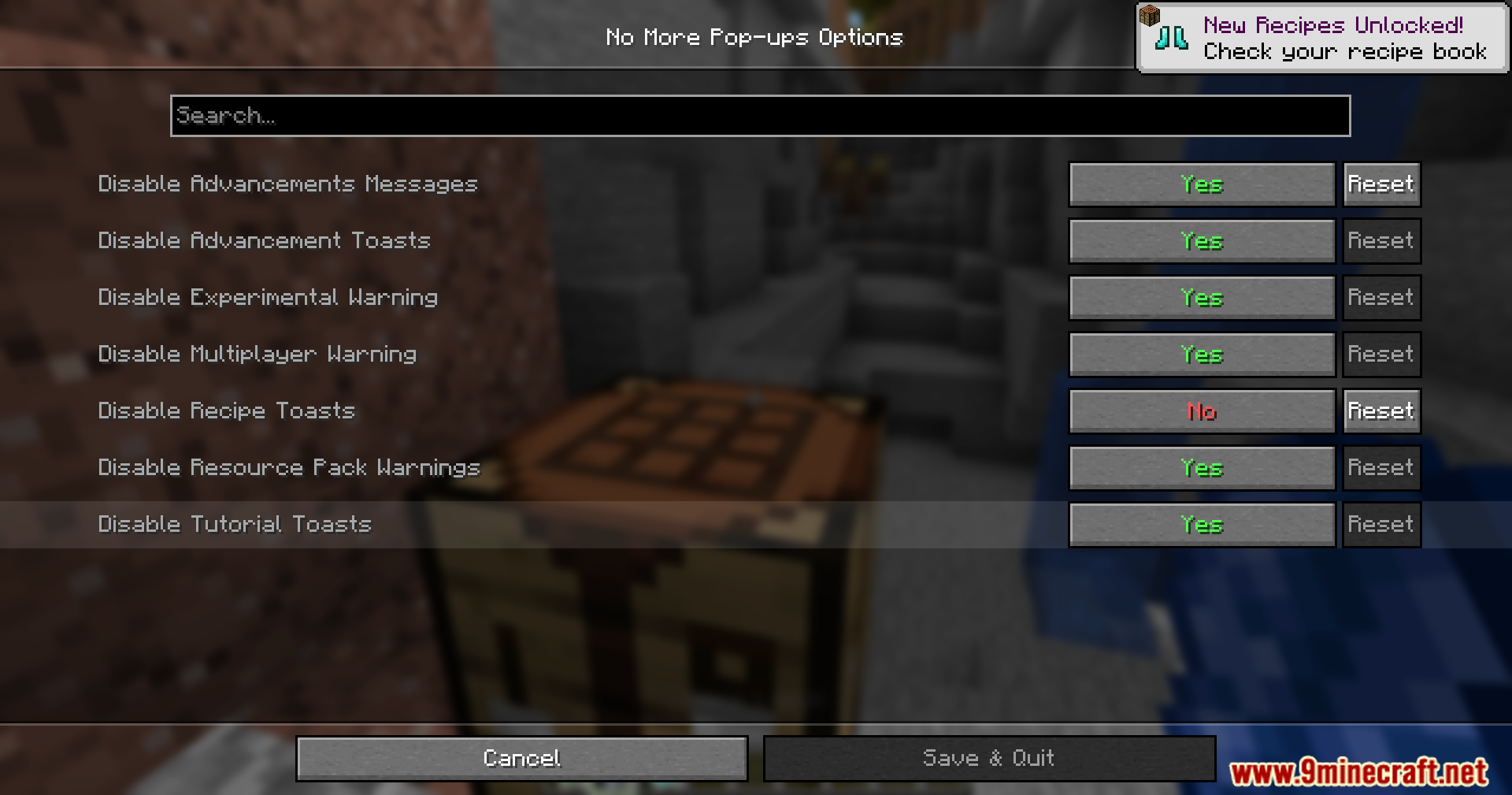
- Provides settings to choose which pop-ups appear, available via ModMenu Cloth Config.
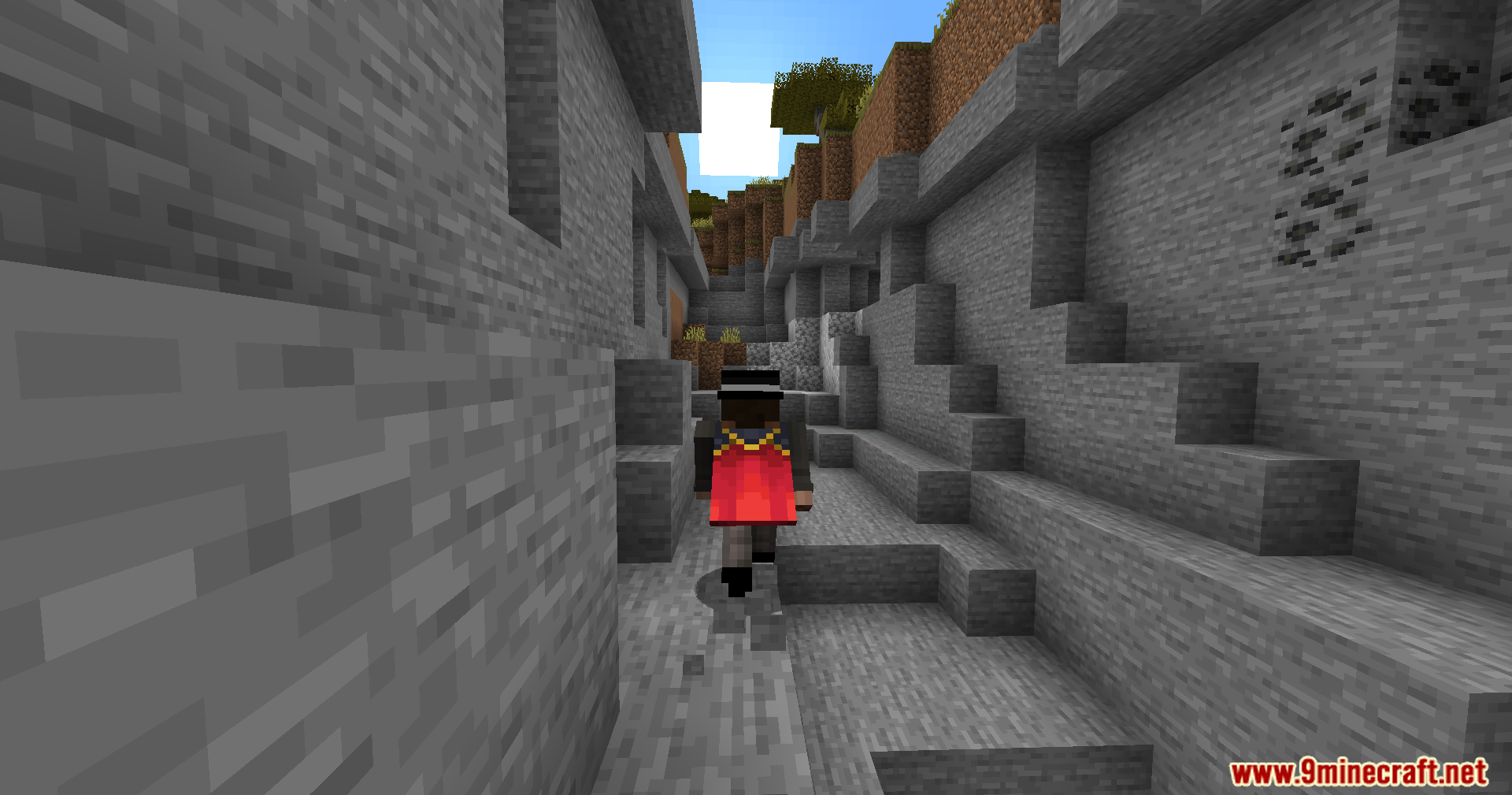
Screenshots:
How to Install:
New to Minecraft? Follow our step-by-step guide to install Mods on your PC.View Guide
Requirements:




No More Pop-Ups Mod Download Links
For Minecraft 26.2
For Minecraft 26.1.2, 26.1.1, 26.1
For Minecraft
1.21.11,
1.21.10,
1.21.9
All Versions Covered
1.21.11
1.21.10
1.21.9
1.21.8
1.21.7
1.21.6
1.21.5
1.21.4
1.21.3
1.21.2
1.21.1
1.21
1.20.6
1.20.5
1.20.4
1.20.3
1.20.2
1.20.1
1.20
All Versions Covered
1.21.11
1.21.10
1.21.9
1.21.8
1.21.7
1.21.6
1.21.5
1.21.4
1.21.3
1.21.2
1.21.1
1.21
1.20.6
1.20.5
1.20.4
1.20.3
1.20.2
1.20.1
1.20
For Minecraft 1.21.10, 1.21.9, 1.20
For Minecraft
1.21.8,
1.21.7,
1.21.6
All Versions Covered
1.21.8
1.21.7
1.21.6
1.21.5
1.21.4
1.21.3
1.21.2
1.21.1
1.21
All Versions Covered
1.21.8
1.21.7
1.21.6
1.21.5
1.21.4
1.21.3
1.21.2
1.21.1
1.21
For Minecraft
1.20.4,
1.20.3,
1.20.2
All Versions Covered
1.20.4
1.20.3
1.20.2
1.20.1
1.20
All Versions Covered
1.20.4
1.20.3
1.20.2
1.20.1
1.20
For Minecraft 1.20.1, 1.20
Click to rate this post!
[Total: 2 Average: 5]
You May Also Like











This post has no comments yet. Be the first — your comment will appear here.