


Hardcover Mod (1.21.11, 1.20.1) – Find Any Crafting Recipe in Seconds
 279
279
 0
0


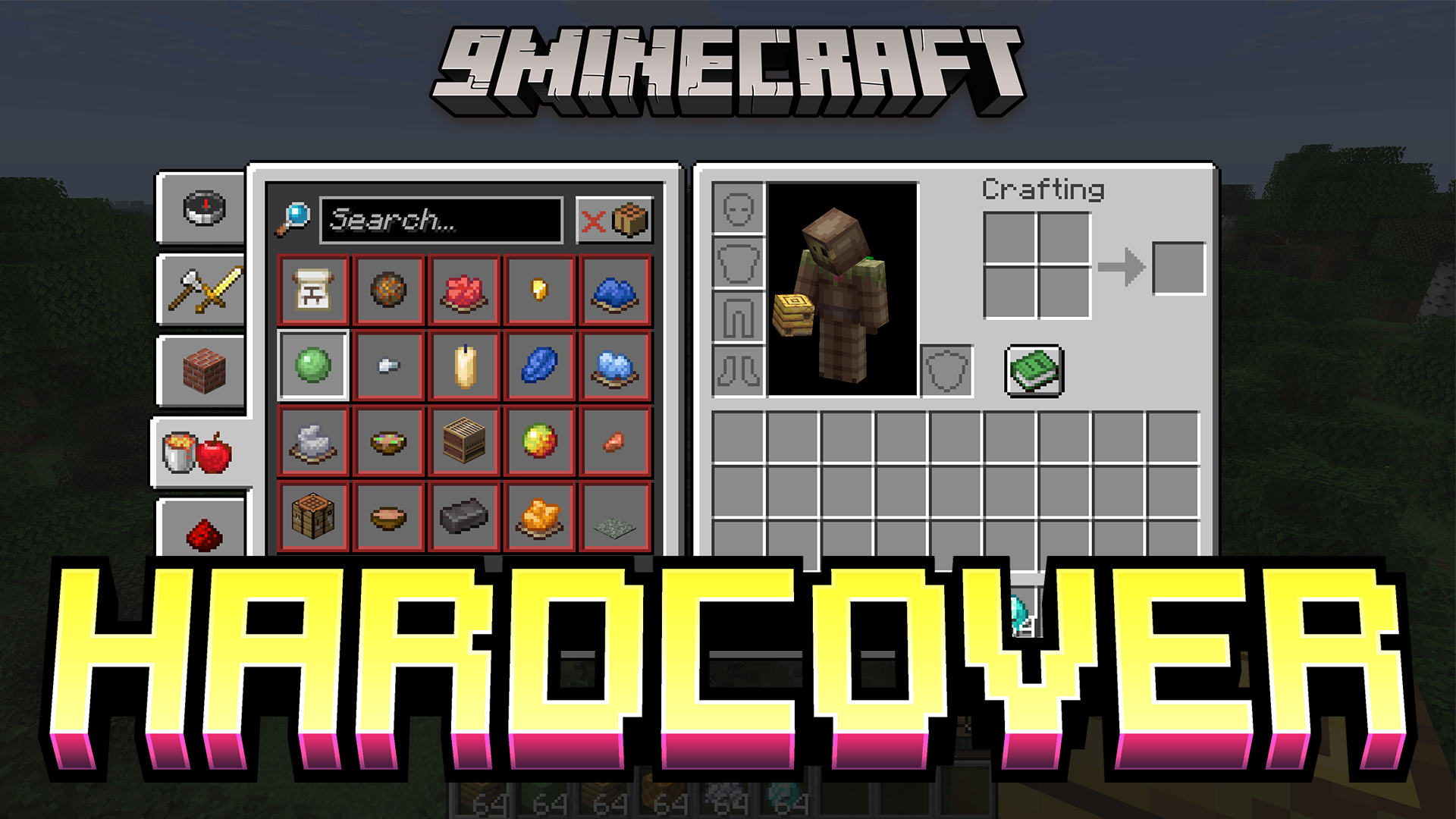
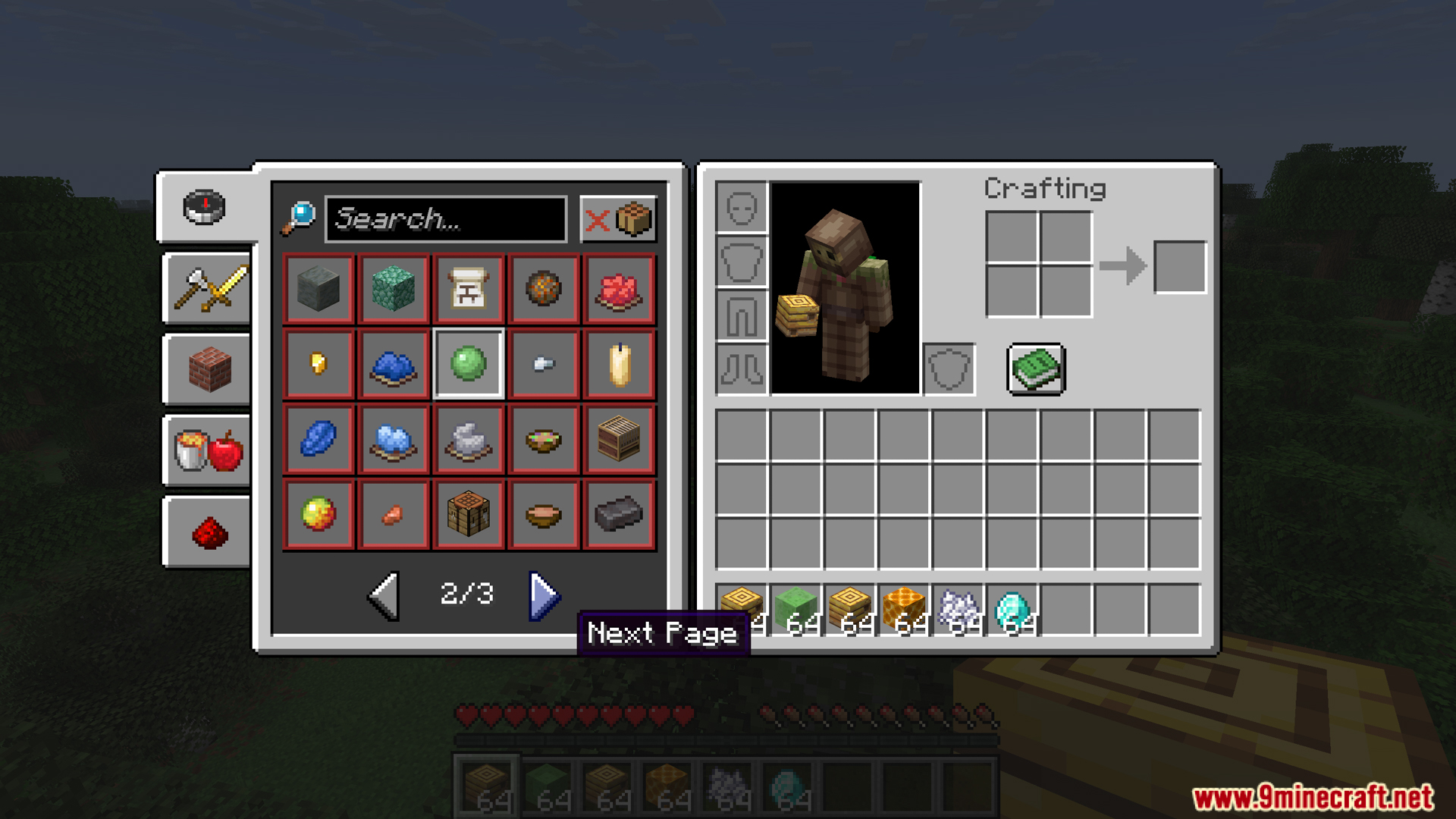
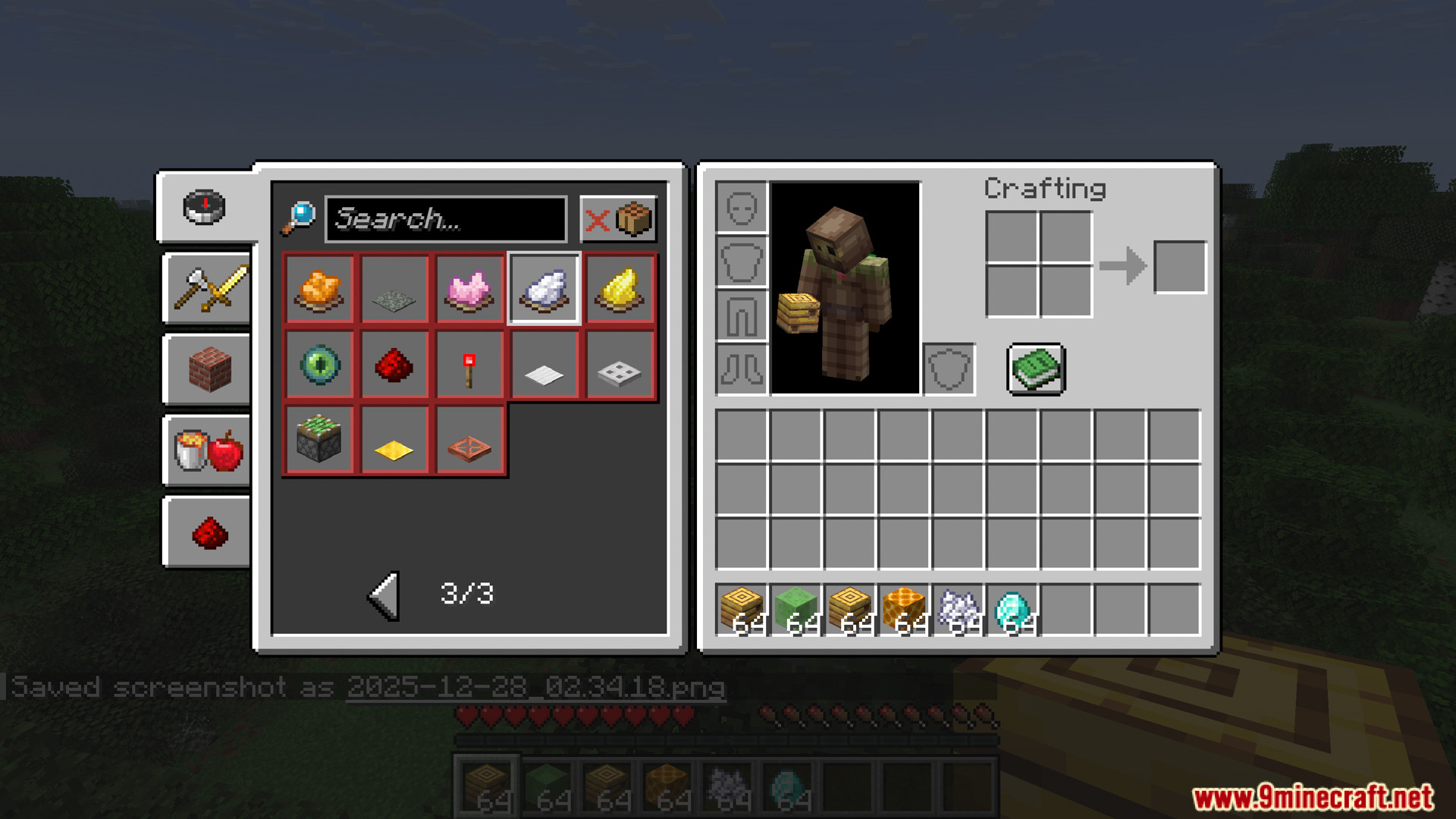
Hardcover Mod reworks the vanilla recipe book so you can craft items faster. It adds an extra row to the menu so you can see more results at once. You can scroll through the pages with your mouse wheel instead of clicking buttons. This mod also sorts your recipes into tabs, just like the creative menu. It stops your inventory screen from moving to the side when you open the book. You can even turn on a dark mode and craft items quickly with a single key press.
Features:
- New Recipe Layout: The Hardcover mod adds an extra row of crafting results by moving the search bar and buttons so you can see more items at once.
- Quick Crafting: You can craft items right away by clicking on a recipe while holding down the quick craft key.
- Creative Style Tabs: This mod sorts your recipes into groups just like the creative menu, and you can make the tabs smaller to fit more categories on your screen.
- Changes the recipe button to show the final item you get, and a small text box pops up to tell you exactly what materials you need to make it.
- Closes the recipe book on its own the moment you close your inventory or crafting table.
- Keeps your inventory perfectly in the middle of the screen and stops it from shifting to the side when you open the recipe book.
- Lets you scroll through your recipes using your mouse wheel, and the pages will loop back around when you reach the end.
- Gives you an option to flip the mouse wheel scroll direction if you like it better that way.
- Brings a dark mode to the crafting menu to save your eyes when playing at night.
- Lets you turn off the bouncing animation that happens when you learn a new recipe.
- Splits up grouped items so you can look at every single recipe on its own.
- Unlocks every single recipe the second you load into a single-player world so you do not have to find them all yourself.
- Lets you hide or show the recipe book button on different screens.
Screenshots:




How to Install:
New to Minecraft? Follow our step-by-step guide to install Mods on your PC.View Guide
Requirements:


Hardcover Mod Download Links
For Minecraft 1.21.11
Fabric version: Download from Server 1 – Download from Server 2
For Minecraft 1.21.10
Fabric version: Download from Server 1 – Download from Server 2
For Minecraft 1.21.8, 1.21.7, 1.21.6
Fabric version: Download from Server 1 – Download from Server 2
For Minecraft 1.21.5
Fabric version: Download from Server 1 – Download from Server 2
For Minecraft 1.21.4
Fabric version: Download from Server 1 – Download from Server 2
For Minecraft 1.21.3, 1.21.2
Fabric version: Download from Server 1 – Download from Server 2
For Minecraft 1.21.1, 1.21
Fabric version: Download from Server 1 – Download from Server 2
For Minecraft 1.20.4
Fabric version: Download from Server 1 – Download from Server 2
For Minecraft 1.20.2
Fabric version: Download from Server 1 – Download from Server 2
For Minecraft 1.20.1, 1.20
Fabric version: Download from Server 1 – Download from Server 2
For Minecraft 1.19.4
Fabric version: Download from Server 1 – Download from Server 2
You May Also Like










This post has no comments yet. Be the first — your comment will appear here.