


Harder Branch Mining Mod (1.21.11, 1.20.1) – Harder Digging and Deeper Exhaustion
 5,686
5,686
 0
0

Harder Branch Mining Mod is a fully customizable mod where the deeper you mine, the more exhausted you become. Your hunger depletes faster, and your mining speed decreases as you dig lower.

Features:
- Control horizontal mining difficulty.
- Control vertical mining difficulty.
- Set the depth at which mining becomes slower and more exhausting.
- Customize settings for individual tools, items, and dimensions from any mod.
- Adjust ore mining difficulty separately from normal blocks.
Default Settings:
- Starts becoming harder at
Y=48. - Max difficulty at
Y=5. - Ore blocks remain easy to dig by default.
Tool Configuration:
Each tool can be configured with a string format:
minecraft:diamond_pickaxe,minecraft:overworld,48,1.2;
- Tool:
minecraft:diamond_pickaxe - Dimension:
minecraft:overworld - Depth start:
48(when mining slows down) - Speed modifier:
1.2(slows digging by ~20%)
Exhaustion Settings:
Exhaustion affects how much food players use while mining. It applies only to hard blocks (hardness >1).
- Types of Exhaustion:
- Proportional (default): Gradually increases food consumption the deeper you mine.
- No Exhaustion: Slows mining without using extra food.
- Fixed Exhaustion: Uses a constant extra amount of food per block below a certain depth.
- Default starting depth for exhaustion:
Y=48. - Setting exhaustion to
0.0disables it for a tool or dimension.
Digging Speed Modifiers:
- Digging Speed Modifier: Applies globally or per tool; slows digging more as depth increases.
- Downward Digging Speed Modifier: Applies when digging blocks below the player’s feet; can be much slower.
- Soft Items: Items with hardness ≤1 (like torches, rails, dirt) are unaffected by speed or exhaustion.
- Ore Blocks: By default, use normal Minecraft speed/exhaustion. Can be set to be harder.
Whitelist / Ignore Blocks:
Blocks in this list are not affected by the mod. Useful for custom ores, wood, fences, or specific stones.
Debugging Levels:
0= Off (default)1= Logged to text log2= Shown in chat + text log
Configuration:
- Edit in the mod configuration screen.
- Use server commands with operator privileges:
/hbm exhaustionType 0,1/hbm debugLevel 0,1,2/hbm diggingSpeedModifier 1.0-16.0/hbm downSpeed 1.0-16.0/hbm info
- Digging speed now configured per tool as a simple percentage slower.
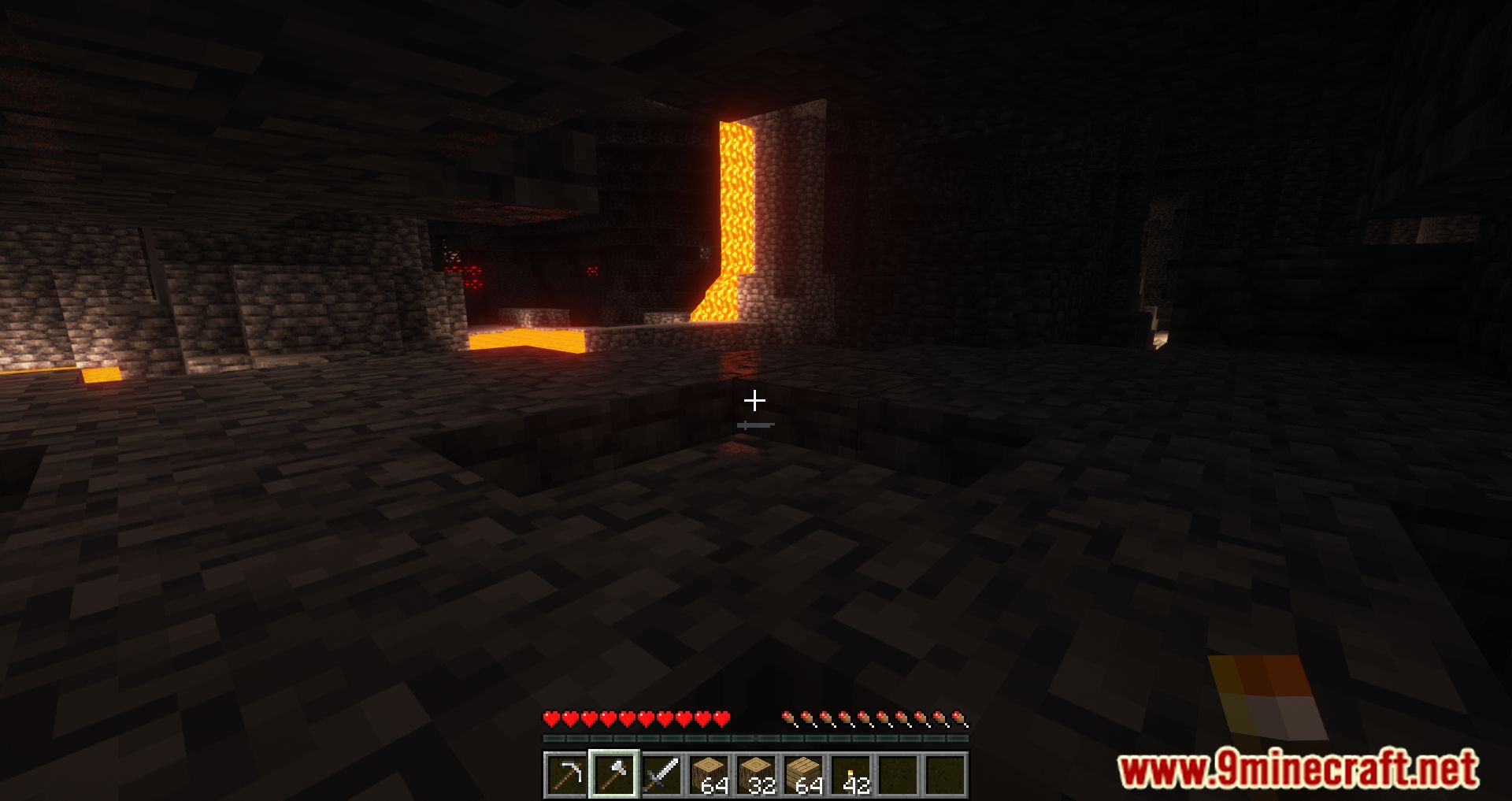
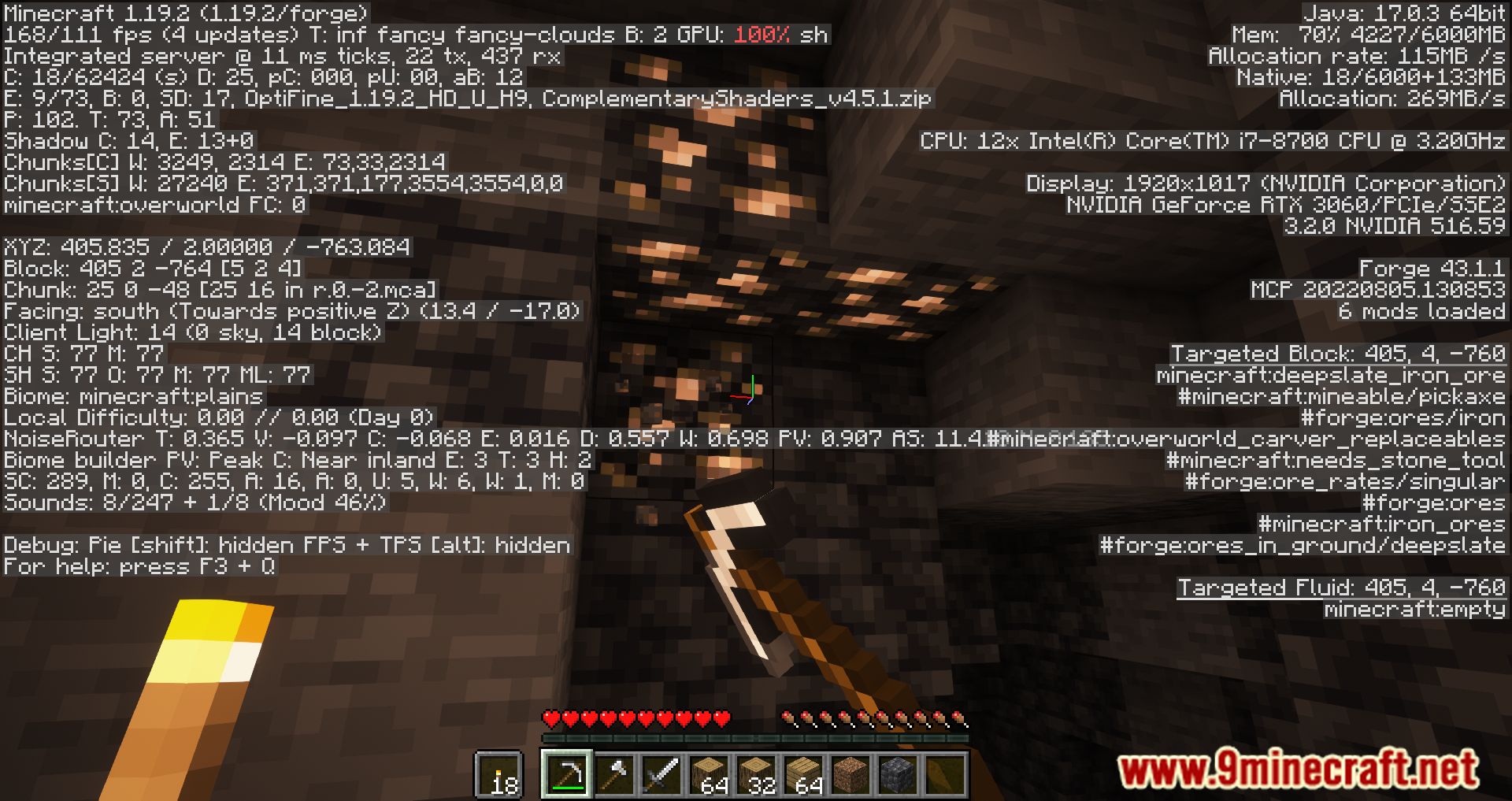
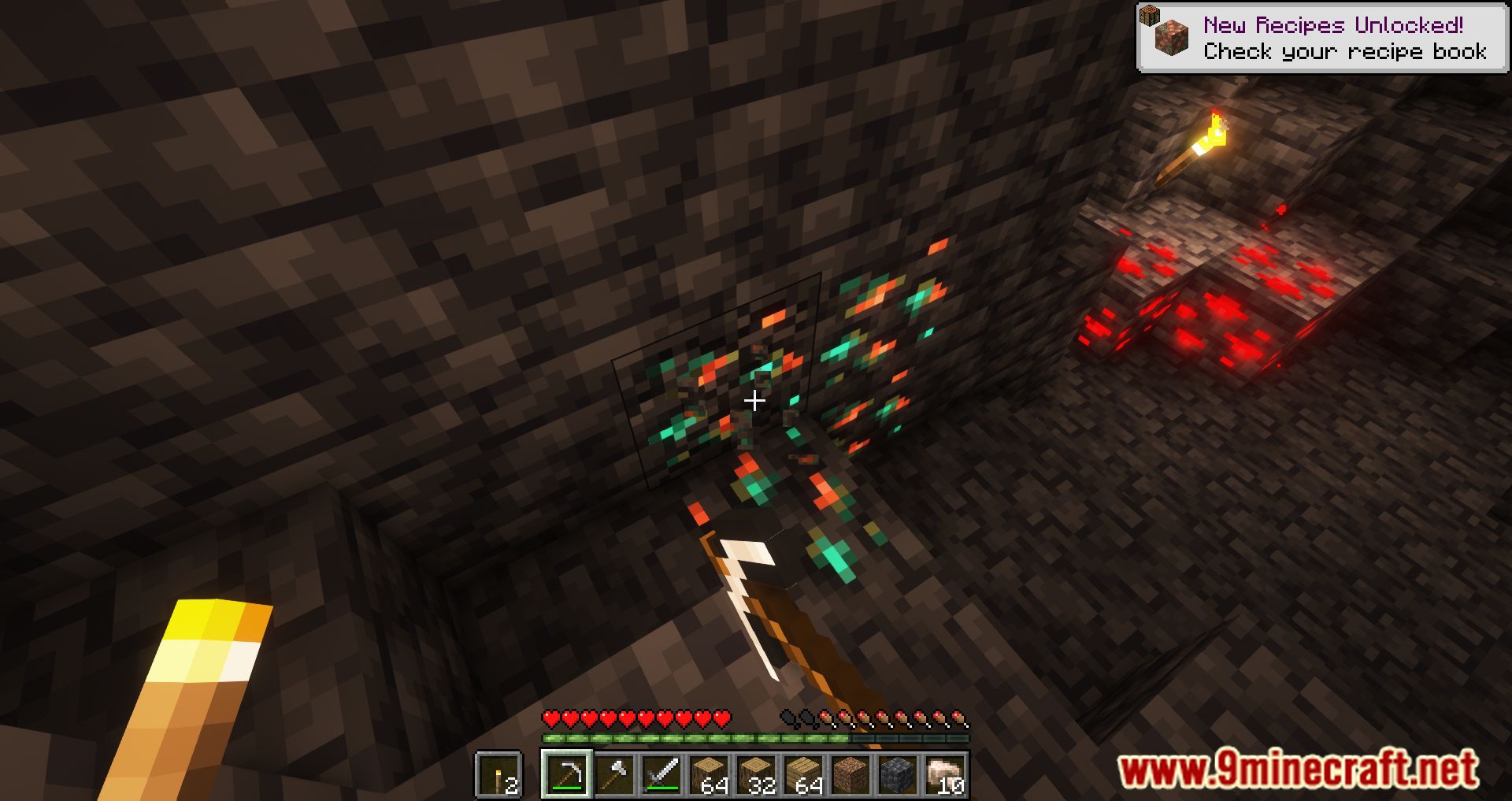
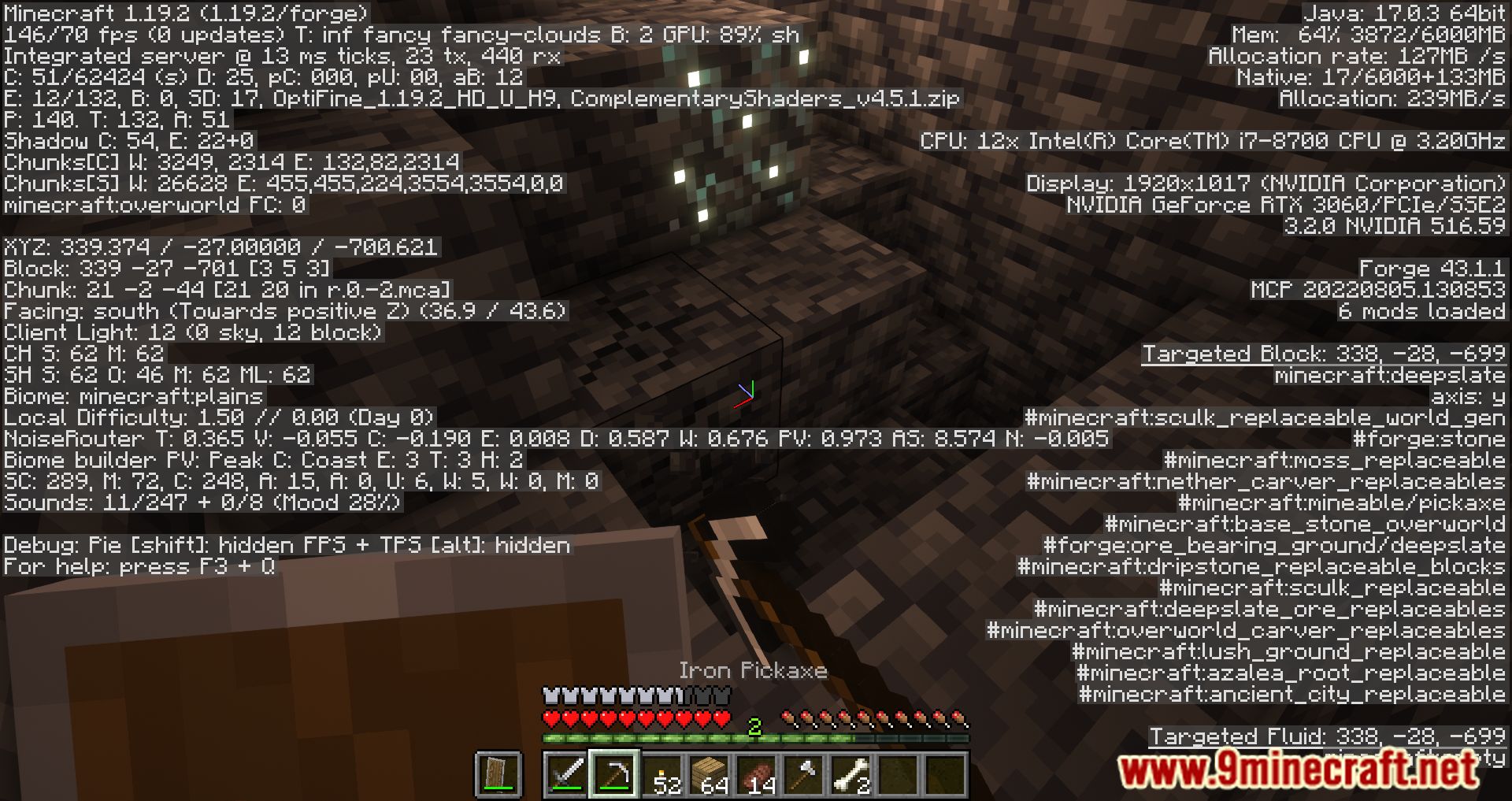
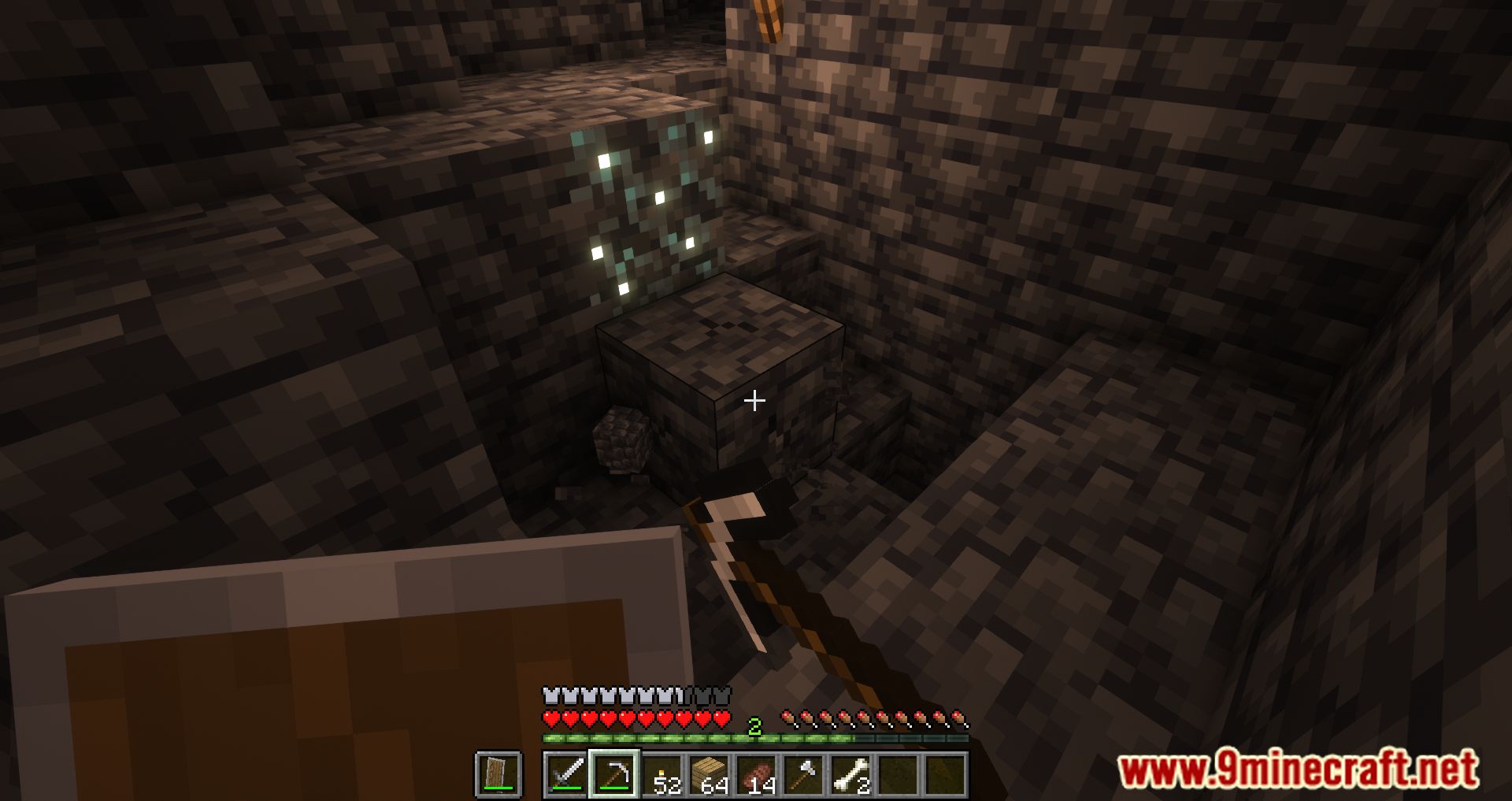
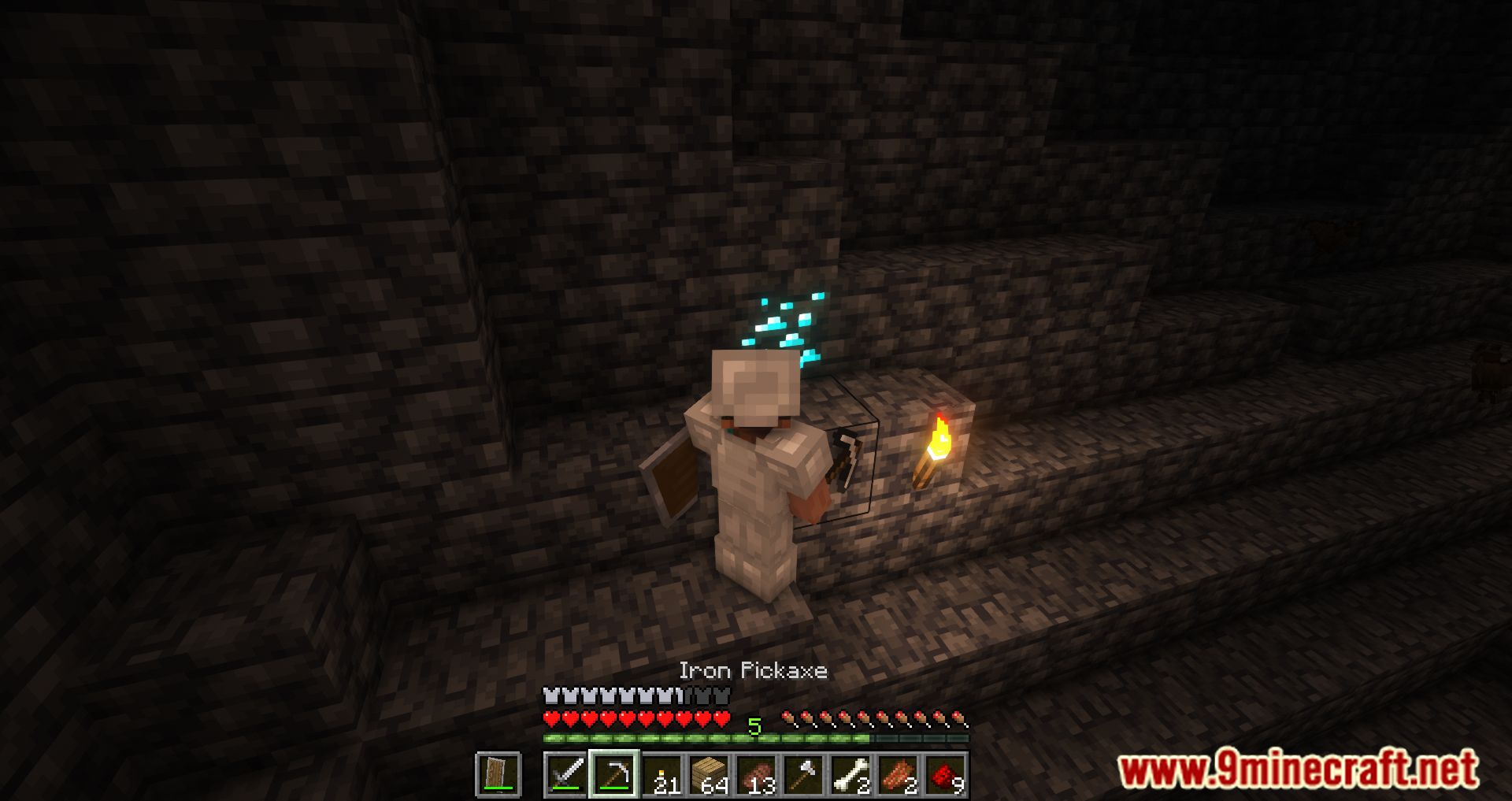
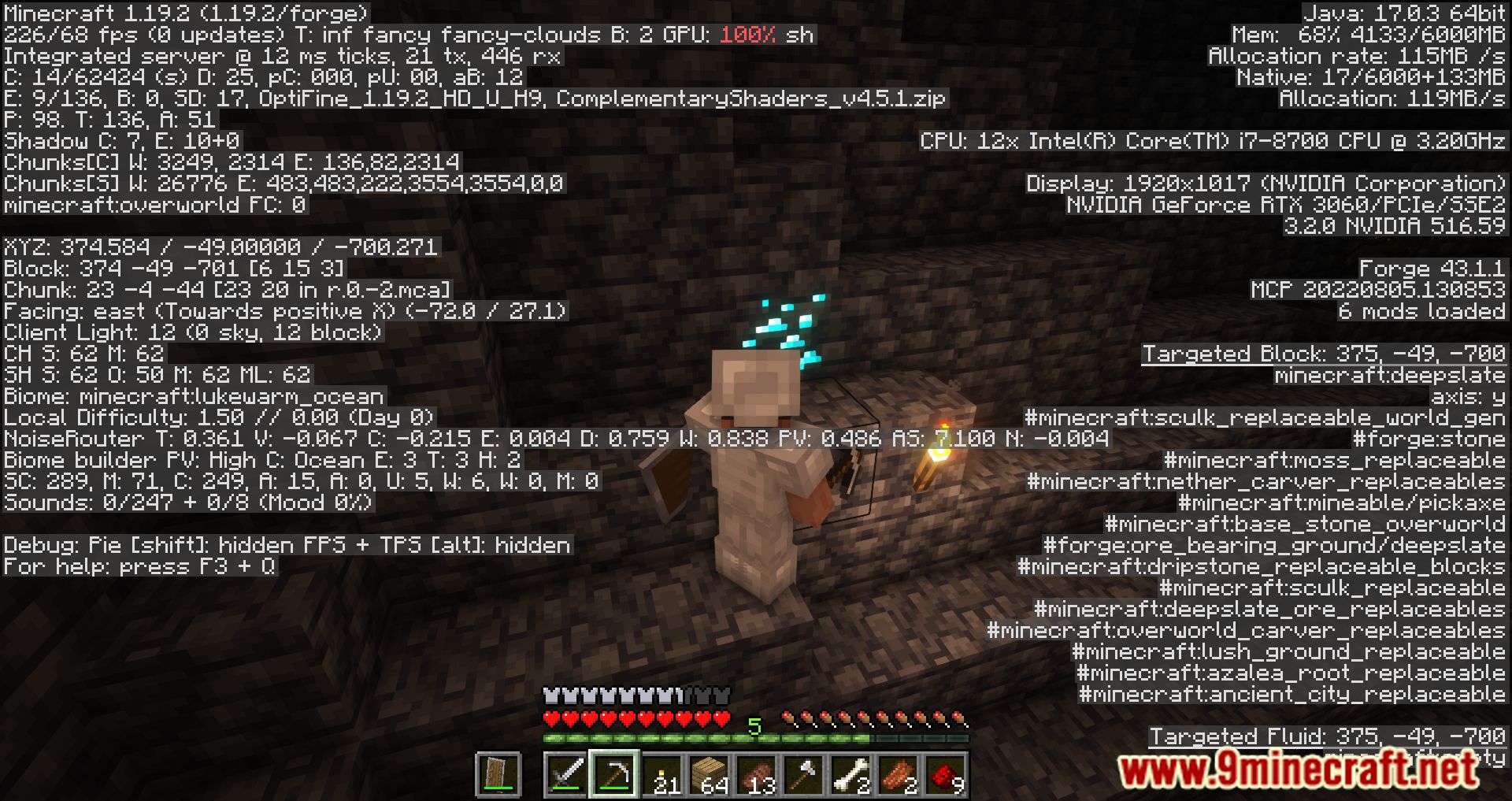
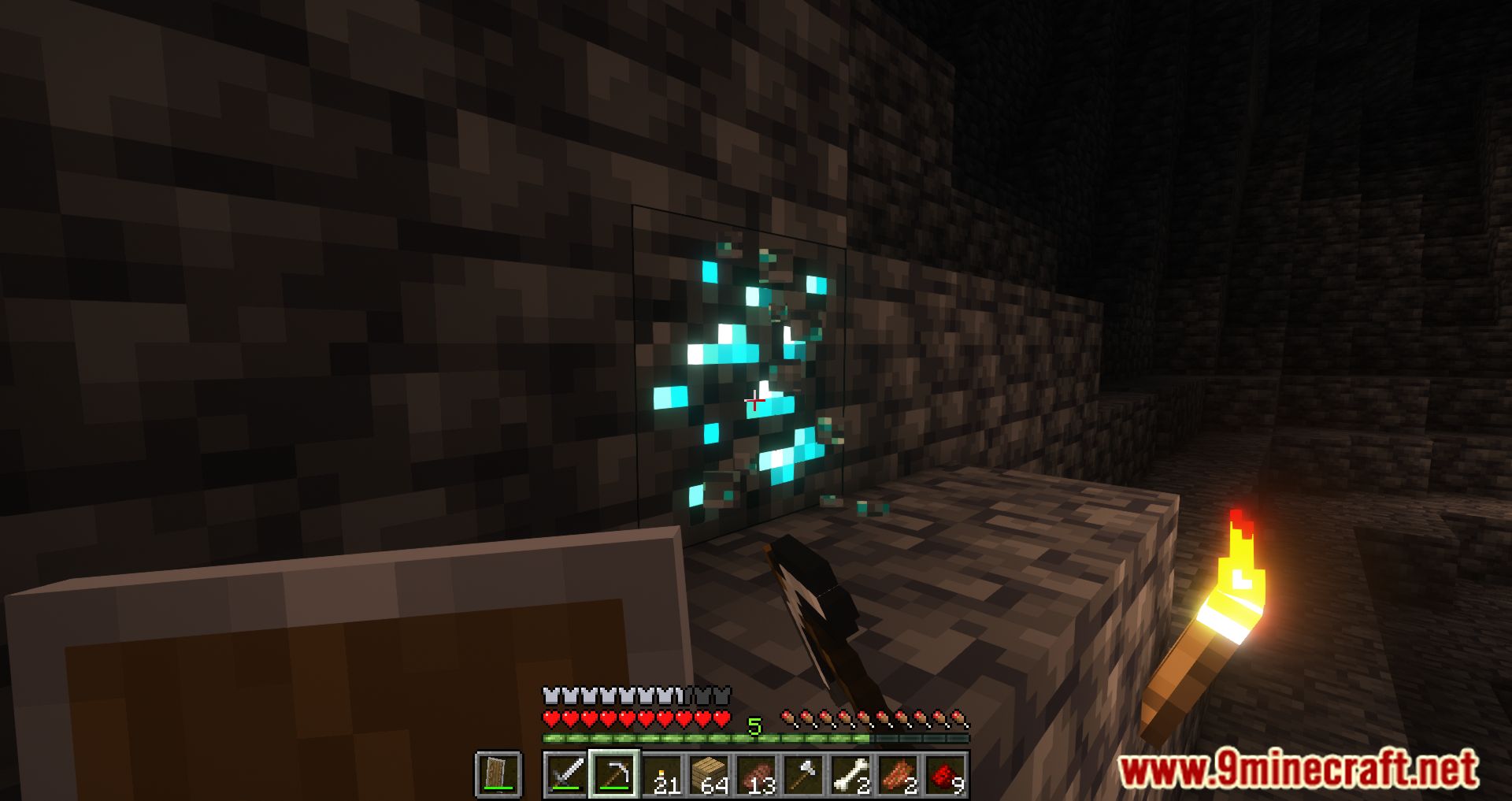
Screenshots:

How to Install:
New to Minecraft? Follow our step-by-step guide to install Mods on your PC.View Guide
Harder Branch Mining Mod Download Links
For Minecraft 1.12.2
Forge Version: Download from Server 1
For Minecraft 1.14.4
Forge Version: Download from Server 1
For Minecraft 1.15.2
Forge Version: Download from Server 1
For Minecraft 1.16.5
Forge Version: Download from Server 1
For Minecraft 1.17.1
Forge Version: Download from Server 1
For Minecraft 1.18.1
Forge Version: Download from Server 1
For Minecraft 1.18.2
Forge Version: Download from Server 1
For Minecraft 1.19.2, 1.19.1, 1.19
Forge Version: Download from Server 1
For Minecraft 1.19.4, 1.19.3
Forge version: Download from Server 1 – Download from Server 2
For Minecraft 1.20.2, 1.20.1, 1.20
Forge version: Download from Server 1 – Download from Server 2
For Minecraft 1.20.4, 1.20.3
Forge version: Download from Server 1 – Download from Server 2
For Minecraft 1.20.6
Forge version: Download from Server 1 – Download from Server 2
For Minecraft 1.21.1, 1.21
Forge version: Download from Server 1 – Download from Server 2
For Minecraft 1.21.5, 1.21.4
Forge version: Download from Server 1 – Download from Server 2
For Minecraft 1.21.8, 1.21.7, 1.21.6
Forge version: Download from Server 1 – Download from Server 2
For Minecraft 1.21.10, 1.21.9
Forge version: Download from Server 1 – Download from Server 2
For Minecraft 1.21.11
Forge version: Download from Server 1 – Download from Server 2
You May Also Like









This post has no comments yet. Be the first — your comment will appear here.