


Parties Mod (1.20.1, 1.19.2) – दोस्तों के साथ मिलकर करें तगड़ी फाइट्स

 0
0 

🌐 आप यह लेख हिन्दी में पढ़ रहे हैं। क्या बदलना चाहेंगे?
📖 अंग्रेज़ी मूल में पढ़ेंया अपनी पसंद की भाषा चुनें:
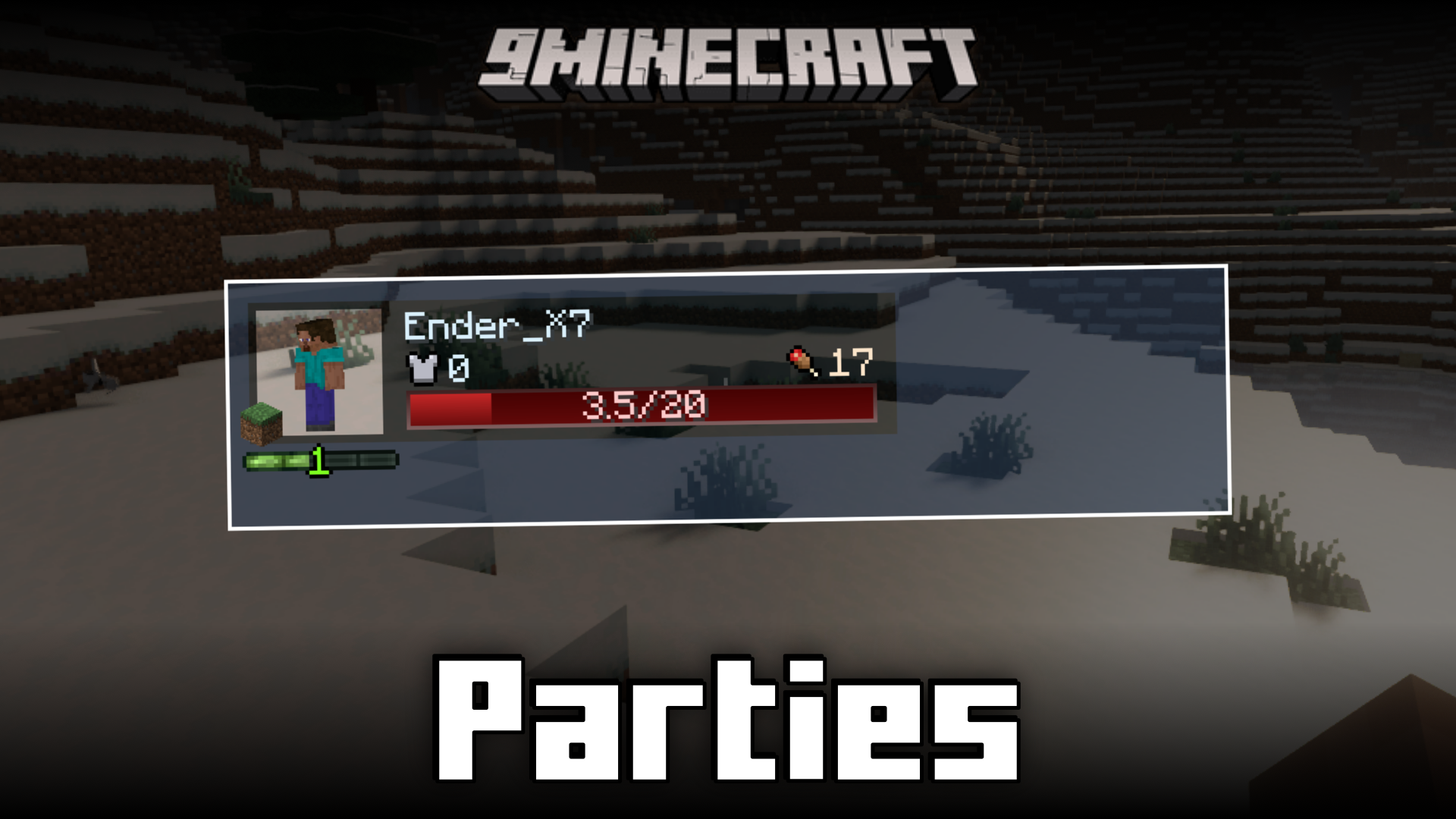
Parties Mod आपके गेम में एक RPG-स्टाइल पार्टी सिस्टम जोड़ता है। इसकी मदद से आप अपने दोस्तों के साथ टीम बना सकते हैं और उनकी हेल्थ और एक्सपीरियंस जैसे स्टैट्स को अपनी स्क्रीन पर लाइव देख सकते हैं। यह मोड टीम वर्क को बेहतर बनाने के लिए कई फीचर्स देता है, जैसे पार्टी मेंबर्स के साथ XP शेयर करना और ग्रुप में लड़ते समय बॉसेस को और भी ताकतवर बनाना। यह एडवेंचर के दौरान एक-दूसरे की मदद करने और साथ मिलकर खेलने में काफी काम आता है।
Features:
- एक पार्टी सिस्टम जोड़ता है ताकि आप दोस्तों के साथ खेल सकें।
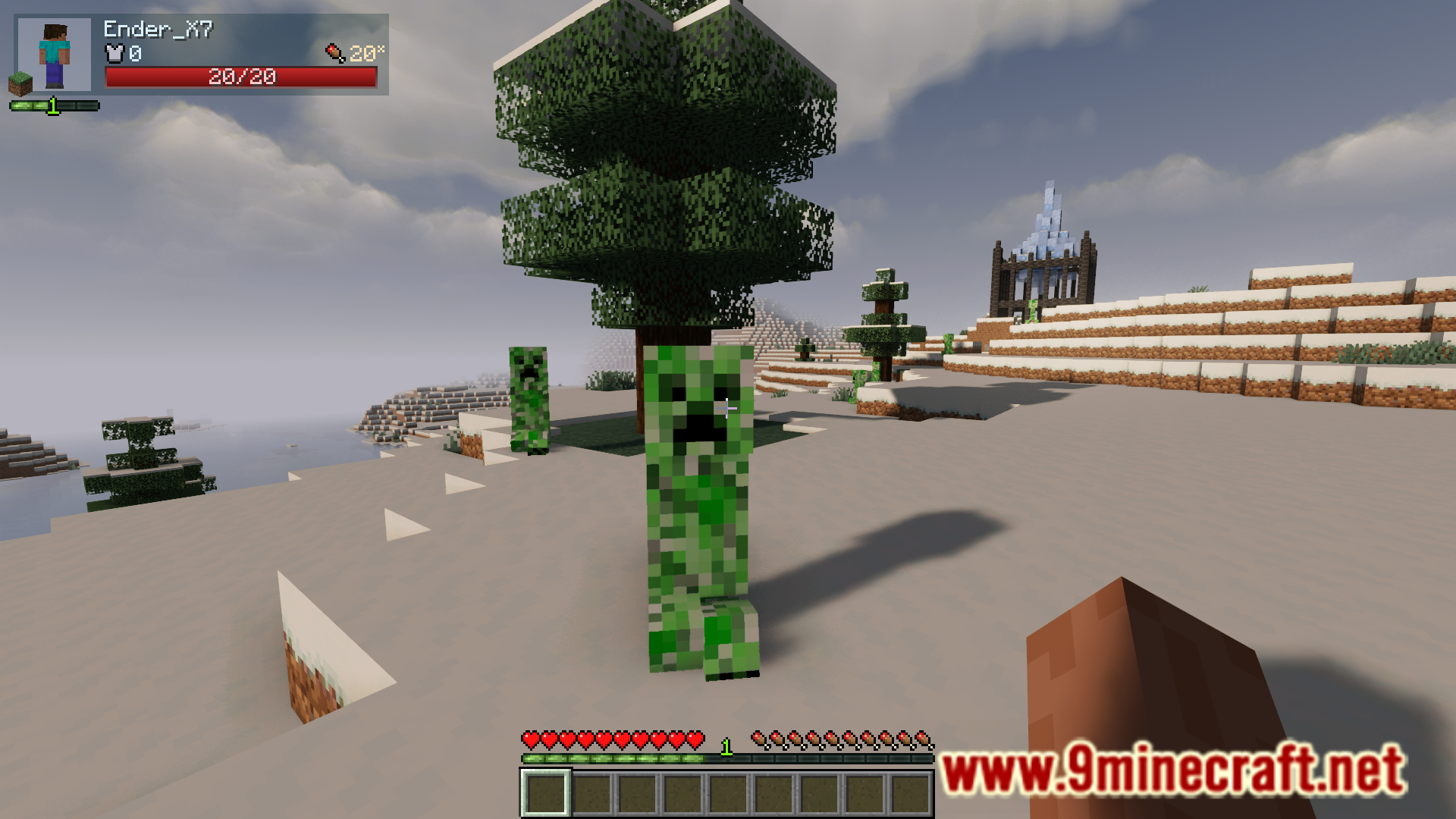
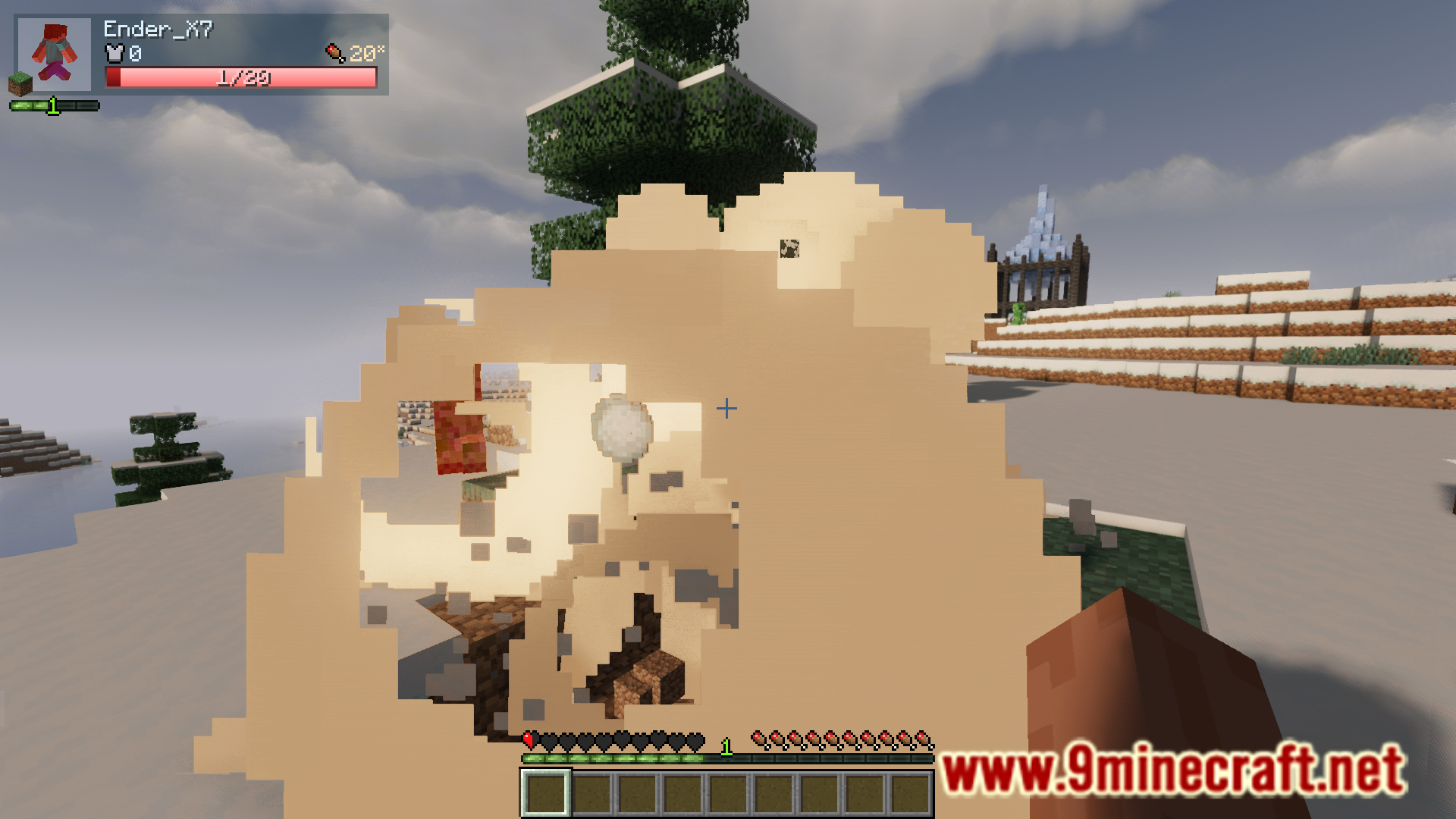
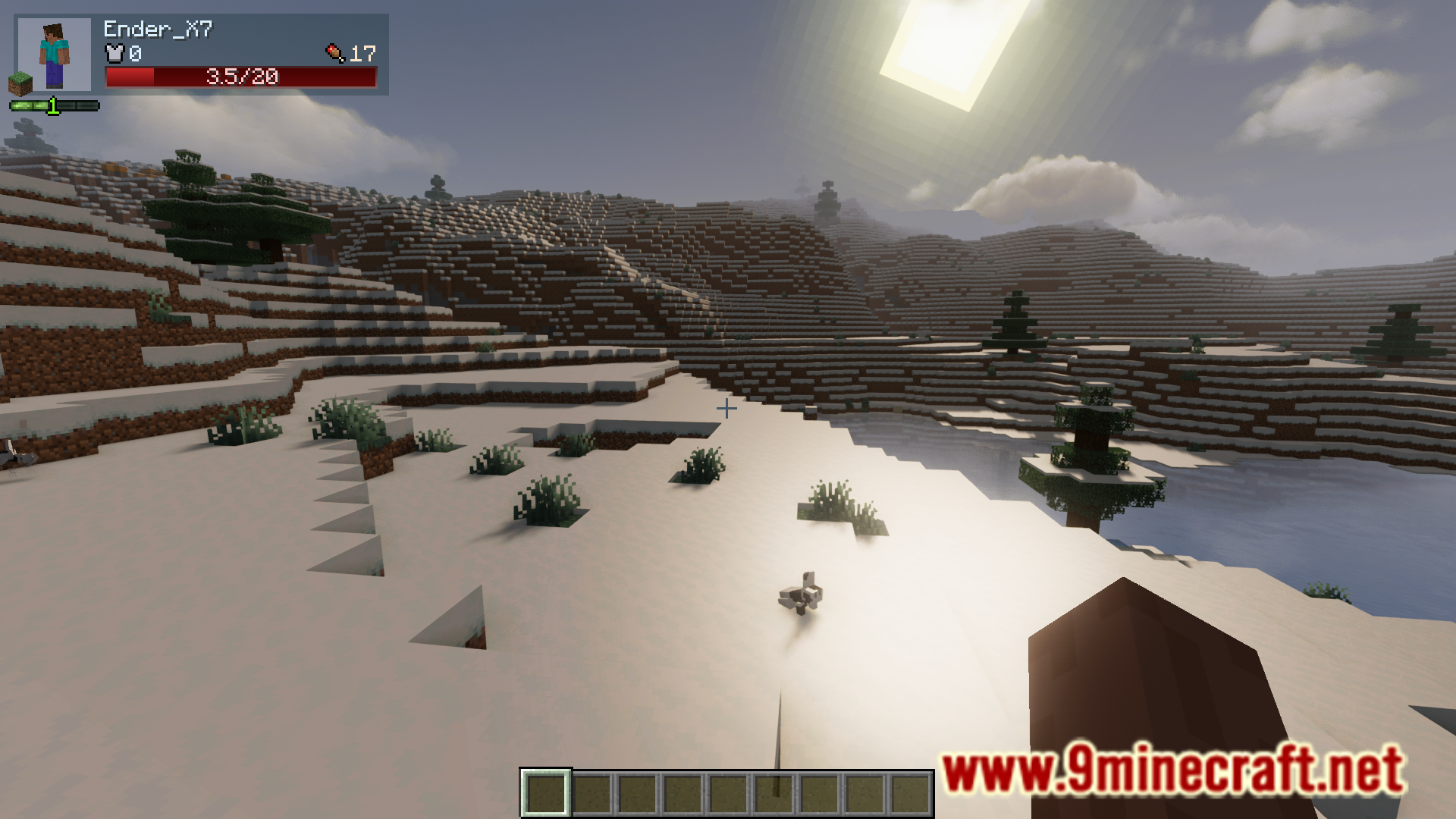
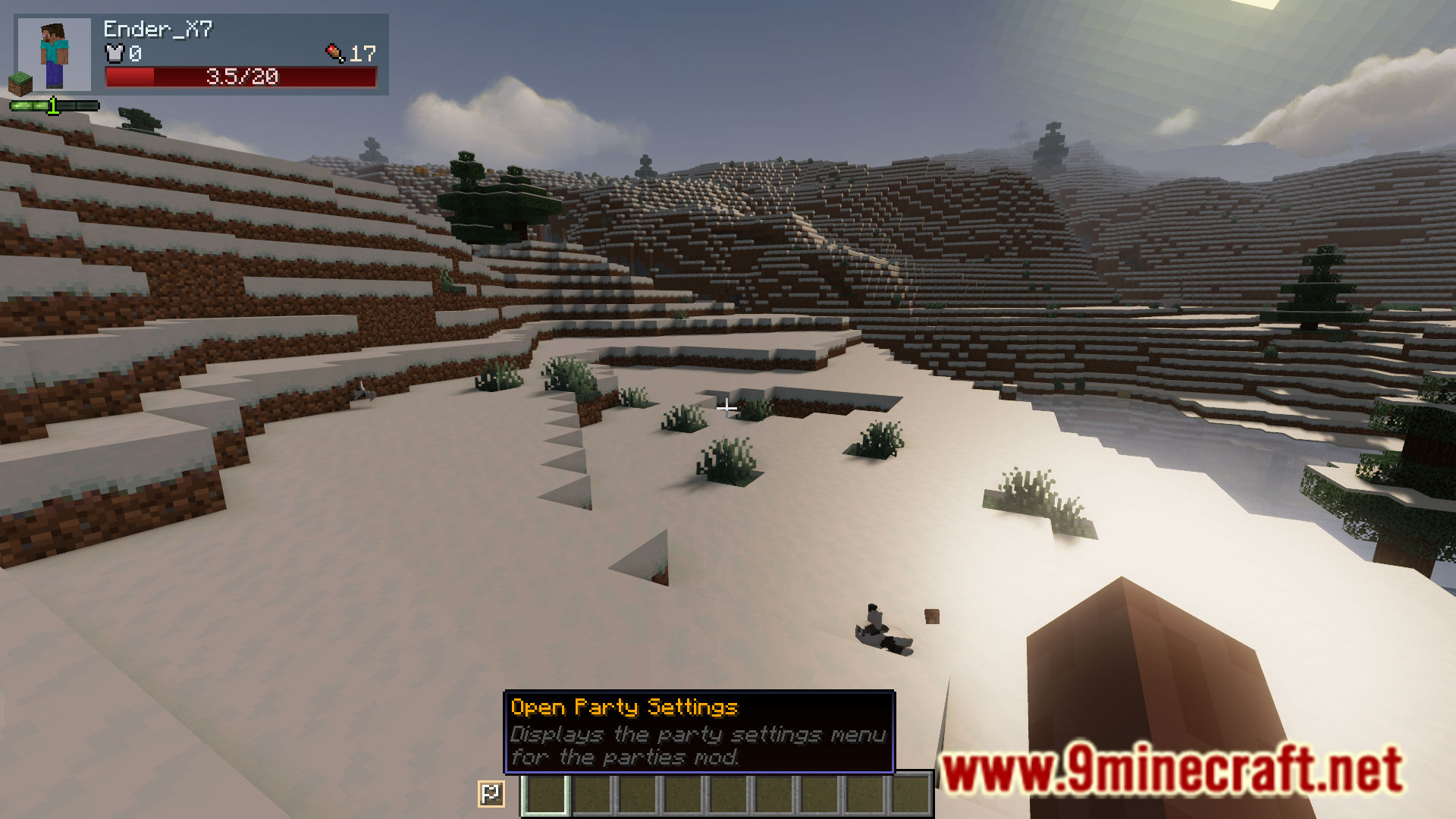
- HUD पर आपके पार्टी मेंबर्स के लाइव स्टैट्स दिखाता है।
- अपनी पार्टी के सभी लोगों के साथ एक्सपीरियंस पॉइंट्स (XP) शेयर करें।
- पार्टी के साइज के हिसाब से बॉस की हेल्थ, डैमेज और लूट बढ़ सकती है।
- अपने टीममेट्स को हाईलाइट करें ताकि उन्हें ढूंढना आसान हो।
- फ्रेंडली फायर रोकने के लिए पार्टी मेंबर्स के बीच डैमेज बंद करें।
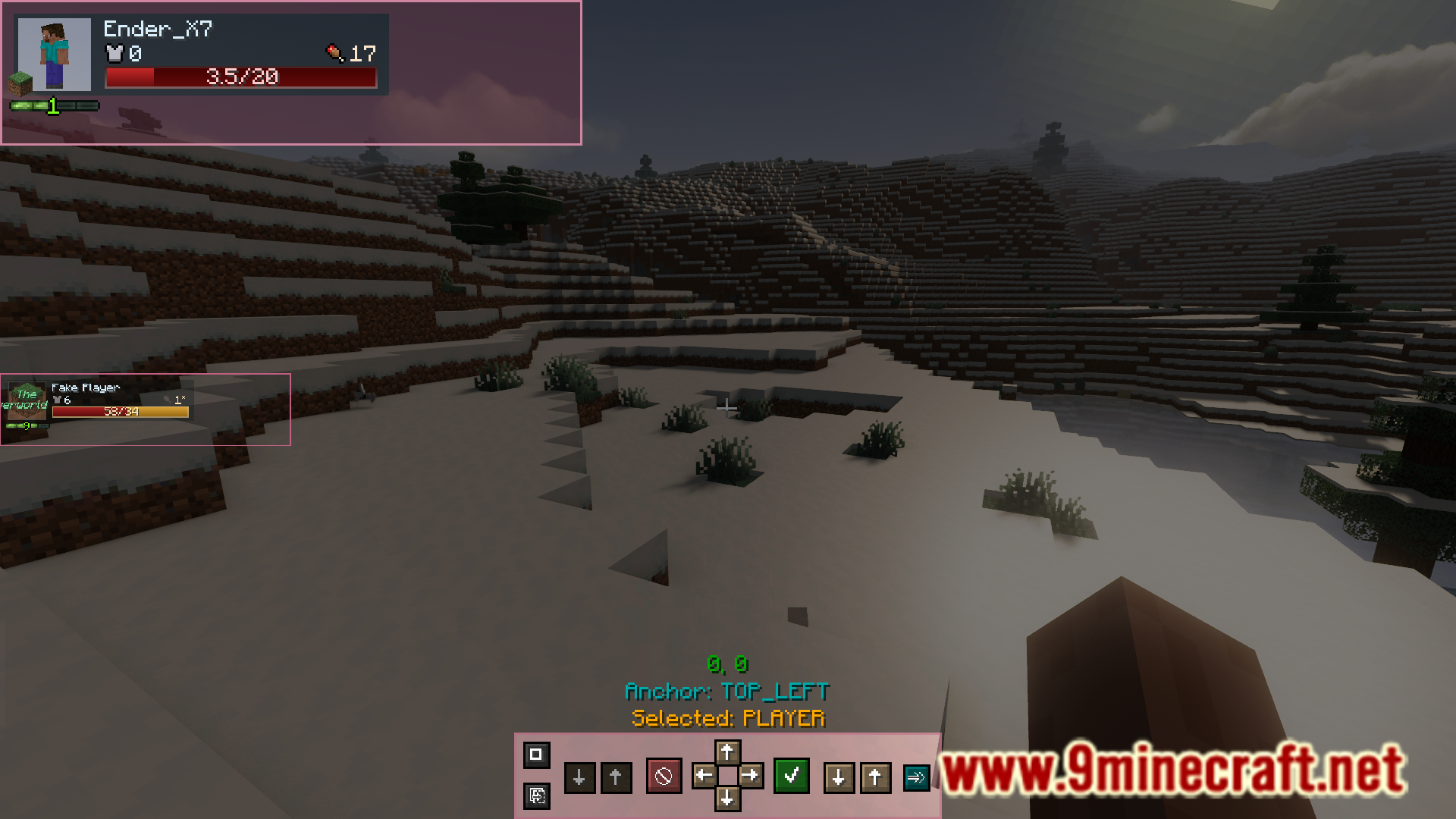
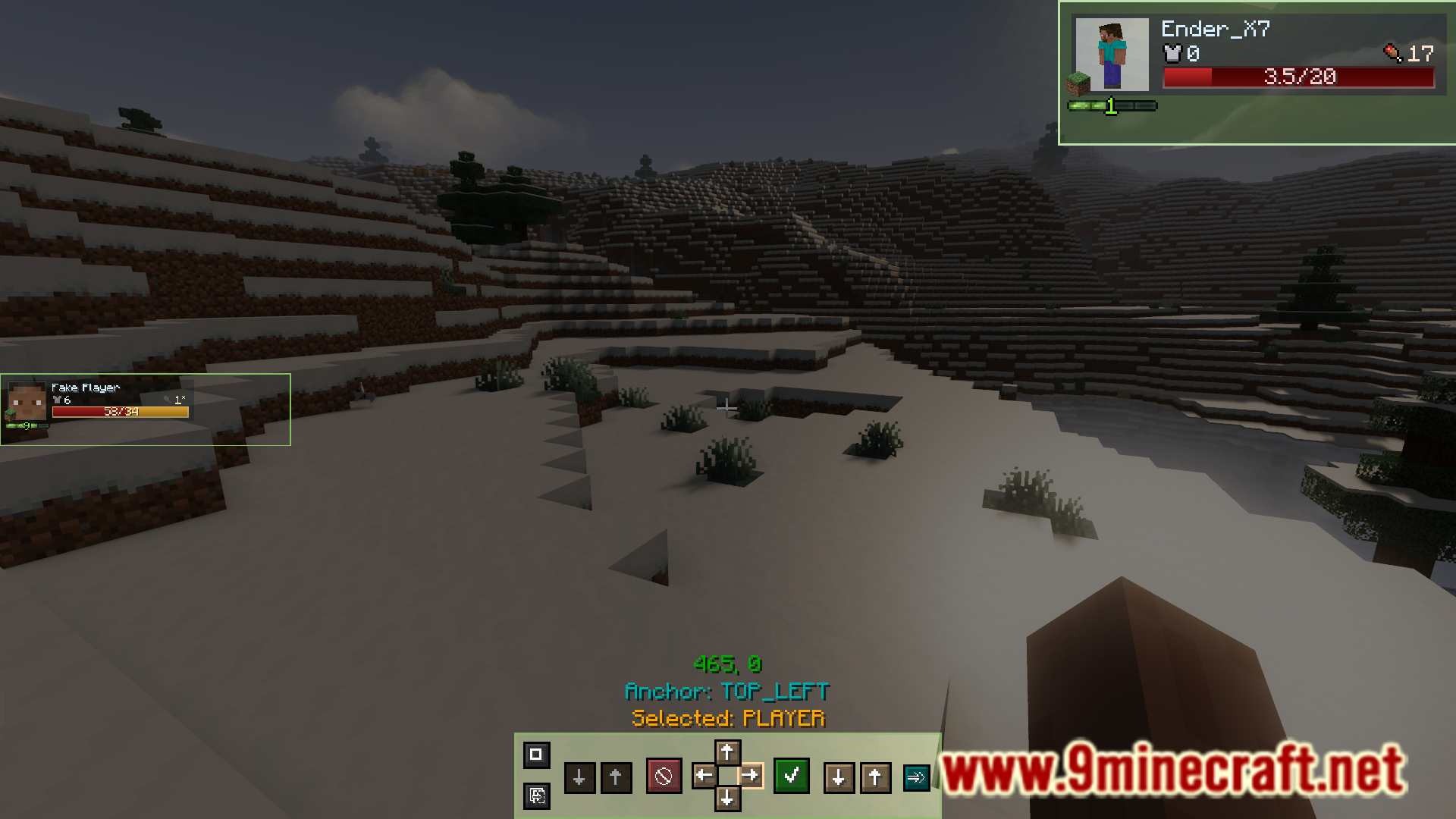
- पार्टी इंटरफेस की पोजीशन, साइज और लुक को कस्टमाइज़ करें।
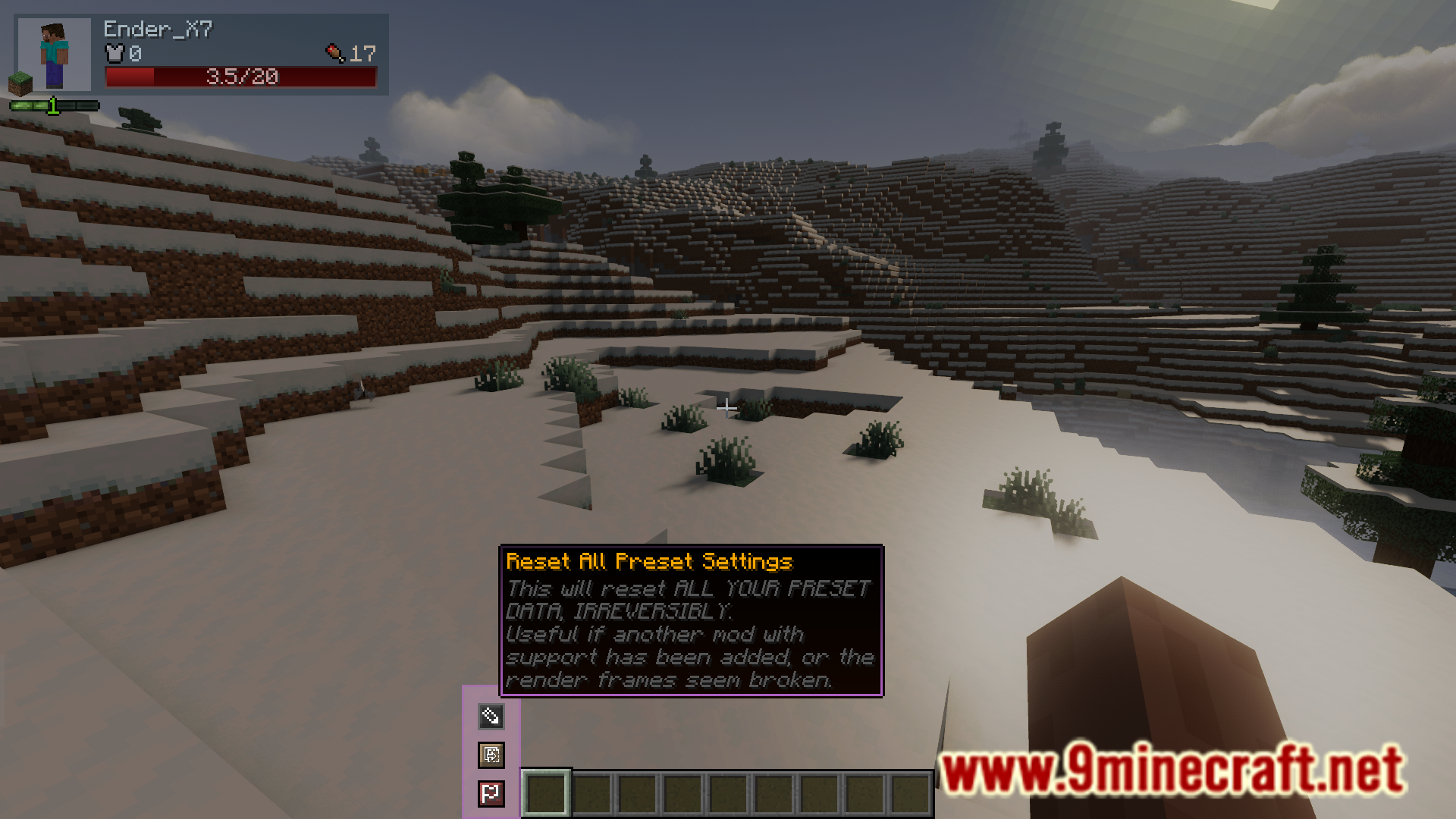
- प्रीसेट सिस्टम का उपयोग करके अपने कस्टम HUD लेआउट बनाएं, सेव करें और शेयर करें।
How to Use:
- स्क्रीन पर माउस कंट्रोल करने के लिए “Show Mouse” कीबाइंड (डिफ़ॉल्ट रूप से Left Alt) दबाएं।
- ज़्यादा जानकारी के लिए UI एलिमेंट्स पर माउस ले जाएं (होवर करें)।
- एक बटन दिखाई देगा जिससे आप मोड के इंटरफेस की सेटिंग्स खोल सकते हैं।
- सेटिंग्स मेनू में, आप हर फ्रेम को ड्रैग कर सकते हैं, उसका साइज बदल सकते हैं और लेआउट को कस्टमाइज़ कर सकते हैं।
Screenshots:
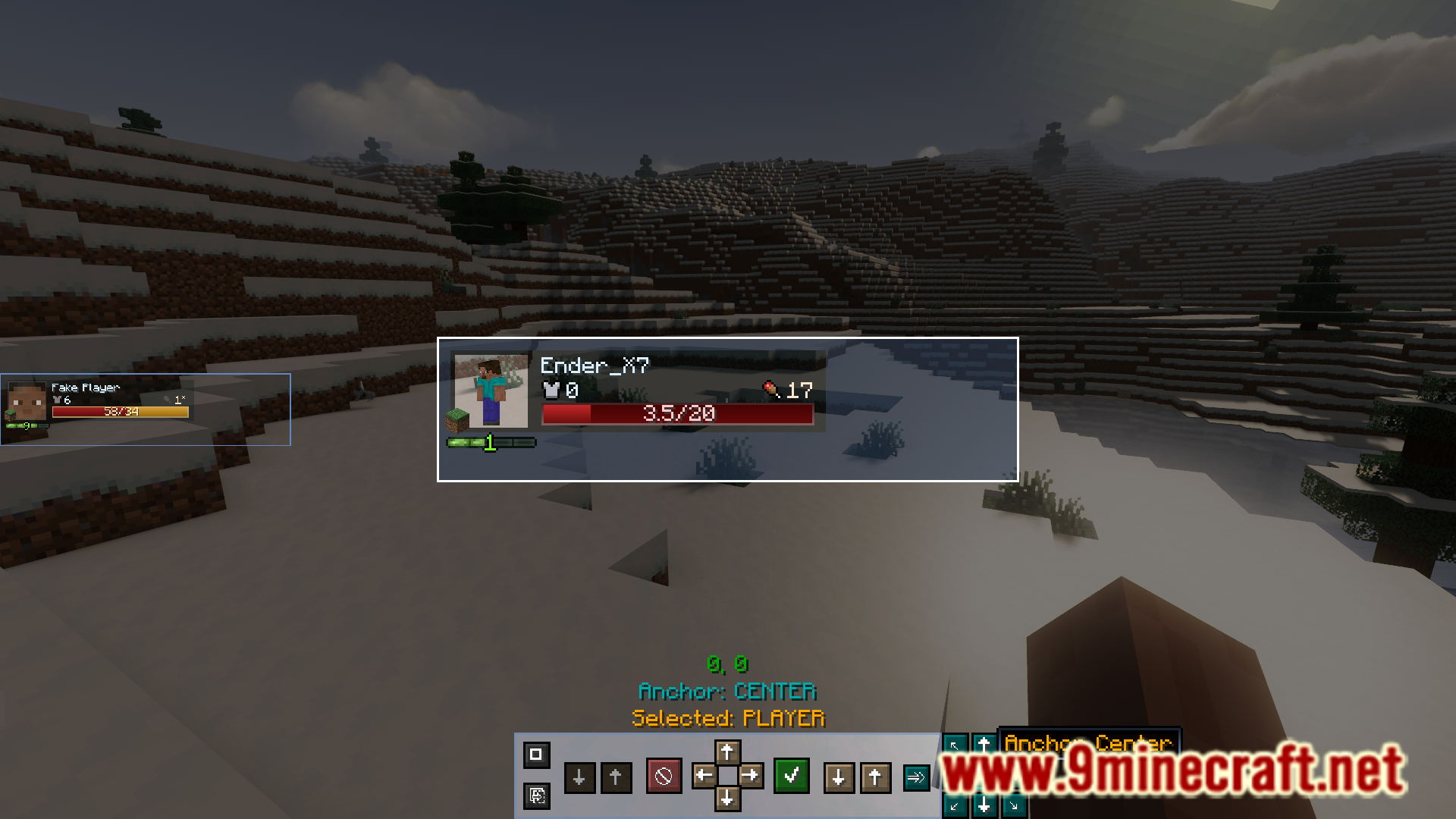
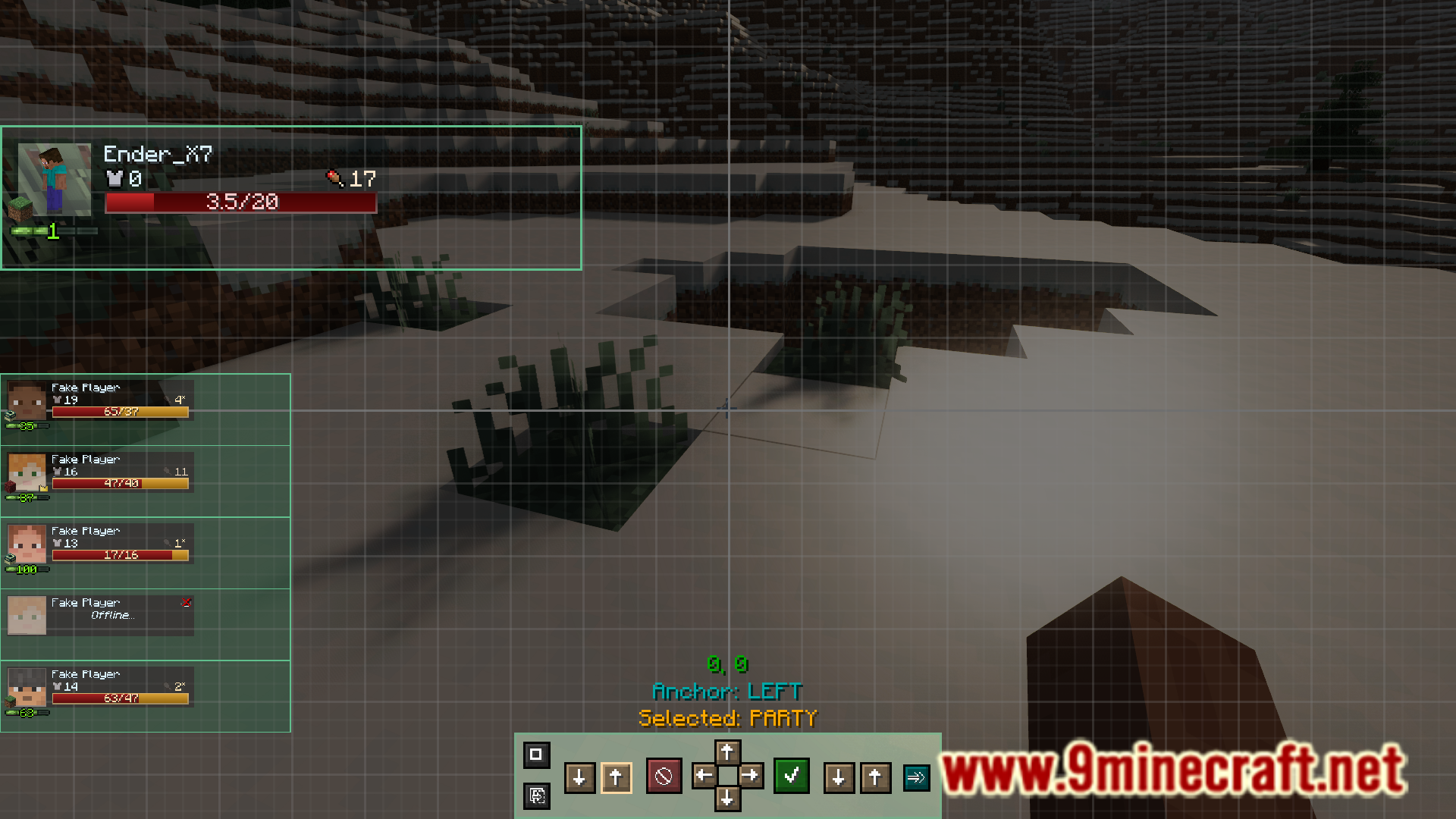
इंस्टॉल कैसे करें:
Parties Mod Download Links
For Minecraft 1.20.1, 1.20
Forge version: Download from Server 1 – Download from Server 2
For Minecraft 1.19.2
Forge version: Download from Server 1 – Download from Server 2
For Minecraft 1.18.2
Forge version: Download from Server 1 – Download from Server 2
इस पोस्ट को रेट करने के लिए क्लिक करें!
[Total: 0 Average: 0]
ये भी पसंद आ सकते हैं

इस पोस्ट पर अभी कोई टिप्पणी नहीं है। सबसे पहले बनें — आपकी टिप्पणी यहाँ दिखाई देगी।