


SchematicPreview Mod (26.2, 1.21.1) – अब कभी गलत Schematic लोड नहीं होगा
 796
796
 0
0


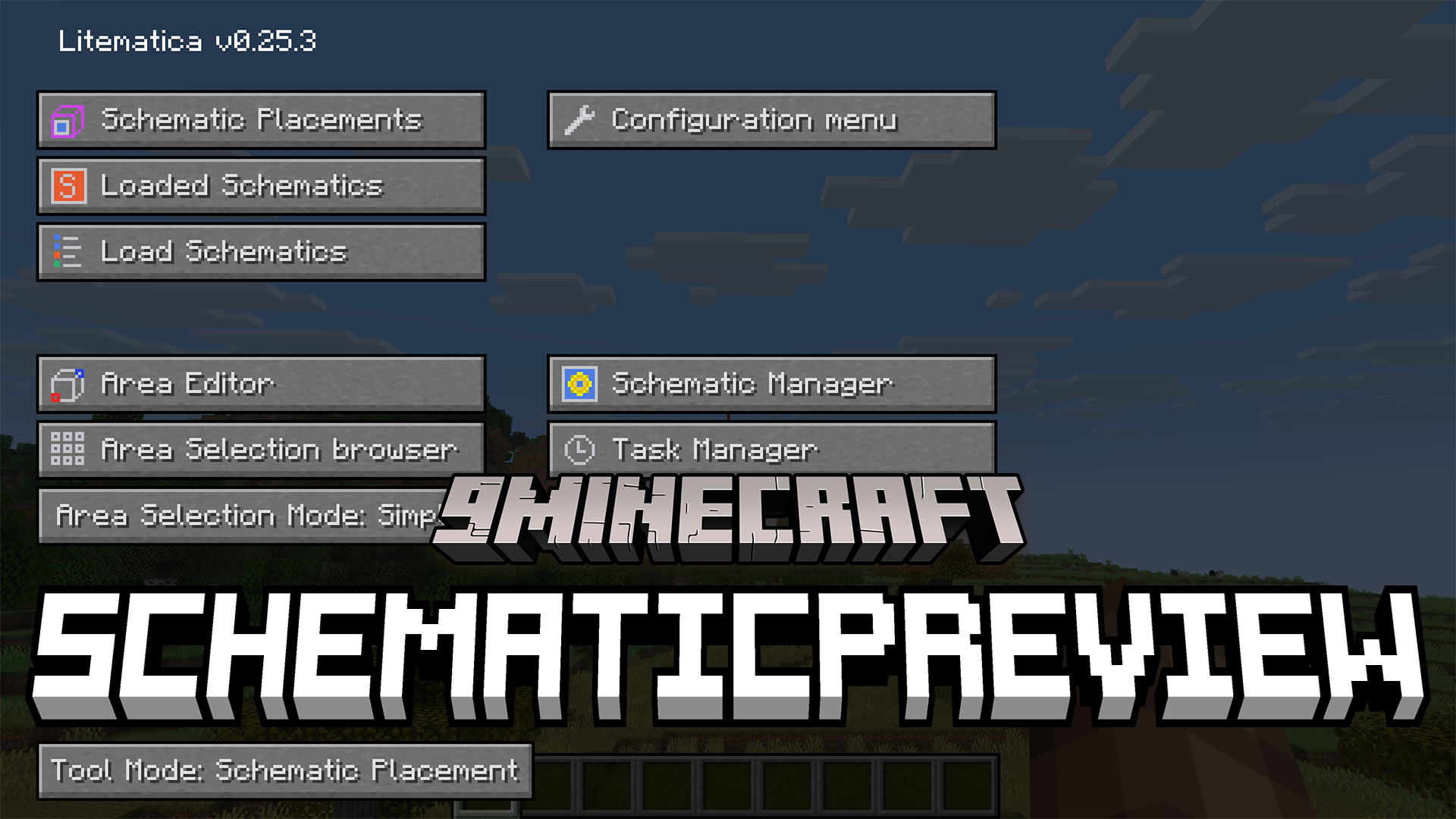
SchematicPreview Mod Litematica में बेहतरीन विजुअल फीचर्स जोड़ता है। यह आपकी सेव की गई बिल्डिंग को वर्ल्ड में लोड करने से पहले उसका एक 3D चित्र दिखाता है। यह मोड आपके फोल्डर्स पर कस्टम आइकन भी लगाता है ताकि आप अपनी फाइलों को तेजी से ढूंढ सकें। यहाँ तक कि इसमें मटेरियल लिस्ट के अंदर ही ब्लॉक्स को बदलने के लिए एक काम का बटन भी दिया गया है। इससे बड़े ब्लूप्रिंट्स को मैनेज करना बहुत आसान हो जाता है।
Features:
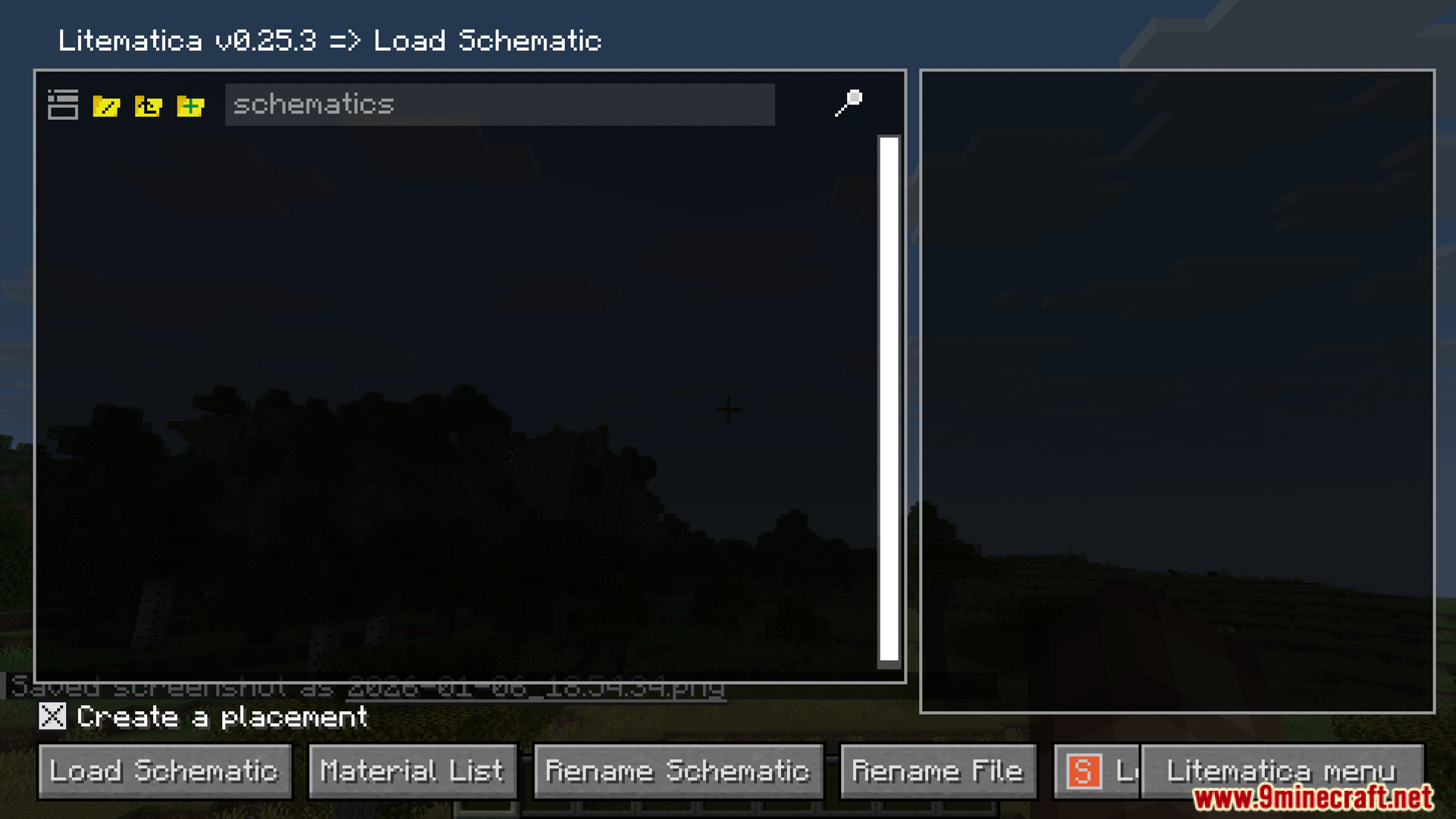
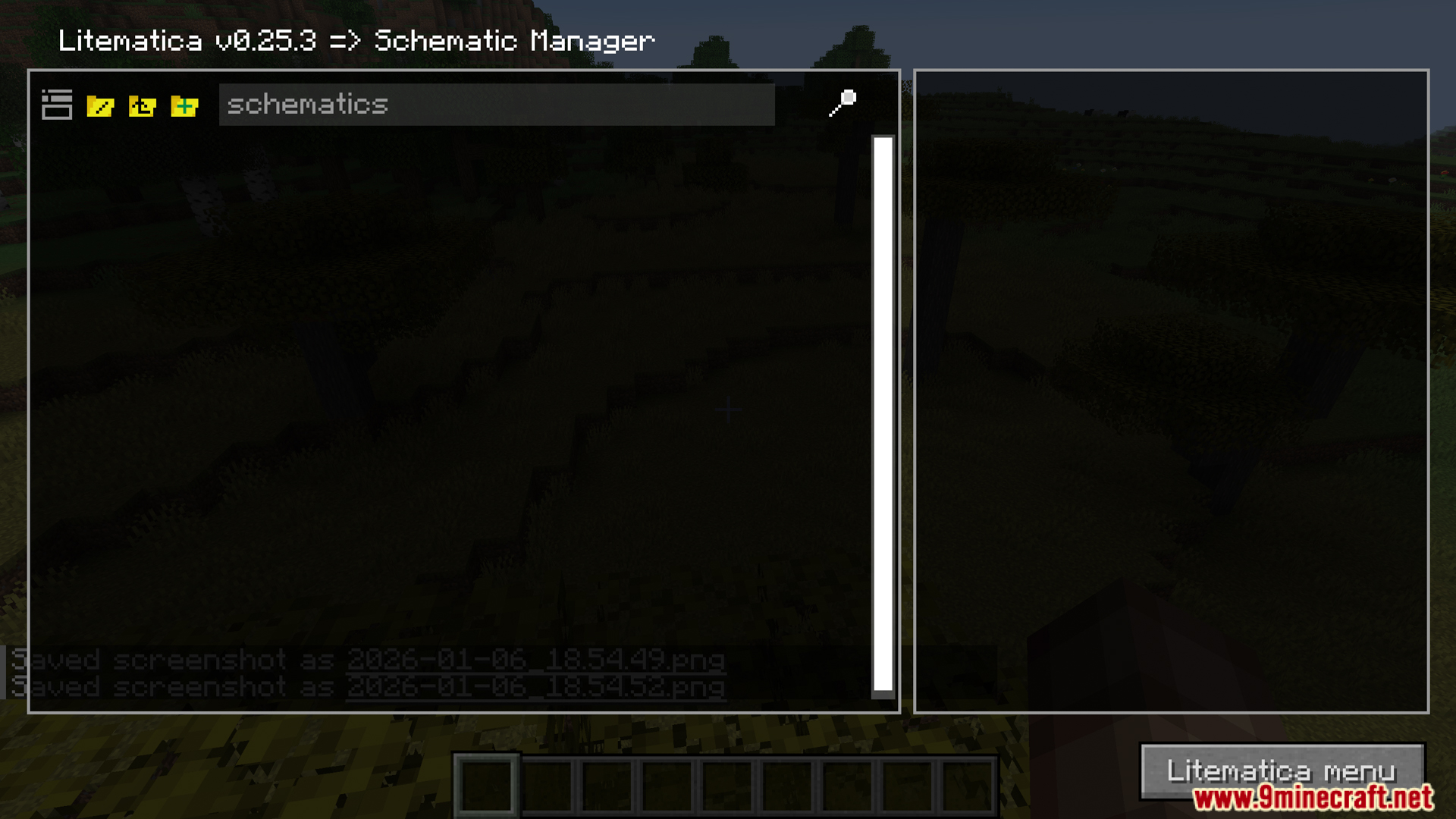
- 3D Previews: SchematicPreview मोड आपकी सेव की गई ब्लूप्रिंट्स को वर्ल्ड में लोड करने से पहले फाइल मेनू में ही उनका साफ 3D चित्र दिखाता है।
- आपके फोल्डर्स और फाइलों के बगल में कस्टम आइकन जोड़ता है ताकि आप सही बिल्ड को जल्दी पहचान सकें।
- ब्लॉक्स को तुरंत बदलने के लिए मटेरियल लिस्ट के अंदर एक ‘replace’ बटन देता है।
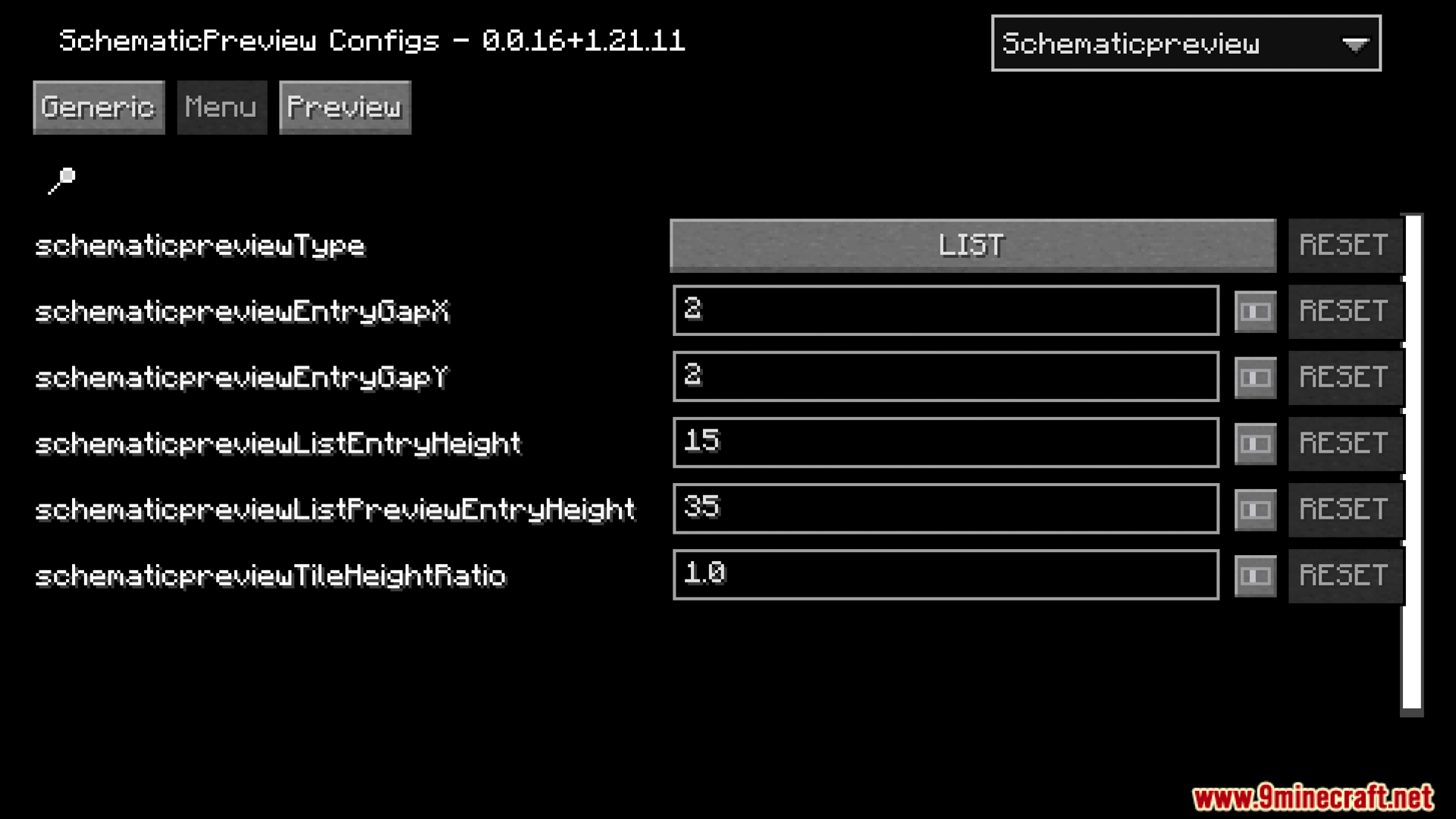
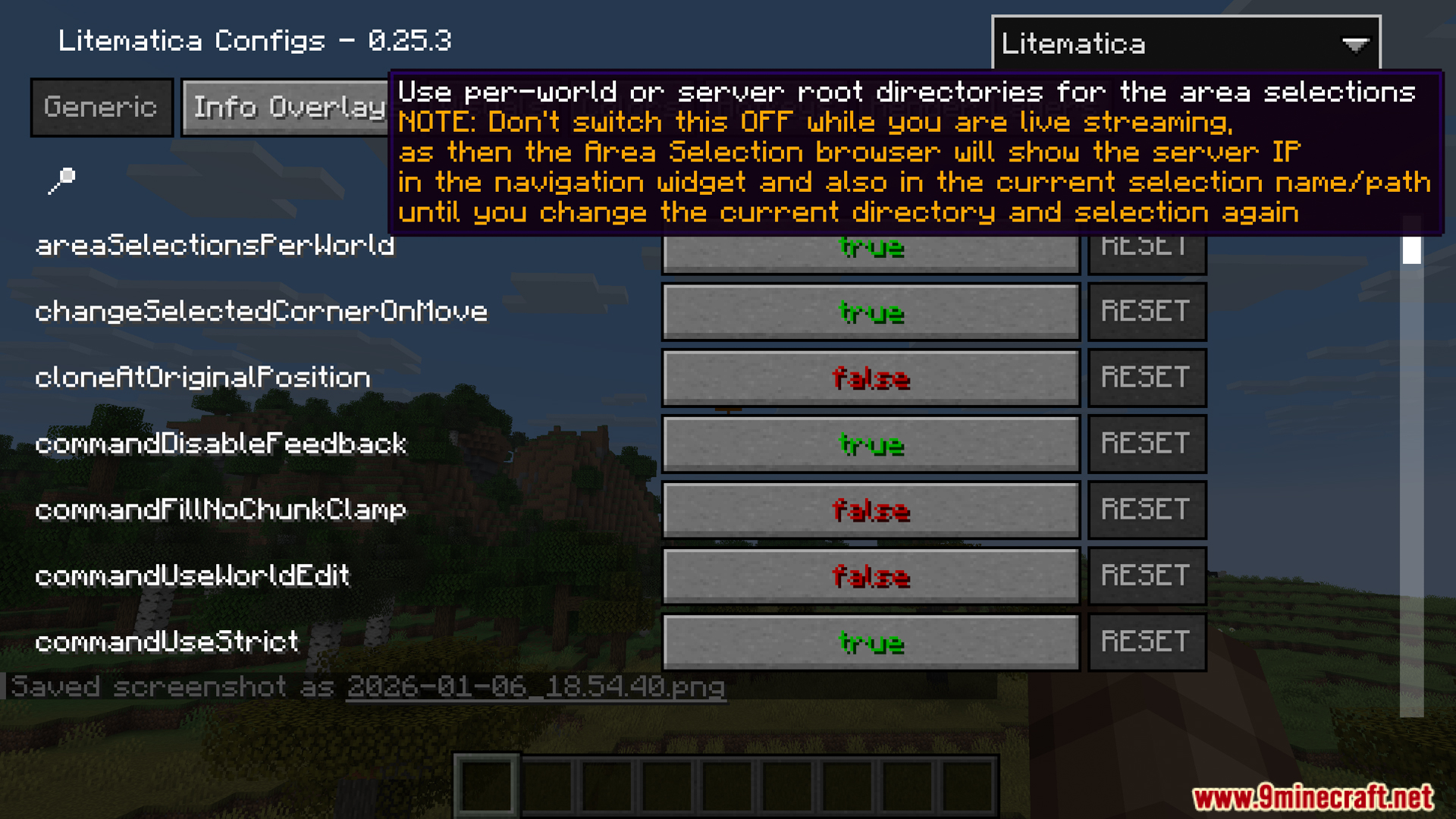
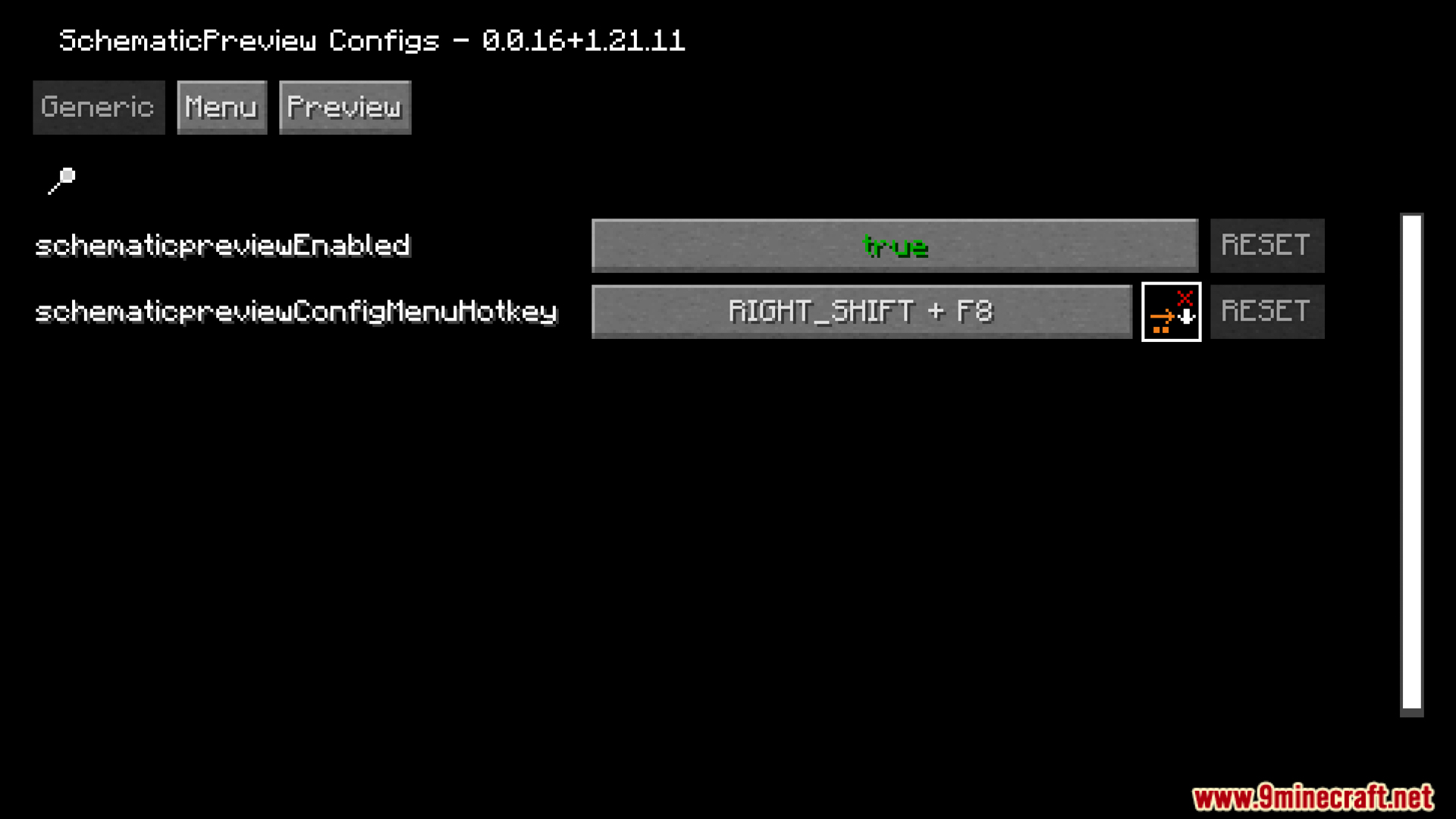
- आप सेटिंग्स मेनू के जरिए टूल्स के काम करने का तरीका बदल सकते हैं और कस्टम हॉटकीज़ सेट कर सकते हैं।
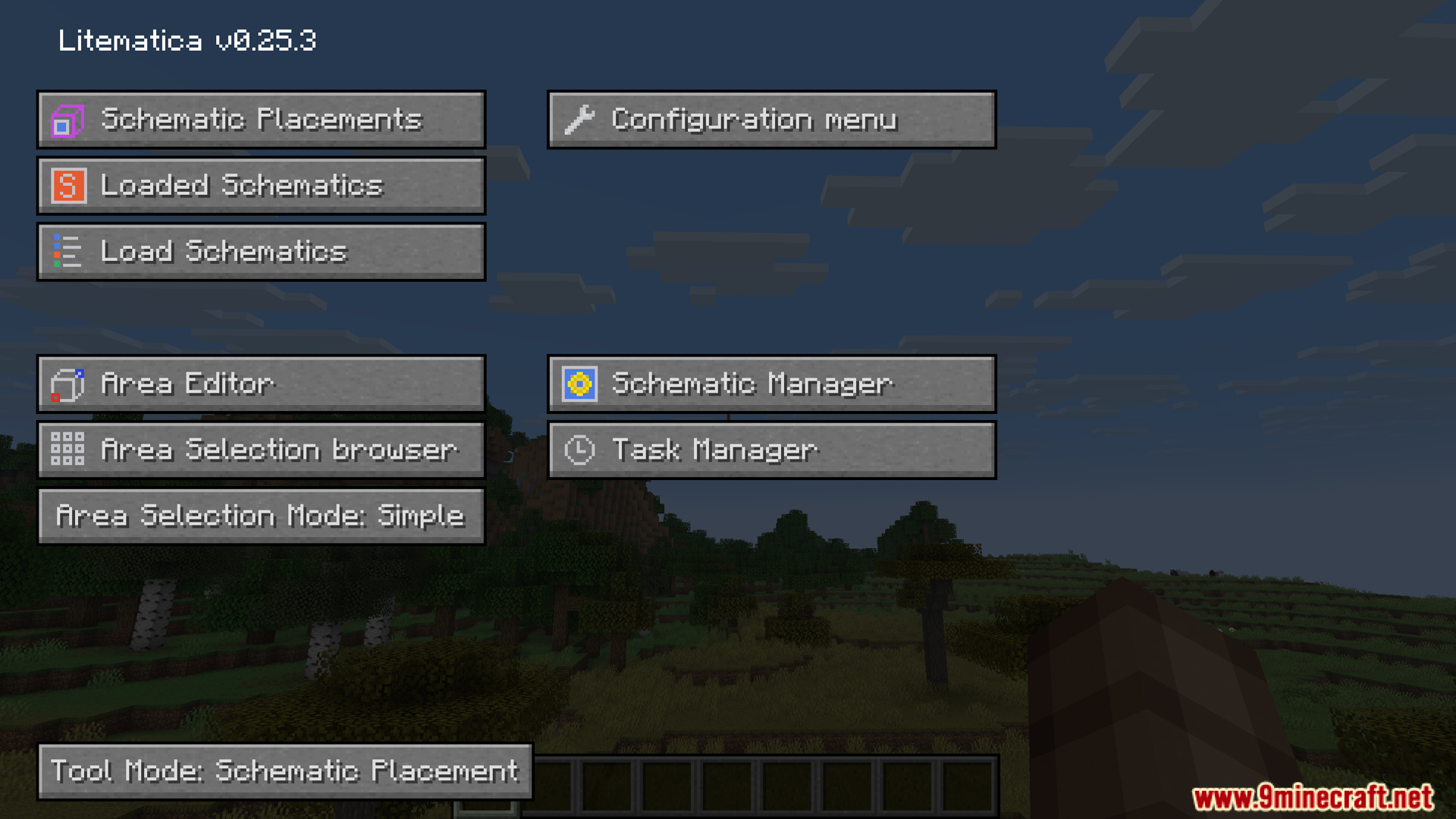
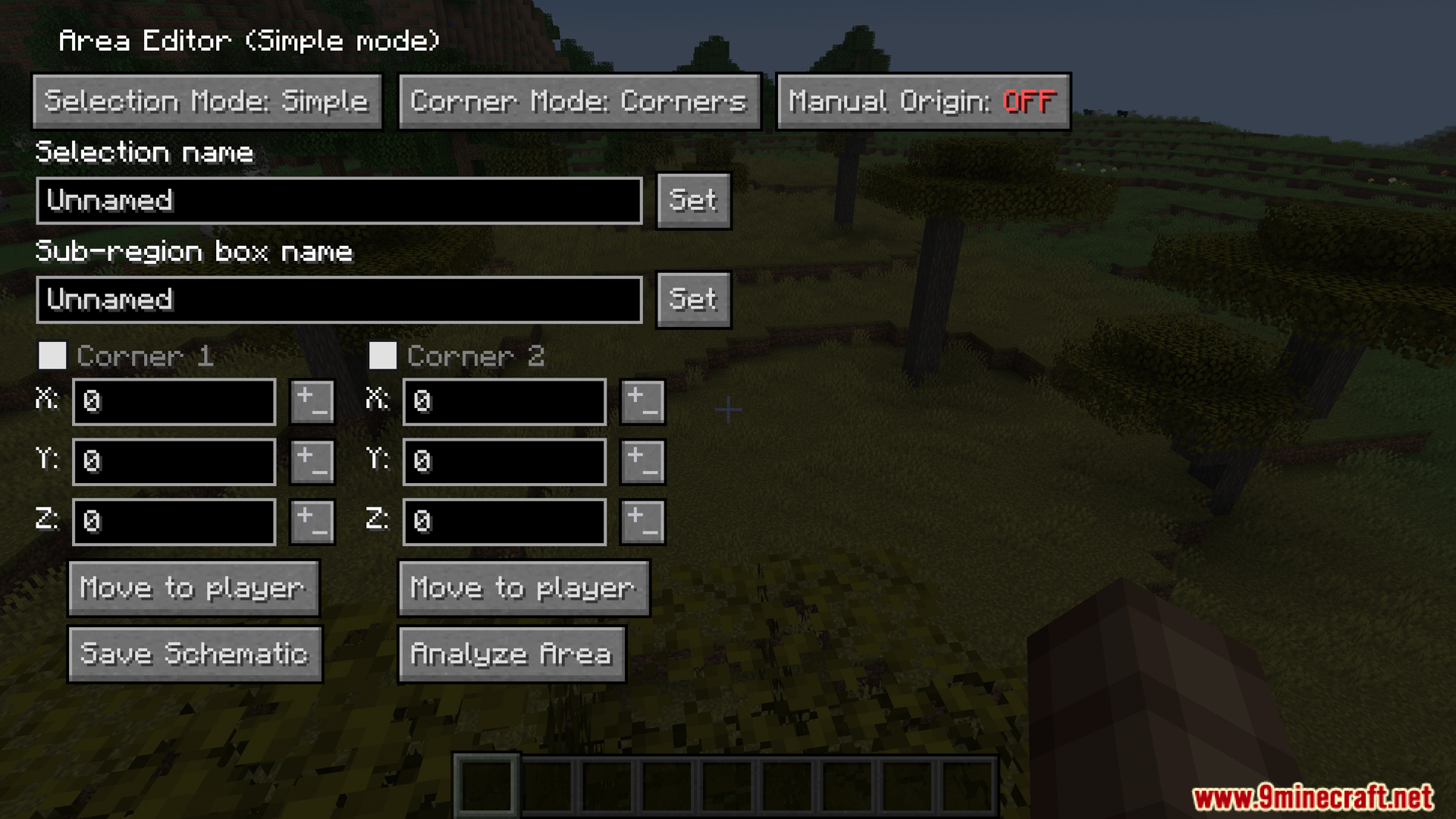
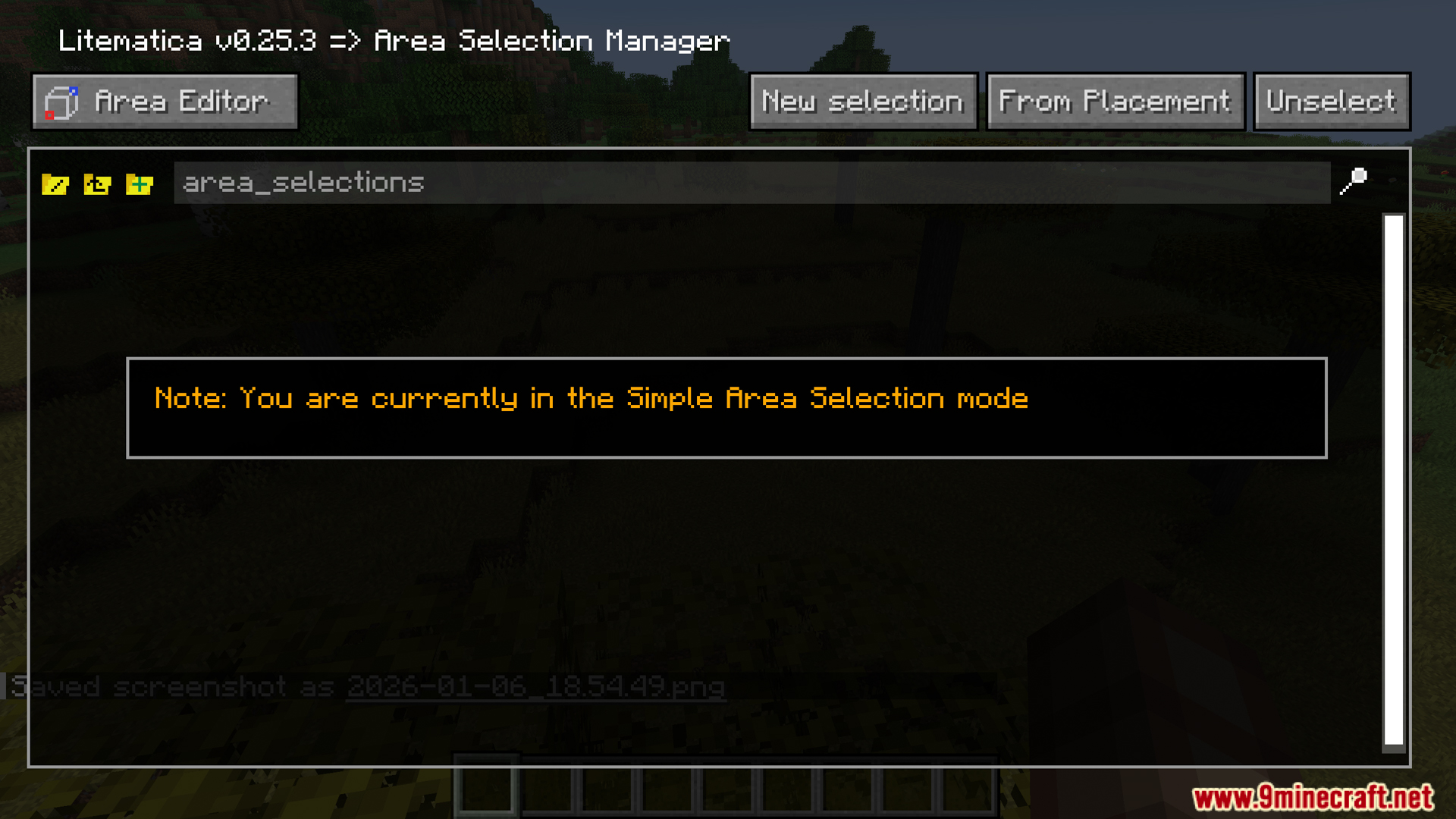
- यह सीधे मुख्य Litematica मेनू जैसे Area Editor और Schematic Manager के साथ काम करता है।
Screenshots:
इंस्टॉल कैसे करें:
आवश्यकताएँ:




SchematicPreview Mod Download Links
For Minecraft 1.21.11
Fabric version: Download from Server 1 – Download from Server 2
For Minecraft 1.21.10
Fabric version: Download from Server 1 – Download from Server 2
For Minecraft 1.21.8
Fabric version: Download from Server 1 – Download from Server 2
For Minecraft 1.21.4
Fabric version: Download from Server 1 – Download from Server 2
For Minecraft 1.21.3
Fabric version: Download from Server 1 – Download from Server 2
For Minecraft 1.21.1, 1.21
Fabric version: Download from Server 1 – Download from Server 2
Minecraft के लिए 26.2
Minecraft के लिए 26.1.2, 26.1.1, 26.1
Minecraft के लिए 1.21.11
Minecraft के लिए 1.21.10, 1.21.9
Minecraft के लिए 1.21.8, 1.21.7, 1.21.6
Minecraft के लिए 1.21.4
Minecraft के लिए 1.21.3, 1.21.2
Minecraft के लिए 1.21.1, 1.21
ये भी पसंद आ सकते हैं











इस पोस्ट पर अभी कोई टिप्पणी नहीं है। सबसे पहले बनें — आपकी टिप्पणी यहाँ दिखाई देगी।