
Hyper Lighting Mod (1.18.2, 1.17.1) – Illuminate in Every Color
 13,871
 0


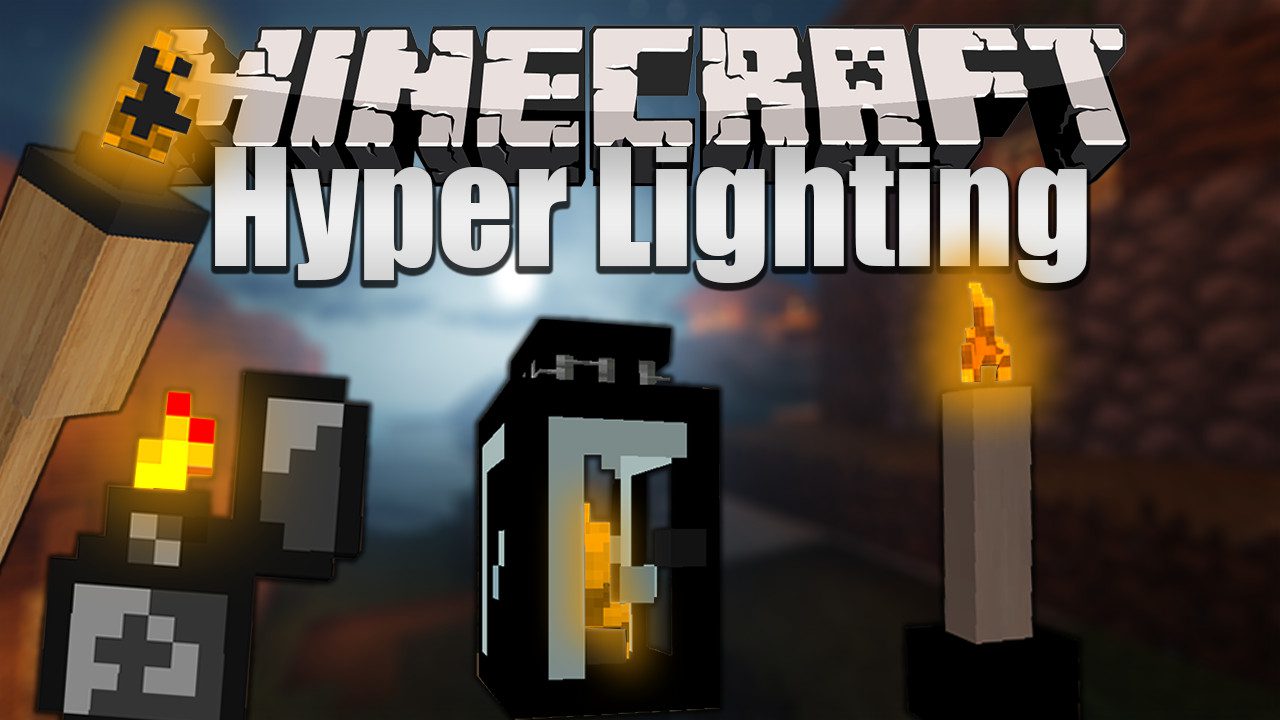
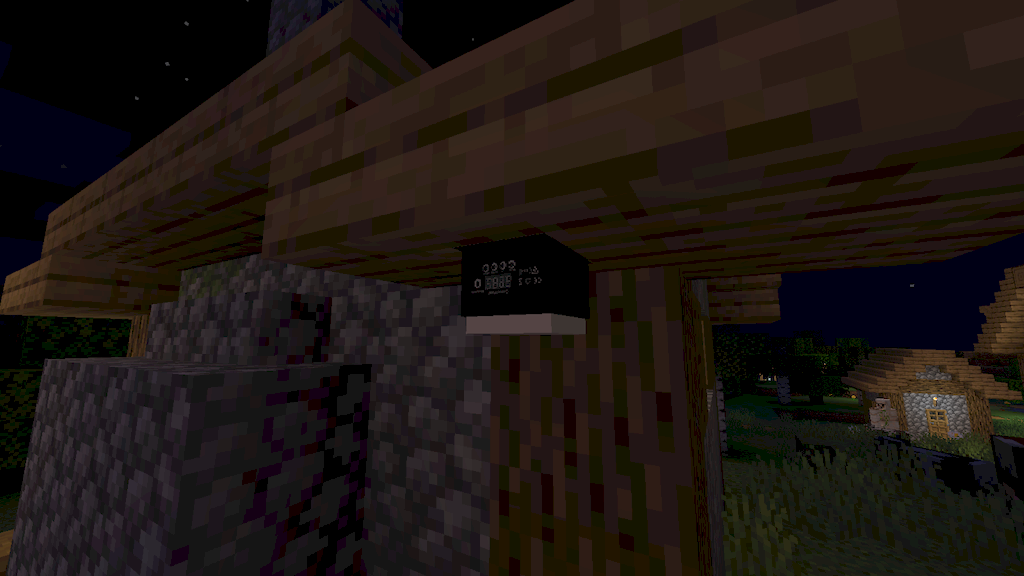
Hyper Lighting Mod adds many useful light sources to Minecraft. It brings torches and lanterns you can turn on and off, underwater lights, tiki torches, candles, campfires, fluorescent lights, lava lamps, jack o’ lanterns, and solar-powered fence lights with switch boxes. You get extra utility blocks too, including glowing button lights that trigger redstone, unclear glass that blocks light, solar panels, and colored water you can drink. Almost every light changes color when you right-click it with dye, and the campfires let you cook food. With RGBLib, lights give off colored lighting and unlock the handheld Candle in a Jar. This mod also works with Cloth Config, Catalogue, and The One Probe.
Features:
- Dyeable Lights: Right-click almost any light with dye to change its color, and check its tooltip to see if it supports dyeing.
- Colored Lighting: Lights give off colored lighting matching their dye color when you use RGBLib.
- Supports Cloth Config so you can open the in-game config screen by pressing the HOME key.
- Works with Catalogue to let you open the config screen from the main mod menu when Cloth Config is installed.
- Includes integration with The One Probe.
Torches, Lanterns, and Candles:
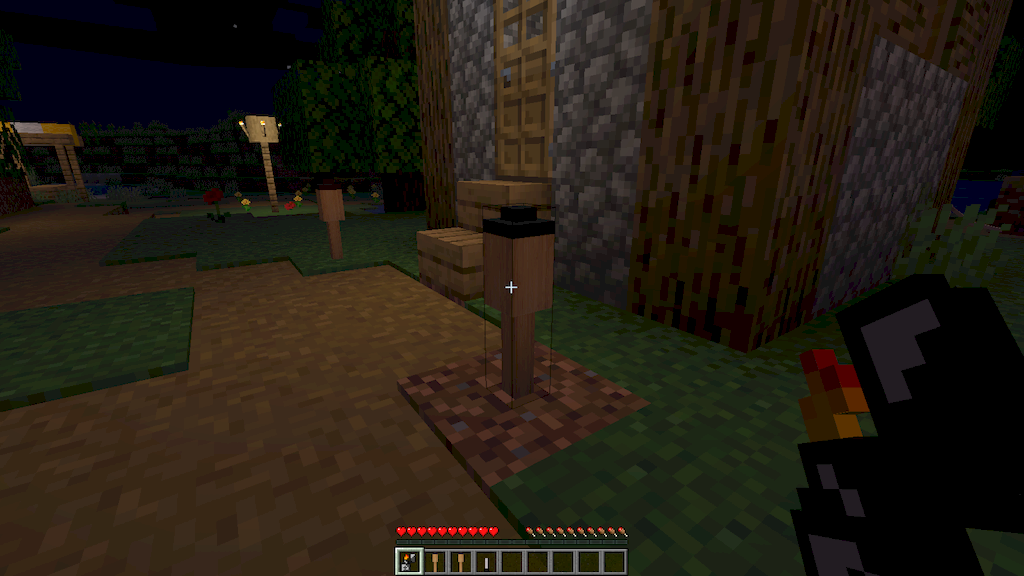
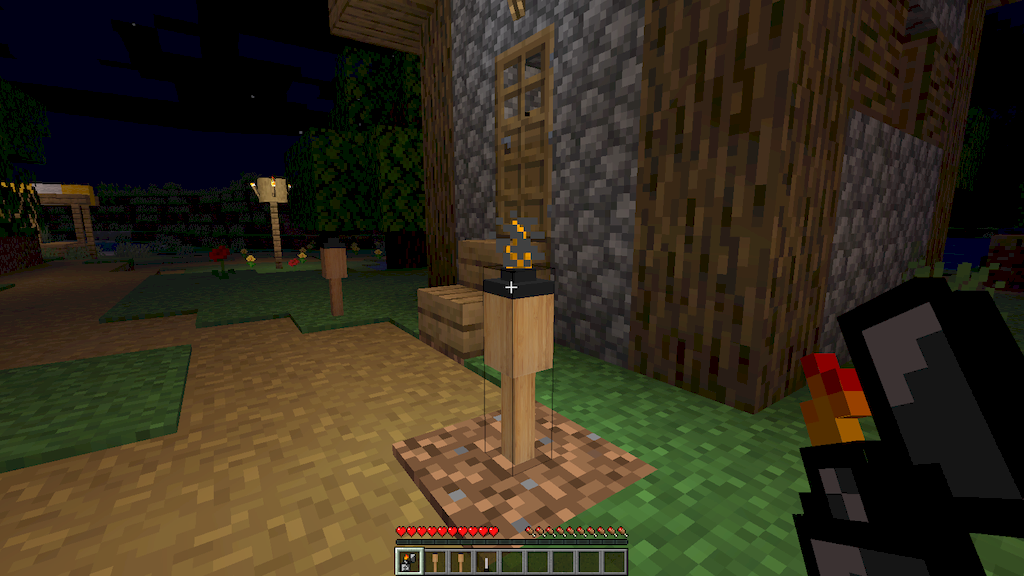
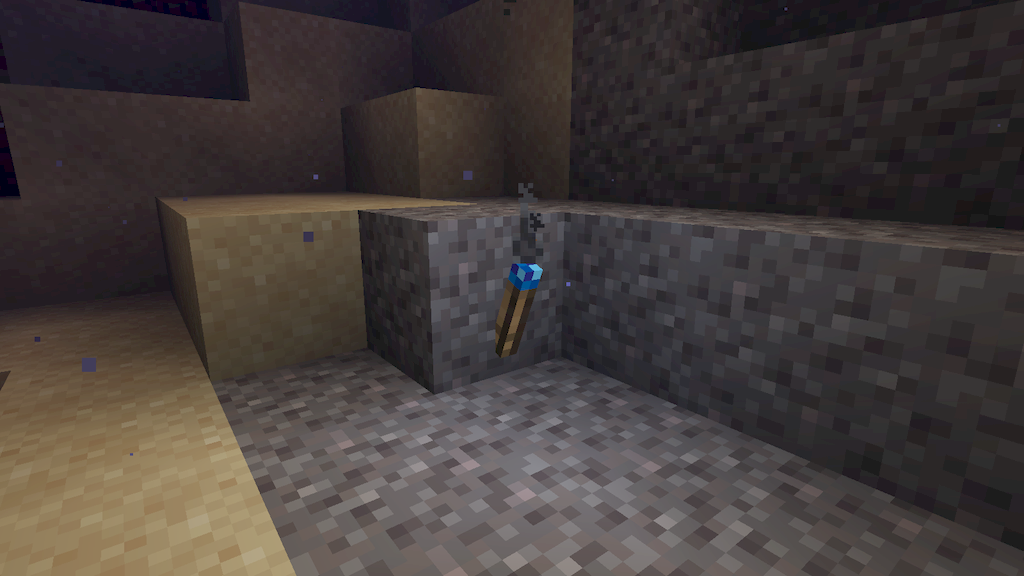
- Torches: Based on default Minecraft torches, and you can turn them on and off.
- Lanterns: Light blocks that you can turn on and off.
- Tiki Torches: Tiki-style torches for lighting up your world.
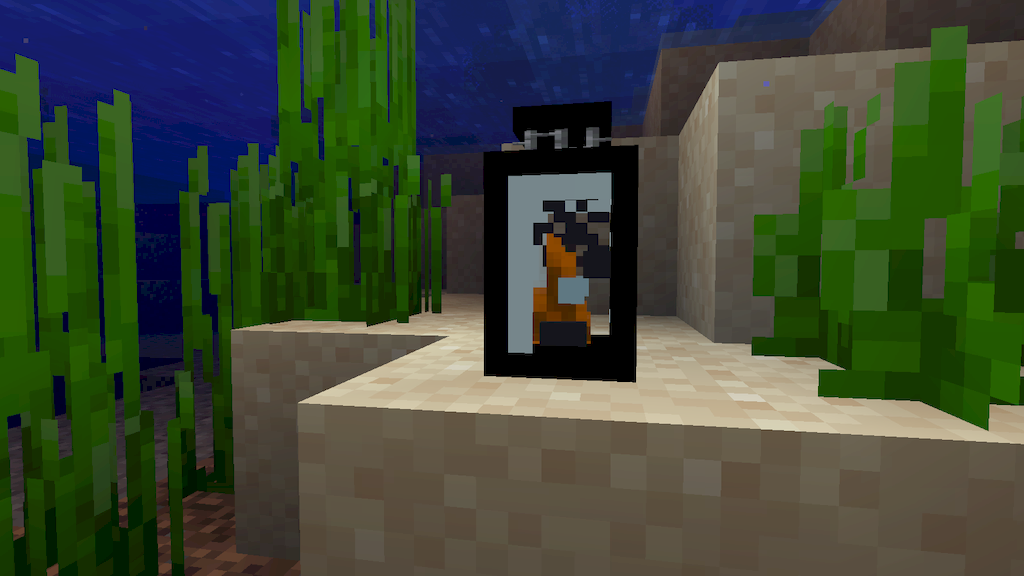
- Underwater Lantern and Torch: Special lights that work underwater.
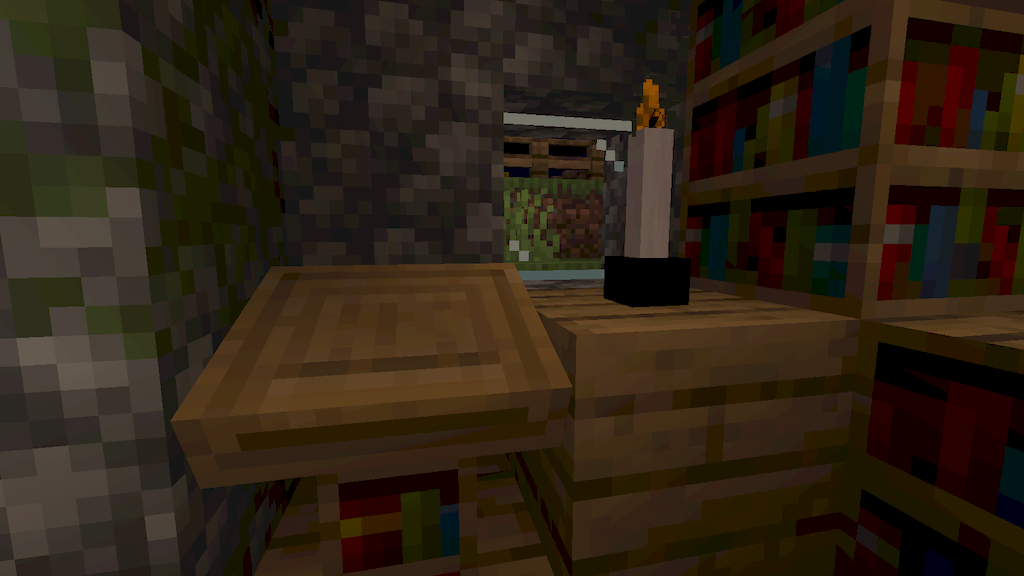
- Candles: Simple candle light sources.
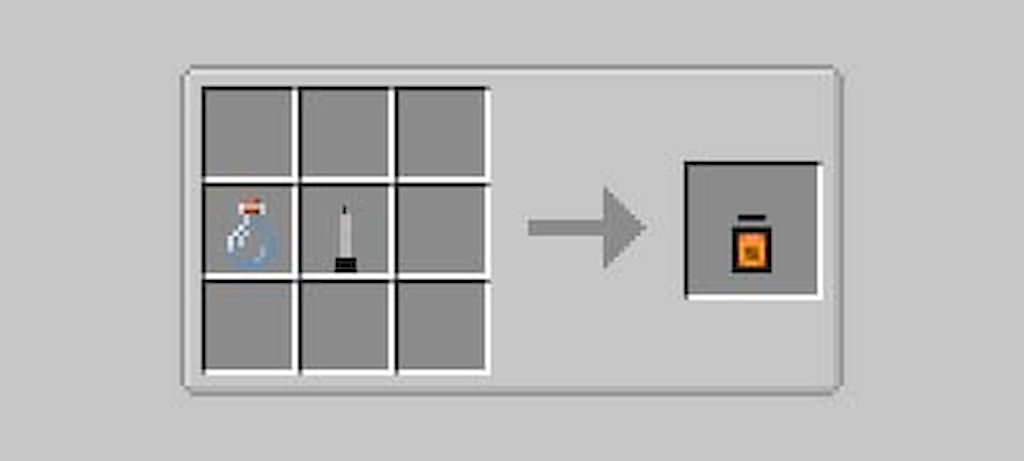
- Candle in a Jar: A handheld item that gives off light as you move, available only when RGBLib is installed.
- Jack O’ Lanterns: Halloween-themed pumpkin lights.
Lamps, Campfires, and Electric Lights:
- Colored Redstone Lamps: Colored versions of default Minecraft redstone lamps.
- Solar Powered Fence Lights: Fence lights powered by solar energy with remote switches.
- Switch Box: A control block that manages up to 6 Solar Powered Fence Lights.
- Campfires: Two campfires based on Minecraft 1.15+ campfires that let you cook food and support colored lighting, with one giving a surprise when placed.
- Button Lights: Glowing buttons that work like night lights and can trigger redstone.
- Fluorescent Lights: Battery-powered fluorescent lights that you can dye.
- Lava Lamps: Decorative lava lamps that do not actually use lava.
Utility Blocks and Liquids:
- Unclear Glass: Glass you can look through without letting light inside.
- Solar Panel: A block used for power.
- Colored Water: Colored water that you can drink.
How to Use:
- Check a light’s tooltip to see if it supports dyeing, then right-click the light with any dye to change its color.
- Hold a Candle in a Jar in your hand while moving to carry a handheld light source when using RGBLib.
- Use a Switch Box to control up to 6 Solar Powered Fence Lights remotely.
- Press the HOME key on your keyboard to open the in-game config menu when using Cloth Config, or open it from the main menu if you also use Catalogue.
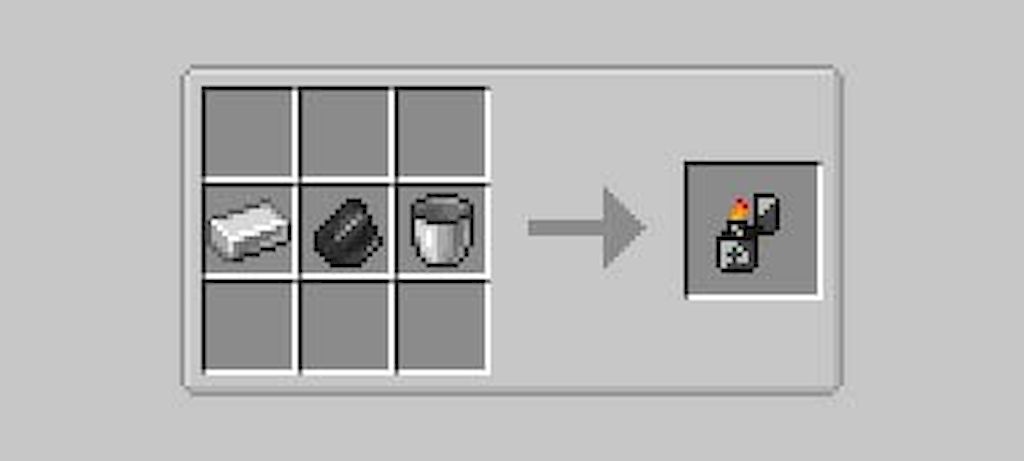
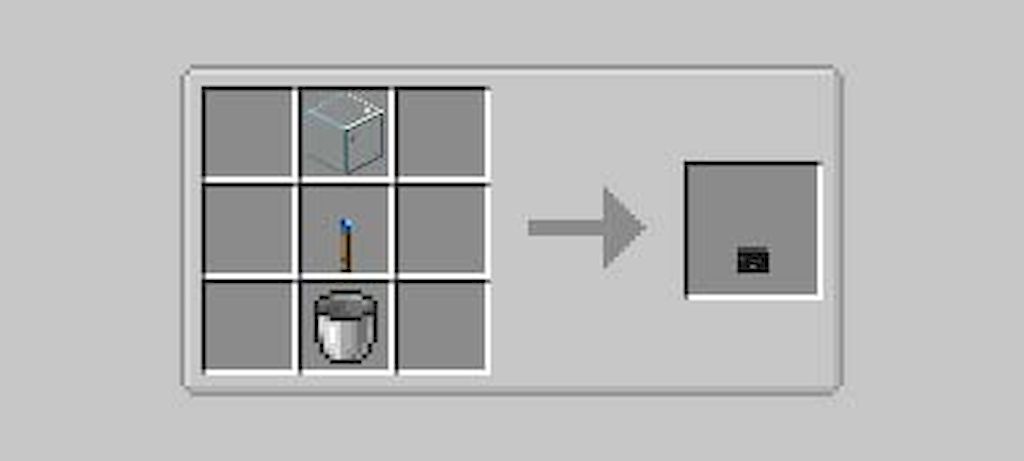
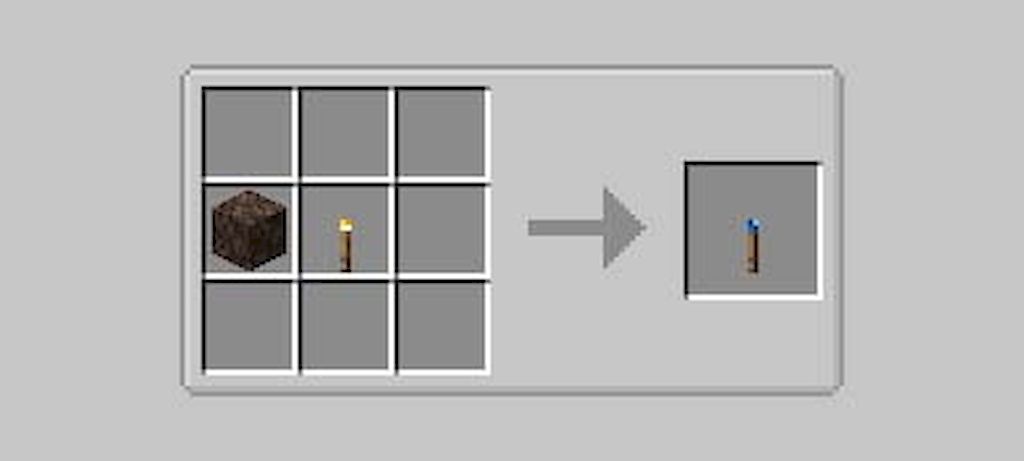
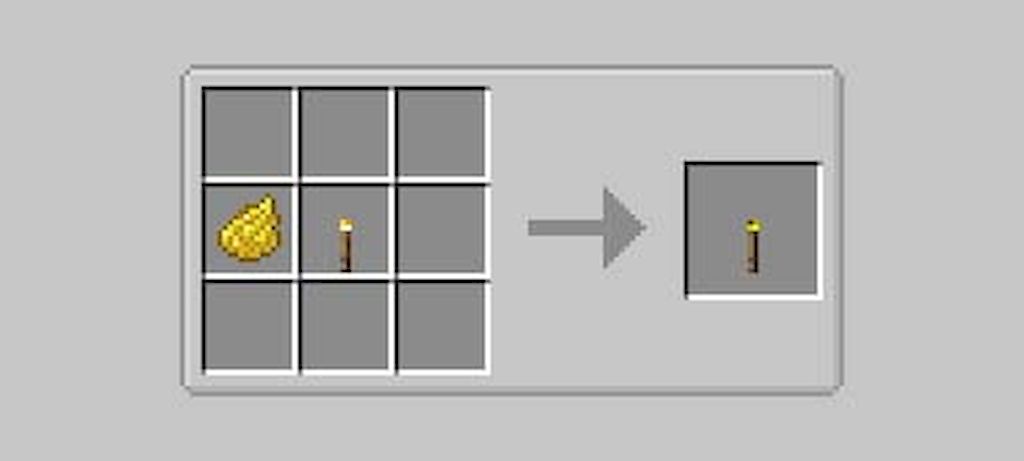
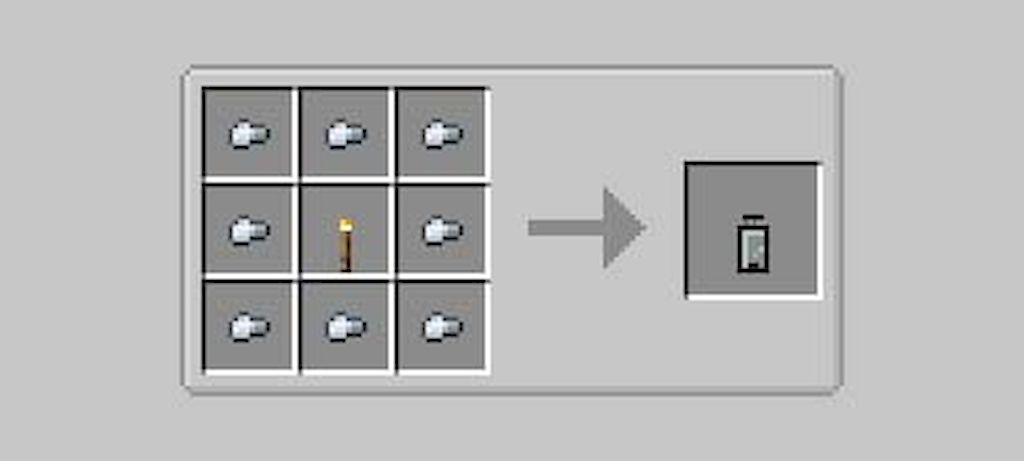
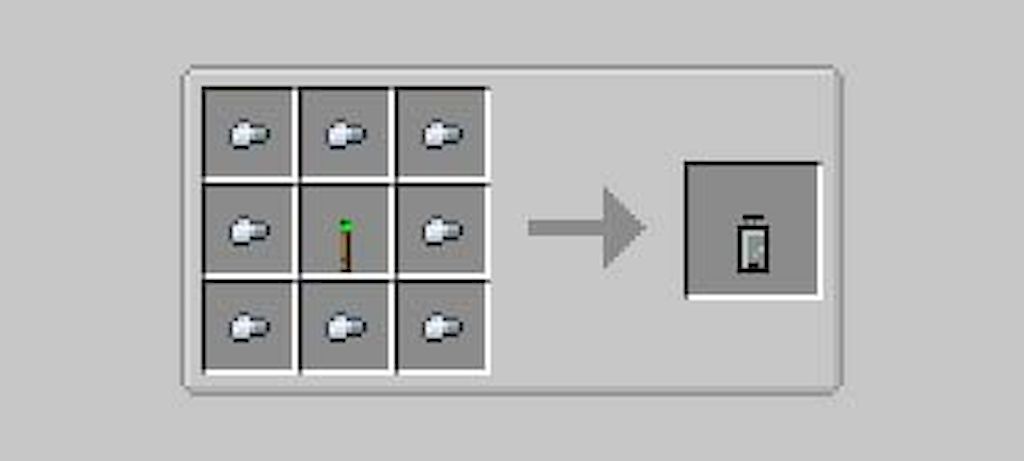
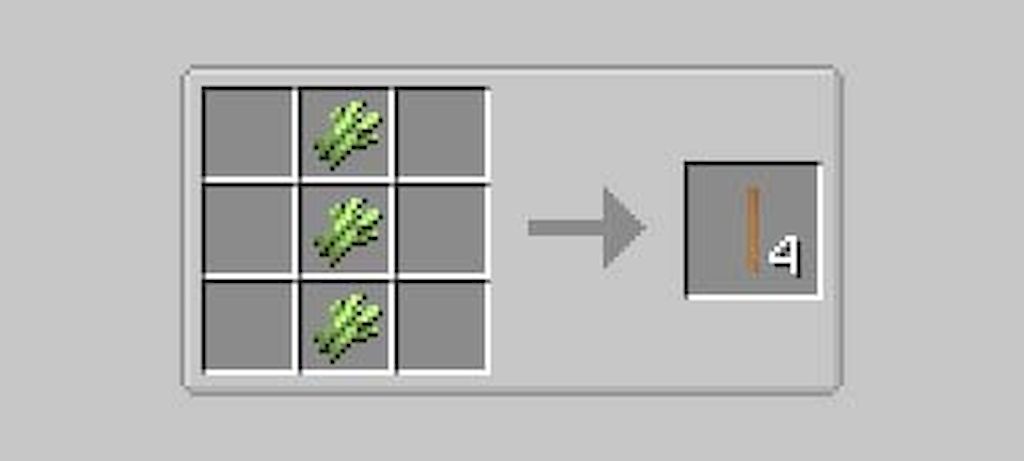
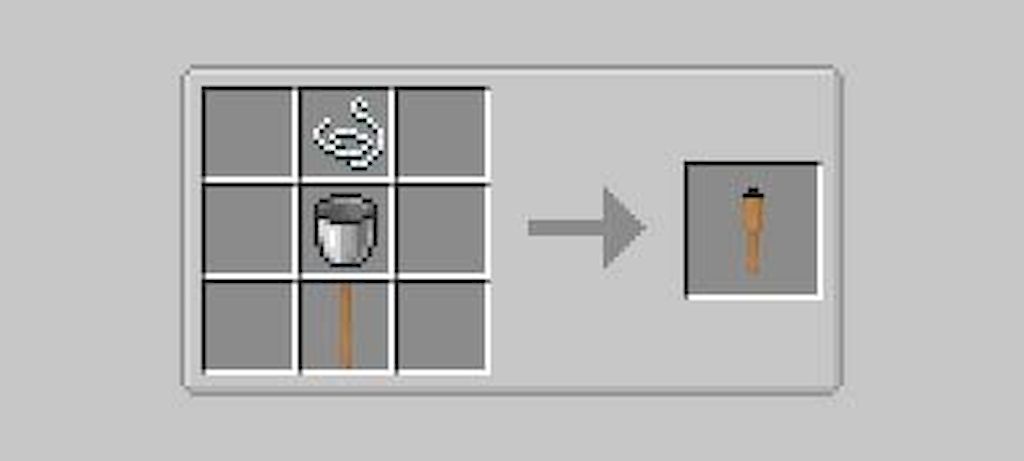
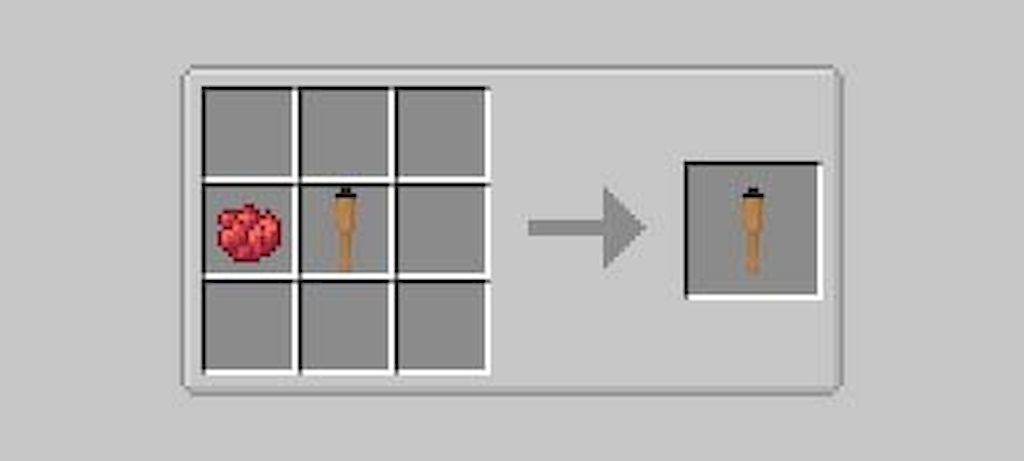
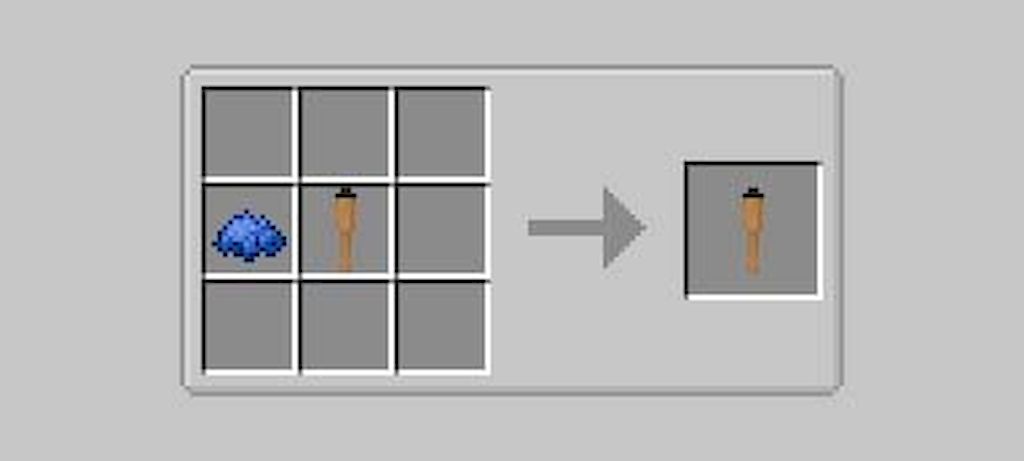
Crafting Recipes:
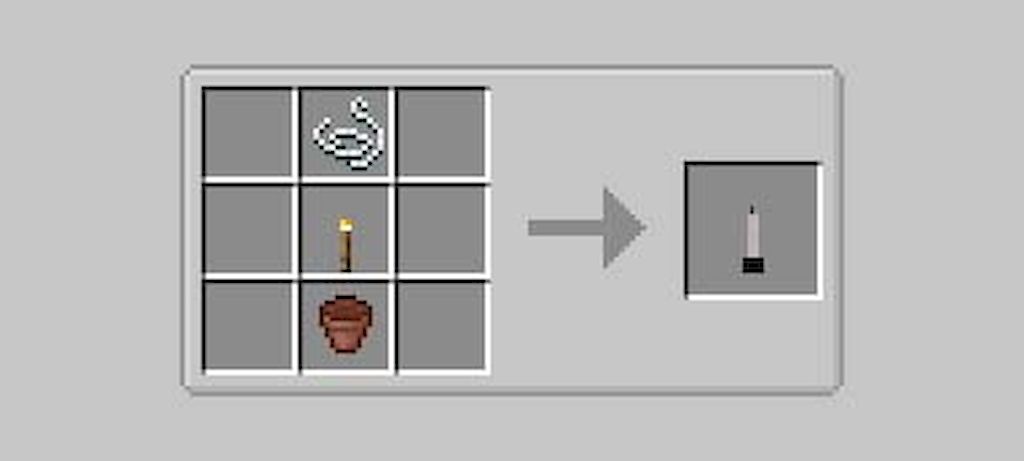
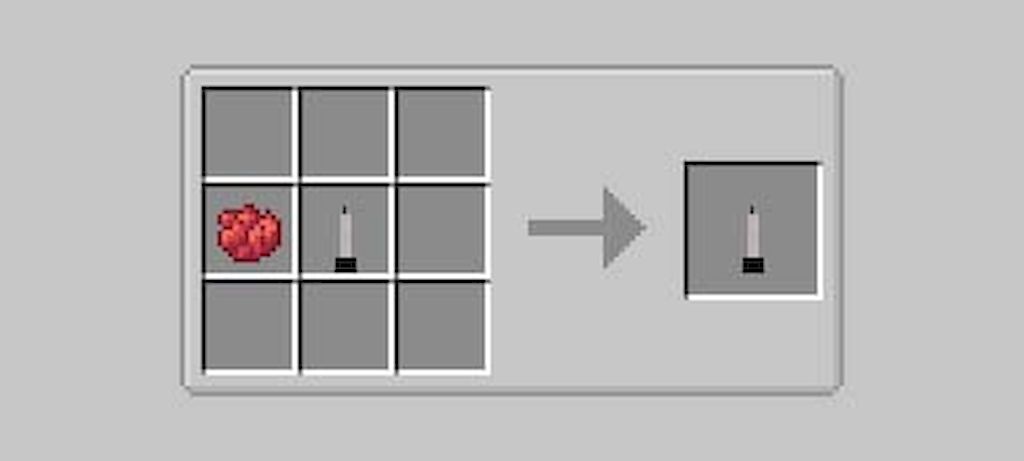
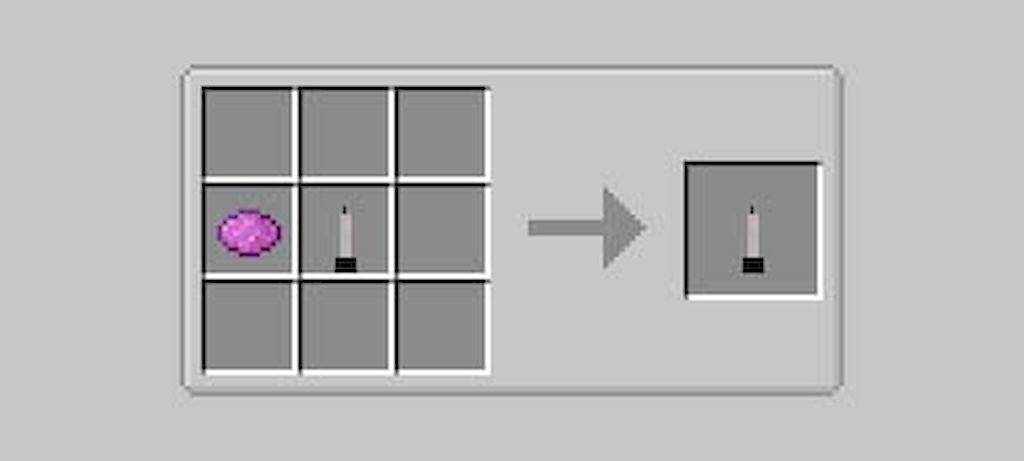
Screenshots:

How to Install:
New to Minecraft? Follow our step-by-step guide to install Mods on your PC.View Guide
Hyper Lighting Mod Download Links
For Minecraft 1.12.2
Forge version: Download from Server 1
For Minecraft 1.18.2
Forge version: Download from Server 1
Fabric version: Download from Server 1
For Minecraft 1.18.1
Forge version: Download from Server 1
Fabric version: Download from Server 1
For Minecraft 1.17.1
Forge version: Download from Server 1
For Minecraft 1.16.5
Forge version: Download from Server 1
For Minecraft 1.14.4
Forge version: Download from Server 1
How many mods do you usually have active at the same time?
74 responses · See the full results →
You May Also Like
Picked for this page
 Multi Mine Mod (26.3, 1.20.1) – Save Block Breaking Progress
 Collective Library (26.3, 1.20.1) – Library for Serilum’s Mods
 ToLaserBlade Mod (26.1.2, 1.20.1) – Simple Sword with a Laser Blade
 Visual Workbench Mod (26.3, 1.20.1) – 3D Crafting Table
 Simple Uncrafting Table Mod (26.2, 1.20.1) – Crafting Was Reversed
 Chunk Loaders Mod (26.3, 1.20.1) – Keep Everything Running Even When You’re Away
 Merge Enchantments Mod (26.1.2, 1.20.1) – Combining All Enchantments
 Magic Feather Mod (1.20.1) – Flying in Survival Mode
 Cosy Critters And Creepy Crawlies Mod (26.3, 1.20.1) – Tiny Creatures, Big Ambience
 Super Fast Math Mod (26.1.2, 1.21.1) – Lightweight Optimization
 Wither’s Wrath Mod (26.3, 1.20.1) – Makes The Wither Fight Harder
 Underlay Mod (26.3, 1.20.1) – Build Beneath The Block
Most viewed in Mods over the last 7 days
 Ala Industrial Mod (26.3) – Run Electric Power Grids and Automated Factories
 PleasureCraft Mod (26.3, 1.21.1) – Jenny Mod Remake for Fabric
 Jennycraft Mod (26.3, 1.20.1) – Virtual Girlfriend in Minecraft
 Fapcraft Mod (26.3, 1.12.2) – Comprehensive and Detailed Content
 Jenny Mod (Fapcraft) Official Complete Guide – How to use, Tutorial
 BangCraft Mod (1.20.1) – Jenny, Ellie and Elliot
 Fabric Loader (26.3, 1.20.1) – Fabric Installer for All Minecraft Versions
 The Shooting Star Demo Mod (26.3, 1.20.1) – Vaporize Terrain From Orbit
 Meteor Client Mod (26.3, 1.20.1) – Xray, HUD, Fly
 OptiFine HD (26.3, 1.20.1) – Run Faster, FPS Boost, Shaders Support
 Aristois Client Mod (1.21.4, 1.20.1) – World Class Minecraft Utility
 Prestige Client Mod (1.21.11, 1.21.4) – Powerful Ghost Features for Crystal & Sword PvP
More from Mods
 Flint Mod (1.21.11) – Run DiamondFire Community Addons Without Crashing
 Not Just Sandwich Mod (26.3, 1.20.1) – Edibles, Sandwiches
 Waddles Mod (26.3, 1.20.1) – Make Icy Biomes Feel Alive
 Artemis’ Thin Logs Mod (26.3, 1.20.1) – Build Custom Trees and Detailed Wood
 Asterion Mod (26.3, 1.20.1) – Survive Ancient Mazes and Slay the Legendary Minotaur
 Passthrough Signs Mod (26.3, 1.20.1) – Right-Click Through Wall Signs
 Packing Tape Mod (26.3, 1.20.1) – Move Chests, Machines
 No XP Anvils Mod (26.3, 1.20.1) – Repair And Enchant Without XP
 Naruto Shippuden Mod (26.3, 1.16.5) – Immerse Yourself in The World of Ninja
 Araxer’s Bestiary Mod (26.3, 1.20.1) – Build an In-Game Encyclopedia of Every Mob
 Villagers Plus Mod (26.3, 1.20.1) – Expanded Villager Types and Villages
 Ore Excavation 9minecraft Mod (26.3) – Mine Ores and Chop Trees in a Single Swing

This post has no comments yet. Be the first — your comment will appear here.