


Ender Tanks Mod (1.21.1, 1.20.1) – Invia Liquidi tra le Dimensioni
 4,335
4,335
 0
0


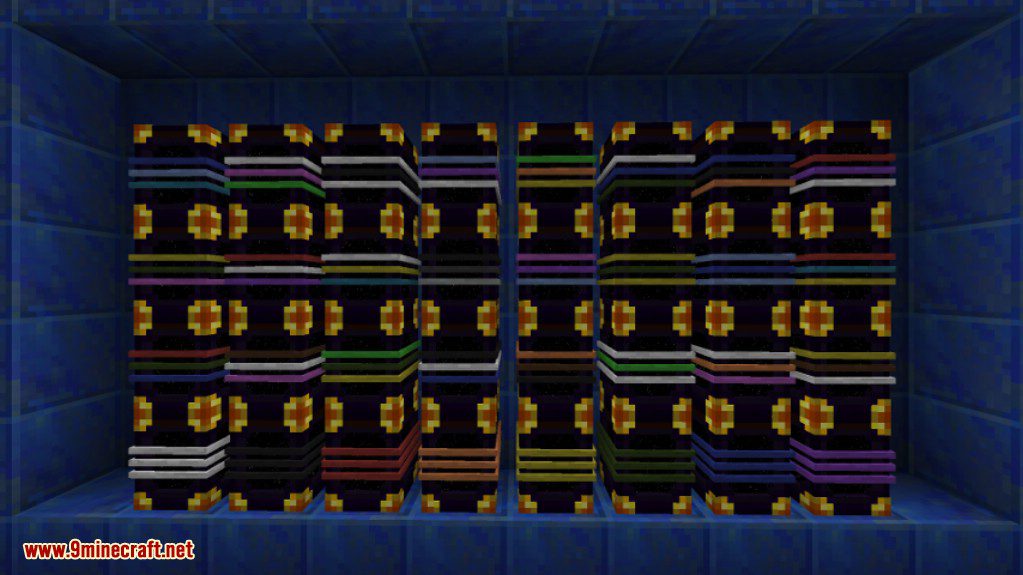
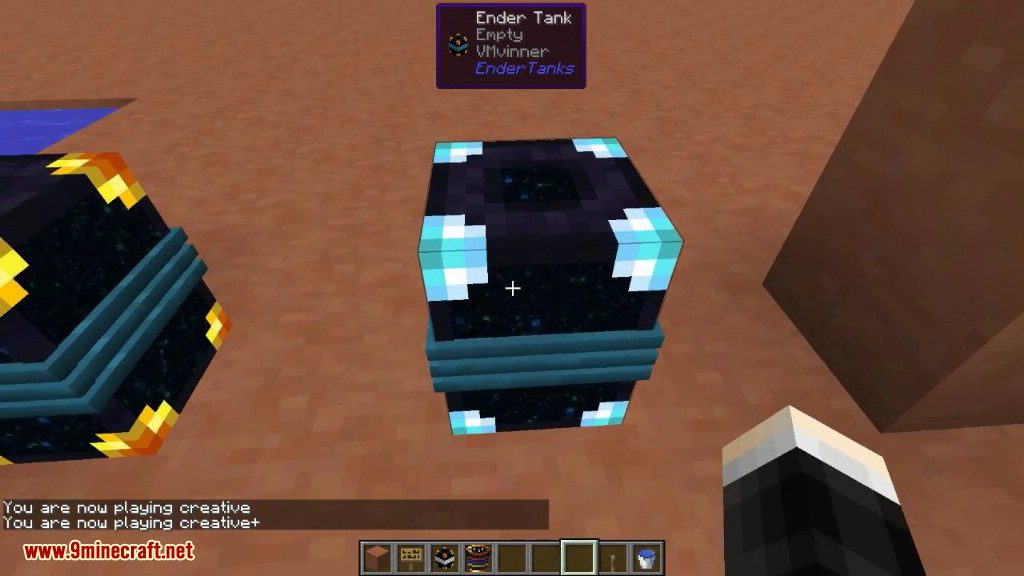
La Ender Tanks Mod aggiunge serbatoi speciali che conservano e trasportano liquidi attraverso diverse dimensioni. Questi tank funzionano proprio come le Ender Chest, ma per i fluidi. Ogni serbatoio ha tre bande colorate che puoi cambiare con le tinture. Impostando una combinazione di colori unica, puoi creare fino a 4.096 reti diverse, permettendoti di tenere tutti i tuoi liquidi separati e organizzati.
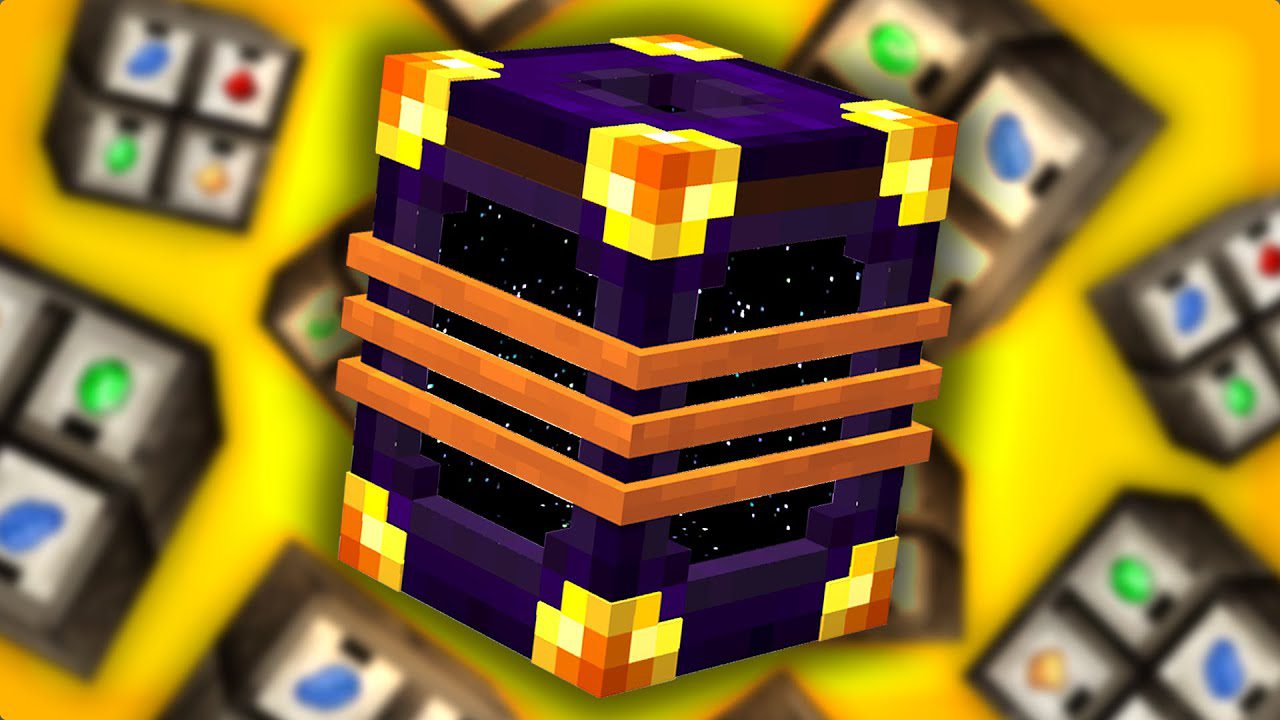
Caratteristiche:
- Aggiunge gli Ender Tanks che ti permettono di immagazzinare liquidi in uno spazio condiviso cross-dimensionale.
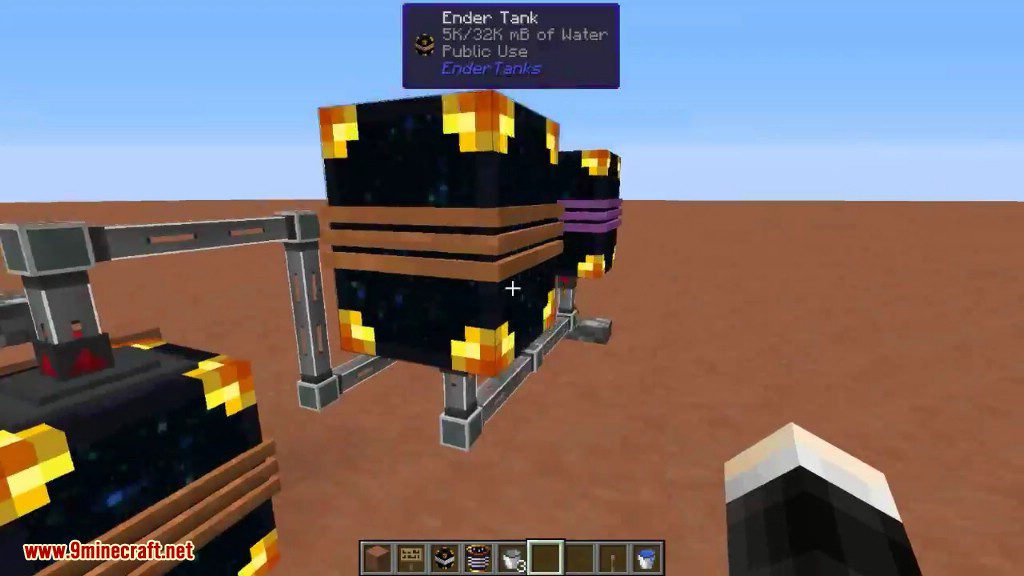
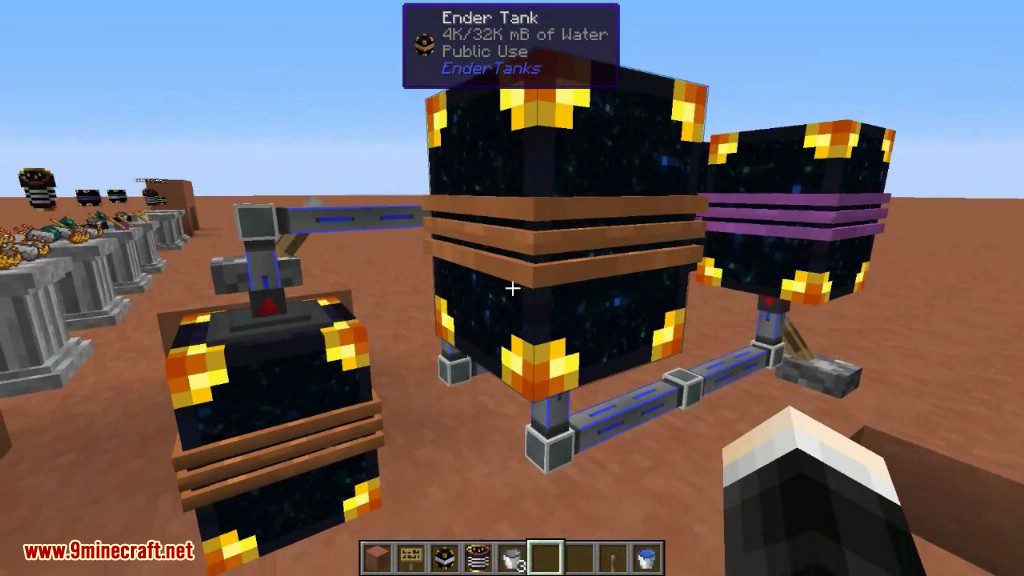
- Tutti i tank con lo stesso codice colore a tre bande sono collegati in un’unica rete di fluidi.
- Supporta diversi tipi di rete, incluse reti Globali (pubbliche), Personali e di Team.
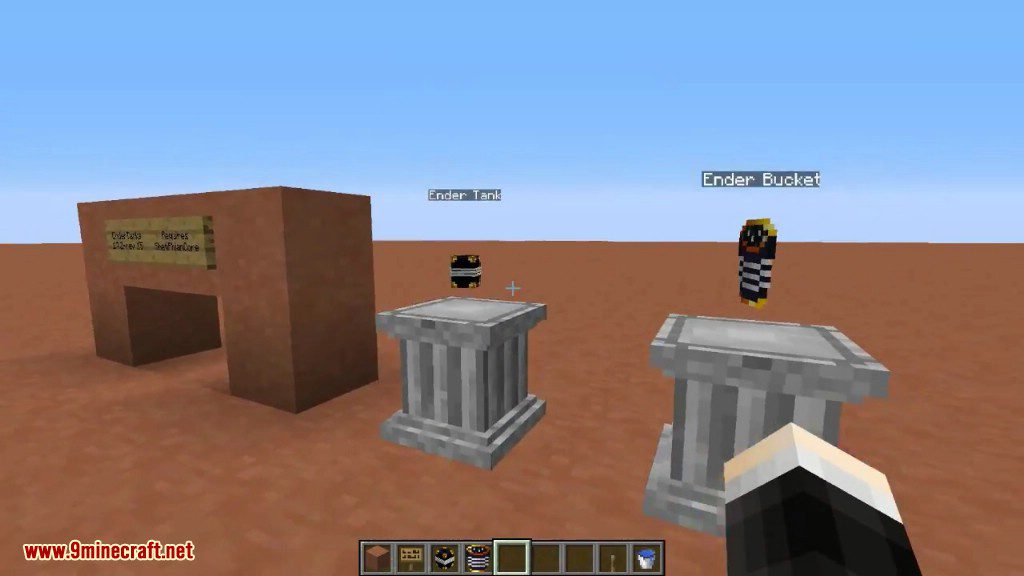
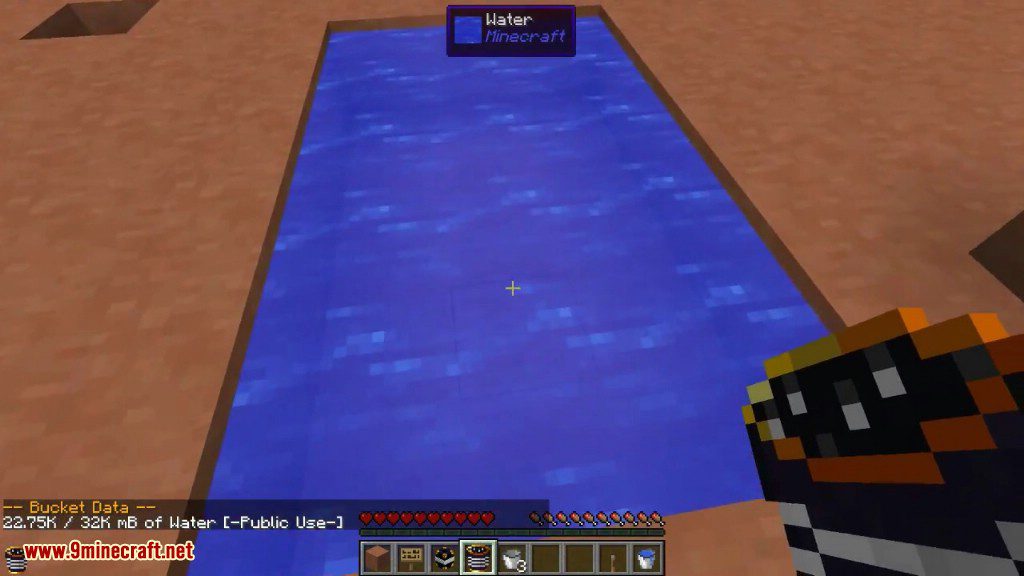
- Include gli Ender Buckets, che possono essere collegati a un tank per l’accesso portatile al liquido immagazzinato.
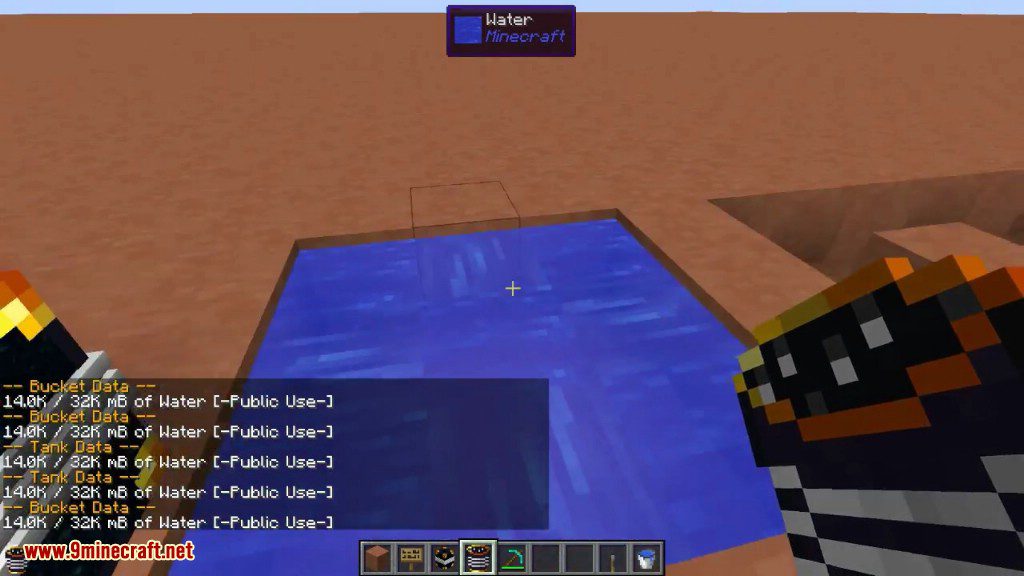
- Permette di pompare fluidi in entrata e in uscita dalla parte superiore e inferiore dei serbatoi.
- I tank possono essere controllati tramite segnali di redstone.
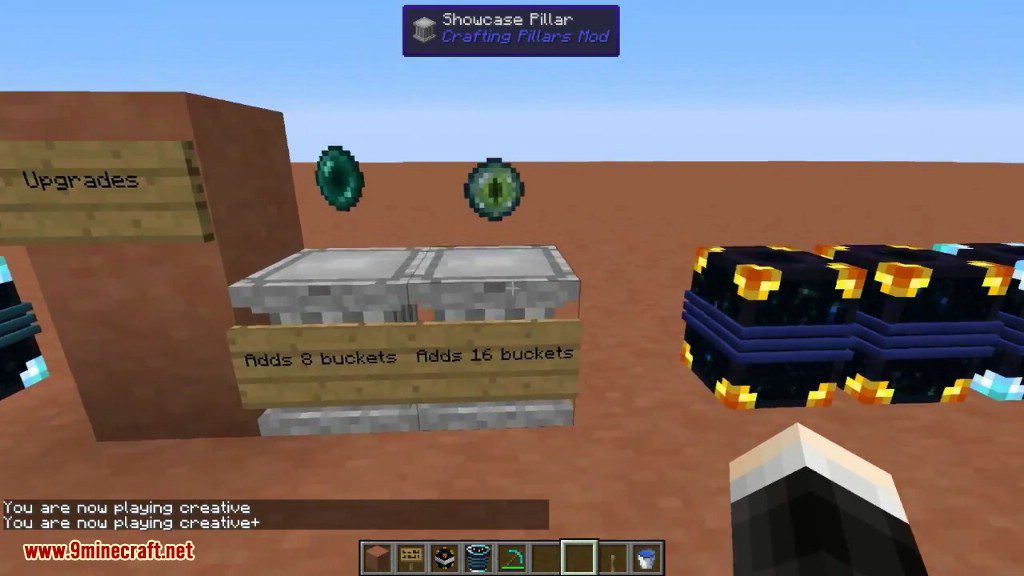
- Espandi la capacità di stoccaggio di una rete di tank usando Ender Pearls e Eyes of Ender.
- Quando un tank viene rotto, mantiene il suo codice colore e non perde il liquido all’interno.
Come si usa:
- Per cambiare il colore di un tank, usa lo sneak e clicca con il tasto destro su una delle sue tre bande colorate mentre tieni in mano una tintura.
- Tutti i tank con la stessa combinazione di colori condivideranno lo stesso deposito di liquidi, indipendentemente da dove vengono piazzati.
- Per rendere un tank parte della tua rete personale, cliccaci sopra con un diamante.
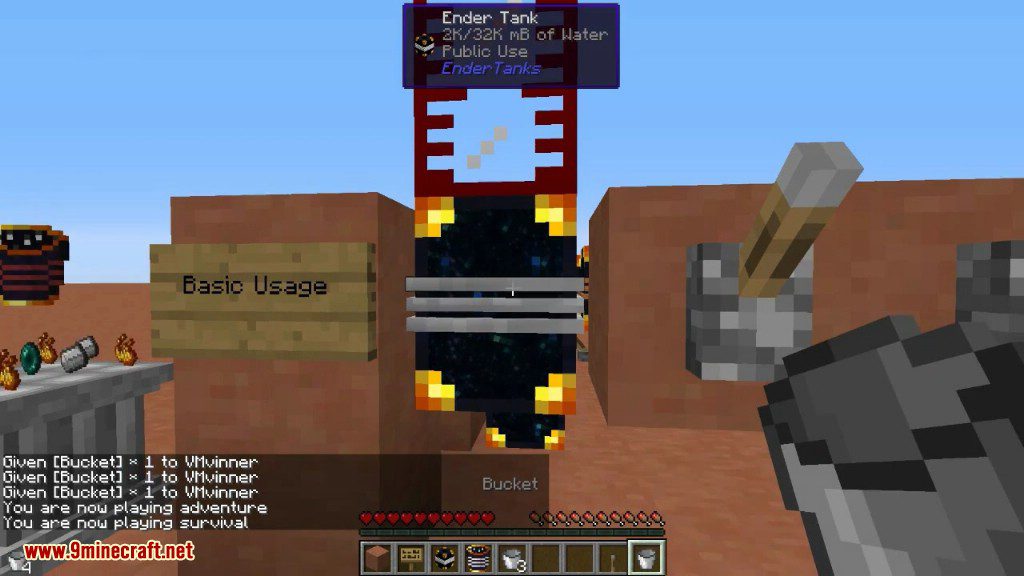
- Per collegare un Ender Bucket alla rete di un tank, usa lo sneak e clicca con il tasto destro sul tank con il secchio.
- Usa l’Ender Bucket collegato per raccogliere liquidi con il tasto destro e piazzarli usando sneak + tasto destro.
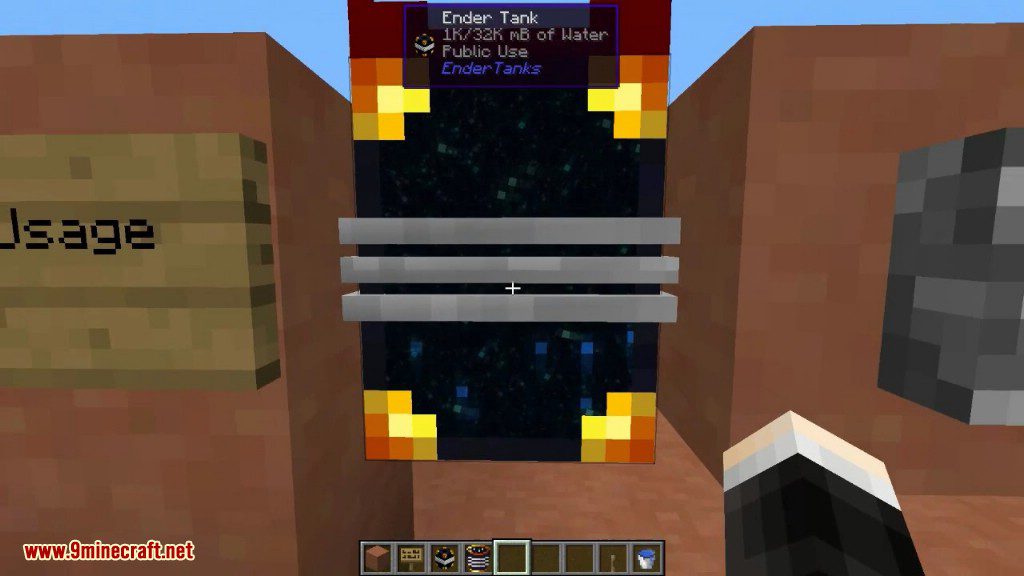
- Clicca con il tasto destro su un tank in qualsiasi momento per vedere le informazioni sulla sua rete e sullo stoccaggio.
Screenshot:
Tank Bucket
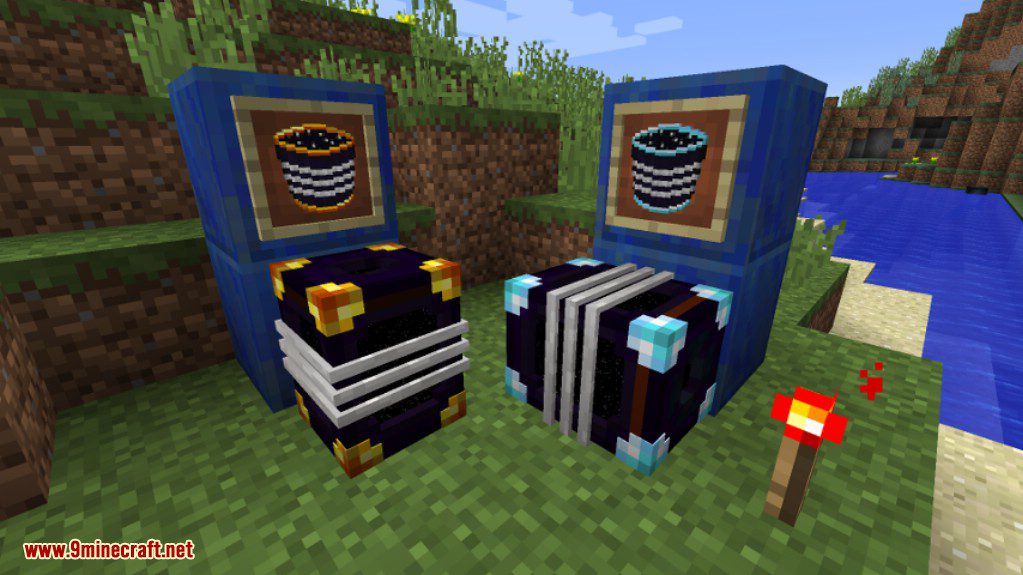
Tanks
Come installare:
Requisiti:

Ender Tanks Mod Download Links
For Minecraft 1.7.10
Forge version: Download from Server 1
For Minecraft 1.8.9
For Minecraft 1.12.2, 1.12.1, 1.12
Forge version: Download from Server 1
For Minecraft 1.14.4
Forge version: Download from Server 1
For Minecraft 1.15.2
Forge version: Download from Server 1
For Minecraft 1.16.5
Forge version: Download from Server 1
For Minecraft 1.17.1
Forge version: Download from Server 1
For Minecraft 1.18.1
Forge version: Download from Server 1
For Minecraft 1.18.2
Forge version: Download from Server 1
Fabric version: Download from Server 1
For Minecraft 1.19.2, 1.19.1, 1.19
Forge version: Download from Server 1
Fabric version: Download from Server 1
For Minecraft 1.19.3
Forge version: Download from Server 1 – Download from Server 2
Fabric version: Download from Server 1 – Download from Server 2
For Minecraft 1.19.4
Forge version: Download from Server 1 – Download from Server 2
Fabric version: Download from Server 1 – Download from Server 2
For Minecraft 1.20.1, 1.20
Forge version: Download from Server 1 – Download from Server 2
Fabric version: Download from Server 1 – Download from Server 2
For Minecraft 1.20.2
Forge version: Download from Server 1 – Download from Server 2
Fabric version: Download from Server 1 – Download from Server 2
For Minecraft 1.20.4
Forge version: Download from Server 1 – Download from Server 2
NeoForge version: Download from Server 1 – Download from Server 2
Fabric version: Download from Server 1 – Download from Server 2
For Minecraft 1.21.1, 1.21
Forge version: Download from Server 1 – Download from Server 2
NeoForge version: Download from Server 1 – Download from Server 2
Fabric version: Download from Server 1 – Download from Server 2
Potrebbe Interessarti Anche













Questo post non ha ancora commenti. Sii il primo: il tuo commento apparirà qui.