


Item Obliterator Mod (26.1, 1.20.1) – Curate the Perfect Modpack

 0
0 

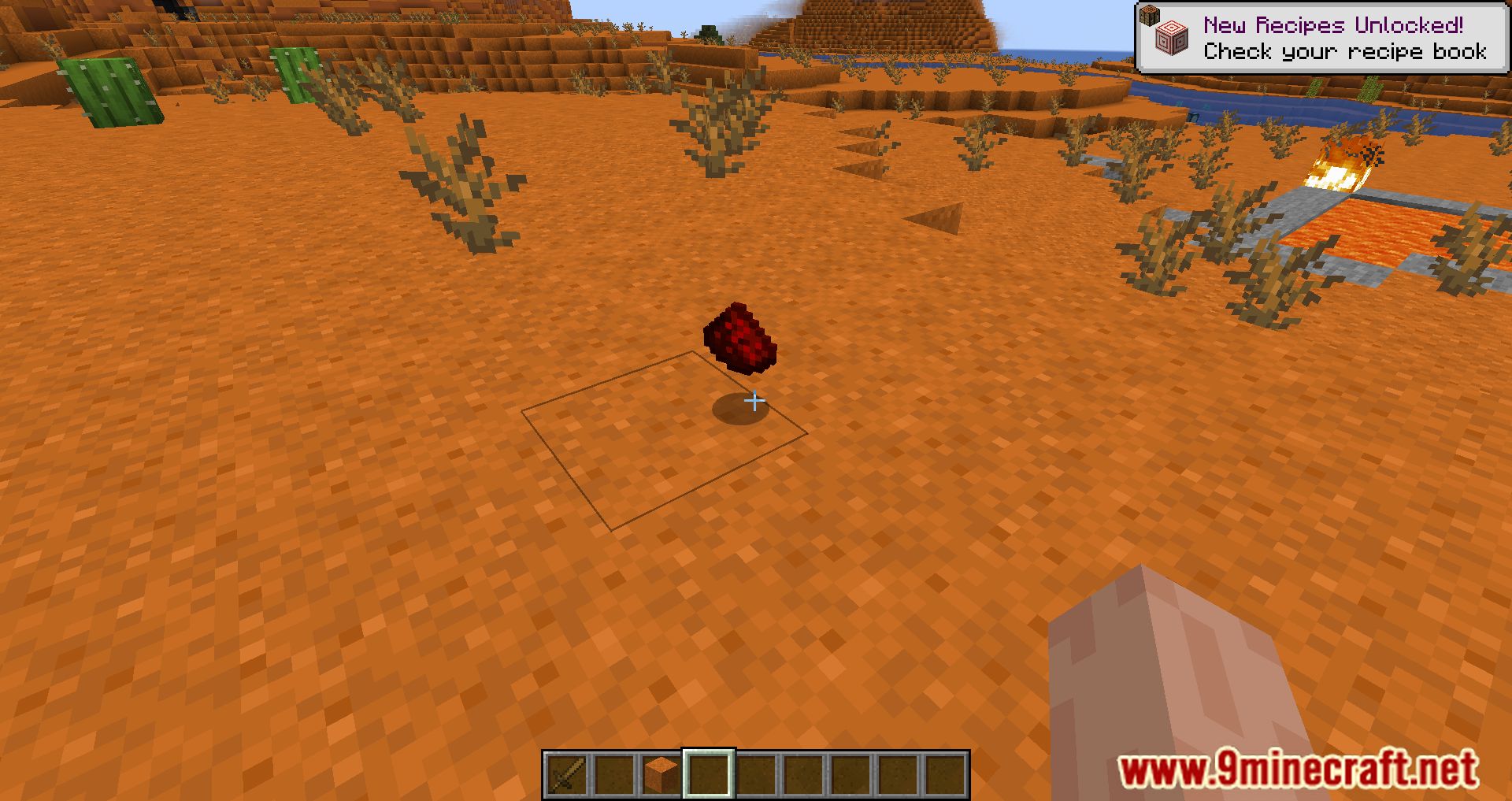
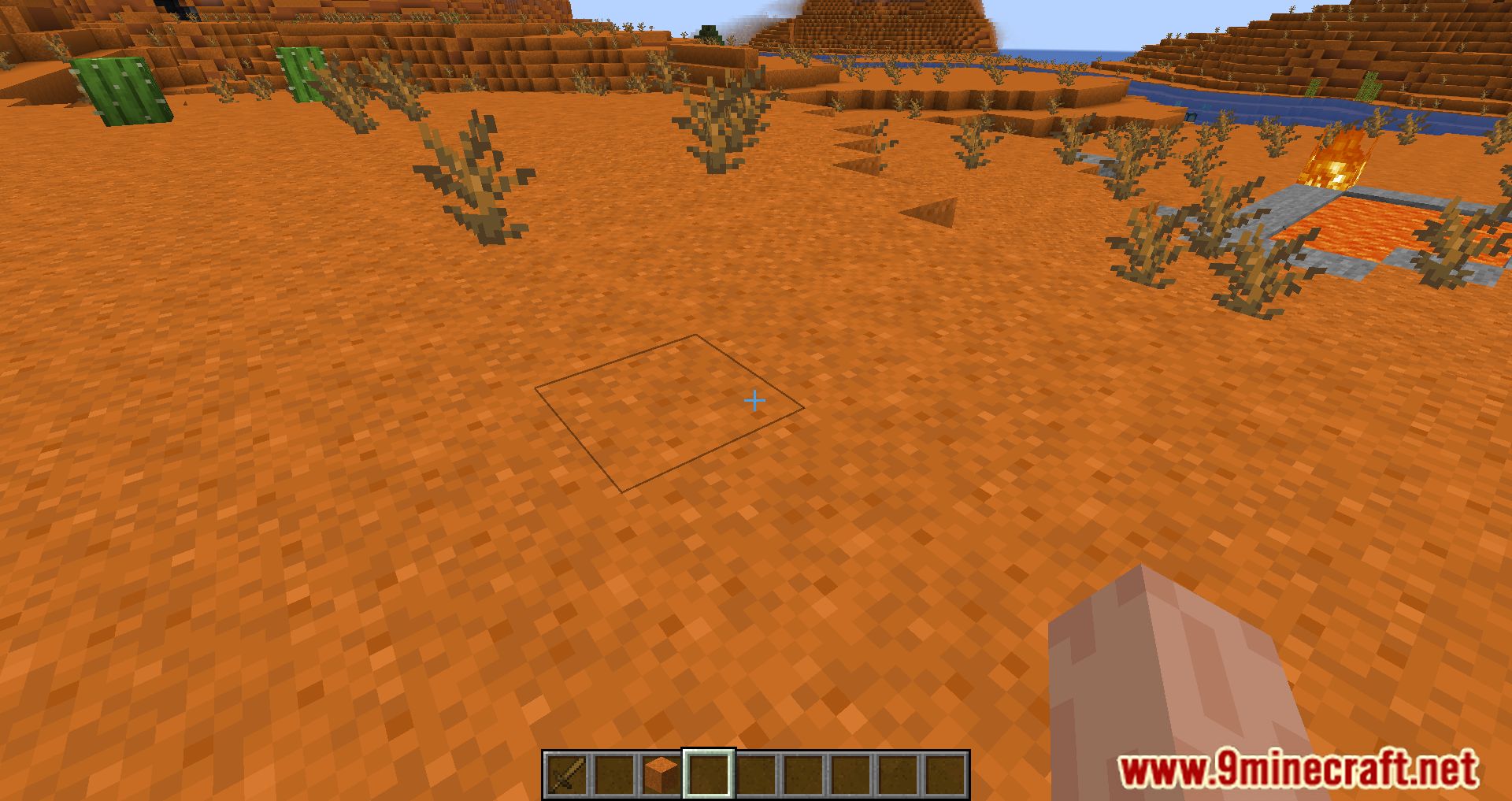
Item Obliterator Mod helps modpack creators remove unwanted items from their game. This mod lets you disable items, recipes, villager trades, and creative tabs using a simple JSON configuration file.
Features:
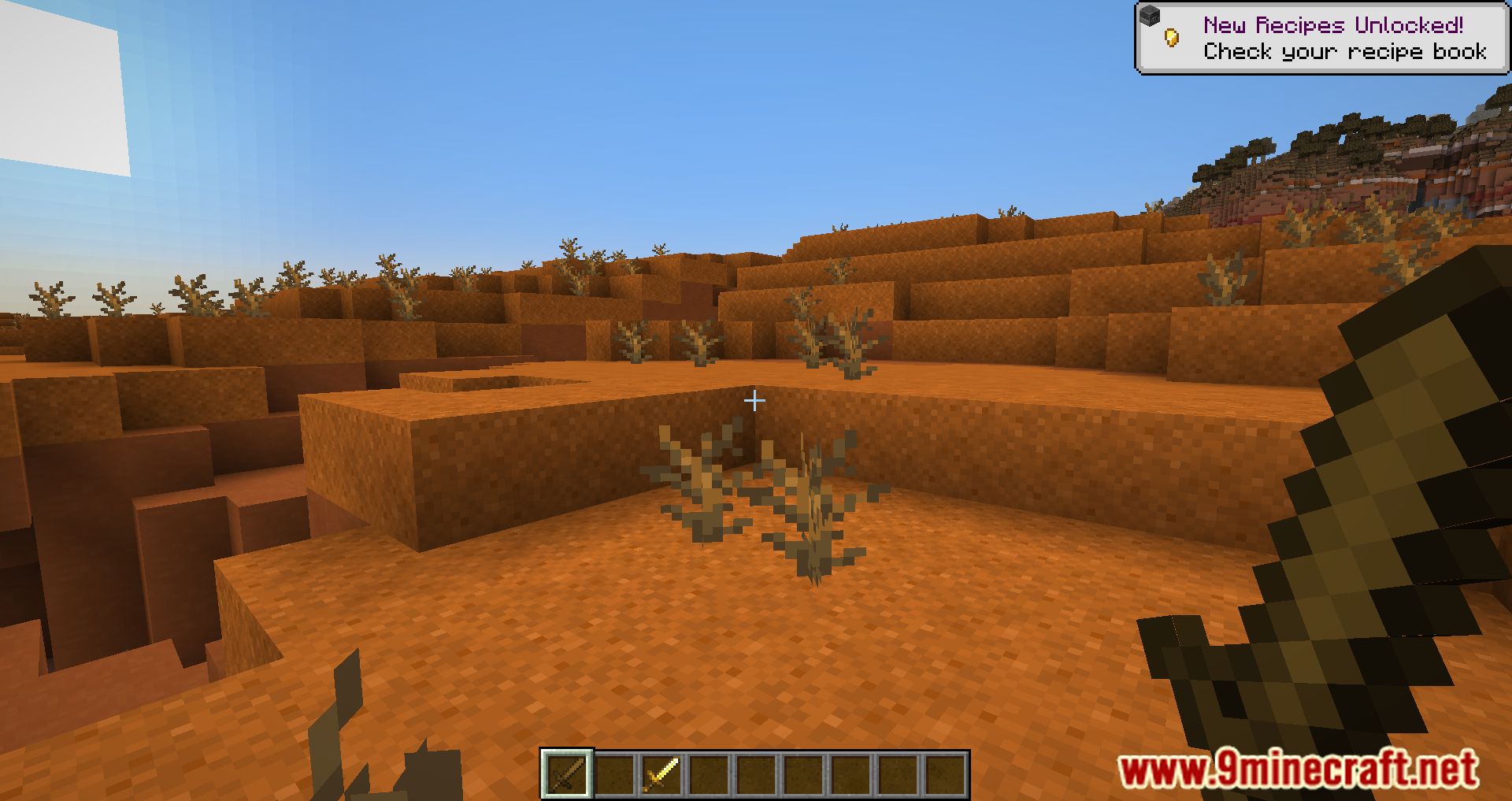
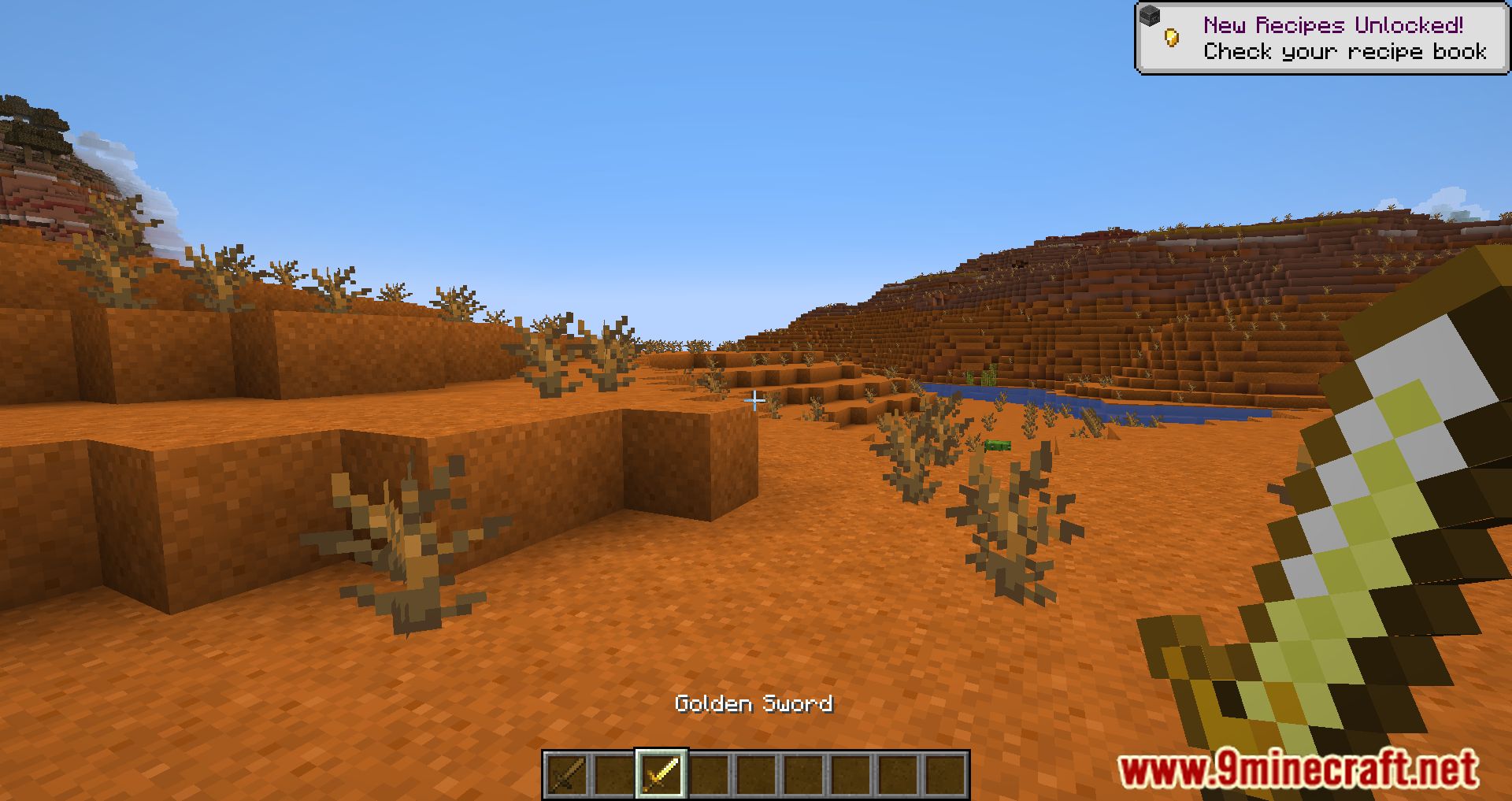
- Removes items from inventories so they can’t be held or dropped.
- Hides disabled items from their creative tabs.
- Deletes any villager trades that involve a banned item.
- Eliminates all crafting, furnace, and custom recipes for an item.
- Lets you remove items with specific NBT data, such as certain potions or enchanted books.
- Integrates with JEI, REI, and EMI to hide banned items from the recipe viewer.
- Use regular expressions (regex) to disable many items at once.
- Allows you to disable only an item’s attack or right-click interaction.
How to Use:
- Locate the “item_obliterator.json5” file in your game’s config folder.
- Add the ID for any item you want to remove into the file. For example, to remove a golden apple, you would add “minecraft:golden_apple”.
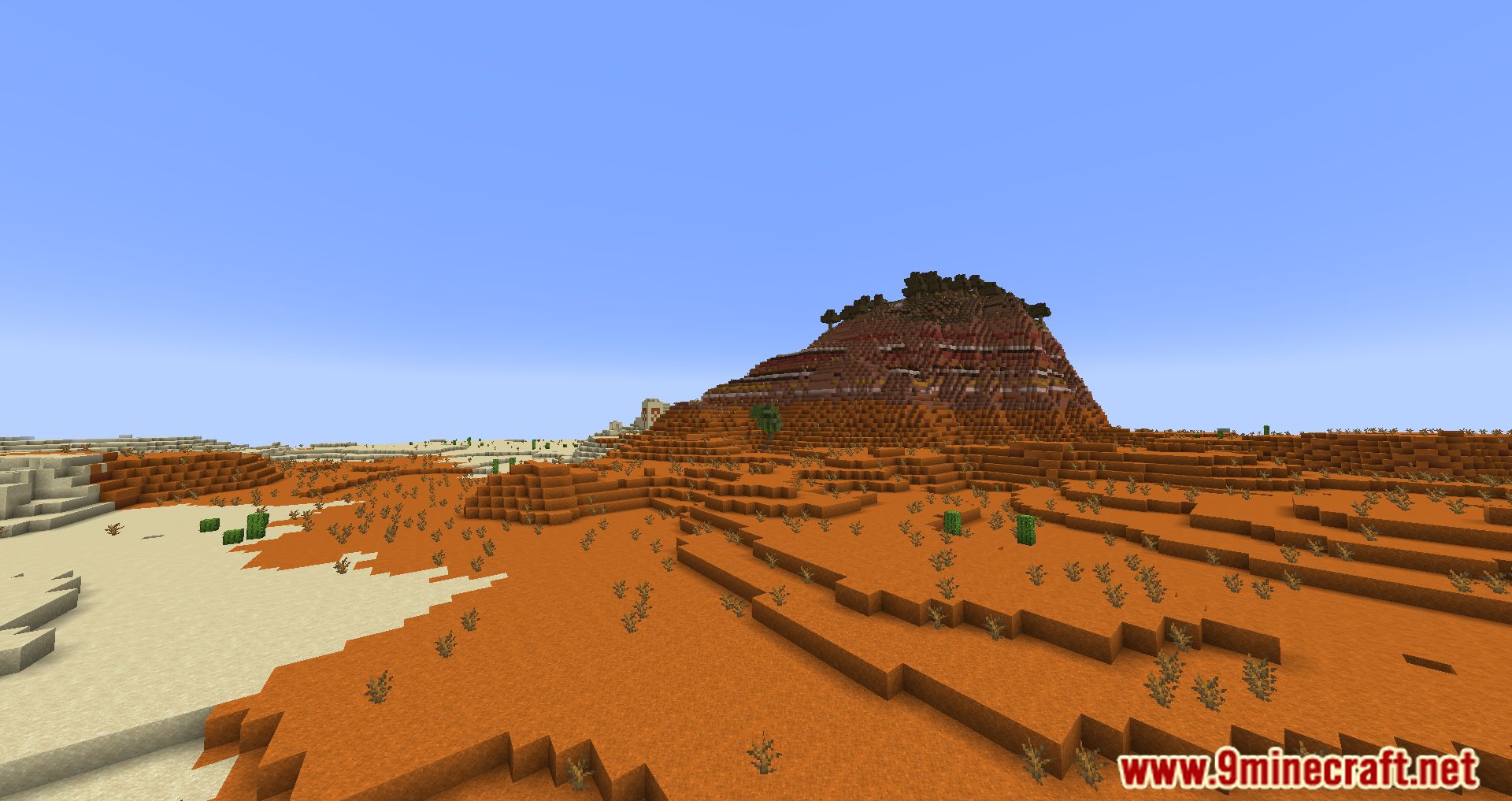
Screenshots:
How to Install:
New to Minecraft? Follow our step-by-step guide to install Mods on your PC.View Guide
Requirements:
Item Obliterator Mod Download Links
For Minecraft 26.1.2, 26.1.1, 26.1
Fabric/Quilt version: Download from Server 1 – Download from Server 2
For Minecraft 1.21.11
Fabric/Quilt version: Download from Server 1 – Download from Server 2
For Minecraft 1.21.10, 1.21.9
Fabric/Quilt version: Download from Server 1 – Download from Server 2
For Minecraft 1.21.8, 1.21.7, 1.21.6
Fabric/Quilt version: Download from Server 1 – Download from Server 2
For Minecraft 1.21.5, 1.21.4
Fabric/Quilt version: Download from Server 1 – Download from Server 2
For Minecraft 1.21.3, 1.21.2
Fabric/Quilt version: Download from Server 1 – Download from Server 2
For Minecraft 1.21.1, 1.21
Fabric/Quilt version: Download from Server 1 – Download from Server 2
For Minecraft 1.20.6
Fabric/Quilt version: Download from Server 1 – Download from Server 2
For Minecraft 1.20.2
Forge/NeoForge version: Download from Server 1 – Download from Server 2
Fabric/Quilt version: Download from Server 1 – Download from Server 2
For All Versions from Minecraft 1.19.3 to Minecraft 1.20.1
Forge version: Download from Server 1 – Download from Server 2
Fabric version: Download from Server 1 – Download from Server 2
For Minecraft 1.19.2
Forge version: Download from Server 1 – Download from Server 2
Fabric version: Download from Server 1 – Download from Server 2
For Minecraft 1.19.1, 1.19
Fabric version: Download from Server 1 – Download from Server 2
You May Also Like


This post has no comments yet. Be the first — your comment will appear here.