


JEI Ores Mod (1.20.1) – 鉱石の生成場所を完璧に把握しよう

 0
0 

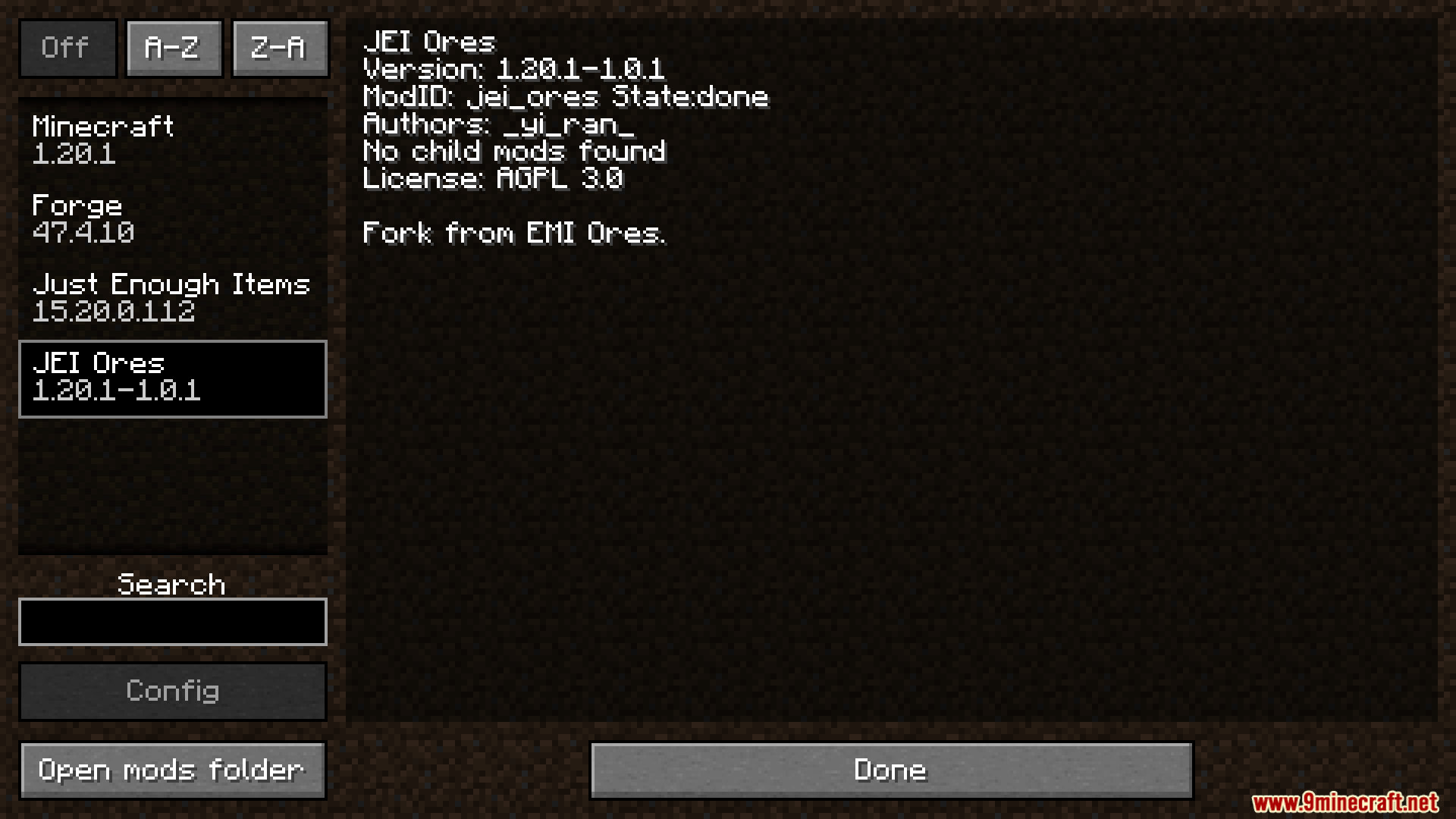
JEI Ores Modは、Just Enough Items(JEI)を拡張し、詳細な鉱石の生成情報を提供します。このModを使えば、特定の素材を見つけるためにワールドのどこを掘ればよいのか、正確に知ることができます。
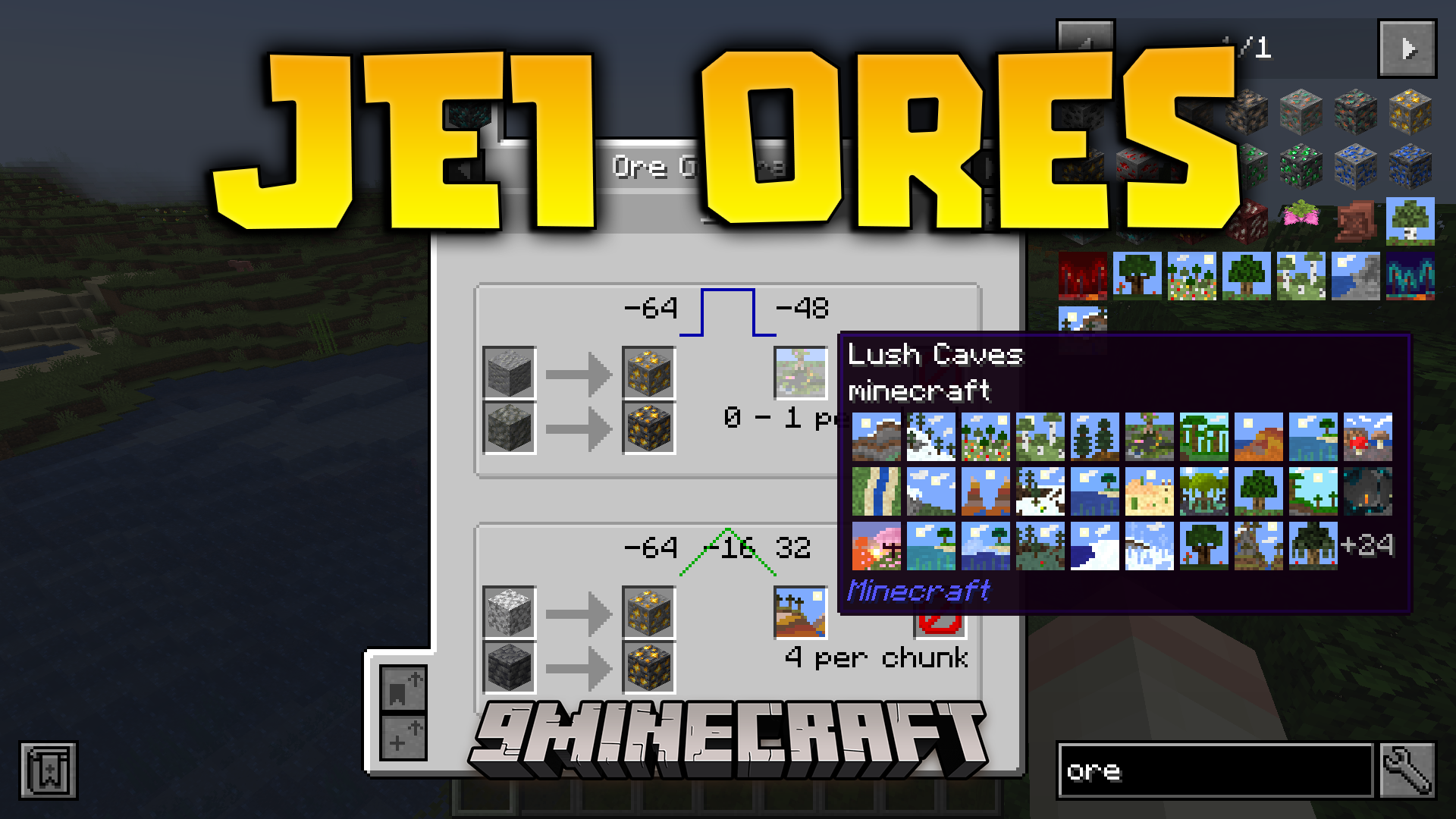
主な機能:
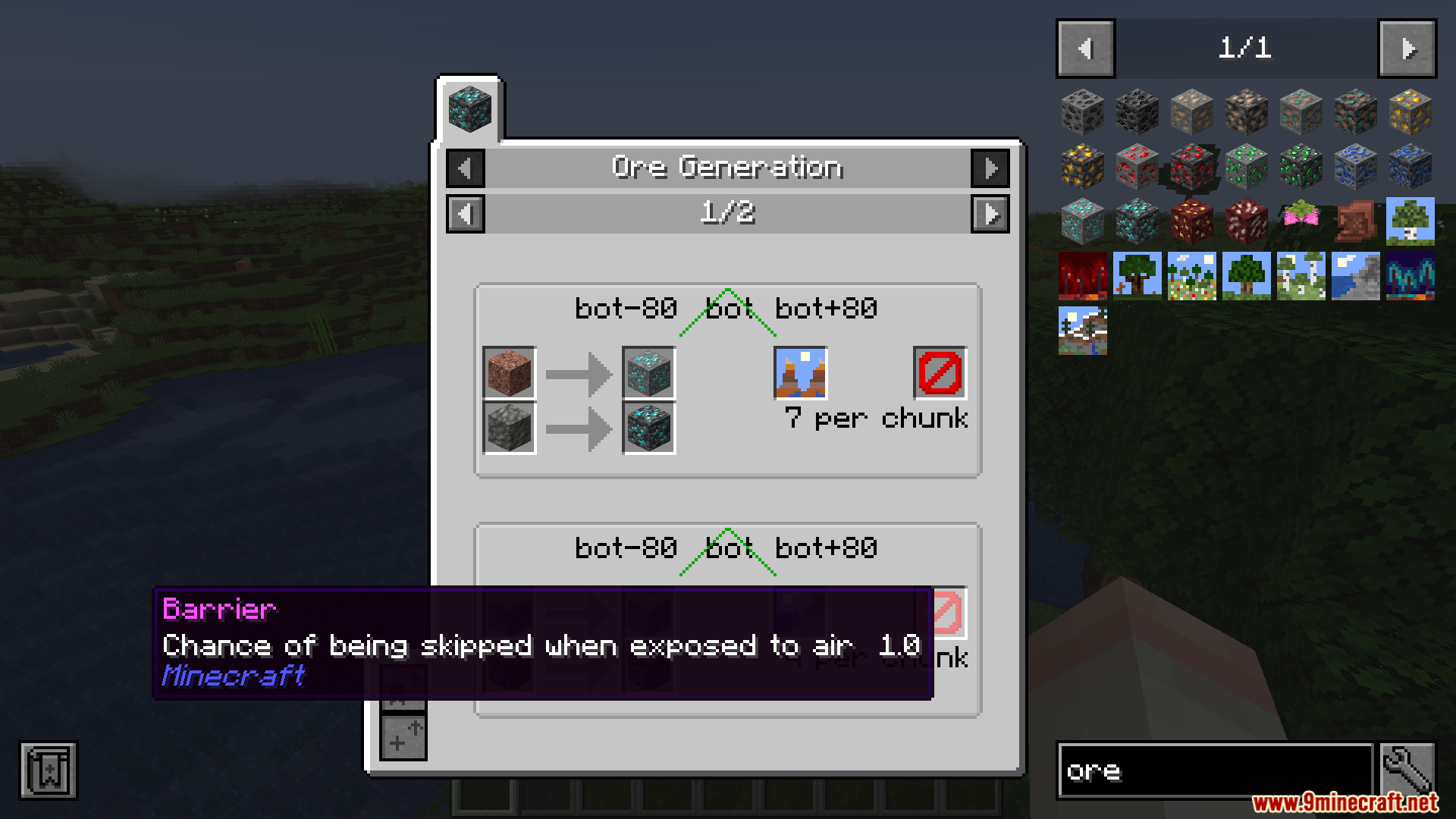
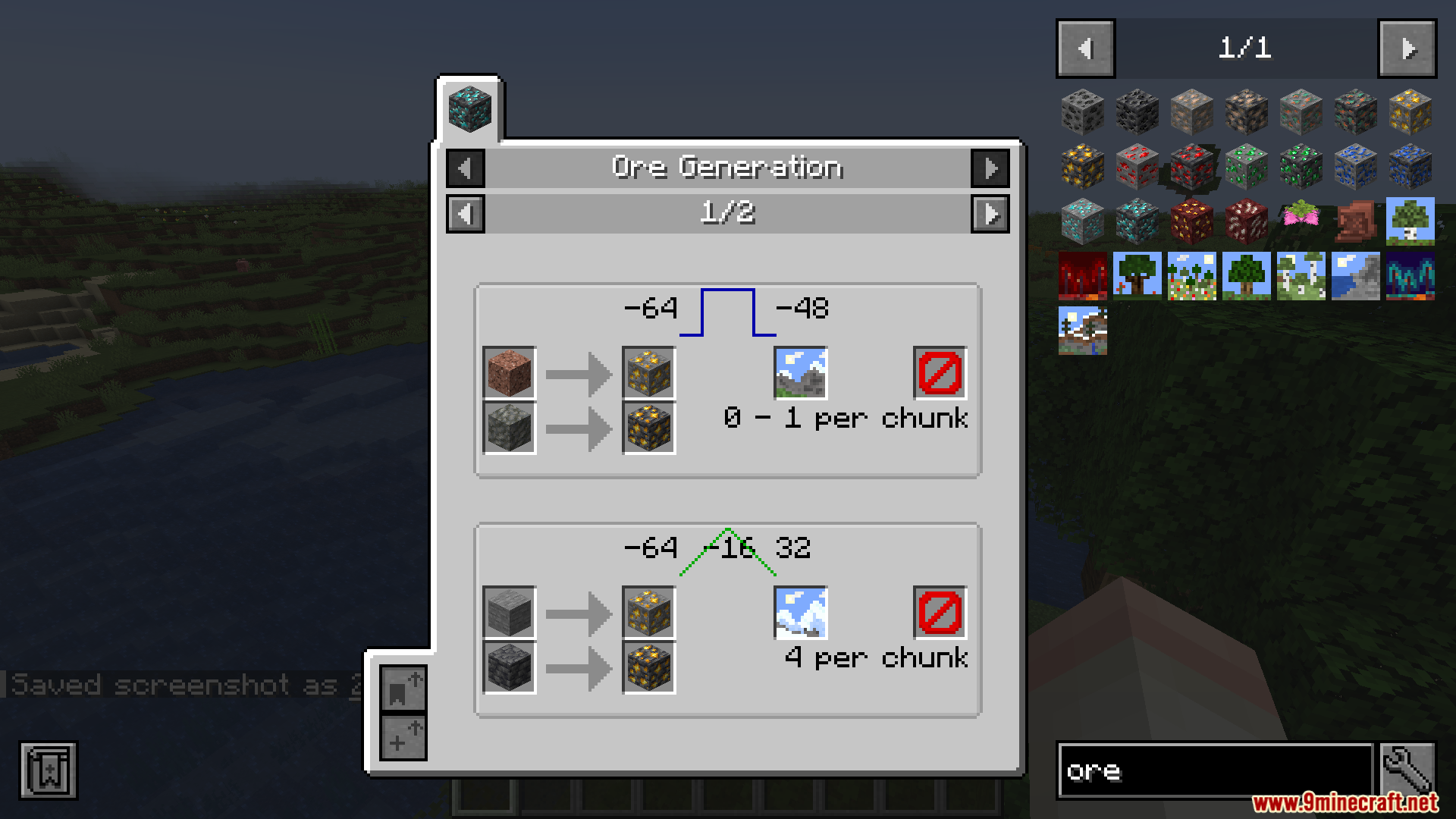
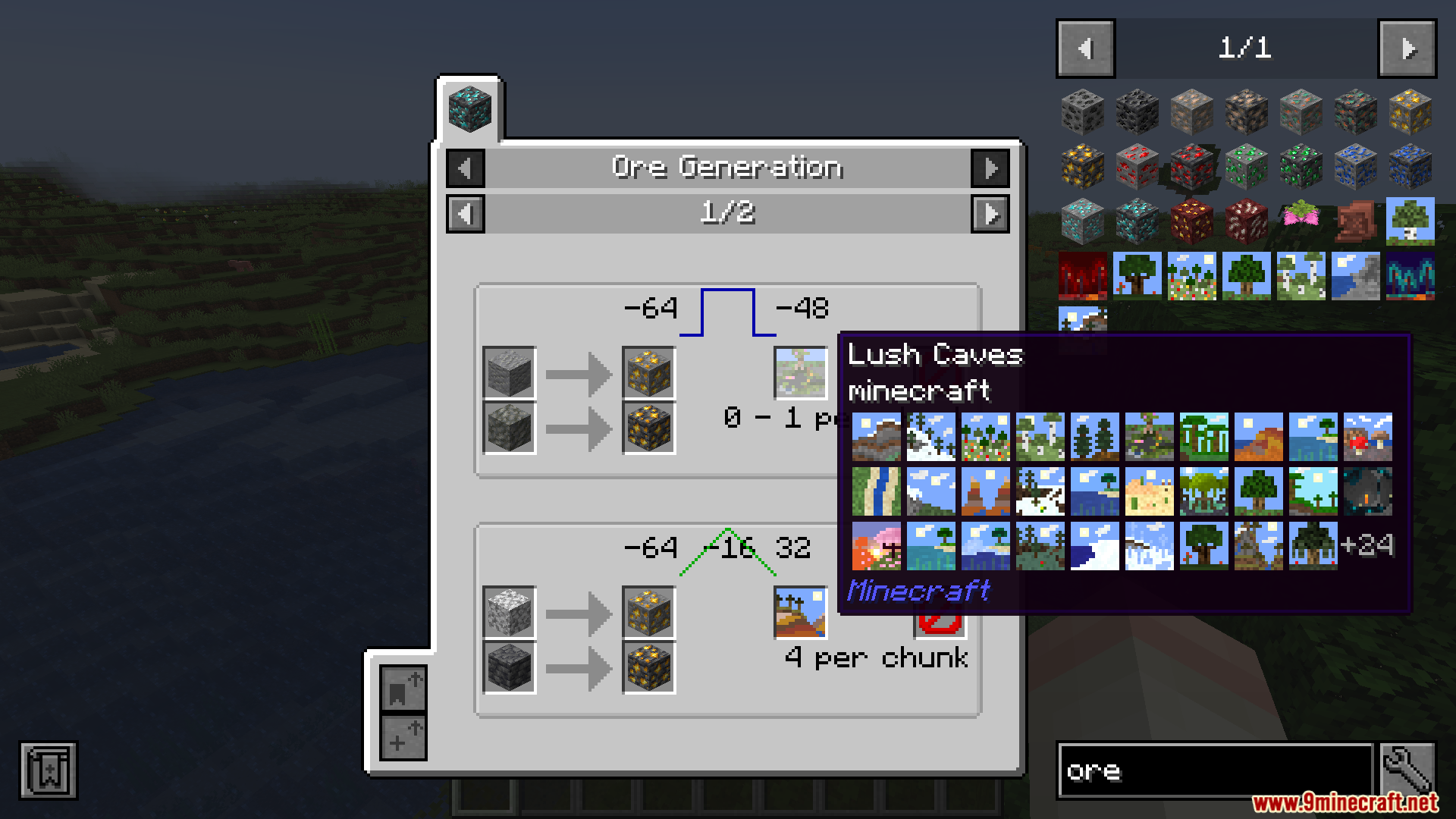
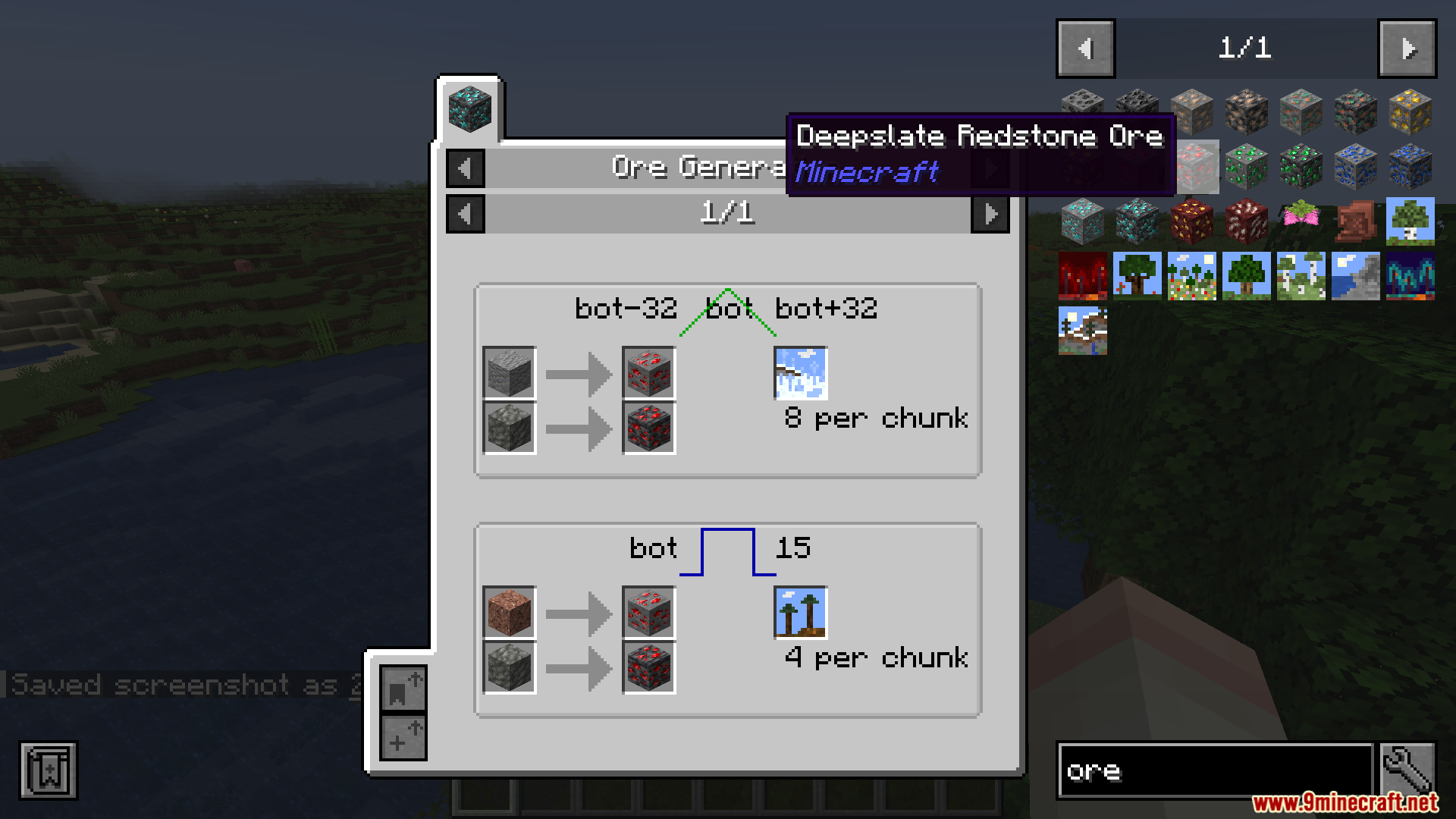
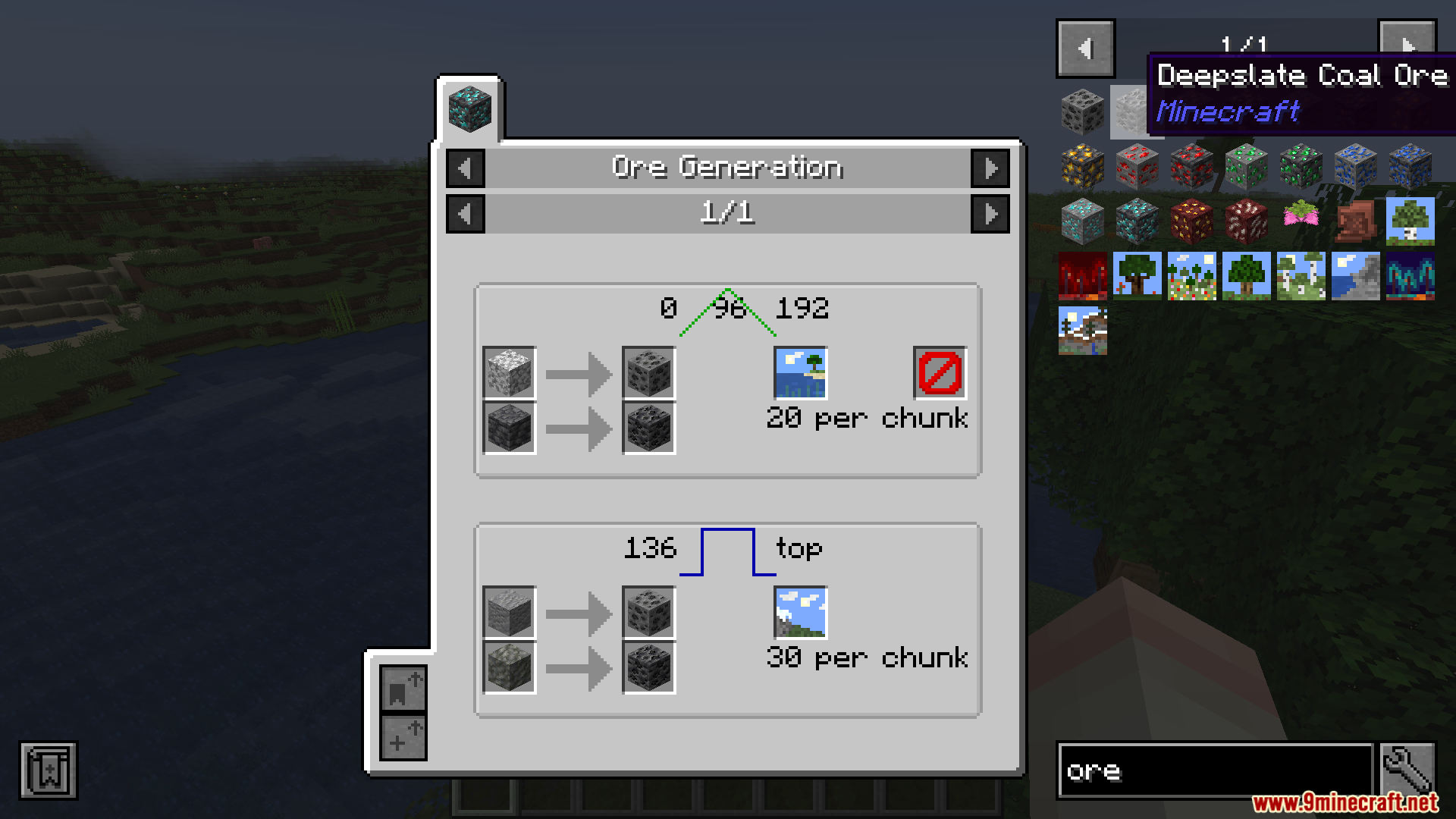
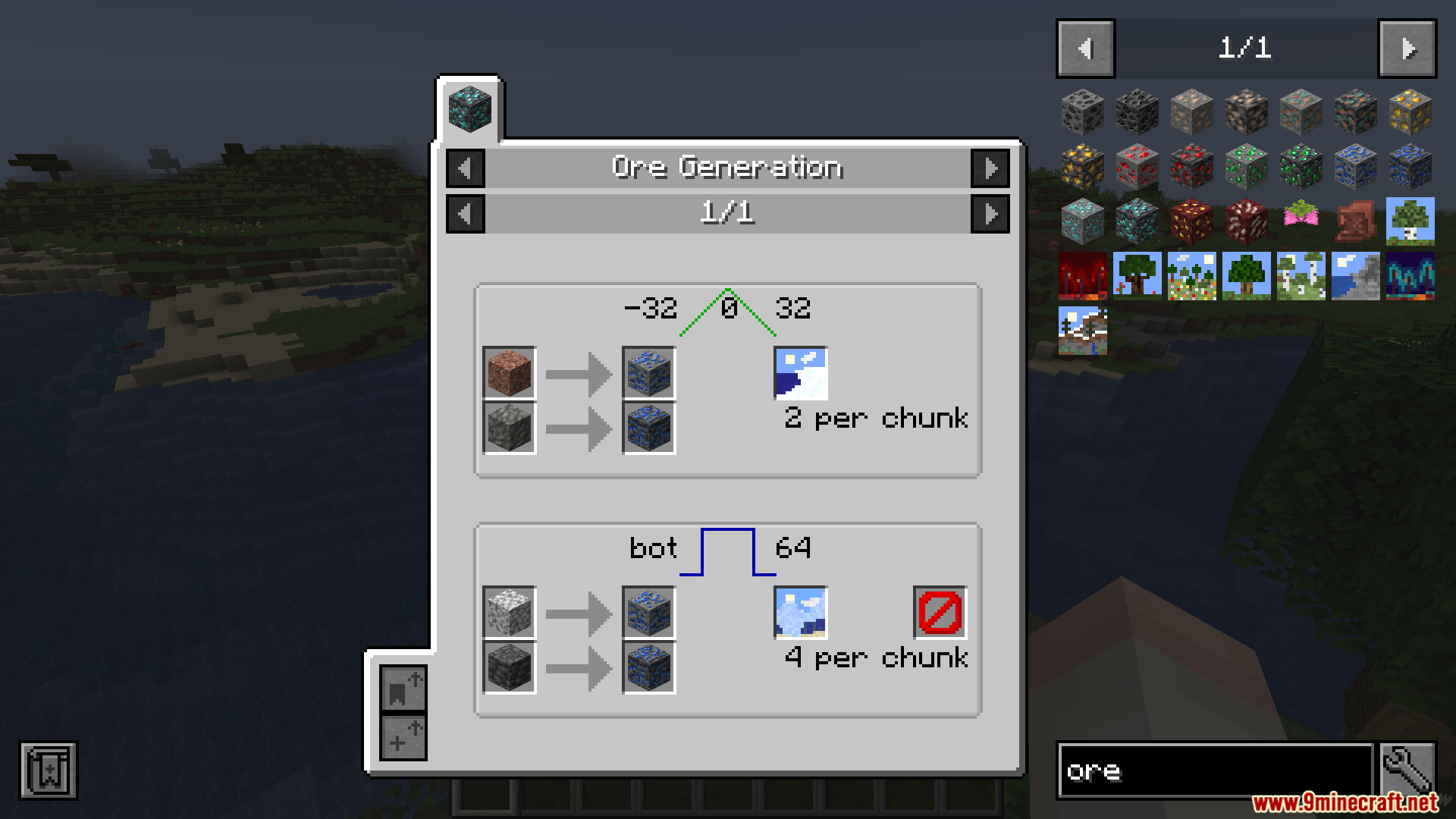
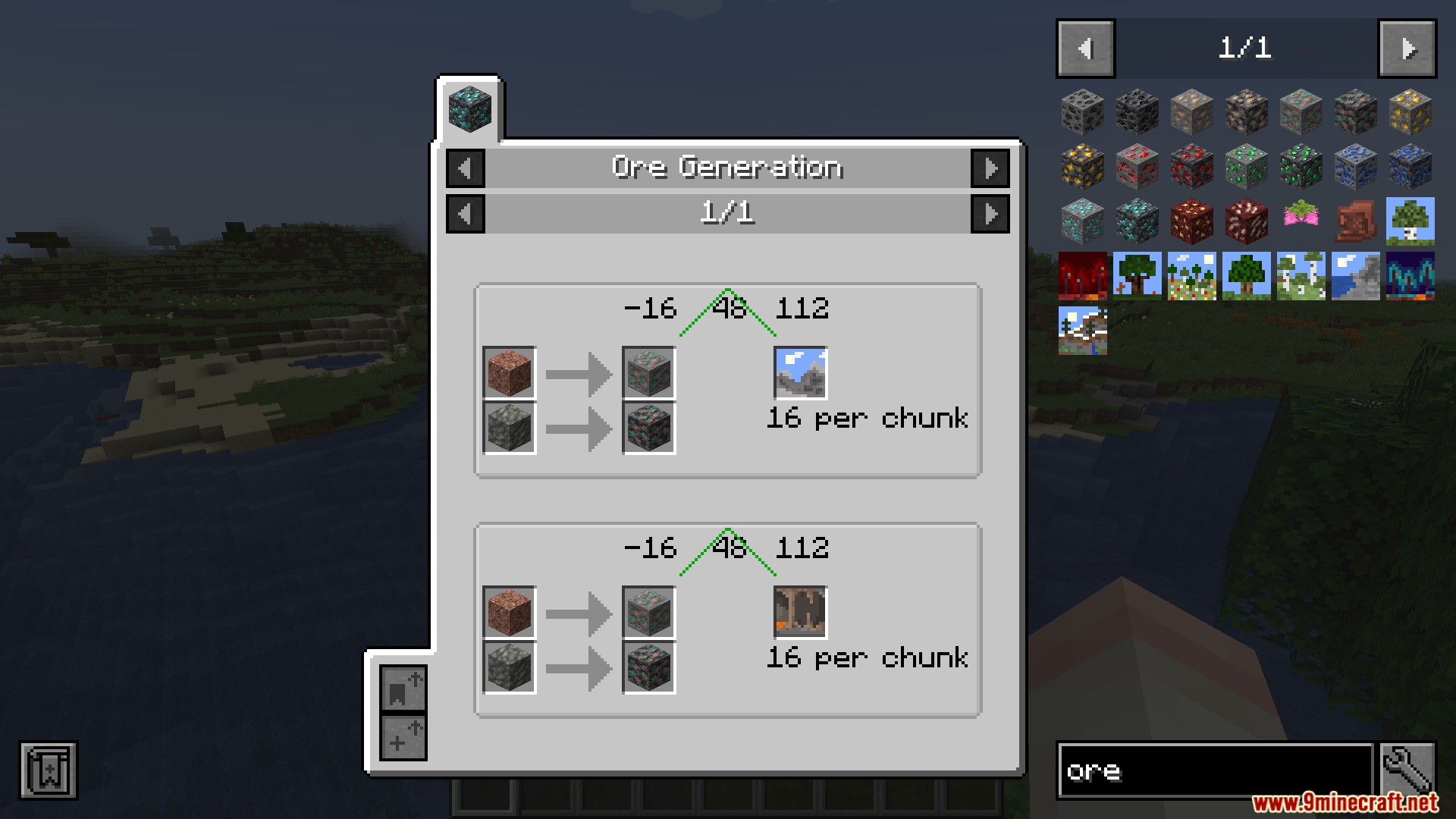
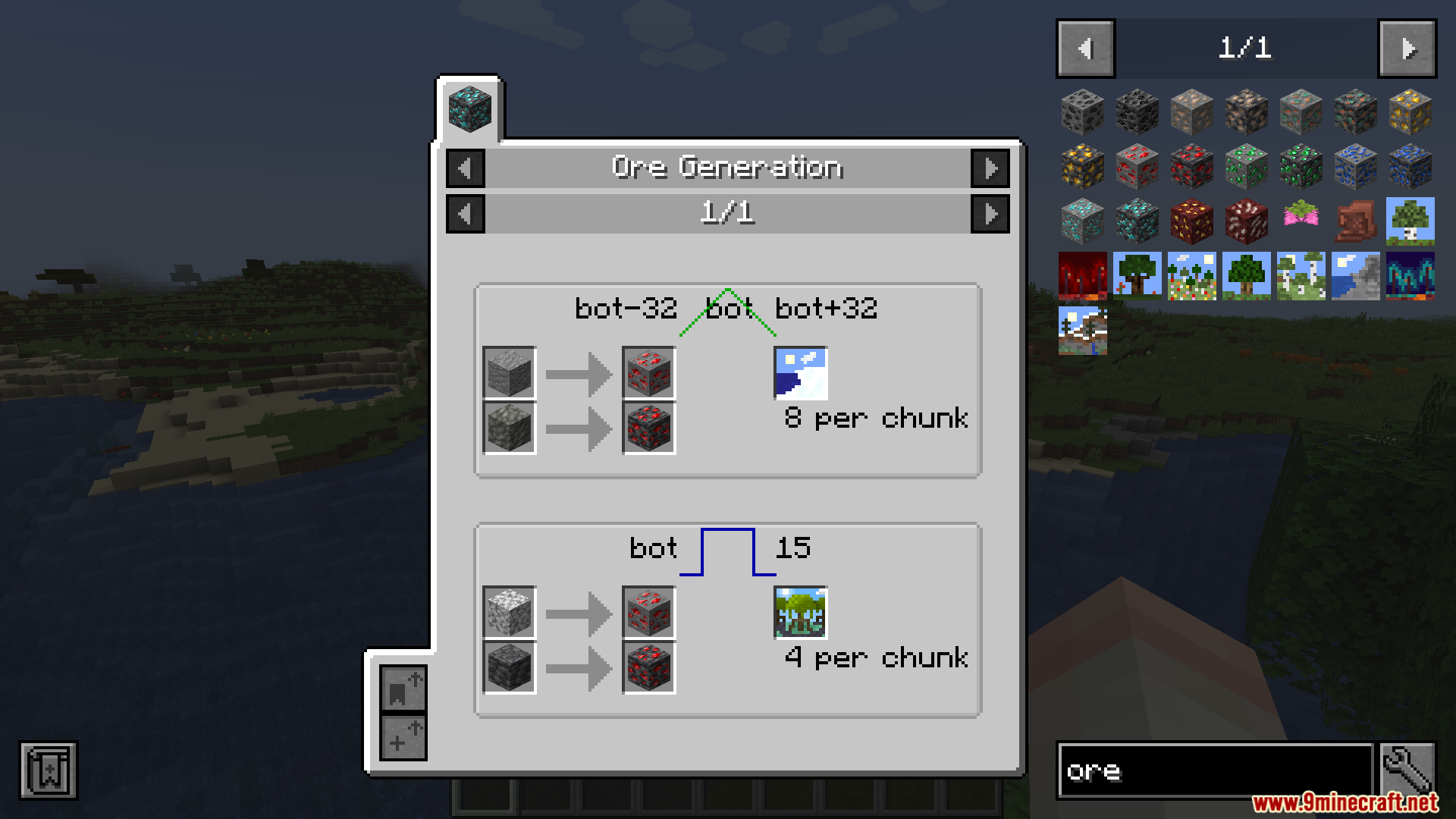
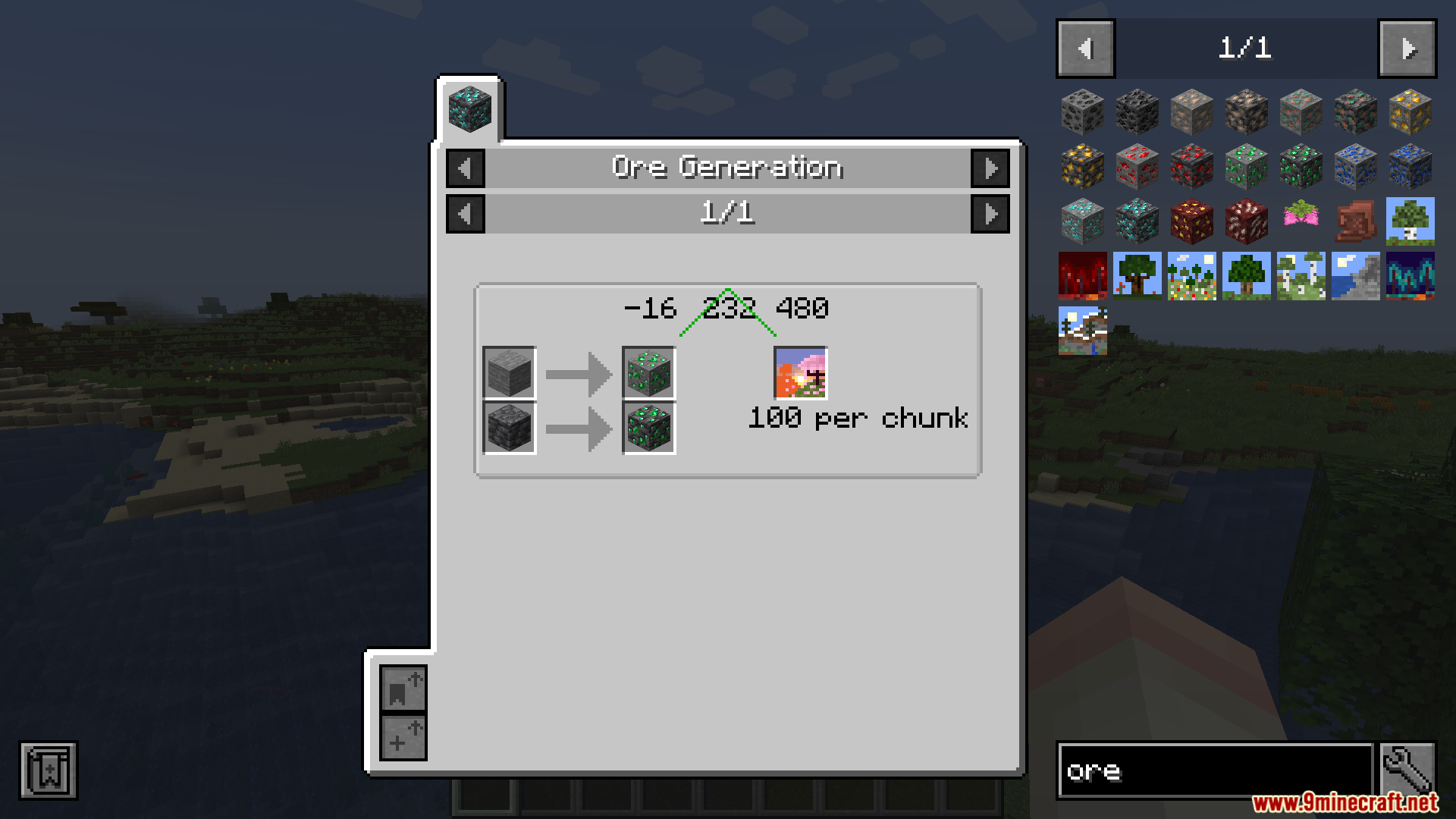
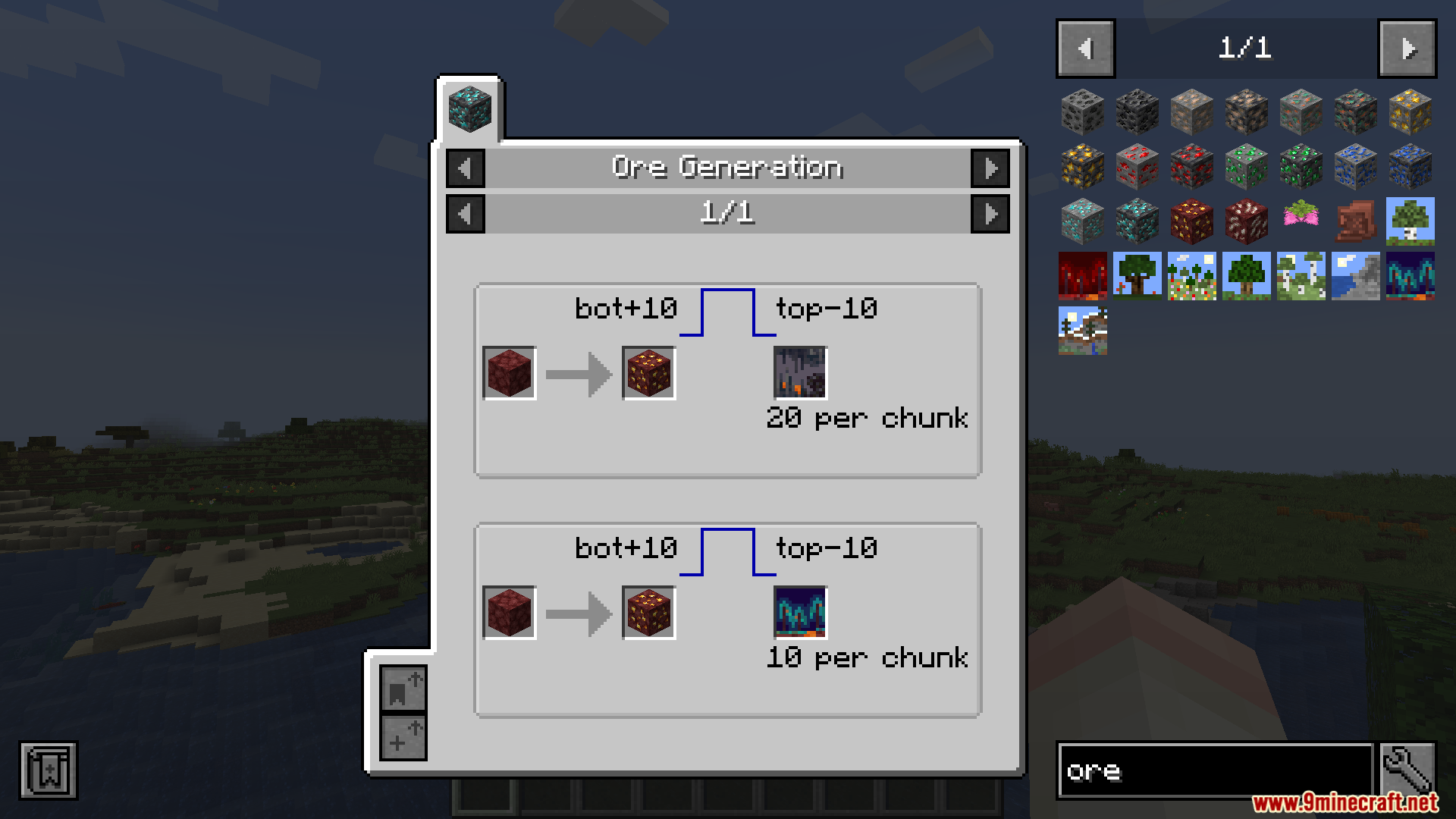
- 各鉱石が地下のどの高さ(Y座標)に生成されるかを正確に表示します。
- 鉱石の塊(クラスター)のサイズを表示し、一度にどれくらい採掘できるかの目安になります。
- 1チャンクあたりに生成される鉱石の脈(ベイン)の数を表示します。
- 特定のバイオームにのみ生成される鉱石の場合、そのバイオーム名をリストアップします。
- 他のModパックで追加されたカスタム素材にも自動で対応し、特別な設定は不要です。
- 正常に動作させるには、クライアント(ローカル)とサーバーの両方にインストールする必要があります。
- 片方にしか導入されていない場合は、自動的に機能がオフになります。
使い方:
- インベントリを開き、Just Enough Itemsのアイテムパネルを表示します。
- リスト内またはバッグの中にある鉱石ブロックにカーソルを合わせます。
- ブロックの上でレシピキー(通常はR)または用途キー(通常はU)を押します。
- 画面に新しく追加された情報タブをクリックすると、その素材の生成詳細を確認できます。
スクリーンショット:
必要な前提:

JEI Ores Mod ダウンロードリンク
Minecraft 用 1.20.1, 1.20
この投稿を評価するにはクリック!
[Total: 0 Average: 0]
こちらもおすすめ










この投稿にはまだコメントがありません。 最初のコメントを — あなたのコメントがここに表示されます。