


Terrain Diffusion Mod (1.21.11, 1.21.1) – Generates Realistic Landscapes Using AI

 0
0 

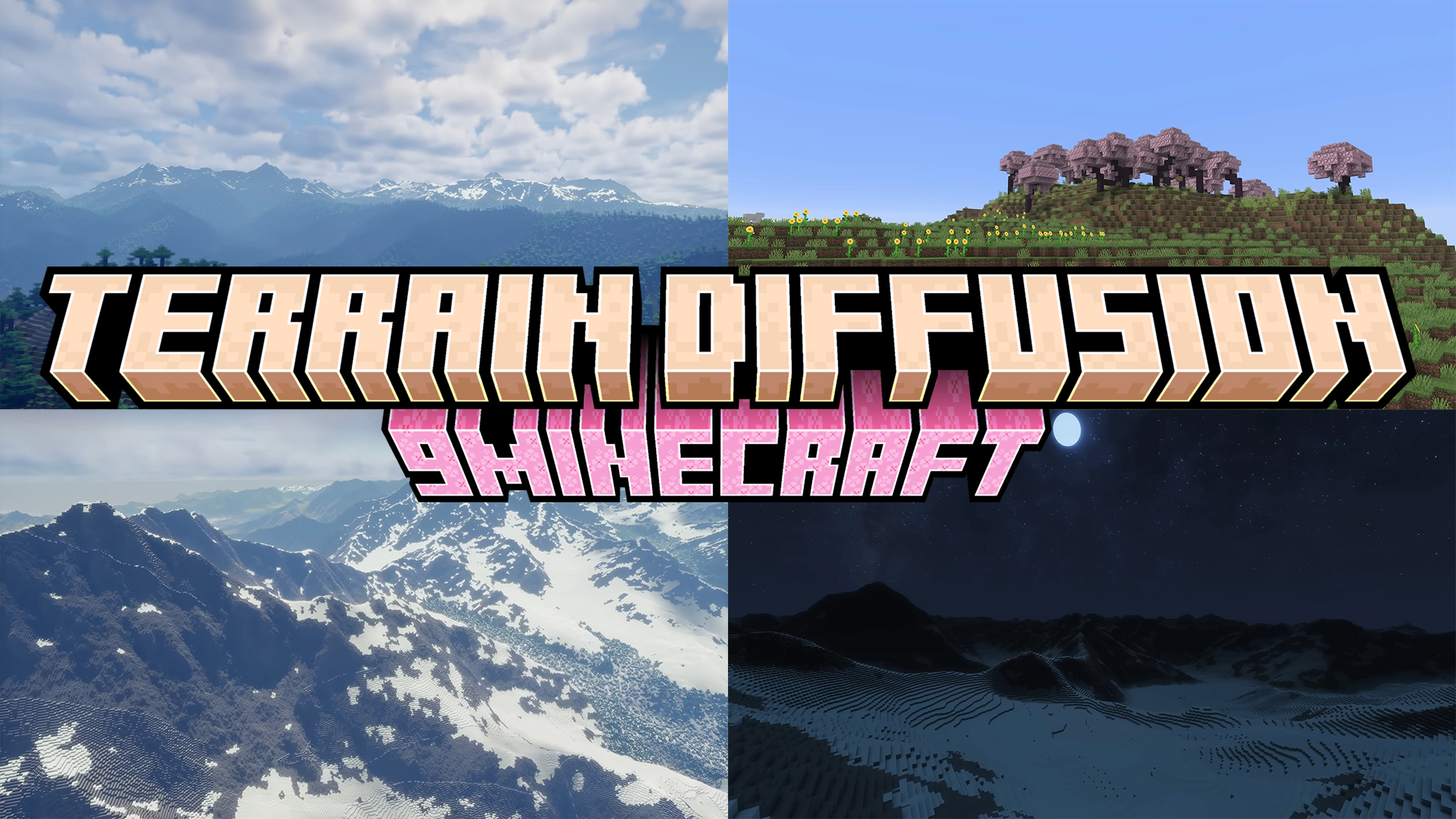
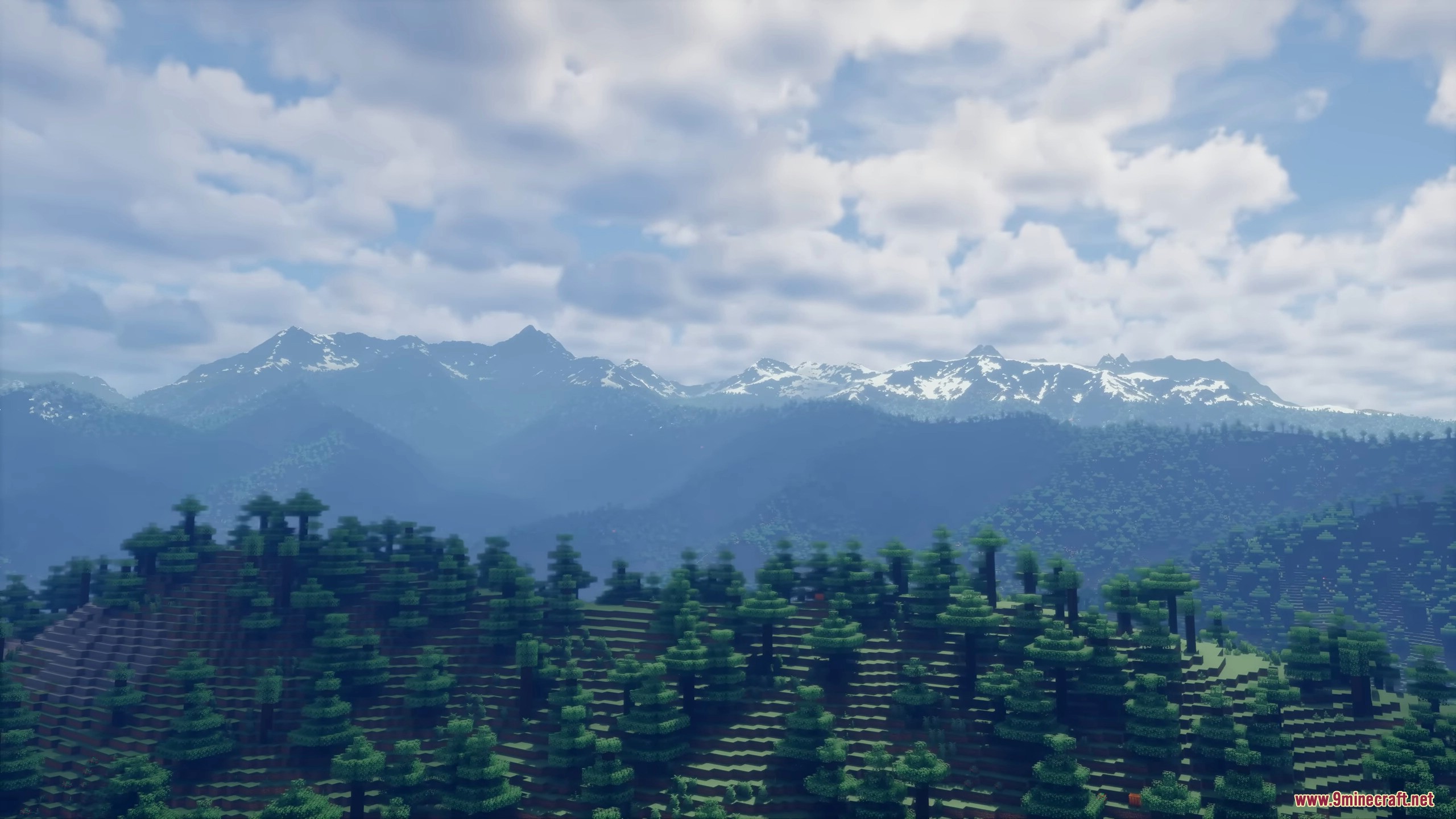
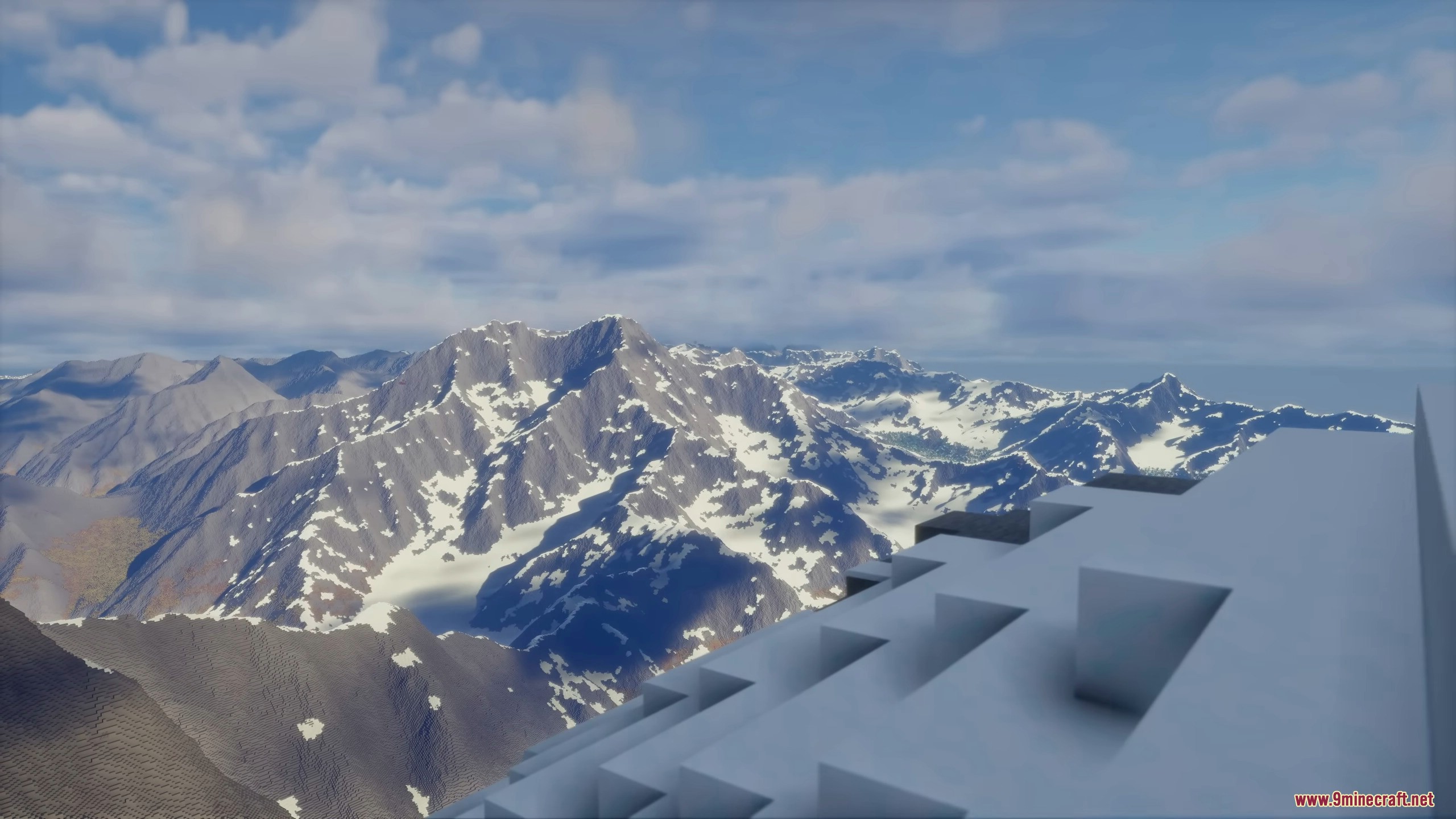
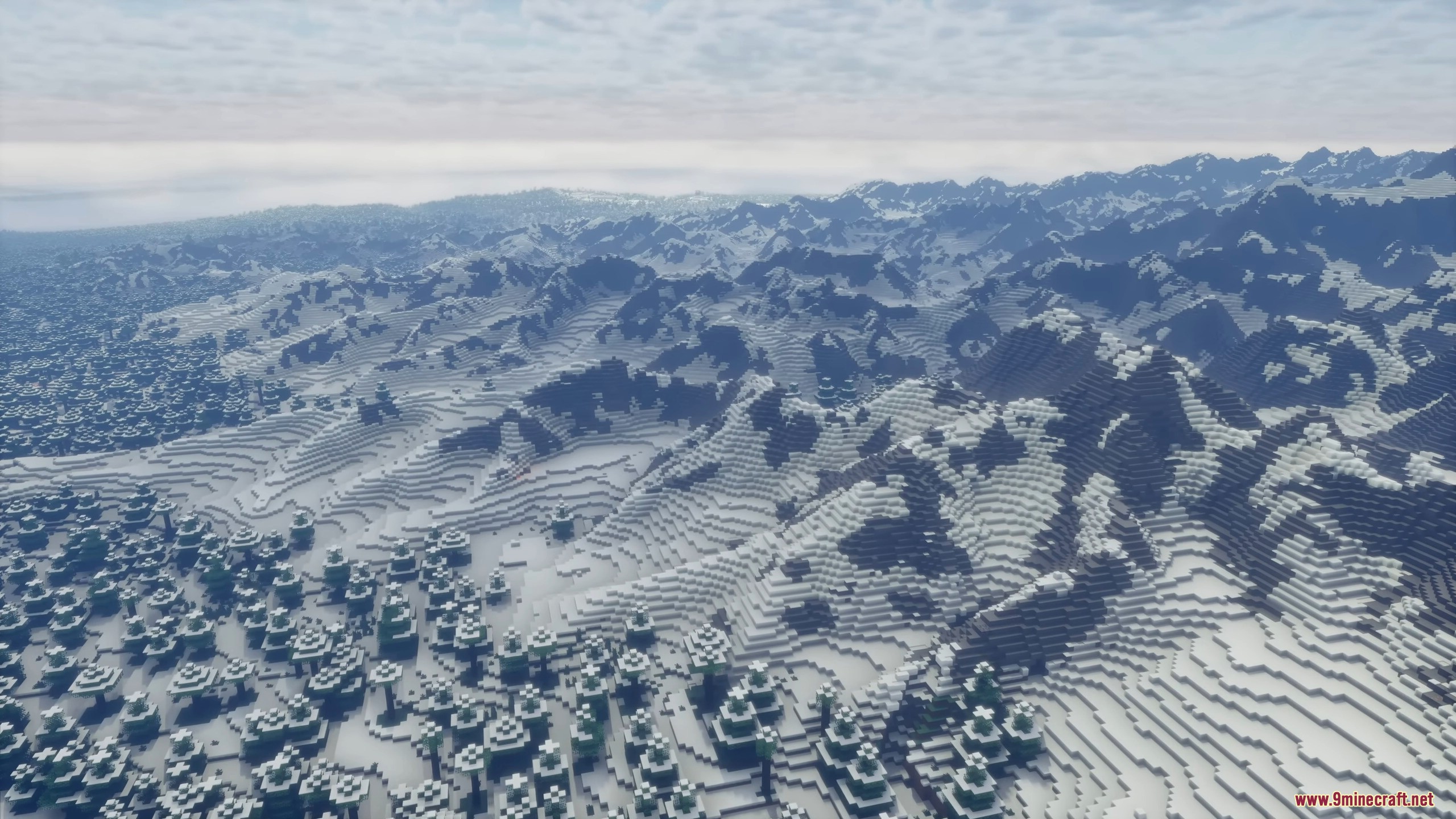
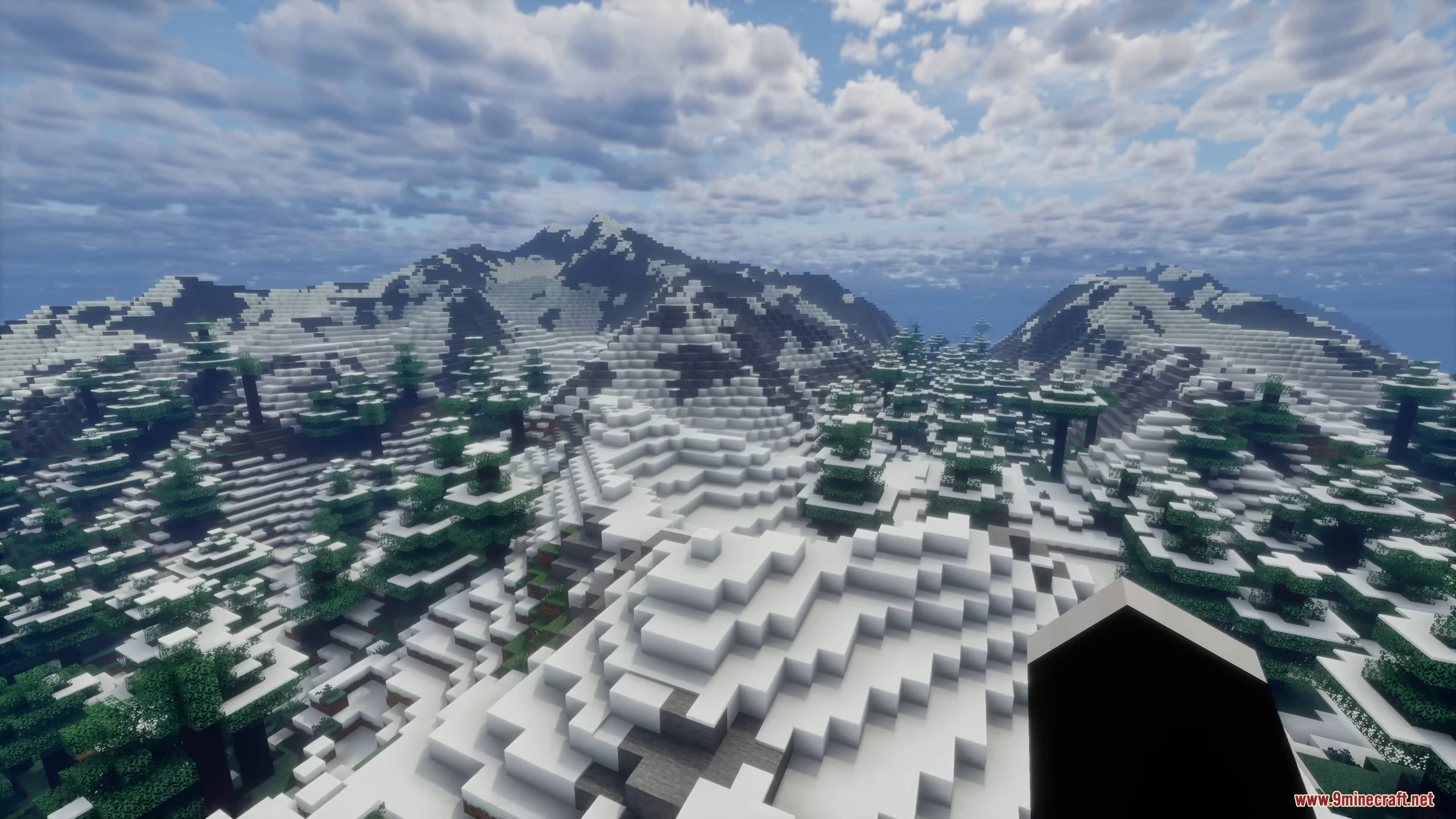
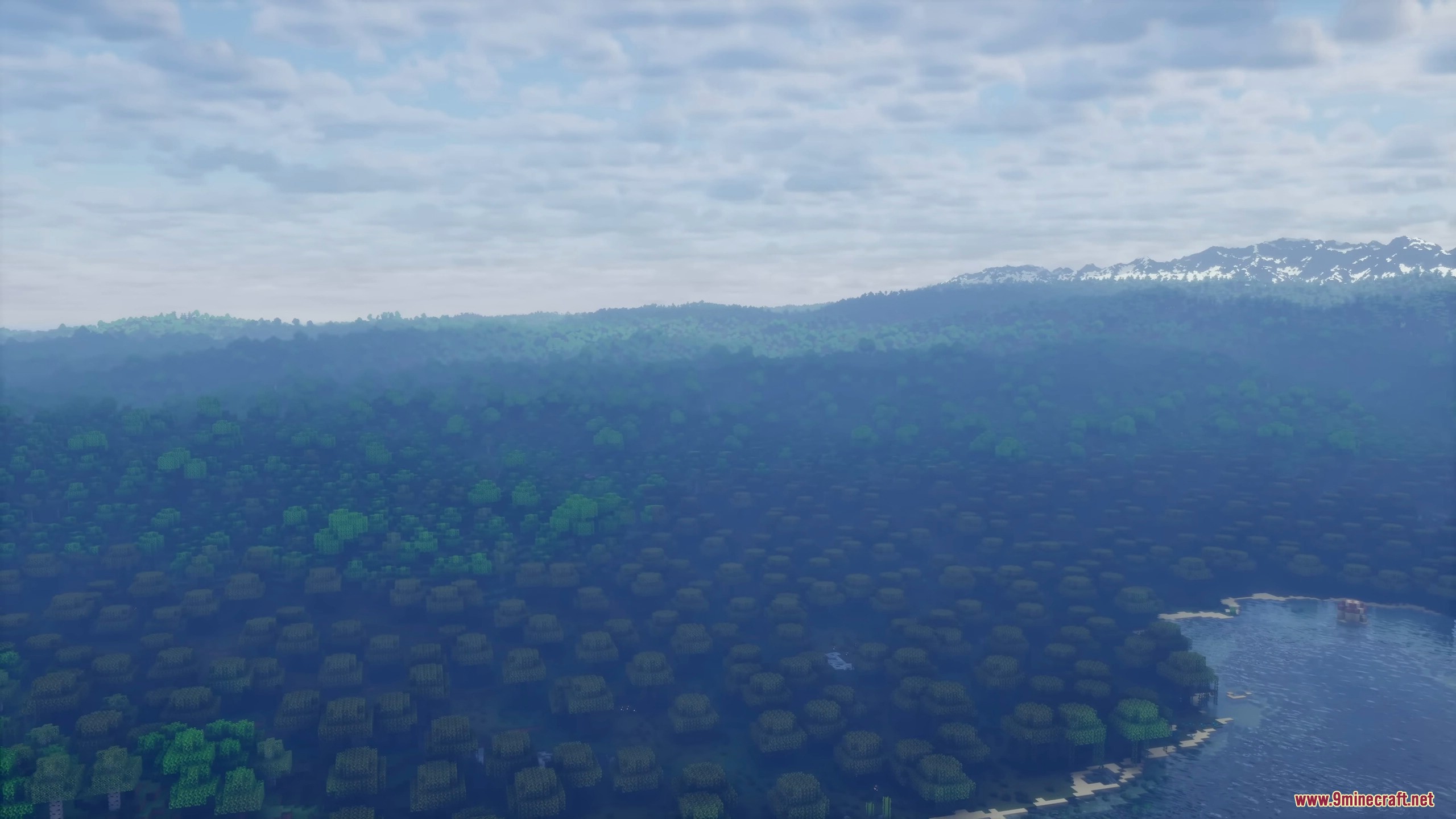
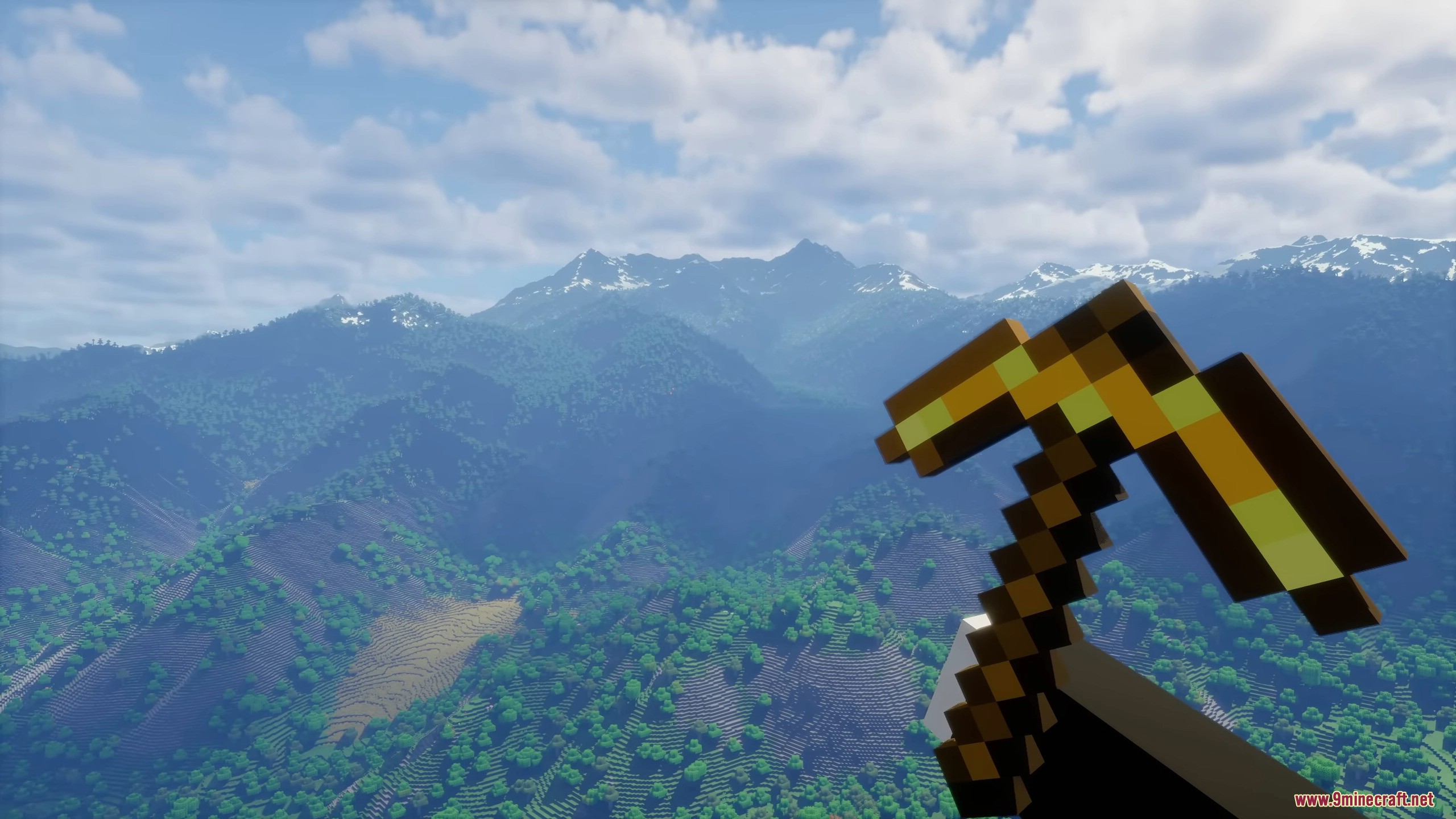
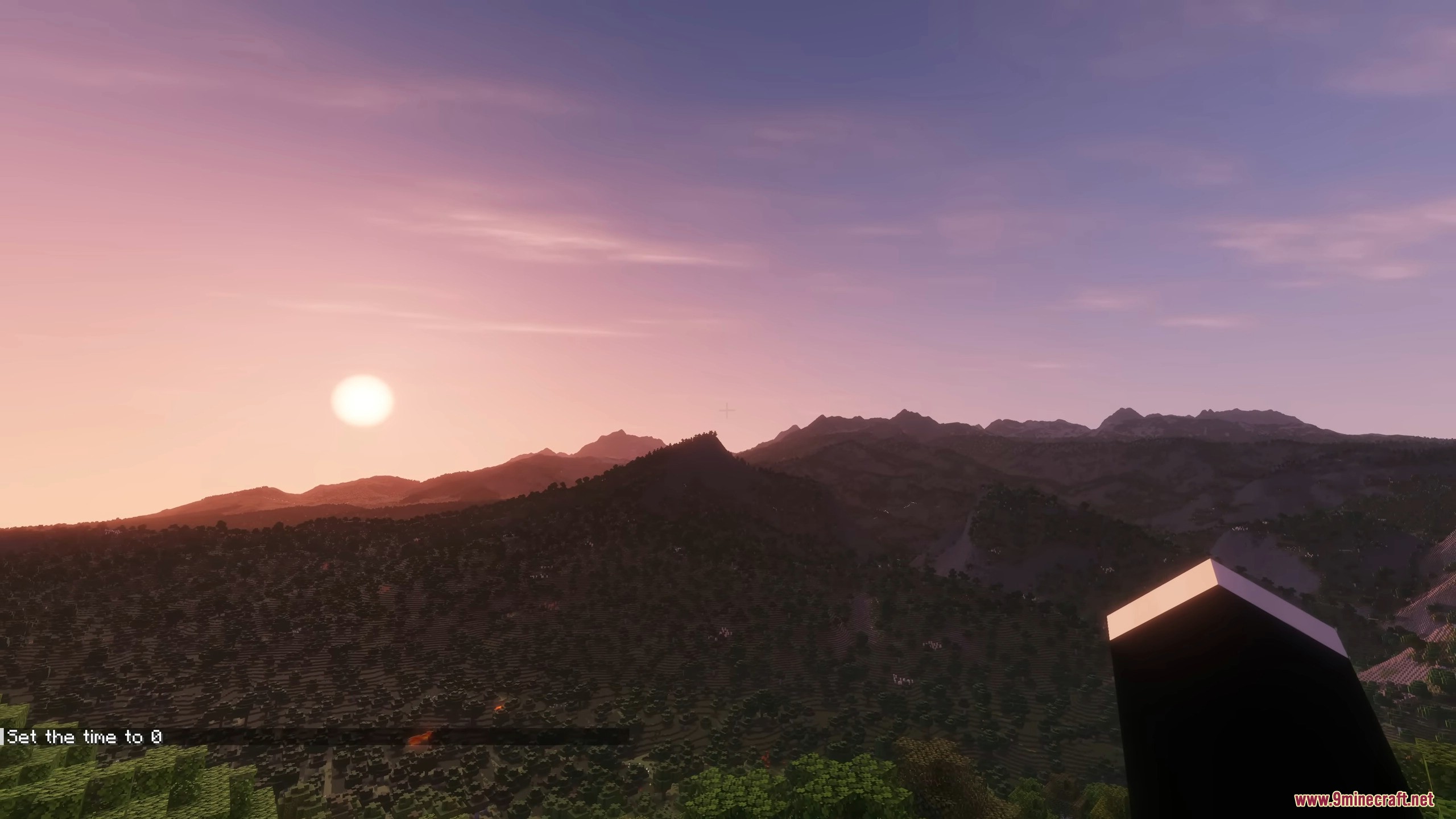
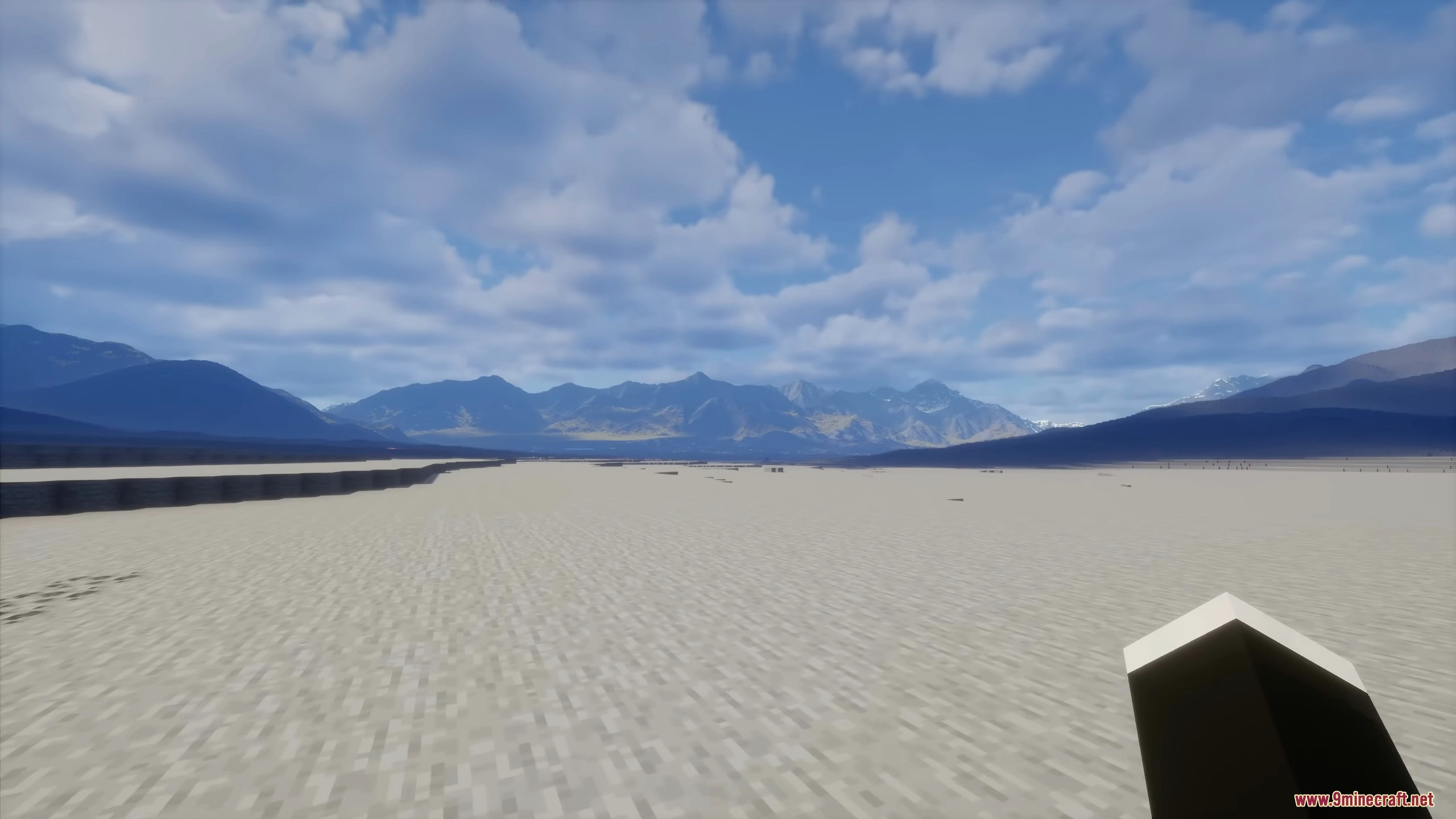
Terrain Diffusion Mod brings artificial intelligence to the game by generating realistic, large-scale landscapes. Instead of using standard world generation, this addon uses AI to create natural terrain with massive mountains, deep valleys, and varied climates. It requires a dedicated GPU to handle the calculations, making it a unique tool for those wanting to see how technology can reshape the game world. Users can select this as a specific world type when starting a new game.
Features:
- AI-Powered Terrain Generation: Uses advanced models to create mountains, valleys, and diverse biomes that feel more natural.
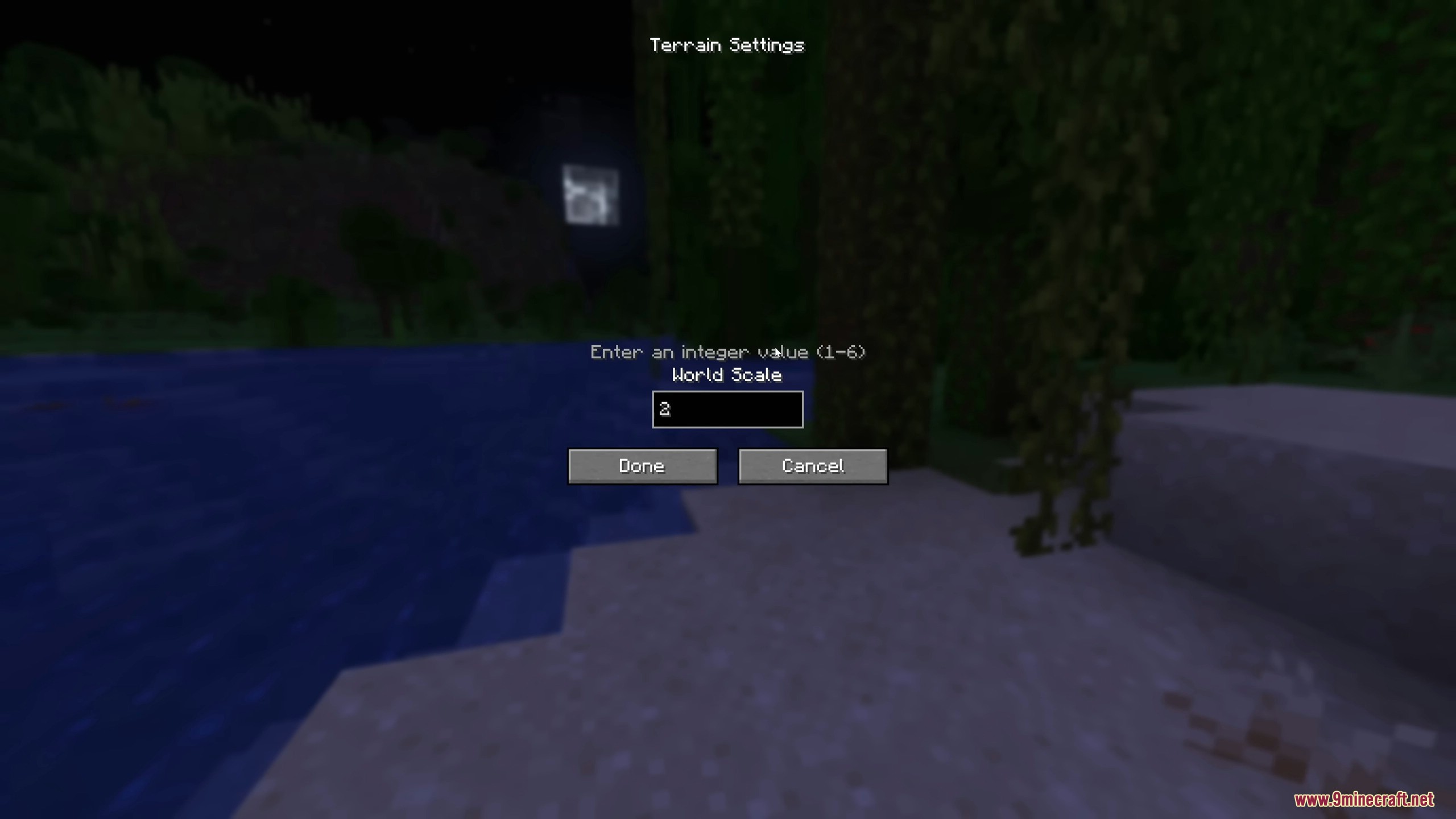
- Customizable World Scale: Allows you to adjust how many real-world meters each block represents, letting you choose between compressed or massive landscapes.
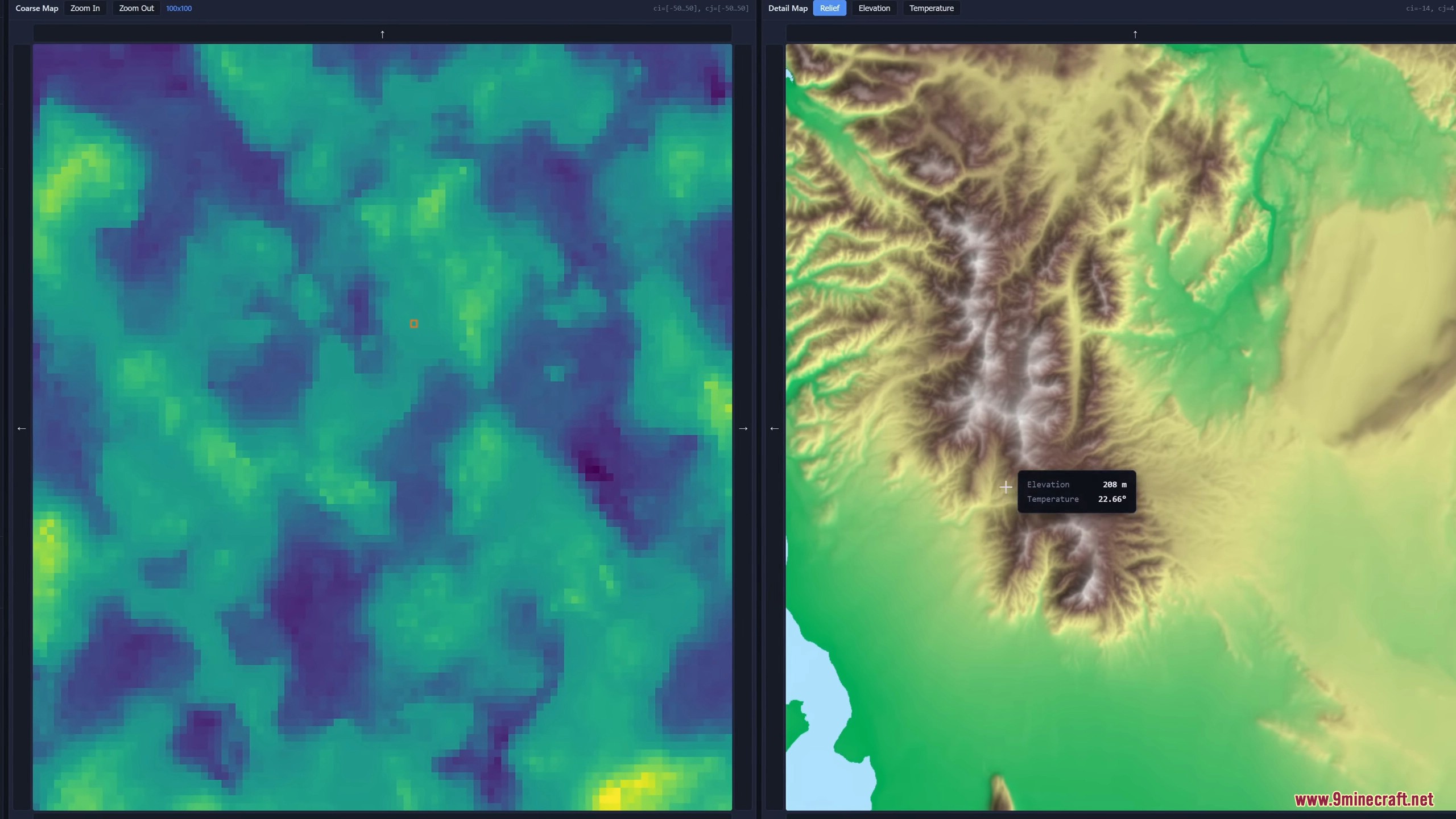
- Integrated Web Explorer: Includes a built-in web UI that lets you scout continents, mountains, and islands before you start playing.
- Biome Climate Integration: Converts elevation and climate variables into standard game biomes using a custom classifier.
- Interactive Map View: Provides a detailed map interface in your browser to view terrain, elevation, and temperature data.
- GPU Acceleration: Uses your graphics card to handle complex math, ensuring the terrain generation process is manageable.
How to Use:
- Install the mod and launch the game to download the required model assets.
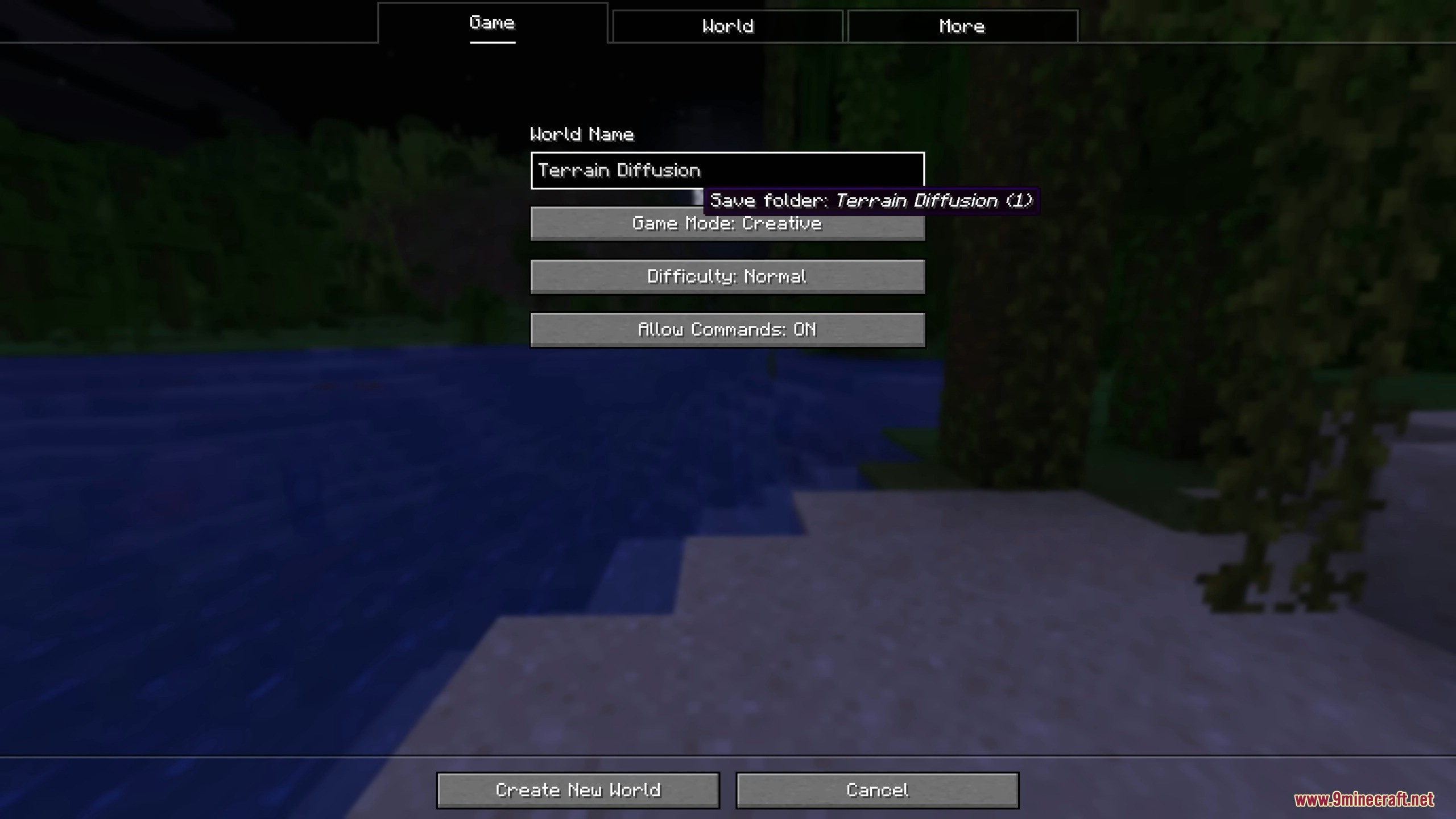
- Create a new world and select Terrain Diffusion as the world type.
- Click Customize to set your preferred World Scale.
- Once in the game, run the command
/td-exploreto open the web-based map explorer. - Use the browser link provided to scout your world’s layout.
Commands:
Use the following command to access the terrain scouting tools:
/td-explore
Screenshots:
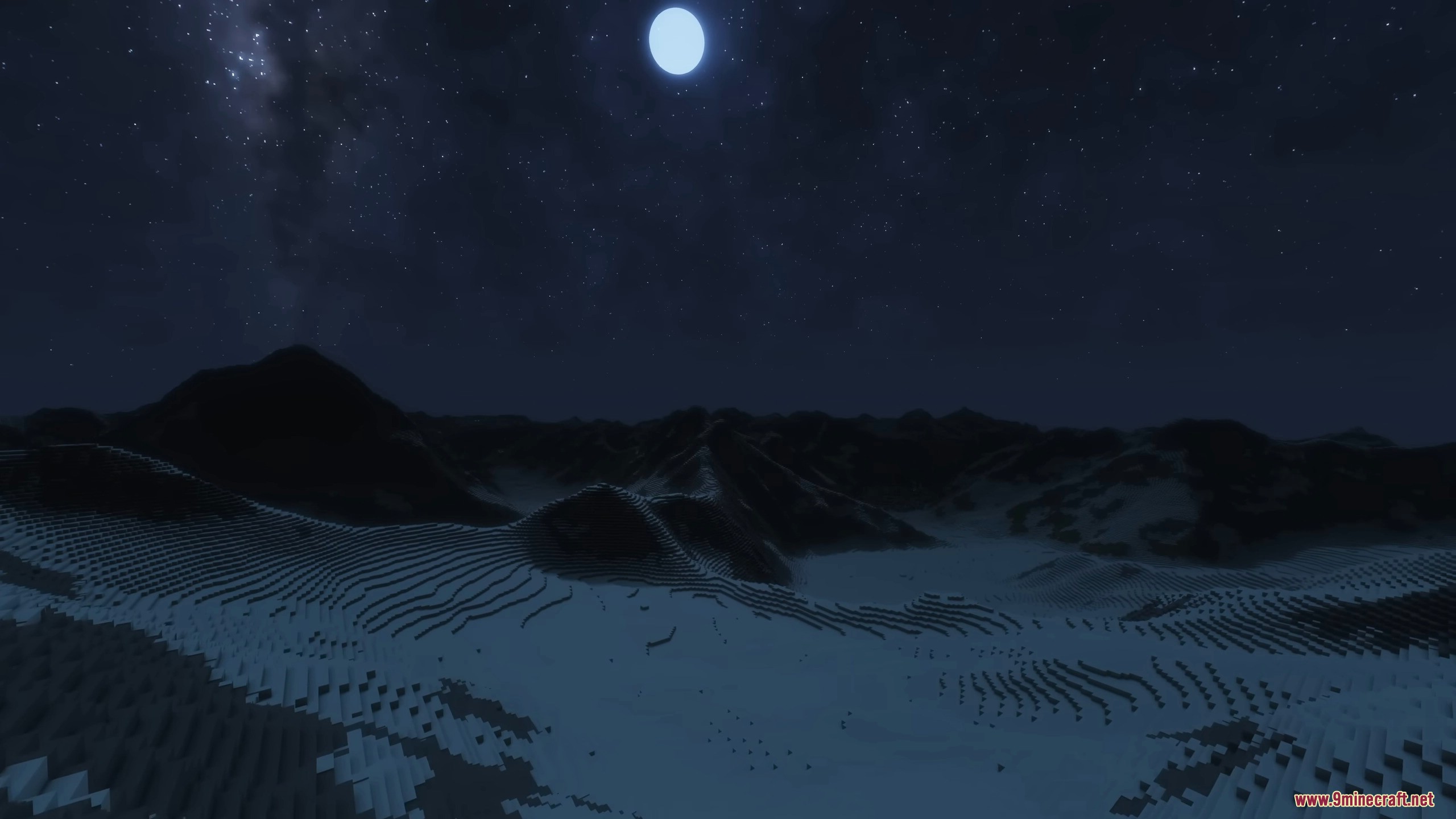
Which version should you download?
This mod comes in 3 builds – pick the one that matches your hardware:
- Nvidia version – 535 MB · Fastest
For PCs with an NVIDIA graphics card (GTX or RTX series). Uses CUDA acceleration. - AMD version – 6.6 MB · Fast
For PCs with an AMD graphics card on Windows 10 or 11. Uses DirectML acceleration. - CPU version – 90 MB · Slow
Works on any computer, no dedicated GPU required. Use this if you don’t have a discrete graphics card.
Not sure which GPU you have? Press Ctrl + Shift + Esc to open Task Manager → Performance tab → look at the GPU name. If no GPU section appears, choose the CPU version.
How to Install:
New to Minecraft? Follow our step-by-step guide to install Mods on your PC.View Guide
Requirements:


Terrain Diffusion Mod Download Links
For Minecraft 1.21.11
For Minecraft 1.21.10, 1.21.9
For Minecraft 1.21.1, 1.21
You May Also Like









This post has no comments yet. Be the first — your comment will appear here.