
Max Health Fix Mod (26.3, 1.20.1) – Keep Buffed Health on Every Login
 11,312
 0


Max Health Fix Mod fixes an old Minecraft bug that ignores the Max Health attribute when you join a world. Without this mod, any health above the default limit of 20 drops back to 20 after you leave and rejoin. For example, if you wear a helmet with +10 max health and leave with 25 health, this mod keeps your health at 25 when you come back. It works on the client for singleplayer worlds and on servers for all players, even if they do not have it on their own game.

Features:
- Fixes Minecraft bug MC-17876, which causes the game to ignore the Max Health attribute when you join a world.
- Keeps your health above the default limit of 20 when you save, exit, and rejoin, such as staying at 25 health while you wear a +10 max health helmet.
- Works on the client to stop health resets in your singleplayer worlds.
- Works on servers to save bonus health for every player, even those who do not have this mod on their client.
How to Use:
- Create a new world with cheats turned on and Creative mode turned off to test Max Health Fix Mod.
- Open chat and run
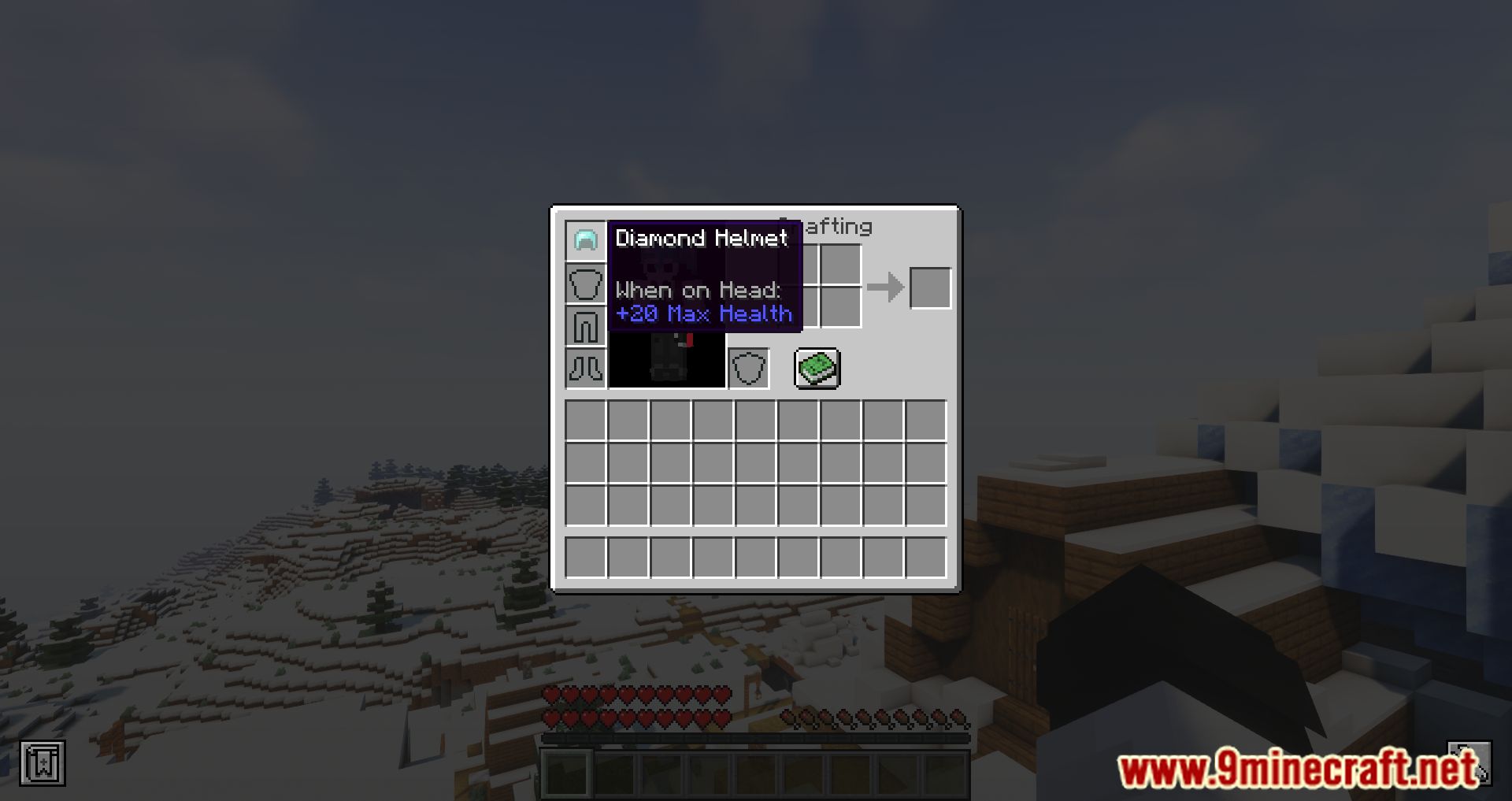
/give @p diamond_helmet{AttributeModifiers:[{AttributeName:"generic.max_health",Amount:20.0,Slot:head,Name:"generic.max_health",UUID:[I;-12158,12468,122112,-24936]}]} 1to get a diamond helmet with +10 max health. - Put on the helmet; your max health rises from 20 to 30 (15 hearts).
- Heal your character until your current health goes above 20.
- Save your game and exit the world.
- Rejoin the world; your health stays above 20 instead of resetting back to 20.
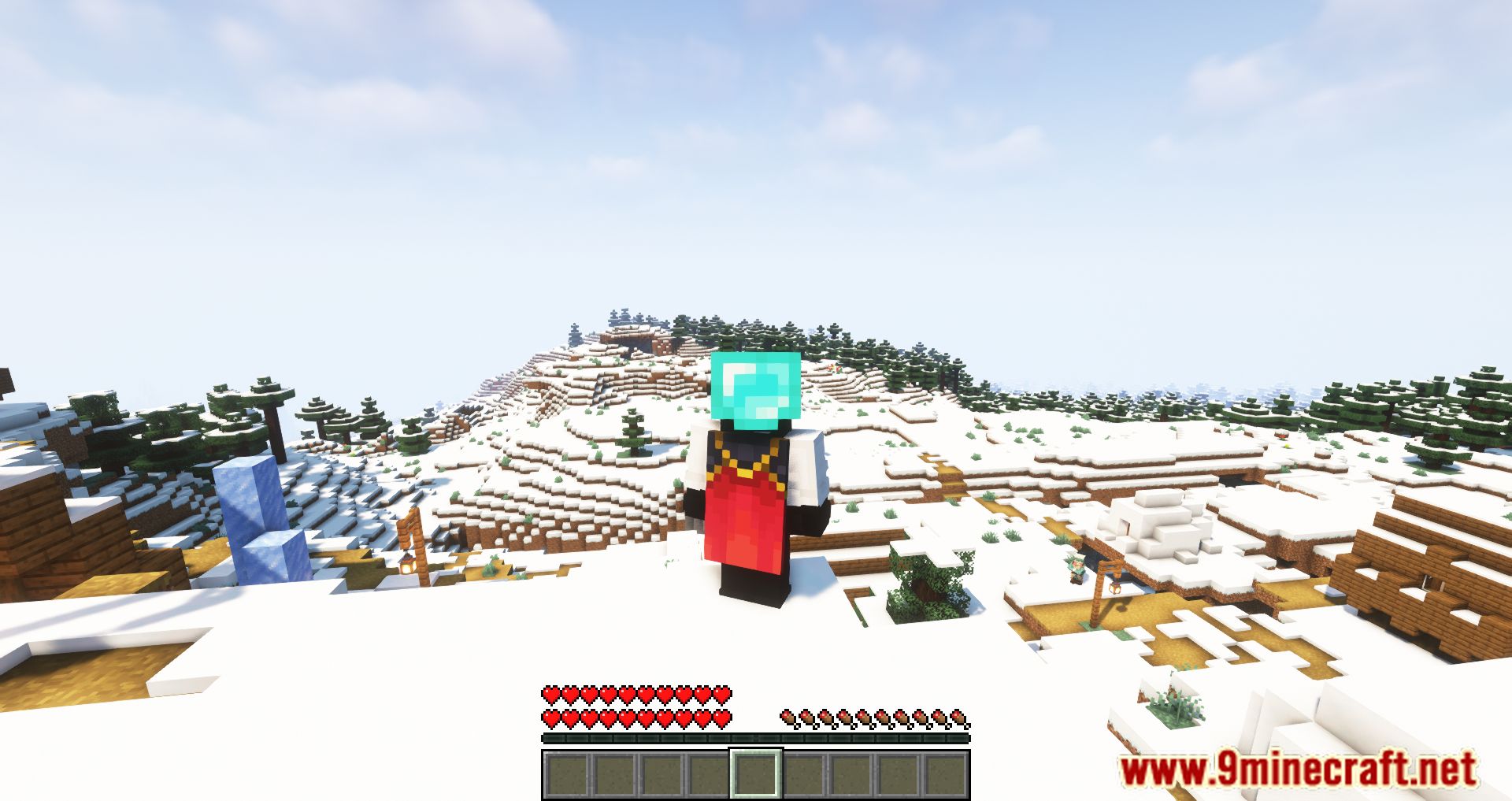
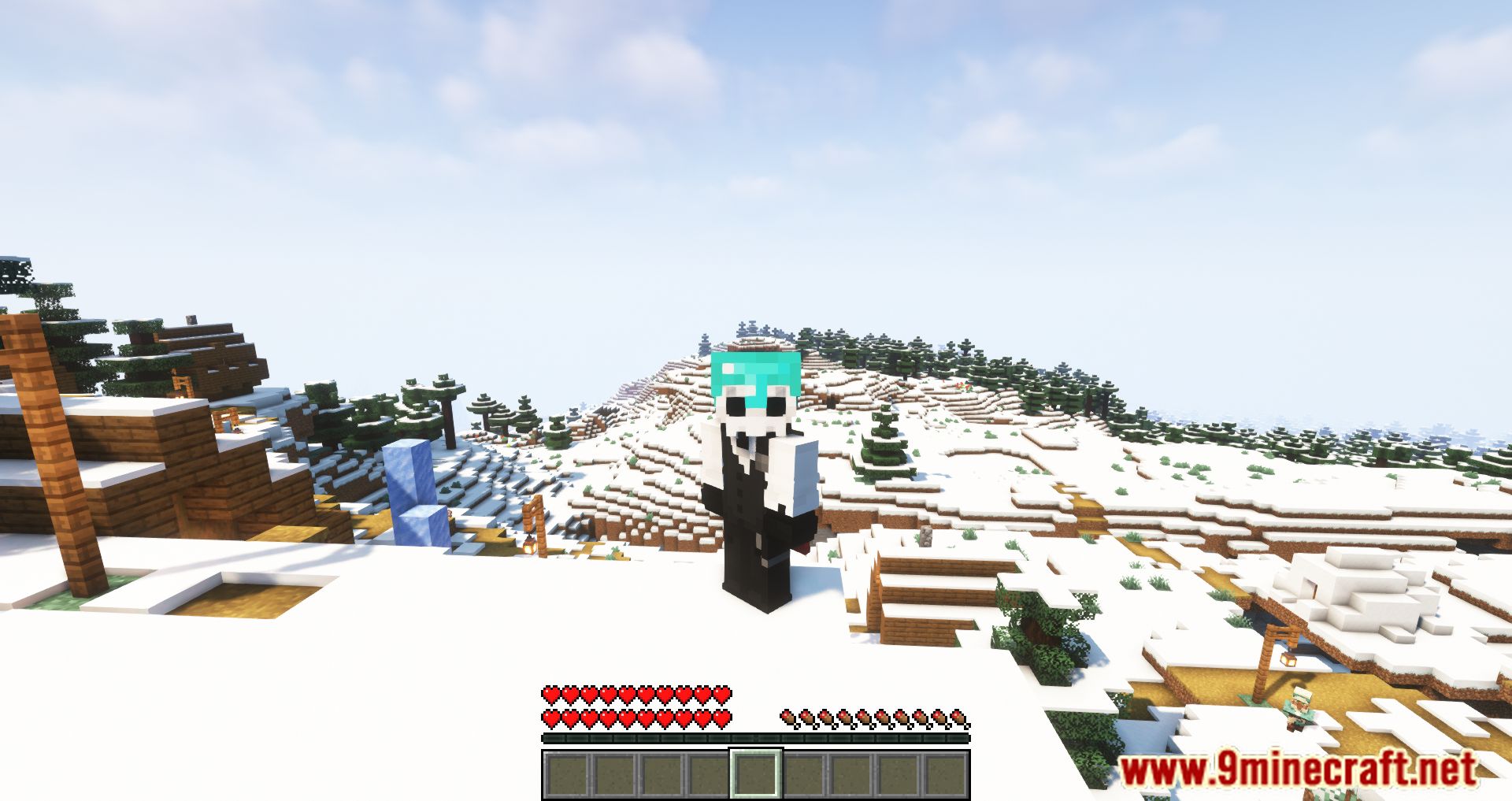
Screenshots:
How to Install:
New to Minecraft? Follow our step-by-step guide to install Mods on your PC.View Guide
Requirements:





Max Health Fix Mod Download Links
For Minecraft 26.3
For Minecraft 26.2
For Minecraft 26.1.2, 26.1.1, 26.1
For Minecraft 1.21.1, 1.21
For Minecraft 1.20.4
For Minecraft 1.20.2
For Minecraft 1.20.1, 1.20
For Minecraft 1.19.4
For Minecraft 1.19.3
For Minecraft 1.19.2
For Minecraft 1.19.1
For Minecraft 1.19
For Minecraft 1.18.2
For Minecraft 1.18.1
For Minecraft 1.17.1
For Minecraft 1.16.5
Click to rate this post!
[Total: 0 Average: 0]
You May Also Like
Picked for this page
 TelePastries Mod (26.1.2, 1.20.1) – Travel Through Dimensions by Pastries
 Very Many Players Mod (26.3, 1.20.1) – Improve Server Performance
 Bactro Mod (26.3, 1.20.1) – QoL Utilities
 MineMenu Mod (26.1.2, 1.20.1) – Make Your Life Easier
 Colorful Subtitles Mod (26.1, 1.20.1) – Changes The Color Of Subtitles
 Just Enough Characters Mod (26.3, 1.20.1) – Find Any Item Using Pinyin
 Campfire Spawn and Tweaks Mod (26.3, 1.20.1) – Set Spawn at Campfires
 Always Sprint Mod (26.3, 1.20.1) – Sprinting Is Always On
 FeatherMorphClient Mod (26.1.2, 1.20.1) – Graphical User Interfaces and Key Bindings
 ServerReplay Mod (26.3, 1.20.1) – Server-side Recording of Players and Chunks
 Macaw’s Quark Mod (1.21.1, 1.20.1) – Compability for Quark with Macaw’s Mods
 Async Logger Mod (26.2, 1.20.1) – Stop Console Logs From Freezing Your Game
Most viewed in Mods over the last 7 days
 Ala Industrial Mod (26.3) – Run Electric Power Grids and Automated Factories
 PleasureCraft Mod (26.3, 1.21.1) – Jenny Mod Remake for Fabric
 Jennycraft Mod (26.3, 1.20.1) – Virtual Girlfriend in Minecraft
 Fapcraft Mod (26.3, 1.12.2) – Comprehensive and Detailed Content
 Jenny Mod (Fapcraft) Official Complete Guide – How to use, Tutorial
 BangCraft Mod (1.20.1) – Jenny, Ellie and Elliot
 Fabric Loader (26.3, 1.20.1) – Fabric Installer for All Minecraft Versions
 Meteor Client Mod (26.3, 1.20.1) – Xray, HUD, Fly
 The Shooting Star Demo Mod (26.3, 1.20.1) – Vaporize Terrain From Orbit
 OptiFine HD (26.3, 1.20.1) – Run Faster, FPS Boost, Shaders Support
 Aristois Client Mod (1.21.4, 1.20.1) – World Class Minecraft Utility
 Prestige Client Mod (1.21.11, 1.21.4) – Powerful Ghost Features for Crystal & Sword PvP
More from Mods
 Shield System Mod (1.21.1) – Tank Heavy Monster Hits Without Losing Hearts
 Shin’s Tensura Race Models Mod (1.19.2) – Play As Unique 3D Anime Race
 Offgrid Mod (26.3, 1.20.1) – Furnish Compact Interiors Without Strict Grid
 Tempest Almanac Iron’s Spells ‘n Spellbooks Mod (1.21.1, 1.20.1)
 Chat Guides Mod (26.3, 1.21.11) – Never Memorize Complex Server Commands Again
 TRMT Reimagined the Roads More Travelled Mod (26.3, 1.20.1)
 Morrowless Mod (1.21.1) – Defend Your Shelter From Nightmare Creatures
 THE SLOPSTROSITY Mod (1.21.1) – Battle a Ridiculous Slime Boss
 Decoween Mod (1.21.1, 1.20.1) – Transform Ordinary Survival Bases
 Simply Light 9minecraft Mod (26.3) – Decorate Builds Without Torches
 Alex’s Caves Continued Mod (26.3, 1.20.1) – Conquer Six Massive Underground
 Anvil Uses Mod (26.3, 1.20.1) – Track Item Anvil Usage

This post has no comments yet. Be the first — your comment will appear here.