


Load Support Mod (1.21.8, 1.21.1) – クラッシュを防いでModパックを起動

 0
0 

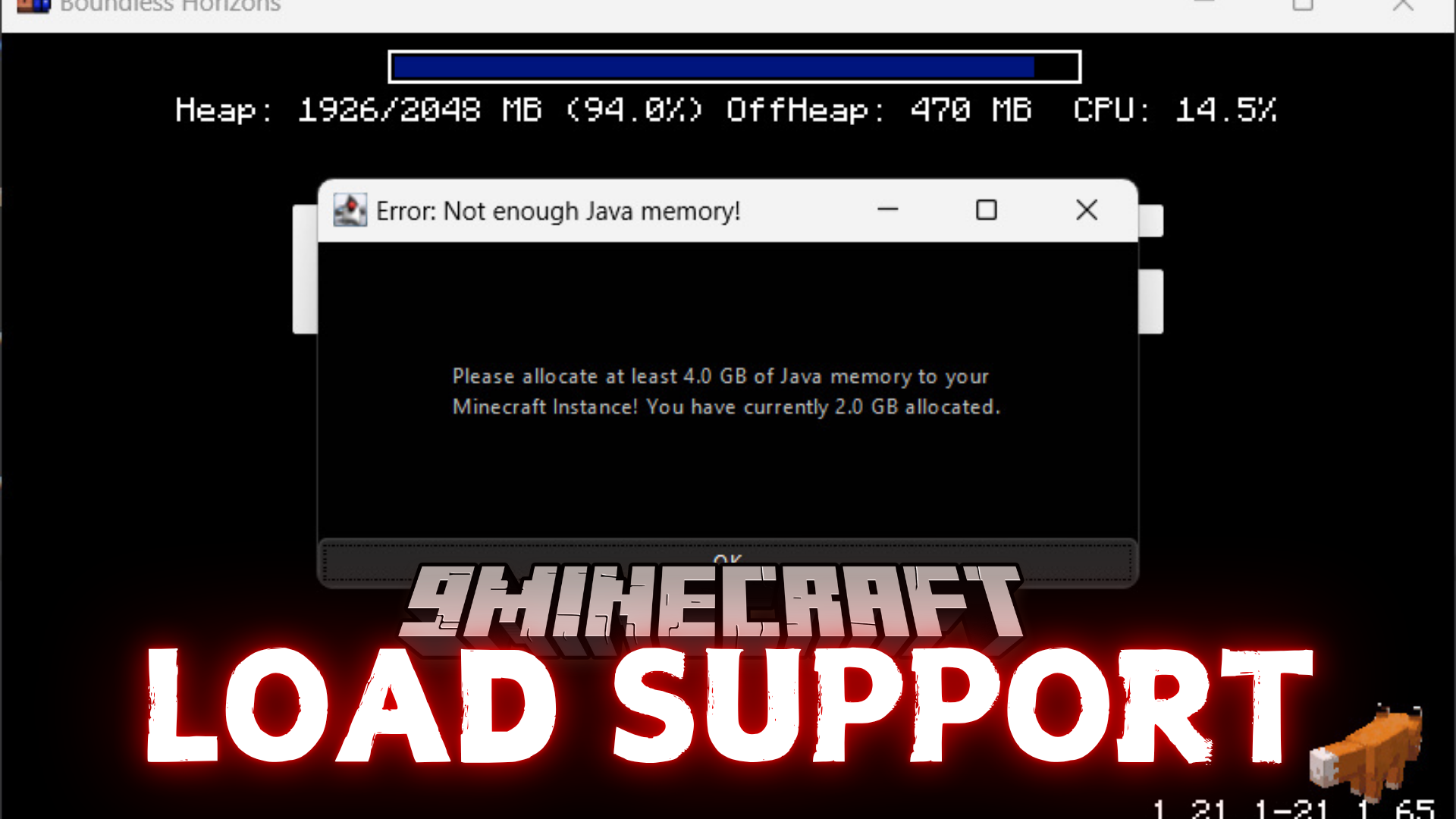
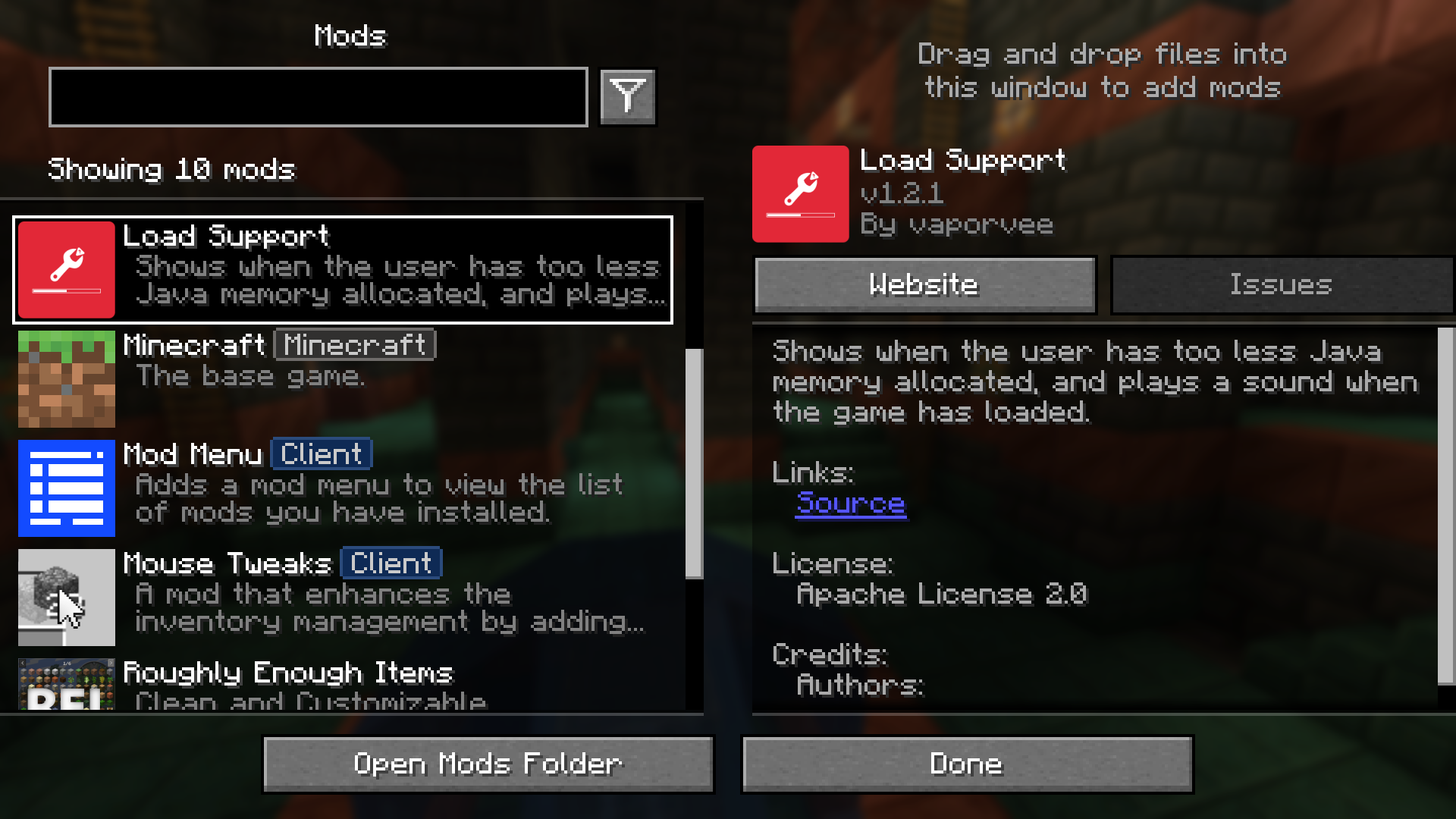
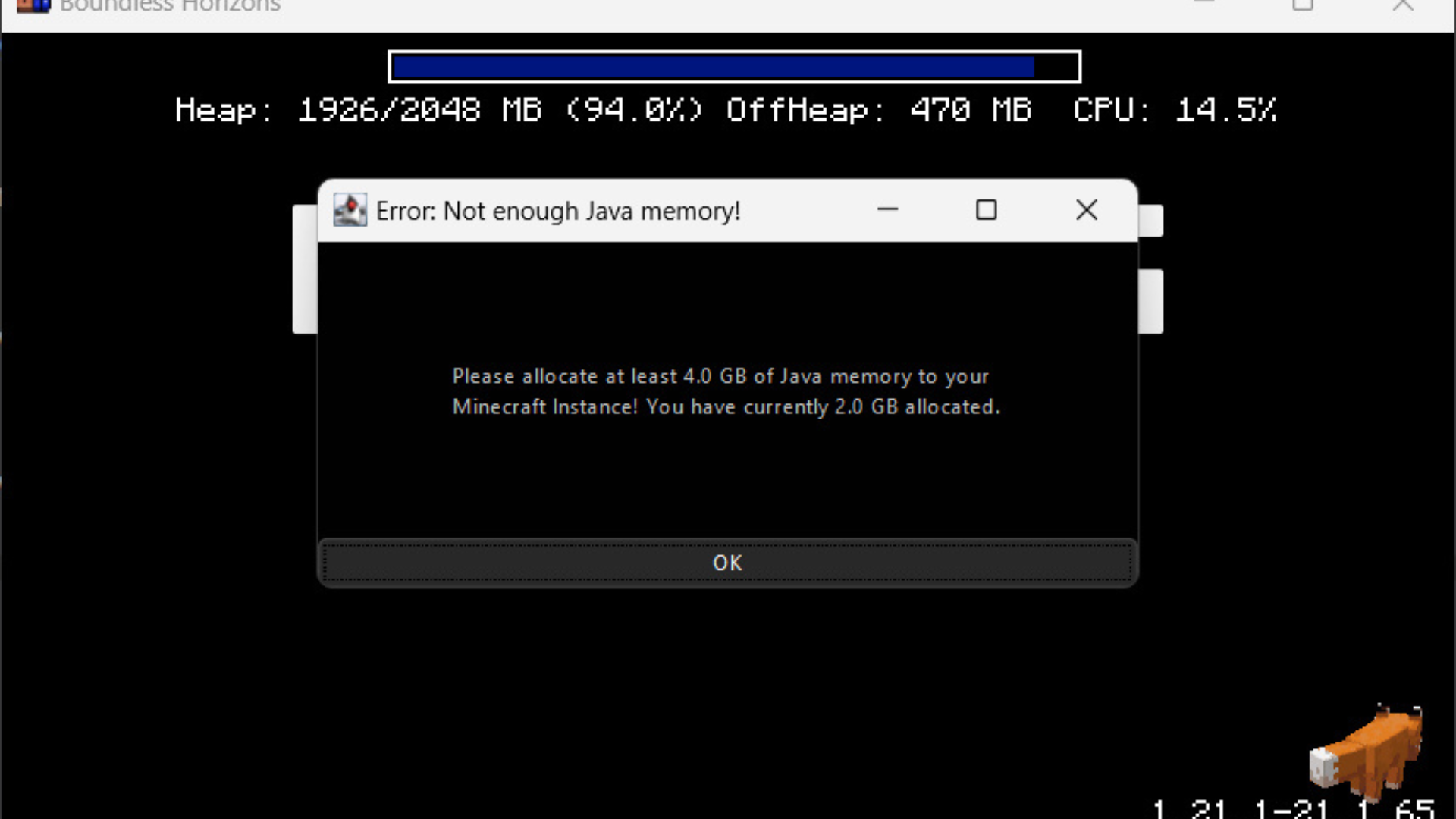
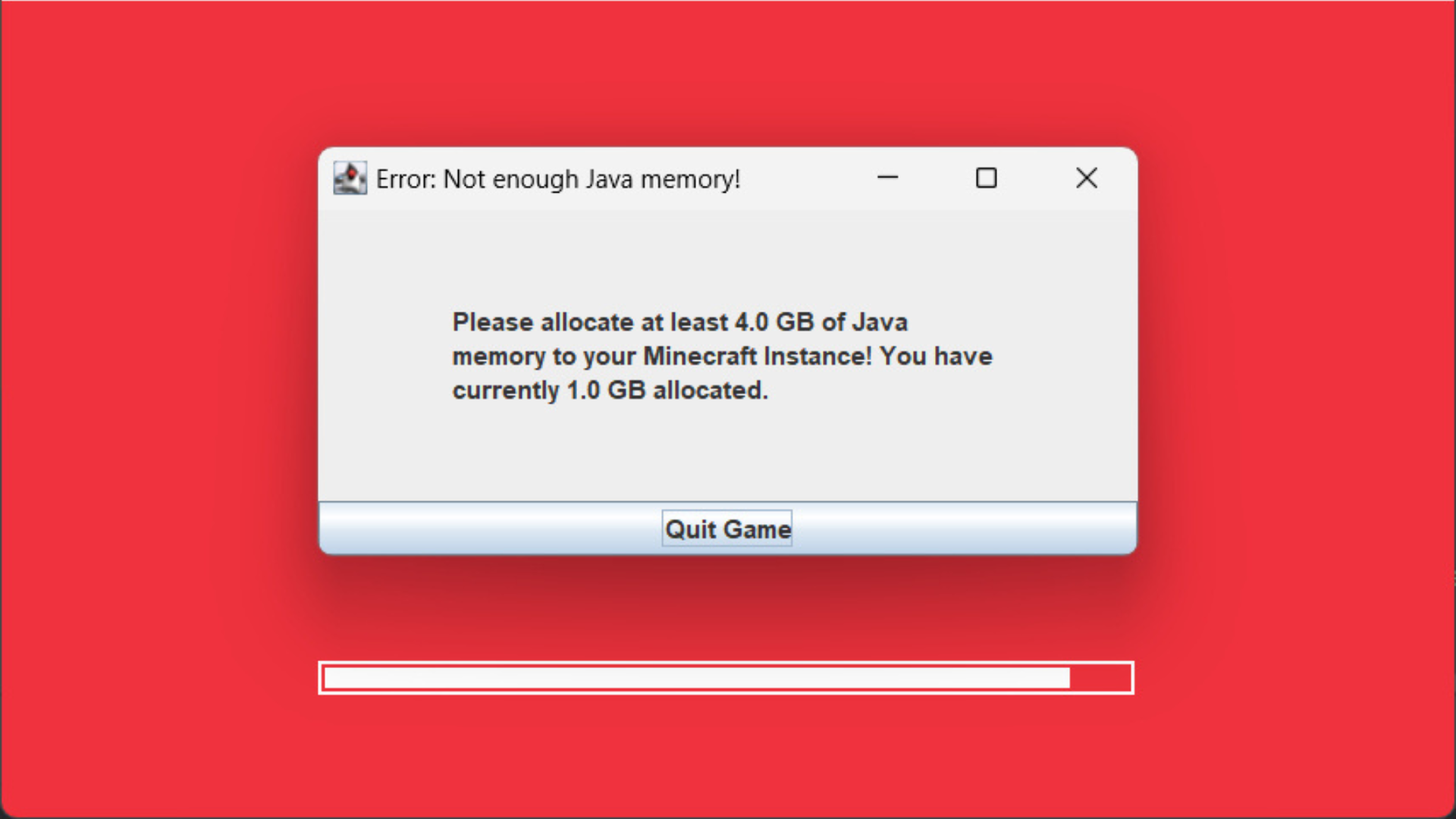
Load Support Modは、Minecraftに割り当てられたJavaメモリが不足している場合に警告を表示してくれるModです。ゲームがクラッシュするのを待つ必要はなく、即座にエラーメッセージを表示して知らせてくれます。また、ゲームのロードが完了した際にサウンドを再生する機能もあり、バックグラウンドで起動している時に非常に便利です。
主な機能:
- Javaメモリの割り当てが少なすぎる場合、即座に警告を表示します。
- メモリ不足の警告を確実に見逃さないよう、ゲームウィンドウをブロックします。
- Minecraftのロードが完全に完了した時にサウンドを再生します。
設定方法:
config/loadsupport.toml ファイルから設定を変更できます。各オプションの内容は以下の通りです:
loadFinishSound = "minecraft:ui.toast.challenge_complete"
minMemory = 4.0
errorTitle = "エラー: Javaメモリが不足しています!"
errorMinMemory = "Minecraftのインスタンスに少なくとも {minMemory} GB のJavaメモリを割り当ててください!"
errorCurrentMemory = "現在割り当てられているメモリは {currentMemory} GB です。"
memoryInfoLink = "https://github.com/vaporvee/LoadSupport/wiki/How-to-allocate-more-memory-to-your-Minecraft-instance"
メッセージ内の {minMemory} と {currentMemory} は、実際の数値に置き換えられます。
スクリーンショット:


Load Support Mod ダウンロードリンク
Minecraft 1.21.8, 1.21.7, 1.21.6 用
Fabric版: サーバー1からダウンロード – サーバー2からダウンロード
NeoForge版: サーバー1からダウンロード – サーバー2からダウンロード
Minecraft 1.21.5, 1.21.4, 1.21.3, 1.21.1, 1.21 用
Fabric版: サーバー1からダウンロード – サーバー2からダウンロード
NeoForge版: サーバー1からダウンロード – サーバー2からダウンロード
この投稿を評価するにはクリック!
[Total: 0 Average: 0]
こちらもおすすめ





この投稿にはまだコメントがありません。 最初のコメントを — あなたのコメントがここに表示されます。