🌐 You are reading the 한국어 translation of this article
Available languages for this article:

Create Ultimine Mod는 FTB Ultimine의 강력한 기능을 Create 모드 플레이에 가져옵니다. 이 애드온을 사용하면 Create의 블록과 아이템에 베인 마이닝(일괄 채광) 능력을 사용할 수 있습니다. 이제 여러 블록과 동시에 상호작용하여 대규모 기계 설비를 훨씬 빠르게 건설하고 수정할 수 있습니다.
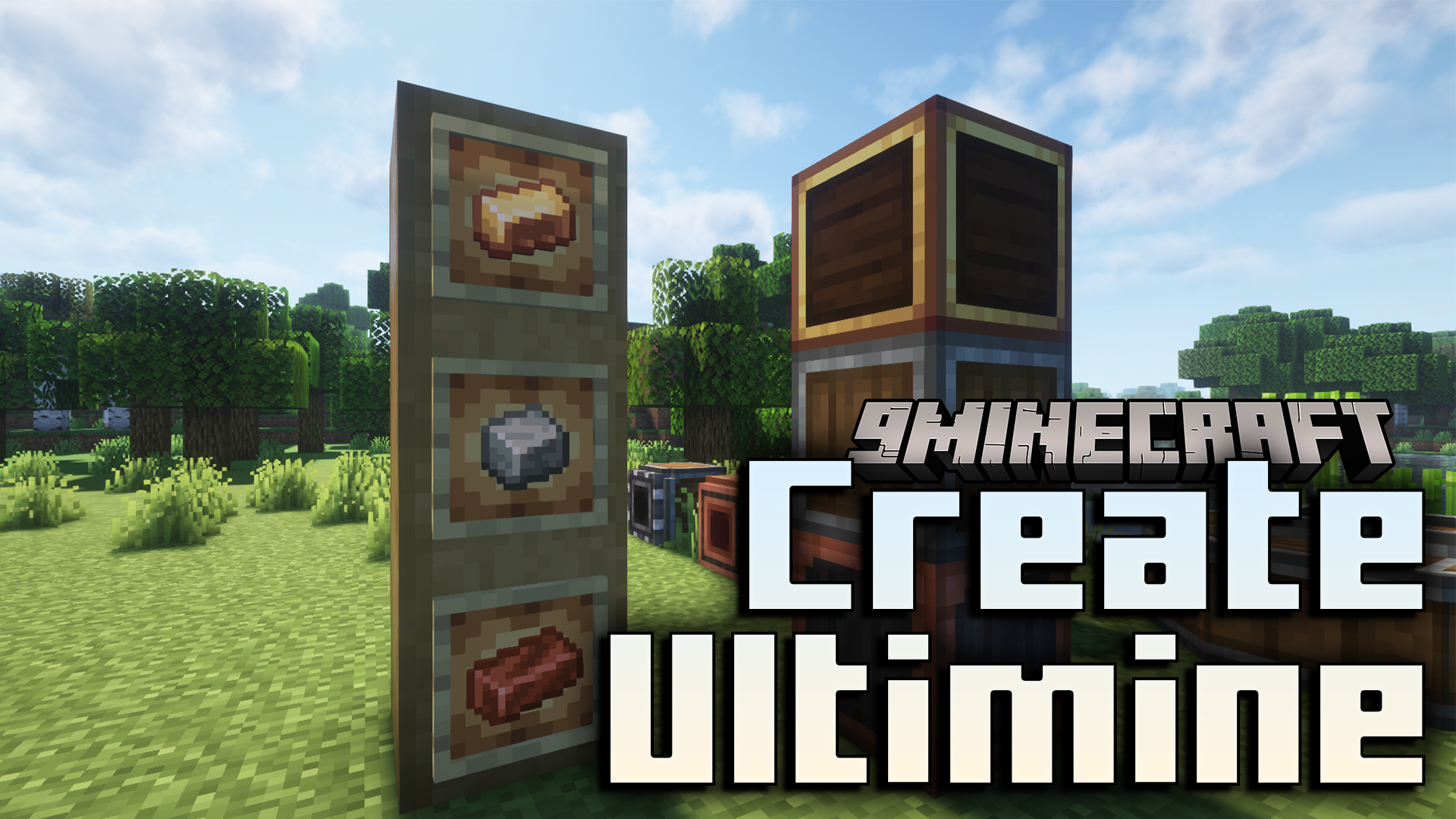
주요 기능:

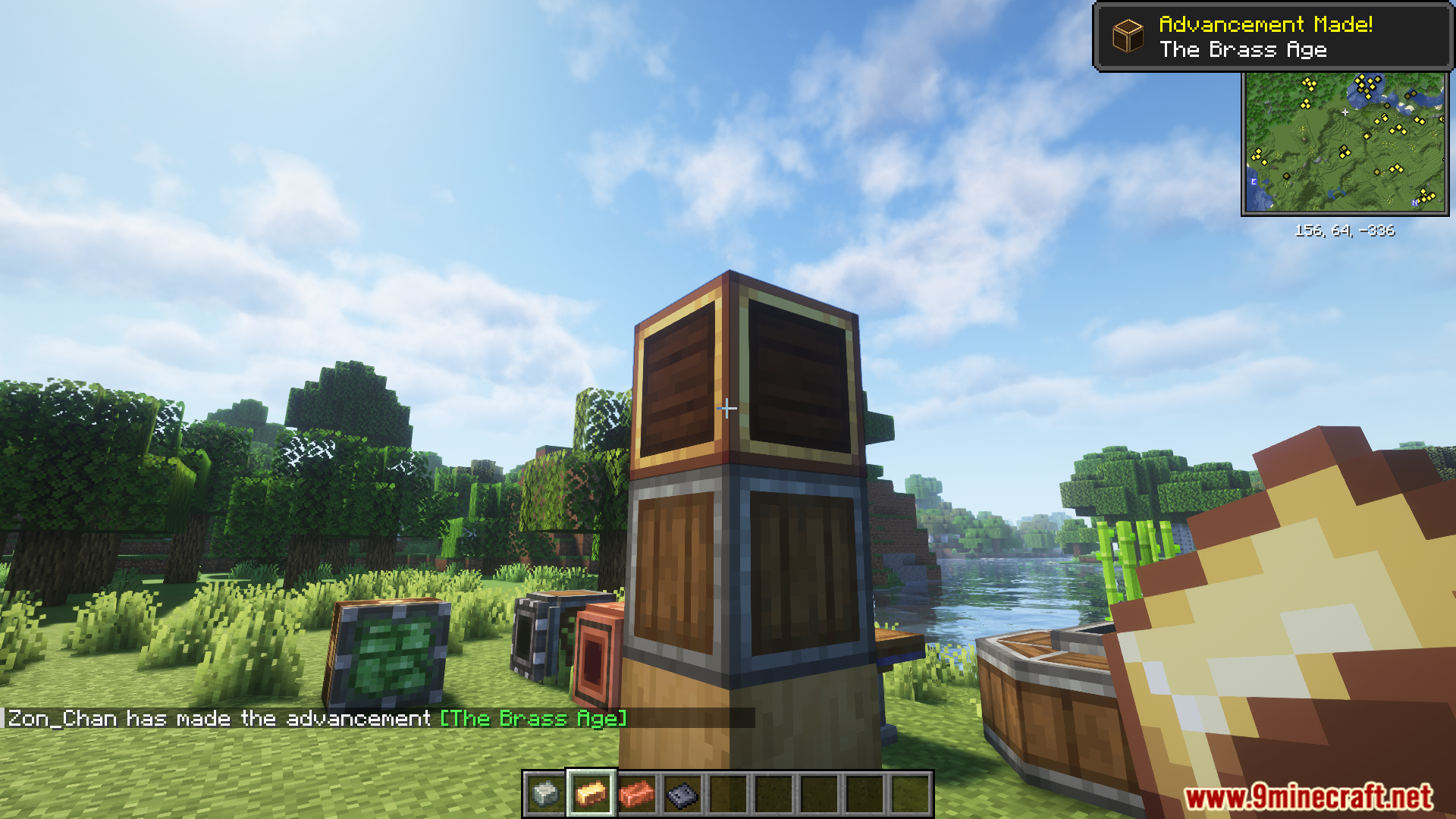
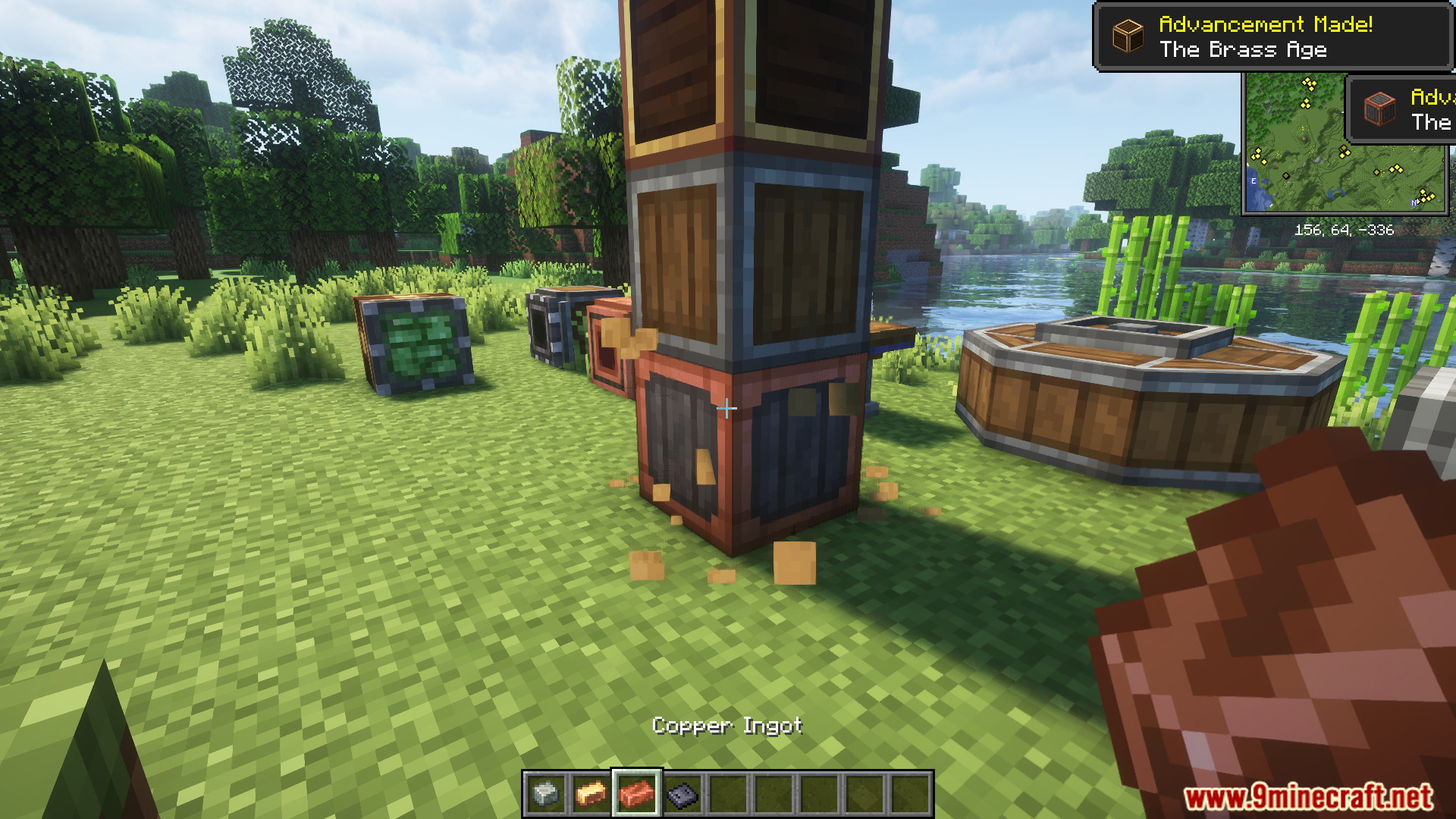
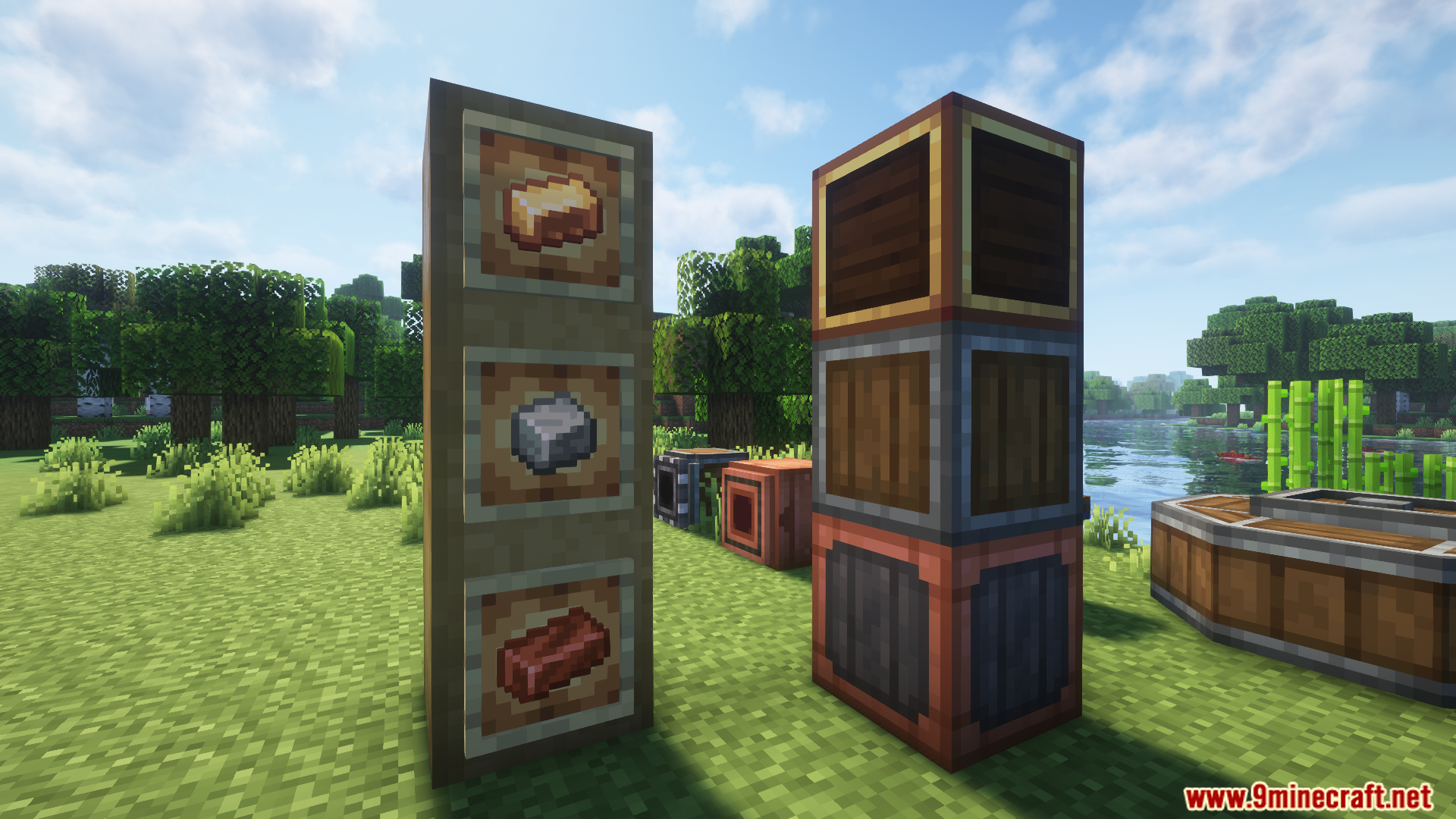
  • 안산암 합금, 황동 주괴, 구리 주괴 같은 재료를 한 번의 동작으로 여러 개의 껍질 벗긴 로그나 케이싱에 적용할 수 있습니다.
  • 렌치를 들고 Shift+우클릭을 사용하여 수많은 Create 블록이나 레드스톤 구성 요소를 동시에 회전, 파괴 또는 상호작용할 수 있습니다.

스크린샷:
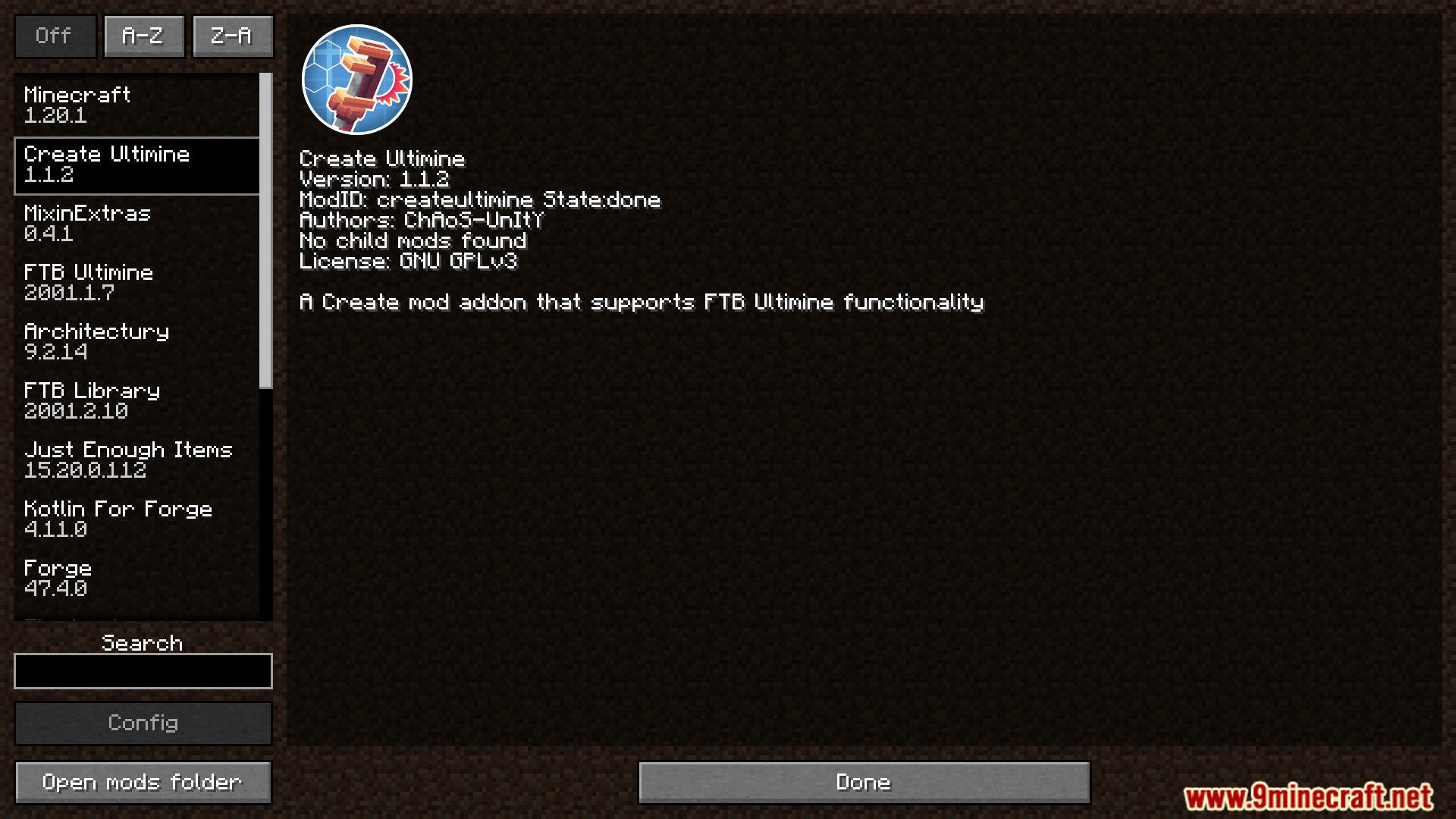
Mod menu interface showing details for the Create Ultimine mod
Create Ultimine 모드의 상세 정보를 보여주는 모드 메뉴 인터페이스
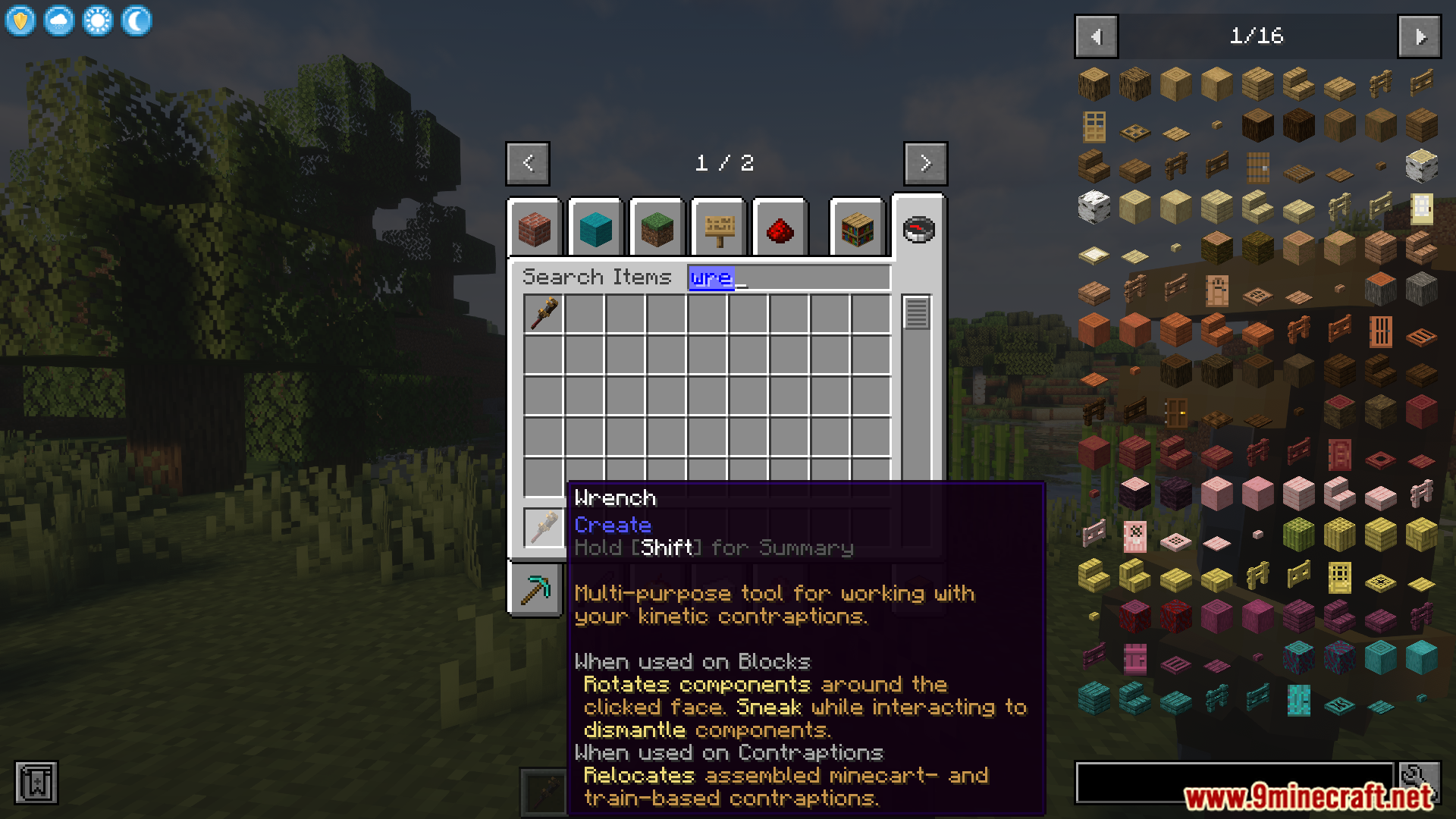
Creative inventory showing the wrench tool used for mechanical blocks
기계 블록에 사용되는 렌치 도구를 보여주는 크리에이티브 인벤토리
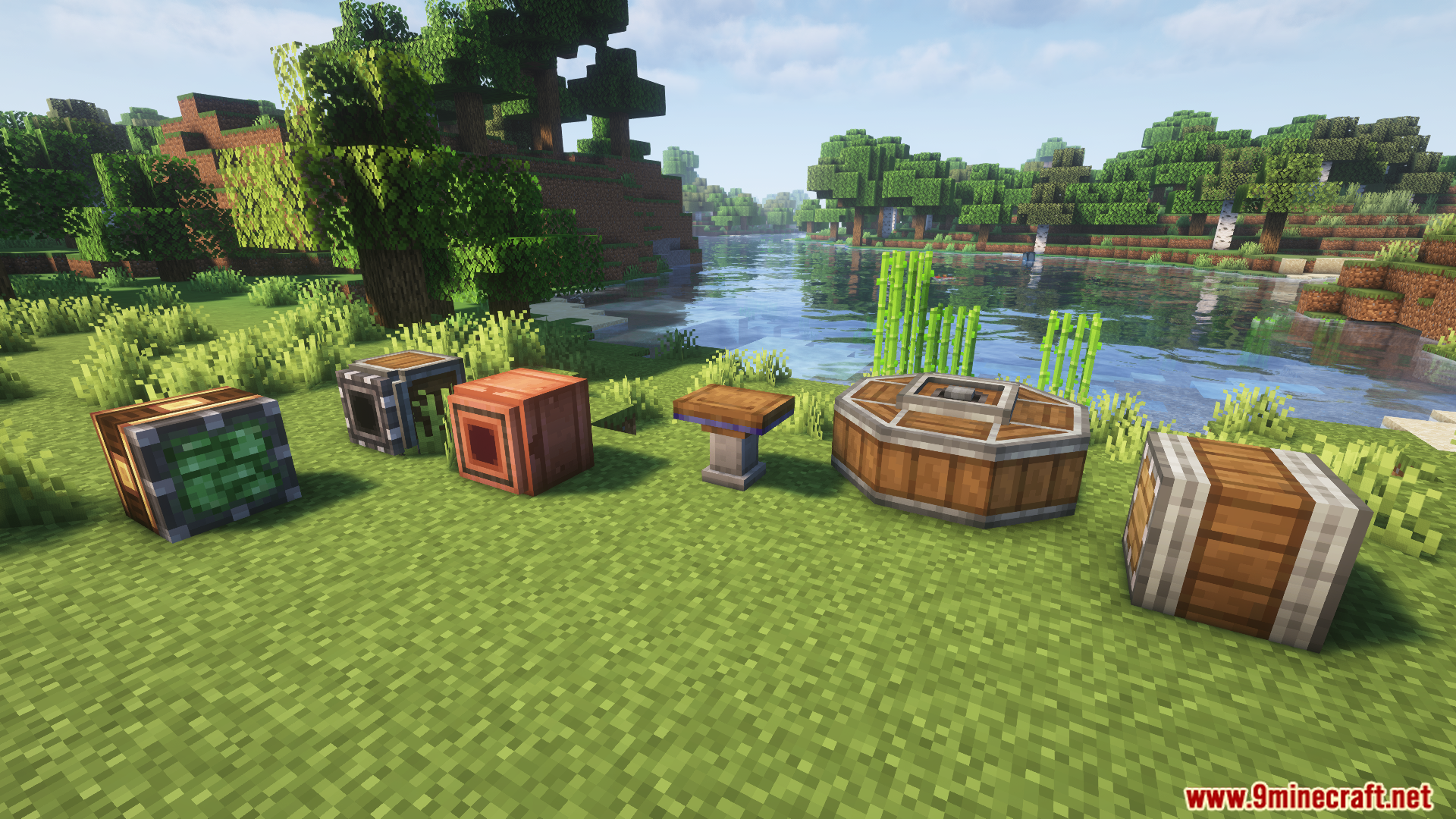
Showcase of mechanical blocks and casings from Create Ultimine Mod
Create Ultimine 모드의 기계 블록 및 케이싱 쇼케이스
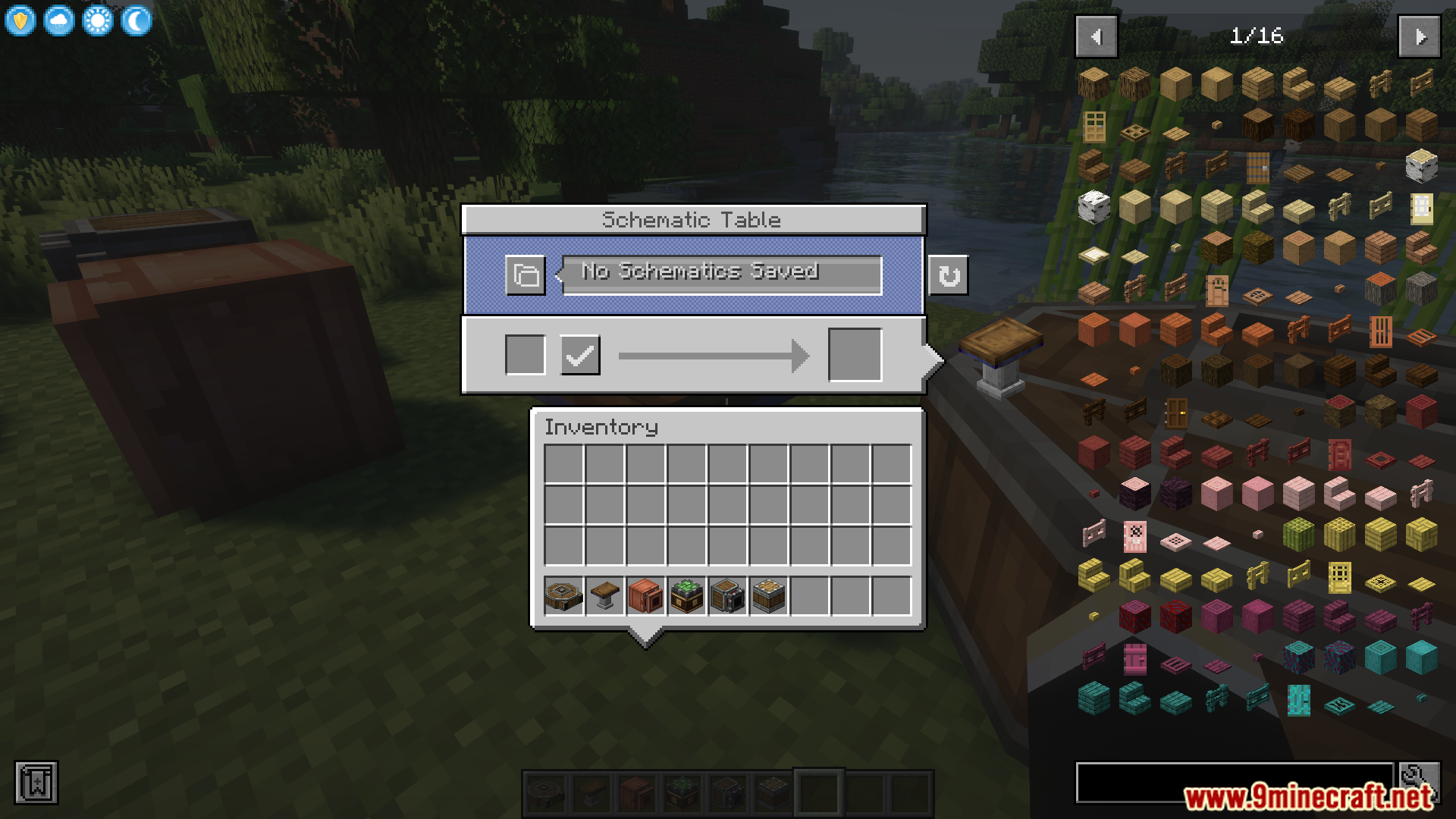
Schematic Table interface showing various items from the Create mod
Create 모드의 다양한 아이템을 보여주는 설계도 테이블 인터페이스
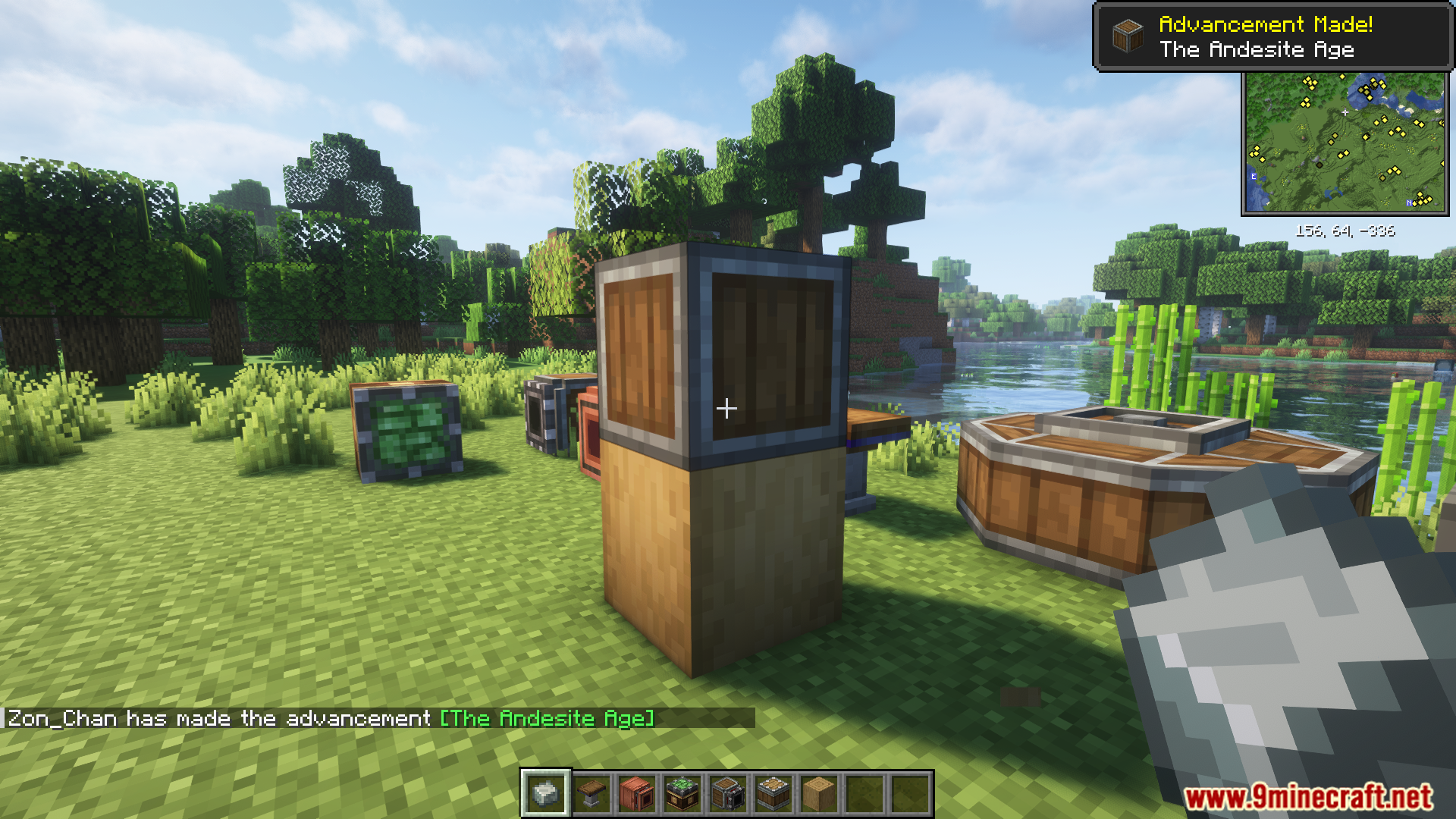
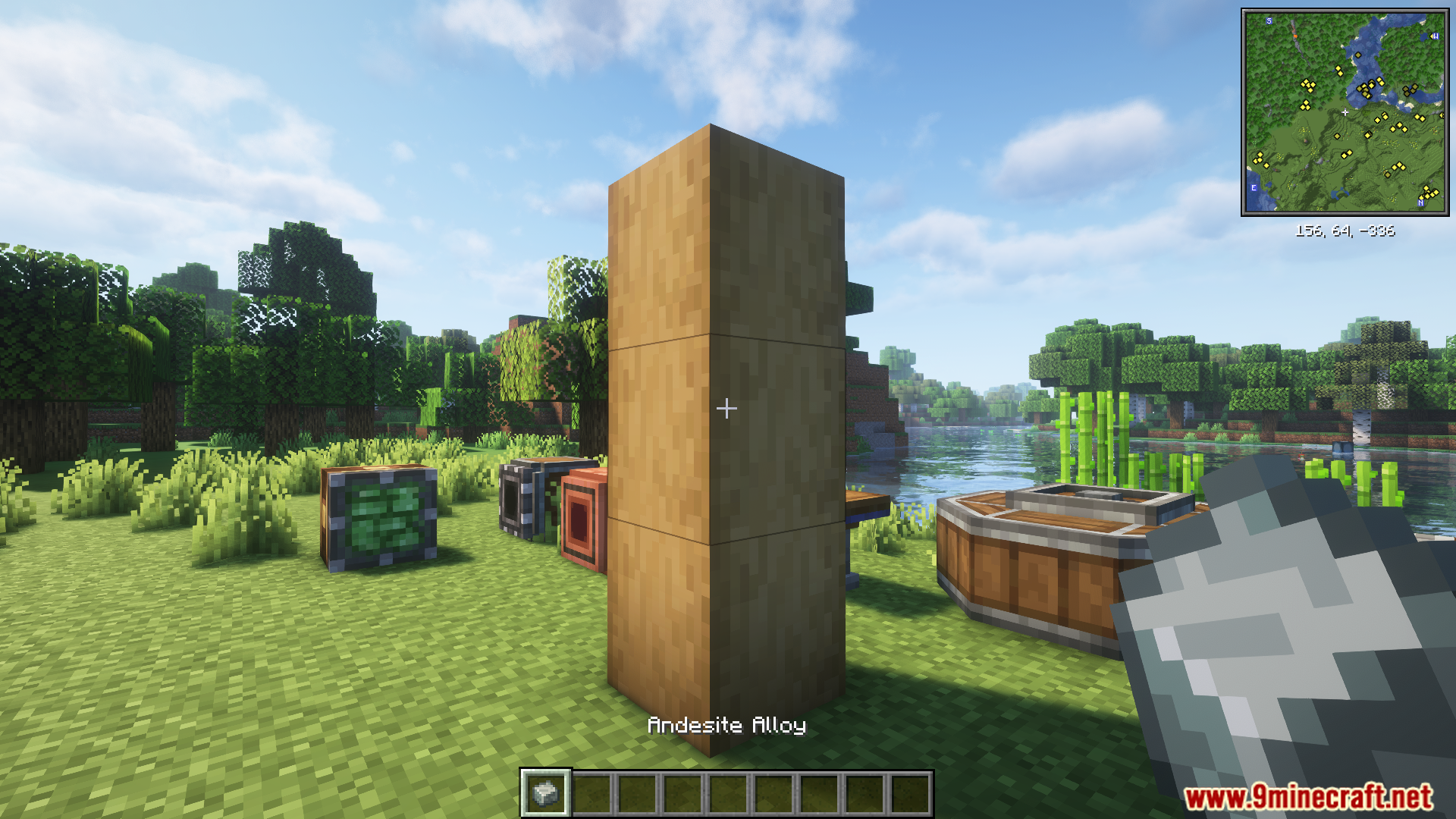
Applying andesite alloy to stripped logs with Create Ultimine Mod
Create Ultimine 모드로 껍질 벗긴 로그에 안산암 합금 적용하기
A pillar of stripped logs in a Create mod world
Create 모드 월드의 껍질 벗긴 로그 기둥
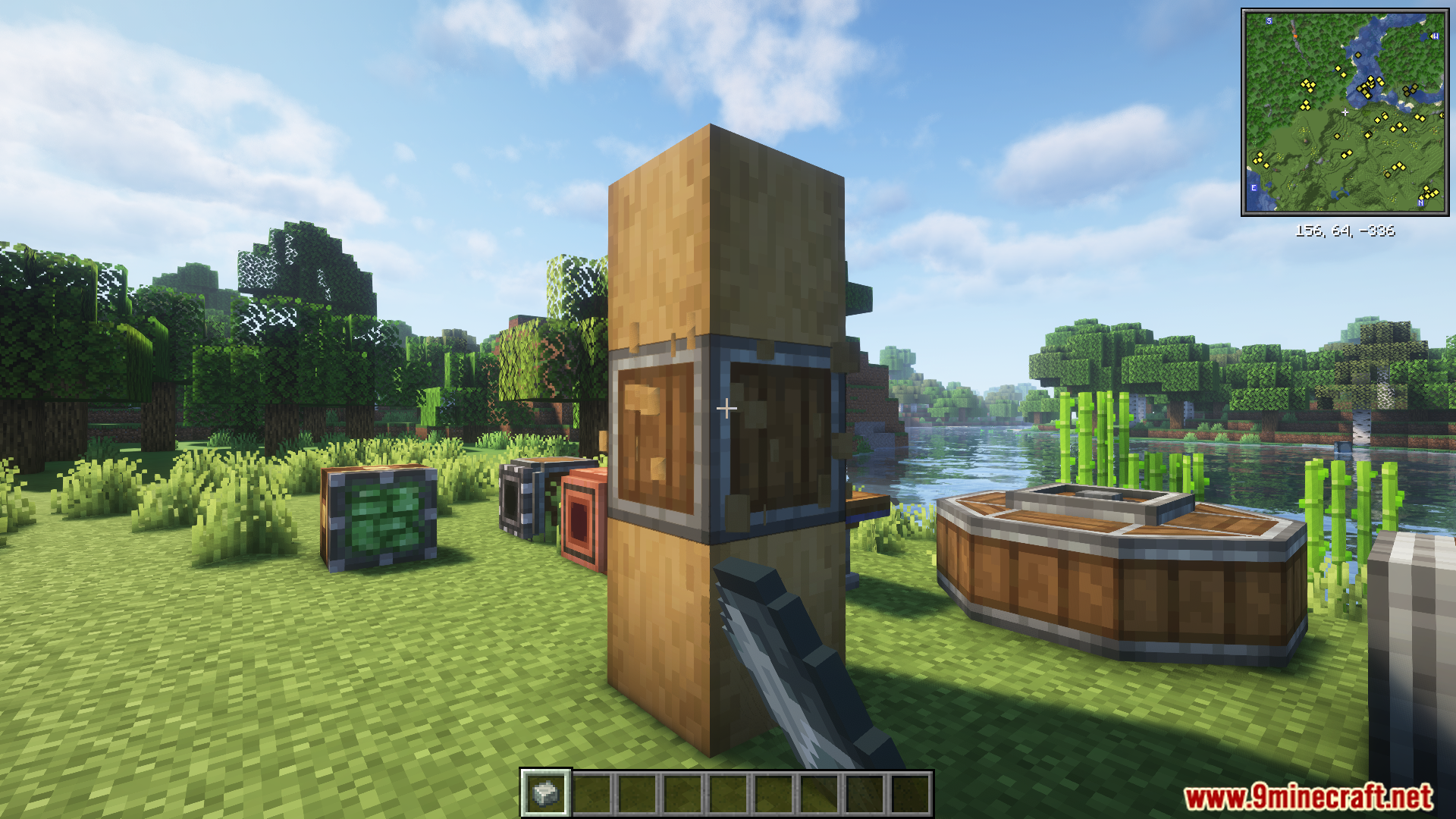
Player applying Andesite Alloy to stripped logs using Create Ultimine
Create Ultimine을 사용하여 껍질 벗긴 로그에 안산암 합금을 적용하는 플레이어
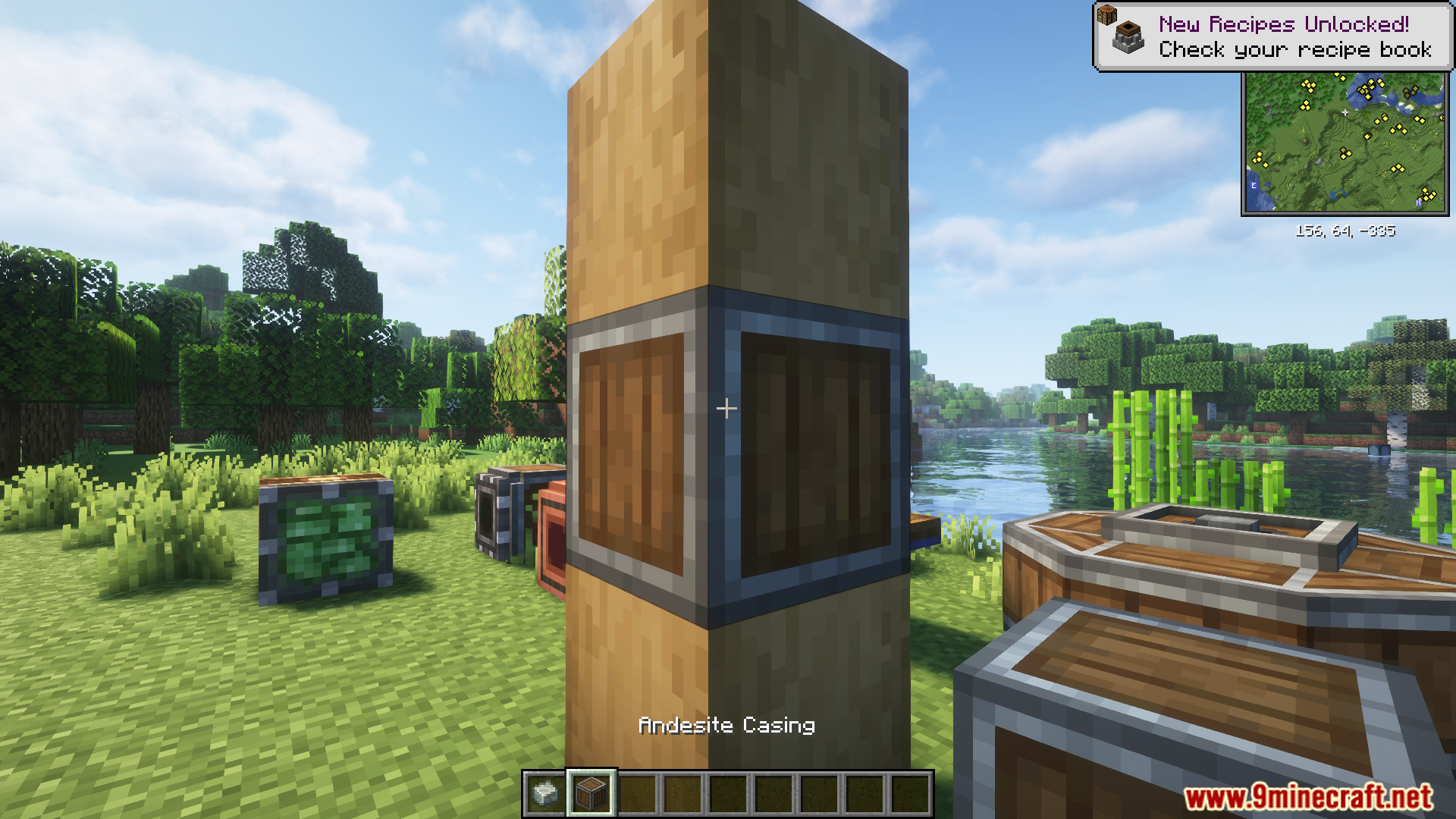
Andesite Casing applied to a stripped log pillar in Minecraft
마인크래프트에서 껍질 벗긴 로그 기둥에 적용된 안산암 케이싱
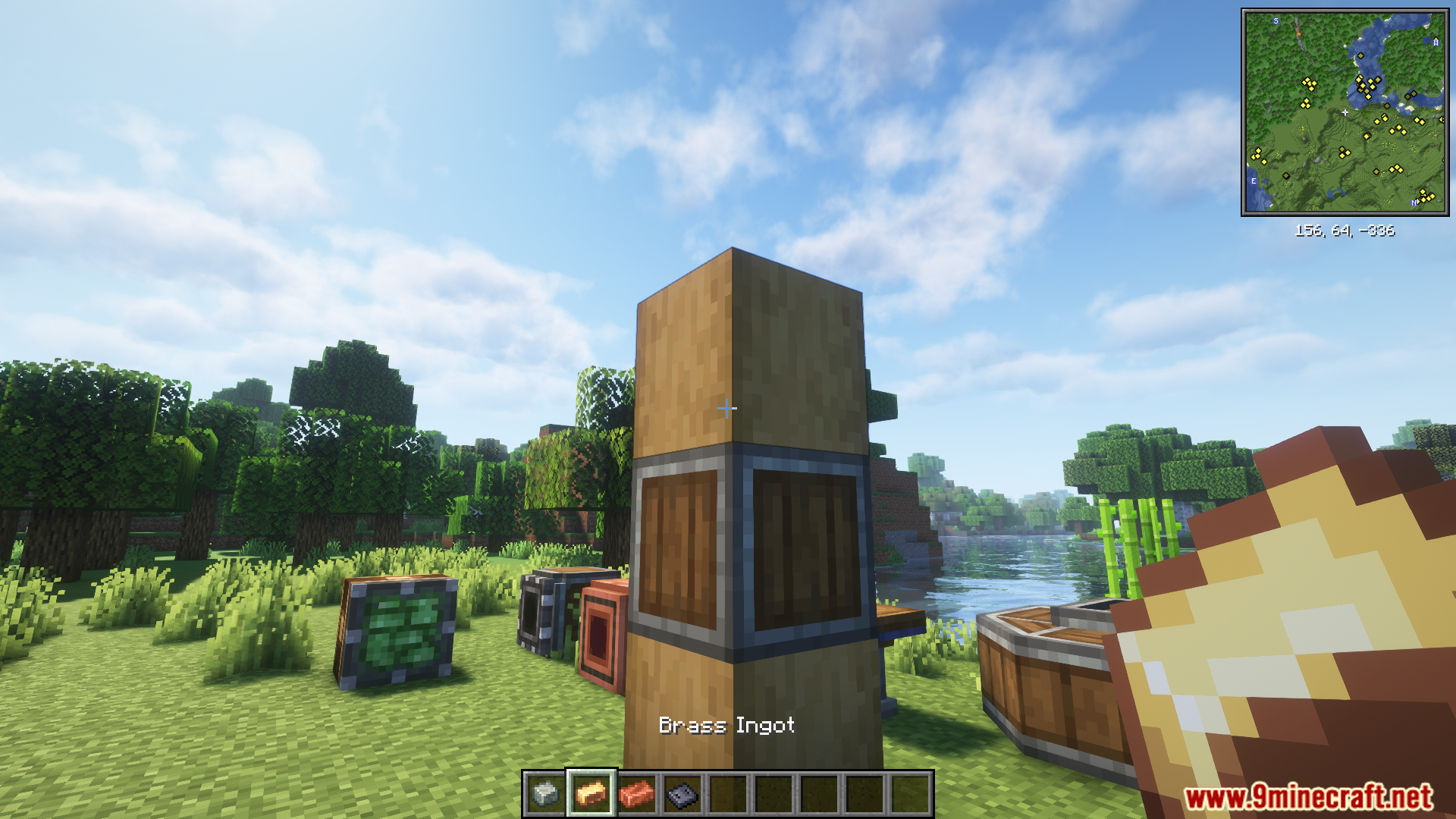
Player holding a brass ingot near an andesite casing block
안산암 케이싱 블록 근처에서 황동 주괴를 들고 있는 플레이어
Applying brass ingots to blocks using Create Ultimine Mod
Create Ultimine 모드를 사용하여 블록에 황동 주괴 적용하기
Applying copper ingot to multiple casings using Create Ultimine Mod
Create Ultimine 모드를 사용하여 여러 케이싱에 구리 주괴 적용하기
Metal ingots in frames next to their matching block casings
해당 블록 케이싱 옆 아이템 액자에 들어있는 금속 주괴들

Create Ultimine Mod 다운로드 링크

Minecraft 1.21.1, 1.21용

NeoForge 버전: 서버 1에서 다운로드서버 2에서 다운로드

Minecraft 1.20.1, 1.20용

Forge 버전: 서버 1에서 다운로드서버 2에서 다운로드

Click to rate this post!
[Total: 2 Average: 5]