
Create Copycats Plus Mod (1.21.1, 1.20.1) – Disguise Factory Machines
 4,877
 1


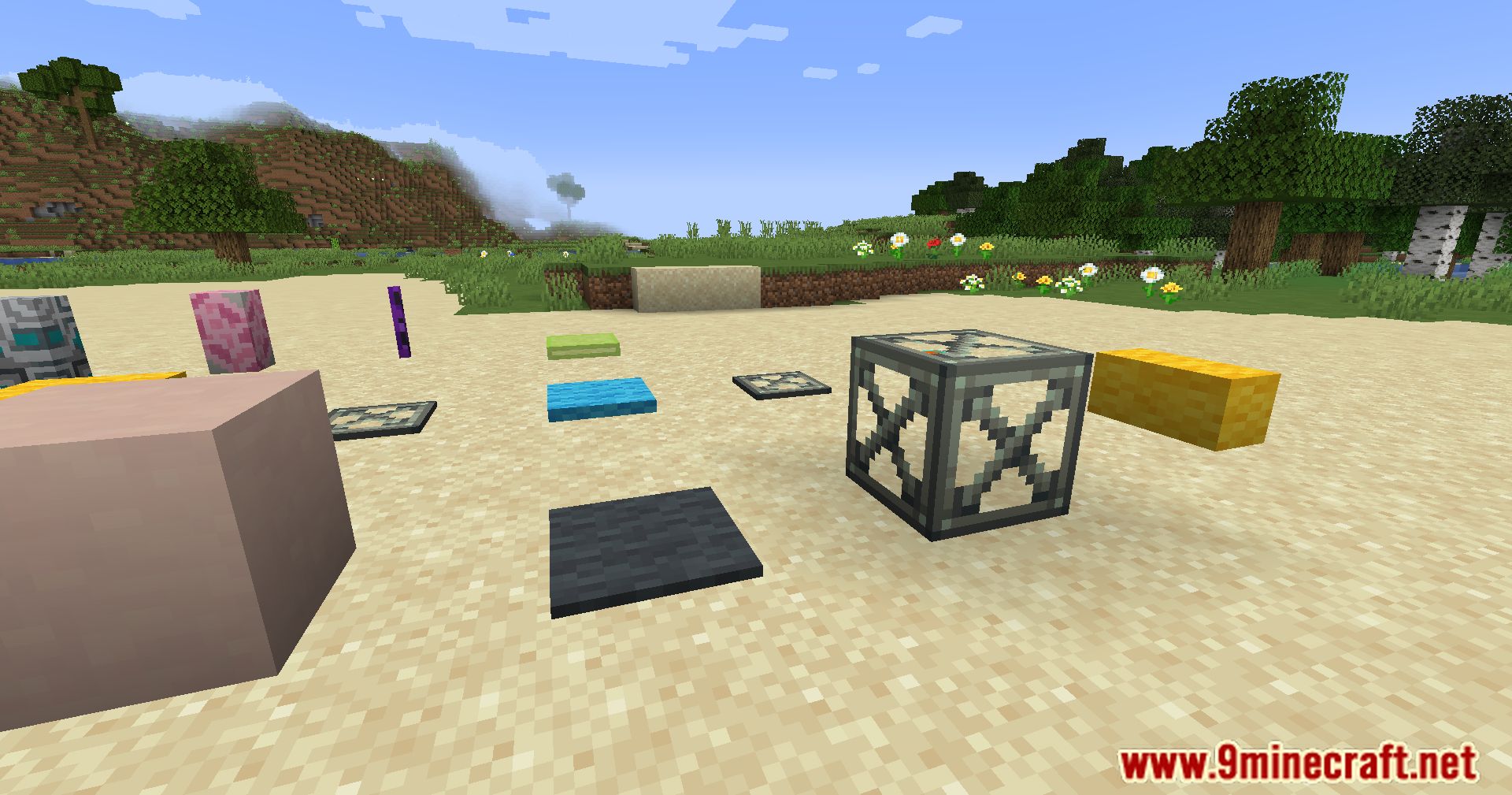
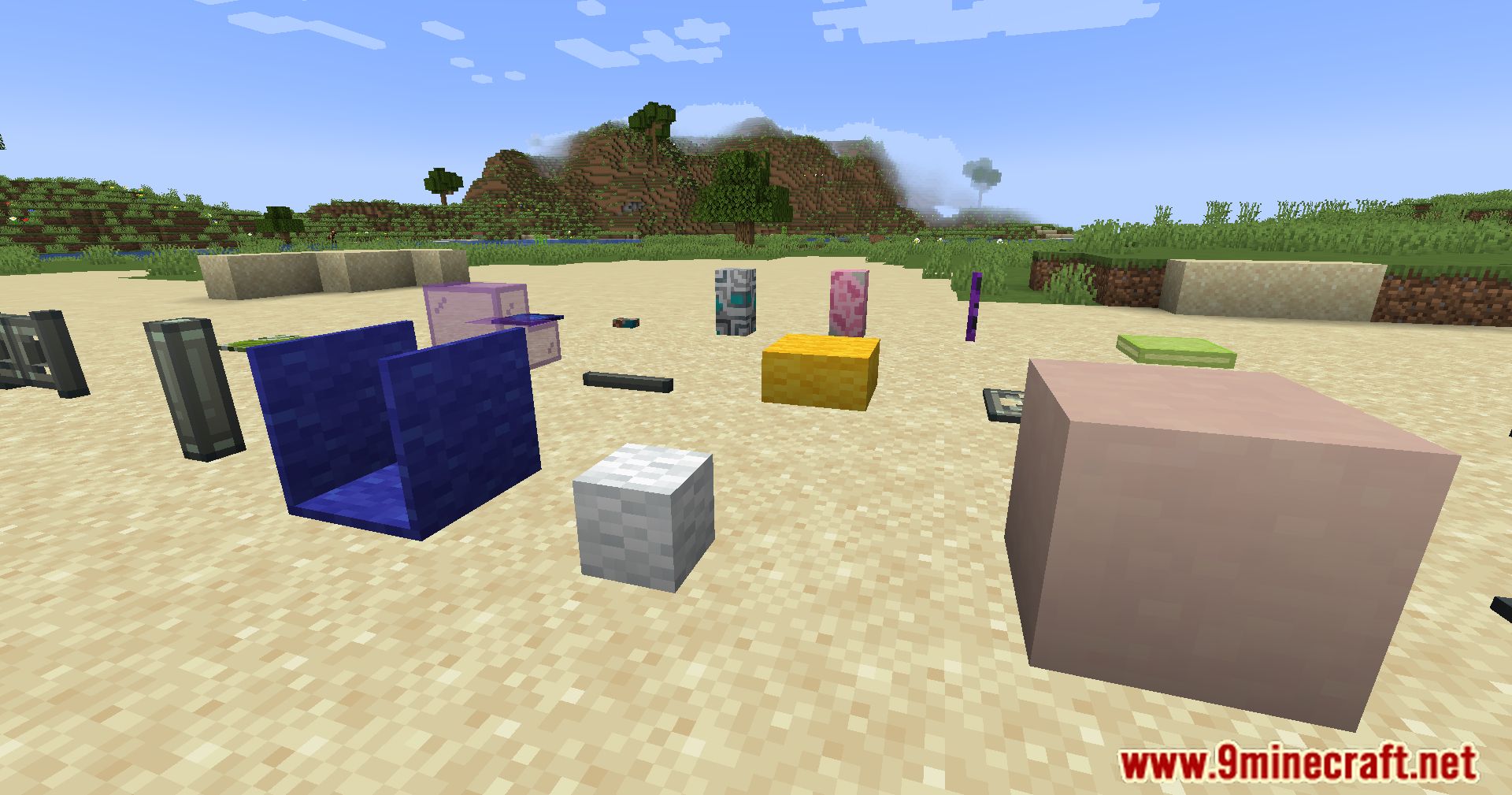
Create Copycats Plus Mod expands Create with a big mix of decorative and working copycat blocks in one mod. It brings a Universal CT System that links textures across any copycat blocks when their block faces match. You can shape your builds with slabs, stairs, fences, walls, beams, resizable slices, panels, thin boards, and tiny mini-block bytes. This mod also offers working parts like animated sliding and folding doors, trapdoors, buttons, pressure plates, ladders, fluid pipes, shafts, and cogwheels. You can switch any copycat block on or off whenever you want with the feature toggle.
Features:
- Universal CT System: Connects textures across all copycat blocks when they share a matching block face.
- Feature Toggle: Lets you switch each copycat block on or off at any time.
Decorative Copycats:
- Copycat Block gives you a full-size copycat block.
- Copycat Slab works in all orientations and includes double slab versions.
- Copycat Stairs and Copycat Vertical Stairs give you both regular and vertical stair shapes.
- Copycat Fence adds a copycat fence block.
- Copycat Wall adds a copycat wall block.
- Copycat Vertical Step gives you a vertical version of the copycat step.
- Copycat Beam works as a centered copycat step.
- Copycat Slice, Copycat Vertical Slice, and Copycat Corner Slice resize to 8 different sizes.
- Copycat Ghost Block has no collision box, so you can walk right through it.
- Copycat Layer places in any direction and stacks up to a full block.
- Copycat Half Panel works in 4 directions on each block face.
- Copycat Pane connects to iron bars, glass panes, and Copycat Flat Panes.
- Copycat Flat Pane is a flat version of the Copycat Pane that connects to panes and can sit flat horizontally.
- Copycat Byte works as a mini-block that you can place or break one by one, and 8 bytes make a full block.
- Copycat Byte Panel is a quarter of a panel, and 4 of them make a full panel.
- Copycat Board is a 1-pixel thick panel that lets you put multiple boards in one block space like glow lichen.
- Copycat Box and Copycat Catwalk come as ready-made copycat boards.
- Copycat Half Layer, Copycat Vertical Half Layer, and Copycat Stacked Half Layer are rotated half layers that stack into a full block with 2 columns in one block space.
Functional Copycats:
- Copycat Door and Copycat Iron Door let you turn connected textures on or off by holding Shift and right-clicking with an empty hand.
- Copycat Sliding Door and Copycat Folding Door are animated doors with separate top and bottom textures, and you can toggle connected textures on each half by holding Shift and right-clicking with an empty hand.
- Copycat Trapdoor and Copycat Iron Trapdoor add regular and iron copycat trapdoors.
- Copycat Fence Gate adds a copycat fence gate.
- Copycat Wooden Button and Copycat Stone Button add wooden and stone copycat buttons.
- Copycat Wooden Pressure Plate and Copycat Stone Pressure Plate add wooden and stone copycat pressure plates.
- Copycat Light Weighted Pressure Plate and Copycat Heavy Weighted Pressure Plate add light and heavy weighted pressure plates.
- Copycat Ladder adds a copycat ladder.
- Copycat Fluid Pipe adds a copycat fluid pipe.
- Copycat Shaft adds a copycat shaft.
- Copycat Cogwheel and Copycat Large Cogwheel add regular and large copycat cogwheels.
How to Use:
- Use the feature toggle to switch any copycat block on or off in your world.
- Place copycat blocks side by side with matching block faces so the Universal CT System connects their textures automatically.
- Hold an empty hand and press Shift + Right-Click on a Copycat Door, Copycat Iron Door, Copycat Sliding Door, or Copycat Folding Door to turn connected textures on or off; on sliding and folding doors, you can toggle the top and bottom halves on their own.
- Resize Copycat Slices, Copycat Vertical Slices, and Copycat Corner Slices across 8 different sizes.
- Place multiple Copycat Boards inside one block space just like glow lichen.
- Place or break Copycat Bytes one at a time until 8 bytes make a full block, or combine 4 Copycat Byte Panels to form a full panel.
- Stack Copycat Layers in any direction to build a full block, or stack 2 columns of Copycat Half Layers in one block space to reach full block size.
- Place Copycat Panes and Copycat Flat Panes next to iron bars, glass panes, or each other to connect them, and place Copycat Flat Panes horizontally when you want a flat pane.
Crafting Recipes:
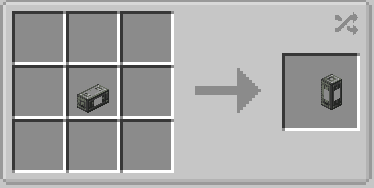
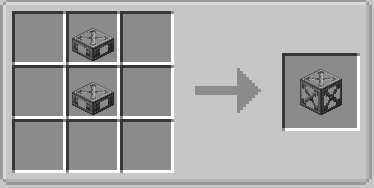
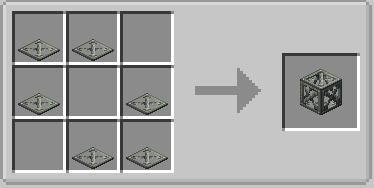
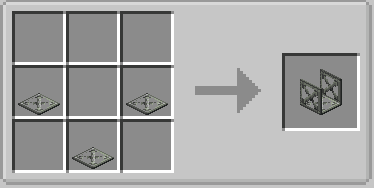
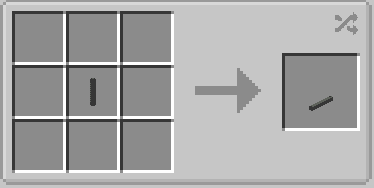
Screenshots:
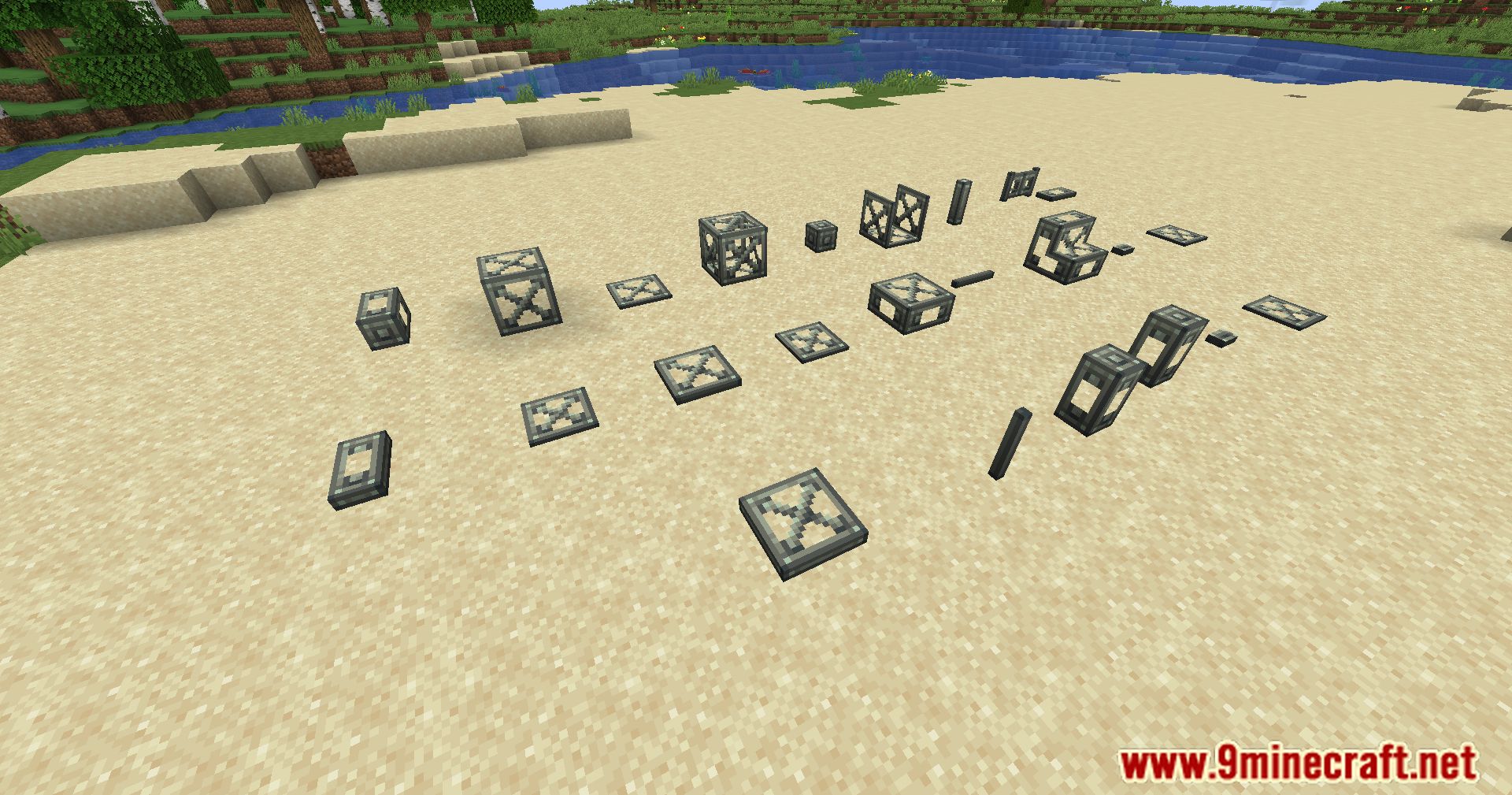
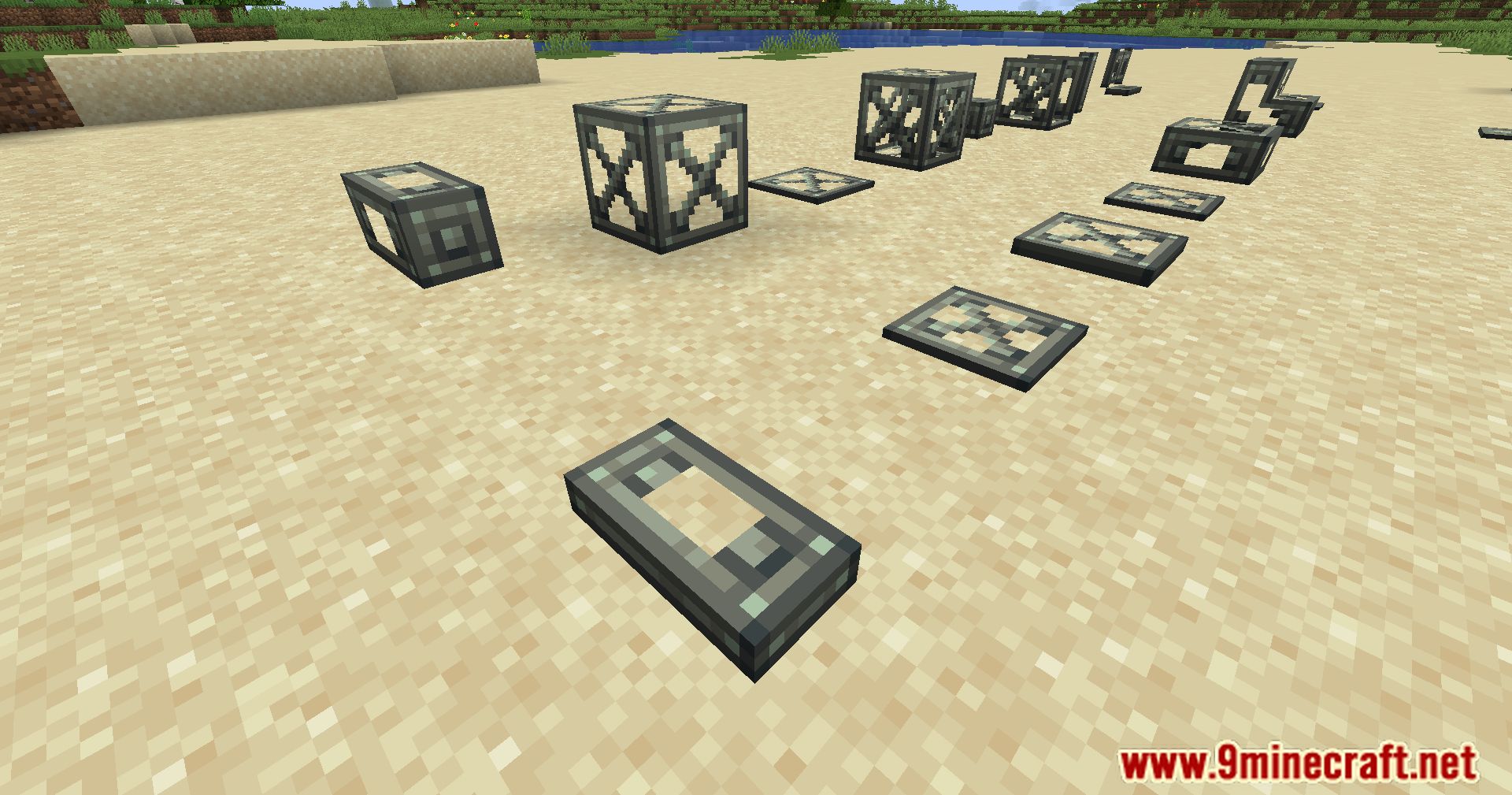
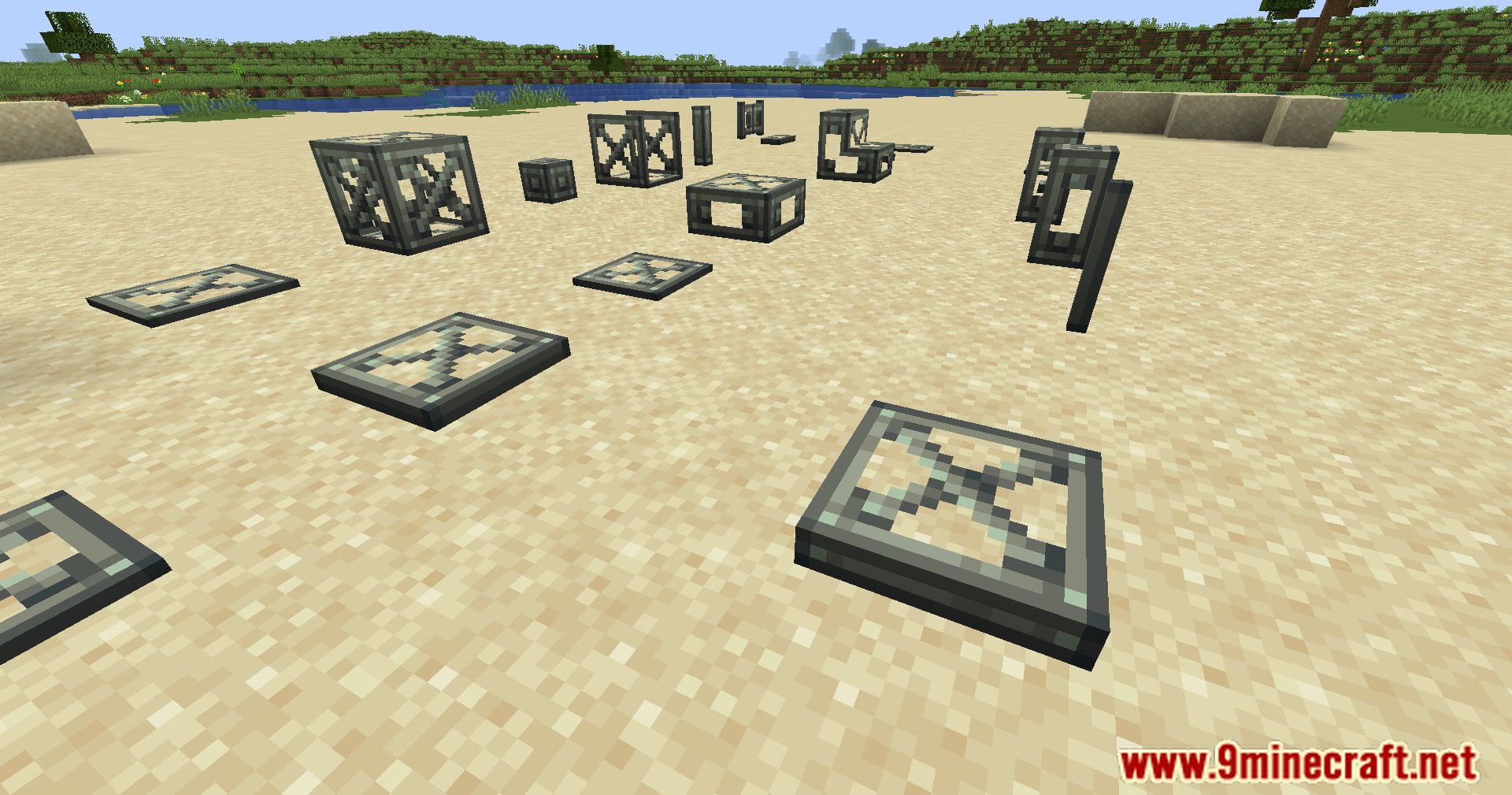
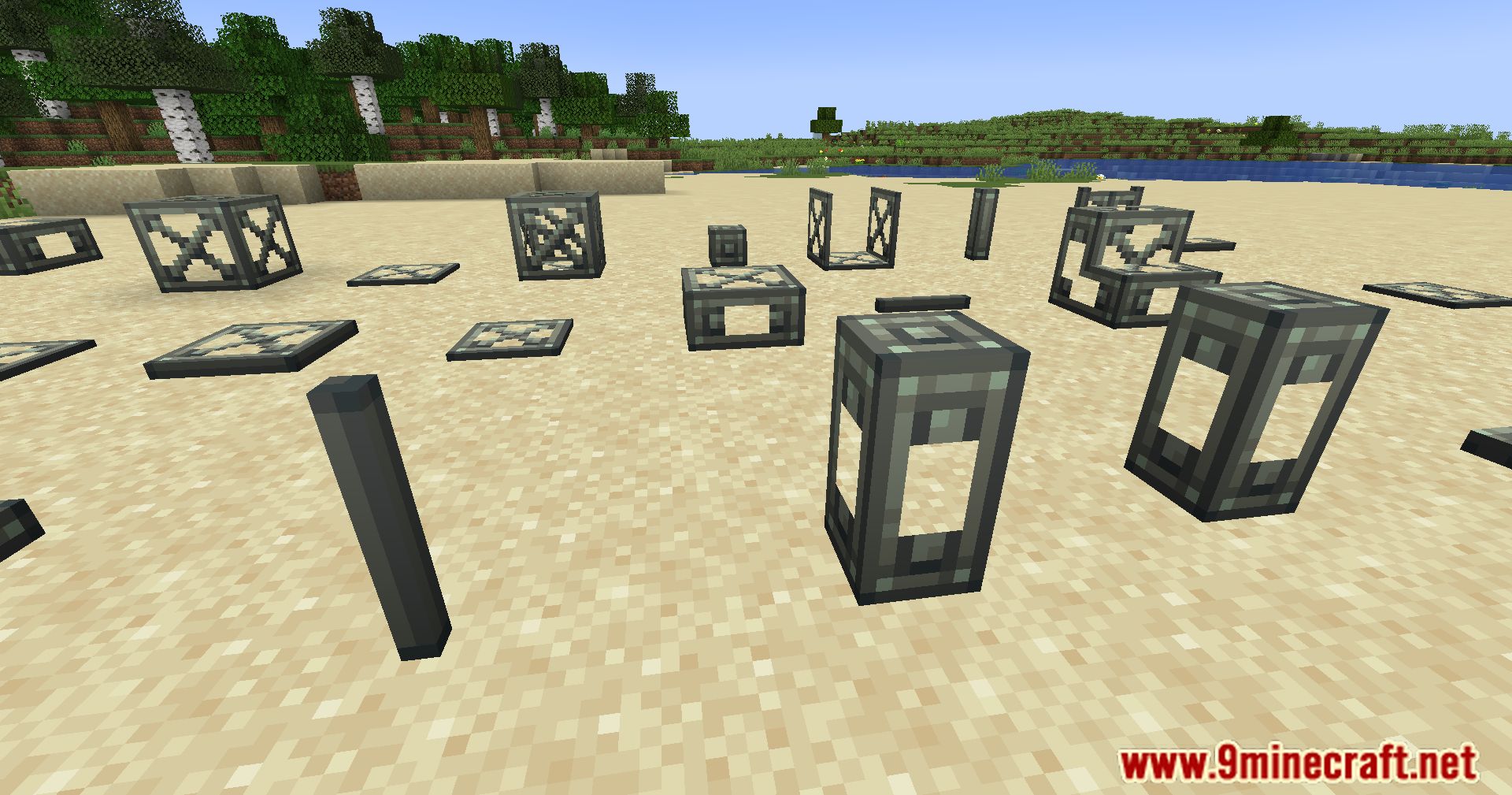
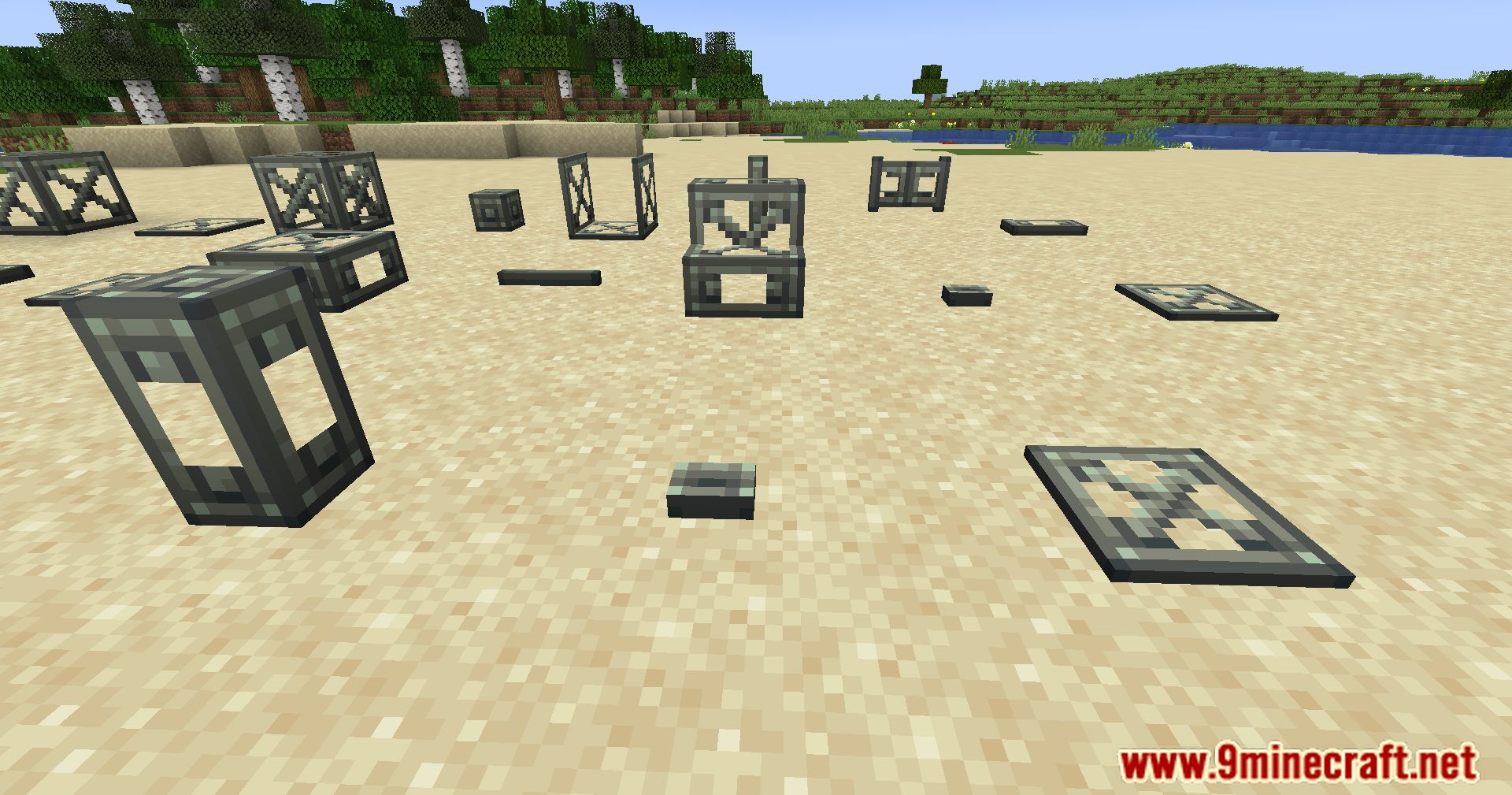
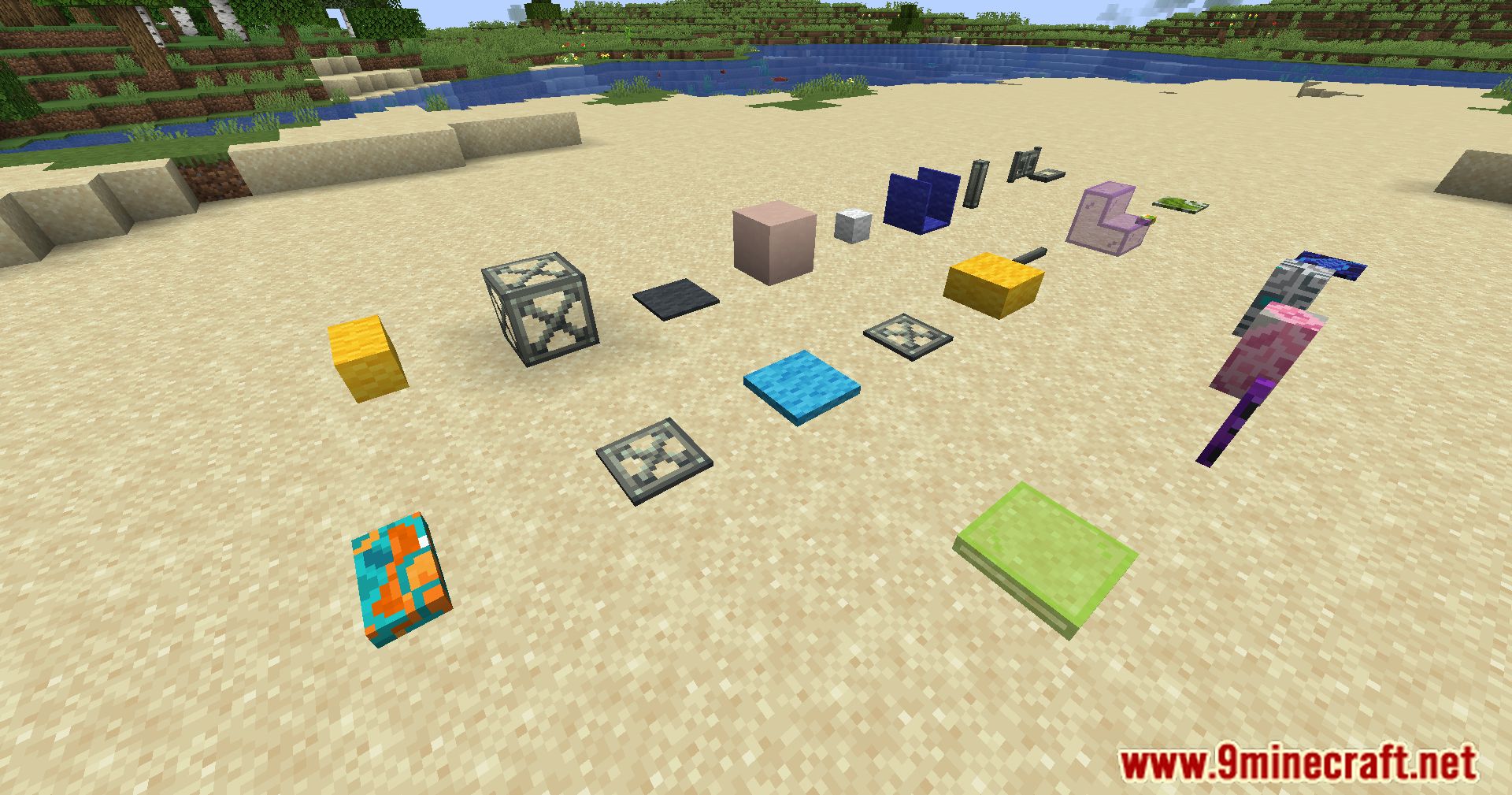
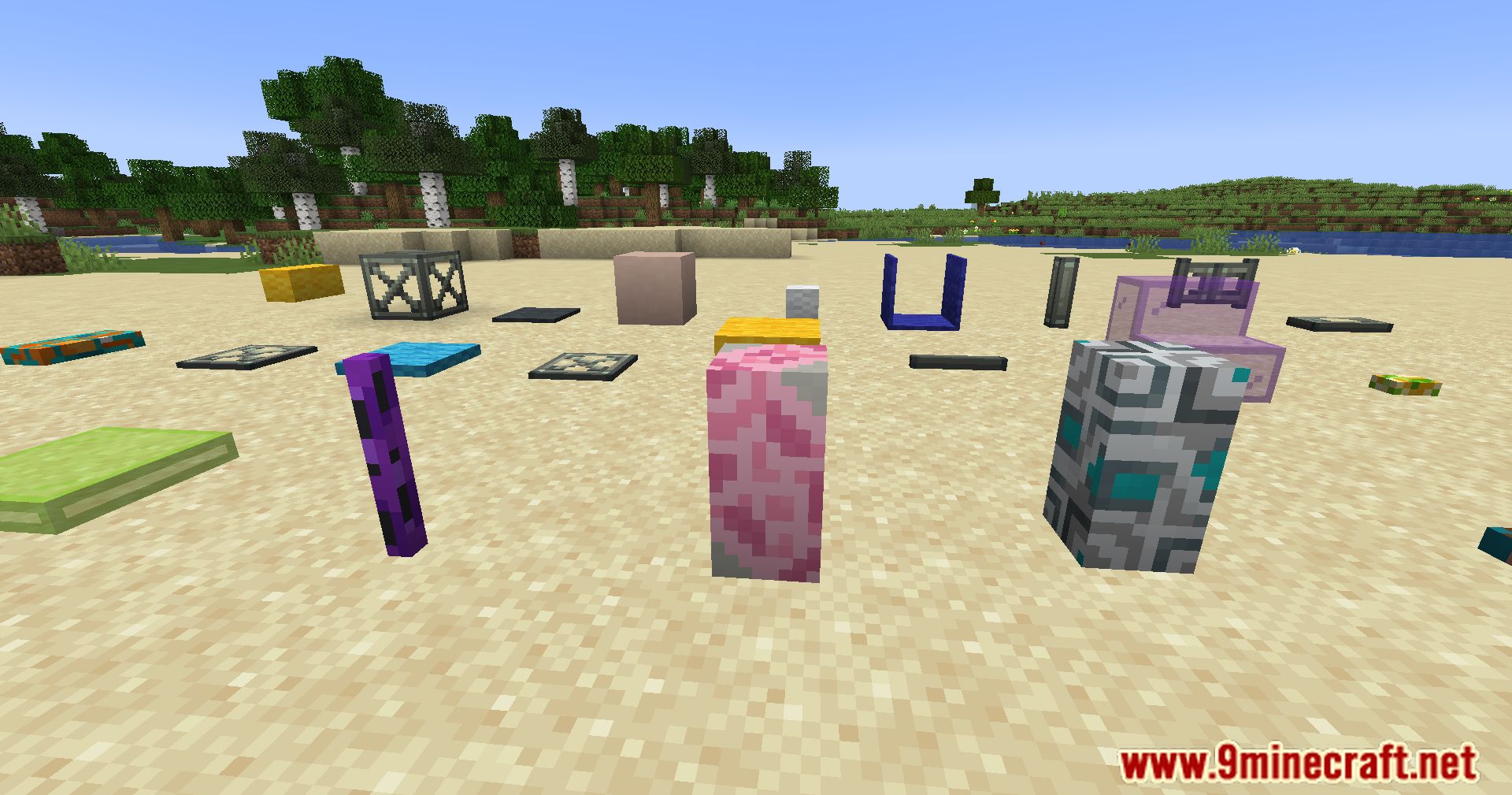
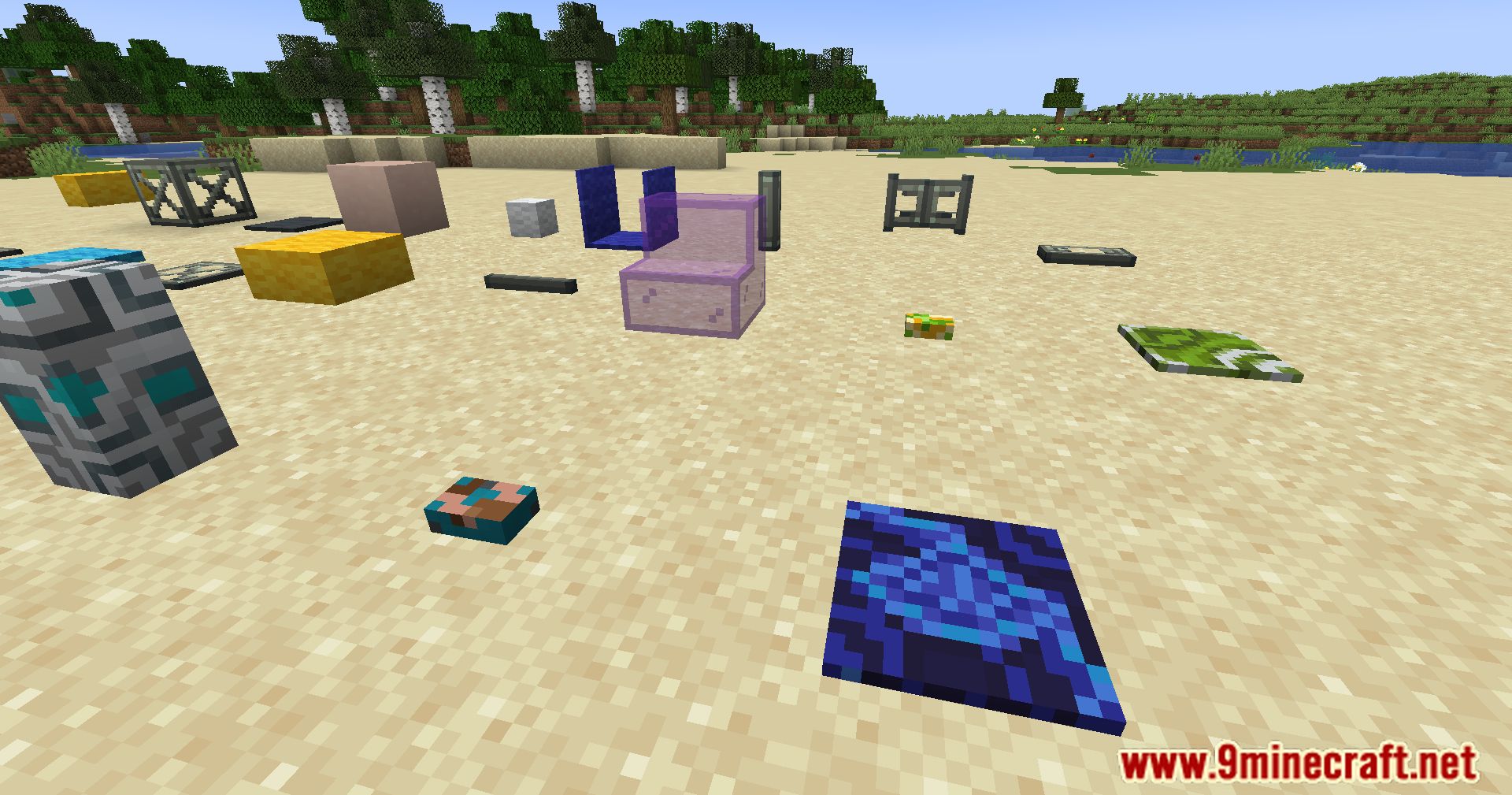
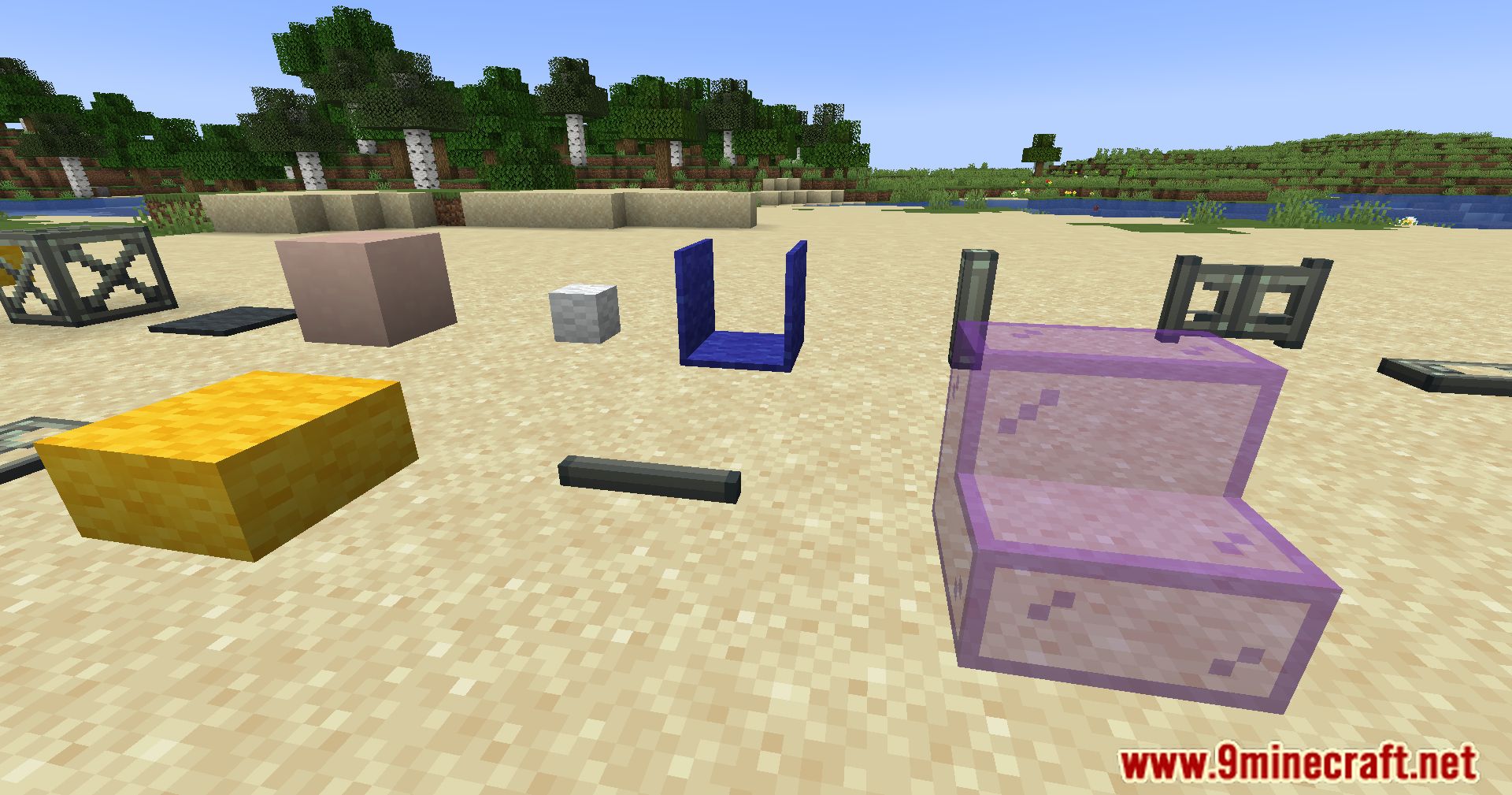
How to Install:
New to Minecraft? Follow our step-by-step guide to install Mods on your PC.View Guide
Requirements:

Create Copycats Plus Mod Download Links
For Minecraft 1.21.1, 1.21
NeoForge Version: Download from Server 1 – Download from Server 2
For Minecraft 1.20.1, 1.20
Forge Version: Download from Server 1 – Download from Server 2
Fabric Version: Download from Server 1 – Download from Server 2
For Minecraft 1.19.2
Forge Version: Download from Server 1 – Download from Server 2
Fabric Version: Download from Server 1 – Download from Server 2
For Minecraft 1.18.2
Forge Version: Download from Server 1 – Download from Server 2
Fabric Version: Download from Server 1 – Download from Server 2
Which launcher do you primarily use to manage and run your modded Minecraft instances?
34 responses · See the full results →

1 Comment
What do you think?
Your opinion means a lot - we'd love to hear from you.
You May Also Like
Picked for this page
 Create Crafts and Additions Mod (1.21.1, 1.20.1) – Electrifying the Create Mod
 ApexCore (26.3, 1.20.1) – Library for ApexStudio’s Mods
 Mine Treasure Mod (26.3, 1.20.1) – A Treasure Trove of Mining Excitement
 UtilitiX Mod (1.21.1, 1.20.1) – Random Content That You May Need
 Iron Bookshelves Mod (26.3, 1.20.1) – More Enchantment Power
 More Heart Types Mod (26.3, 1.20.1) – More Heart Types
 Trims Expanded Mod (1.21.11, 1.20.1) – More Trim Materials
 Stardew Fishing Mod (26.2, 1.20.1) – A Skill-based Fishing Minigame
 Doctor Who: Weeping Angels Mod (1.21.11, 1.20.1) – Do Not Blink
 Hopper The Hedgehog Mod (26.3, 1.20.1) – Speeds Up Item Transfer
 Ascended Quark Mod (1.21.1, 1.20.1) – Compatibility Quark and Aether
 Let’s Do Addon Compat Mod (1.21.1, 1.20.1) – Mix Recipes From Every Food Mod
Most viewed in Mods over the last 7 days
 Ala Industrial Mod (26.3) – Run Electric Power Grids and Automated Factories
 PleasureCraft Mod (26.3, 1.21.1) – Jenny Mod Remake for Fabric
 Jennycraft Mod (26.3, 1.20.1) – Virtual Girlfriend in Minecraft
 Fapcraft Mod (26.3, 1.12.2) – Comprehensive and Detailed Content
 Jenny Mod (Fapcraft) Official Complete Guide – How to use, Tutorial
 BangCraft Mod (1.20.1) – Jenny, Ellie and Elliot
 Fabric Loader (26.3, 1.20.1) – Fabric Installer for All Minecraft Versions
 Meteor Client Mod (26.3, 1.20.1) – Xray, HUD, Fly
 The Shooting Star Demo Mod (26.3, 1.20.1) – Vaporize Terrain From Orbit
 OptiFine HD (26.3, 1.20.1) – Run Faster, FPS Boost, Shaders Support
 Aristois Client Mod (1.21.4, 1.20.1) – World Class Minecraft Utility
 Prestige Client Mod (1.21.11, 1.21.4) – Powerful Ghost Features for Crystal & Sword PvP
More from Mods
 Gabou’s Libs Mod (26.3, 1.20.1) – Keep Custom Weather and Survival Mods Stable
 /Sit Mod (26.3, 1.21.1) – Make The Player Sit Down
 Arcane Redstone Dial Mod (26.3, 1.20.1) – Trigger Commands and Shortcuts
 The Graveyard Mod (26.3, 1.20.1) – Cemeteries in Minecraft
 Enhanced Overlay Mod (26.3, 1.21.11) – Remove Screen Clutter
 Flint Mod (1.21.11) – Run DiamondFire Community Addons Without Crashing
 Not Just Sandwich Mod (26.3, 1.20.1) – Edibles, Sandwiches
 Waddles Mod (26.3, 1.20.1) – Make Icy Biomes Feel Alive
 Artemis’ Thin Logs Mod (26.3, 1.20.1) – Build Custom Trees and Detailed Wood
 Asterion Mod (26.3, 1.20.1) – Survive Ancient Mazes and Slay the Legendary Minotaur
 Passthrough Signs Mod (26.3, 1.20.1) – Right-Click Through Wall Signs
 Packing Tape Mod (26.3, 1.20.1) – Move Chests, Machines

Create: Copycats+